Stage a desk scene
Use a simple reaching pose before placing the character beside a map-covered table.
What to check: Check that the hand touches the intended object and that the arm does not pass through the desk.


Create OC pose references for standing, reaching, carrying, and everyday story actions. Check silhouette, balance, hands, and costume details before building a scene.
Create a character draftCheck the selected model, required plan, and credit cost in the generator before you submit. Available models and limits can change.
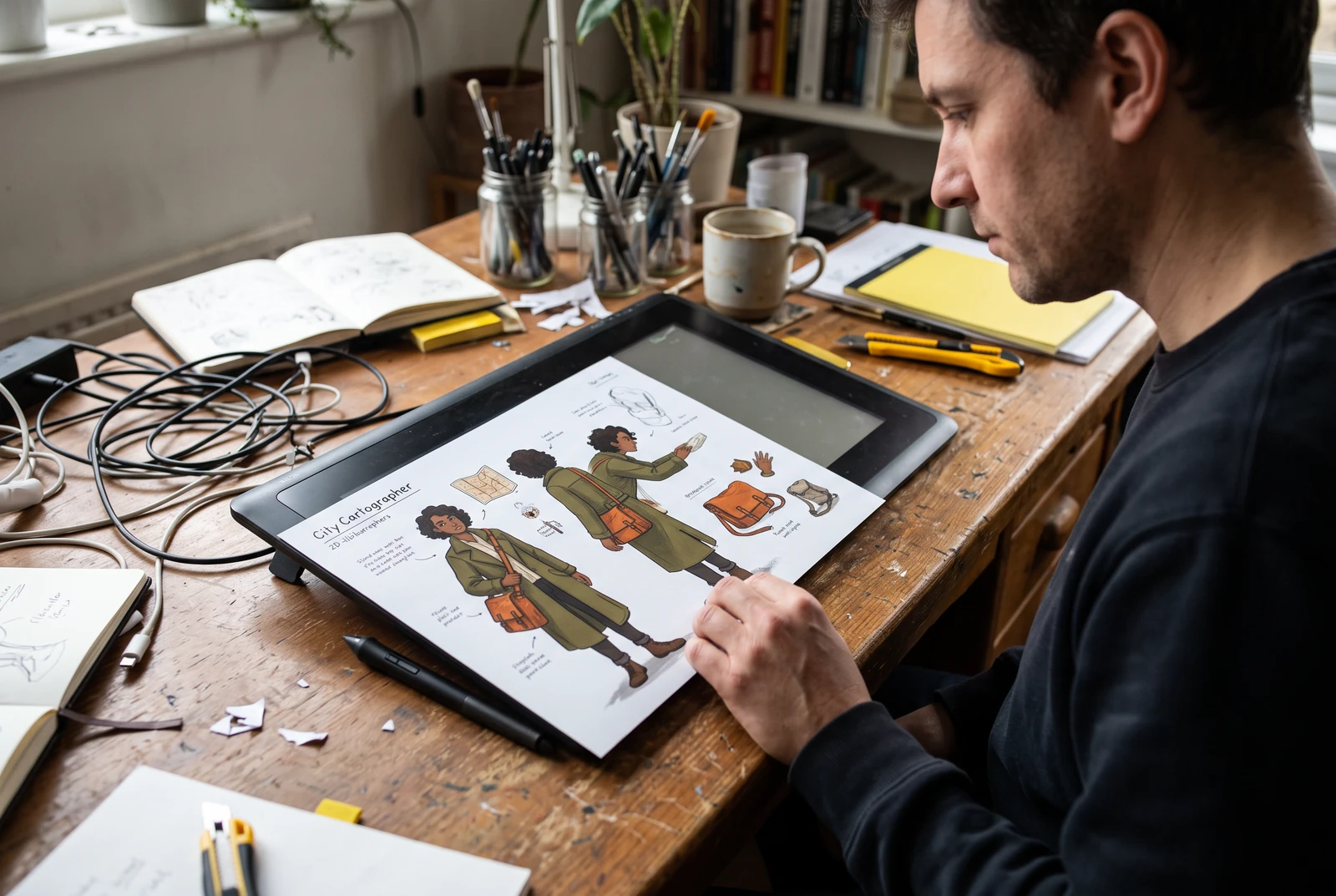
AI-generated workflow illustrations. Fictional scenes, not customer photos or proof of a particular generator result. Printing and physical products are not included.
A pose should explain what a character is doing even without a detailed background. Begin with an ordinary action and keep the identity description fixed while adjusting the body position.
Describe the action, viewpoint, and object being handled. Start with a full-body standing pose before complex movement or dramatic foreshortening.
State which hand holds the object and where the weight rests. Use a plain background and separated limbs to keep the silhouette easy to judge.
Inspect hands, limb counts, balance, bag straps, and contact with props. Simplify an unstable pose and compare it with the neutral reference before adding a background.
Original city cartographer, olive coat and orange map case, full-body three-quarter view, standing with weight on the left foot, right hand reaching toward a map on a desk, left hand resting at the side, plain background.
Model
AI-generated workflow illustrations. Fictional scenes, not customer photos or proof of a particular generator result. Printing and physical products are not included.
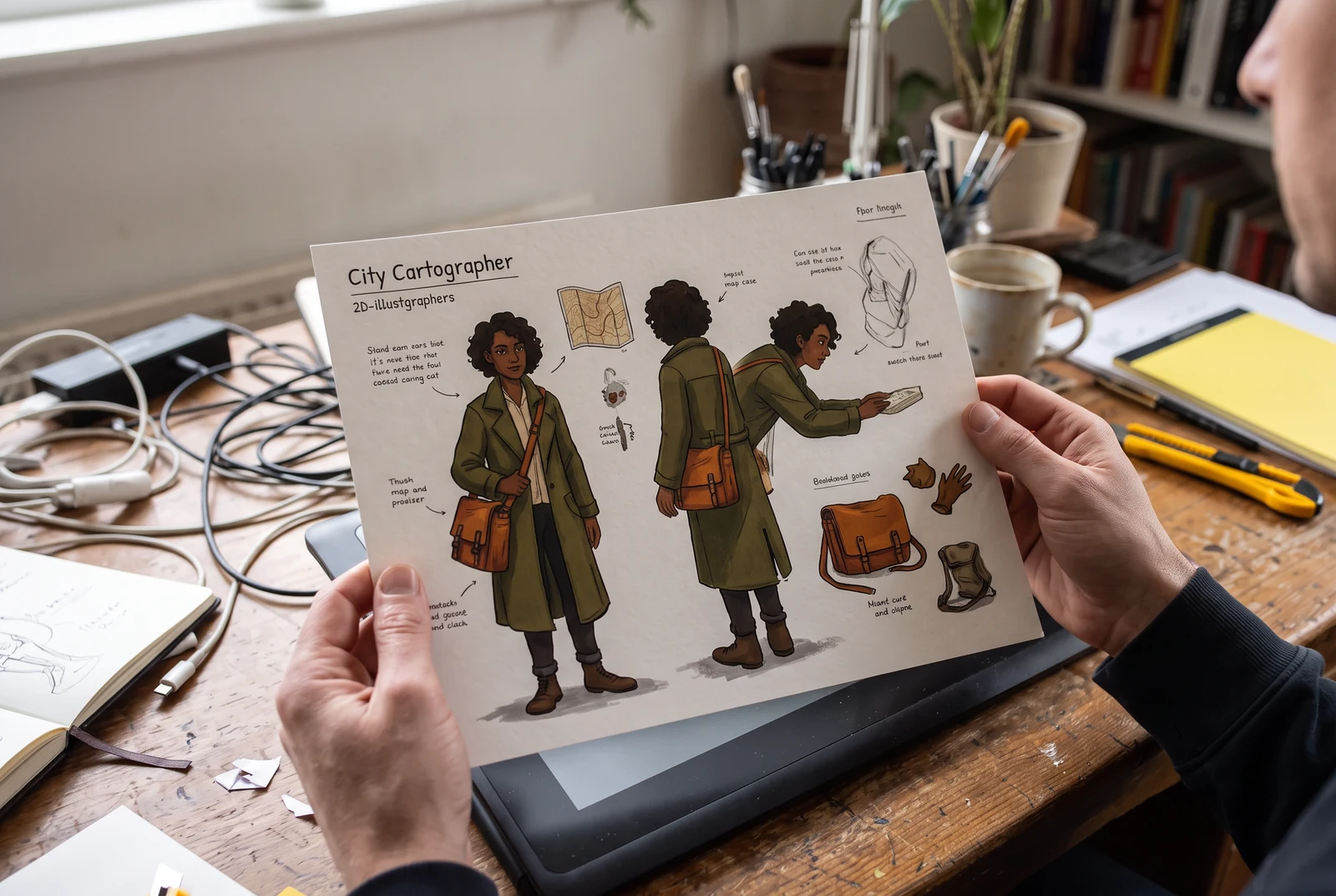
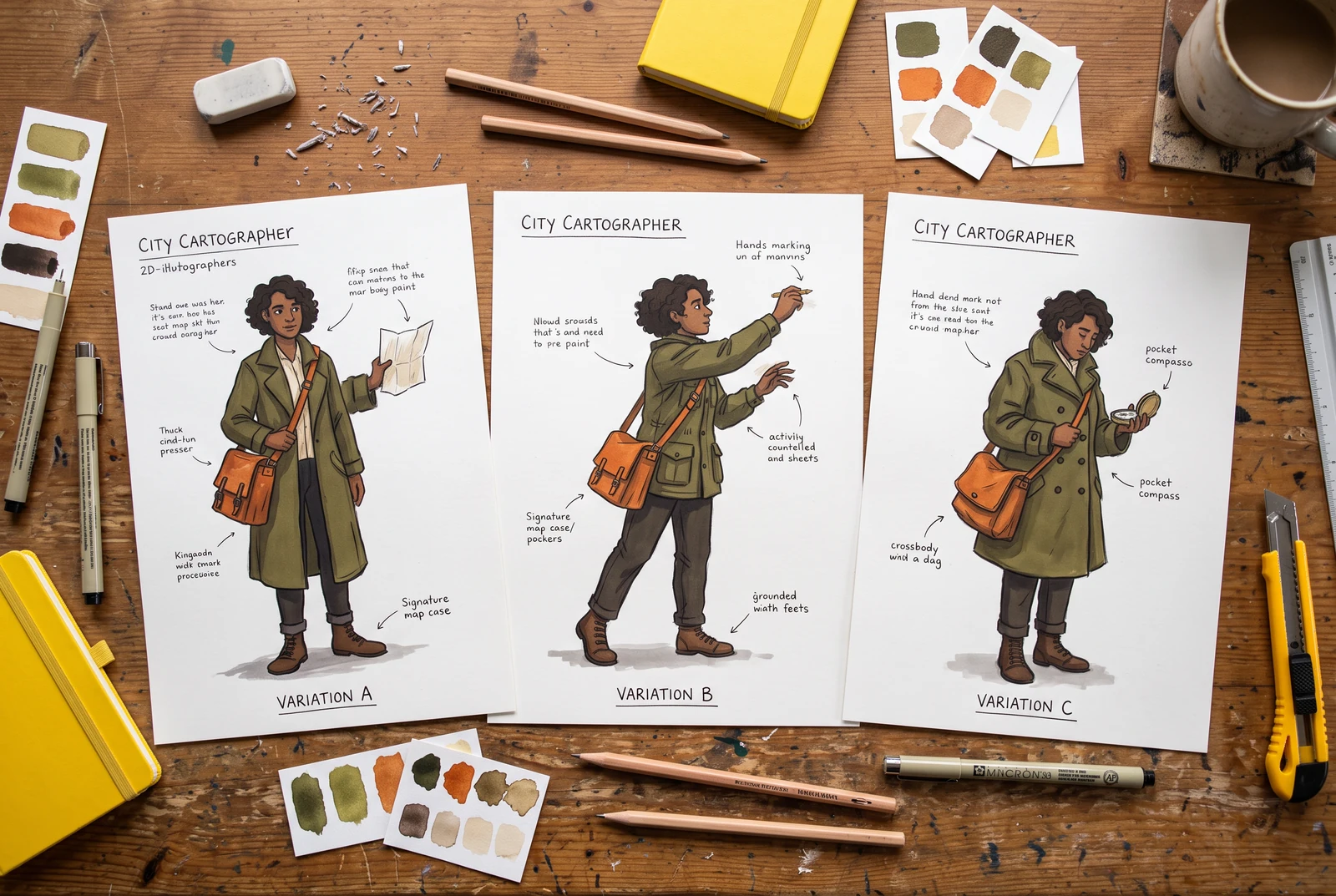
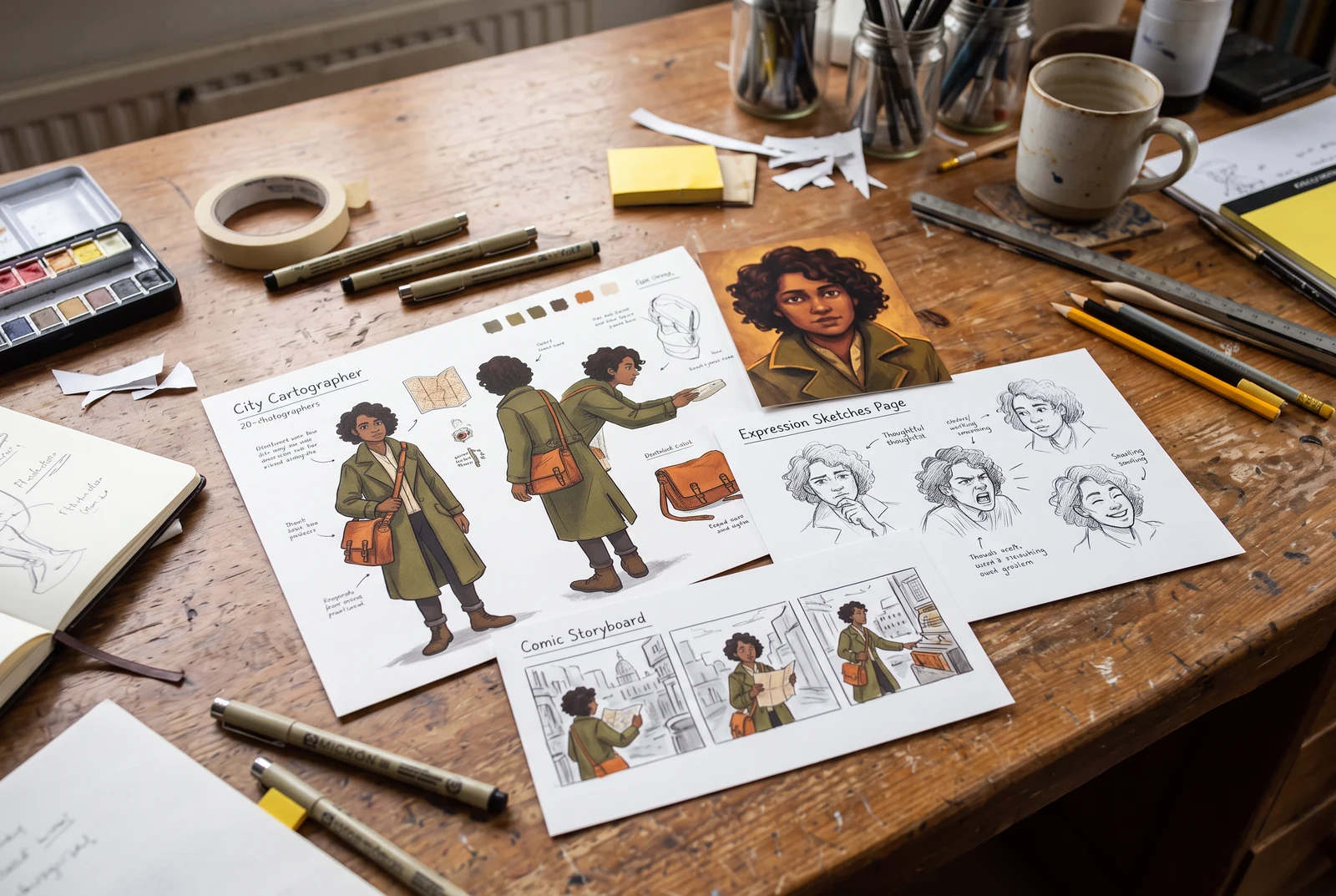
Try these small review tasks before expanding your character set. These are suggested exercises, not measured customer results.
Use a simple reaching pose before placing the character beside a map-covered table.
What to check: Check that the hand touches the intended object and that the arm does not pass through the desk.
Compare a standing reference with a single walking pose on a plain background.
What to check: Look for a believable supporting foot, separated limbs and a bag strap attached to the same shoulder.
Keep neutral, reaching and carrying drafts together for the next comic page.
What to check: Check hands, props and coat length across the set. These still images do not supply a rig or motion data.
No. An image draft does not include joints, motion data, or a 3D skeleton. Use the reference for visual planning and check the anatomy before taking it into another tool.
You can read these guides and prepare a brief without generating. Image generation depends on your account, selected model, plan, and available credits. Check the cost shown before submitting.
Save a neutral portrait and a short identity brief. Keep the face, palette, outfit, and key accessory fixed. Change one pose or expression at a time and compare each result; consistency is not guaranteed.
Check the original creator’s permissions before uploading or reusing an image. A download button is not permission for AI processing, editing, or commercial use. Use your own sketch when permission is unclear.
Build original characters with design ideas, reusable character sheets, expression studies, pose references, and a coordinated wardrobe.
LlamaGen product documentation · Updated November 4, 2026
These briefs are starting examples, not tested customer case studies. Review every image for missing details and consistency before reusing it.
The lifestyle scenes were generated with Google Vertex AI, Nano Banana 2.1, and visually reviewed for this guide. They illustrate how finished artwork could be used. They are not screenshots of this generator or customer case studies.
Adobe: staging and solid drawing
Adobe explains how staging directs attention and how solid drawing conveys weight and balance. Apply those principles when reviewing poses and silhouettes; this is educational reading, not an endorsement of LlamaGen.
Published by LlamaGen · AREGRID LIMITED