LlamaGen logoLlamaGen brand
Log InSubscribe Now20% Off
  1. Home
Cut Dialogue by 50% Without Losing Voice
All posts

Cut Dialogue by 50% Without Losing Voice

Jay
Jay
September 5th, 2026
Copy link
  • The Short Answer
  • Why Dialogue Gets Too Heavy in Comics
  • Test Setup
  • Source Scene
  • Step 1: Lock the Voices Before Cutting
  • Step 2: Replace Explanation with Visible Evidence
  • Step 3: Keep the Power-Turning Lines
  • Step 4: Revised Comic Dialogue
  • Step 5: Put Voice into Acting
  • Step 6: Upload for a Story AI Revision
  • Bubble Budget
  • Failed Cut and Repair
  • Checklist for Cutting Dialogue
  • FAQ
  • Should comic dialogue always be short?
  • What should I never cut?
  • Can I use Story AI before drawing panels?
  • What if the cut version feels too plain?
  • Bottom Line
elevate-your-comics.png
Elevate your Comics with LlamaGen

The Short Answer

To cut comic dialogue without losing voice, do not start by deleting every other line.

Use this order:

scene goal -> character voice -> visual evidence -> dialogue budget -> final bubbles

The goal is not "less dialogue." The goal is fewer words doing more work.

For a fast revision pass, upload your scene to LlamaGen.AI Upload and ask Story AI to preserve voice while turning extra speech into action, expression, gesture, or silence.

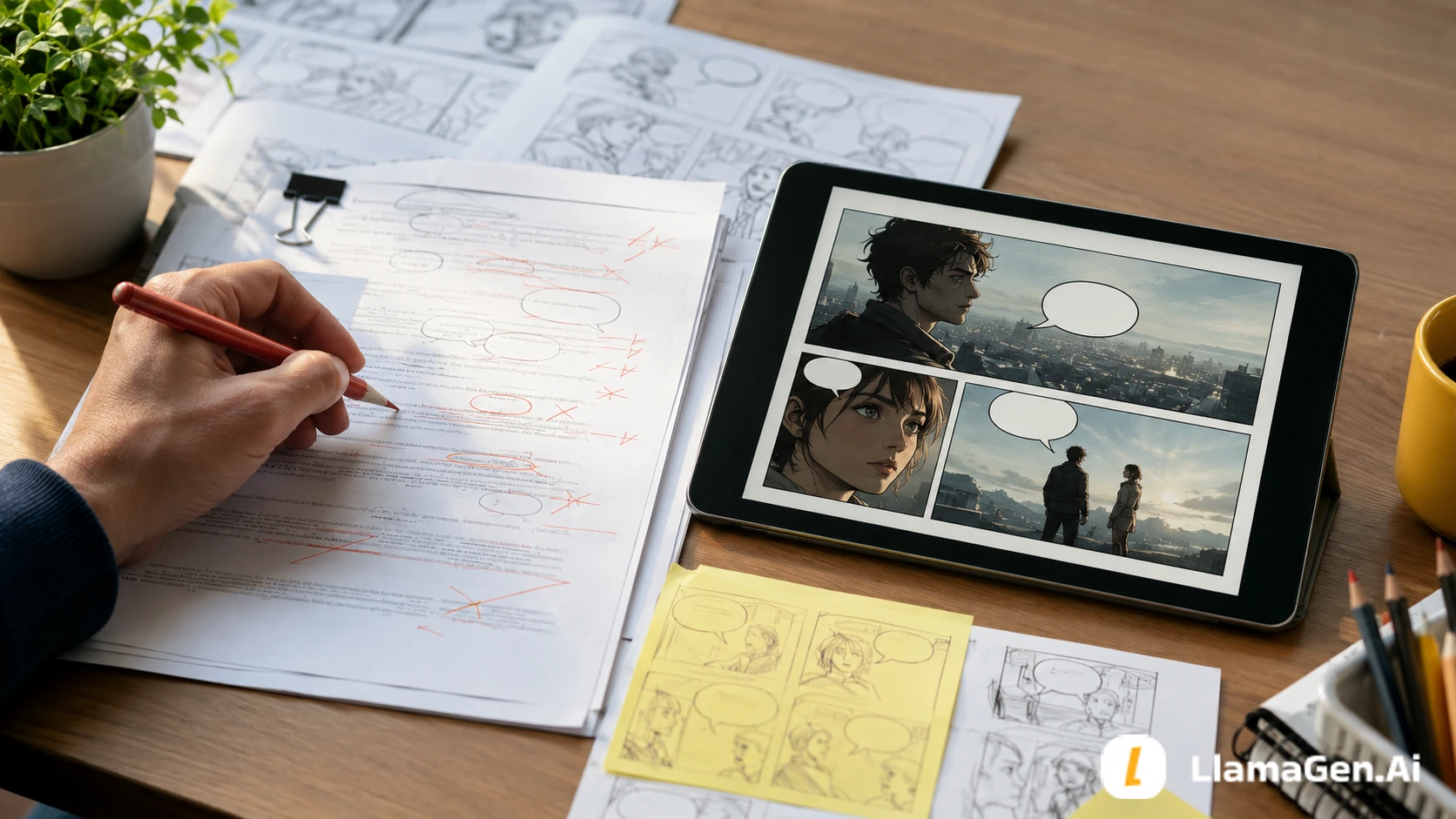
A writer cutting dialogue-heavy prose while a tablet shows cleaner comic panels

Why Dialogue Gets Too Heavy in Comics

Novel dialogue has room to breathe. Comic dialogue competes with faces, hands, backgrounds, panel borders, captions, sound effects, and page flow.

If every character says everything they think, the page stops moving.

Dialogue problemReader experienceBetter comic move
Every reply is keptThe page feels slowKeep only turns that change power, emotion, or information
Characters explain feelingsArt feels redundantShow the feeling in face, posture, or prop
Long bubbles cover artPage becomes visually blockedSplit or cut the line
Subtext becomes literalVoice gets flatter
Related hot tags

Writers

Story AI

Comic Dialogue

AI Comic

Popular creator tools

Turn inspiration into your next story

Create comics, storyboards and stylized photos with LlamaGen.

01

AI Comic Generator

Turn an idea into polished comic strips in minutes.

Create comics with AI
02

AI Manga Generator

Create expressive manga art and multi-panel stories.

Create manga with AI
03

AI Storyboard Generator

Visualize every scene before production starts.

Create storyboards with AI
04

Turn Picture into Comic

Transform any photo into a comic-style illustration.

Create comics from pictures with AI
05

AI Comic Strips Maker

Build shareable strips with characters that stay consistent.

Create comic strips with AI

LlamaGen community

checkmark

Get hands-on help with your comics

checkmark

Showcase your comics to fellow LlamaGen creators

checkmark

Participate in special events to win gifts

Changelog

Spark dreams for the young
Where millions of stories come alive

A rundown of the latest LlamaGen feature releases, product enhancements, design updates, and important bug fixes.

✦
✧
✦
✧

A new medium for Storytelling

Vibe creating unlimited stories, comics, animations, games, and more—in seconds that resonate with modern audiences

Keep the indirect line
Silence is removedNo tensionAdd pause panels

Cutting dialogue is not anti-writing. It is visual writing.

Test Setup

This tutorial uses one original dialogue-heavy scene and cuts it roughly in half.

Test itemSetup
Date testedSeptember 5, 2026
SourceFictional prose scene with too much spoken explanation
Target outputComic page dialogue, manga panel dialogue, visual novel adaptation notes
Main tool entryLlamaGen.AI Upload
Output neededDialogue cut, voice lock, visual substitutions, bubble plan
Creator stageAfter beat list, before final panels
Active editing timeAbout 19 minutes
Total elapsed timeAbout 43 minutes including one repair pass
Editorial noteThis is a workflow test for writers, not a fixed word-count rule.

The test question was:

Can a dialogue-heavy prose scene lose half its words while the characters still sound like themselves?

Source Scene

Here is the fictional dialogue input:

"You always do this," Rowan said. "You ask me to trust you, and then the moment I do, you disappear behind another secret door and tell me it was for my own good."

"That is not fair," Ilya said. "I did not disappear. I followed the signal because someone had to, and if I had told you first, you would have tried to stop me."

"Of course I would have tried to stop you. The last signal nearly killed us."

"The last signal saved the city."

"It saved the city because Mara bled for it, because Kai lost his hand, because you lied to every person who believed in you."

Ilya looked down at the bandage under his sleeve.

"I know what it cost," he said.

"No," Rowan said. "You know what it cost the mission. You have never once asked what it cost the people who kept coming back."

This is a strong prose argument, but it is too large for a clean comic page if copied directly.

Step 1: Lock the Voices Before Cutting

Before deleting lines, write a voice lock.

CharacterVoice ruleWhat to preserve
RowanDirect, wounded, morally specificAccusation with concrete cost
IlyaDefensive, controlled, mission-firstShort justifications that sound reasonable
Shared tensionOld trust has been damagedThe argument is not about one event

If you cut without a voice lock, both characters may become generic.

Step 2: Replace Explanation with Visible Evidence

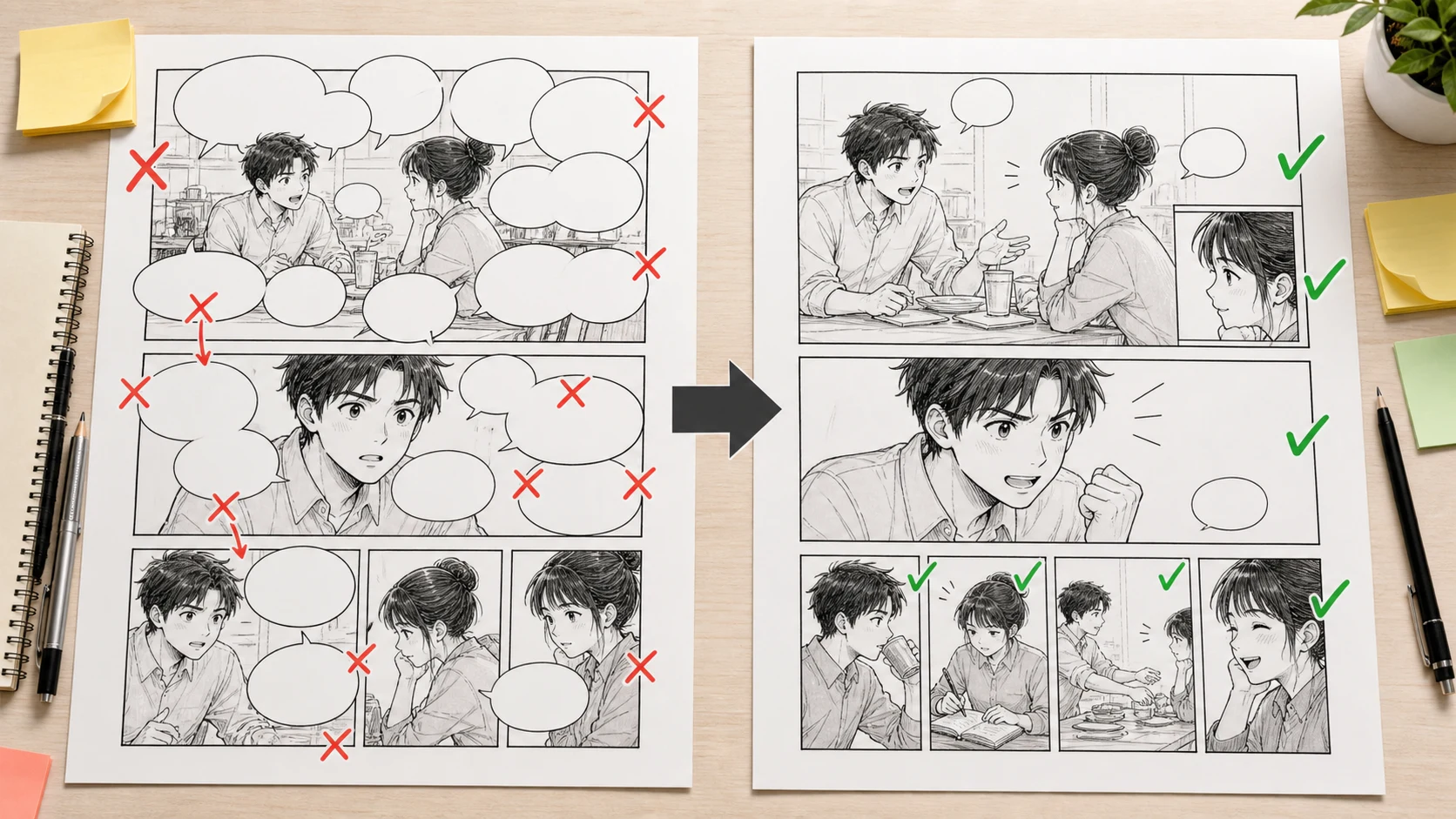
The page becomes stronger when the art carries part of the argument.

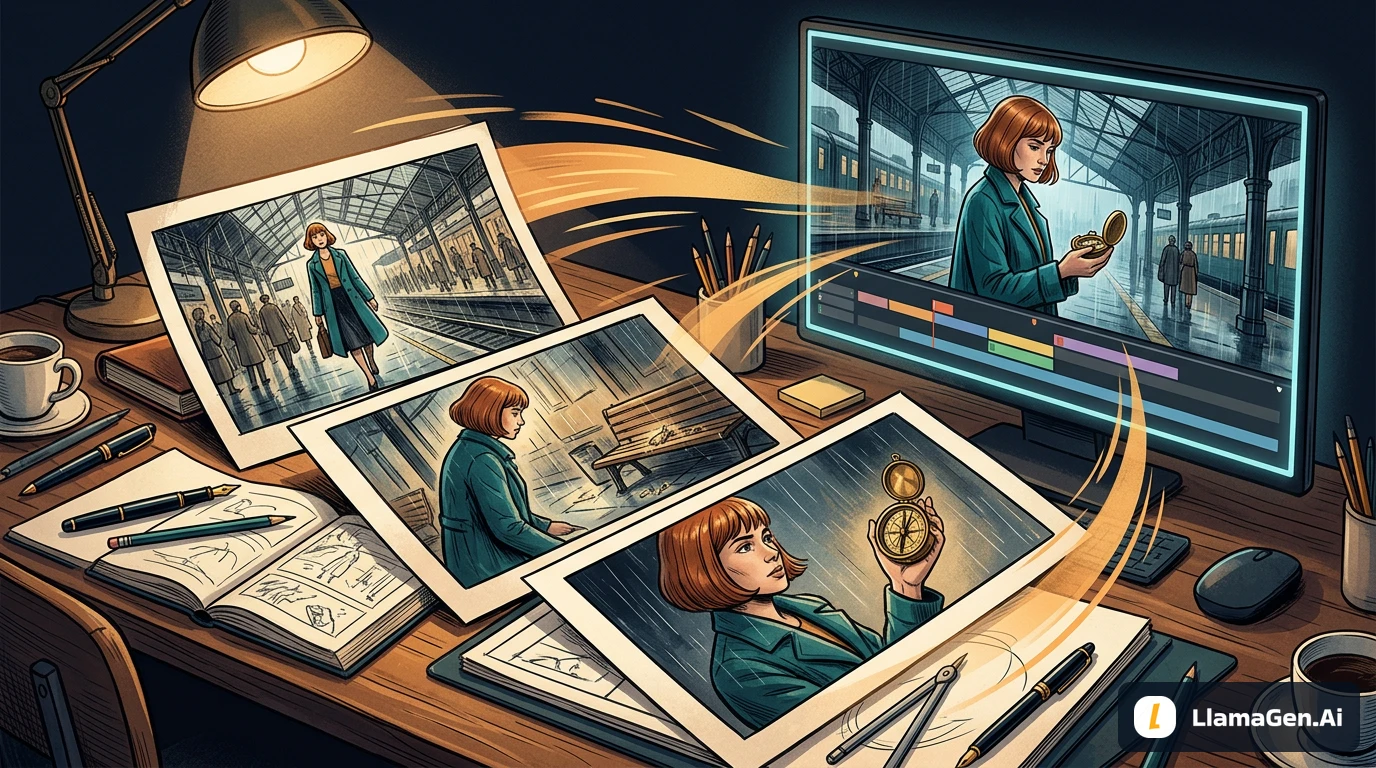
A before-and-after comic page showing crowded dialogue cleaned into fewer speech bubbles and stronger acting
Original informationVisual substitute
Ilya disappears behind secret doorsShow an open door or locked corridor behind him
The last signal nearly killed themShow a damaged signal device on the table
Mara bled for itShow a blood-stained cloth or name tag, not a gore image
Kai lost his handShow an empty glove or mechanical hand on a chair
Ilya knows the costShow him touching the bandage under his sleeve

Now the dialogue can shrink because the scene itself is speaking.

Step 3: Keep the Power-Turning Lines

A good cut keeps lines that change power.

Original lineKeep, cut, or convertReason
"You always do this."KeepOpens the conflict quickly
"You ask me to trust you..."Cut downGood idea, too long
"That is not fair."Keep or cutDepends on pacing
"I followed the signal..."Keep shorterGives Ilya's defense
"The last signal nearly killed us."KeepClear stakes
"The last signal saved the city."KeepClean contradiction
"It saved the city because..."Convert partly to visualsToo much exposition
"I know what it cost."KeepCharacter self-defense
"You know what it cost the mission..."Keep shortened

The goal is to keep the argument's spine.

Step 4: Revised Comic Dialogue

Here is a roughly 50% cut:

Rowan: "You always do this."

Ilya: "I followed the signal because someone had to."

Rowan: "The last signal nearly killed us."

Ilya: "It saved the city."

Rowan: "Mara bled. Kai lost his hand. You lied to everyone."

Ilya: "I know what it cost."

Rowan: "No. You know what it cost the mission."

Rowan: "You never ask what it cost the people who came back."

The scene keeps Rowan's moral precision and Ilya's mission-first defense, but the page is more drawable.

Step 5: Put Voice into Acting

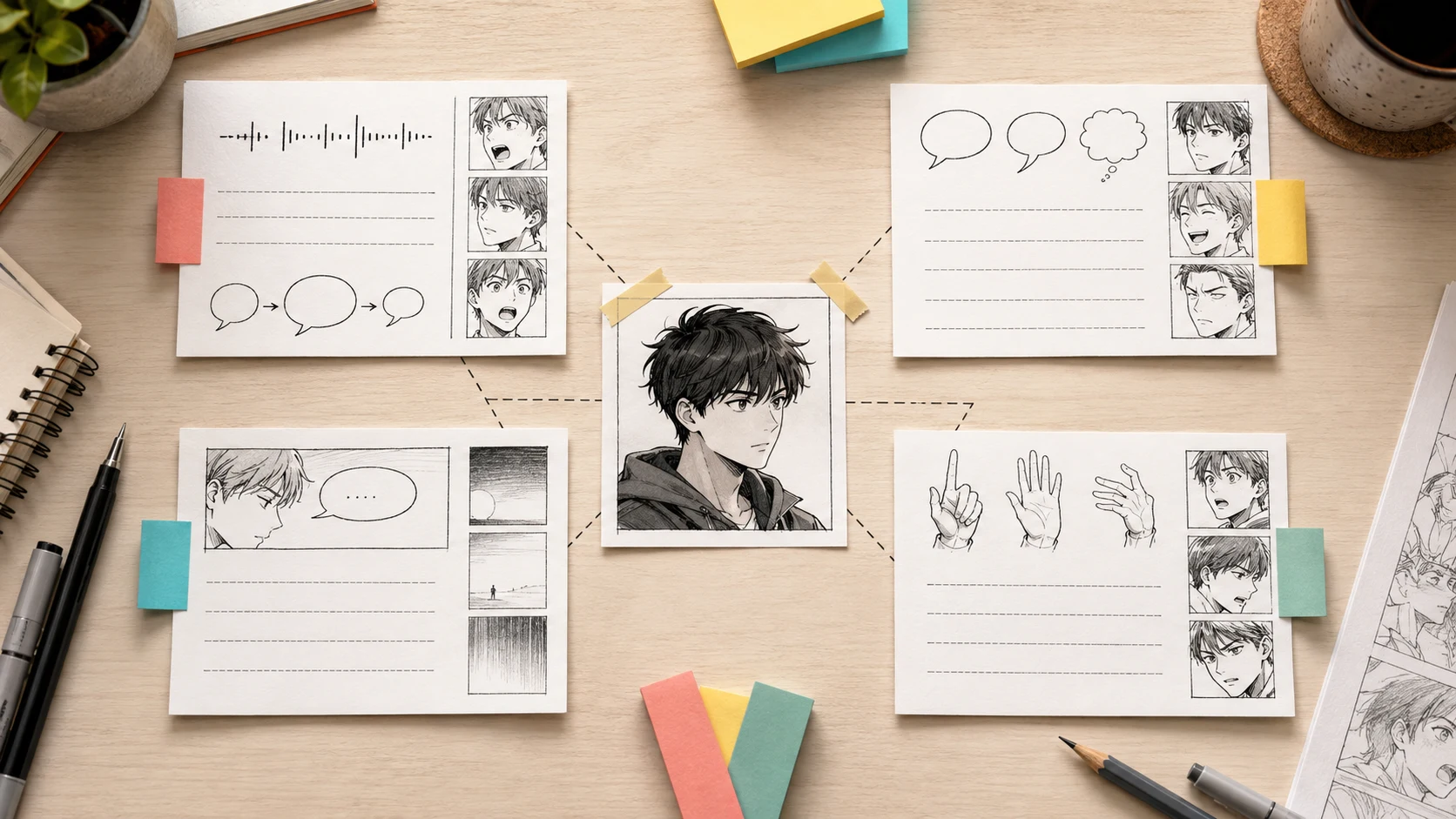
Voice is not only word choice. It is rhythm, silence, gesture, and what a character refuses to say.

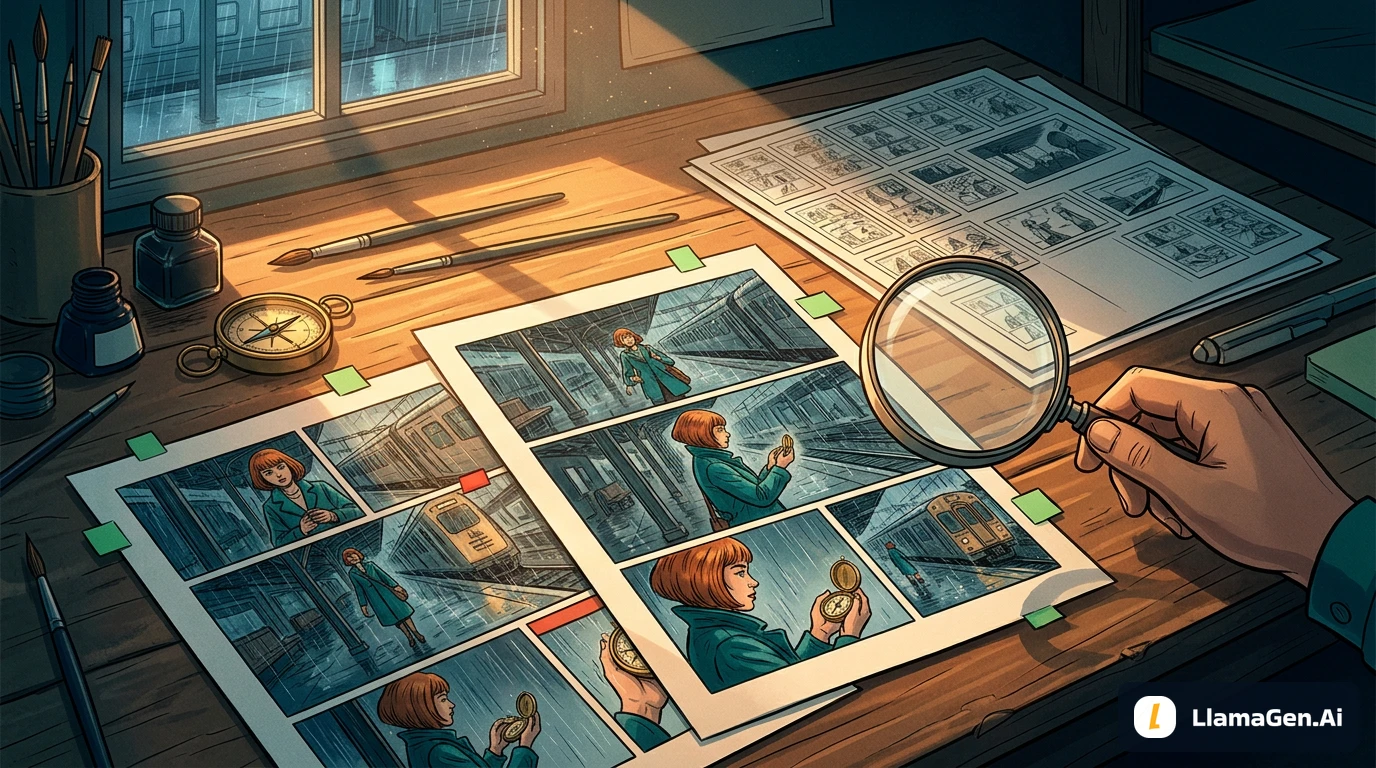
A visual editing matrix for preserving character voice with rhythm, silence, gesture, and expression
Voice signalRowanIlya
RhythmShort opening strike, then detailed moral chargeControlled explanation, then defensive silence
GesturePoints to evidence, steps forwardTouches bandage, looks away
SilenceWaits after "No"Cannot answer final accusation
Bubble shapeSharp short bubblesSmaller controlled bubbles
Panel actingEyes locked on IlyaShoulders tense, jaw held

This is how dialogue can shrink without making characters sound empty.

Step 6: Upload for a Story AI Revision

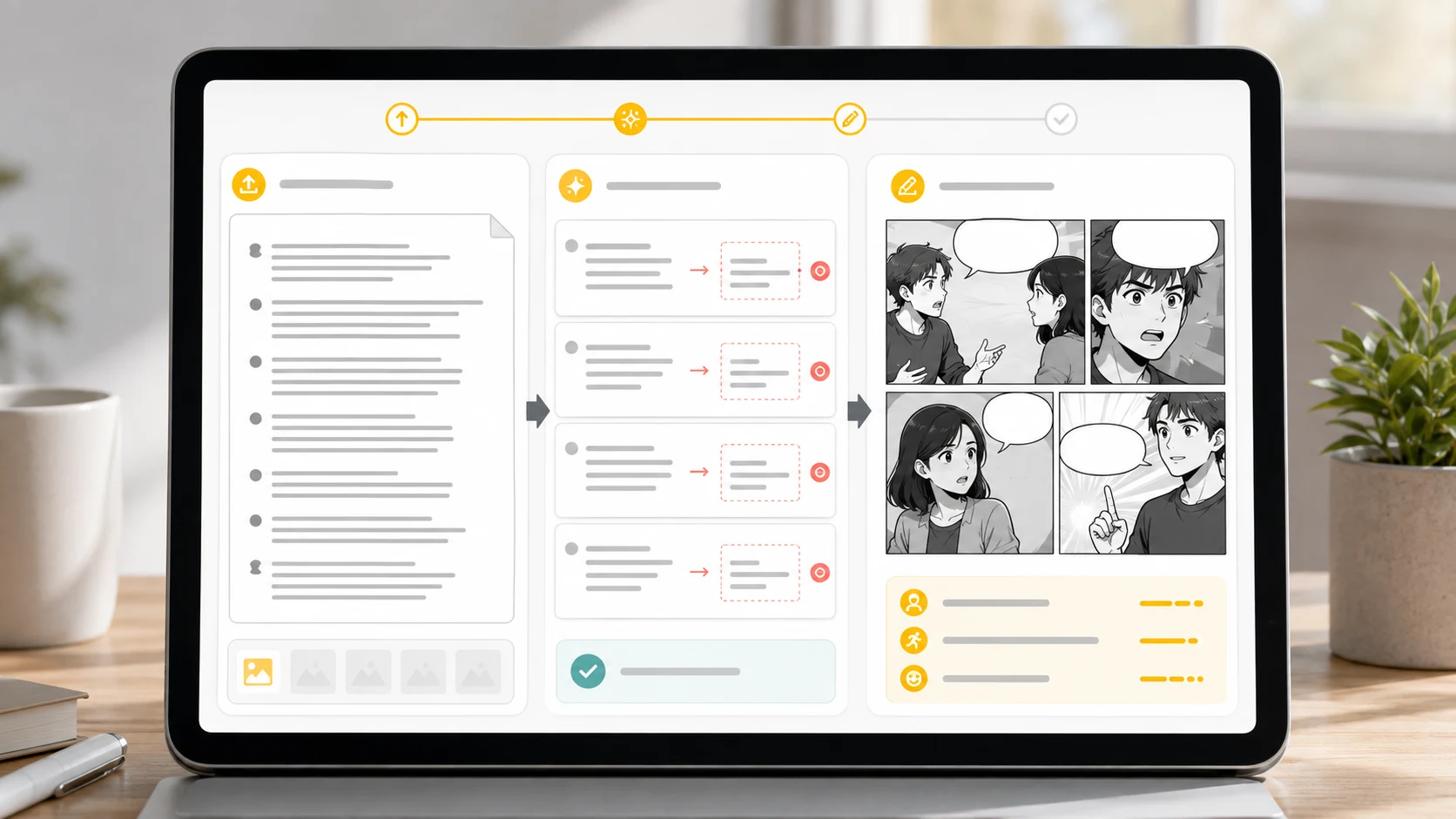
Use LlamaGen.AI Upload when you have a dialogue-heavy chapter or scene.

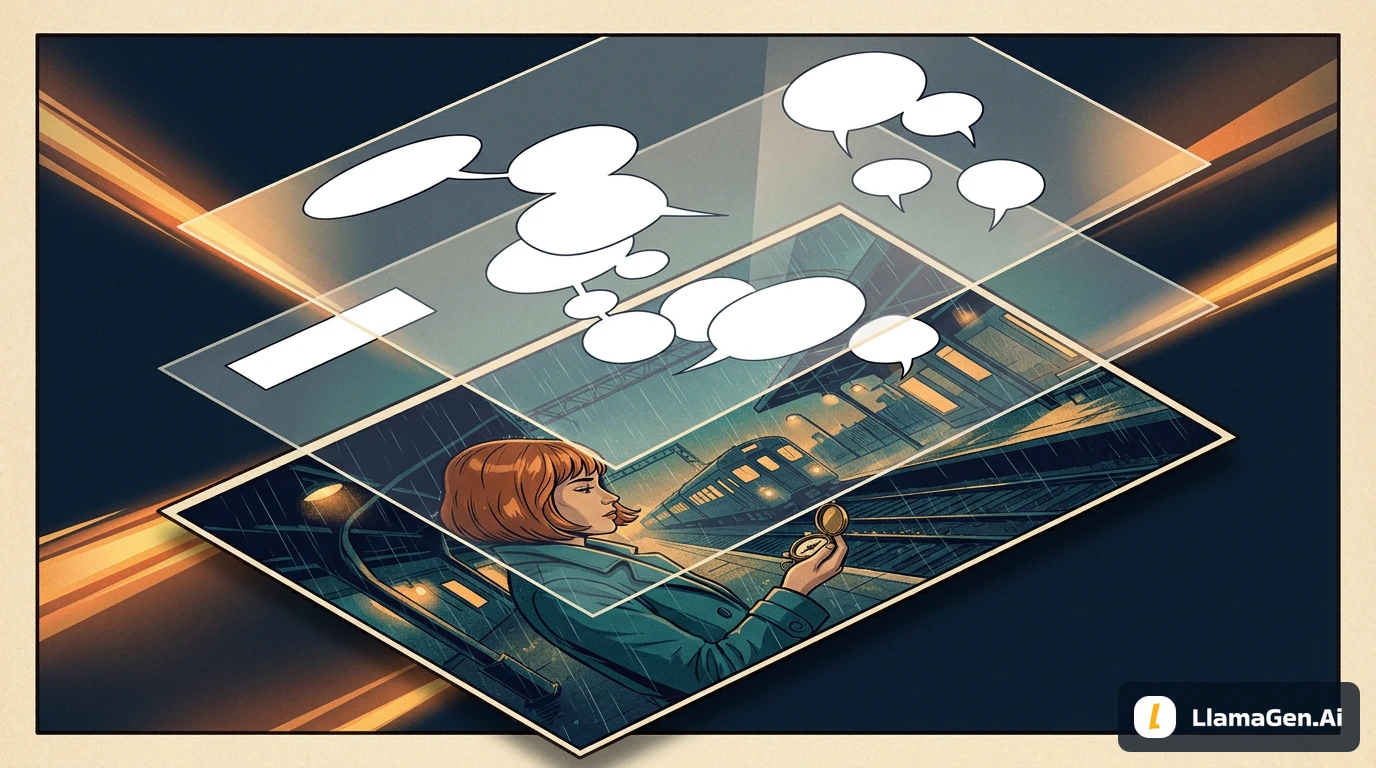
A Story AI workflow mockup showing a dialogue-heavy scene becoming shorter comic dialogue and visual acting notes

Use this instruction:

I am adapting this dialogue-heavy prose scene into comics.

Please return:
1. The scene goal in one sentence.
2. A voice lock for each character.
3. A 50% dialogue cut that preserves voice and subtext.
4. A table of lines to keep, cut, merge, or replace with visuals.
5. Visual substitutions for exposition.
6. A speech bubble plan for each panel.
7. A failure pass where the dialogue is too short and loses voice.
8. A repaired version that balances clarity, silence, and character identity.

Do not flatten the characters. Cut words, not personality.

Then ask:

Mark any line that repeats what the image can show. Replace it with gesture, expression, object, or silence.

This second pass is often where the real improvement happens.

Bubble Budget

A practical comic page budget:

Page typeDialogue budget
Quiet 6-panel page4-8 bubbles total
Argument page6-12 bubbles total, mostly short
Action page0-5 bubbles total
Webtoon scene1-2 bubbles per scroll beat
Visual novel adaptationMore text allowed, but still separate voice from exposition

For the sample argument, eight bubbles works well because the scene is mostly conflict.

Failed Cut and Repair

The failed version cut too much:

Rowan: "You lied."
Ilya: "I had to."
Rowan: "People paid for it."
Ilya: "I know."

That version is short, but it loses voice. Rowan becomes generic. Ilya becomes generic. The history disappears.

Repair:

Rowan: "Mara bled. Kai lost his hand. You lied to everyone."
Ilya: "I know what it cost."
Rowan: "No. You know what it cost the mission."

This repair is still concise, but it restores specificity.

Checklist for Cutting Dialogue

Before final generation, check:

  • Did each character keep a distinct rhythm?
  • Did you preserve at least one line only that character would say?
  • Did you cut exposition that a prop, face, or setting can show?
  • Are bubbles short enough to leave the art visible?
  • Is there at least one meaningful silence?
  • Does the final line change the scene?
  • Can a reader follow the argument without reading a wall of text?

FAQ

Should comic dialogue always be short?

No. It should be earned. A long line can work if the panel is designed around it and the line carries voice, reveal, or tension.

What should I never cut?

Do not cut the line that reveals character. Cut the line that repeats information the image can show.

Can I use Story AI before drawing panels?

Yes. Upload the scene to LlamaGen.AI Upload, ask for a voice lock and dialogue budget, then generate panels after the script is cleaner.

What if the cut version feels too plain?

Add back specificity, not length. One concrete name, object, or accusation can restore voice better than another paragraph.

Bottom Line

Cutting dialogue for comics is not about making writers smaller. It is about letting images do their share of the storytelling.

Upload your scene to LlamaGen.AI Upload, lock each character's voice, replace exposition with visual evidence, and keep only the lines that change the scene.


LlamaGen logo
  • United States
  • Español
  • Français (France)
  • 日本語
  • 한국어
  • Deutsch
  • 繁體中文 (台灣)
  • 繁體中文 (香港)
  • 简体中文
  • Português
  • Italiano
  • Español (México)
  • العربية
  • Русский
  • Português (Brasil)
  • Tiếng Việt

Download LlamaGen for free

iOSDesktop

Product

  • Home
  • Articles
  • Blog
  • Create

Ask AI about LlamaGen

Strong ending turn
Latest launches
  • Features
  • Comic strip maker
  • Comic StoresNew
  • Manga StudioNew
  • Turn Picture Into Comic
  • Comic To Video
  • AI Comic Factory
  • Comic Agent
  • iOS & Android
  • Mac & Windows
  • Download
  • Comic ZapNew
  • AI Comic Generator
  • AI Cartoon Generator
  • AI Webtoon Generator
  • Comic Strip Maker
  • Turn Picture Into Comic
  • AI Manga Generator
  • Manga Translator
  • Photo to Anime
  • Image to Prompt
  • Anime to Real Life
  • Manga Colorizer
  • Anime Character Generator
  • Pixel game asset tools
  • AI sprite sheet generator
  • Best pixel game tools 2026
  • Photo Comic Maker
  • Comic Life Alternative
  • Sister products

    • LlamaGen family
    • CineoBoardNew
    • Comics API

    Plans

    • Pricing
    • Starter
    • Pro

    Community

    • Creators
    • Affiliates
    • Partner

    AI Models

    • GPT Image 2.6 Flare
    • GPT Image 2.6 Sunburst
    • Grok Imagine Image 2.0
    • Wan 3.0
    LinkedInX (Twitter)
  • Pricing
  • API
  • Affiliate ProgramNEW
  • Leading the Future of AI Comic Generation

    • 24/7 support
    • Weekly updates
    • Secure and compliant
    • 99.9% uptime

    Previous blogs

    Best AI Anime Video Generators in 2026: Motion, Consistency, and Cost

    Best AI Anime Video Generators in 2026: Motion, Consistency, and Cost

    A practical comparison of anime video tools by input type, character control, and cost, with real cl

    Jay
    Jay
    November 5th, 2026
    Storyboard-to-Video Handoff Checklist: Shots, Timing, Audio, and Continuity

    Storyboard-to-Video Handoff Checklist: Shots, Timing, Audio, and Continuity

    Turn approved storyboard frames into a clear video handoff with stable shot IDs, timing, motion note

    Jay
    Jay
    November 1st, 2026
    How to Localize a Comic Without Redrawing the Artwork

    How to Localize a Comic Without Redrawing the Artwork

    Preserve approved comic art while translating dialogue, rebuilding editable lettering, checking read

    Jay
    Jay
    October 31st, 2026
    Batch Comic Production Workflow: Draft, Approve, Repair, and Export 40 Pages

    Batch Comic Production Workflow: Draft, Approve, Repair, and Export 40 Pages

    Plan a 40-page AI comic with a pilot, reviewable batches, a page ledger, selective repairs, and expo

    Jay
    Jay
    October 30th, 2026
  • Comic Zap
  • Velika
  • Enterprise
  • Education
  • Comic API
  • Contact Sales
  • Education Plans
  • Teachers
  • Students
  • Teachers and Students
  • Startups
  • Educational Discounts
  • Company

    • Talk to Our Founder
    • About
    • Product Roadmap
    • Careers
    • Email us
    • Our Mascot World
    • Media Kit
    • KOL Partnership
    • Content

    Help

    • Help Center
    • Trust
    • Safe AI
    • Professional Services
    • FAQ
    • Security
    • Accessibility
    • Video Tutorial
    • Contact us
    • Sitemap
    Testimonials
  • Wall of Love
  • LlamaGen MCPNew
  • LlamaGen Developer
  • Resources

    • Changelog
    • Blog
    • Guides
    • Personalized Comics
    • Features
    • Alternatives
    • Best AI Apps
    • GPT-6 Manga Coloring Guide
    • Claude Comic Book Skill
    • Gemini AI Comic Guide
    • Comic That
    • Educational Discounts
    • Student discount

    Tools

    • AI Logo Generator
    • Grokbot Style Character Generator
    • PNG to Comic
    • Text to Comic
    • PDF to Comic
    • Script to Comic
    • Book to Comic
    • Turn Picture Into Comic
    • AI Pixel Art Generator
    • Educational Comics
    • AI Video Generator
    • Gemini AI Video Generator
    • Free Faceless AI Video Generator
    • Comic To Video
    • Make Storyboard Software
    • AI Storyboard Generator
    • Screenwriting Software
    • Screenplay Editor
    • Story AI
    • AI Story Generator
    • Storybook Generator
    • AI Image Generator
    • AI Layer Splitter
    • AI Camera Angle Control
    • AI Pixel Art Generator
    • Pixel game asset tools
    • AI sprite sheet generator
    • Sprite sheet slicer
    • Best pixel game tools 2026
    • Animation API
    • ChatGPT/Codex Plugin
    • ChatGPT Install Guide
    • Claude Code Plugin
    • Claude Code Install Guide
  • Wan 3.0 Prime
  • Seedance 2.5
  • MiniMax H3
  • Nano Banana 2.1
  • Nano Banana 2 Lite
  • Seedream 5.0 Flash
  • Seedream 5.0 Pro
  • Seedance 2.0 Mini
  • Kling 3.0 Turbo
  • Nano Banana 2
  • GPT Image 2
  • Gemini Omni Flash
  • All AI Models
  • AI Tools

    • AI Outfit Extractor
    • AI Hairstyle Changer
    • AI Manga Hairstyle Changer
    • AI Wind Effect Generator
    • AI Depth Map Generator
    • AI White Background
    • AI Object Remover
    • AI Virtual Try-On
    • AI Unblur Images
    • AI Denoise
    • AI Photo Restoration
    • AI Product Shadows
    • AI Background Generator
    • AI Headshot Generator
    • AI Emoji Maker
    • AI Background Changer
    • AI Open Eyes
    • AI Beauty
    • AI Product Photography
    Instagram
    YouTube
    Facebook group
    Reddit
    Discord
    Email support
    PrivacyTermsSitemap
    Download Brand Assets
    © 2026 LlamaGen.Ai All rights reservedAll services are online
    See all blogs
    Cut Dialogue by 50% Without Losing Voice - LlamaGen.AI Blog