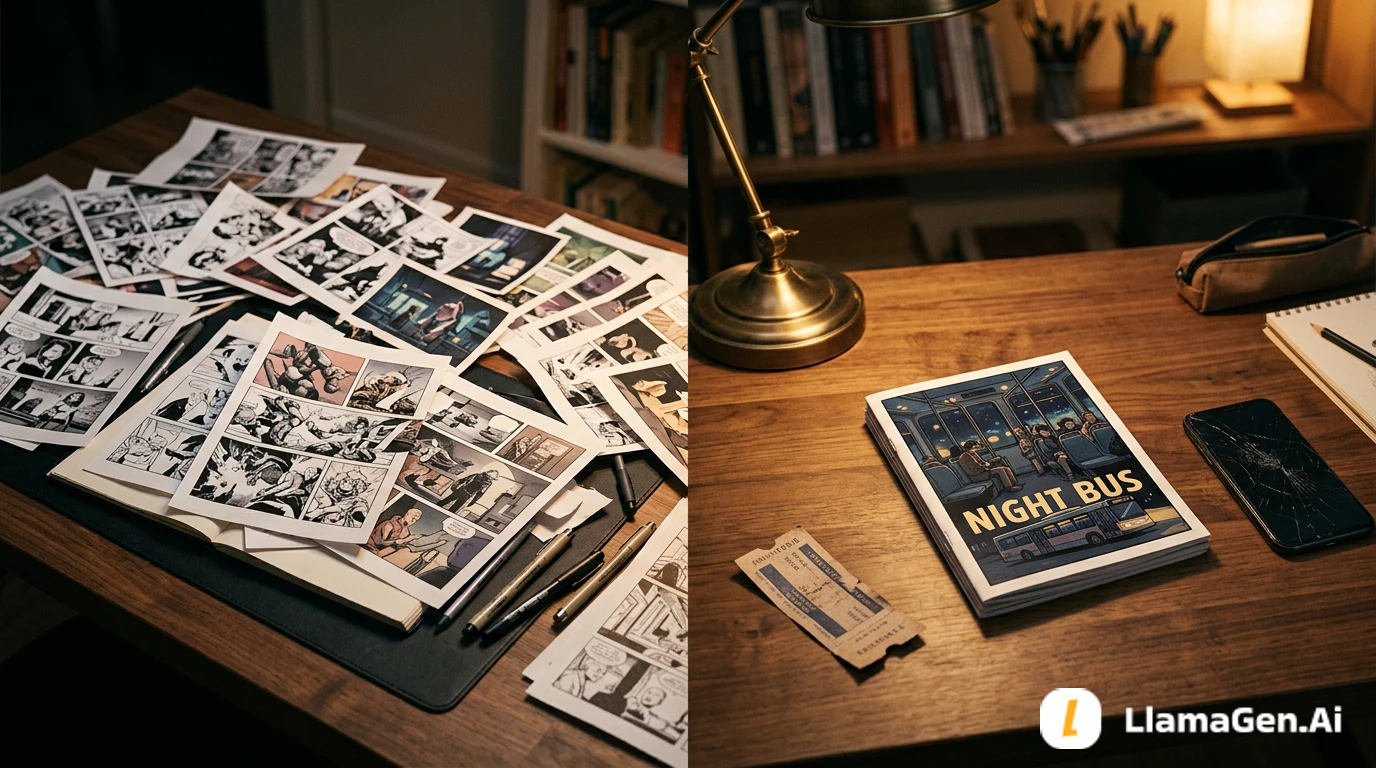
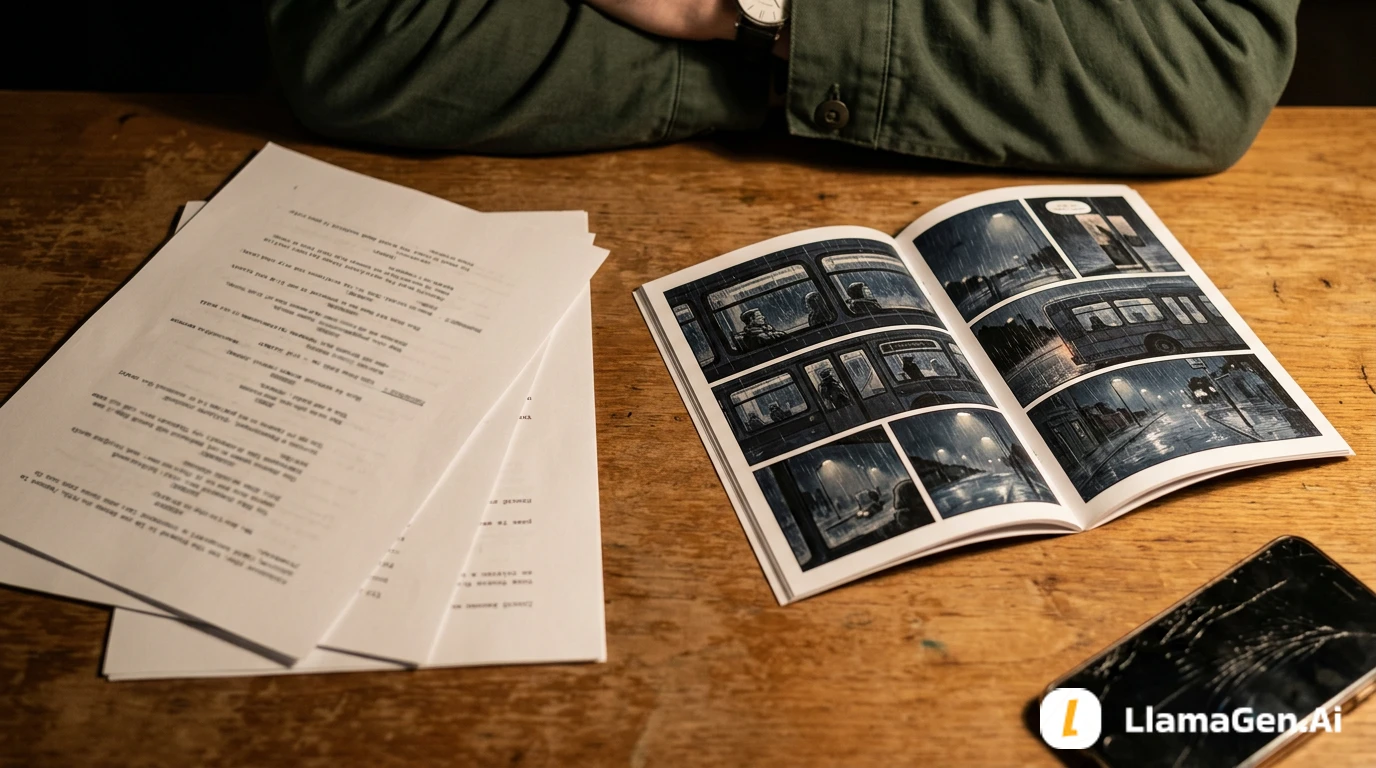
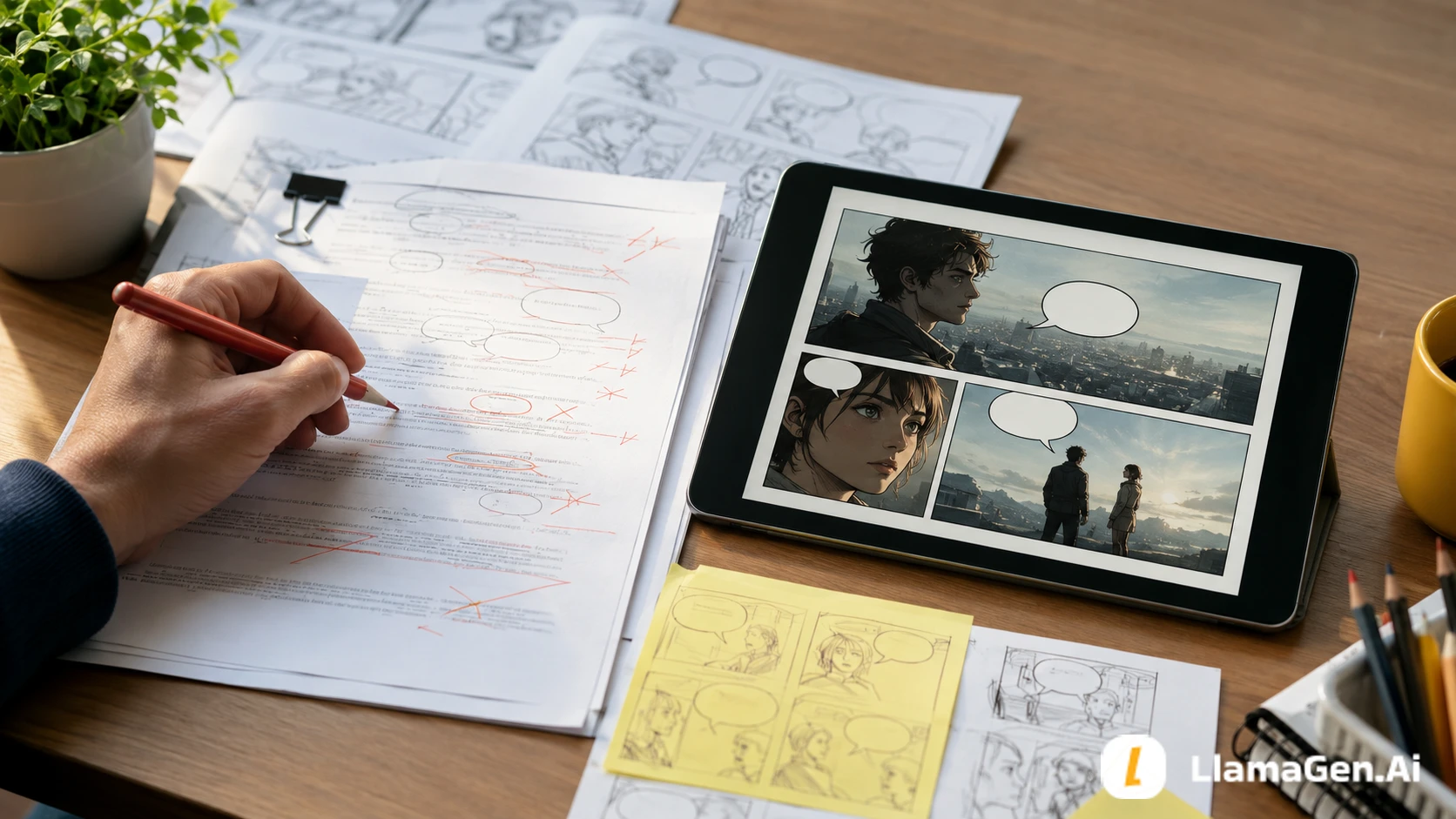
Make an animatic when you need to test timing, shot order, dialogue, and music with the least preparation. Make a motion comic when the sequence is already approved and you want a more immersive, audience-facing video from finished comic art.
The practical difference is not simply "less motion" versus "more motion."
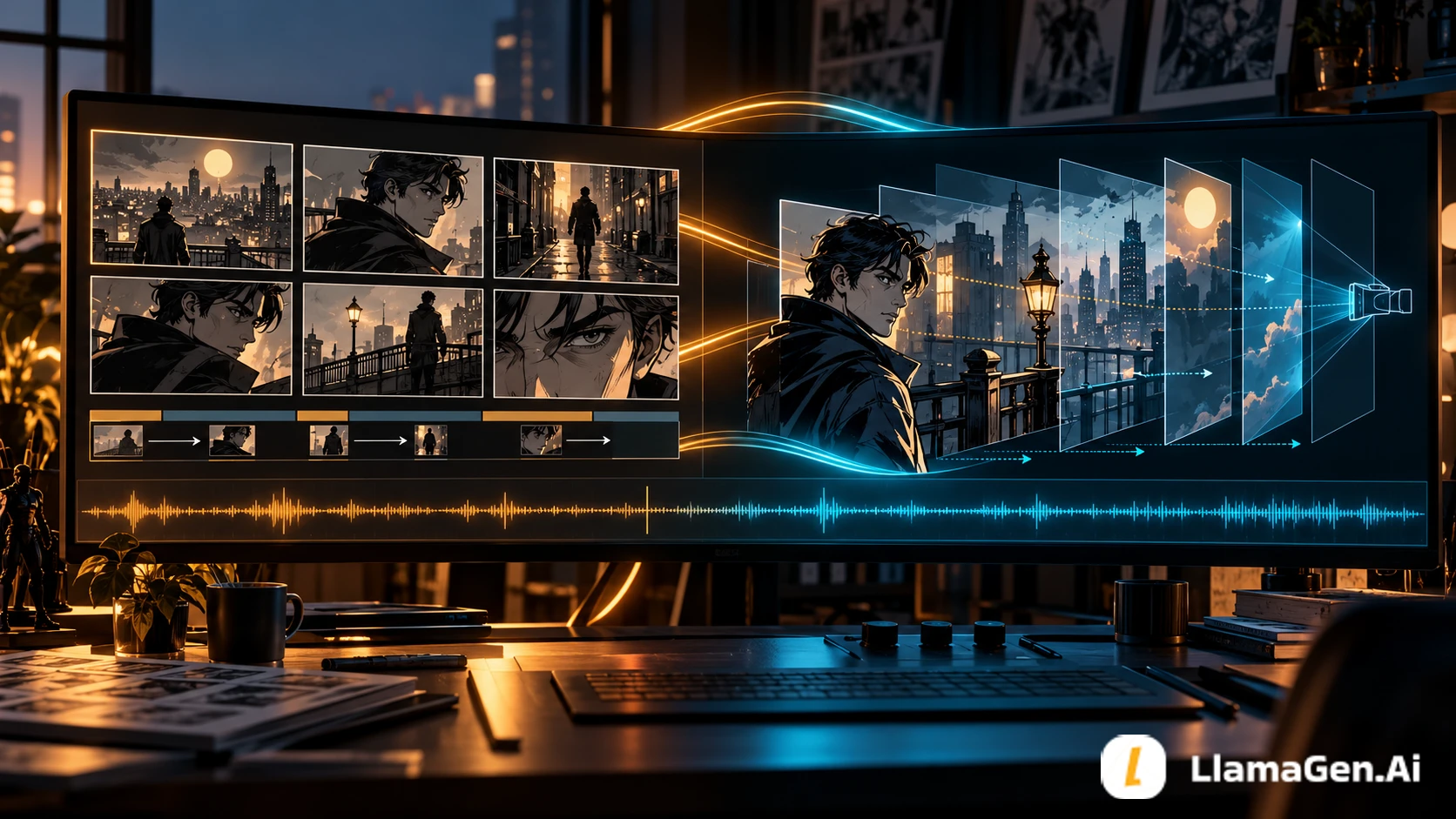
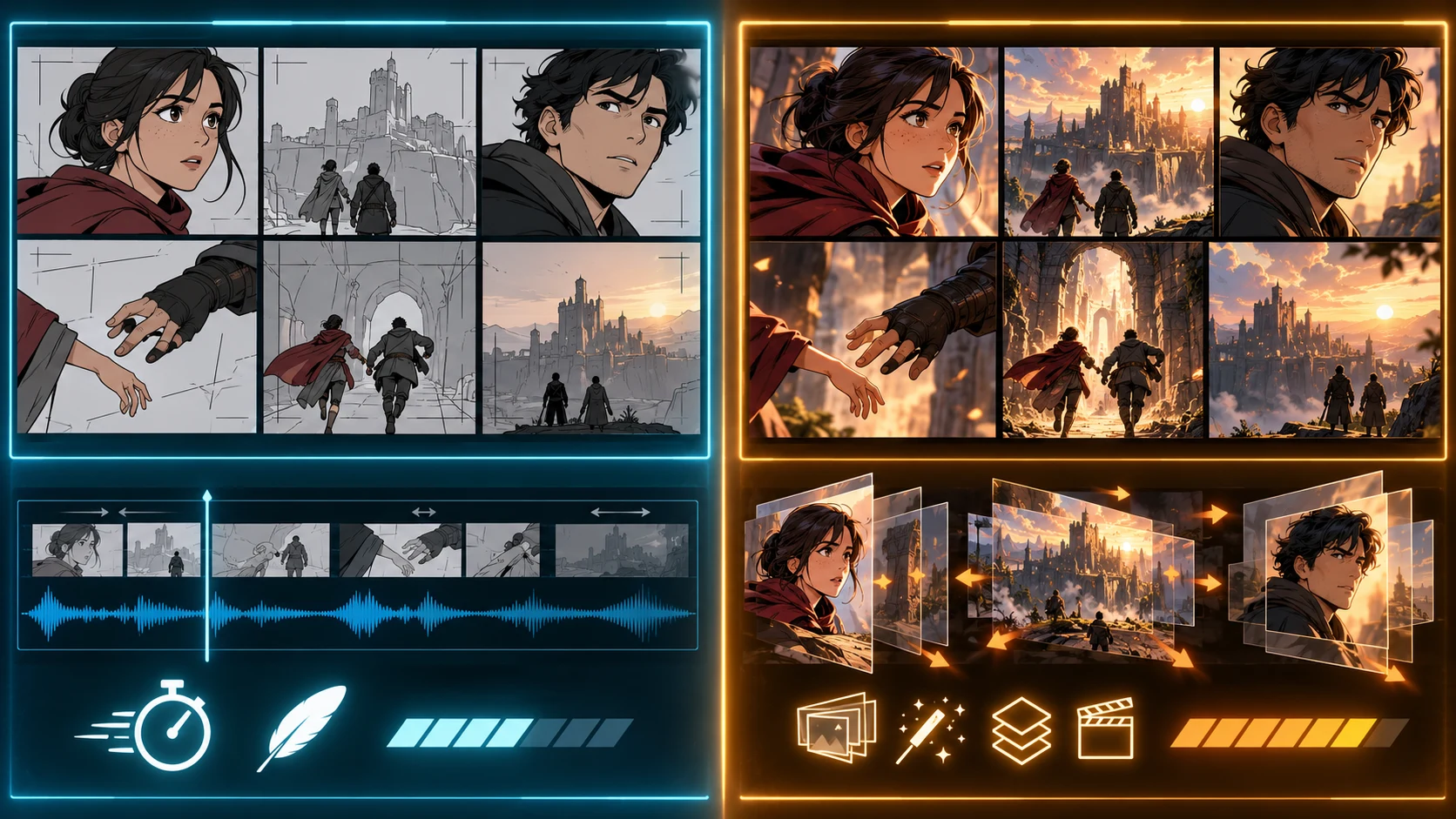
animatic = panels arranged in time
motion comic = panel artwork separated into elements that move in depth
If you already have finished panels, start in LlamaGen.AI Comic to Video and choose the lightest workflow that answers your next production question.
| Decision | Animatic | Motion comic |
|---|---|---|
| Primary purpose | Test story timing | Present the story to an audience |
| Source art | Flattened panels or rough boards | Finished art, preferably with separable elements |
| Typical motion | Cuts, holds, pans, zooms | Parallax, character or prop motion, effects, reveals |
| Audio | Scratch dialogue, music, effects | Edited dialogue, sound design, music |
| Revision speed | Faster | Slower because motion dependencies increase |
| Best stage | Before final delivery | After sequence approval |
| Best use | Pitch review, pacing test, production handoff | Trailer, episode, campaign, social video |
Neither format is automatically better. They answer different questions.
An animatic asks: "Does this sequence work over time?"
A motion comic asks: "Can this approved sequence become a compelling viewing experience?"
We used the same fictional detective sequence for both workflows:
The test held story order, characters, panel art, and audio concept constant. We counted asset-preparation and motion decisions instead of publishing invented render time, file size, or credits. Encoding settings and account configuration would make those numbers misleading without a real exported project file.
| Test detail | Value |
|---|---|
| Date documented | October 10, 2026 |
| Source | Six finished fictional comic panels |
| Animatic goal | Test a 20-to-30-second sequence |
| Motion comic goal | Create a richer audience-facing version |
| Main CTA | LlamaGen.AI Comic to Video |
| Disclosure | Editorial asset-preparation comparison, not a speed benchmark |
The animatic keeps each panel flattened. Motion comes from duration, cuts, and a small number of camera moves.
A rundown of the latest LlamaGen feature releases, product enhancements, design updates, and important bug fixes.
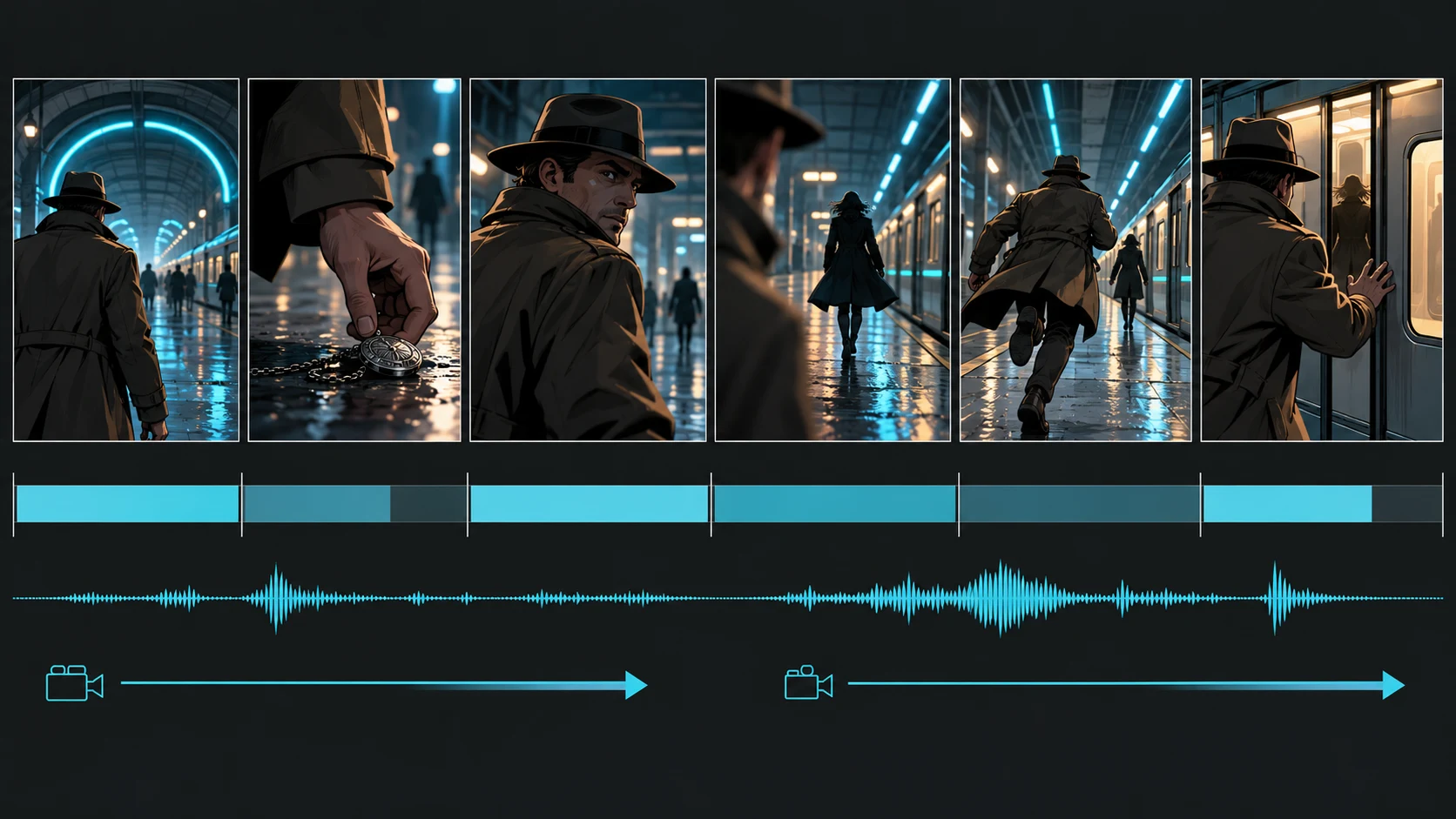
Do not animate yet. Watch the sequence as six still images.
Check whether the viewer can answer:
If any answer is unclear, return to the storyboard or comic page. Motion should not be asked to repair missing story information.
Start from the amount of information in the frame:
| Panel type | Timing tendency |
|---|---|
| Establishing shot | Longer hold so viewers can orient themselves |
| Object insert | Short but long enough to identify the clue |
| Reaction close-up | Hold for emotional recognition |
| Chase action | Shorter cuts increase urgency |
| Final reveal or obstruction | Longer hold to land the consequence |
The exact seconds depend on dialogue, music, and audience. The useful habit is to make every hold deliberate.
A slow push toward the pocket watch can direct attention. A horizontal pan can reveal the figure near the train. Applying a zoom to every panel makes the sequence feel mechanically restless.
For this test, the animatic plan used:
An animatic does not need final voice acting. A temporary read and rough effects are enough to expose whether dialogue overlaps, a reaction has room to land, or a chase feels too slow.
The animatic is successful when it makes editing decisions cheap.
The motion comic begins after the sequence is approved. Instead of moving only the camera across a flat image, it separates selected scenes into depth and action layers.
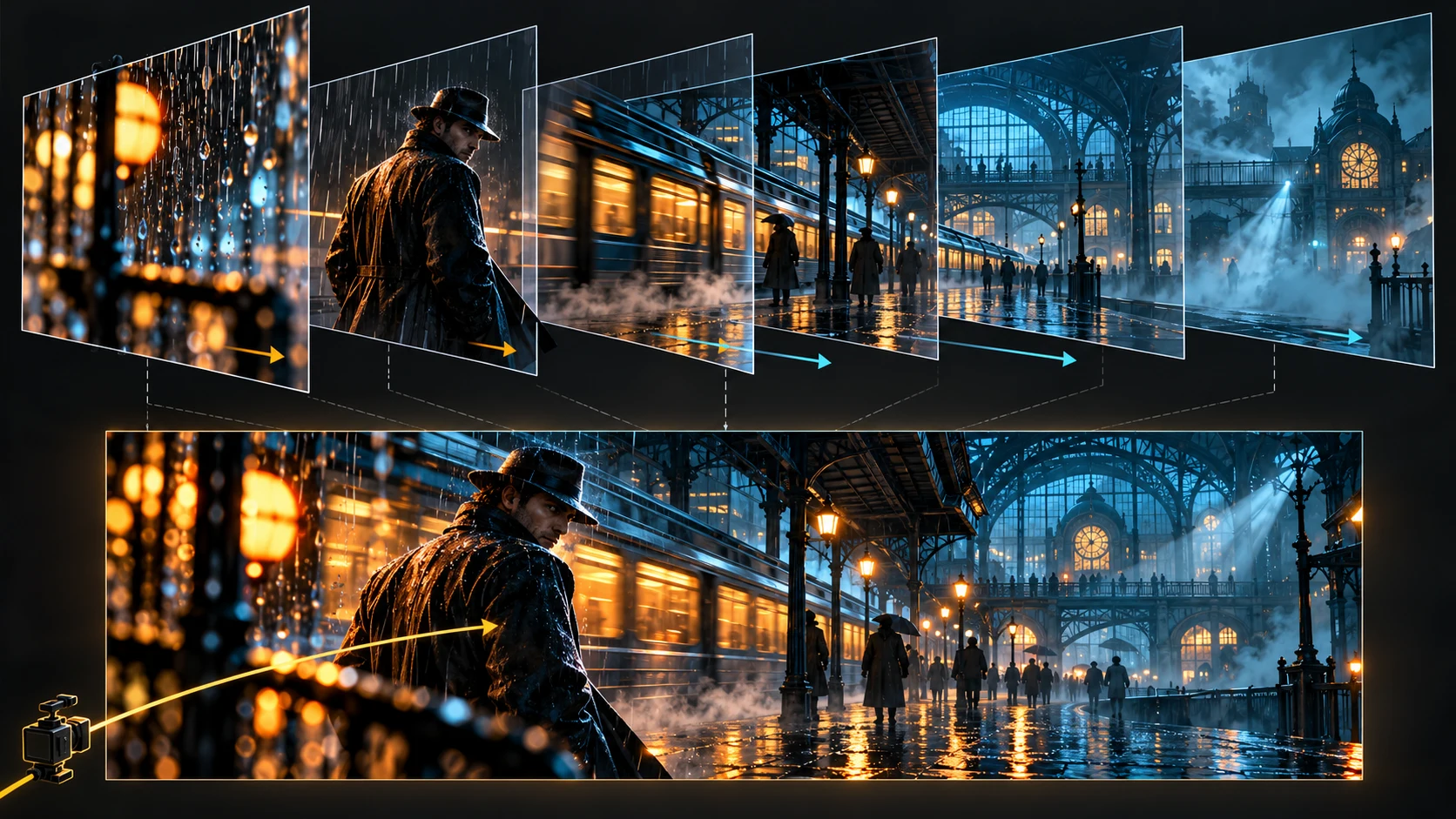
Do not separate every panel into ten layers. Put the extra work where motion changes the experience.
For the detective sequence, three panels earned deeper treatment:
The remaining panels can use controlled camera movement and effects.
A useful layer plan is:
foreground atmosphere
foreground object
character
moving prop or vehicle
midground architecture
background
light and effects
speech or caption reveal
Adobe's timeline layer guidance explains why layers and folders matter: they allow objects to be edited, hidden, locked, and organized without disturbing everything else. The principle applies even if you animate in another tool.
Motion should clarify cause and attention.
| Story event | Useful motion |
|---|---|
| Rainy entrance | Foreground rain and a slow camera push |
| Pocket watch clue | Small highlight and controlled scale-in |
| Figure appears | Background reveal or lateral movement |
| Chase | Train movement plus character parallax |
| Door closes | Door travel, light occlusion, then a hold |
The motion-comic plan used:
These counts describe the disclosed editorial setup. They are not a claim that every motion comic requires eleven layers.
Once movement and holds are stable, refine dialogue, effects, and music. Audio can make modest visual motion feel intentional, but it should support the reading hierarchy rather than compete with it.
The 2025 paper DancingBoard: Streamlining the Creation of Motion Comics to Enhance Narratives studied motion-comic creation through a survey of 58 participants, four expert interviews, and analysis of 95 online motion comics. The authors describe a multi-stage workflow involving story structure, visual elements, layout, animation, audio, preview, and export.
That research supports a practical observation: a motion comic is not just a slideshow with more transitions. It introduces asset organization and motion decisions that an animatic can intentionally avoid.
The paper is evidence about workflow complexity and authoring support. It does not prove that one format performs better for every audience, genre, or platform.
| Test question | Better choice | Why |
|---|---|---|
| Does the scene pace correctly? | Animatic | Fewer asset dependencies make timing changes cheaper |
| Is the shot order clear? | Animatic | Sequence can be judged before layer work |
| Is dialogue too long? | Animatic | Scratch audio exposes timing pressure quickly |
| Is this ready for a pitch review? | Animatic | Reviewers can respond to story without waiting for polish |
| Should the comic feel immersive on video? | Motion comic | Depth, effects, and synchronized motion add presentation value |
| Is this a trailer or audience-facing episode? | Motion comic | Richer movement and audio support final delivery |
| Will panels need major story changes? | Animatic first | Motion dependencies make late structural edits expensive |
The safest production path is often:
comic panels -> animatic approval -> selected layer separation -> motion comic
This is not duplicate work. The animatic becomes the timing blueprint for the richer version.
Choose an animatic if three or more statements are true:
Choose a motion comic if three or more statements are true:
When both lists apply, build the animatic first and promote only the approved shots into motion-comic production.
If the source panels are not yet approved, use the Storyboard Generator first. If they need programmatic creation and targeted repair, follow the Comic API quickstart.
No. A useful animatic makes deliberate decisions about shot order, duration, camera movement, dialogue, music, and effects. A random slideshow does not test story timing.
No. It can use restrained motion: parallax, camera moves, object travel, effects, lighting changes, and speech reveals. The art can remain recognizably comic-based.
Yes, but depth control is limited. You can still use pans, zooms, masks, and transitions. For richer parallax, separate foreground, characters, props, and background in selected hero panels.
Use an animatic to approve the trailer structure, then create a motion comic or richer video for the final audience-facing version.
An animatic normally has fewer preparation dependencies, but actual credits, labor, and render cost depend on your assets and tools. Measure your own source preparation, motion operations, revisions, and export settings.
Written by Jay and reviewed by the LlamaGen.AI content team. The six-panel comparison is a disclosed editorial asset-preparation test, not a claim of universal render time, file size, credit usage, or audience performance.
Turn your finished panels into the right kind of video: open LlamaGen.AI Comic to Video, test the sequence as an animatic, and add motion depth only where the story earns it.
Popular creator tools
Go from comics and storyboards to stylized photos with LlamaGen.
Visualize every scene before production starts.
© 2026 LlamaGen.Ai All rights reserved
Leading the Future of AI Comic Generation