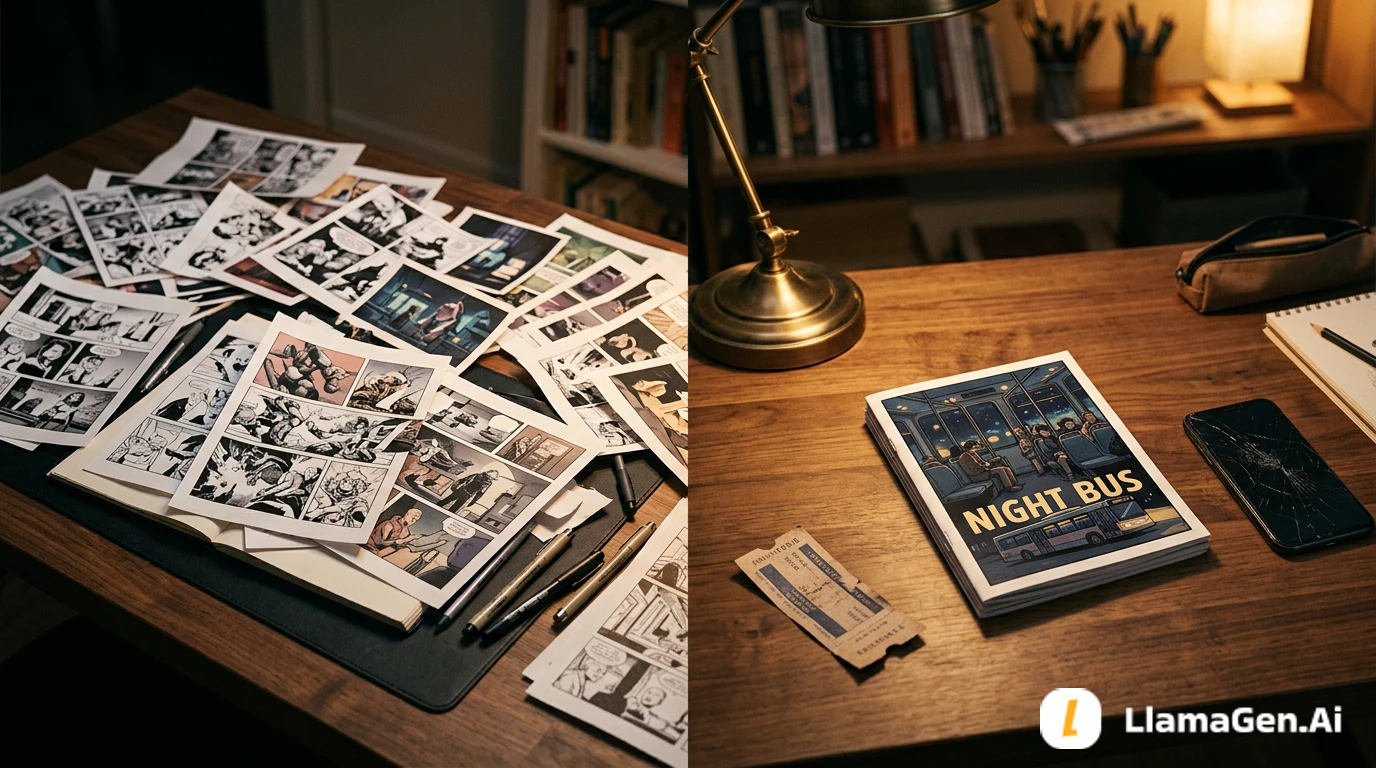
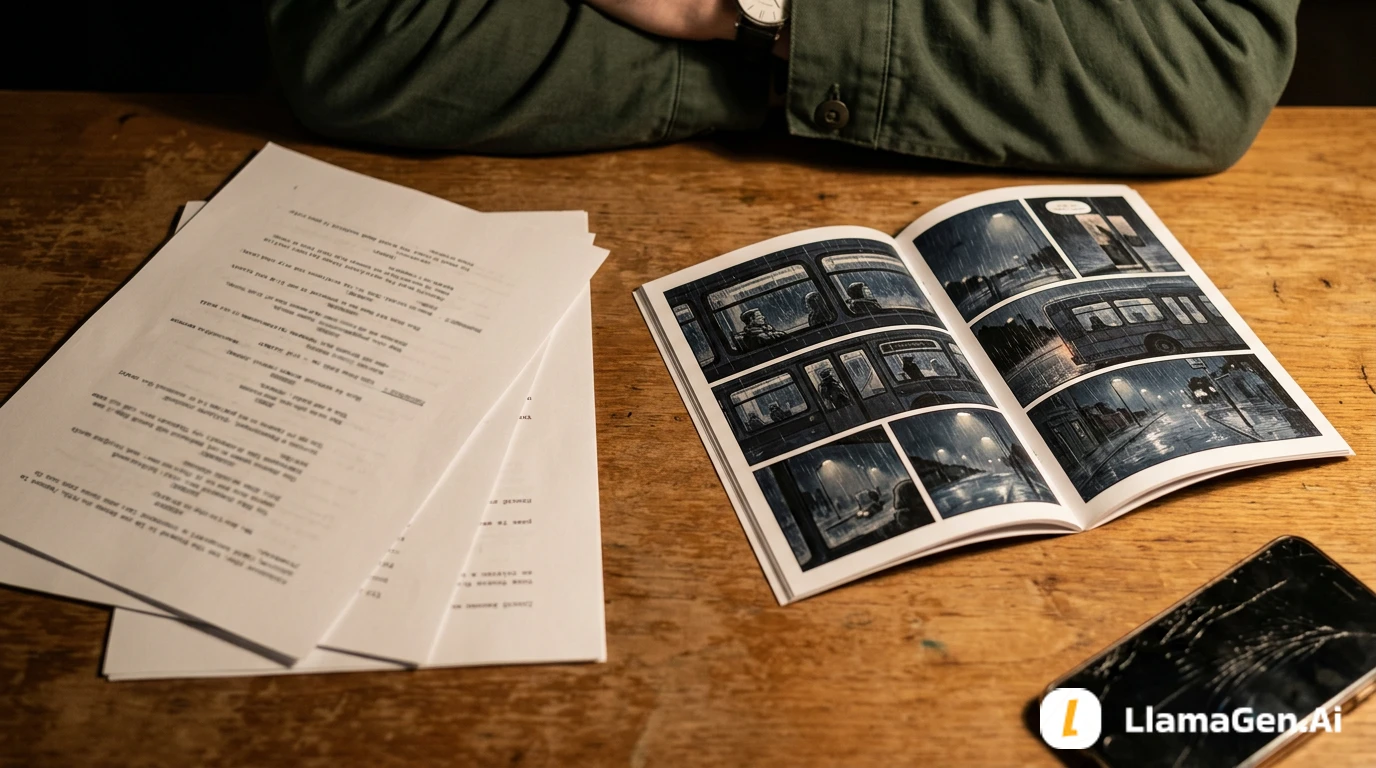
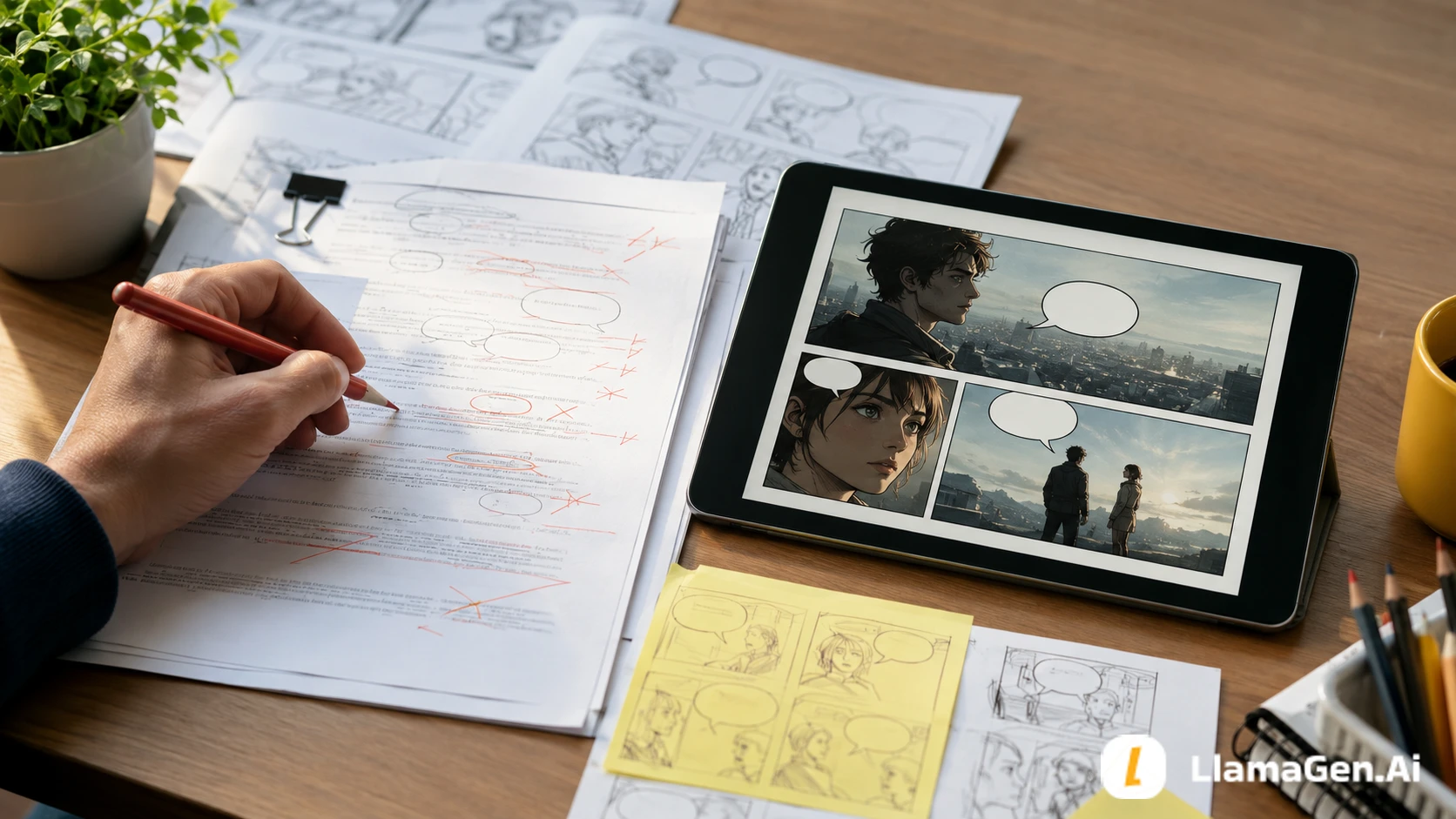
A story bible is not enough for a comic, manga, webtoon, or visual novel adaptation.
Long-form visual storytelling needs a second layer:
story bible -> visual bible -> reusable scene assets -> panel plan
Your story bible explains who people are, what happened, and why the world matters. Your visual bible decides what readers will repeatedly see: faces, silhouettes, rooms, props, color, weather, camera distance, and visual rules.
For a faster first pass, upload your story bible or chapter notes to LlamaGen.AI Upload and ask for a visual bible map before generating panels.

Writers often already have a story bible. It may include character backstory, setting notes, factions, timeline, rules, secrets, unresolved clues, and chapter summaries.
That is valuable, but it is still mostly invisible.
When you move into comics or visual novels, the production team needs a visual memory system:
| Story bible item | Visual bible version | Why it matters |
|---|---|---|
| Character history | Face, silhouette, posture, outfit, expressions | Keeps the cast recognizable |
| Setting description | Room angles, light source, recurring landmarks | Keeps the world stable |
| Important object | Prop shape, size, material, damage state | Makes clues readable |
| Tone | Palette, contrast, weather, camera distance | Keeps mood consistent |
| Timeline | What changes between chapters | Prevents continuity drift |
| Theme | Repeated visual motif | Gives the adaptation identity |
The visual bible is not decorative. It is a production control file.
This tutorial uses one original long-form fiction premise and turns it into a visual bible plan.
A rundown of the latest LlamaGen feature releases, product enhancements, design updates, and important bug fixes.
| Test item | Setup |
|---|---|
| Date tested | September 1, 2026 |
| Source | Fictional story bible for a serialized mystery fantasy novel |
| Target output | Comic pages, webtoon episodes, storyboard scenes, visual novel assets |
| Main tool entry | LlamaGen.AI Upload |
| Output needed | Visual bible categories, asset list, continuity checklist, panel brief |
| Creator stage | Before generating final panels |
| Active editing time | About 31 minutes |
| Total elapsed time | About 64 minutes including one repair pass |
| Editorial note | This is a workflow test for writers, not a pricing or speed benchmark. |
The test question was:
Can a prose-heavy story bible become a visual planning system that supports multiple chapters?
Here is the fictional source premise:
Title: The Tide Archive

Mara Venn returns to Grayharbor, a coastal town that records future disasters in old shipping ledgers. Her mother disappeared during the last impossible tide. Mara believes the ledgers are forged, until the newest entry lists her own handwriting.

Main cast:
- Mara Venn, 28, archivist, practical, guarded, always carries her mother's brass key.
- Ivo Hale, 31, ferry mechanic, warm but evasive, knows more about the drowned railway than he says.
- The Archivist Council, three elders who protect Grayharbor's public story.

Important places:
- The tide archive.
- The lighthouse room.
- The closed railway platform.
- Mara's childhood kitchen.

Recurring objects:
- Brass key.
- Salt-damaged ledger.
- Broken station clock.
- Ferry token.

Tone:
Quiet coastal mystery, grief, restrained magic, practical danger, no superhero spectacle.
This is useful for prose. But a comic artist, storyboard tool, or visual novel workflow still needs visual answers.
What does Grayharbor look like every time it appears? How tall is Mara compared with Ivo? Does the brass key look delicate, heavy, old, polished, or corroded? What does "restrained magic" mean on the page?
That is the job of the visual bible.
Start by turning written lore into production categories.
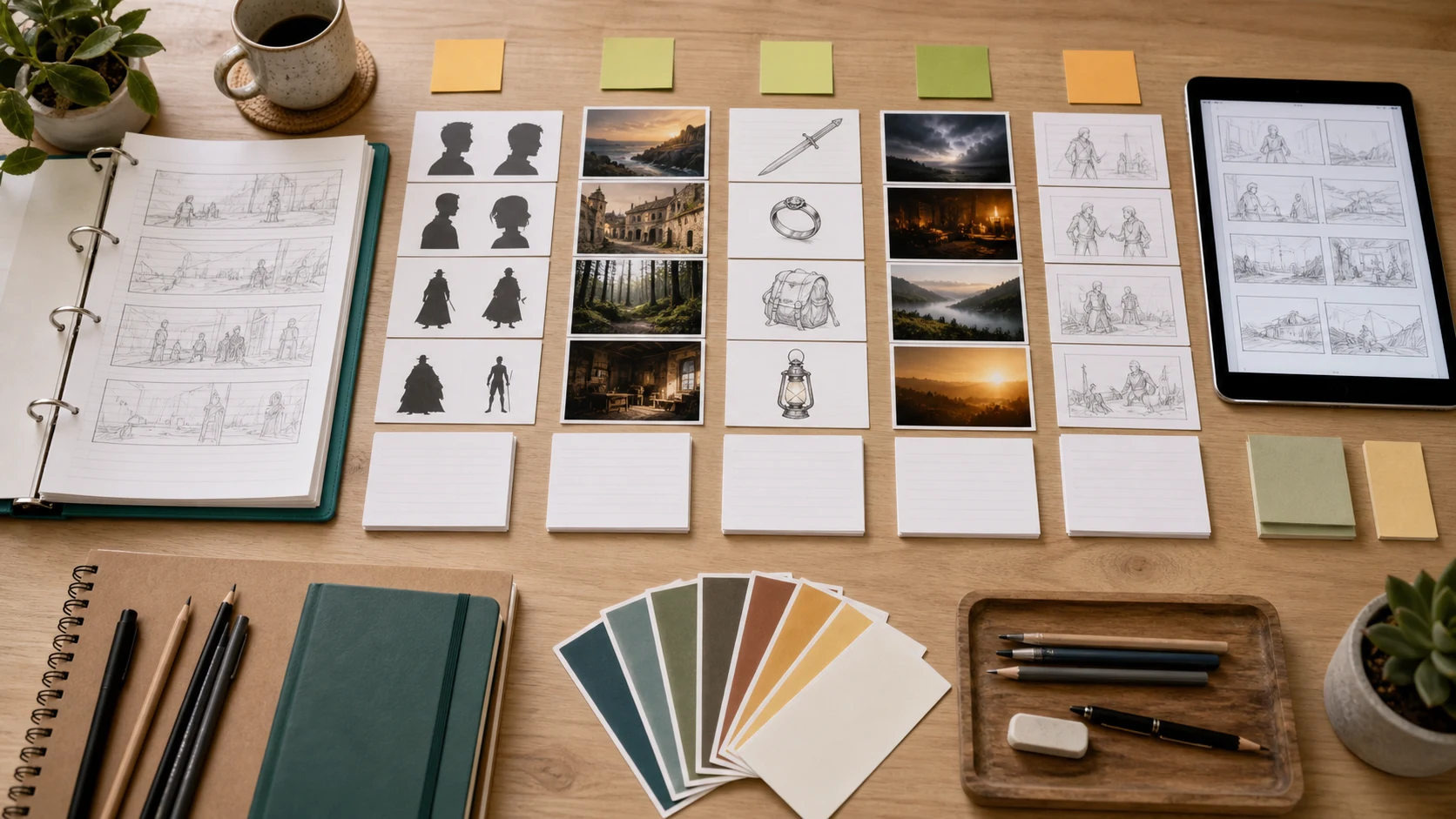
| Category | What to collect | Example from The Tide Archive |
|---|---|---|
| Cast | Face, body, silhouette, posture, outfit | Mara, Ivo, Archivist Council |
| Locations | Exterior, interior, light, weather, scale | Tide archive, lighthouse, railway |
| Props | Shape, material, condition, story state | Brass key, ledger, clock, ferry token |
| Mood | Palette, shadow, texture, camera distance | Salt, fog, paper, low coastal light |
| Timeline | Before and after changes | Normal tide, impossible tide, flooded platform |
| Panel language | Repeated shots and framing rules | Wide harbor shots, close prop inserts |
Do not try to make every detail visual at once. Choose the details that will repeat.
Continuity is not about making every panel identical. It is about preserving the signals readers use to recognize the story.
| Asset | Must stay consistent | Can change |
|---|---|---|
| Mara | Hair shape, coat silhouette, brass key, guarded posture | Expression, lighting, damage, wet clothing |
| Ivo | Work jacket, broad stance, tool bag, open expression | Grease, weather, sleeve position |
| Tide archive | Tall shelves, ledger table, salt stains, high windows | Time of day, crowding, mess level |
| Lighthouse room | Circular wall, lamp beam, narrow desk | Storm level, season, props |
| Brass key | Old metal, oval bow, worn edge | Shine, dirt, where it is carried |
| Ledger | Oversized book, salt damage, heavy pages | Page spread, bookmark, handwriting density |
This table becomes a lock list for generation and review.
If an asset is emotionally important, lock it earlier.
A long-form story becomes expensive when every scene starts from zero. The visual bible lets you reuse the same assets with controlled variation.
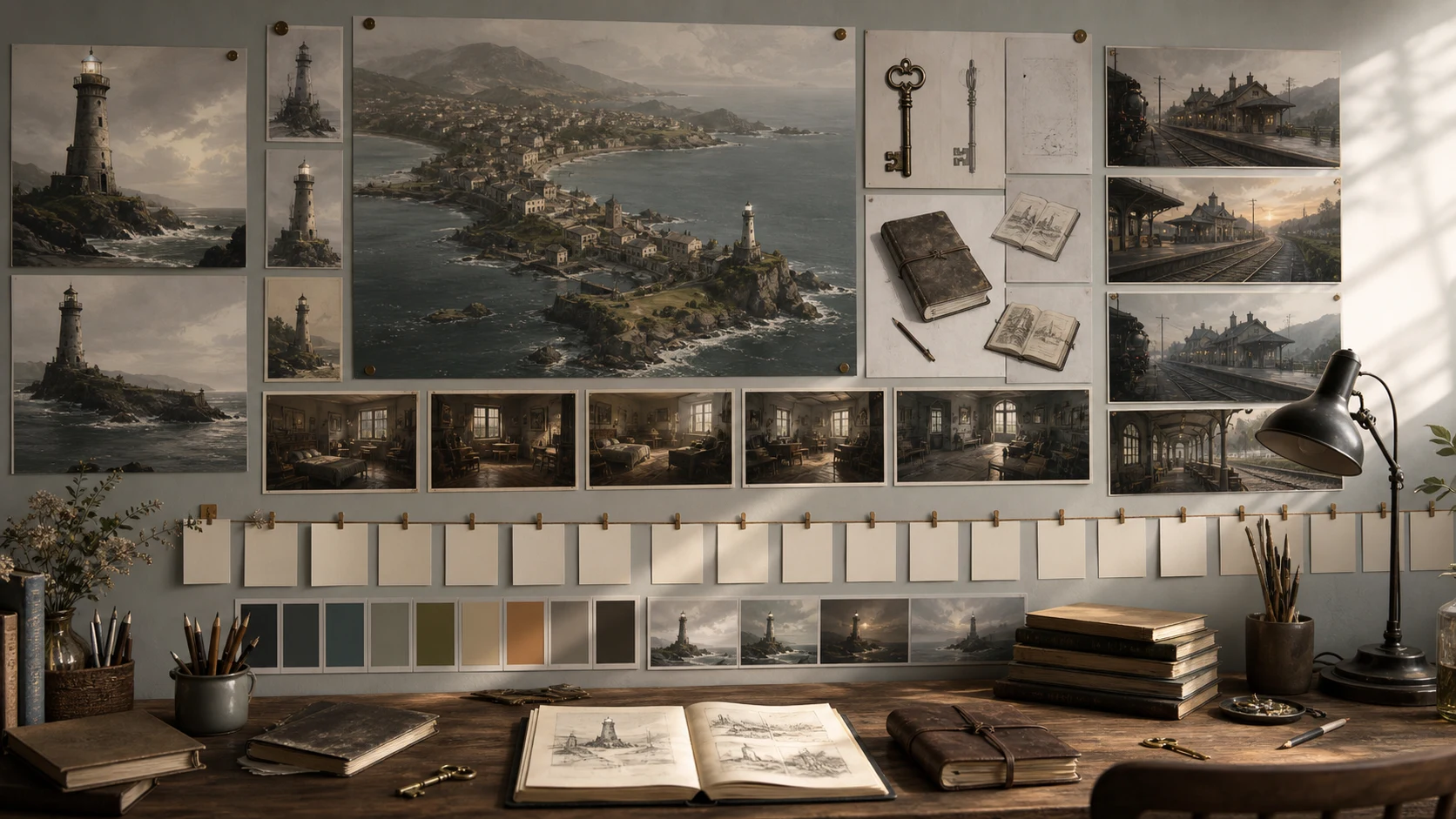
| Story element | Visual asset | Reuse pattern |
|---|---|---|
| Grayharbor | Coastal town exterior | Establishing shot, transition panel, chapter opener |
| Tide archive | Main interior background | Dialogue scenes, clue scenes, emotional confrontations |
| Closed railway | Platform background | Mystery reveal, danger sequence, recurring hook |
| Brass key | Prop insert | Memory trigger, clue, chapter ending |
| Ledger | Prop and page layout | Discovery scenes, title-page-like reveals |
| Fog and salt | Texture system | Mood, transitions, supernatural pressure |
This is where prose detail becomes practical.
Instead of telling a tool "make a mysterious coastal town" every time, your visual bible gives the repeated signals:
coastal town, slate roofs, cliff road, old ferry dock, lighthouse silhouette, fog, salt-worn paper texture, restrained color, no modern neon
That is much more stable.
Use LlamaGen.AI Upload when you already have a story bible, outline, chapter packet, or manuscript excerpt.
Ask for a visual bible first:
I am adapting this long-form fiction story bible into comics, webtoon episodes, storyboard scenes, or a visual novel.

Please return:
1. The core visual promise of the story.
2. Character visual bible items.
3. Location visual bible items.
4. Recurring prop visual bible items.
5. Mood and color rules.
6. Timeline continuity notes.
7. A list of reusable visual assets.
8. A first-episode storyboard asset plan.
9. A continuity risk list.

Do not rewrite the story. Convert the story bible into visual production decisions.
Then upload the document to LlamaGen.AI Upload.
Before generating pages, define the first ten assets.
| Priority | Asset | Why it comes early |
|---|---|---|
| 1 | Mara character sheet | Protagonist appears everywhere |
| 2 | Ivo character sheet | Main relationship anchor |
| 3 | Tide archive interior | First major recurring location |
| 4 | Grayharbor exterior | Establishes genre and scale |
| 5 | Brass key | Main emotional prop |
| 6 | Salt-damaged ledger | Main mystery engine |
| 7 | Lighthouse room | Visual motif for knowledge and warning |
| 8 | Railway platform | Future danger location |
| 9 | Fog texture and palette | Scene-to-scene identity |
This asset list is small enough to start, but strong enough to protect the story.
Do not jump straight from story bible to finished comic page.
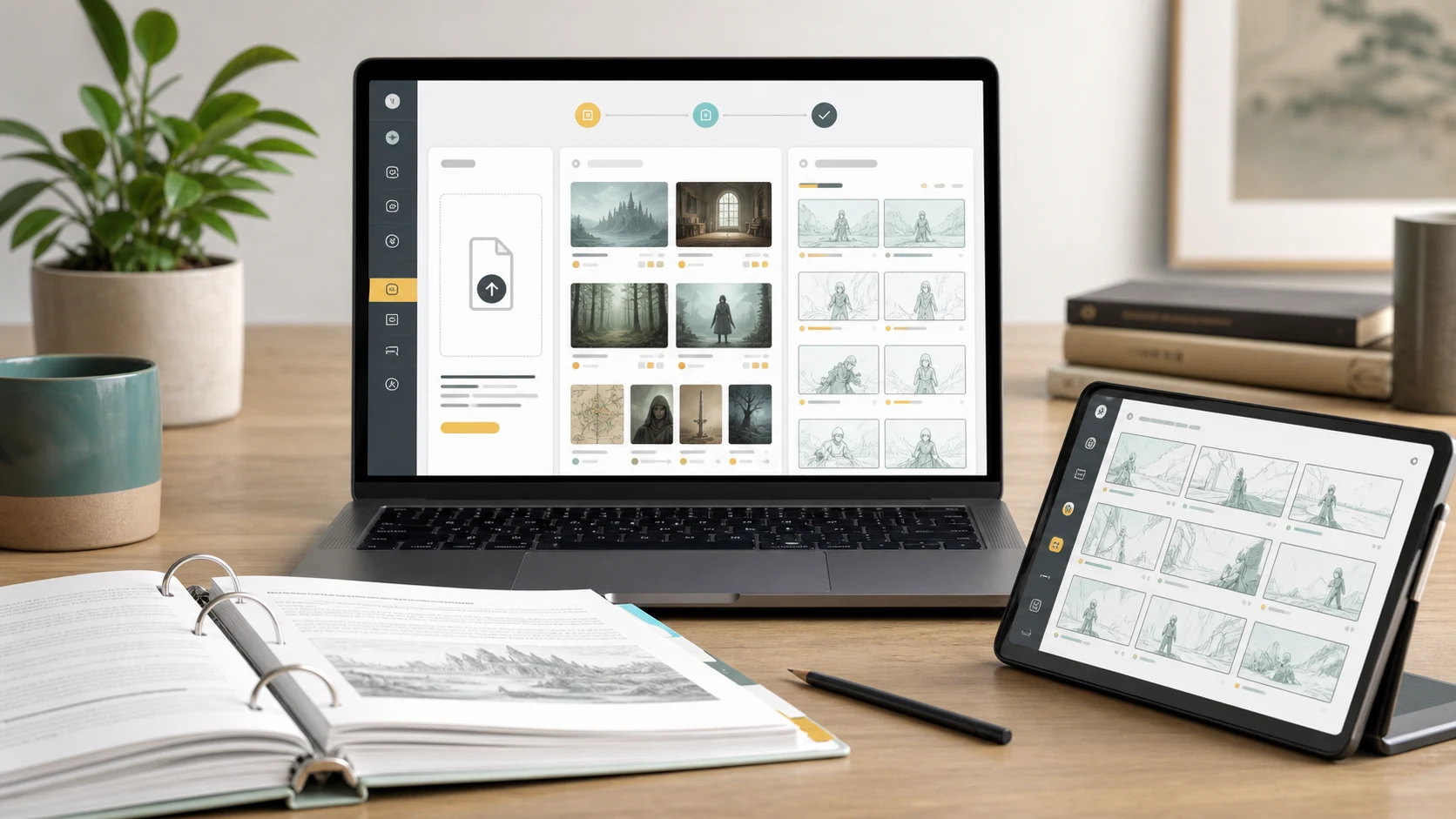
Use this sequence:
| Stage | Writer action | Output |
|---|---|---|
| 1. Upload | Send the story bible to LlamaGen.AI Upload | Visual bible draft |
| 2. Sort | Separate characters, locations, props, mood, timeline | Production categories |
| 3. Lock | Mark must-keep signals | Continuity lock list |
| 4. Test | Generate one scene with locked assets | Sample page or storyboard |
| 5. Review | Compare against the visual bible | Continuity notes |
| 6. Expand | Add episode and chapter assets | Reusable story system |
The review stage matters. A visual bible is only useful if you check generated panels against it.
The failed prompt was:
Turn this story bible into a comic.
It produced attractive panels, but the adaptation was not stable.
| Problem | Cause | Repair |
|---|---|---|
| Grayharbor looked different in every scene | No location bible | Create exterior and interior references first |
| Mara's coat changed shape | No character lock list | Define silhouette and outfit details |
| The brass key looked random | Prop was not specified | Create a prop reference with story state |
| Tone became too dramatic | "Mystery" was too broad | Add restrained coastal mood rules |
| Timeline clues disappeared | No before/after visual states | Build timeline asset cards |
The fix was to pause generation and build the visual bible first.
Use this as a starter template:
| Section | Fill this in |
|---|---|
| Core visual promise | What should the story feel like at a glance? |
| Protagonist signals | Face, silhouette, outfit, posture, repeated object |
| Supporting cast signals | One or two unmistakable traits per character |
| Main locations | Exterior, interior, light, season, texture |
| Recurring props | Shape, material, size, condition, story meaning |
| Mood rules | Palette, contrast, weather, camera distance |
| Timeline states | What changes across chapters or episodes? |
| Panel rhythm | Dense page, quiet manga pacing, vertical webtoon flow, or visual novel scene logic |
| Avoid list | What should the story never visually become? |
Upload this template with your story notes through LlamaGen.AI Upload and ask for gaps before generating art.
Before you generate final panels, confirm:
| Question | Pass condition |
|---|---|
| Can a new collaborator recognize the protagonist from the visual bible alone? | Yes |
| Do the main locations have repeated visual anchors? | Yes |
| Are important props specific enough to recur? | Yes |
| Does the mood have a clear palette and texture rule? | Yes |
| Does the timeline explain what changes between chapters? | Yes |
| Is there an avoid list to prevent genre drift? | Yes |
If any answer is no, revise the visual bible first.
A story bible stores narrative information. A visual bible turns that information into repeatable visual rules for characters, locations, props, mood, and panels.
Not always. For a one-page comic, a simple character reference and panel plan may be enough. For a long-form comic, webtoon, or visual novel, a visual bible saves a lot of repair work.
Yes. Upload a partial outline or chapter packet to LlamaGen.AI Upload and ask for missing visual decisions. A partial visual bible is better than generating from vague prose.
No. It should include the elements that repeat: main cast, key locations, recurring props, mood, and timeline states.
Generate a character sheet, one recurring location, one important prop, and one sample storyboard scene. Then review them against the visual bible before expanding.
A story bible protects the plot. A visual bible protects the reader's memory.
When you convert characters, locations, props, mood, and timeline into visual rules, your long-form fiction becomes much easier to adapt into comics, manga, webtoons, storyboards, and visual novels.
Start by uploading your notes to LlamaGen.AI Upload, ask for a visual bible map, and generate from reusable story assets instead of starting over every scene.
Popular creator tools
Go from comics and storyboards to stylized photos with LlamaGen.
| 10 | First episode panel style | Defines reading rhythm |
Visualize every scene before production starts.
© 2026 LlamaGen.Ai All rights reserved
Leading the Future of AI Comic Generation