

Cartoon pet portrait generator
Bring your pet's personality into a playful illustrated portrait. Use a photo you have permission to share, describe the style and setting, then compare the draft with the markings that make your pet recognizable.
Your prompt opens in the image studio. Sign in, choose an available model, add a reference image if needed, and review credits before generating.
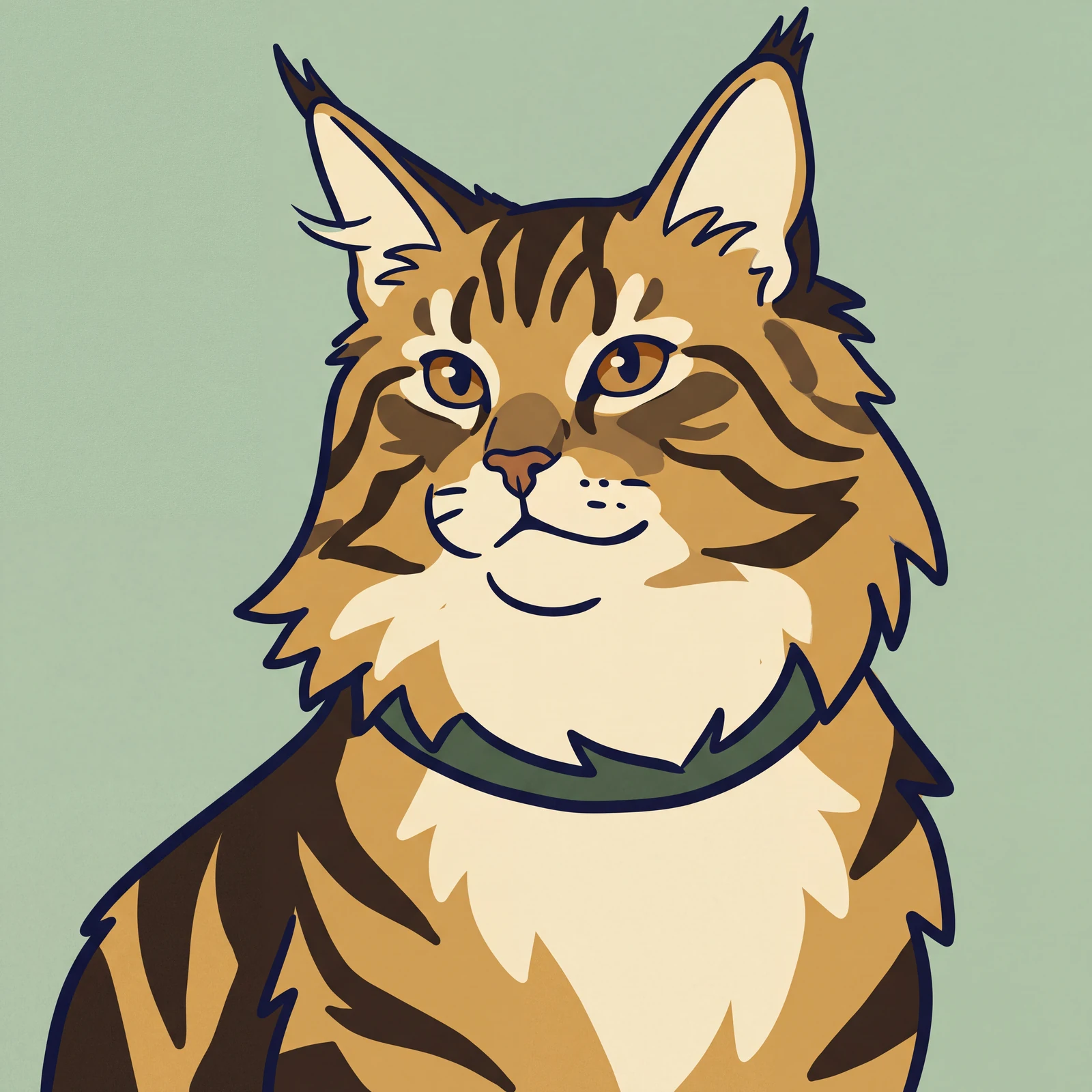
Explore a visual direction
Keep the details that make your pet recognizable
Ask for the same coat markings, ear shape and face expression. A reference photo is more helpful than a generic breed description alone.
Create a cartoon pet portraitMake a portrait with a story
Choose a garden, a favorite blanket or a whimsical adventure. The setting adds personality while keeping your dog, cat or other pet at the center.
Create a cartoon pet portrait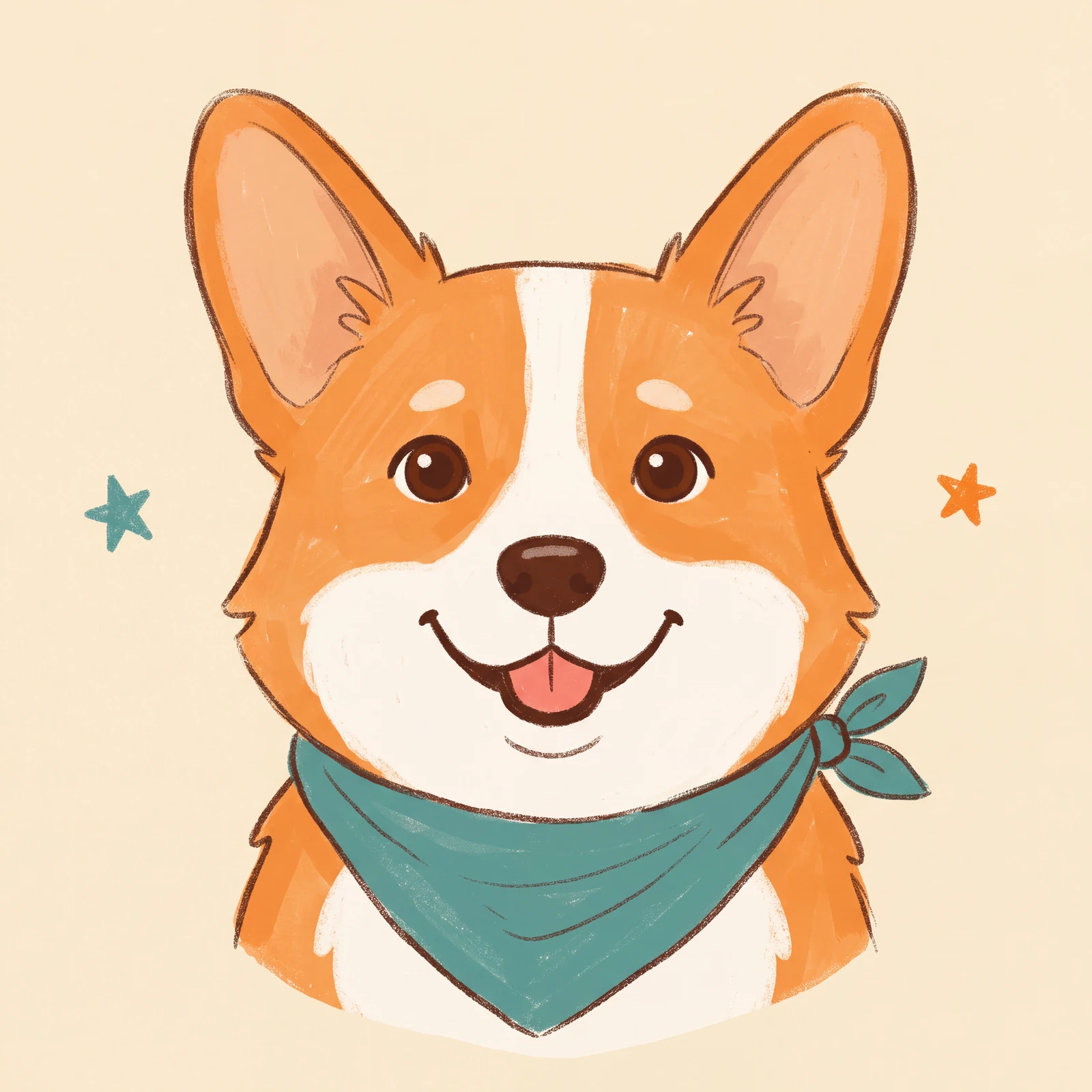
Make room for a portrait of your companion
Explore a framed portrait at home, a handheld print, different pet illustrations and a matching keepsake set.
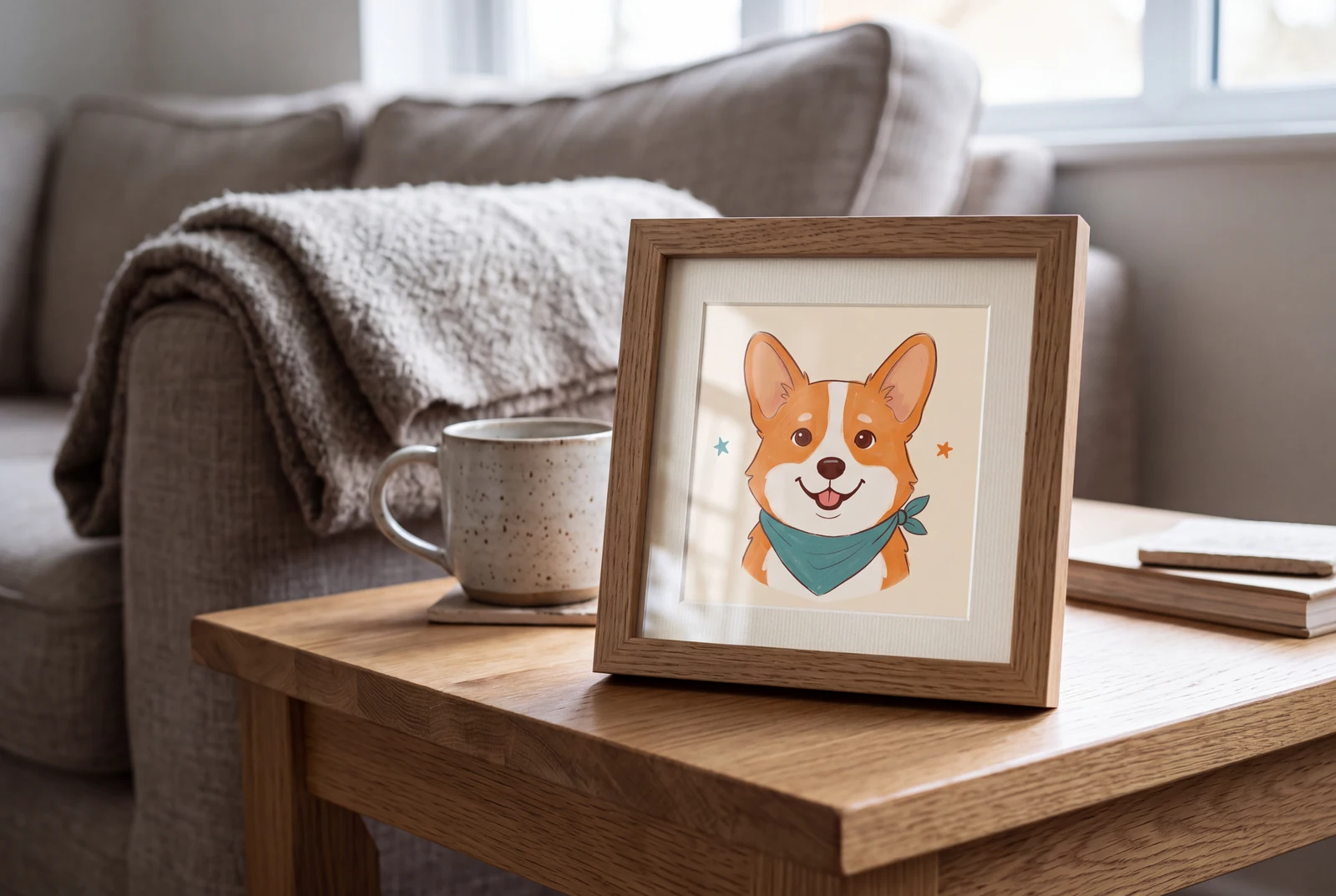
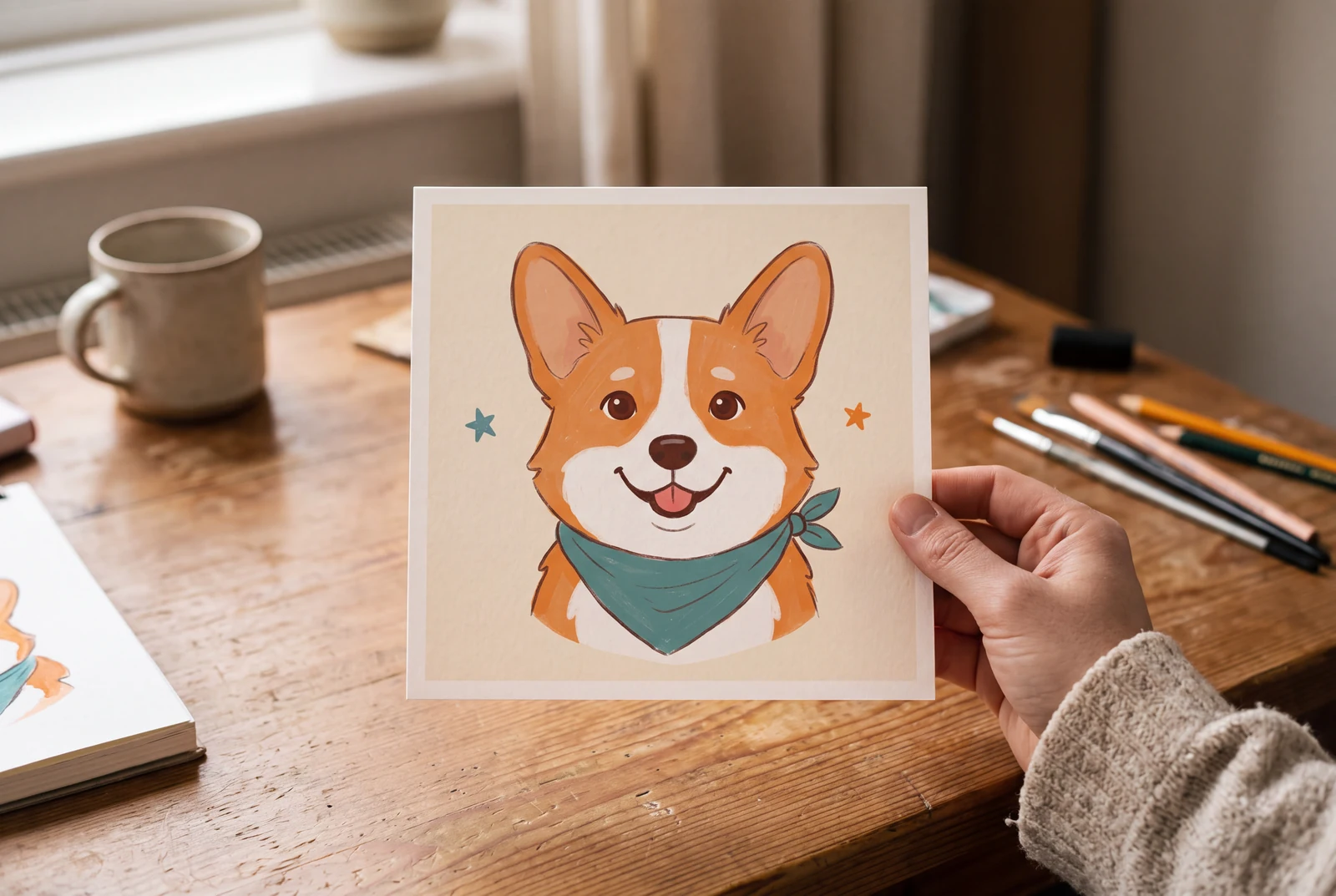
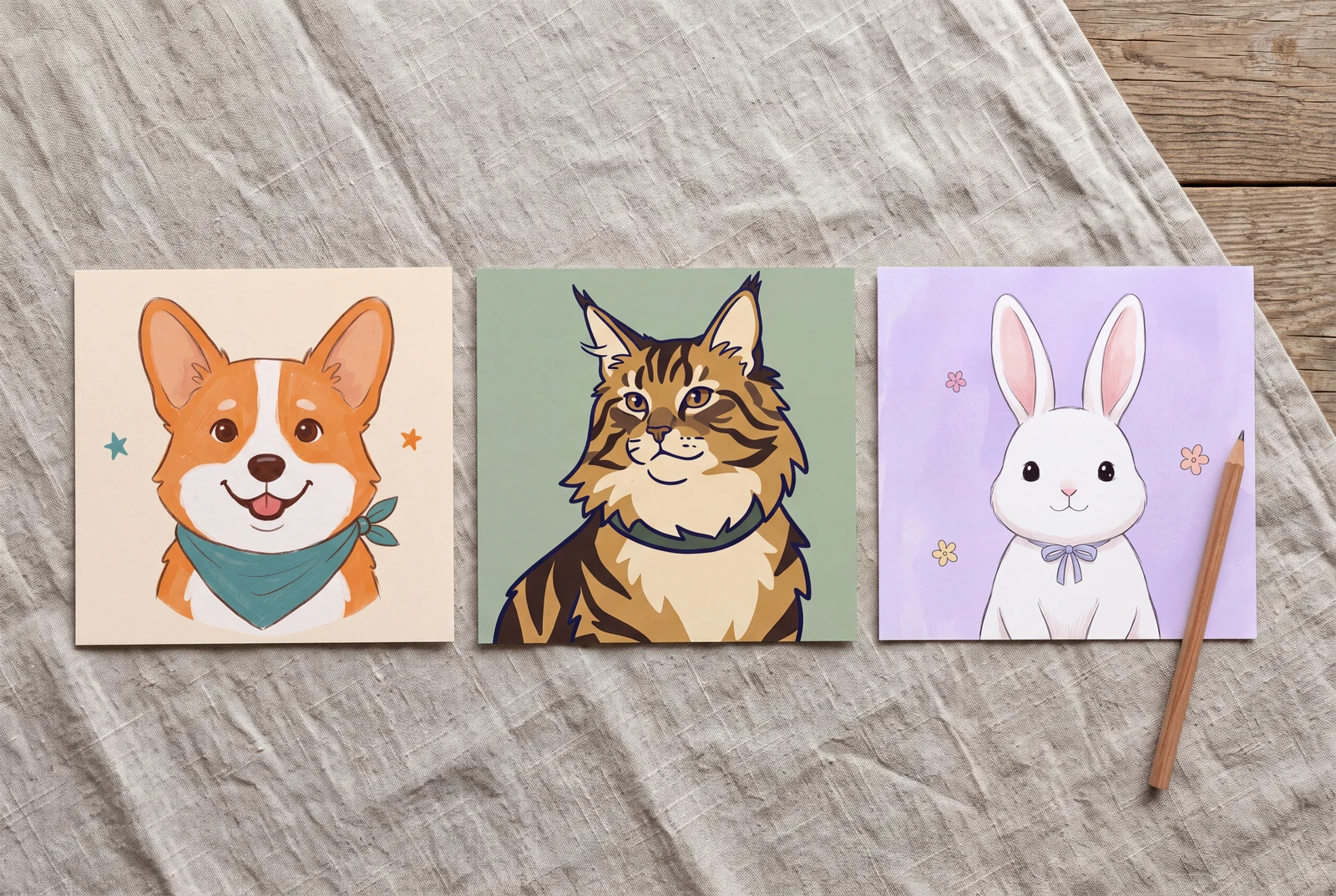
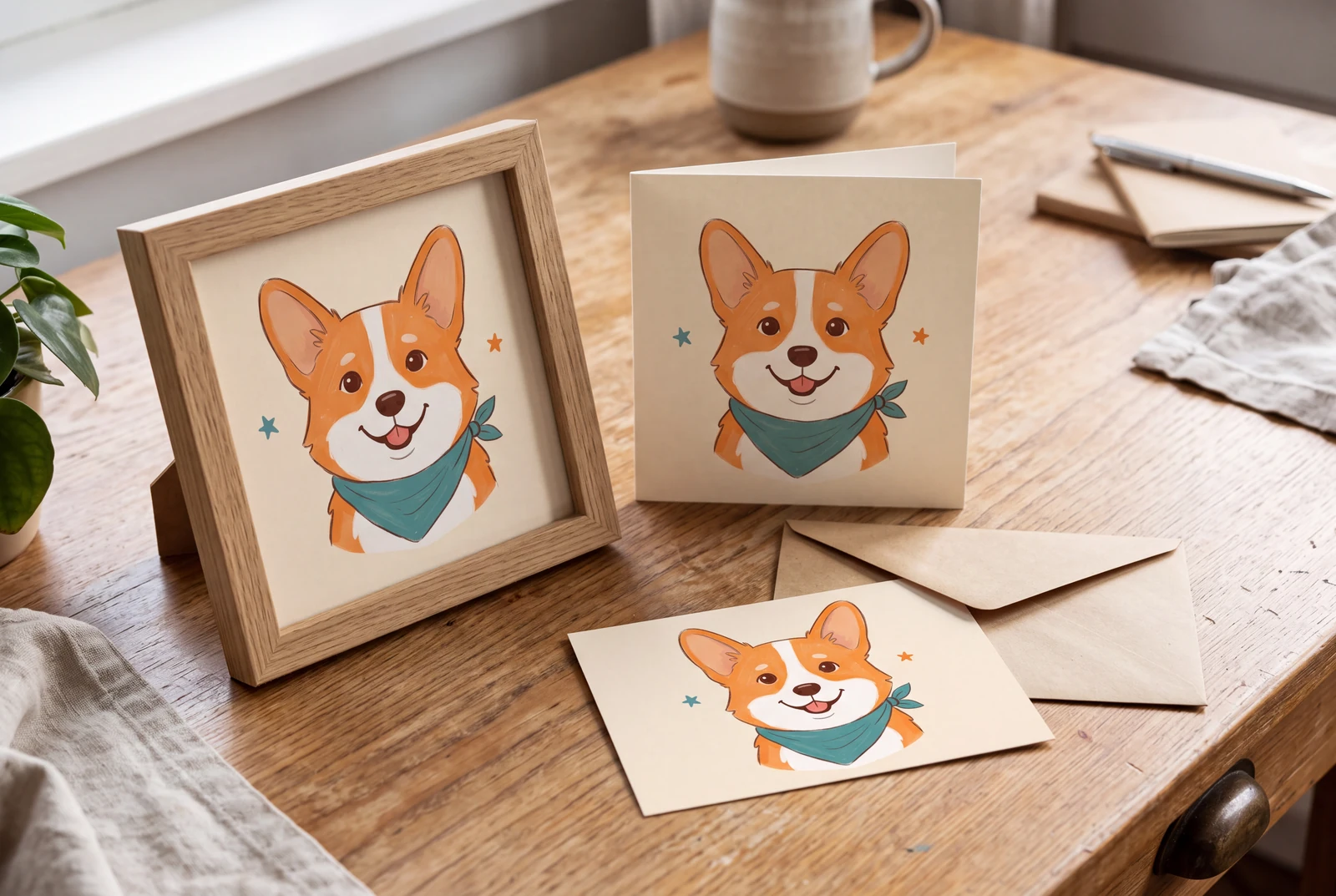
AI-generated lifestyle concepts with fictional people. These illustrate ways to use downloaded artwork; they are not customer trial photographs or proof of physical delivery.
Inspect four recorded image generations
These files have their own generation records. Inspect the original artwork and prompt separately from the presentation concepts and suggested prompts on this page.
 View original
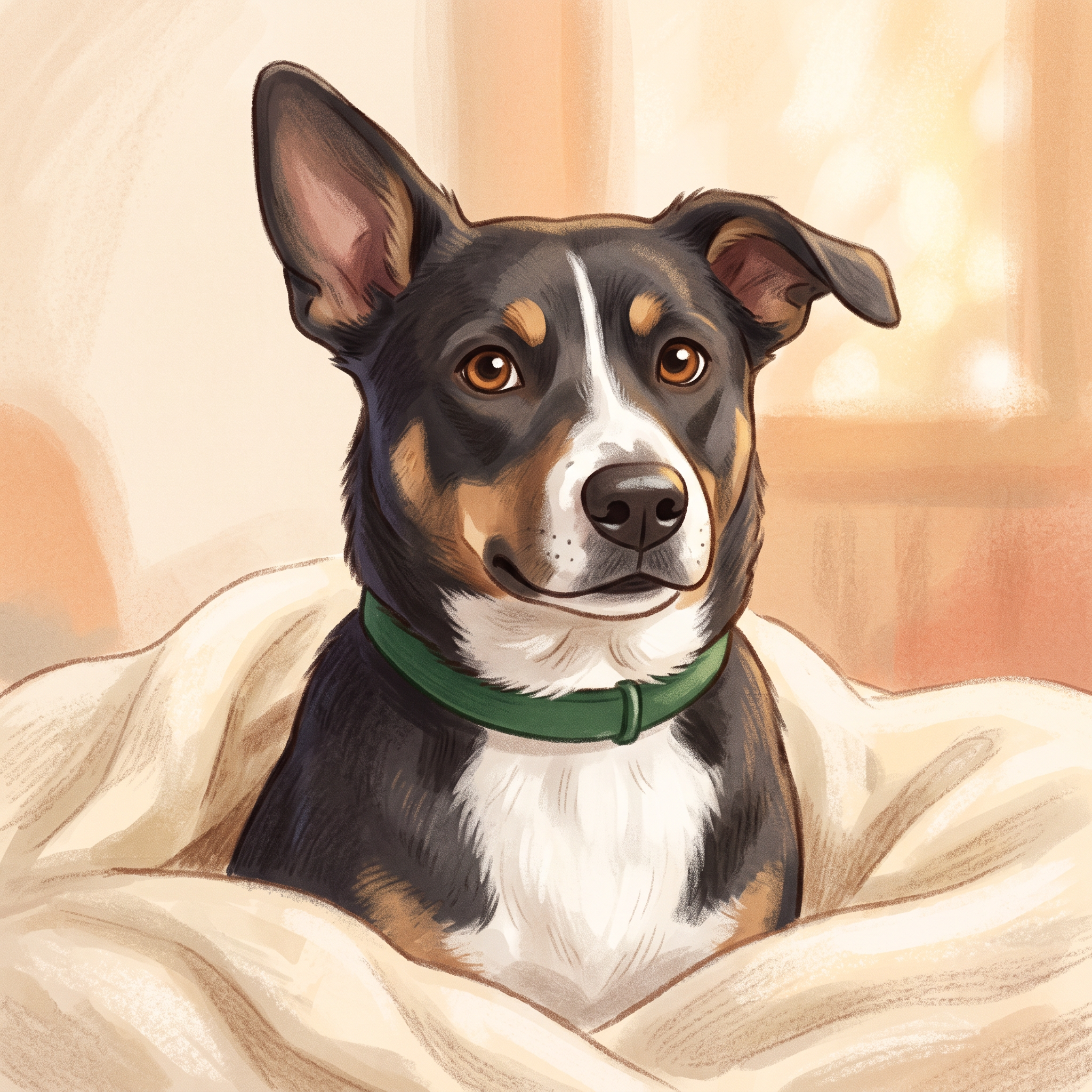
 Storybook
The actual synthetic input PNG was supplied to this generation. Reviewed matching upright and folded ears, tan brow spots, white snout and chest, and green collar in a warm storybook treatment. Fur and eye details vary; this is not a guarantee of exact pet likeness.
2048 × 2048 px · AI-generated example
Inspect prompt and generation record
Use the attached synthetic dog photograph as the actual visual reference, not merely as a loose breed suggestion. Preserve its broad white chest, narrow asymmetrical white snout blaze, tan eyebrows and cheek patches, dark coat, warm brown eyes, upright ear on the viewer left and softly folded ear on the viewer right, and plain forest-green collar. Keep the dog facing a similar three-quarter frontal direction with both ears visible. Render this same individual dog rather than a different breed. Create a polished warm storybook cartoon portrait of this dog on a cozy cream blanket, gentle hand-painted contours, soft textured gouache, friendly alert expression, uncluttered warm background, head-and-chest framing, no crown, no human clothes. Square portrait. Create one original polished image, not a collage, mockup, screenshot or sample grid. No existing fictional characters, franchise design, logos, signatures, watermark or readable writing. Any human is visibly an adult aged 25 or older, fully clothed and nonsexual. Do not imitate a named living artist. Keep the entire subject composition intentional.
- Model
- gemini-3.1-flash-image
- Provider
- Google Vertex AI
- Generated


 View original
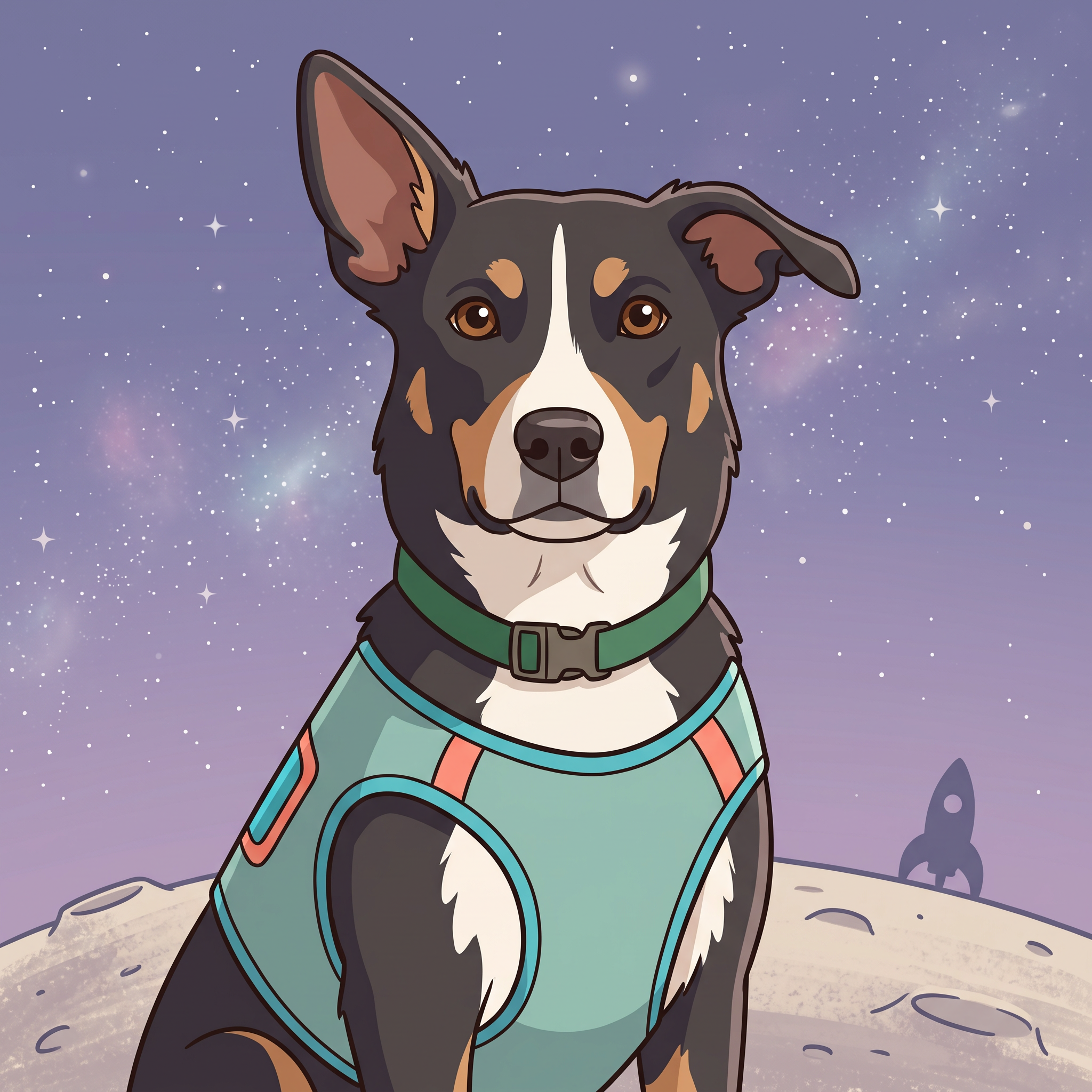
 Adventure
The actual synthetic input PNG was supplied to this generation. Reviewed the same asymmetrical ears, white blaze, tan markings and green collar in a new space-explorer setting. Costume and small facial proportions are deliberately stylized.
2048 × 2048 px · AI-generated example
Inspect prompt and generation record
Use the attached synthetic dog photograph as the actual visual reference, not merely as a loose breed suggestion. Preserve its broad white chest, narrow asymmetrical white snout blaze, tan eyebrows and cheek patches, dark coat, warm brown eyes, upright ear on the viewer left and softly folded ear on the viewer right, and plain forest-green collar. Keep the dog facing a similar three-quarter frontal direction with both ears visible. Render this same individual dog rather than a different breed. Create an original cheerful cartoon space-explorer portrait of this same dog. A simple soft teal explorer vest below the neck, no helmet covering the ears or face, sitting on a tiny moon ridge under a muted lavender starry sky. Head and upper body remain dominant, friendly illustrated shapes, tasteful cyan and coral accents, one small distant original rocket silhouette. Keep the collar and facial markings visible. Square portrait. Create one original polished image, not a collage, mockup, screenshot or sample grid. No existing fictional characters, franchise design, logos, signatures, watermark or readable writing. Any human is visibly an adult aged 25 or older, fully clothed and nonsexual. Do not imitate a named living artist. Keep the entire subject composition intentional.
- Model
- gemini-3.1-flash-image
- Provider
- Google Vertex AI
- Generated


 View original
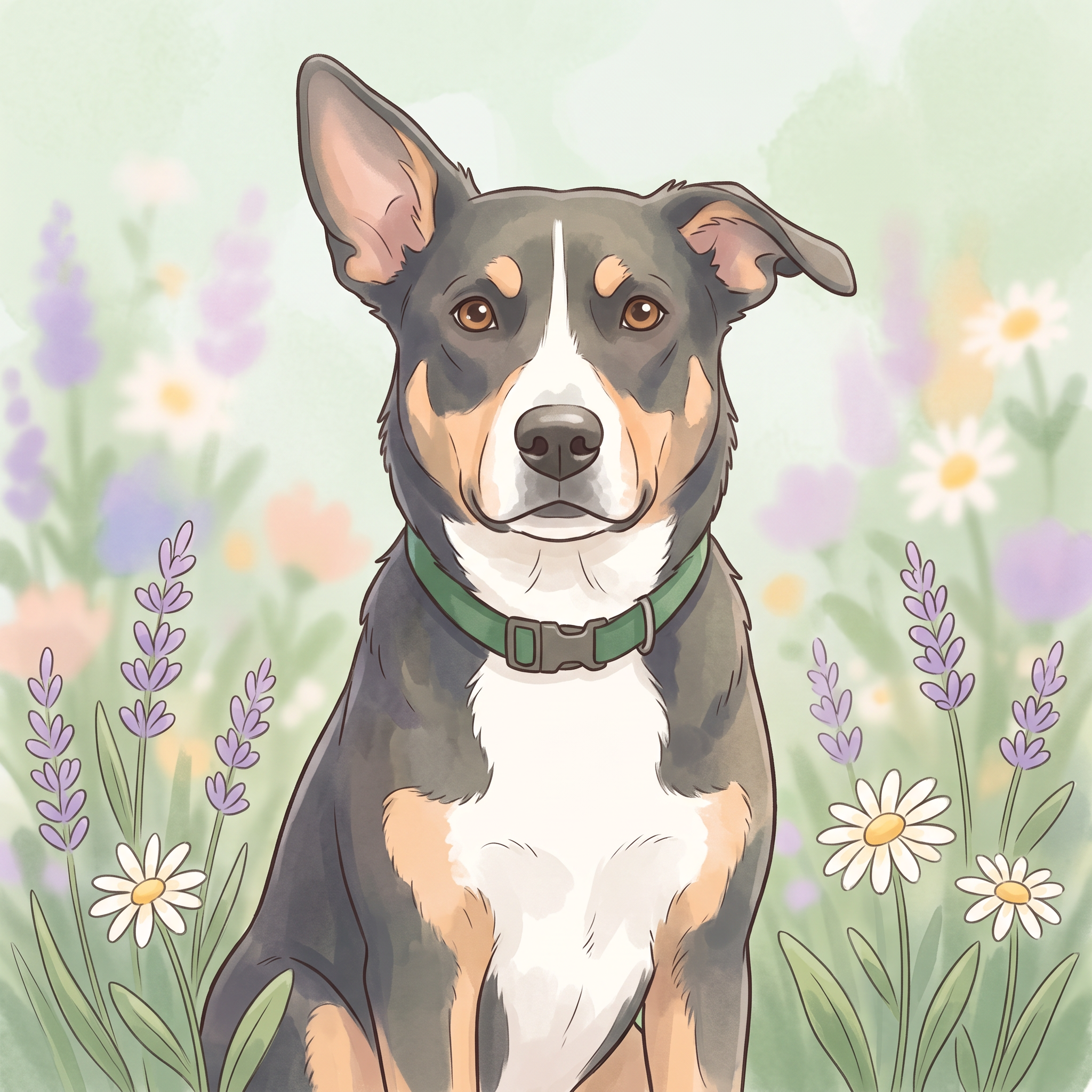
 Garden
The actual synthetic input PNG was supplied to this generation. Reviewed recognizable ear shapes, coat markings and collar with a soft garden treatment. Painterly color and fur details vary from the reference.
2048 × 2048 px · AI-generated example
Inspect prompt and generation record
Use the attached synthetic dog photograph as the actual visual reference, not merely as a loose breed suggestion. Preserve its broad white chest, narrow asymmetrical white snout blaze, tan eyebrows and cheek patches, dark coat, warm brown eyes, upright ear on the viewer left and softly folded ear on the viewer right, and plain forest-green collar. Keep the dog facing a similar three-quarter frontal direction with both ears visible. Render this same individual dog rather than a different breed. Create an original gentle pastel cartoon garden portrait of this dog sitting among a few lavender and daisy flowers. Soft outlined forms and delicate watercolor-like texture, sage green and pale apricot palette. The dog is clearly the focal point, fully readable face and both ears not hidden by flowers. Same collar, same markings, square composition and no ornate frame. Create one original polished image, not a collage, mockup, screenshot or sample grid. No existing fictional characters, franchise design, logos, signatures, watermark or readable writing. Any human is visibly an adult aged 25 or older, fully clothed and nonsexual. Do not imitate a named living artist. Keep the entire subject composition intentional.
- Model
- gemini-3.1-flash-image
- Provider
- Google Vertex AI
- Generated


 View original
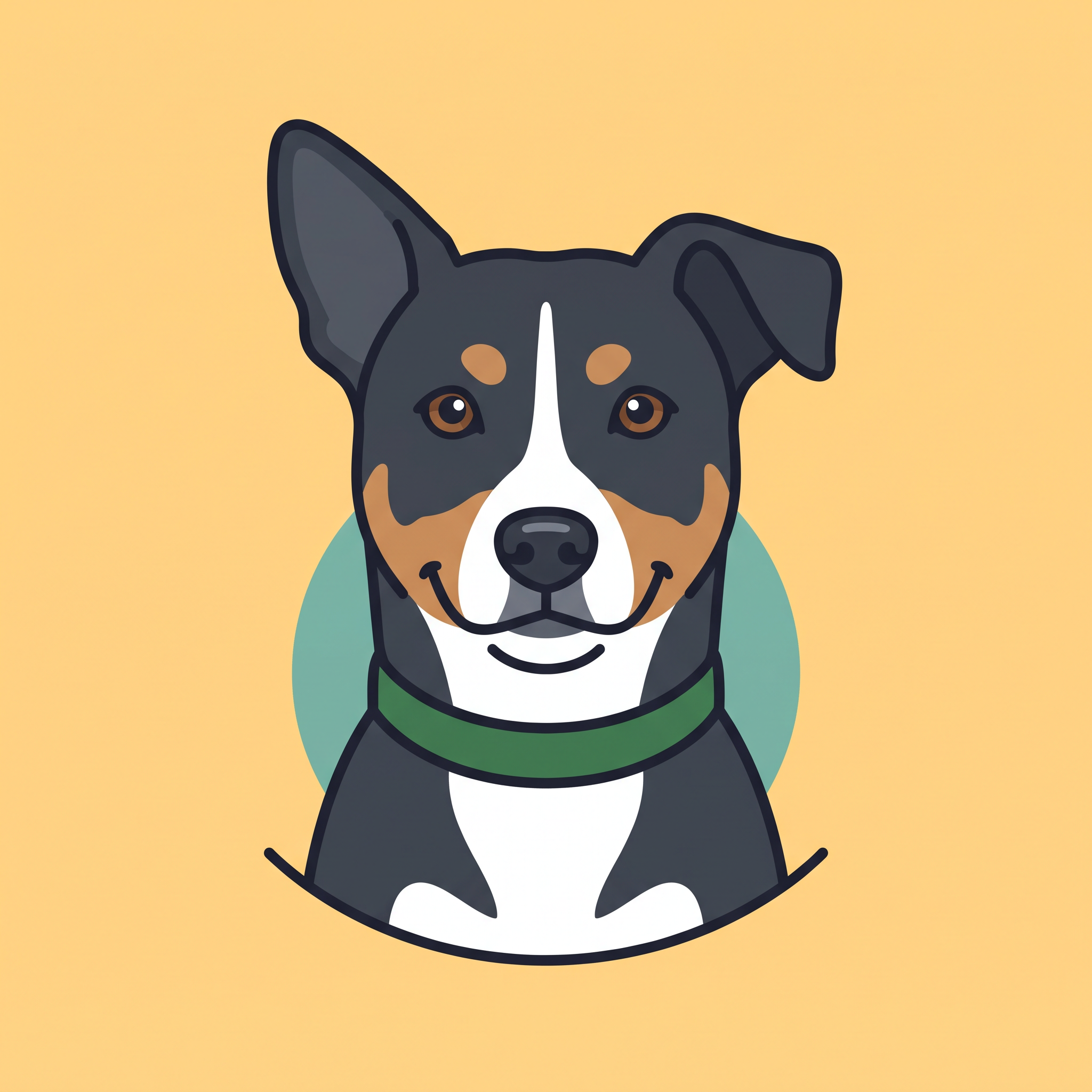
 Bold mascot
Reviewed revision 3 as a coherent flat-color dog bust with no residual photographic rug or paws. Text-generated lookalike; no reference image was supplied for this mascot. Not transformation evidence.
2048 × 2048 px · AI-generated example
Inspect prompt and generation record
Create one original, polished flat graphic mascot portrait on a completely uniform pale warm-yellow square background. A fictional adult mixed-breed dog with dark charcoal coat, broad white chest, a narrow asymmetrical white snout blaze, two tan eyebrow spots and tan cheek patches, warm brown eyes, and a plain forest-green collar. The triangular ear on the viewer left stands upright; the ear on the viewer right folds at its tip. Centered head and upper-chest bust, cheerful closed-mouth expression, thick clean consistent dark outlines, simplified flat navy/tan/cream shapes, a small restrained teal circle behind the shoulders. End the bust in a clean shallow curved lower outline above the lower image margin. All pixels must be graphic illustration, no photographic texture, no rug, floor, paws, background scene, clothes or accessories. No letters, brands, logos, watermarks or existing mascot likeness. This is a text-generated lookalike based on a written description of a synthetic dog, not a photo transformation or exact likeness demonstration.
- Model
- gemini-3.1-flash-image
- Provider
- Google Vertex AI
- Generated

Generation records describe these particular reference files, not a verified Studio run. Studio model choices and settings may produce a different result.
From a reference to a cartoon draft
The actual synthetic source PNG was provided inline to Vertex with the storybook prompt.
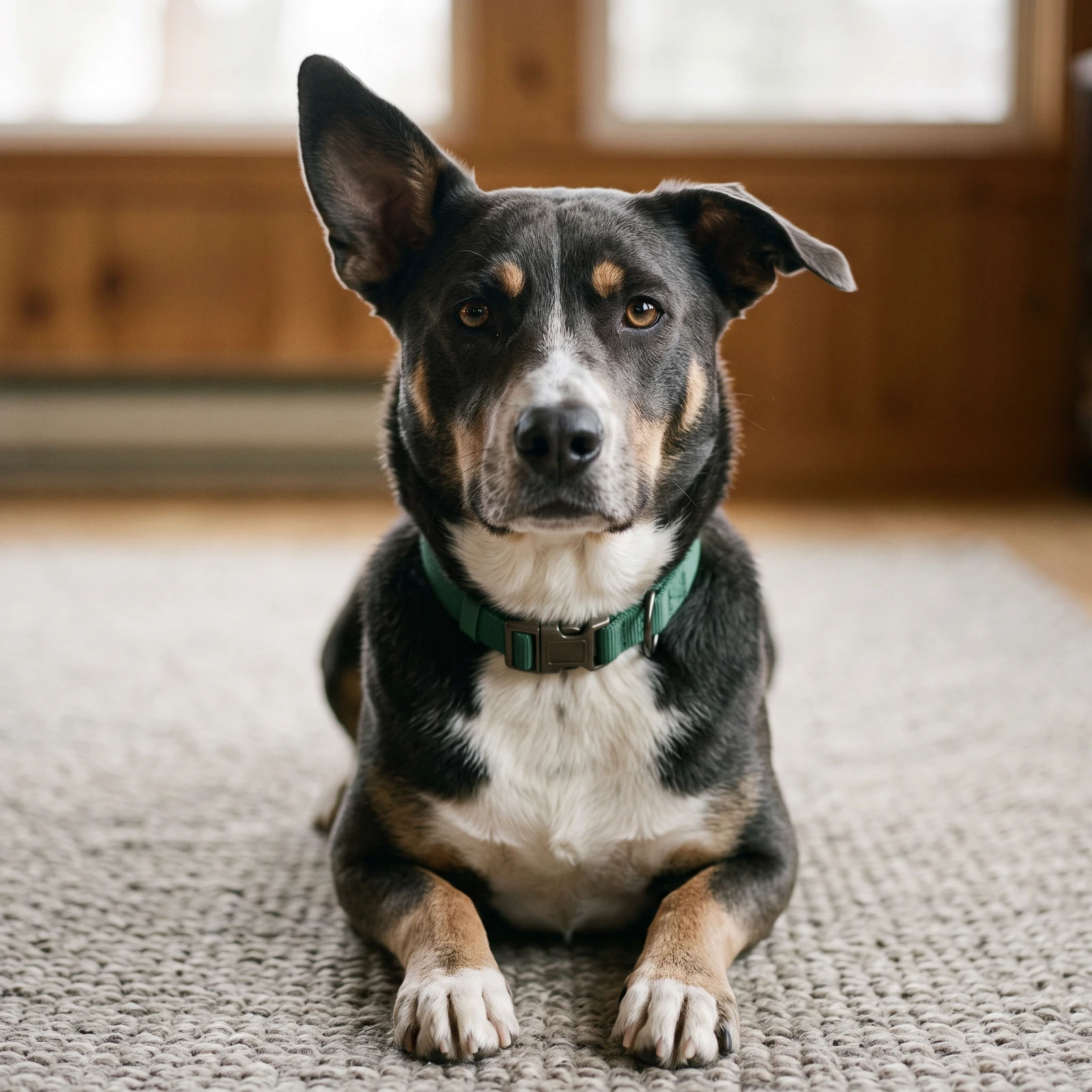
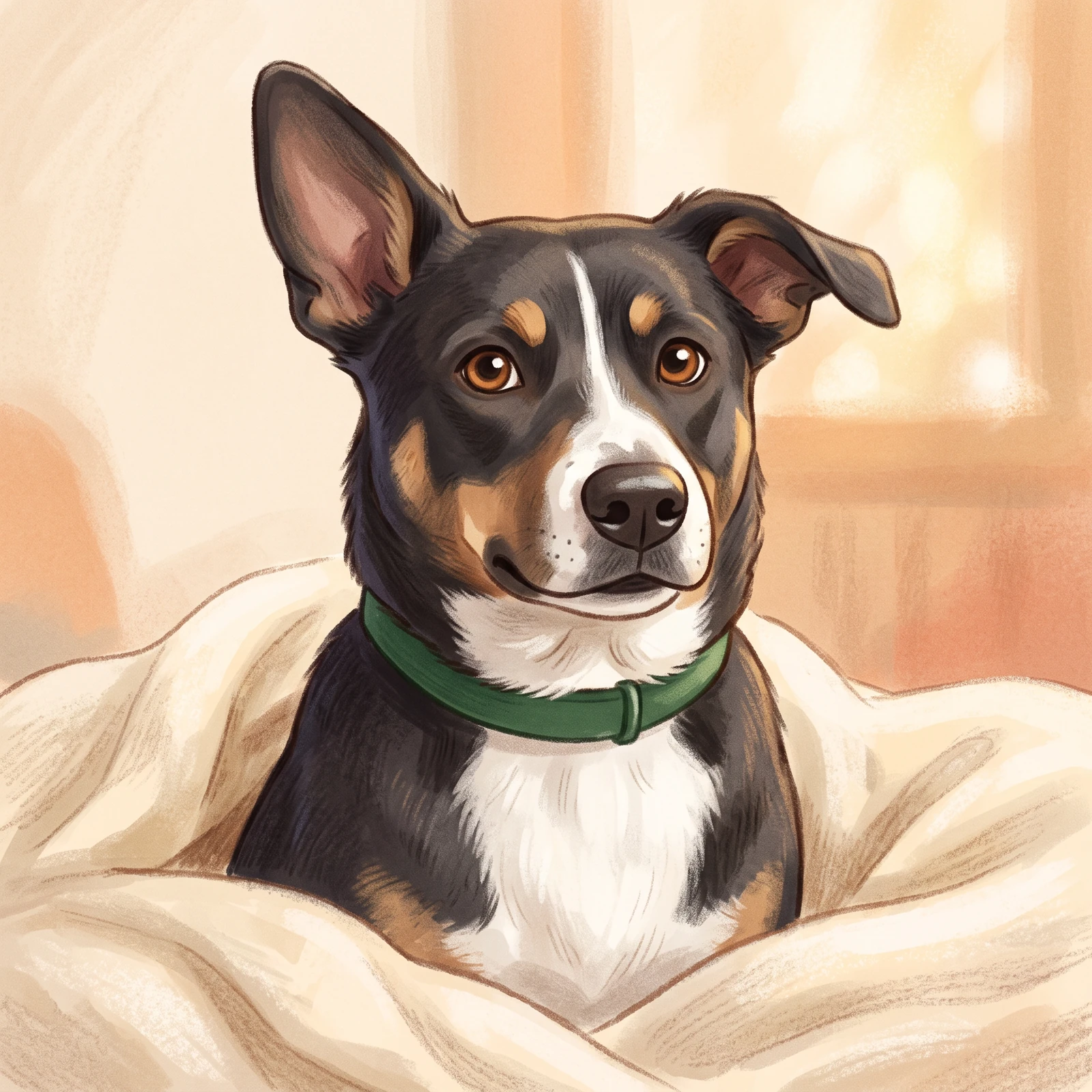
Synthetic dog reference, not a customer upload or screenshot from the page UI. Illustrated details can vary; this example does not guarantee exact likeness.
Open this source and prompt in StudioPlan and review this kind of image
These planning examples help you prepare and inspect a draft. Before generating, check the selected model's plan requirements and credit estimate in the image studio. Pixel sizes are editing targets; check the actual file dimensions and downstream requirements before final use.
A recognizable profile picture
- Prepare
- Choose a sharp head-and-shoulders photo with visible eyes, ears and coat markings. Example: a brown dog with a white nose stripe and one folded ear, photographed near a window.
- Set up
- In a reference-capable Studio workflow, attach the photo and request a simple storybook head portrait. A square composition leaves room for a later circular profile crop.
Before you use the draft
- Compare the eye color, nose stripe, ear shapes and muzzle with the source side by side.
- Preview a small circular crop; ears and the chin should not disappear at the edge.
If it needs another pass: If the result becomes a generic breed, name two or three visible identifying features and remove the costume or complex setting. If the source face is blurred, use a clearer photo rather than a stronger likeness claim.
Dark or pale fur against a readable background
- Prepare
- Use a photo where the outline separates from the background. For example, choose a pale wall behind a black cat so the ear and cheek shape are visible.
- Set up
- Ask for a restrained cartoon palette, visible eye detail and a plain contrasting background. Keep decorative accessories away from the face.
Before you use the draft
- Check that the eyes, ear tips and muzzle remain distinct at thumbnail size.
- Compare light and dark patches with the reference; lighting should not be mistaken for a new coat marking.
If it needs another pass: If fur merges with the background, ask for clearer edge contrast and a simpler setting. If a new patch appears, describe its correct location and review another result; do not assume exact marking preservation.
A gift-print concept with a separate print check
- Prepare
- Start with the clearest available photo and decide the intended print shape. Example: an 8 × 10 inch portrait, with the pet seated on a favorite blanket and no lettering.
- Set up
- Use a supported portrait canvas and keep the pet away from the edges. A printer asking for 300 pixels per inch would need 2400 × 3000 pixels for that example; this is a delivery requirement to check, not a generation guarantee.
Before you use the draft
- Inspect the actual file dimensions and ask the printer which size and crop are appropriate.
- Review facial details at full size and proof any separately added name before ordering a physical product.
If it needs another pass: If the file is too small, select a smaller print or a separate suitable image-finishing workflow. If the likeness is weak, fix that before enlarging; printing and framing are not supplied here.
- Nikon: photographing cats
Reference-photo advice on visible eyes, natural light and reducing distracting surroundings. No particular camera is required for this workflow.
One idea. Different ways to use it.
Choose the output that fits your project instead of starting from a generic image prompt.
Pet profile pictures
Create an illustrated portrait for a personal profile.
Gift-style illustrations
Explore a printable keepsake artwork direction; printing is separate.
Pet character concepts
Imagine your animal in a cozy illustrated world or story.
Make original artwork. Review with care.
Use reference material you have permission to share. Check the image for errors and respect third-party rights before using it commercially. LlamaGen creates image drafts; it does not guarantee exact similarity, ownership clearance or physical delivery.
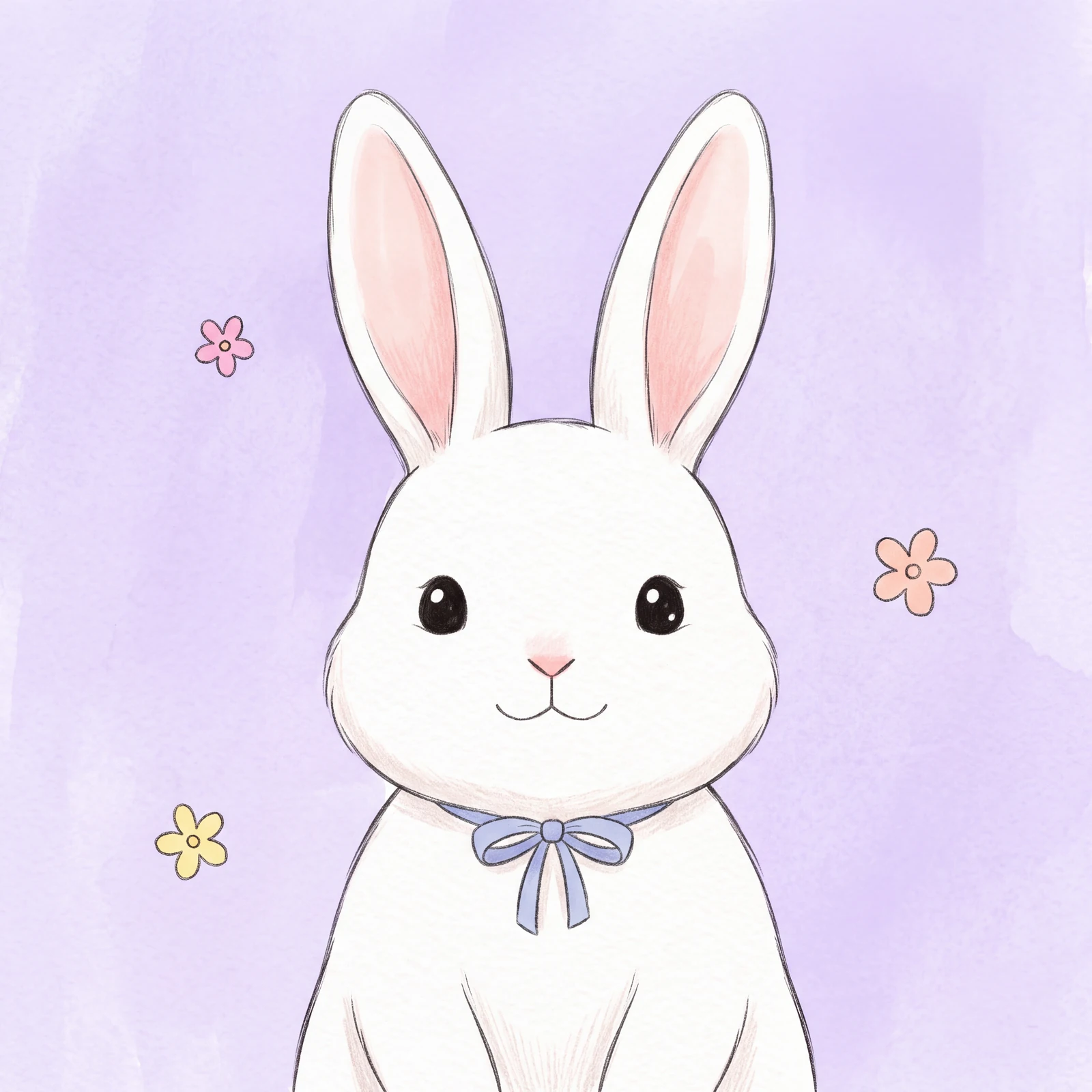
Created for a specific job
Dog owners
Use your dog's distinctive markings to guide the artwork.
Cat owners
Explore expressive portraits without masking the familiar face.
Pet-loving families
Create an original keepsake concept for a shared memory.
Gallery images illustrate visual directions, not guaranteed results or user testimonials.
Explore four creative directions
Each direction includes a starting prompt that you can edit in the image studio.
Storybook
Retain pet-specific visual details rather than inventing another breed.
Adventure
Change the setting without changing who the animal is.
Garden
Keep the pet as the focal point against the background.
Bold mascot
Try one key accessory without hiding distinctive features.
How to get started
Choose a clear pet photo
Use an image you own, preferably with a clear face and visible markings.
Pick a cartoon story
Describe an art style and one background without overwhelming the portrait.
Generate and review
Compare the eyes, markings and proportions with your source photo.
Check the result for your project
Review these details before you export, share or print your artwork.
Prepare a useful reference
Choose your own photo with the eyes, ear tips and coat markings visible. Crop away people, address tags and household details you do not want to share before uploading it in Studio.
Compare distinctive details
Keep the source photo beside the draft. Check left and right markings, eye color, ear shape and muzzle proportions individually; ask for a focused correction if the draft changes them.
Review the intended print
Preview the portrait at the size you plan to frame. Check the crop around ears and whiskers and inspect a small print before choosing paper or a larger frame. Physical production is separate.
Visual references and sample prompts
Open each direction to see what to describe and how to refine the output. The sample generation prompts are intentionally shown in English and can be edited in Studio.
Storybook
What to look for
Retain pet-specific visual details rather than inventing another breed.
Try this starting prompt
Turn my uploaded pet photo into a gentle storybook cartoon portrait, keep distinct face and markings
Try this prompt in StudioAdventure
What to look for
Change the setting without changing who the animal is.
Try this starting prompt
Draw my pet as an original cheerful cartoon space explorer, preserve ear shape, coat markings and expression
Try this prompt in StudioGarden
What to look for
Keep the pet as the focal point against the background.
Try this starting prompt
Turn my pet photo into a cartoon in a flower garden, gentle pastel colors, soft outlines, recognizable fur pattern
Try this prompt in StudioBold mascot
What to look for
Try one key accessory without hiding distinctive features.
Try this starting prompt
Create a bold flat-color cartoon portrait of my dog, clearly readable silhouette, simple colored background
Try this prompt in StudioFrequently asked questions
Do I need to upload a pet photo?
It helps preserve your own pet's appearance, but you may also describe an imagined animal. Upload in Studio after following the hero CTA.
Will the portrait exactly reproduce my dog's markings?
Not always. Reference-guided generation can change details; check them carefully and refine the prompt.
Is this a cartoon avatar or a physical printed product?
It produces digital image concepts. Physical printing, framing or delivery is not included.
Does this duplicate Photo to Cartoon?
This page is specifically about pet likeness, coat markings, ears and expressive animal portraiture; Photo to Cartoon covers general subjects.
Useful tools and resources
Pet Reference Gallery
See more illustrated pet directions.
Photo to Cartoon
Explore photo-to-illustration workflows.
Terms of Use
Review your use rights and output conditions.
Continue your creative workflow
Give your pet a starring role
Start from your own photo and explore a friendly cartoon portrait. Compare the result with the eyes, markings and ear shape in your reference before keeping it.
Your prompt opens in the image studio. Sign in, choose an available model, add a reference image if needed, and review credits before generating.
Explore a visual direction