

Print a Storybook Generator PDF for Kids
Generate a children's storybook and download a printable storybook generator PDF after you review the illustrated preview.
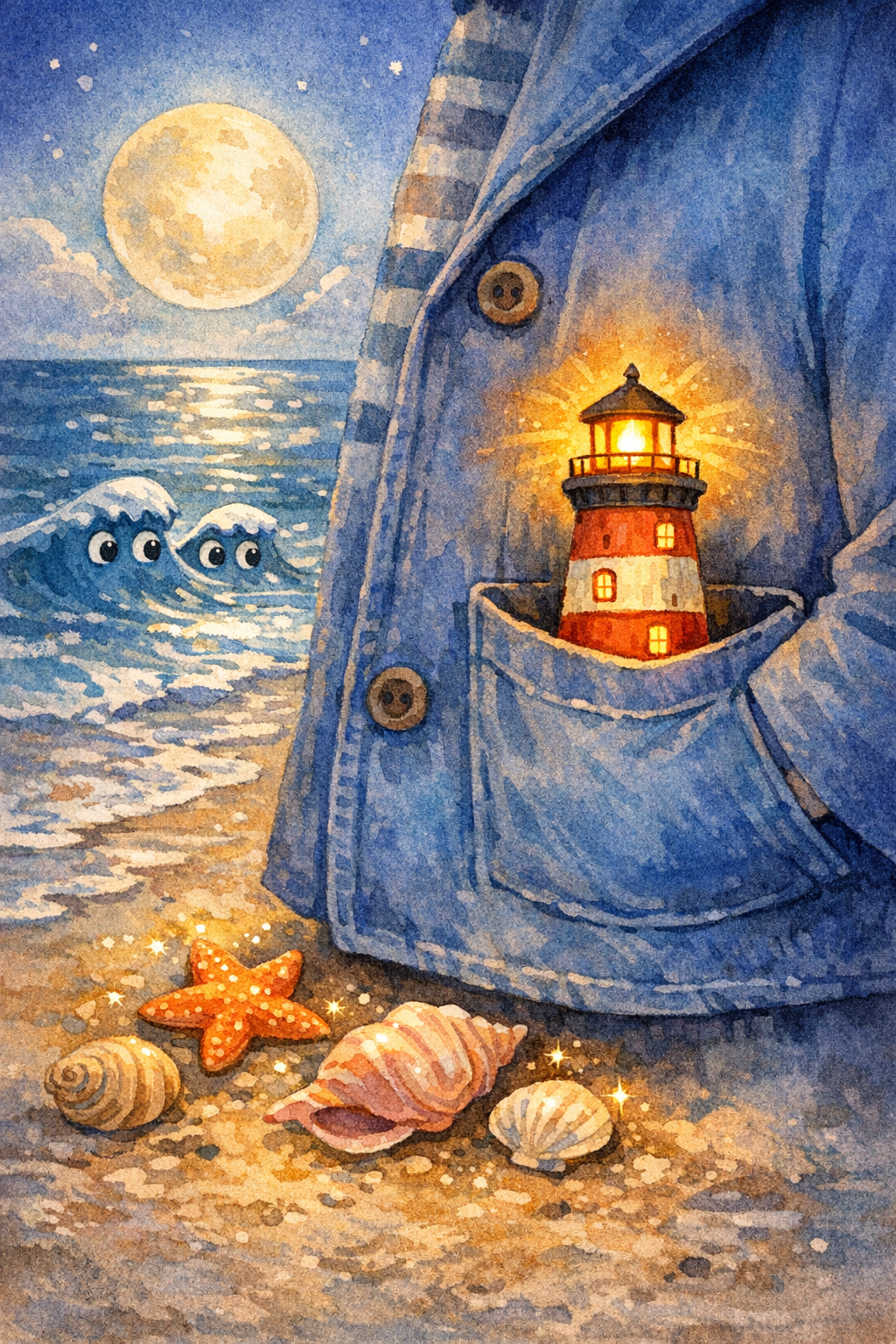
Example preview
The Pocket-Sized Lighthouse
A child carries a tiny lighthouse across a moonlit beach to guide a lost paper boat home.
Opens the comic studio with the same character locked across pages.
What’s your story?
Paste your story, then choose the page count and layout.
Same face
Lock the child, clothes, and age so every page stays one character.
8-10 pages
Write a short serial, not a one-off image. Continue the same book in Studio.
Pick a format
Picture book, bedtime comic, classroom strip, or vertical read-aloud pages.
Story plan
Create a children's book with AI
Start from a prompt and create a children's book, storybook, or picture-book preview.
Browse real books, buy a credit pack or membership, generate a StoryHug book, then export when eligible.
Preview the illustrated story first
Export a printable storybook PDF
Keep characters consistent across pages
Ways to personalize it
Use case
Generate a children's storybook and download a printable storybook generator PDF after you review the illustrated preview.
Use case
Use this page when your project needs printable storybook PDF export instead of a generic AI writing tool.
Use case
Continue into StoryHug for examples, transparent paid book generation, PDF export and optional add-ons.
Made for your audience
Built for Creators who want to compare tools and start a book now.
Creators who want to compare tools and start a book now. Use the StoryHug workspace to explore examples, create a preview, and choose an export or add-on only after the story and illustrations feel right.
Start with one child, age range, language, theme, and original companion character.
Generate a 10-page preview with consistent illustrations and child-safe story text.
Upgrade only after the preview works for PDF, print, narration, music, video, classroom, or KDP workflows.
Choose how far to take your book
Generate a StoryHug book using purchased credits; eligible accounts can then export its PDF.
Paid generation
A 4–10 page StoryHug book uses 900–1,800 credits. A one-time pack starts at $4.99 for 3,000 credits.
PDF export
High-resolution PDF download follows the account’s qualifying paid entitlement.
More creation plans
Starter $9/month, teacher plans and additional credit packages are available.
Best first wedge
Start with personalized bedtime books for parents of children ages 2 to 6. The job is simple: help a child process one small feeling or habit in five minutes.
Safety and originality
Every preview checks child-safe tone, dangerous content, protected IP, and private child details before it is saved.
PDF export path
The preview is intentionally short. Paid export keeps the book compact enough for printable PDFs and publishing workflows.
Related AI generator pages
Explore related story ideas, formats, and book-making workflows.
Explore more ways to create a children's book
Compare story creation, multimedia, character consistency, publishing, and bedtime-reading workflows to find the next useful step for your project.