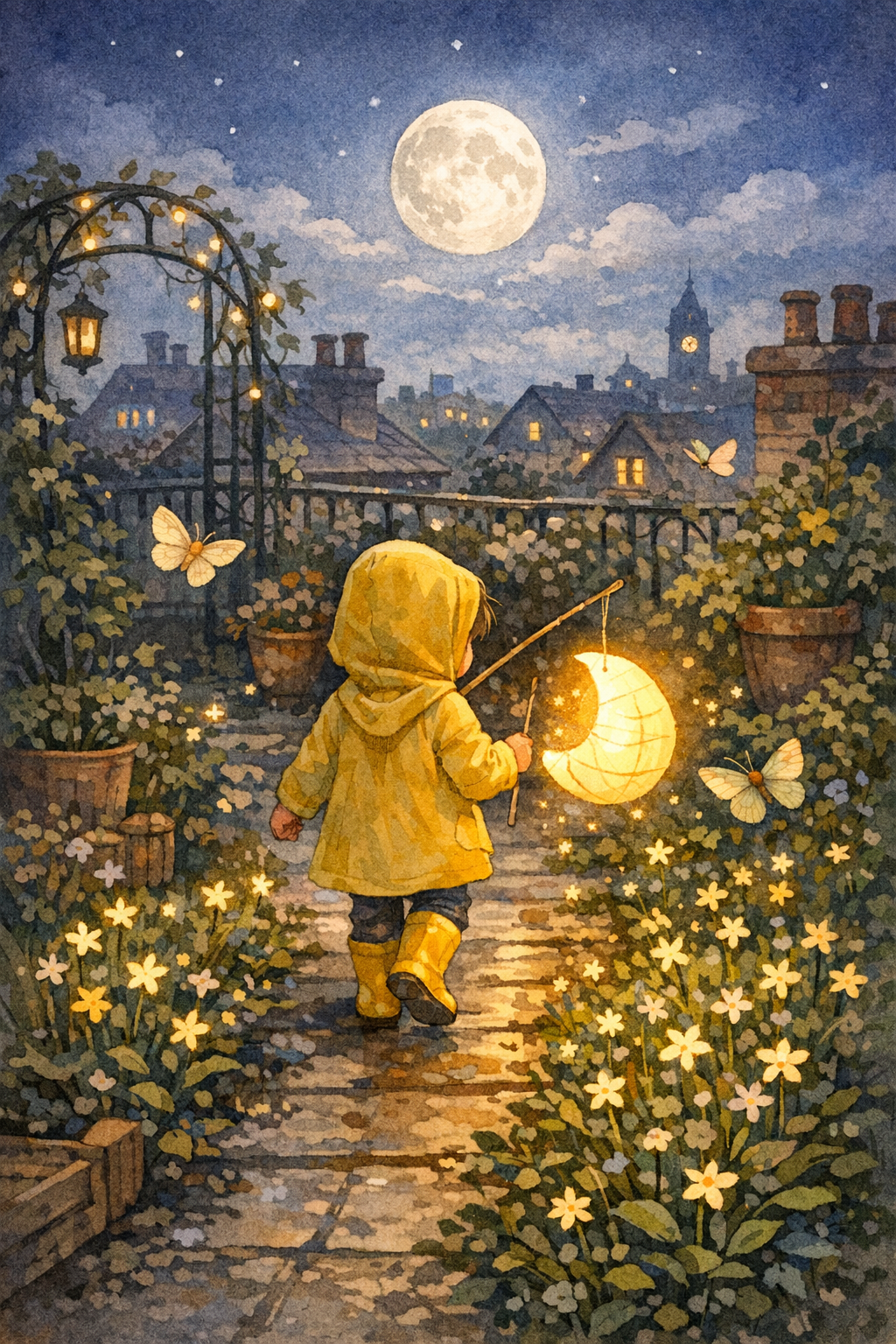
The Paper Moon Parade
A child in yellow rain boots helps a shy paper moon find its place in a rooftop garden.


Children's book maker · StoryHug
Start with a bedtime adventure, a classroom lesson or a family memory. Browse real illustrated examples, then create and revise the pages in StoryHug.
Opens the comic studio with the same character locked across pages.
Paste your story, then choose the page count and layout.
Same face
Lock the child, clothes, and age so every page stays one character.
8-10 pages
Write a short serial, not a one-off image. Continue the same book in Studio.
Pick a format
Picture book, bedtime comic, classroom strip, or vertical read-aloud pages.
ICP first
The first choice is a story purpose, not a credit plan: bedtime reassurance, learning, family memories or imaginative play. Once the story has a direction, make and review its pages in the full editor.
Create a calm picture book for a feeling, habit, family transition, or special occasion instead of starting from a blank AI prompt.
Build short classroom storybooks for lessons, routines, bilingual reading, emotions, safety, holidays, and student discussion.
Use the preview as the source for PDF export, narration, music, story video, print planning, commercial checklists, and KDP-ready drafts.
A child in yellow rain boots helps a shy paper moon find its place in a rooftop garden.
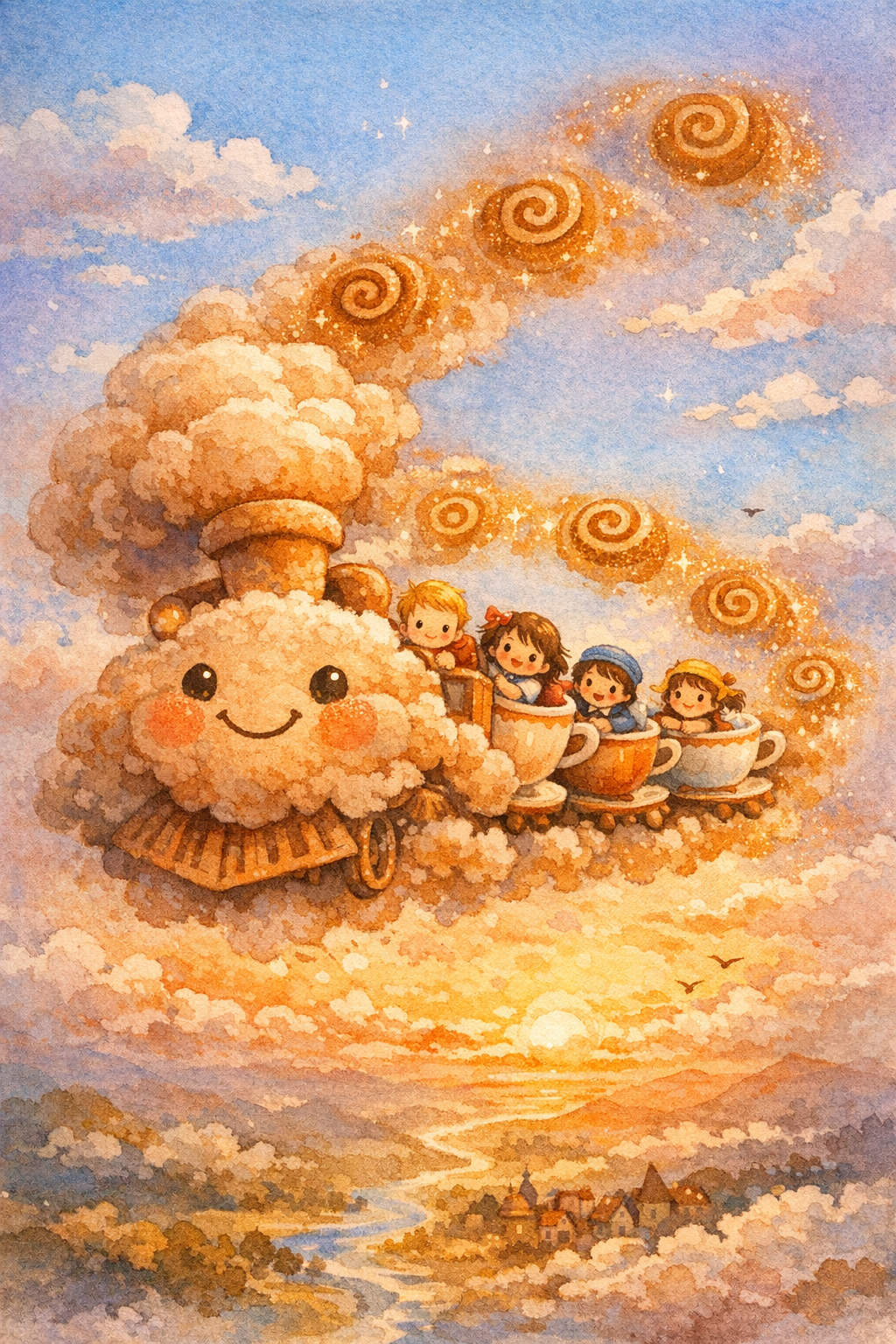
A breakfast-scented cloud train carries sleepy children to a picnic above the morning sky.
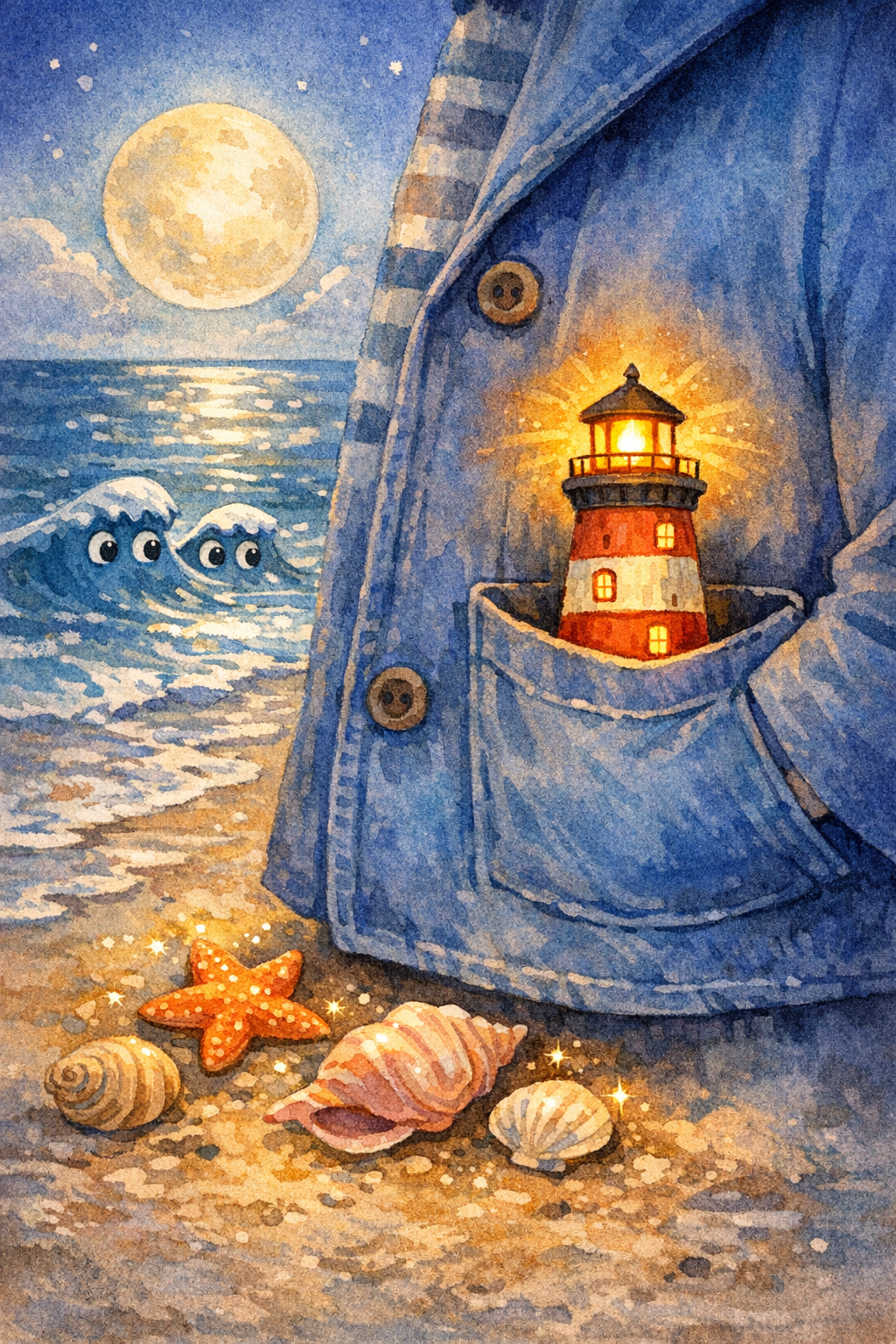
A child carries a tiny lighthouse across a moonlit beach to guide a lost paper boat home.
Real illustrated examples
Browse original covers and page examples to understand the reading experience, then continue into Studio for your own story. Book credits and package prices are explained below.
Gallery
Preview real StoryHug covers and scenes before creating a personalized children's book. Each example shows the kind of visual output parents, teachers, and creators can evaluate before upgrading.
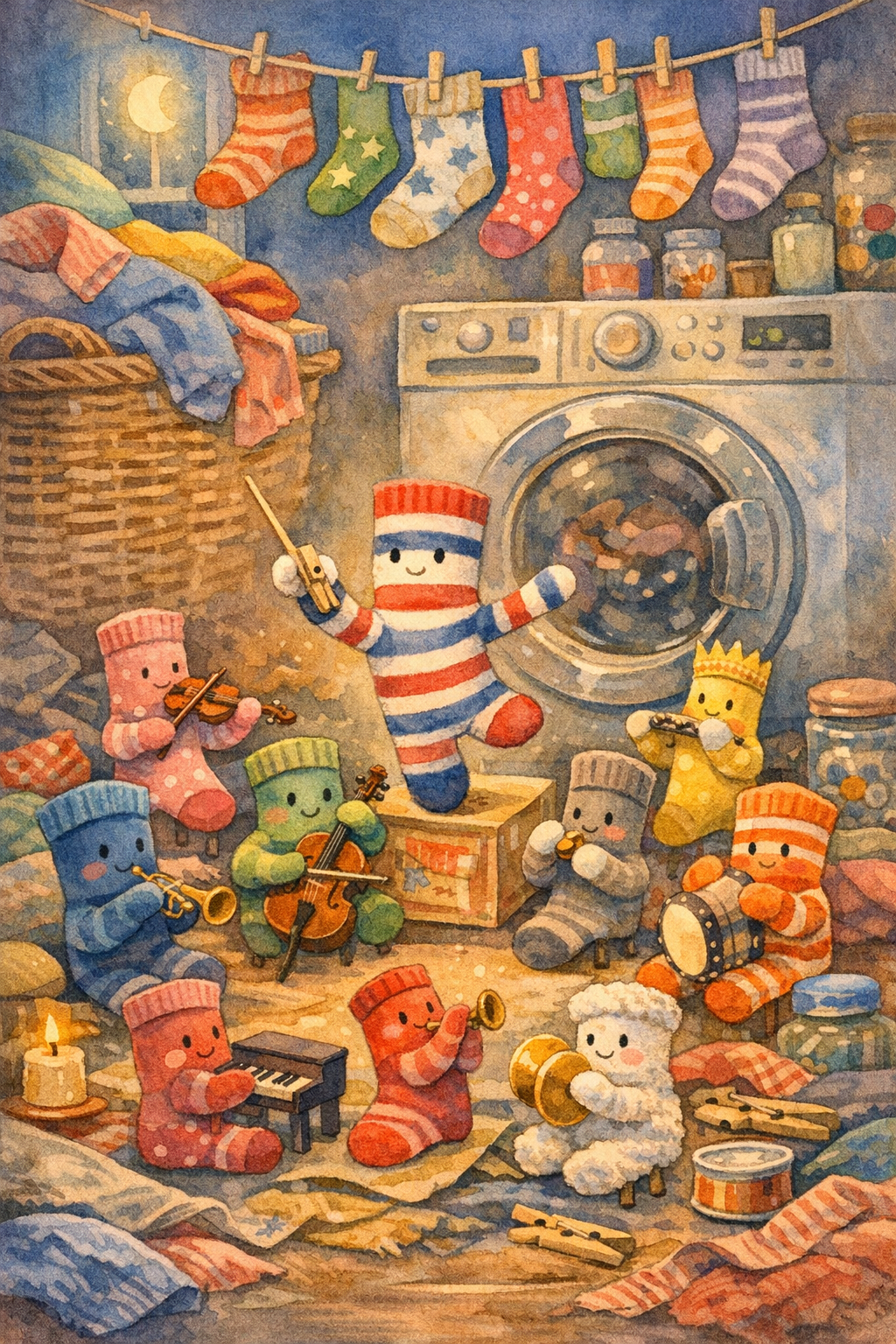
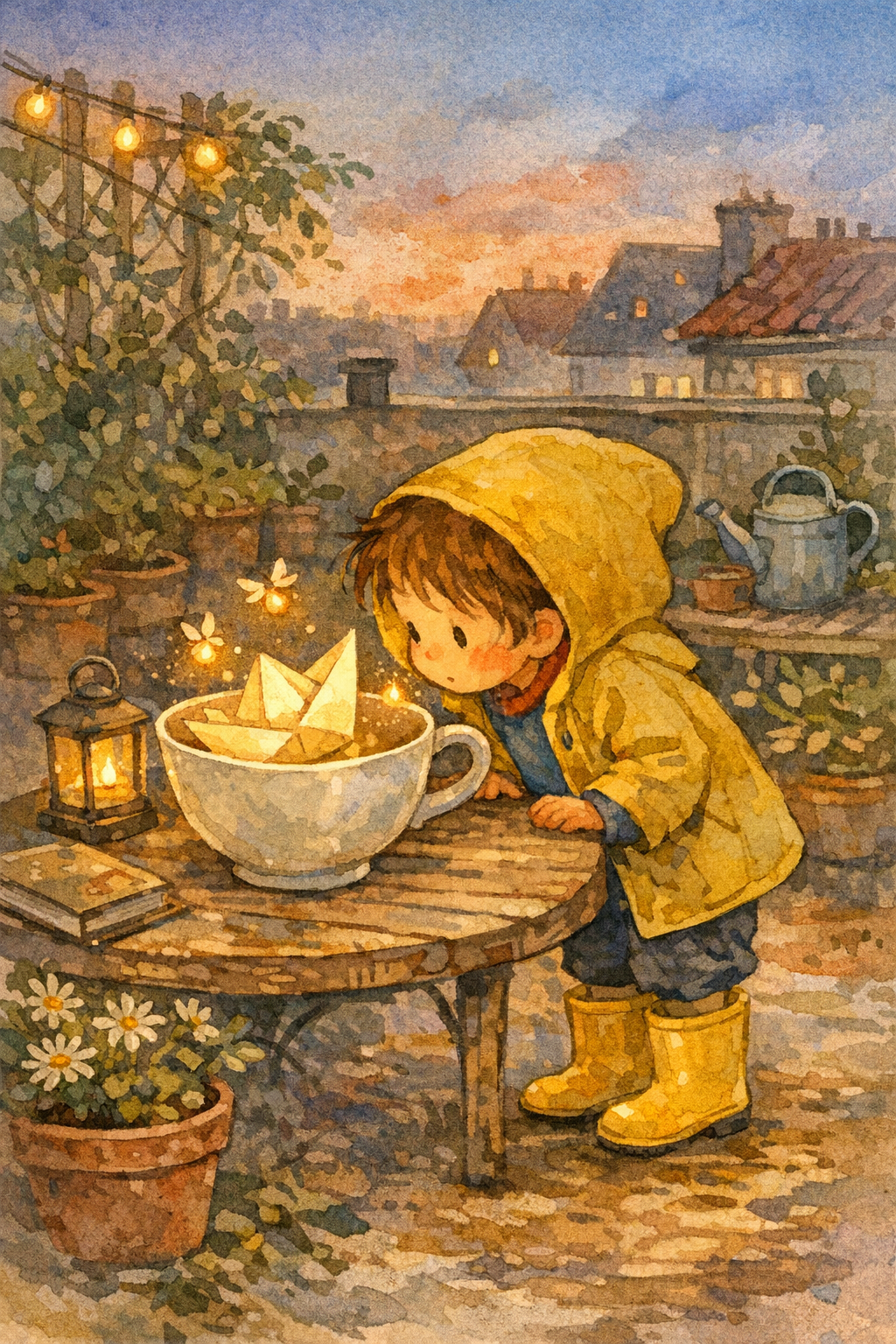
The /storybook page now acts as the broad entry point for children's storybook maker intent. This hub routes visitors into the deeper StoryHug series: examples, personalized creation, read-aloud audio, story video, PDF export, classroom packs, and publishing prep.
Use /storybook for the broad children's storybook maker intent.
Open storybook makerUse /childrens-books to route visitors by parent, teacher, creator, and publishing intent.
View hubUse the comic studio when the visitor is ready to generate a picture-book preview.
Create in StudioThe book starts with a real reader, not a plan tier. Choose a personal adventure, one learning goal, a keepsake, or a story invented by a child.
Describe a child's age, interests, favorite place and recurring character appearance. For photo references, check the available project tool and obtain permission.
Story idea
A young explorer and a pet dog find a secret birthday garden.
Plan one learning goal—kindness, emotions, a school routine or the water cycle—and check the age level and accuracy of the finished pages.
Story idea
A little raindrop learns why clouds become rain.
Turn a trip, visit to grandparents or milestone into a page sequence. Plan a dedication and review the layout and media options of the full editor.
Story idea
Grandma's rainy camping trip becomes a magical adventure.
Listen to a child's idea, write it down or use compatible device dictation, then review the generated text together. Do not assume on-device speech processing.
Story idea
A friendly dragon meets a shy classmate on the first day of school.
Choose the story first. Continue with creation and editing in StoryHug; the credit and package options are explained below.
Create your picture book
Look through original StoryHug covers and page sequences for visual inspiration. Think about a central character, the reading age, the story arc and whether each scene helps the reader.
Search examples
Describe the hero, favorite interests, family context or one classroom learning goal. Then choose a page structure and check character and illustration consistency in the editor.
Create a paid StoryHug book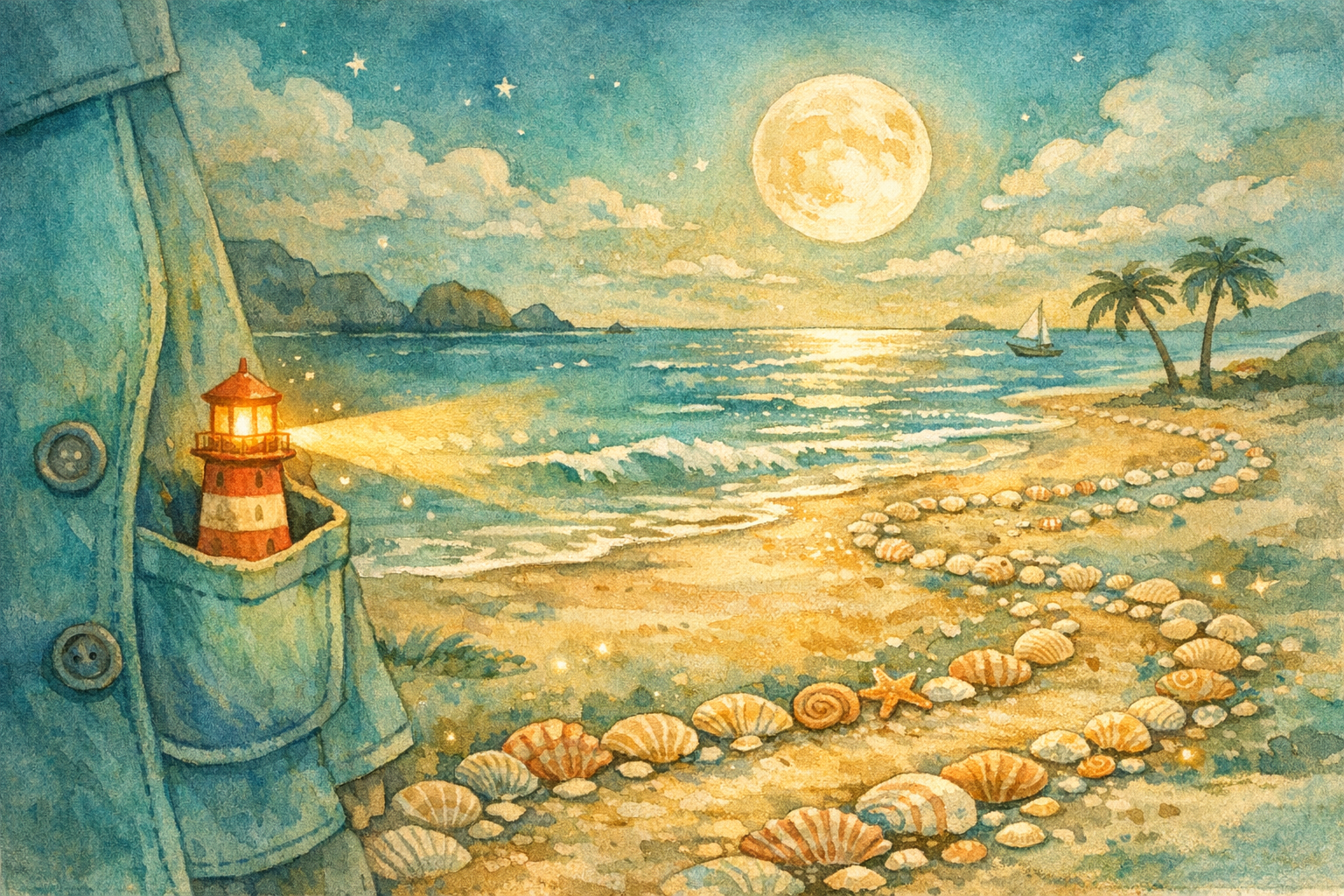
Read the pages aloud, check the spelling and continuity, and explore available PDF, audio and print-preparation workflows. Media uploads and final delivery depend on your project tools and permissions.
View paid optionsA 4-page book uses at least 900 credits, with up to 1,800 credits for ten story pages, cover and character reference. Prices below describe actual purchases, not a fixed dollar charge per book.
$4.99 one-time
3,000 credits. Start creating without a recurring subscription; covers at least one 4–10 page illustrated book.
Buy a credits package →$9 / month
7,500 monthly credits and a recurring membership. Renews until cancelled.
Compare memberships →$13.99 / month
20,000 credits per month for teaching and multiple classroom picture books.
See teacher plan →$4.90 first month
7,500 credits in the first month, then $9/month with automatic renewal.
See education offer →Sensitive content, dangerous content, protected IP, and child privacy checks.
Compact pages share one coherent picture-book art direction.
The product path supports English, Chinese, and bilingual family reading.
A qualifying purchase and sufficient credits are required to generate; PDF access is checked against the account's paid entitlement.
Choose a meaningful idea, look at real example books, purchase sufficient credits and then review the finished illustrated pages.
Pick the reading age, a character and one purpose: bedtime, an important memory or something to learn.
Explore real examples, then use a paid StoryHug workflow with enough credits to generate the character reference, cover and story pages.
Read the book page by page, revise text and illustrations in the available editor, and use suitable export or reading options.
Understand the credits charged for generation separately from the minimum dollar amount required to purchase a credits package.
A $4.99 one-time credit purchase grants 3,000 credits—enough for at least one complete illustrated 4–10 page book.
The paid purchase and available credits are required before creating a new illustrated book.
Parents can generate multiple stories for children, languages, and bedtime themes.
Classrooms can pay for topic packs around emotions, science, safety, holidays, and reading lessons.
Commercial checklists, trim templates, cover generation, batch export, and AI content disclosure reminders support creators.
Move through the connected StoryHug content system: AI picture books, bedtime stories, read-aloud audio, story videos, consistent-character illustrations, KDP-ready drafts, classroom packs, and export workflows.
Explore ai generator ideas, examples, and book-making workflows.
Explore story creation ideas, examples, and book-making workflows.
Explore video and audio ideas, examples, and book-making workflows.
Explore illustration ideas, examples, and book-making workflows.
Explore publishing ideas, examples, and book-making workflows.
Explore reading intent ideas, examples, and book-making workflows.
Start with a personalized bedtime adventure, a classroom learning story, a birthday memory or another original idea. Review the illustrated pages and character consistency before sharing.
You can describe an original hero with your child's interests and appearance. If your workflow accepts reference photos, get permission and review privacy settings before uploading identifiable images.
Yes. Give the story one specific learning goal and a reading age. Check the text and visual examples for accuracy and suitability before classroom use.
An adult can write down the child's spoken idea or use dictation supported by their device. The availability of recording and voice tools depends on the chosen Studio workflow; private on-device audio handling is not promised here.
The illustrated 4–10 page StoryHug generation uses 900–1,800 credits including its cover and character reference. One-time credits start at $4.99 for 3,000 credits; generation requires a qualifying purchase and enough credits. The pack price is not a fixed per-book charge.
Plan a classroom or family story and start an illustrated draft with original characters.
Create a storybook →Bedtime, first-day-of-school, birthday or a family memory—choose a story, explore illustrated examples and then create with a qualifying paid plan or credit package.