

Coloring pages
Free Coloring Book Maker
Build a real book from finished pages without asking an image model to generate each selection. The cover title and book selection stay in this browser.
Open book maker
Your selection is saved in this browser. Imported pictures stay in this open session. Download your finished file before leaving.
Choose your pages
Showing 1–24 of 1,162
Choose a PNG, JPEG or WebP up to 20MB. It stays in this browser and is not uploaded.
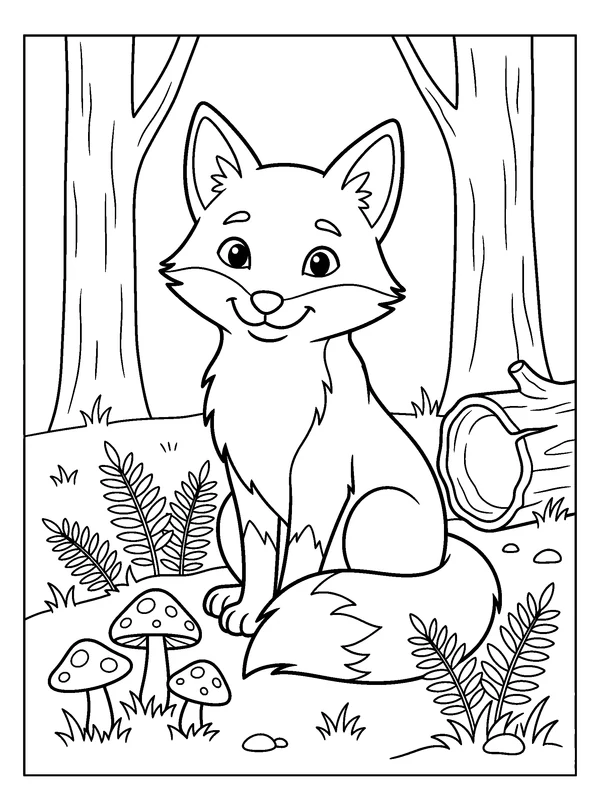
Woodland Fox
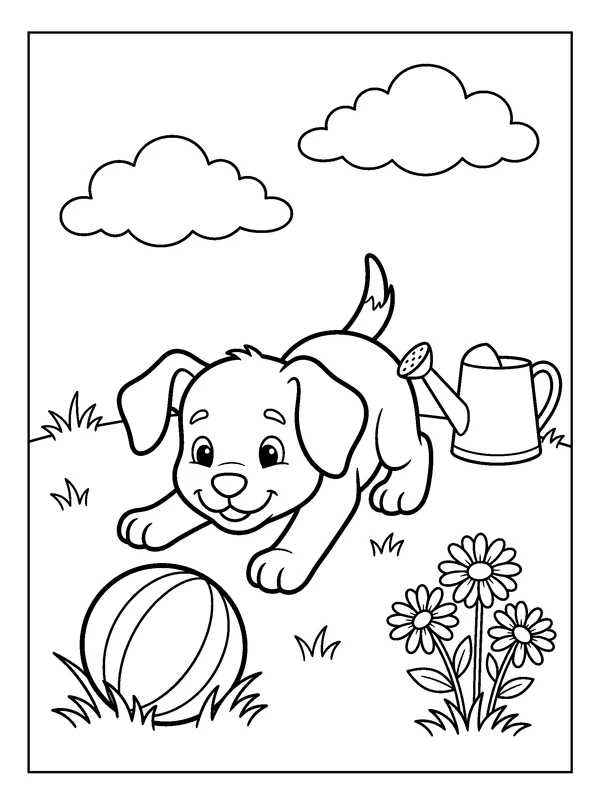
Playful Puppy
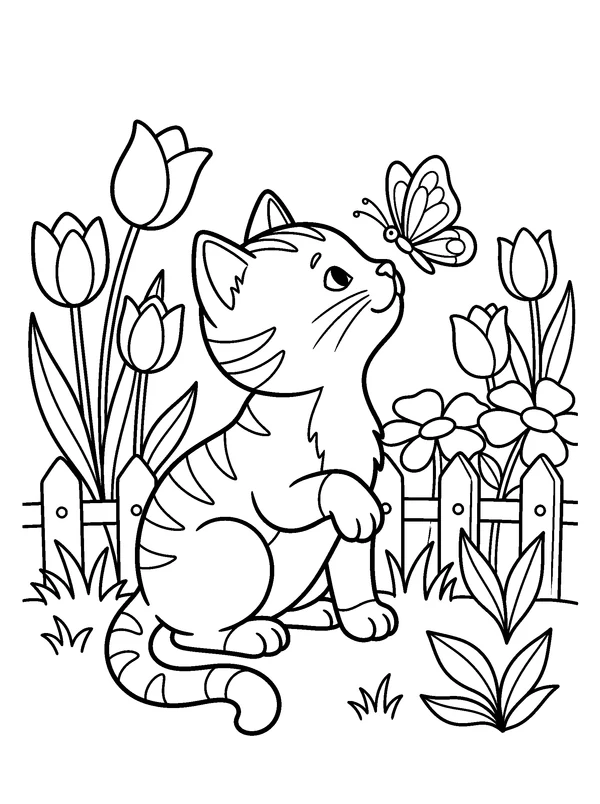
Garden Kitten
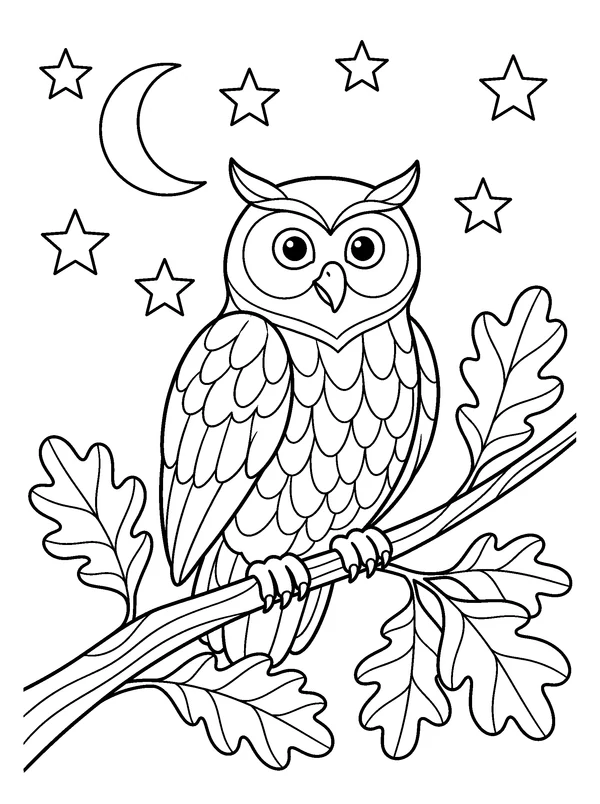
Forest Owl
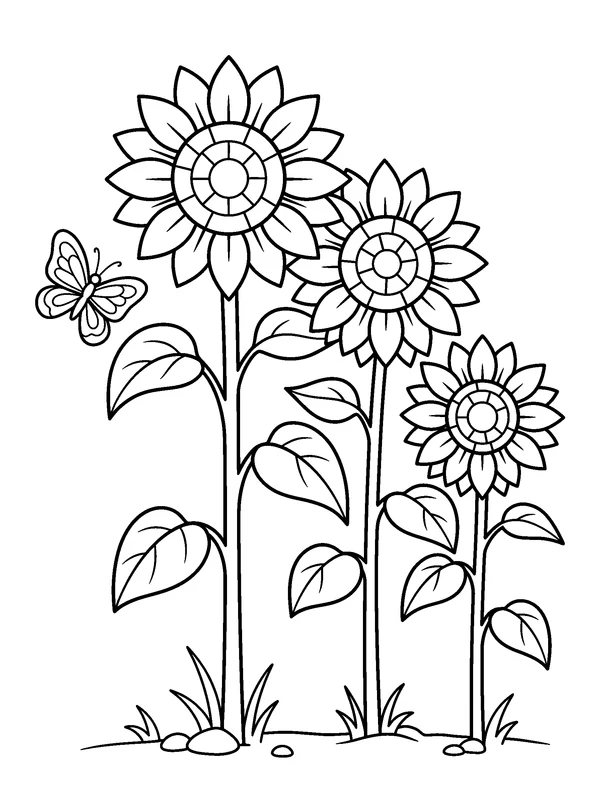
Sunflower Garden
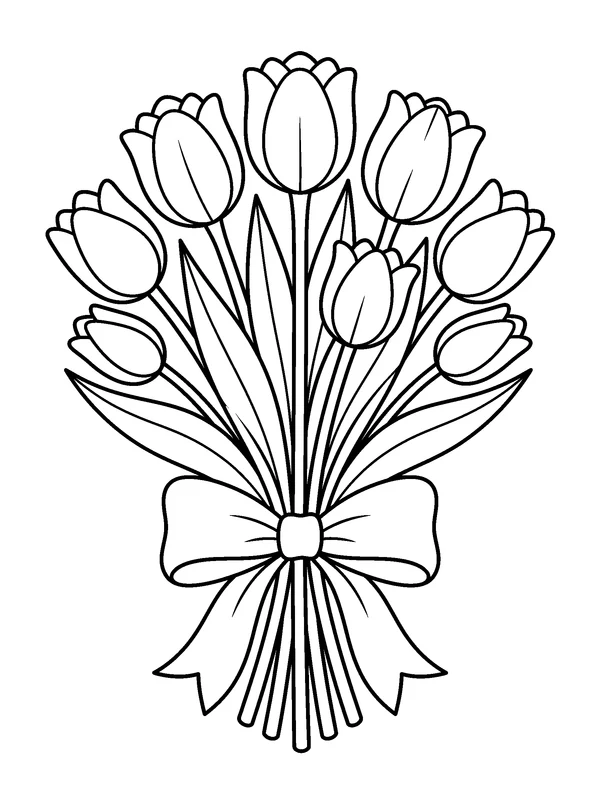
Tulip Bouquet
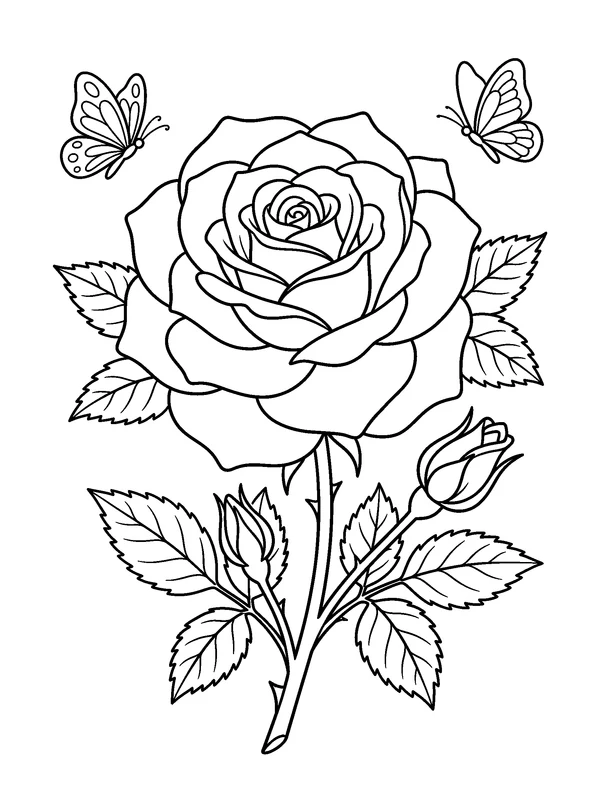
Rose in Bloom
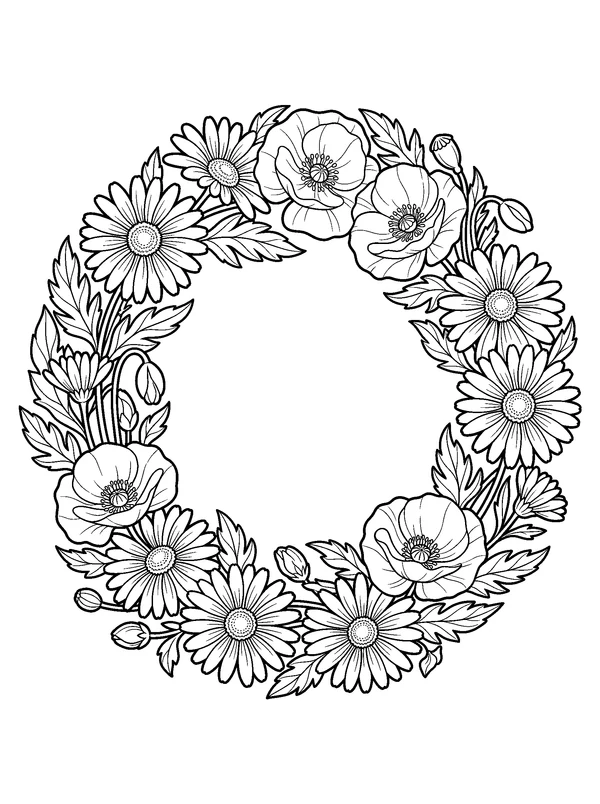
Wildflower Wreath
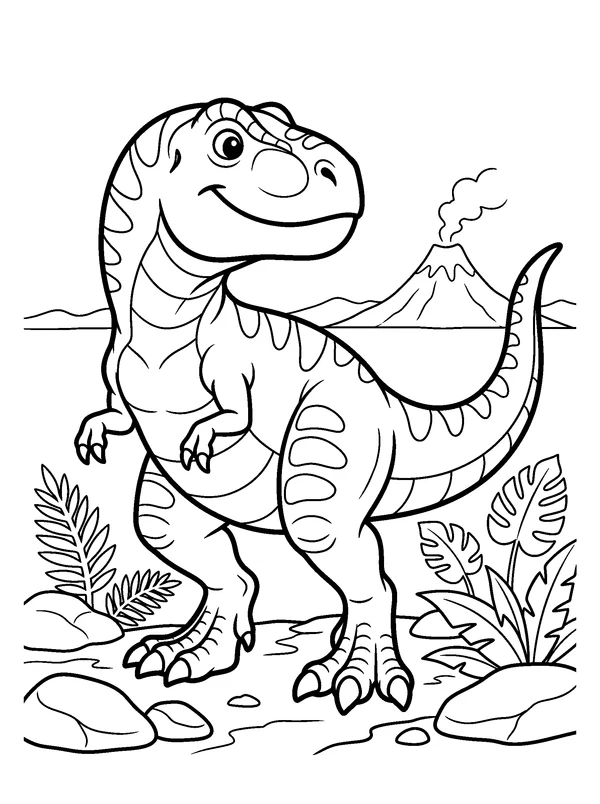
Friendly T. Rex
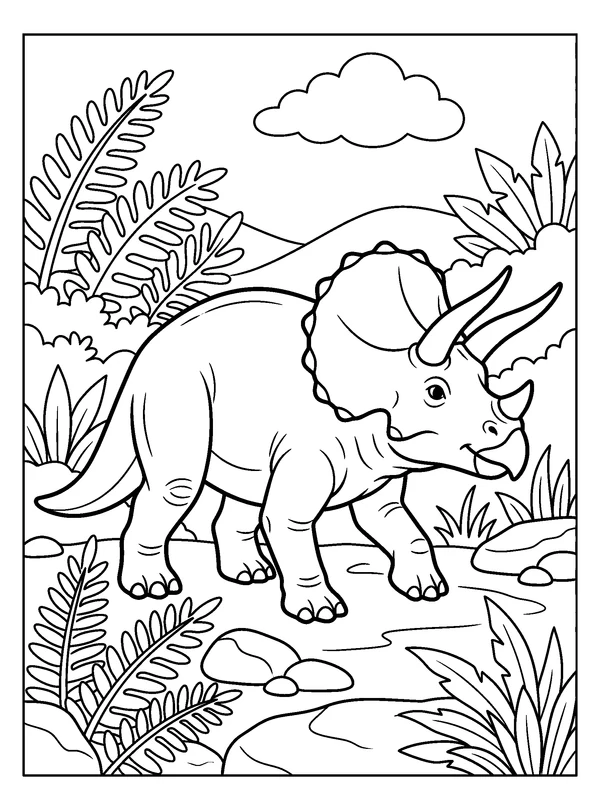
Triceratops Meadow
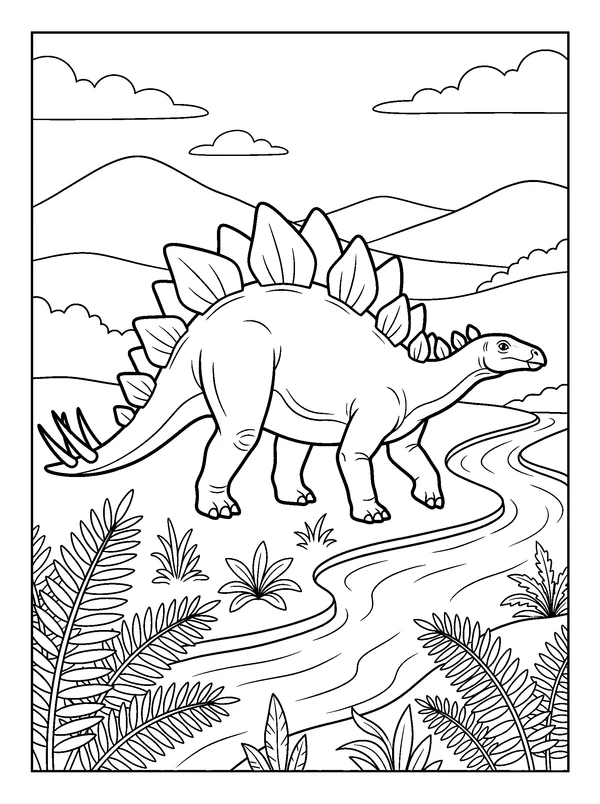
Stegosaurus Valley
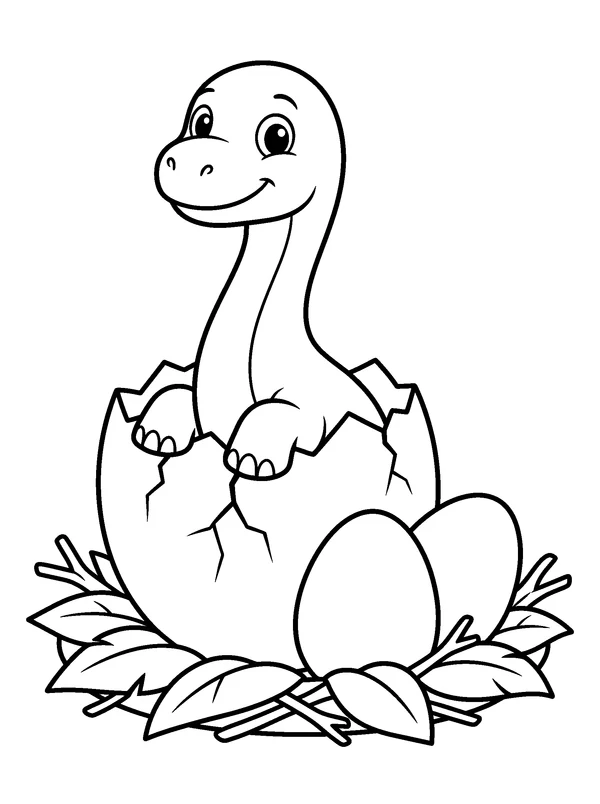
Baby Dinosaur Hatching
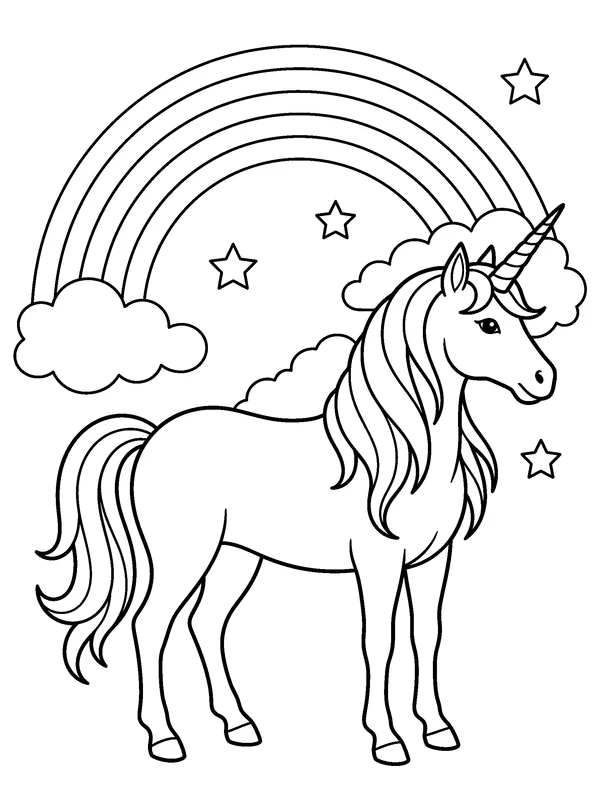
Rainbow Unicorn
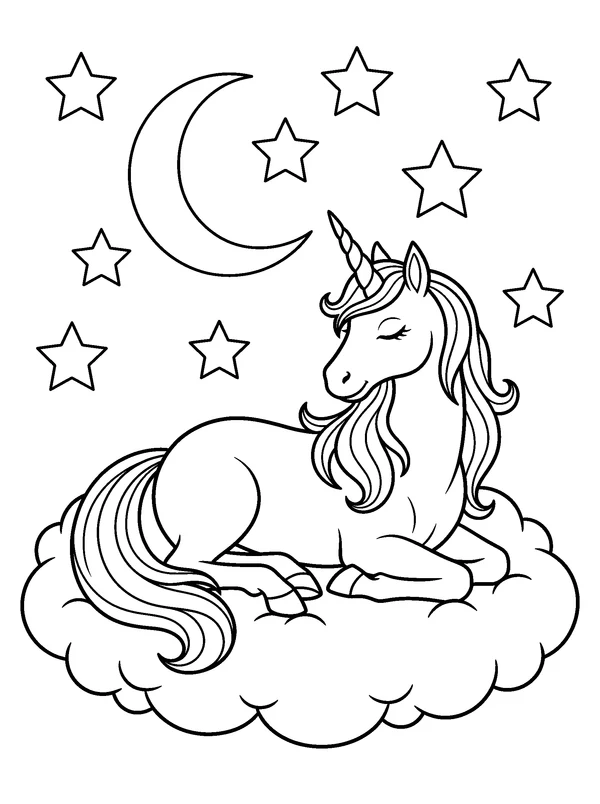
Moonlight Unicorn
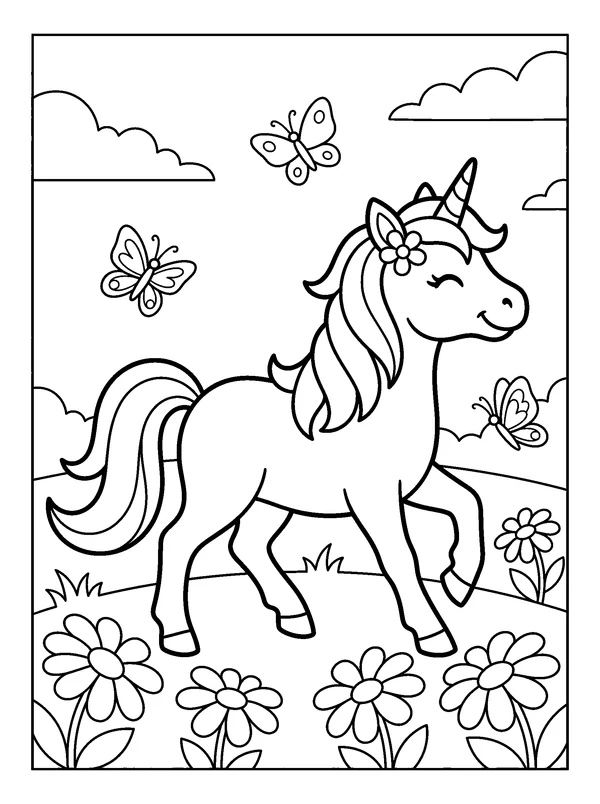
Unicorn Flower Meadow
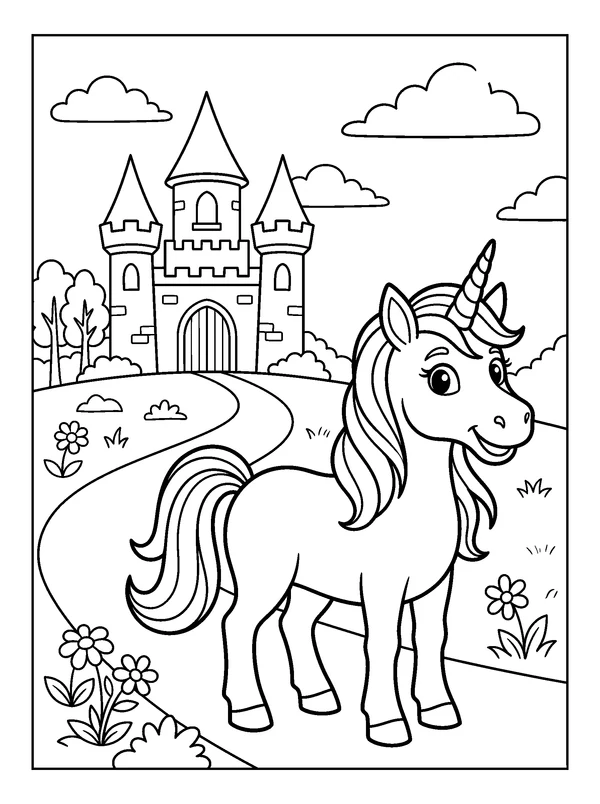
Unicorn and Castle
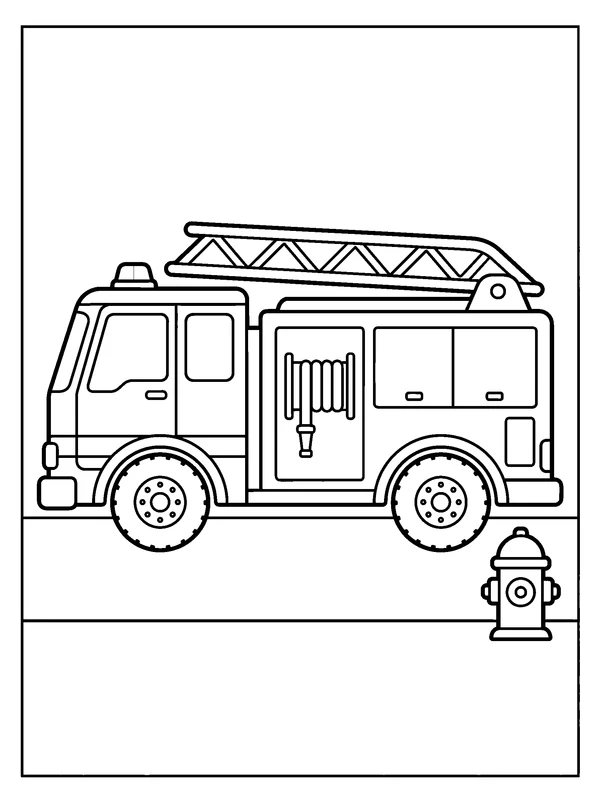
Fire Truck
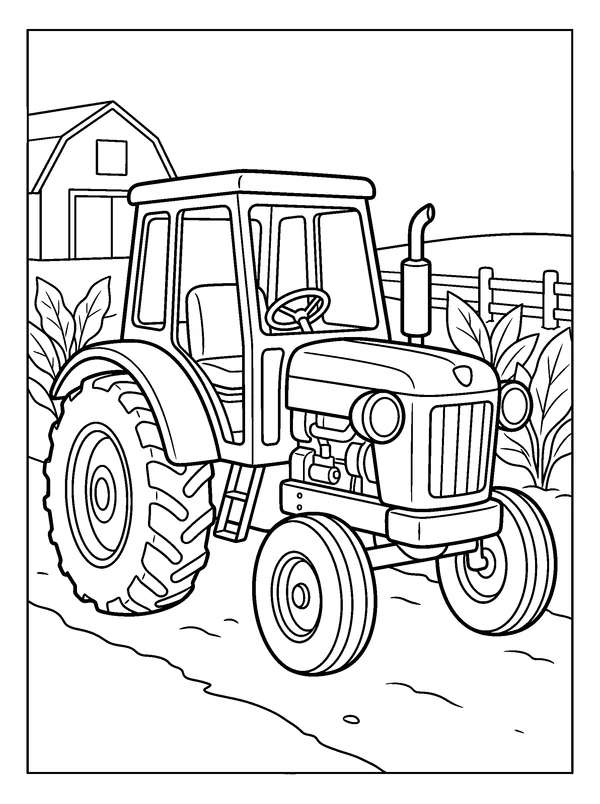
Farm Tractor
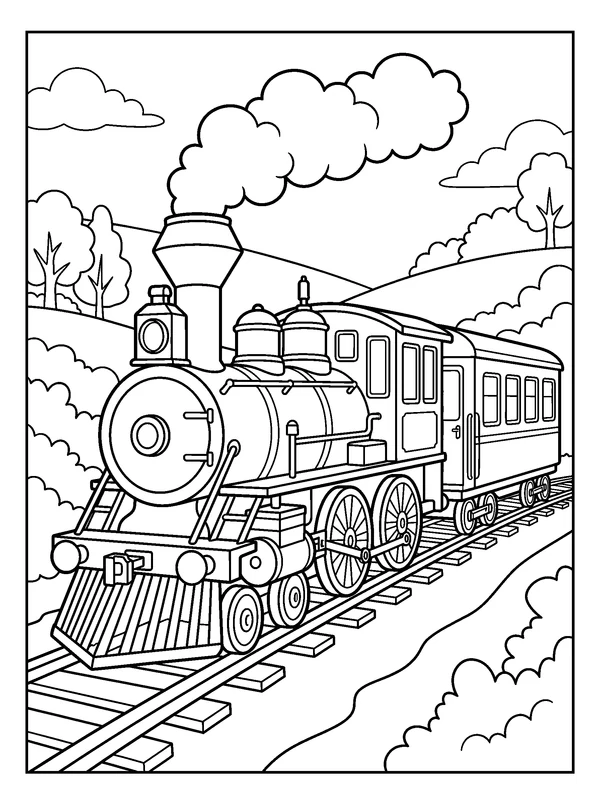
Steam Train
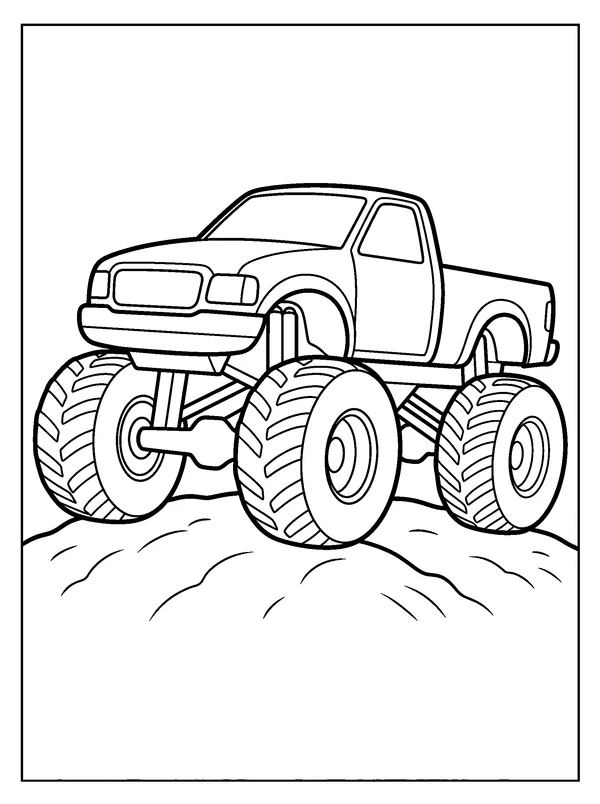
Monster Truck
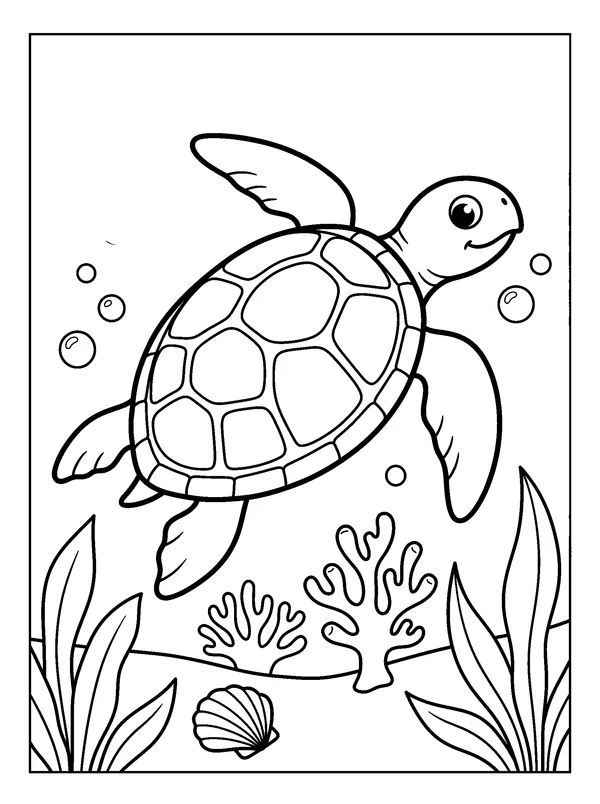
Sea Turtle Reef
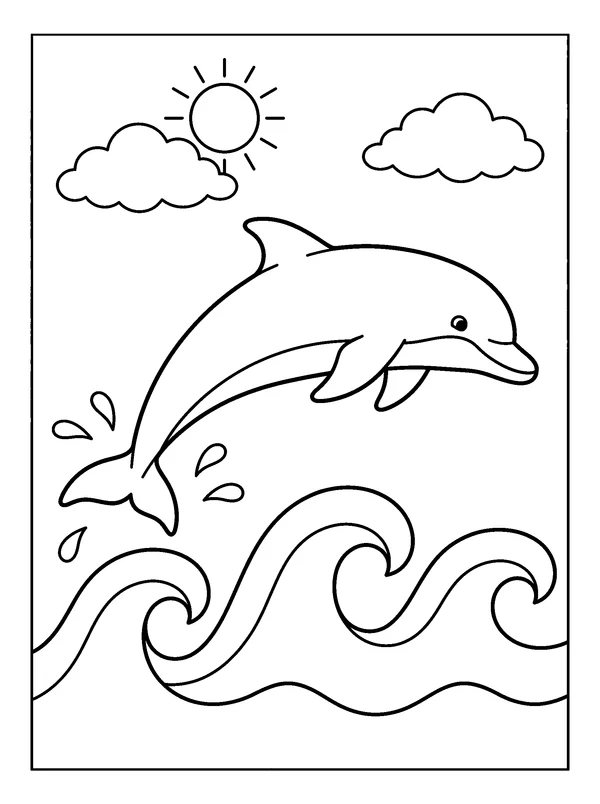
Dolphin and Waves
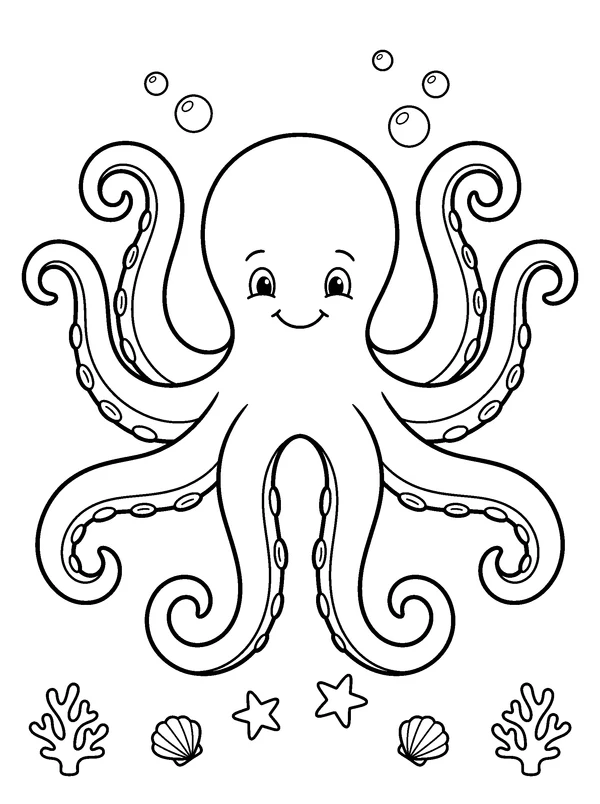
Octopus Garden
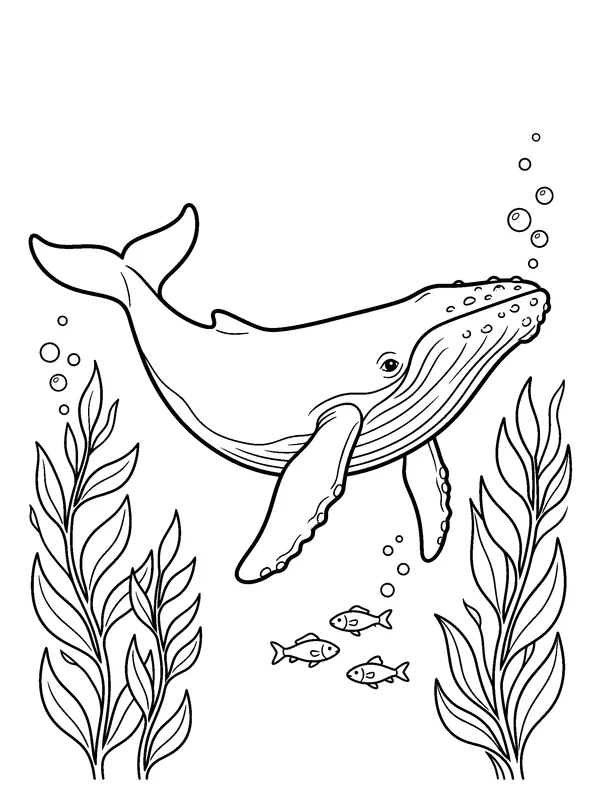
Whale Underwater
Your book in order
Use the up and down buttons to change the printed order.
Add at least one page from the library or choose from the pages below.
Choose up to 100 pages for one book.
Review the completed file before printing or sharing.
The prepared artwork is the original file shown in its preview. Any words in an English-learning activity remain part of that lesson.
From preview to activity
- 1
Select finished pictures and activity pages for one clear purpose.
- 2
Reorder the pages, choose Letter or A4, and add an optional cover.
- 3
Download the complete PDF and inspect a sample print before making copies.
Before you print
The finished activity in everyday life
See how a page, a small activity pack or a finished book can fit a real home or classroom setting.
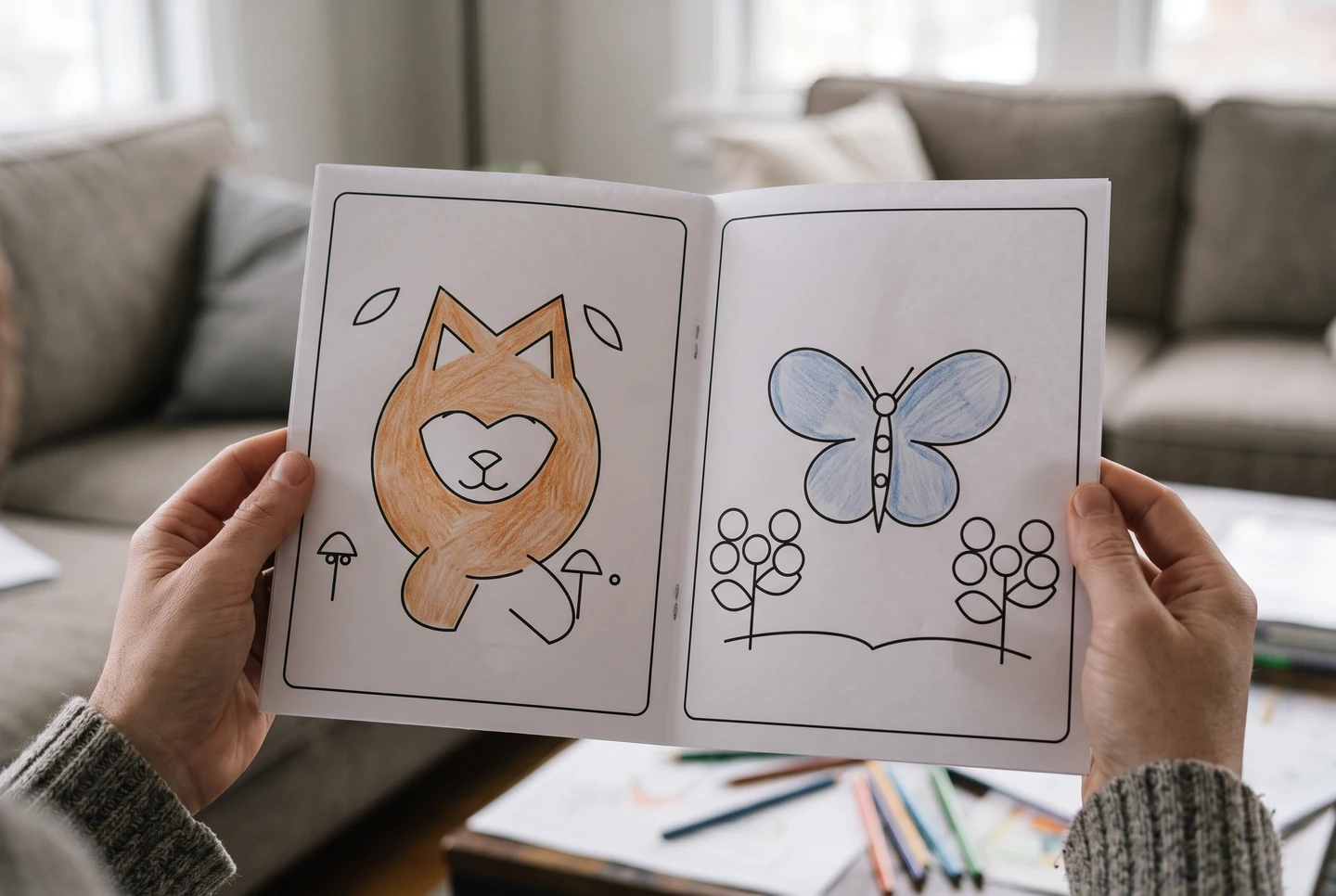
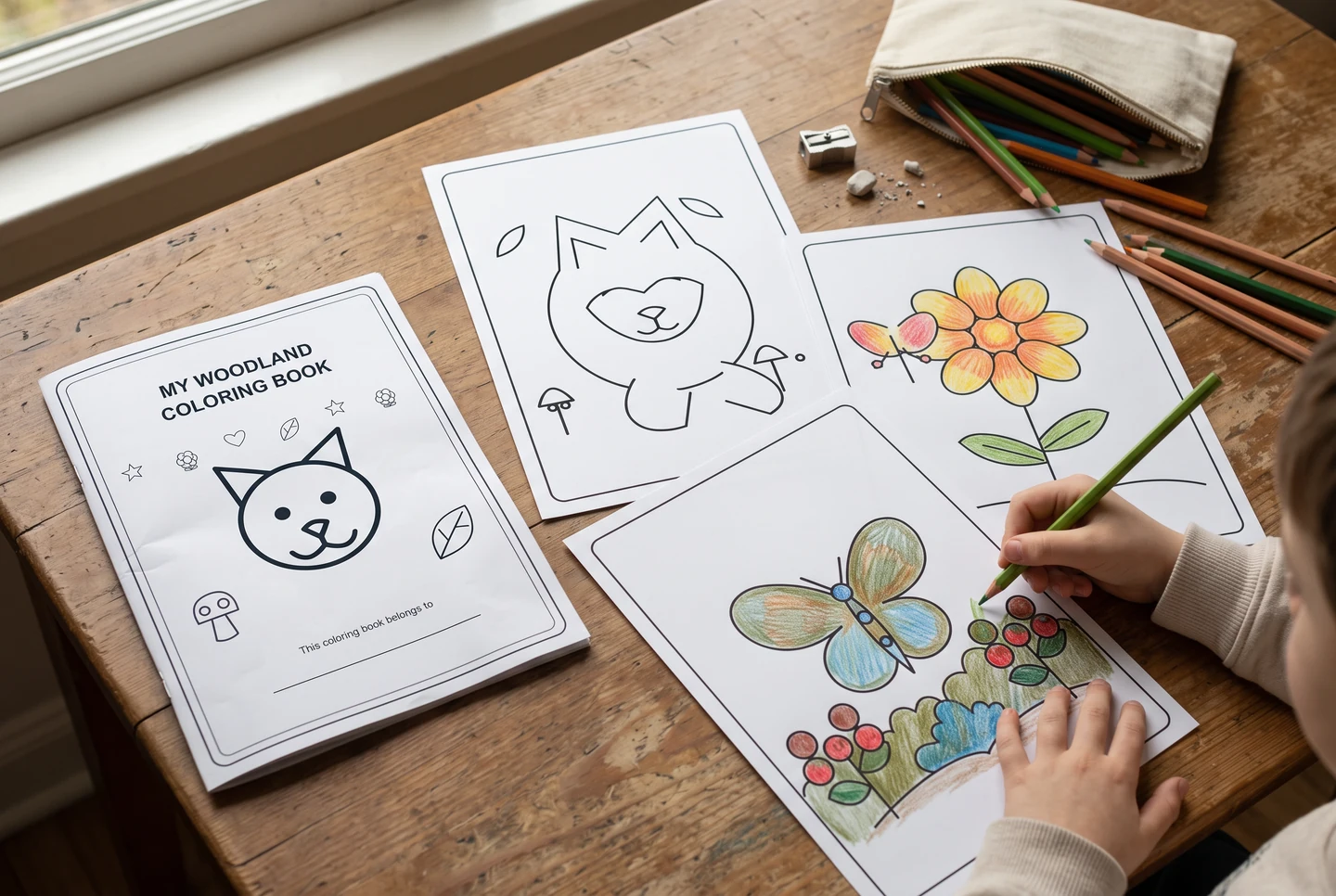
AI-generated presentation scenes with fictional people and example artwork. They illustrate possible uses, not customer photographs, application screenshots or printing-service guarantees.
Questions about this collection
Are the prepared pages free to use?
The prepared printable library and browser-based personalization tools are free for personal, home and classroom activities. AI generation is separate and uses the account credits shown for the selected model.
How do I choose Letter or A4?
Use the matching document when both paper sizes are offered. For an existing Letter-only file on A4 paper, use Fit to page. Check a sample print before preparing multiple copies.
Choose the person, purpose or activity
Age-focused collections, checked learning activities and useful print formats make a page easier to choose.