

Turn one finished comic page into ordered panel assets.
Upload a finished manga, comic, or webtoon page. LlamaGen detects the page structure, keeps bubble and caption context visible, and turns one flattened source into ordered panel files that editors, translators, animators, and archive teams can actually use.
Built for localisation editors, manga assistants, webtoon ops, archive teams, and motion-comic creators who receive finished pages and need panel files without rebuilding the crop map by hand.
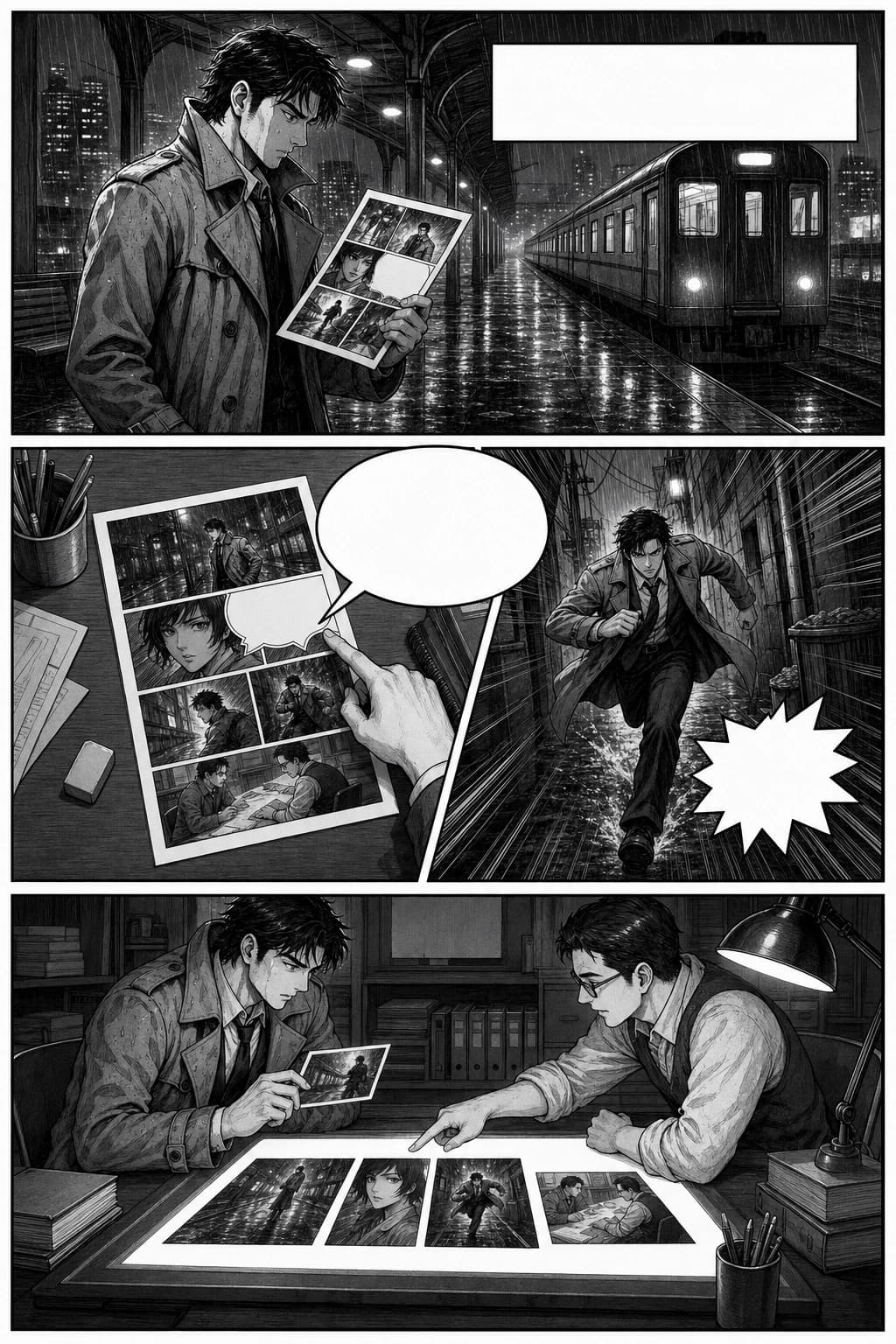
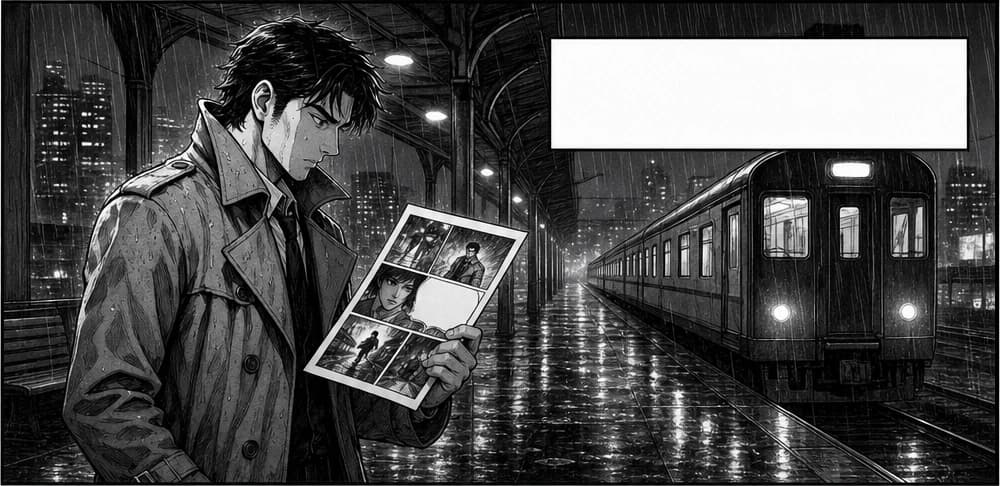
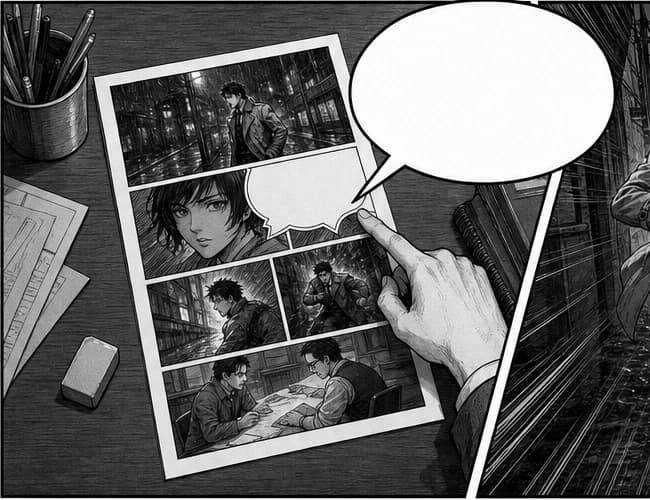
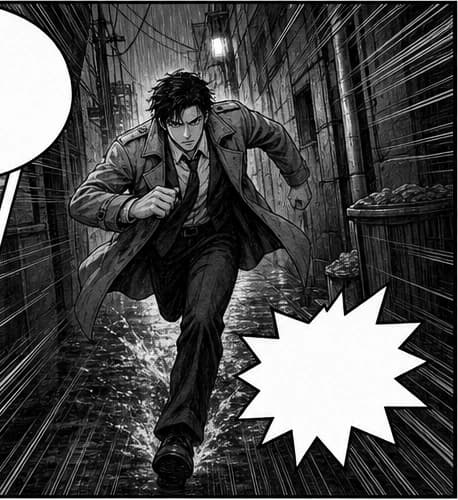

Test a real comic page before committing the workflow.
Upload a production-style page and inspect whether the result keeps story order, bubble context, and enough safe margin for your next teammate.
comic panel segmentation
AI-powered tool for precise semantic segmentation of comic panels.
Upgrade to paid version to enjoy more advanced models and more stable output. Upgrade now
Click to upload or drag image here
Supports JPG, PNG, WEBP
Optional context only. Leave it blank when the image is self-explanatory.
Generation Preview
Ready to generate
No generated results yet
Upload an image or select an input example, then click Generate.
Upload your source image
Use an image that includes multiple characters or clear comic panels.
AI pre-checks character/panel count
If only one subject is detected, we stop and ask you to fix the input image.
Run segmentation and cropping
The tool isolates each character/panel as separate assets.
Review and continue editing
Use each cropped result in your next workflow step.
How can you thank us? Spread the word!
Please share the tool to inspire more productive people!
Built for production work
For teams that need comic pages to become usable files, not prettier previews.
The real user is already holding a finished page. They need panel order, safe margins, bubble context, and files that downstream tools can accept without another round of manual slicing.
Localisation editors
Review dialogue and lettering against panel context, including bubbles, captions, and nearby art that a rough crop can accidentally remove.
Studio assistants
Turn incoming flattened pages into ordered assets before cleanup notes, redraw work, archive naming, or CMS upload begins.
Motion and webtoon teams
Prepare panel-level shots and long-scroll scene slices for reels, motion comics, thumbnails, and mobile republishing.
Real segmentation pain
The bottleneck is every decision hidden inside a crop box.
Comic panel extraction fails when it ignores reading order, speech bubbles, long-scroll pacing, and the next teammate who must use the files.
Reading order gets lost after manual crops
A page may look obvious to the artist, but assistants still need to name panels in the correct story sequence before review or upload.
Cost: One swapped panel can break localisation QA, storyboard timing, or CMS ordering.
Fix: Start from an ordered asset set and review the sequence before handoff.
Bubbles and captions sit across panel edges
Dialogue, captions, and effects often sit near gutters or bleed into neighbouring art, especially in manga and action pages.
Cost: Translators lose context, letterers request screenshots, and editors reopen the source page.
Fix: Keep bubble-safe margins visible so panel assets remain meaningful outside the full page.
Long webtoon exports are too large to reuse
A single vertical scroll export is inconvenient for thumbnailing, mobile QA, short-form edits, and scene-level notes.
Cost: Every downstream role cuts the same long image again for their own tool.
Fix: Split long pages into manageable scene slices that still preserve pacing and mobile framing.
The page becomes a handoff package, not just a crop preview.
The first useful result is easy to judge: a source page goes in, ordered panel assets come out, and each output still has enough context for the next production step.
Upload the finished page
Use a clean JPG, PNG, WEBP, or direct image URL from a comic page, manga scan, webtoon export, or archive source.
Detect structure and context
The model reads gutters, borders, bubbles, captions, and long-scroll breaks as one production layout.
Review, rename, and hand off
Confirm reading order, download the useful files, and send them to localisation, motion, archive, CMS, or design tools.
manga_001_rain_platform.webpmanga_002_bubble_qc.webpmanga_003_action_gutter.webpmanga_004_handoff_table.webp scene_001_shop_safe_margin.webp
 scene_002_caption_closeup.webp
Input quality
Better source pages produce better panel packages.
Panel segmentation is strongest when the page has visible gutters, enough resolution, and bubbles that are not crushed by compression or crop edges.
Best source pages
Use files where a human editor can clearly see borders, gutters, and bubble placement at normal zoom.
Risky inputs
These can still be tested, but expect more manual review before handoff.
Review before export
Treat the first result as a QA checkpoint, not a blind batch operation.
Operational value
Measure the work removed before localisation, motion, and archive begin.
The value shows up when repeated page-prep work becomes a review loop: fewer missing-bubble fixes, faster panel naming, and cleaner files for every downstream role.
Reduce hand-slicing before review
Move the first pass from manual crop boxes into upload, inspect, rename, and export.
Catch missing context earlier
Review bubbles, captions, effects, and safe margins before files reach translators or letterers.
Create files for more channels
Reuse the same panel set for localisation, reels, motion comics, thumbnails, CMS uploads, and archives.
Make ownership obvious
Give each teammate a named asset package instead of asking them to recut the same flattened page.
From one segmentation result to a repeatable comic asset pipeline.
Once the outputs are ordered and reviewable, panel extraction becomes the first step in localisation, motion, webtoon reflow, and archive workflows.
Localisation QA package
Export panels with bubble context so translators and letterers can review dialogue without reopening the full page for every note.
Motion comic shot prep
Feed extracted panels into timelines, reels, parallax tests, and storyboard tools with clear shot names.
Archive and CMS handoff
Create consistent panel files for metadata cleanup, search previews, content uploads, and social republishing.
Use-case matrix
Match the segmentation result to the job after export.
Different comic teams judge success differently. The page now explains what each audience needs to verify before they hand off panel assets.
Manga localisation QA
Webtoon mobile reflow
Archive cleanup
Production-grade examples
See one source page become a real panel handoff package.
Each case uses a complete Page in and Panels out cropped from that same source, so visitors can judge whether segmentation preserves order, bubble context, and scene-level usefulness.
manga_001_rain_platform.webpmanga_002_bubble_qc.webpmanga_003_action_gutter.webpmanga_004_handoff_table.webpManga localisation QA page to ordered panel pack
A monochrome manga page with a rainy establishing panel, a bubble crossing the gutter, an action beat, and an editorial handoff scene. The team needs story order and bubble context intact before translation QA.
manga_001_rain_platform.webpmanga_002_bubble_qc.webpmanga_003_action_gutter.webpmanga_004_handoff_table.webpManga localisation QA page to ordered panel pack
Extracts four readable assets from the same source page so editors can inspect composition, bubble placement, safe margins, and file naming without drawing crop boxes.
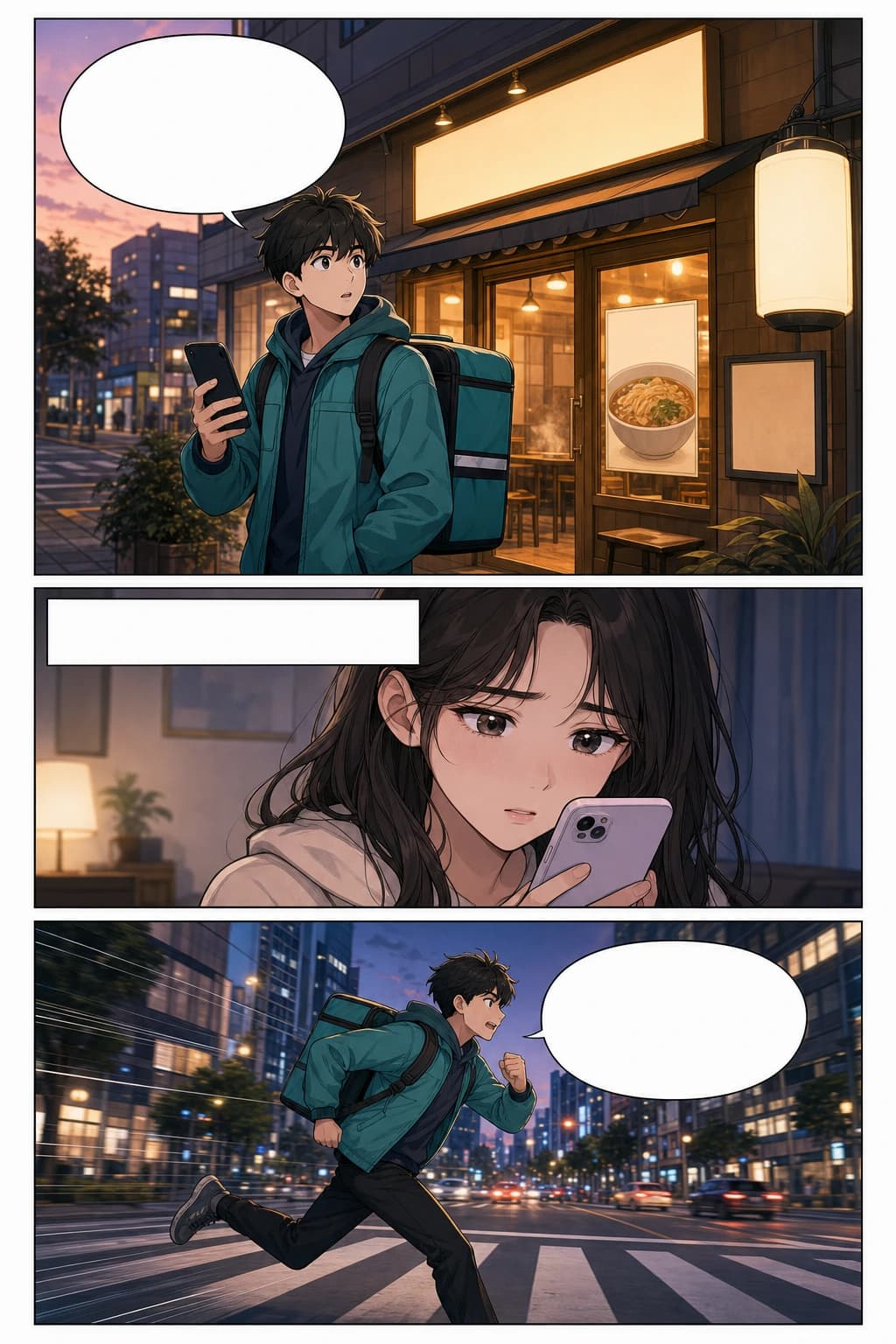 scene_001_shop_safe_margin.webpscene_002_caption_closeup.webp
 scene_003_crosswalk_action.webp
Vertical webtoon export to mobile-ready scene slices
Turns one tall source page into scene-level assets from the same image so webtoon ops, social editors, and motion teams do not keep cutting the scroll manually.
AI panel segmentation vs manual cutting
Manual slicing looks simple until every downstream role needs the same page prepared, named, reviewed, and corrected again.
| Workflow need | LlamaGen segmentation | Manual cutting |
|---|---|---|
| First-pass prep | Upload, detect, review, export | Draw every crop box by hand |
| Reading order | Reviewed as an ordered asset set | Depends on manual naming discipline |
| Speech bubble context | Checked with panel-safe margins | Easy to clip bubbles or over-include neighbours |
| Long webtoon handling | Scene slices for mobile workflows | One giant scroll recut by each teammate |
| Downstream handoff | Reusable named panel package | Each role often starts from the flattened page again |
What separates a weak crop from a production-useful panel asset?
The page should help visitors judge quality. These checks map directly to the mistakes comic teams already fix manually.
| Check | Weak crop | Production-useful output |
|---|---|---|
| Reading order | Files export as random crops with no story sequence. | Panel names and preview order follow the page reading direction. |
| Bubble context | Dialogue or captions are clipped away from the visual beat. | Bubbles, captions, and nearby art remain visible enough for QA. |
| Safe margin | Important line art touches the crop edge or loses effects. | Each panel keeps enough border for lettering, redraw, and motion work. |
| Downstream use | The next teammate still opens Photoshop to recut everything. | Outputs can move into localisation, CMS, archive, or timeline tools. |
Choose the plan that’s right for you
Enjoy high-quality AI creativity through flexible subscription plans.



Standard Plan -20%
More credits lead to more creation options
15000 credits renew monthly
Single-page strips and multi-page comic layouts
AI captions and comic lettering
10 Custom Comic Characters
Unlimited Gemini 3 usage
Fast Generation
Advanced AI image models
Stable storytelling output
Create up to 20 panels per prompt
Pro Plan -20%
Infinite generations for limitless ideas
45000 credits per month
Everything in STANDARD
Character Consistency
Access to the world's first Comic Agent
Comic To Video
Export HD content for publishing
Unlimited characters creation
Unlimited storyboards
Fastest Generation
General commercial terms
Unlimited Templates
Early access to advanced AI features
Create up to 40 panels per prompt
Unlimited Plan -40%
Fast, for business use, and with exclusive access
135000 credits per month
Everything in PRO
Every feature unlocked
Unlimited projects
Character Consistency
Access to the world's first Comic Agent
Unlimited characters in your comics
Fastest Video Generation
Access to all Seedance models
Global Language Suite
General commercial terms
Account Manager
Access to all models and features
Create up to 64 panels per prompt
Production Unlimited Plan -40%
For professional creators. Best for comics, animations, films, and series.
270000 credits per month
Suitable for around 450 comic pages per month
Everything in UNLIMITED
Unlimited projects
Unlimited story length
Character Consistency
Access to the world's first Comic Agent
Unlimited characters in your comics
Fastest Video Generation
Access to all Seedance models
Global Language Suite
General commercial terms
Account Manager
Access to all models and features
Create up to 64 panels per prompt
Credits Package

6000
7,500credits+25.00%

12000
20,000credits+66.67%

30000
50,000credits+66.67%
55000
55,000credits
Valid for 30 days
One-time payment
No auto-renew















Comic panel segmentation FAQ
What makes a good source page for comic panel segmentation?
Use a clean JPG, PNG, or WEBP where borders, gutters, bubbles, and captions are visible. High-resolution finished pages work better than blurry photos, folded scans, or pages cropped too tightly at the source edge.
How is this different from a normal image cropper?
A normal cropper only cuts rectangles. LlamaGen is designed around comic page structure: panel order, bubbles, captions, effects, safe margins, and the production context needed by the next teammate.
Can it handle manga pages, webtoons, and irregular layouts?
Yes, the workflow is intended for manga pages, western comic layouts, diagonal panels, overlapping action beats, and long vertical webtoon exports. You should still review the result before production handoff.
What should I check before downloading the panels?
Confirm reading order, bubble context, safe margin, and file naming. If small panels merge or context is missing, crop the source closer, use a clearer page, or rerun before sending outputs to localisation, motion, archive, or CMS work.
What can I do with the extracted panels?
Use the panel assets for localisation QA, lettering, redraw notes, motion comic timelines, webtoon reflow, social thumbnails, archive cleanup, CMS upload, or design-tool handoff.
Before you hand off the panel package, check these four things.
This turns the page from a demo into a production guide: visitors know how to decide whether the segmentation result is ready for the next role.