


Comic to video AI
Upload finished panels and generate motion without rebuilding every shot in a timeline editor.


Comic to Video Studio
Prepare your panels, choose your motion settings, and create your video in the existing Animation Studio.
Open Comic to Video Studio ↗Built around comic sequence, not a single still image
Designed for Shorts, TikTok, Reels, and trailers
Motion, timing, dialogue cues, and export planning together
What is comic to video?
A comic to video AI converter turns finished comic panels, comic strips, comic books, manga pages, or webtoon art into a short animated video. Unlike image to video, it follows panel order, dialogue timing, and story continuity so the clip still reads as the original comic.
Creators use a comic to video maker when they already have sequential art and need a social teaser, pitch preview, or episode hook. LlamaGen starts from the page you uploaded, then plans camera motion, speech cues, and export format in one workflow.
Upload finished panels and generate motion without rebuilding every shot in a timeline editor.
Keep page order, character framing, and dialogue beats when a printed or digital comic becomes a clip.
Turn a 3- or 4-panel gag into a timed short with holds, punchline pacing, and vertical export.
Made for comic creators
Start with finished manga, webtoon, manhwa, or comic-strip panels. Plan the motion, follow the panel order, and prepare a short video for creator promos, social posts, or pitches.
Start with your art
Webtoon artists, manga creators, comic strip makers, educators, and studios who already have sequential art and need motion output.
Keep the story intact
Traditional animation means rebuilding shots, timing dialogue, formatting clips, and losing the visual pacing that made the comic work.
Share your video
Use the original panel order as the blueprint, add camera movement and timing, then export a short story clip for promotion or review.
LlamaGen is a comic to video generator built around finished comic pages and panel sequences, not a blank text-to-video prompt.
ANIMATION IS HARD
Creators already spend hours planning characters, panels, dialogue, and pacing. Turning that page into a vertical video usually adds a second production pipeline: crop each panel, rebuild shots, time speech, choose motion, edit transitions, and export multiple formats.
From panels to motion
Instead of starting from a blank animation timeline, LlamaGen reads the comic sequence and turns existing story beats into motion choices.
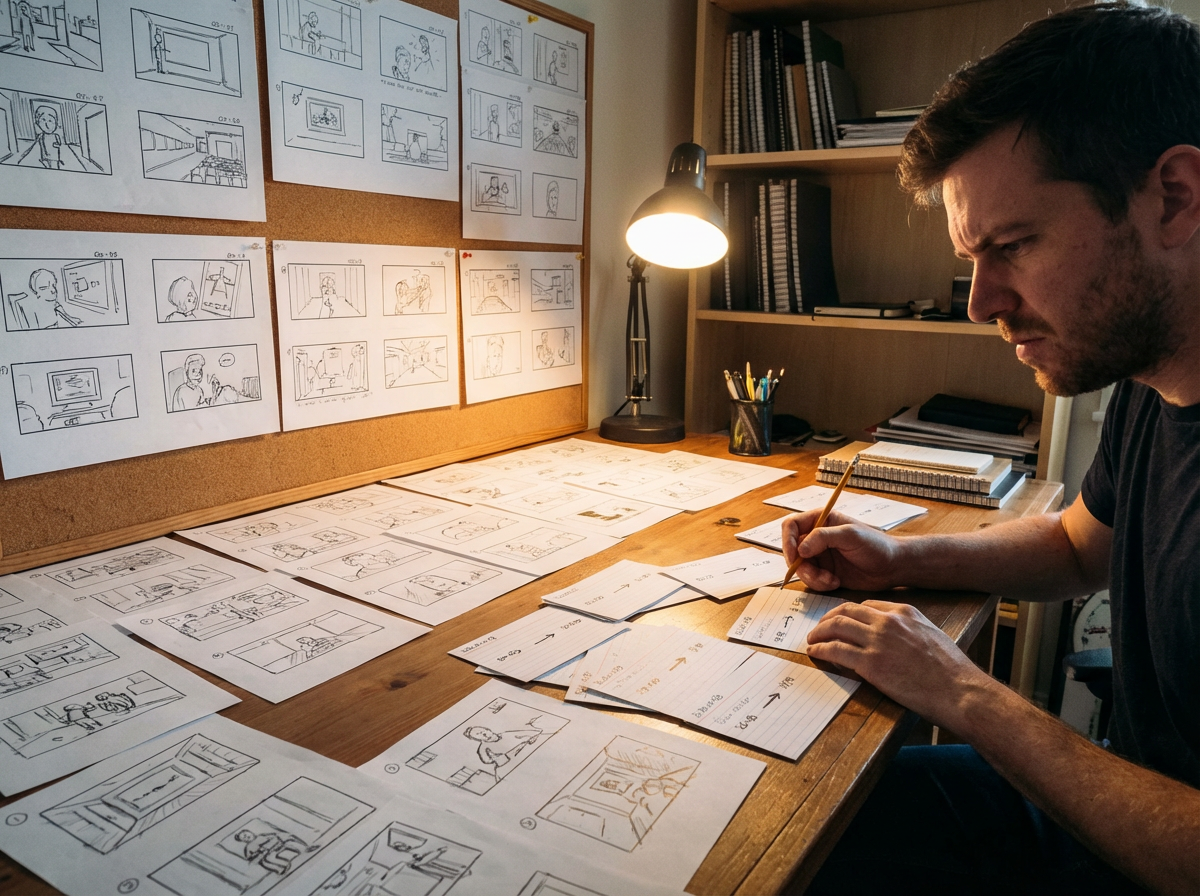
From page
A 4-panel joke, fight beat, or webtoon scroll can become a short clip with pacing that follows the original layout.
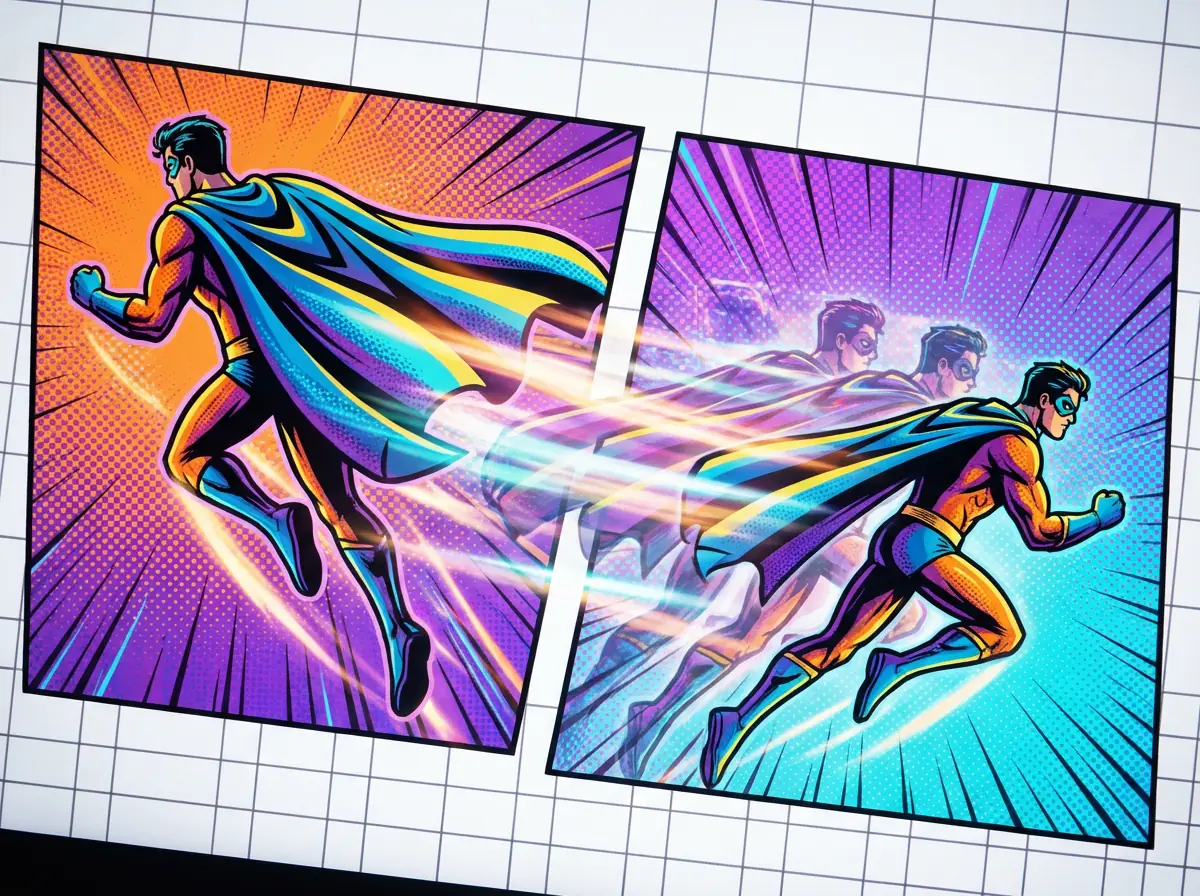
To motion
Use push-ins, pans, impact frames, and transitions to make static panels feel alive while preserving the drawn composition.
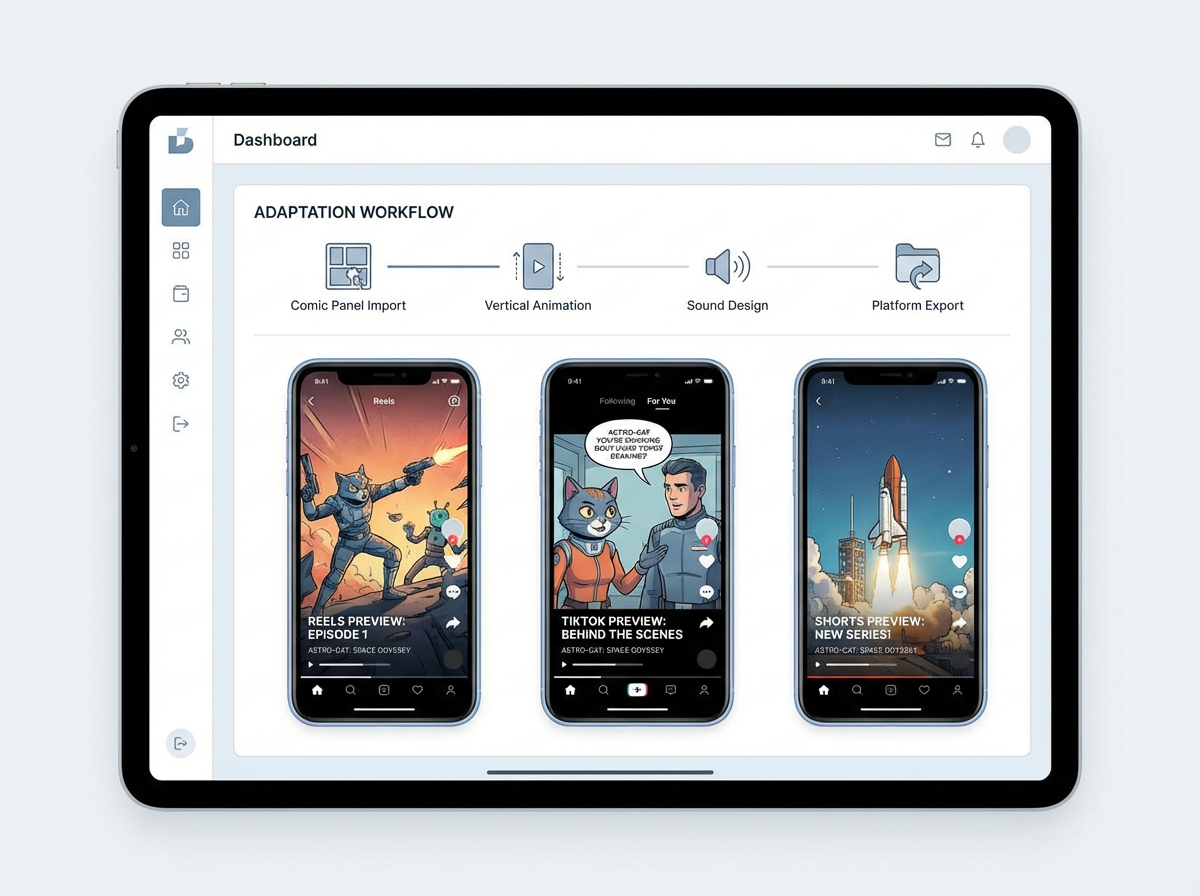
To publish
Create a vertical teaser, a scene preview, or a pitch draft without manually recreating the entire comic in editing software.
Animation showcase
Nine animated examples spanning action, comedy, fantasy, and everyday adventures. Explore cinematic cover animations and selected short stories.

Monica
Animate this 4-panel comic about a robot who discovers friendship. Keep the panel order, add gentle camera pushes, time the speech bubbles, and export a 9:16 teaser for YouTube Shorts.
Creator workflow
A creator with a finished short episode can turn the strongest sequence into a motion teaser before publishing the full comic.
Upload a finished panel sequence with speech bubbles, action beats, and a clear reading order.
Ask for a vertical teaser with dramatic push-ins, speech timing, and a final title frame.
Export a short animated preview that can be posted as a launch hook or used in a pitch deck.
Creator ROI
The value is not just a new video file. It is turning finished panels into reusable promotion assets without opening a separate animation production process.
Replaces manual cropping, timing, motion planning, editing, and export setup.
Useful for social teasers, pitch previews, and motion storyboard drafts.
Keeps your original comic panels as the creative source of truth.
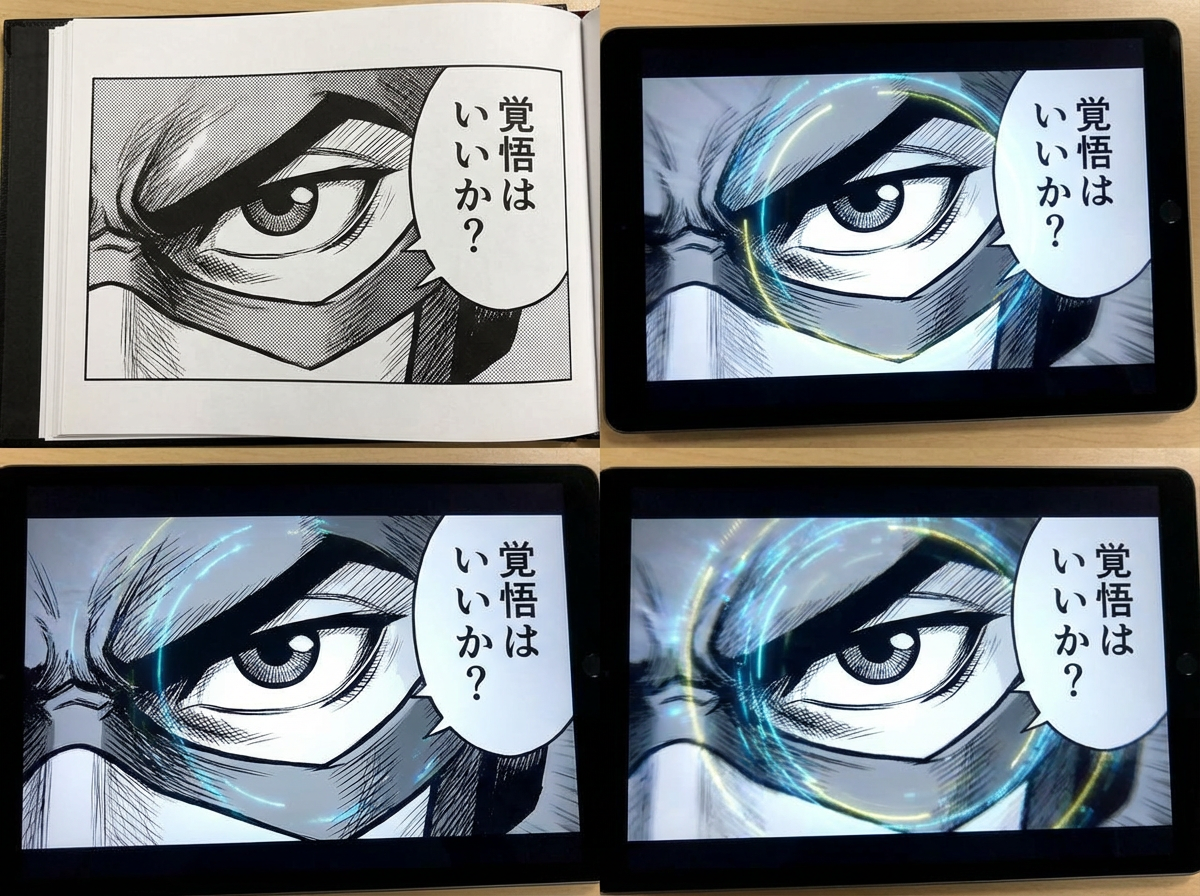
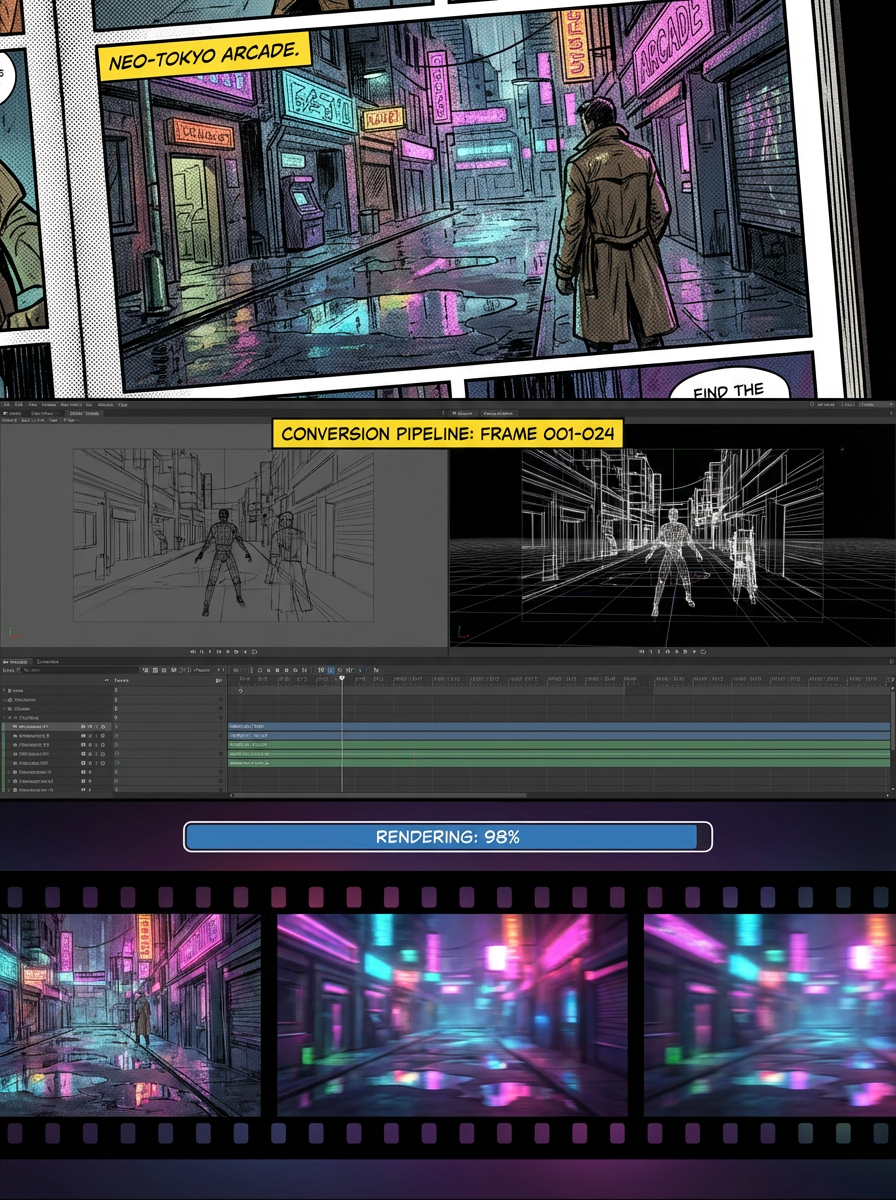
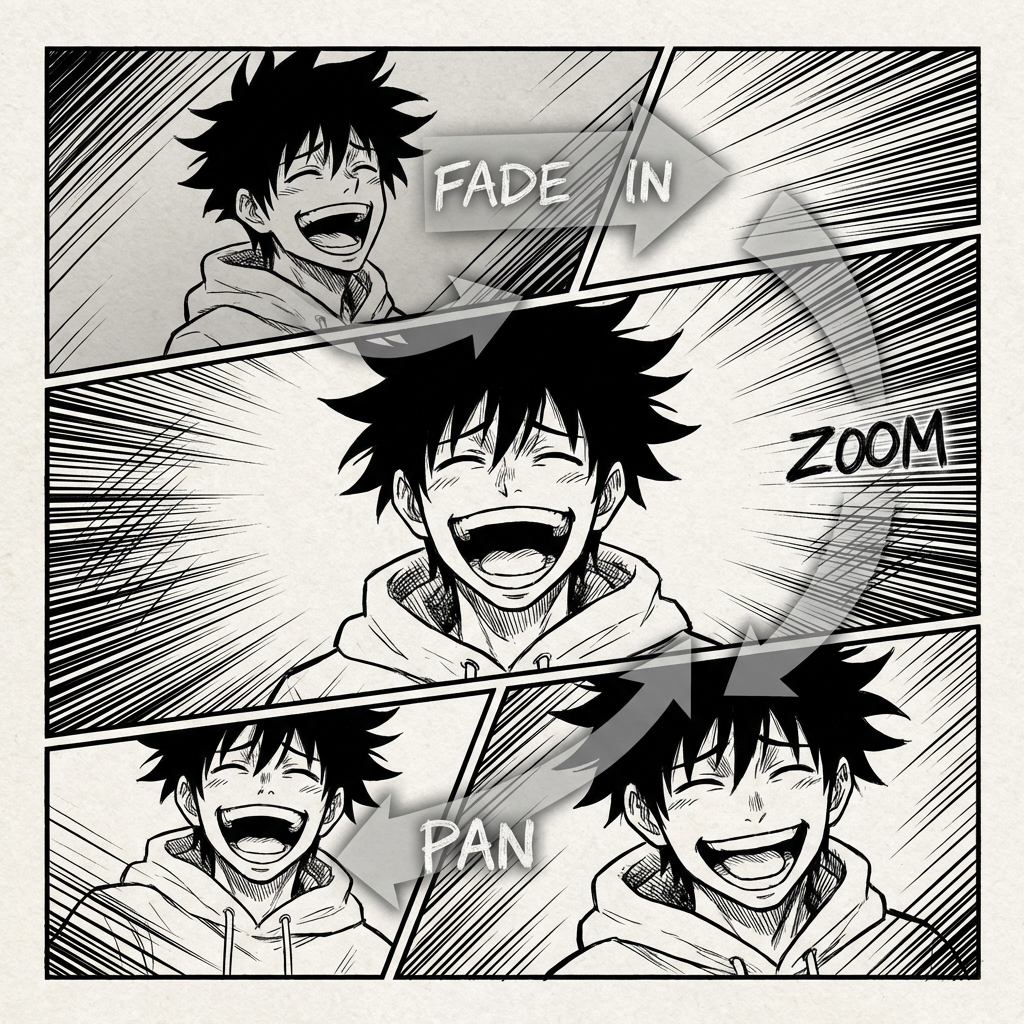
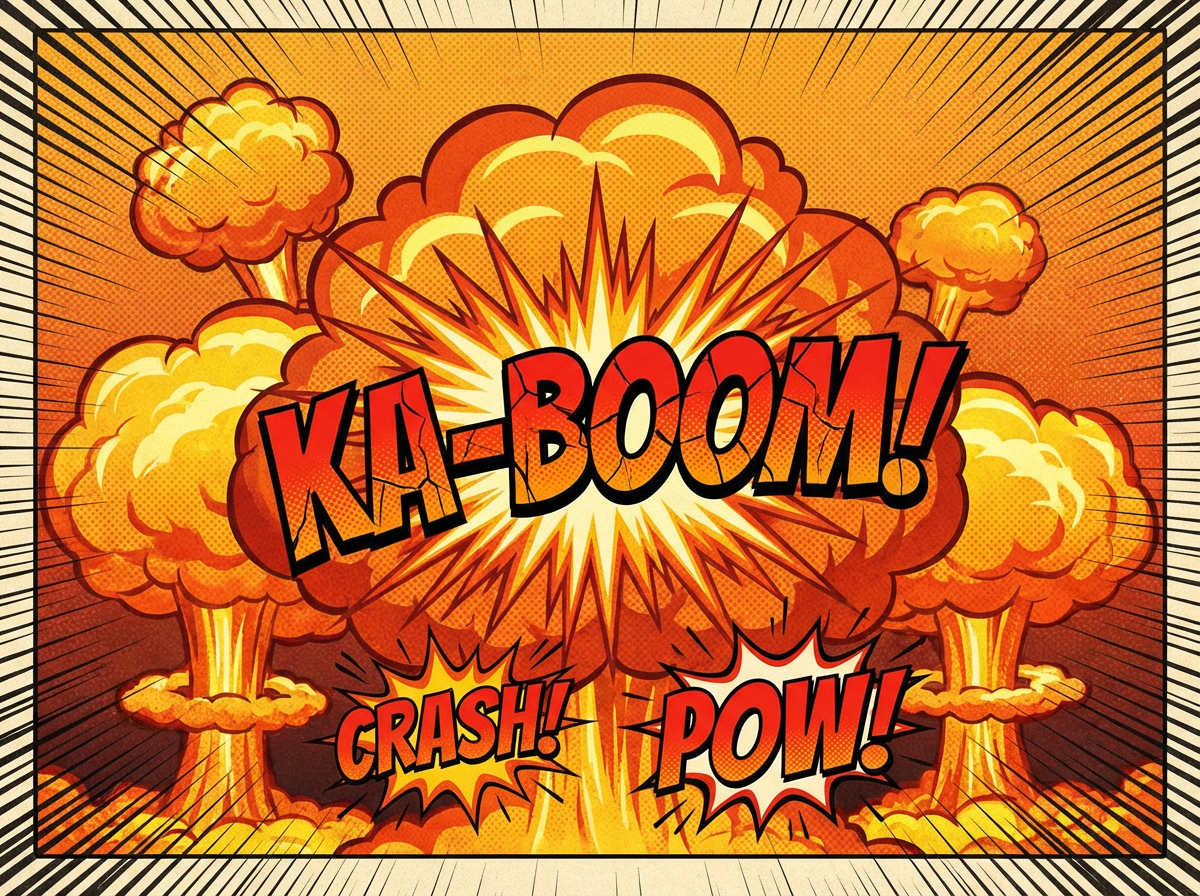
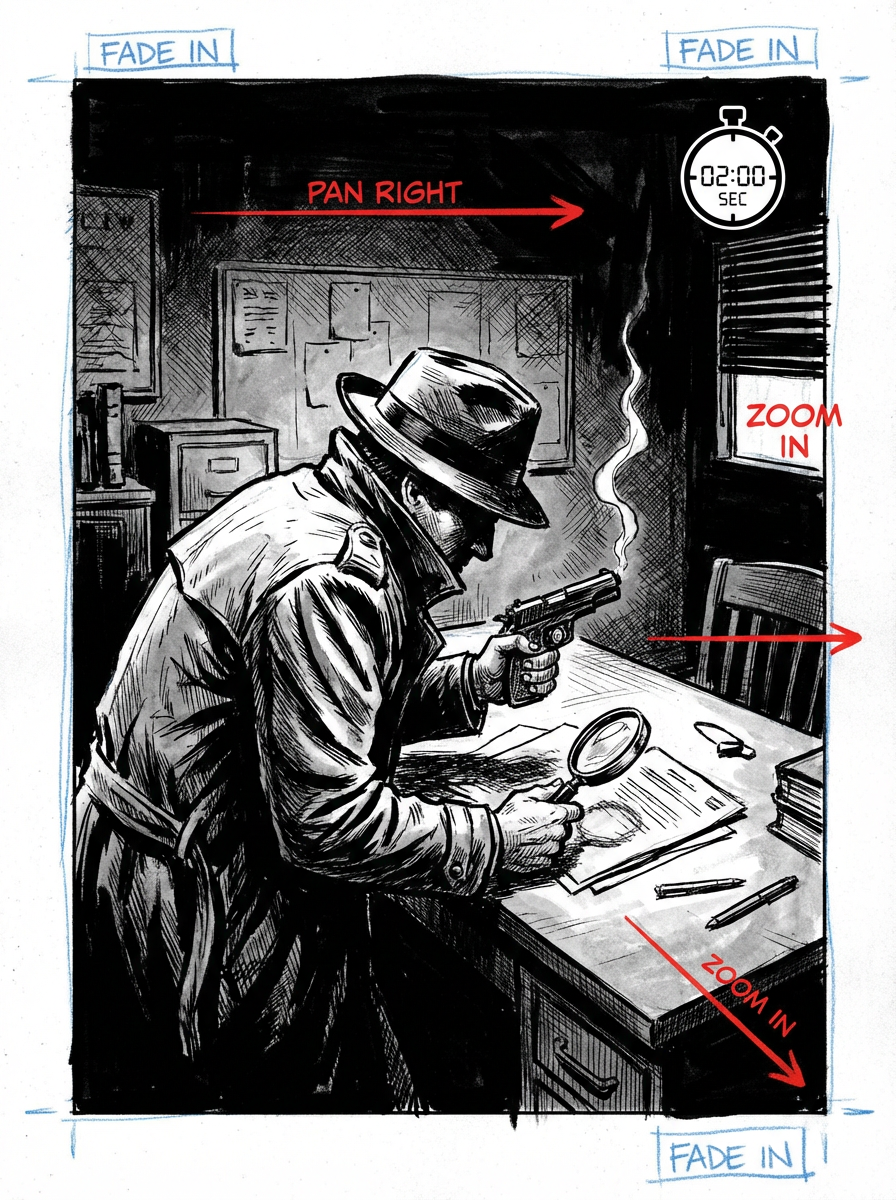
THE FUTURE OF COMIC ANIMATION
Comic to Video is built for creators who already have the story on the page. It reads panel order, keeps scene continuity, and helps you turn static comic layouts into animated clips without rebuilding the whole sequence from scratch.
THE OLD ANIMATION WORKFLOW
Moving from comic panels to animation usually means rebuilding shots, timing dialogue, and re-editing the story for motion. That workflow is slow and often breaks the rhythm you already established on the page.
Your story flows perfectly on the page, but translating it to motion, pacing, camera angles, and transitions can become a complex puzzle.
Every motion clip needs the hero to feel like the same hero from panel to panel, even as the camera moves and the scene changes.
Music, effects, and voices need to match the comic's tone, dialogue rhythm, and scene changes.
You wait for exports, spot a timing issue, then repeat the editing loop before the clip is ready to share.
A finished animation still has to be resized and re-edited for TikTok, YouTube Shorts, Reels, and pitch decks.
What if your comic panels already contained the video blueprint?
|Bringing your comic to life
has always been the dream.
Now the first motion draft starts from the panels.
The comic to video converter is designed for comics first: read the panel sequence, preserve continuity, add motion, and export a clip that still feels like the original story.
The workflow reads the uploaded page or panel sequence, identifies order, characters, dialogue, and scene changes, then builds the video plan from the comic structure itself.
It creates motion and transitions between panels so the clip feels animated while still following the story beats already defined in the comic.
Dialogue cues, sound effects, and background music can be planned around speech bubbles and scene rhythm.
The system edits the sequence into a coherent short-form story clip, balancing panel pacing, transitions, and scene emphasis.
Export animated story clips for previews, social posting, pitching, or further editing in a larger video workflow.
Tus viñetas, en movimiento
Lleva tu arte de cómic terminado a Animation Studio. Dirige el movimiento, previsualiza el resultado y da forma a una escena breve que permita seguir la historia con claridad.
Best comic to video AI 2026
A ranked list of comic to video AI converters you can try in 2026. These are tools that start from finished comics, keep panel order, and export a shareable clip — not generic text-to-video apps.
Ranked September 2026 on panel-first workflow, eligible paid-plan access, visible pricing, continuity, and social-ready export.
Best comic to video AI for finished comic, manga, manhwa, and webtoon panels.
Best for: Creators with finished sequential art who need Pro-plan animation workflows for trailers, Shorts and pitches.
Panel-first workflow and presets for manga, webtoon and manhwa, with transparent paid-plan requirements and credit-based generation.
Best when you want a multi-scene comic-to-movie with a locked cast.
Best for: Teams already building comics inside ComicInk who need spoken dialogue, captions, and a 720p film export.
Strong character lock and scene assembly. Weaker if you only need a fast panel-to-social converter.
Solid comic book to video AI for narrative continuity.
Best for: Illustrated stories that need pacing and transitions more than format-specific manga or webtoon presets.
Clear comic-to-video positioning. Less specific about paid-plan requirements and social export defaults.
Best comic video maker if you start from text or mixed models.
Best for: Users who want Seedance, Kling, or MiniMax to generate or animate comic-style shots.
Flexible models and aspect ratios. Closer to a generic comic video generator than a panel-sequence converter.
Comic book to video converter with voices and lip-sync.
Best for: Narrated comic-book adaptations when voiceover matters more than preserving the original panel grid.
Useful voice features. The workflow can drift toward script-to-video instead of finished-page conversion.
Related comic workflows
If you are making the pages first, or you need a format-specific converter, these are the closest next steps: manga to video, webtoon to video, image to video, and comic strip maker.
Right-to-left manga pages into PV-style motion.
Vertical episodes into 9:16 teasers.
Full-color Korean chapters into motiontoon clips.
Single stills, not multi-panel comics.
Create the panels before you convert them.
Generate pages, then run comic to video.
Photo to comic page, then animate the page.
Broader video models when you are not starting from comics.
Choose the plan that fits your animation workflow
Comic To Video requires Pro or an eligible higher-tier subscription. Video generation consumes credits; credit packs do not unlock this paid mode.
Planes y créditosHome Library · English-language works
From illustrated panels to moving scenes. Watch three real Vertex video results, compare each with its actual source frame and inspect the comic page behind it.
An actual source comic page, a separately generated motion frame and its six-second Vertex video result.
An actual source comic page, a separately generated motion frame and its six-second Vertex video result.
An actual source comic page, a separately generated motion frame and its six-second Vertex video result.
Un flujo de trabajo de cómic a vídeo parte de arte secuencial existente para crear un clip animado. Incluye preparar las viñetas, dirigir el movimiento, comprobar los diálogos y revisar el montaje. Una portada animada puede servir como avance; una historia de varias viñetas que se entienda bien también necesita un orden de escenas y unos tiempos deliberados.
Explora una secuencia de escenas, un diálogo emotivo y un conjunto de diseños de distintos dramas. Los personajes y sus relaciones son el centro de la imagen.
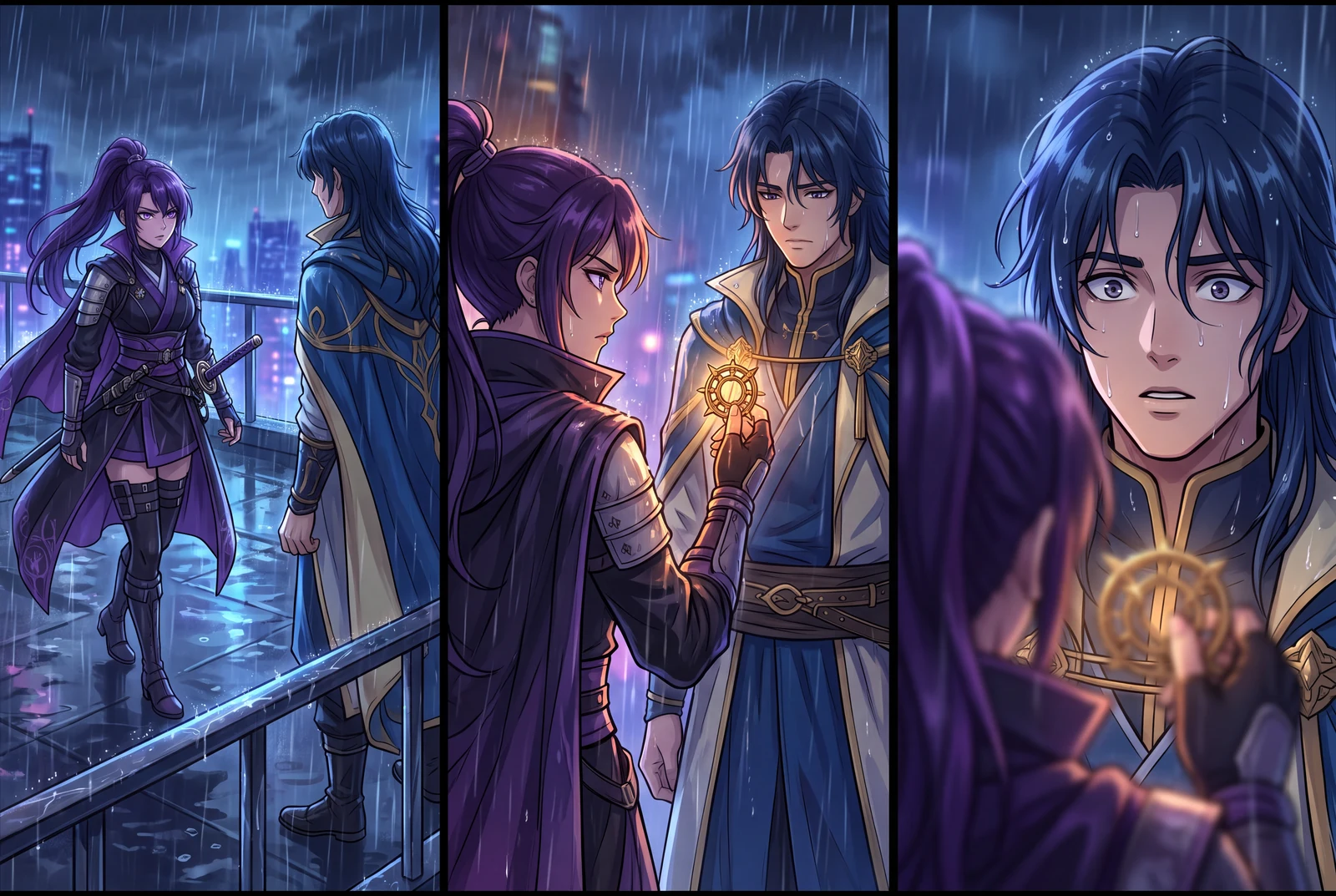
Los mismos personajes y un cambio de emoción claro a lo largo de tres momentos narrativos. Secuencia conceptual generada por IA.

Un intercambio emotivo contado mediante rostros y gestos. Concepto de corto dramático generado por IA.
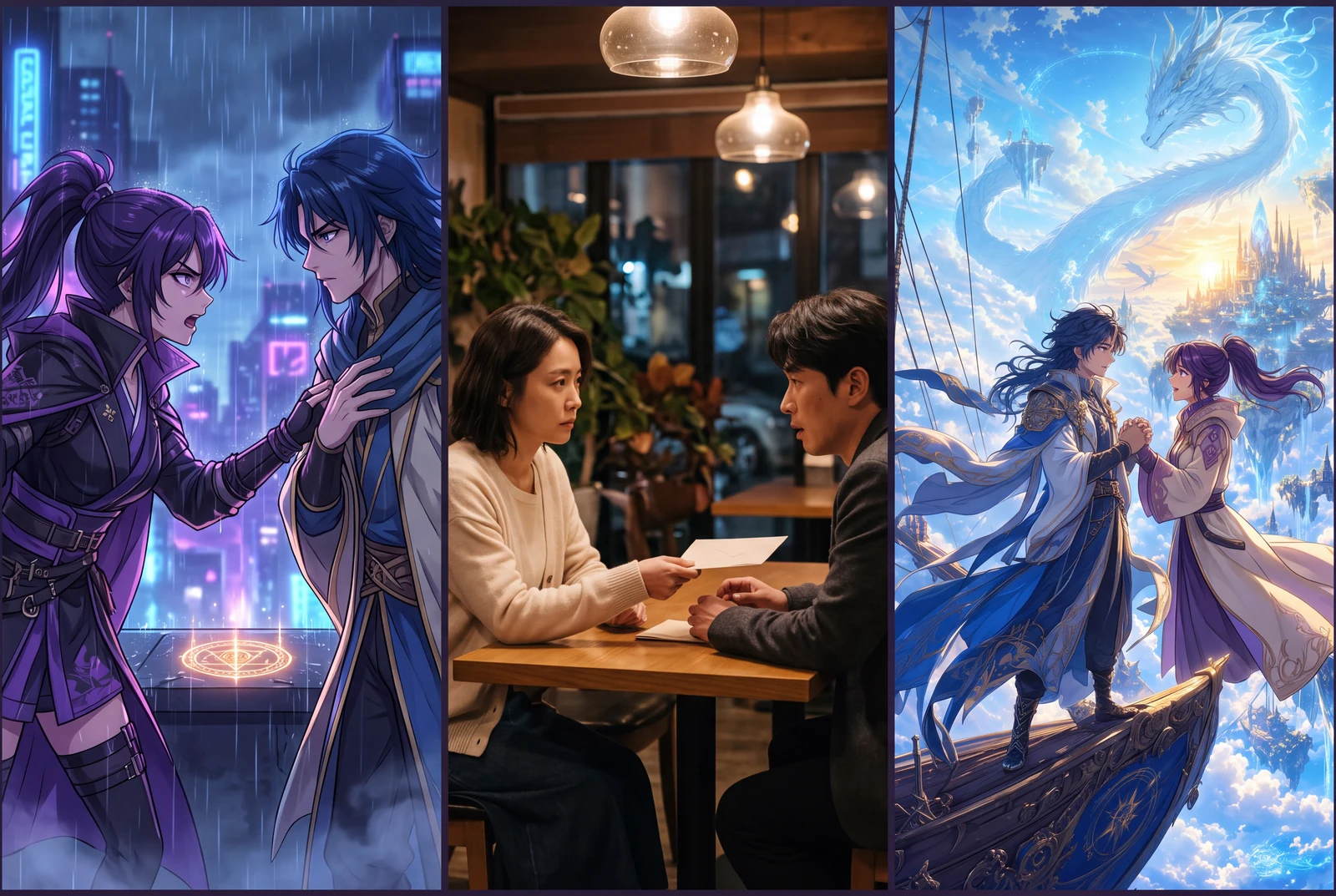
Tres géneros, cada uno con su propia relación y acción entre personajes. Colección conceptual generada por IA.
Fotogramas conceptuales de dramas de cómic y cortos dramáticos generados por IA; no son obras de clientes, exportaciones reales de video ni pruebas de resultados medidos.
Elige una secuencia breve con un orden de lectura claro. Guarda una copia de referencia de la página original y separa las viñetas que necesiten su propio plano.
Abre Comic To Video en Animation Studio, añade tu ilustración y describe el movimiento. Elige los controles disponibles para tu modo y revisa los créditos necesarios.
Antes de descargar, comprueba en la vista previa los rostros, el texto, el orden de las escenas y el sonido. Utiliza las opciones de exportación MP4 disponibles en el estudio y, si hace falta, termina los subtítulos o los cortes precisos en un editor.
La mesa de producción
Elige la parte en la que estás trabajando. Cada guía incluye un ejemplo concreto de planificación, problemas habituales y un siguiente paso.
Da a cada plano un sujeto claro y a cada escena un orden claro. Preparar bien las imágenes facilita dirigir y revisar el movimiento.
Una buena indicación de movimiento identifica el sujeto, el movimiento de cámara y lo que debe seguir siendo reconocible. Haz que el primer borrador sea fácil de evaluar.
Los bocadillos, las frases habladas y los subtítulos tienen necesidades de tiempo diferentes. Planifica las palabras por separado del movimiento.
Un vídeo vertical necesita su propia composición. Conserva el rostro, la acción y el detalle que permite entender el siguiente plano.
Un resultado renderizado sigue siendo un borrador hasta que sus personajes, palabras y momentos narrativos superen la revisión. Usa la ilustración original como referencia.
Estos clips ya publicados en la galería de LlamaGen animan portadas ilustradas. Compara la composición con la ilustración original. Son ejemplos de una dirección visual, no una prueba controlada ni una garantía de que todas las páginas se animarán de la misma manera.
Observa el rostro, la espada y la serpiente mientras se mueve la cámara. Un impacto potente solo sirve si el sujeto sigue viéndose con claridad.
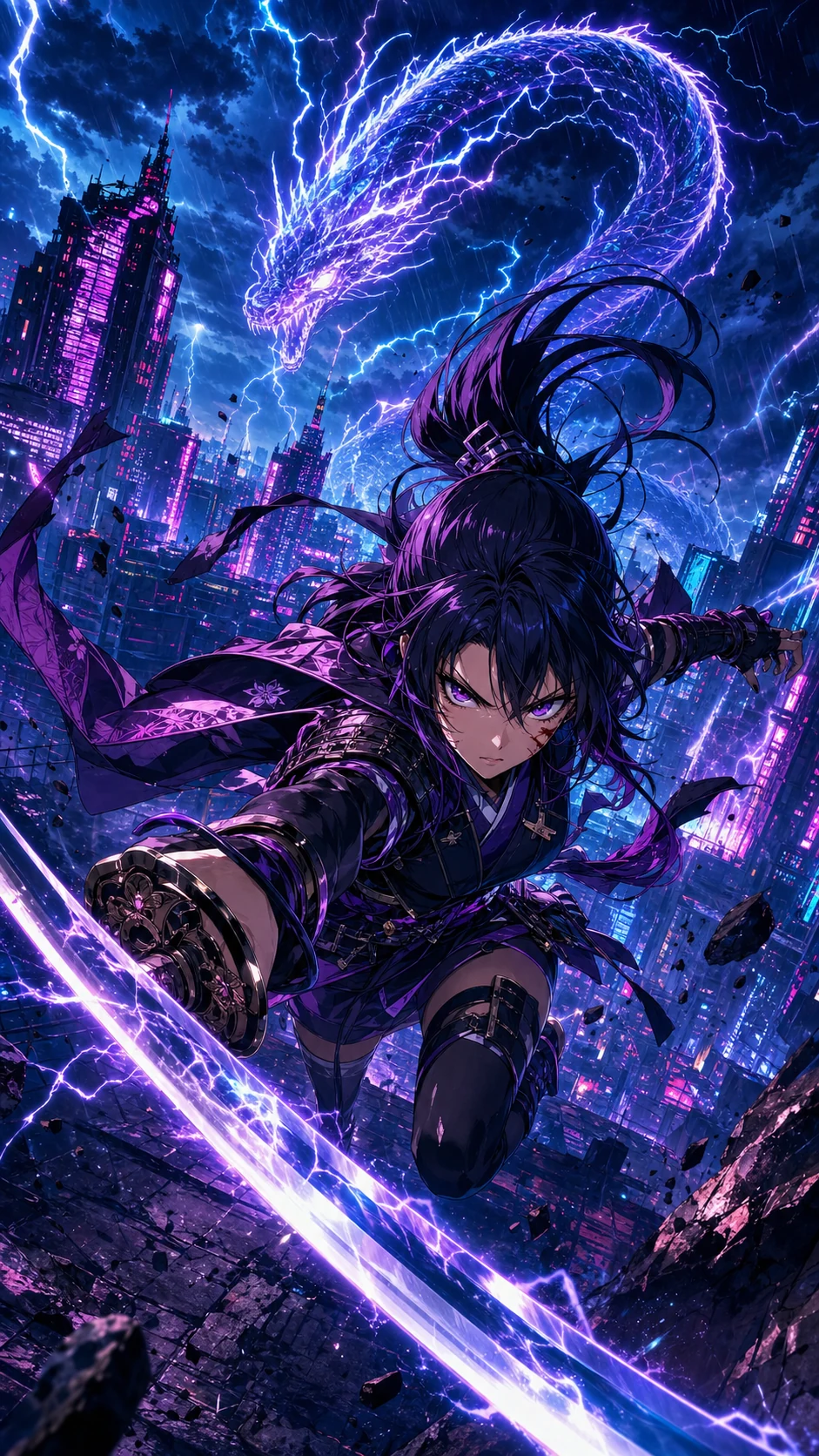 Ilustración original
Fíjate en los aprendices y en el dragón de fideos. Comprueba que ambas reacciones sigan siendo visibles, en lugar de valorar el clip solo por su movimiento.
 Ilustración original
Compara el mago, la nave y el horizonte con la ilustración. Busca cambios en la composición cuando una escena detallada empieza a moverse.
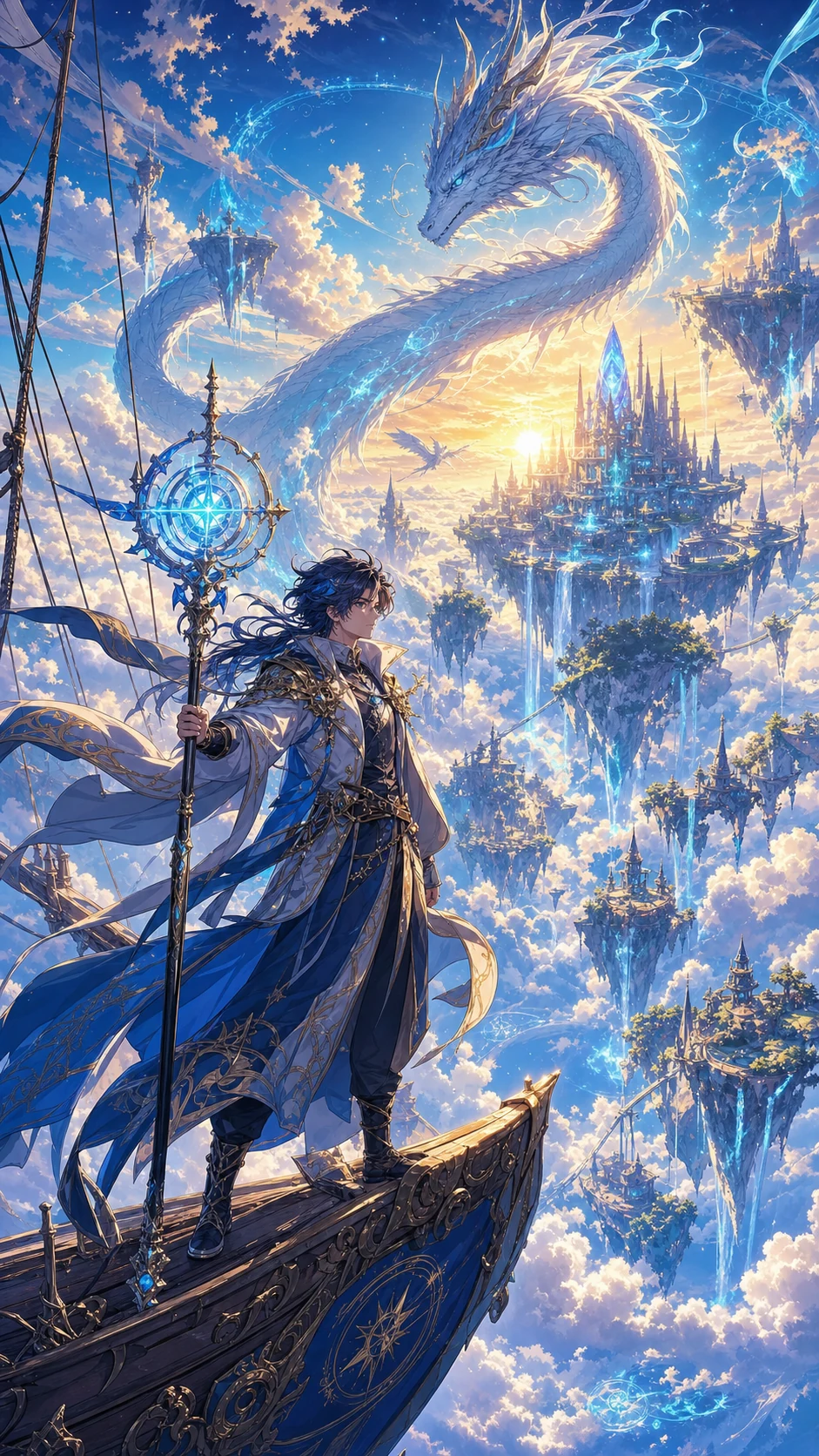 Ilustración original
Flujos de cómic a video
Convierte una tira en una escena, prepara un tráiler, revisa la continuidad de personajes o conecta viñetas con transiciones claras. Cada guía combina un plan de producción con ejemplos en movimiento.
Ver ejemplos de cómic a videoGuías de producción en inglés
El movimiento generado por IA puede alterar rostros, manos, objetos o texto. Ten a mano la ilustración original y descarta los fotogramas que cambien la historia.
Los controles de voz y música dependen del modo seleccionado. Una indicación de movimiento no garantiza una sincronización labial exacta, la conservación de los bocadillos ni subtítulos sincronizados.
El tiempo de generación, los archivos admitidos, la duración y la resolución varían según el modo y el plan. Consulta los controles actuales del estudio en vez de planificar en torno a una promesa fija.
El centro de ayuda indica que Comic To Video es un modo para planes de pago. Consulta los precios actuales, los créditos que se muestran antes de pulsar Generar y cualquier aviso de mejora de plan para descargar antes de comprometerte con un proyecto.
Empieza con una escena breve. Para páginas densas o tiras largas de desplazamiento vertical, prepara planos separados y anota el orden de lectura previsto. Revisa cada resultado antes de montar un vídeo más largo.
No des por hecha una conservación perfecta. Revisa el texto y la identidad de los personajes en la vista previa. Si el texto generado dentro de la imagen cambia, añade los diálogos esenciales como subtítulos editables en el montaje final.
La guía del estudio describe las opciones de descarga en MP4 y de uso compartido. Los ajustes de salida disponibles y el acceso a las descargas dependen del modo y del plan seleccionados; utiliza los ajustes que aparezcan en tu espacio de trabajo.
Empieza con una secuencia breve de tu propiedad y revisa el resultado antes de ampliar el proyecto.
Basado en la guía pública del estudio y en ejemplos ya publicados. Los ejemplos desarrollados a continuación son propuestas de producción, no resultados medidos de clientes. Las imágenes dramáticas son fotogramas conceptuales generados por IA; las ilustraciones originales y los clips publicados se identifican por separado.
La documentación del producto describe los controles disponibles. Los enlaces de W3C y YouTube explican recomendaciones de accesibilidad y publicación; no suponen un respaldo a LlamaGen.
Plan an ordered shot sequence, choose four-panel layouts, and stage a readable manga action scene.