
Product showcase
Animate a clean product visual with controlled camera motion, lighting, and presentation.


AI Product Video Generator
Upload a product photo, choose a focused camera move, and create a short product-motion test right here. Use the marketing-video workflow if you need a scripted ad with multiple scenes.
Use your existing LlamaGen account and credits. AI motion can change packaging, typography, or brand details; inspect the generated result before publishing.
Upload one clear product image and test one camera move. Review the result before publishing.
Use this original source/output pair to inspect a product camera move. This sample uses Vertex Veo at 720p for six seconds. The tool above uses Seedance 2.5 at 480p for five seconds and displays its own PRO and credit requirements; the sample does not verify that tool’s upload, plan checks, billing or output. To test the on-page tool, download the original PNG below and upload it above.
Generated on November 13, 2026 using the Vertex API directly. This is an actual source and output pair, not a recording of the LlamaGen website or proof of its credit deductions. The source image is AI generated with Nano Banana 2.1, not a customer photograph.
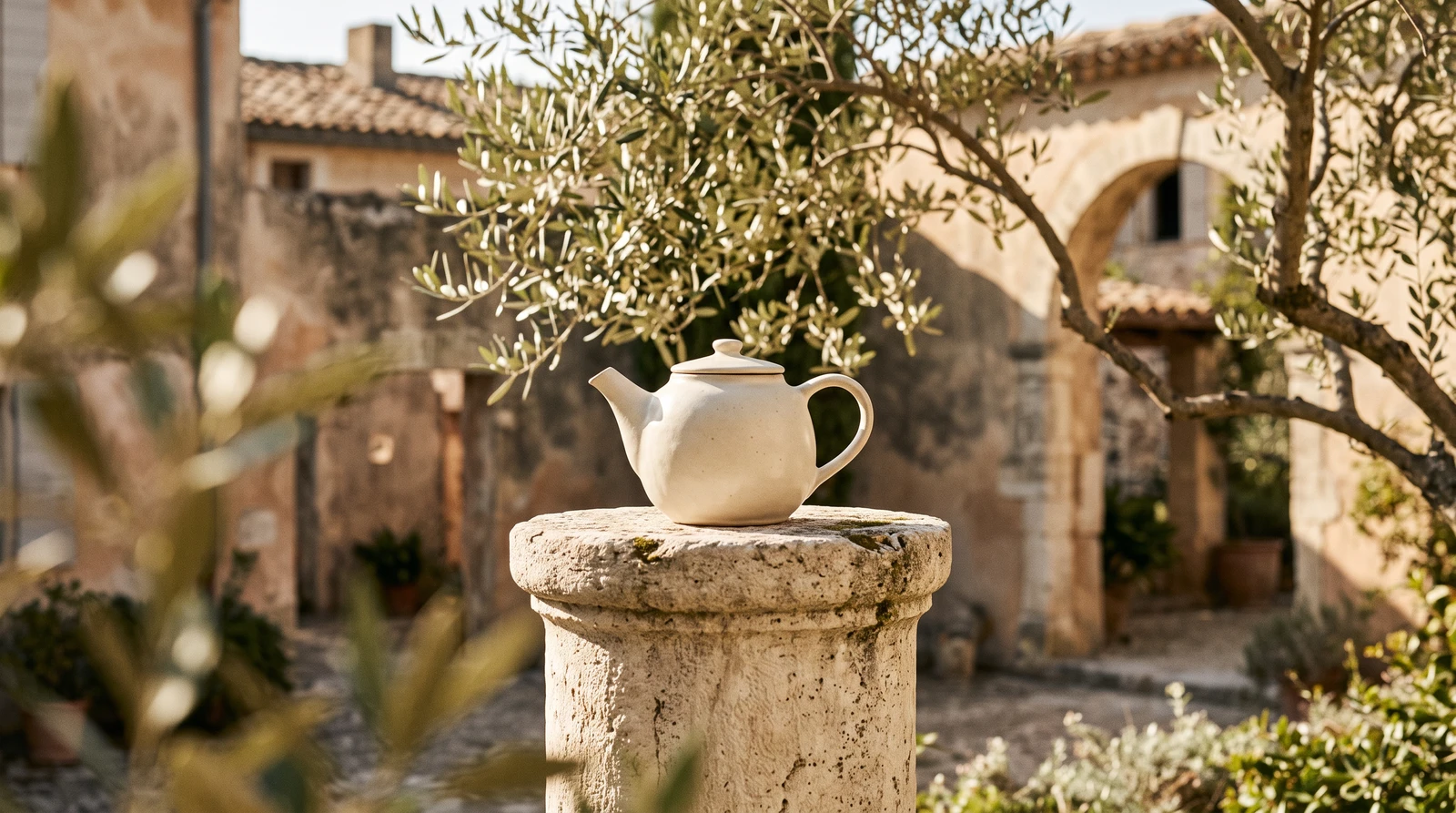
Slowly dolly forward toward the teapot. One continuous shot, preserve ceramic shape and courtyard lighting. No cuts, no text, no logos.
The sampled first, middle and last frames show a visible push-in while the teapot remains recognizable. Review the whole clip yourself: a plausible preview does not guarantee unchanged geometry or a seamless loop. In the same batch, an upward tilt partly cropped the teapot and a product-reveal prompt did not produce a complete reveal from behind the leaves. Those are limitations, not examples of precise camera control.
To try a similar shot, upload your image in Image to Video, choose Push in, then edit the motion prompt. Confirm the selected model, supported duration and resolution, and displayed credit cost before generating. Preparing a prompt is free; rendering depends on your account, plan and available credits. A different source or model can behave differently.
Animate a clean product visual with controlled camera motion, lighting, and presentation.
Turn a product concept into short promotional footage for social posts, teasers, or campaign drafts.
Use the marketing-video workflow when the product needs a message, benefit, or call to action rather than a simple motion shot.
Use a clear source image. If needed, create a stronger campaign image first with AI Product Photography.
Use the image-to-video tool above to test an orbit, a gentle push-in, or a detail shot. Choose Marketing Video for a multi-scene story.
Check shape, packaging, labels, color, motion, text, and the final crop before publishing.
Yes. LlamaGen's Image to Video workflow accepts product visuals and lets you describe motion, camera direction, duration, and output style.
No. Product Photography creates or refines still product scenes. Product Video continues from a still image or marketing brief into motion.
Not automatically. Compare the generated video with the source product and review text, logos, shape, color, and small packaging details before use.
Related workflows