Start with the scene
Subject or actionTime of dayLocation typeAtmosphere


AI Shot Search · Public beta
Find original AI-generated references with structured camera metadata instead of scrolling through unrelated inspiration. Search by shot size, focal length, lighting, color, action, atmosphere and narrative intent.
Free accounts get 10 searches · Signed-out visitors can preview and prepare a query.
Or browse available shots without searching →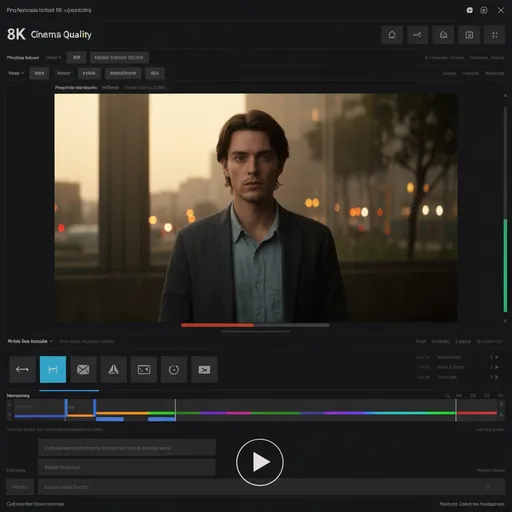
AI search · From words to camera references
Start with a subject and one visual constraint. Add framing, lighting or movement only when a broad query is not enough. Compare the available references before choosing a direction.
For directors, storyboard artists, cinematographers, agencies and visual creators.

AI search · From words to camera references
Search broadly, inspect what matches, and write down the camera decisions. Search returns references for judgment; it does not automatically produce a production-ready shot.
Type the subject and story situation in plain language.
Use a camera, lighting, composition or scene filter to narrow the set.
Inspect references and note the camera qualities worth carrying into a storyboard or shot list.
Executable searches
Each example opens the real Shot Search with its query prefilled. Signed-in visitors can run it; actual matches depend on current library coverage.
night driving through glass, long lens, cool practical light
Check whether the framing and reflections communicate isolation; loosen the lens term if the search returns too few references.
Run this search →close-up portrait, window side light, shallow depth of field
Compare facial visibility and the direction of light before moving the reference into your shot notes.
Run this search →low angle tracking shot, running figure, wet street
Prefer a reference that shows the needed action clearly; camera movement can be adjusted later.
Run this search →Related workflows
Guides and comparisons
Learn when to use real production stills and when original AI-generated references are more useful for developing a new scene.
Practical advice for camera-language search and visual research.
Read guides →Compare real film stills, free libraries and original AI references.
Compare options →See how ShotDeck, FrameThrower, SHOT.CAFE and FilmVibes differ.
View comparisons →Use natural-language descriptions of action, atmosphere or composition, such as “night driving through glass.” Combine words with available camera and lighting filters when you need more control.
No. Shot Search retrieves references from LlamaGen's existing original synthetic library. Generating a storyboard or other asset is a separate workflow.
Remove the most specific lens, movement or location term and try again. Keep the subject or narrative purpose so the broader matches are still useful.
Signed-in free users have up to 10 submitted searches. Paid LlamaGen users can search without a query limit; browsing recent references does not spend the free search allowance.
Browsing the current library is free. Sign in to submit searches; actual results depend on available references.
Explore live references