Visual story presentation
Pair the screenplay premise with character art, mood, selected scenes, and boards that communicate tone immediately.


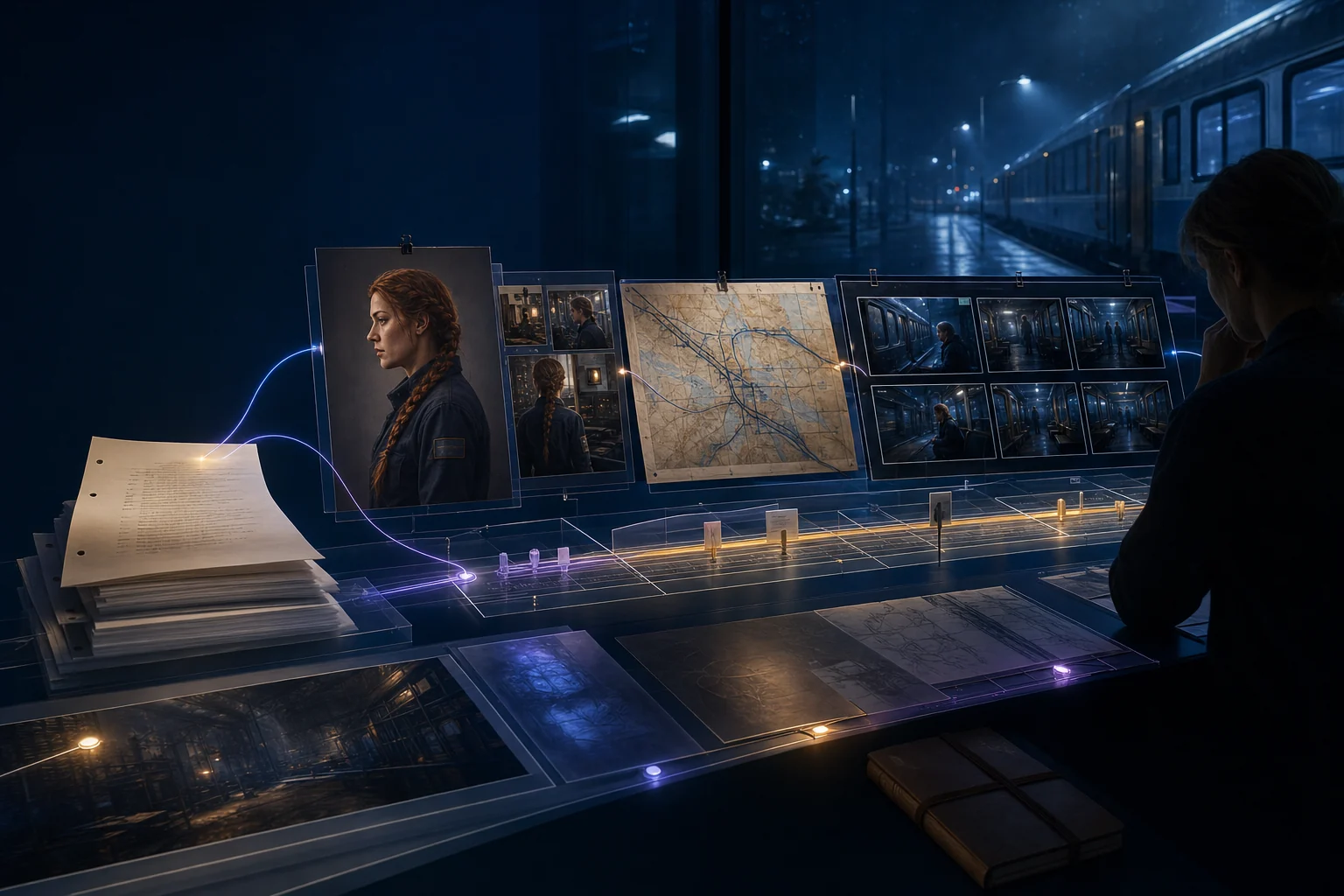
Present the script, characters, visual direction, and storyboard together so collaborators and readers can understand the project you are actually trying to make.
Opens the LlamaGen storyboard project workspace.

Northline / visual direction
One story world, carried from screenplay to production.
Share the work clearly
Present the premise, tone, cast, key scenes, and storyboard direction alongside the script. Readers can understand what you are building, respond to the right creative question, and decide how they can contribute.
Pair the screenplay premise with character art, mood, selected scenes, and boards that communicate tone immediately.
Ask focused questions about structure, character, staging, continuity, or a specific visual sequence instead of inviting generic reactions.
Choose what to present, keep drafts private until they are ready, and make authorship and remix expectations explicit.
Worked example · A better feedback prompt
Show the relevant pages and frames, state what you are testing, and tell readers which constraints are fixed. Specific context produces specific feedback.
The workflow
Curate the story signal, ask a useful question, and bring the strongest feedback back into the work.
Select a logline, short synopsis, key characters, tone references, and a representative storyboard sequence.
Ask readers to evaluate a specific choice such as clarity, emotional turn, casting direction, or shot continuity.
Separate taste from actionable patterns, then update the script, reference set, or board without losing the project's identity.
Explore the connected workflow
Visual screenplay handoff
Break down an approved scene into cast, location, props, story beats, blocking, continuity notes, and storyboard handoff requirements. This is a visual production workspace—not a replacement for drafting or screenplay formatting software.
AI production assets
Generate character portraits, location studies, prop designs, scene stills, and storyboard frames from the context already present in your story, then keep the useful results organized for the next creative decision.
Storyboard coverage planning
Turn one approved screenplay scene into a reviewable coverage plan: map story beats to shot purpose, framing, screen direction, continuity risks, and an intentional shot order. This workspace is for pre-production decisions, not one-click storyboard generation.
FAQ
Share enough to communicate the premise and question: usually a logline, short synopsis, relevant pages, key character or location references, and a selected visual sequence.
Ask a specific question, identify the relevant scene or sequence, explain what is fixed, and tell readers whether you need structural, character, dialogue, or visual feedback.
Only when the creator is comfortable with the exposure and has considered authorship, confidentiality, collaborators, and rights. Private sharing is often better for early or sensitive work.
Write or import a scene, shape its structure, and turn the screenplay into a storyboard you can refine, share, present, and export.