
Chapter structure
Turn chapters into visual beats
Break prose, outlines or scripts into chapter arcs, page goals, panel prompts and emotional rhythm.


Long-form comic workflow
Bring your own story or manuscript into LlamaGen's existing Comic Copilot. Upload a script or PDF, choose storyboard density and character options, generate comic pages, and continue editing in Studio. No separate chapter planner or duplicate upload process.
Chapters
Plan arcs, turning points, page goals and callbacks across a full book.
Cast bible
Track skin tone, hair, face, outfits, relationships, speech and emotional range.
Export
Create panel prompts, page drafts and individual assets for assembly or publishing.
New to document-to-comic production? Read the step-by-step Comic Copilot manuscript upload guide before you start.
Graphic novel examples
Graphic novels need chapter logic, recurring visual identity and story ownership. The workflow should support quiet memoir, urban fantasy, speculative worlds, family sagas and indie action without forcing one style.
Chapter structure
Break prose, outlines or scripts into chapter arcs, page goals, panel prompts and emotional rhythm.
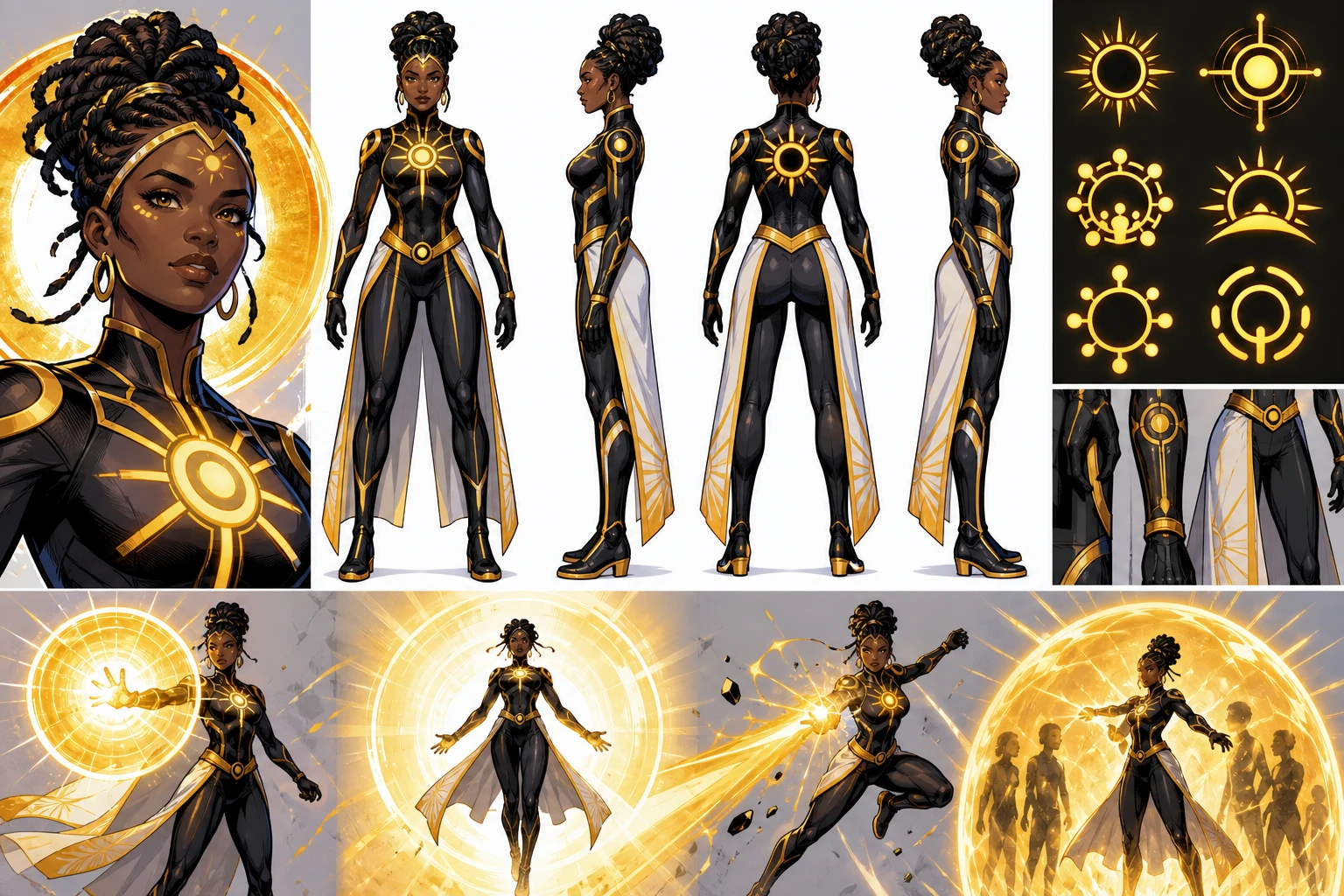
Consistency
Use character bibles to maintain skin tone, undertone, hair, face, wardrobe, body language and relationships.
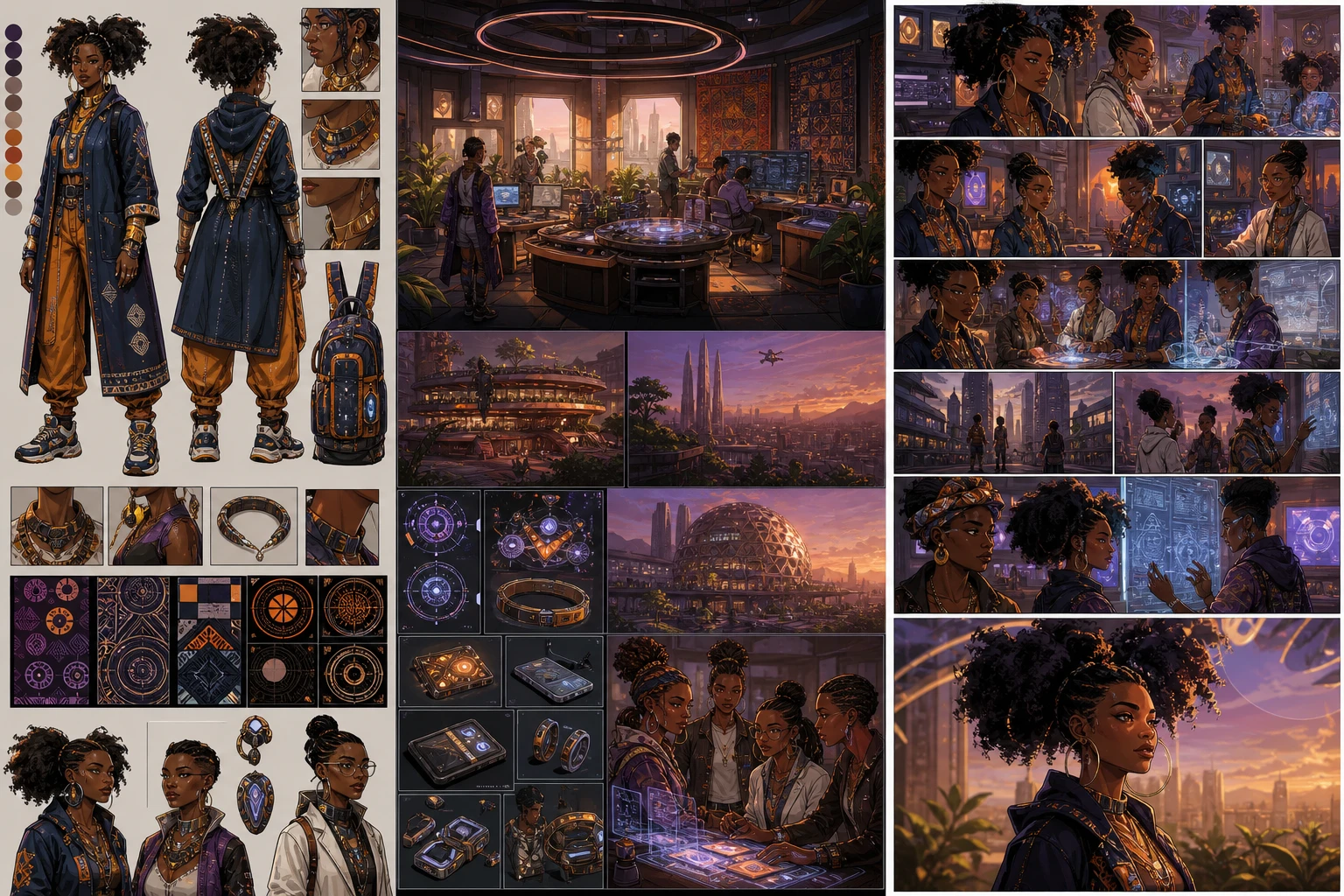
World ownership
Develop neighborhoods, music venues, family homes, futures and histories with cultural detail rather than generic visual shorthand.
Graphic novel controls
A graphic novel maker should connect long-form story planning with the visual details that keep readers oriented.
Generate chapter summaries, turning points, emotional beats and page goals.
Track cast references, relationships, speech style, visual identity and outfit changes.
Create panel counts, camera direction, captions, dialogue and scene transitions.
Check skin, hair, body, age, style and family/community roles across the story.
Revise voice, pacing, chapter captions and dialogue before generating final art.
Export individual panels, page drafts, prompt notes and cover concepts for assembly.
Workflow
The full production workflow already lives at /app/upload. Reuse its account upload, script-to-storyboard stages, character and page settings, subscription checks and Studio editor.
01
Open LlamaGen Comic Copilot and upload a supported manuscript or PDF using the existing file selector. The uploaded source stays tied to the generation workflow.
02
Set storyboard density, panels and page count. Reuse existing character consistency and plan limits where supported.
03
Continue through the existing story script, storyboard, sketch and optional finishing stages. Account plan and credits determine which stages are available.
04
Open the generated comic in LlamaGen Studio to correct pages, captions and visuals, then continue your series using your own source and character references.
Search intents covered here
These sections answer common searches for creating longer sequential books.
01
Map chapters, arcs, turning points and visual motifs before drawing pages.
02
Keep the same cast recognizable across chapters, time jumps and locations.
03
Create page beats, panel prompts, captions and dialogue notes for a chapter.
04
Prepare panels, page drafts, cover concepts and notes for assembly or pitching.
05
Outline one learning objective per chapter, reuse your cast and review factual accuracy before creating the next visual installment.
Prompt recipes
Use these for long-form story planning and production handoff.
Create a graphic novel plan for this premise. Include logline, themes, audience, chapter arc, recurring cast, locations, visual motifs, first chapter page beats and continuity checklist.
Build a graphic novel character bible for six recurring characters. Include skin tone, undertone, hair, age, body type, clothing style, family role, speech style, emotional range and outfit variants.
Turn chapter one into twelve comic pages with panel counts, camera angles, captions, dialogue placeholders, setting notes, recurring objects and export checklist.
Plan an ORIGINAL educational graphic novel for teenage athletes in seven chapters: goal setting, helpful self-talk, focus cues, coping with competition pressure, mental imagery, resetting after mistakes, and game-day routines. Use the same fictional athlete and coach across the book. For each chapter return one learning objective, one sports scenario, four visual story beats, one reflection prompt, a source-check placeholder, and a continuity checklist. Produce an outline, NOT already rendered art. Do not invent clinical results; flag mental-health statements for expert review.
Story ownership
The page is built for creators who care about representation, continuity and ownership. Use AI to draft faster while keeping the script, references and publishing choices under your control.
01
Build new characters, families, worlds and symbols instead of imitating protected franchises or living artists.
02
Revise dialogue, panel notes, captions and scene order so the final comic reflects your voice and values.
03
Use character sheets, individual panels, page drafts and prompts as source material for web, print, pitch decks or app workflows.
Use these workflows together when a project needs characters, story structure, source material and publishable comic panels.
01
Turn stories, scripts and chapters into comic pages.
02
Keep the same character stable across scenes.
03
Build an original comic from concept to page draft.
04
Turn family memories and source material into comics.
05
Adapt one approved manuscript passage into a reviewable comic page.
06
Create classroom or athlete-learning comics with teaching-oriented examples.
FAQ
Questions about long-form planning, continuity and publishing.
Ready when you are
Start with the approved creative direction, then refine characters, pages, and production assets in the LlamaGen studio.