

How to make manga sound effects
Letter a three-panel scene in LlamaGen. Place script cues, edit each sound, and export assets for your comic.
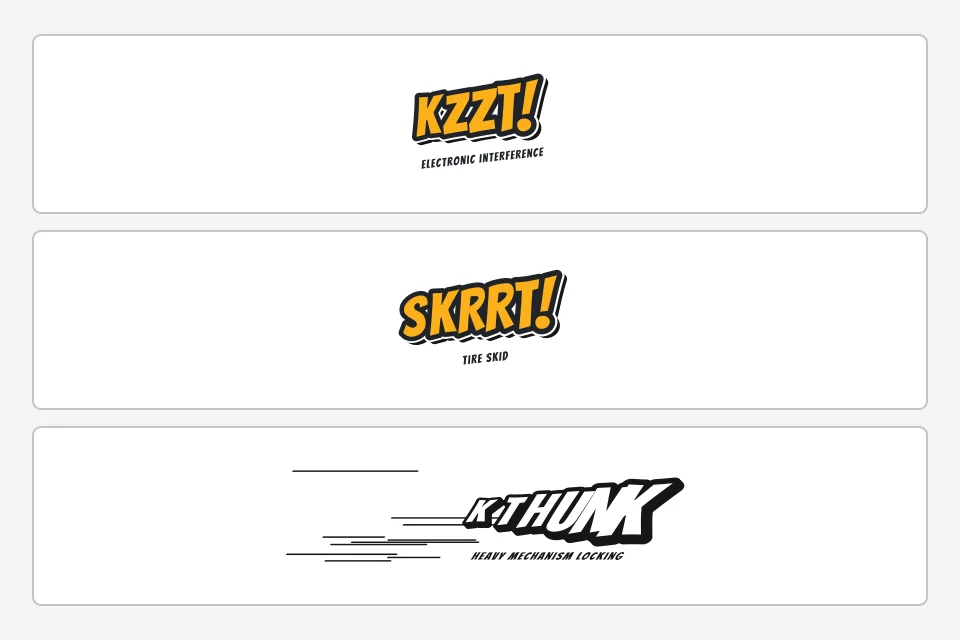
Place three sound cues
Open Script and paste the example below. Each line makes one layer, and text after the vertical bar becomes its caption. Choose a reading order, review the preview, then place the layers. Use drawn panels to control where each cue lands.
KZZT! | Electronic interference
SKRRT! | Tire skid
KTHUNK | Heavy mechanism locking
Shape each sound
Select one layer and apply a style with its text intact. Try Signal glitch on KZZT!, then move or resize the layer to keep important art clear. If a translation needs separate styling, move the caption to its own layer and adjust it independently.
Export for the next editing step
Choose Selected sound for one cropped effect or Whole page for the composition. Use transparent PNG to overlay the effect, outlined SVG for vector work, or PSD and Layers ZIP for separate raster layers. On desktop, use Open project to load the editable example, or Save project to keep your own settings.