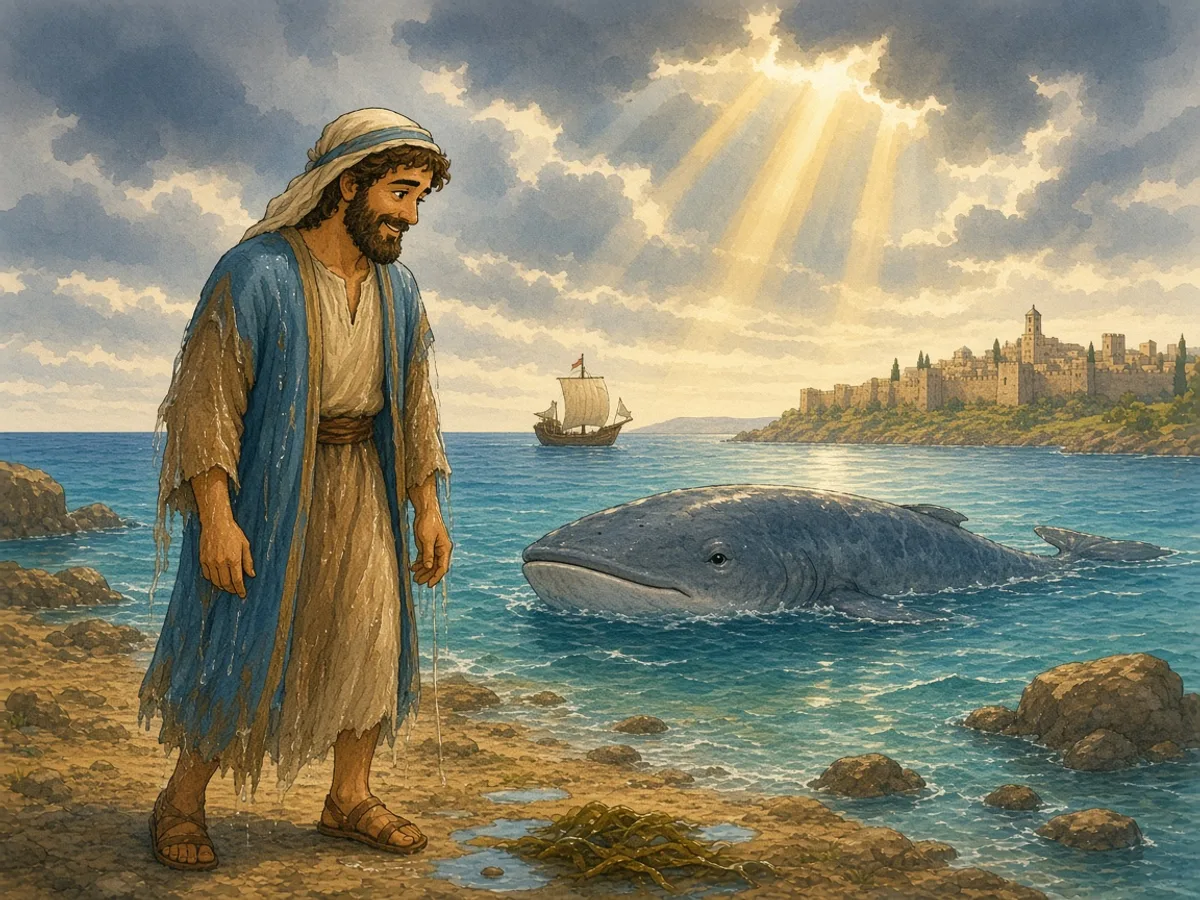
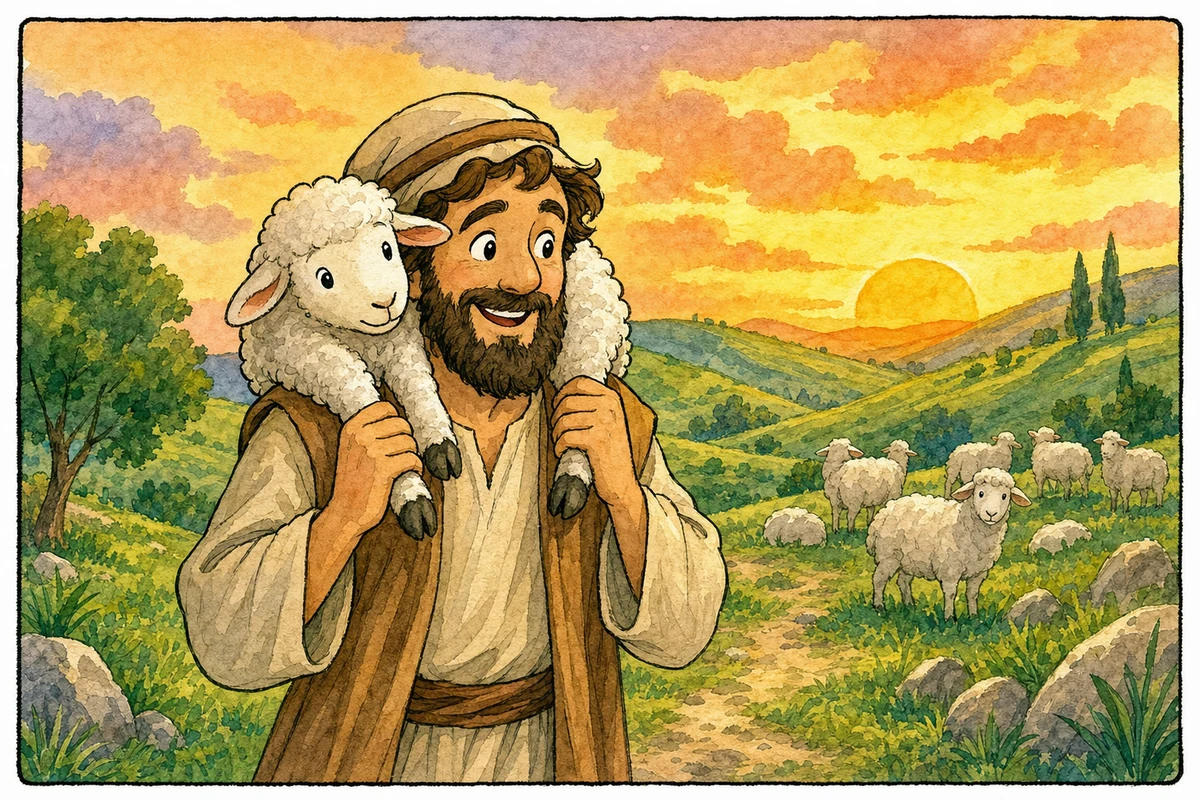
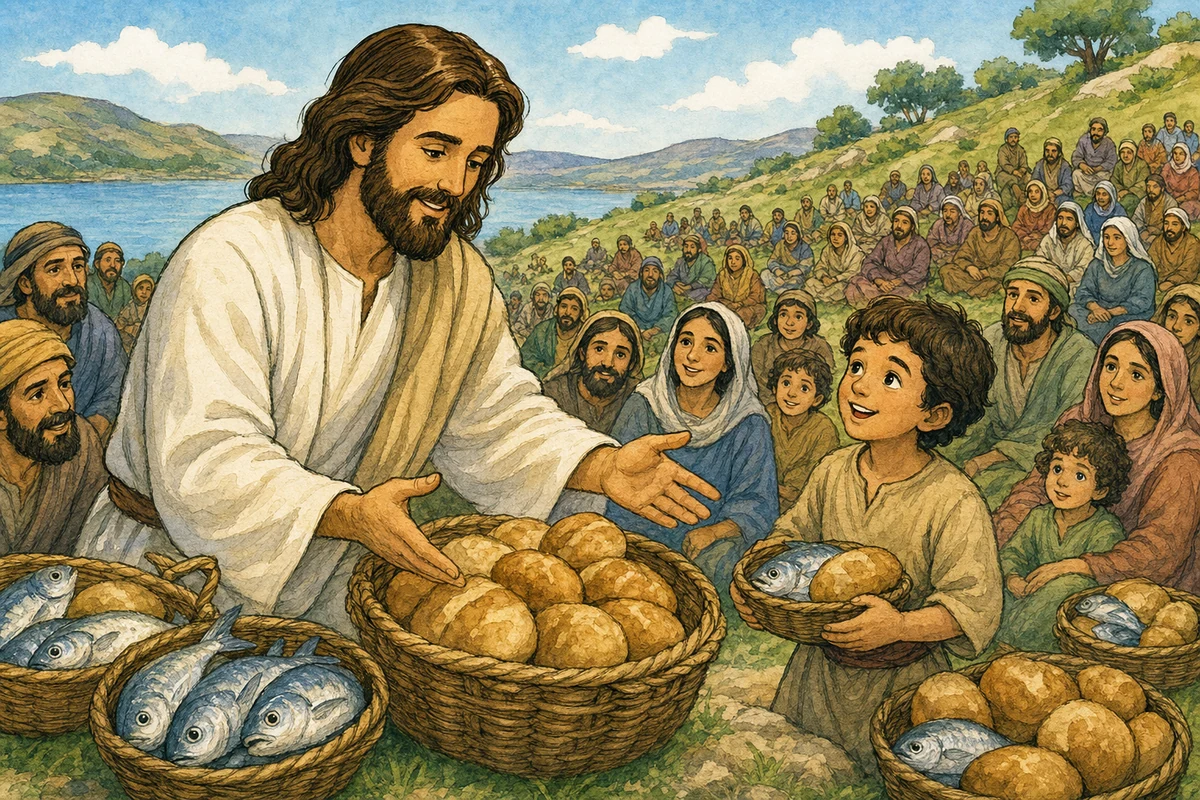
Bible Comic Maker어린이를 위한 성경 만화

어린이를 위한 성경 만화

어린이를 위한 성경 만화

패널마다 성경 이야기를 더 쉽게 따라갈 수 있게 만들어 보세요. 어린 독자를 위해 간단한 캡션, 표정이 살아 있는 캐릭터, 따뜻한 동화책 스타일을 사용하세요.

아이 친화적인 스타일 프리셋간단한 패널 수교실에서 바로 사용할 수 있는 스토리 카드
어린이를 위한 성경 만화

Use case

어린이를 위한 연령에 적합한 성경 만화 만들기

Built for 부모, 주일학교 교사, 홈스쿨 가정, 어린이 사역 리더. Each page links directly into the same Bible Comic Maker so visitors can move from search intent to a generated comic without hunting for the tool.

말씀을 읽기 전에 성경 이야기를 소개하기

가족을 위한 집으로 가져갈 시각적 요약 만들기

초기 읽기 학습자가 이야기 순서를 이해하도록 돕기

Create now

Generate a comic for this use case

The embedded tool uses the same paid gates as the full generator: free users can select up to 6 panels at 1K, while PRO unlocks 7-20 panels, 2K/4K, and 2-4 results per run.

Try the tool

Generate a Bible comic now

Choose a Bible story, pick a LlamaGen comic style, then generate a finished Bible comic page. Free users can create up to 6 panels at 1K with 1 result. PRO unlocks 7-20 panels, 2K/4K, and 2-4 results per run.

Bible Comic Creator

300 credits for this run

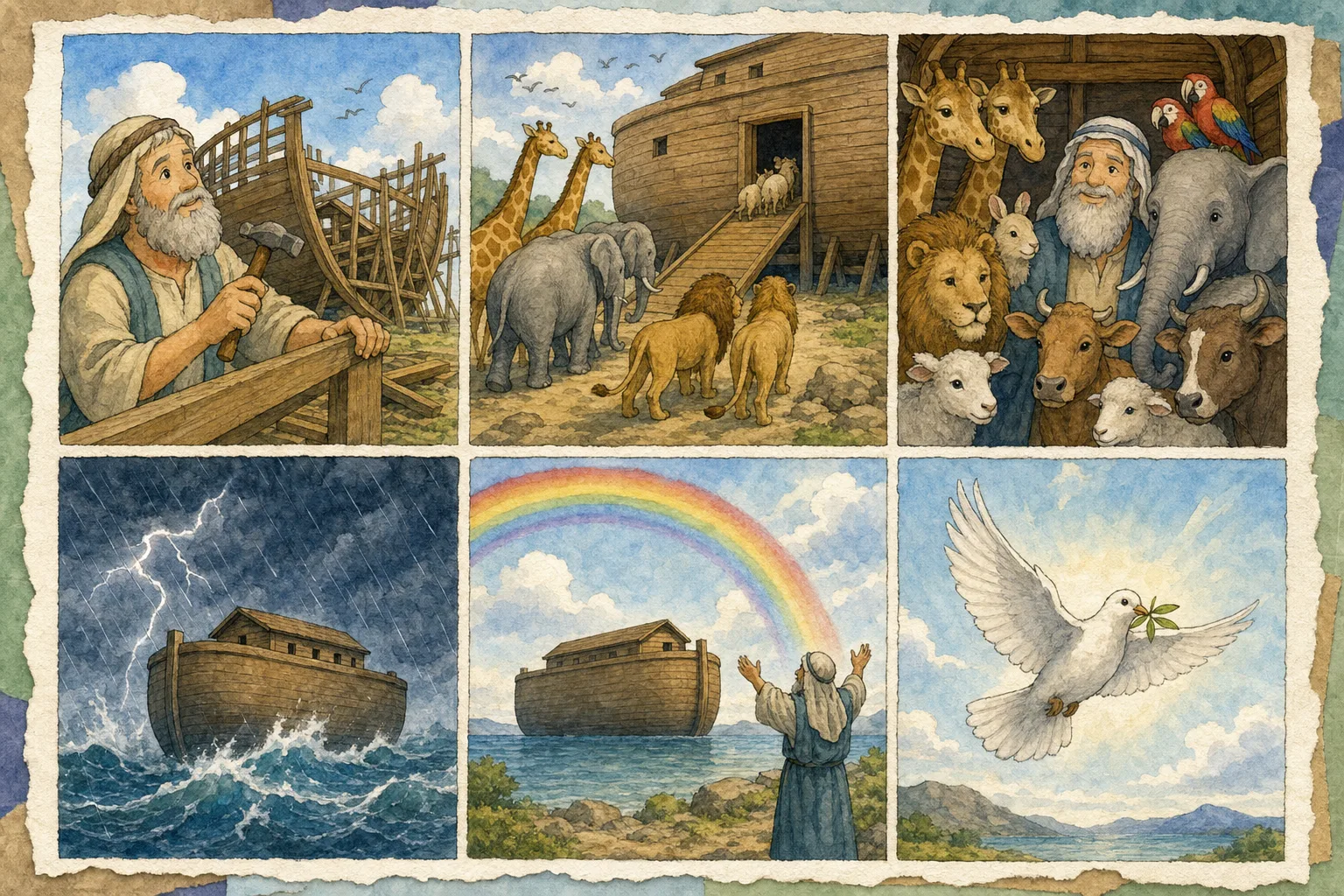
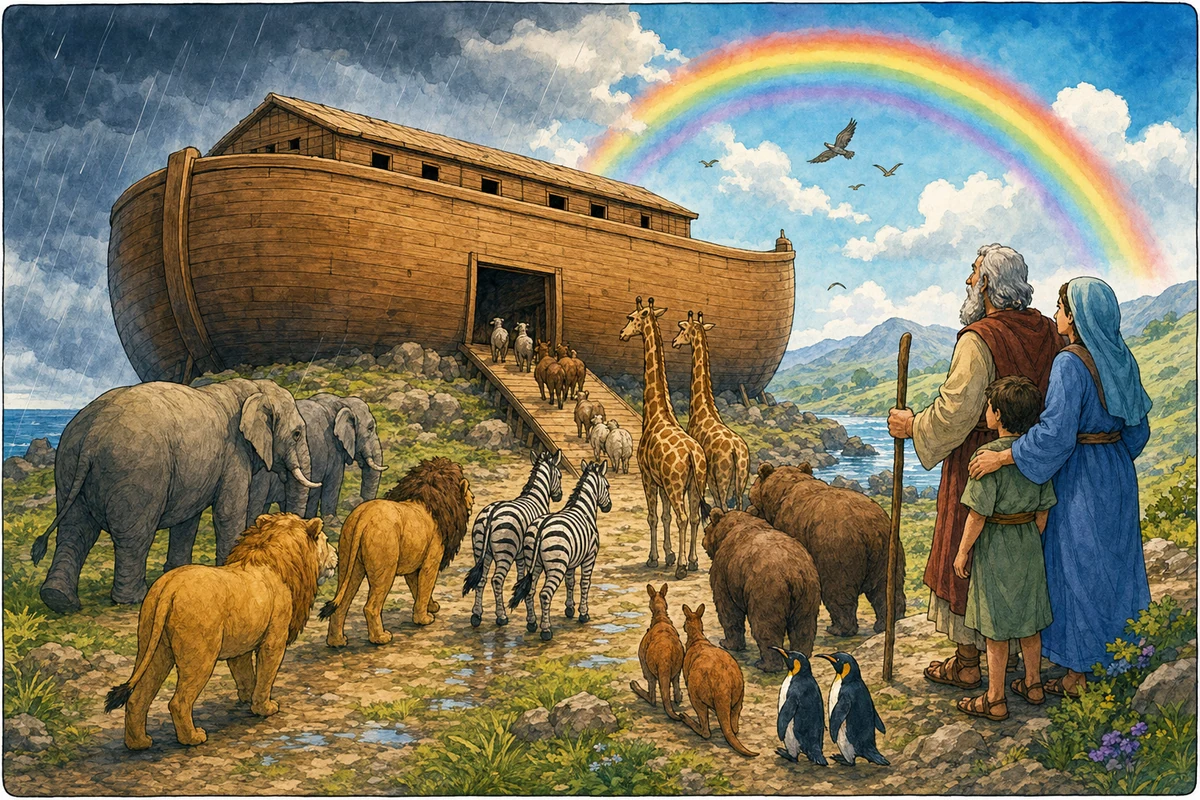
Selected: 창세기 6-9 - 노아는 하나님께 순종하여 방주를 짓고, 하나님의 무지개 약속을 보게 됩니다.

Premium styles are marked inside the style library and will ask for an upgrade before selection.

Free users can select up to 6 panels. PRO unlocks 7-20 panels.

2K costs 2x credits and 4K costs 4x credits. Both require PRO.

PRO users can create 2-4 results from the same Bible comic setup.

Upload up to 4 character references. Adding a character switches generation to image-to-image.

Text-to-image

No character references added, so the tool will create original Bible story art from text. Cost: 300 base x 1 size x 1 result = 300 credits.

View pricing and credit plans

Preview

Your Bible Comic Preview

6 panels · 4:5 · 1K · 1 result

Your Bible comic will appear here

Describe or choose a Bible story, select a style, pick panel count, then generate.

My Bible Comics

Open full generator

You have not created any Bible comics in this session yet.

워크플로

성경 아이디어에서 만화 페이지까지의 명확한 경로

1

간단한 이야기 선택하기

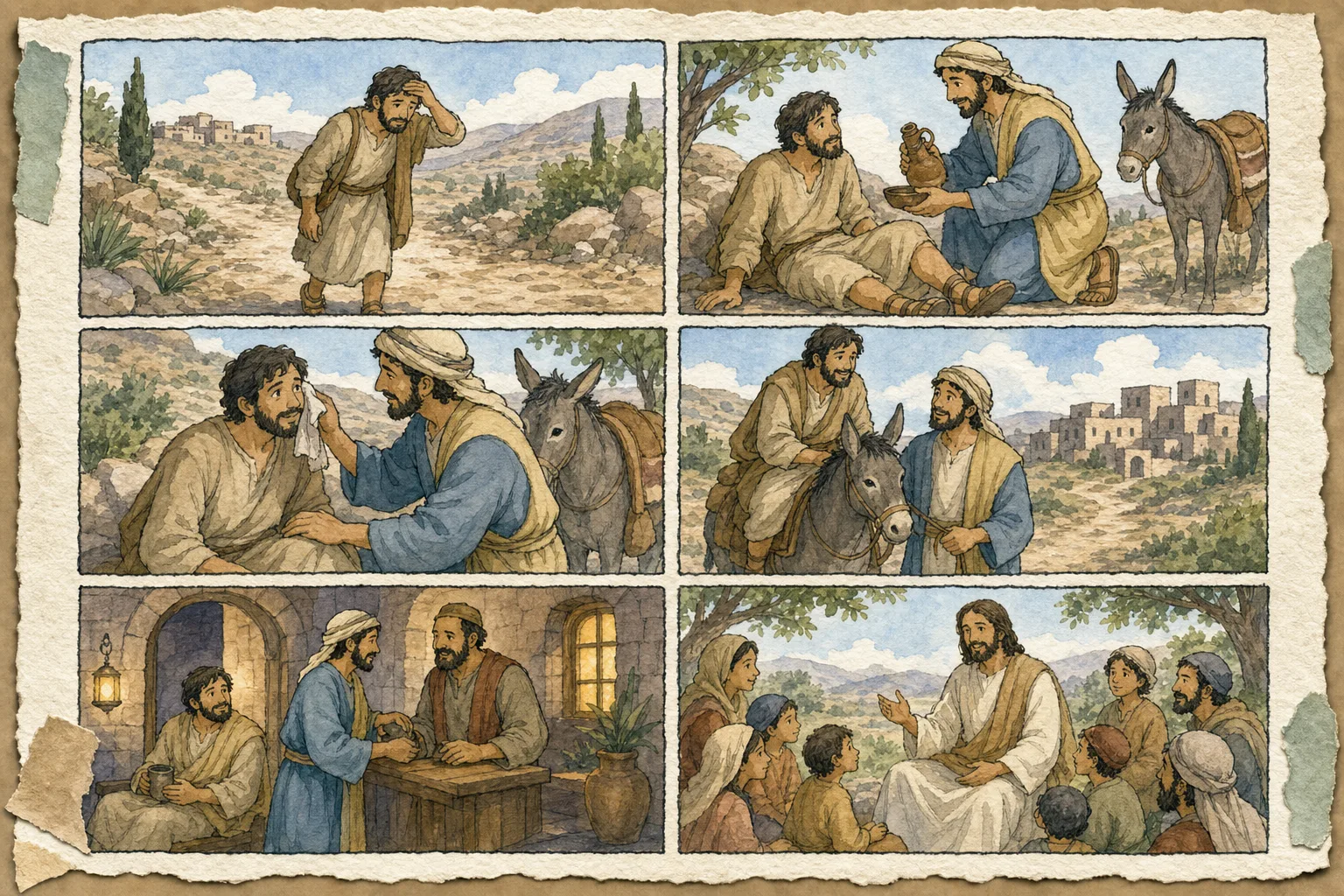
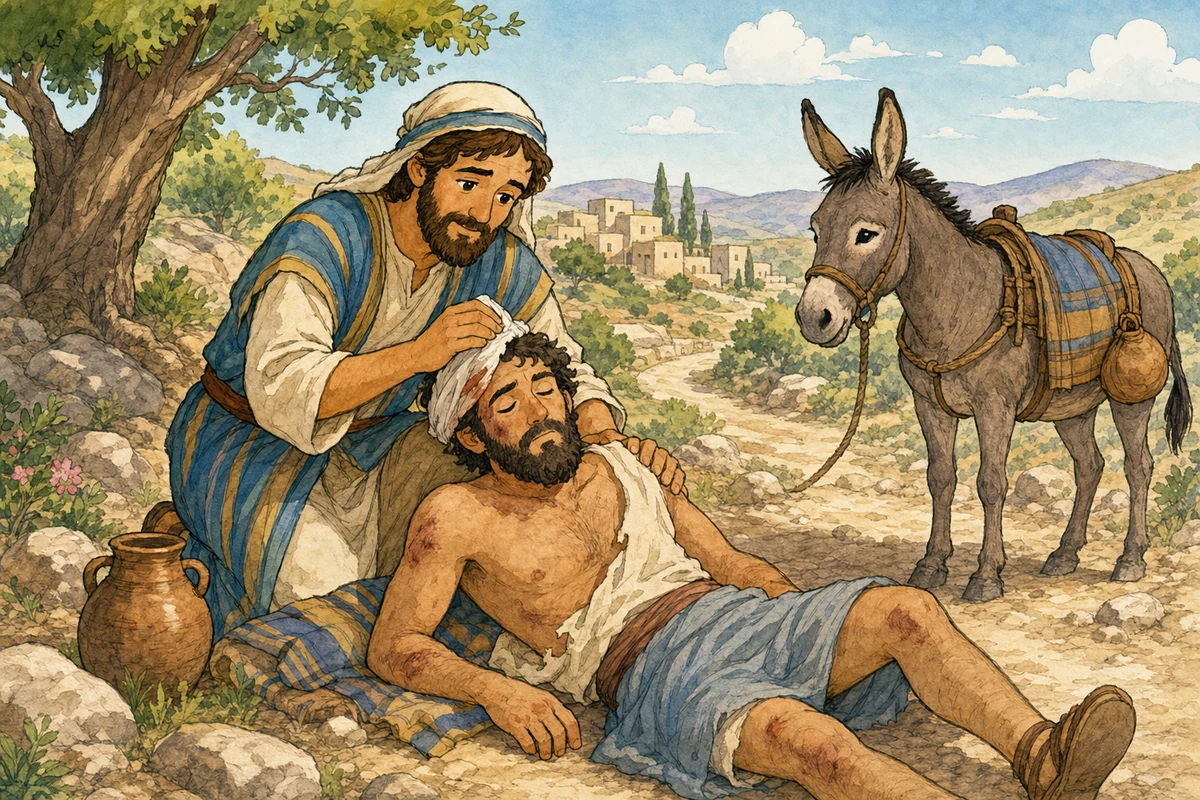
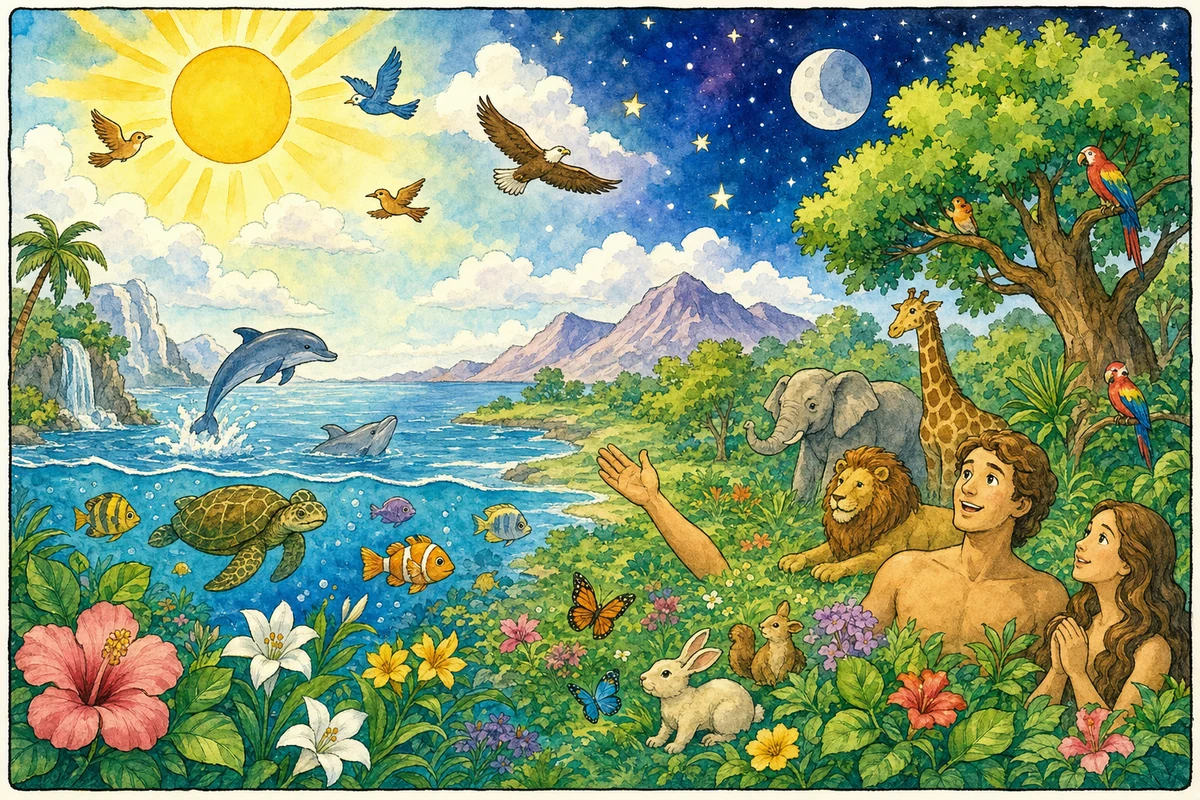
노아의 방주, 창조, 잃어버린 양, 예수님이 폭풍을 잠잠하게 하심처럼 시각적인 이야기로 시작하세요.

2

짧은 형식 선택하기

어린 아이들을 위해서는 4~6개의 패널을 사용해 이야기가 명확하게 유지되도록 하세요.

3

부드러운 분위기 유지하기

하나님의 돌보심, 약속, 자비에 초점을 맞춘, 자극적이지 않고 희망적인 프롬프트와 캡션을 사용하세요.

더 나은 프롬프트

더 강력한 성경 만화를 위한 팁

어린 아이들을 위해서는 패널마다 한 문장씩 사용하세요.
친근한 동화책 스타일이나 수채화 스타일을 선택하세요.
그림에 텍스트를 너무 많이 넣기보다 만화 뒤에 토론 질문을 활용하세요.

자주 묻는 질문

어린이 만화에 가장 잘 맞는 성경 이야기는 무엇인가요?

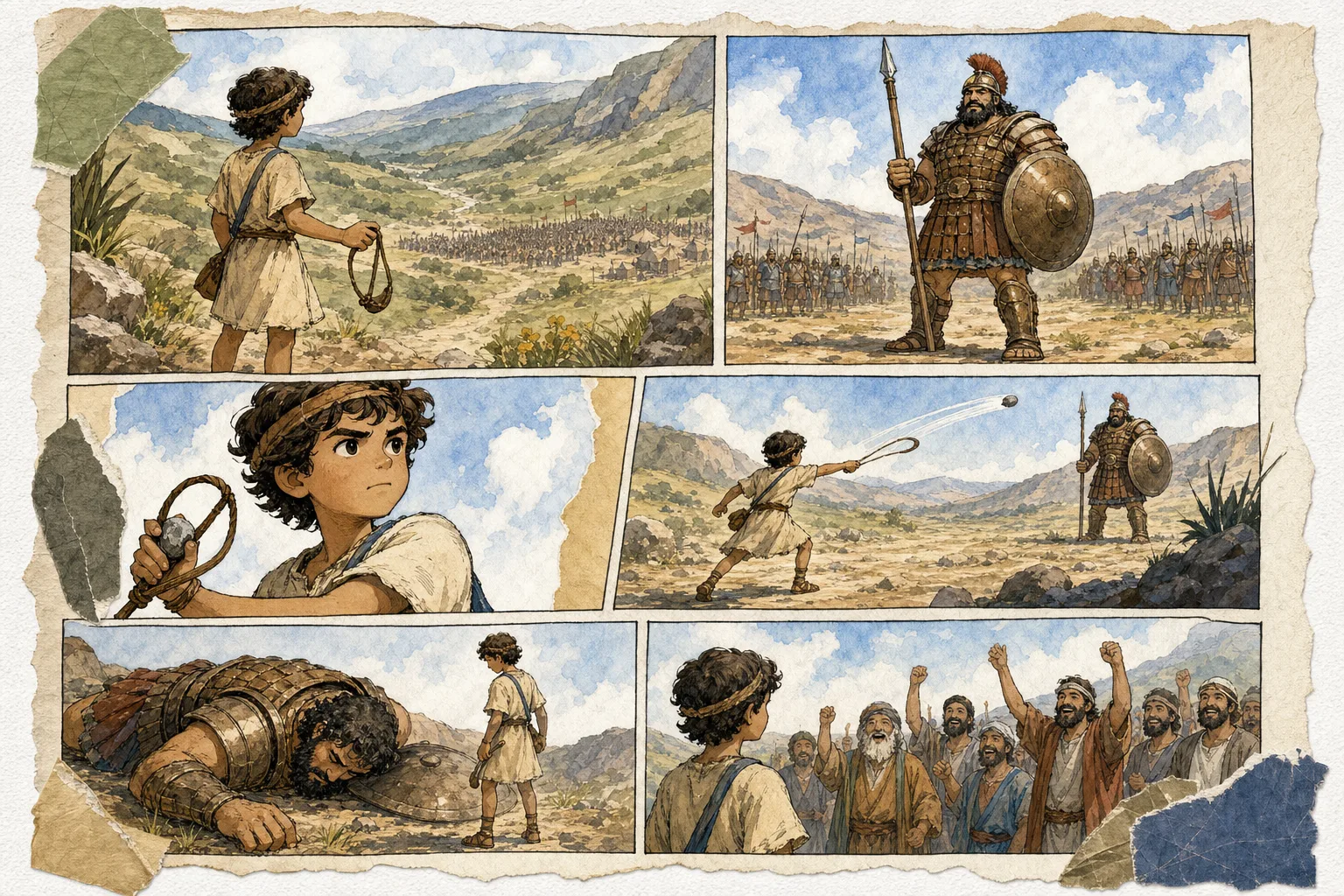
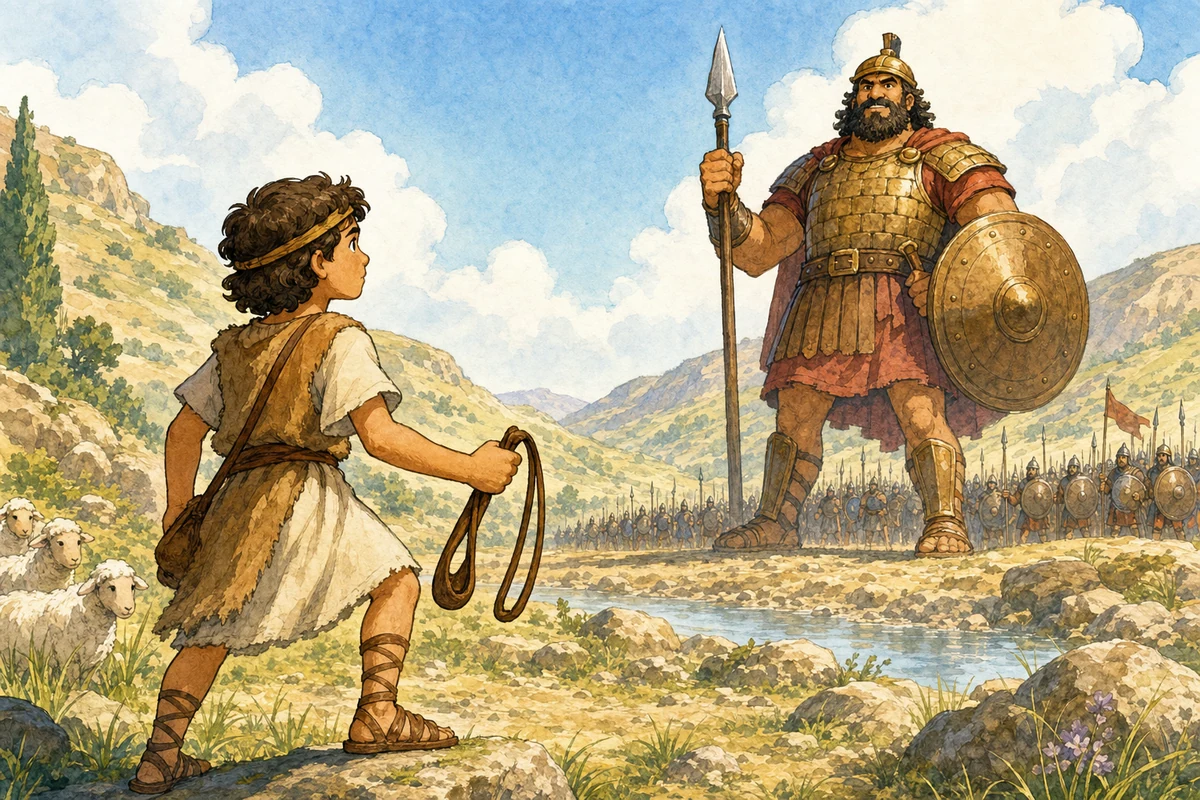
노아의 방주, 창조, 다윗과 골리앗, 잃어버린 양, 예수님이 5,000명을 먹이심, 예수님이 폭풍을 잠잠하게 하심은 시작하기에 좋은 이야기입니다.

어린이용으로 몇 개의 패널을 사용해야 하나요?

빠른 활동에는 4개의 패널을, 대부분의 아이 친화적인 성경 이야기에는 6개의 패널을 사용하세요.

Need the full tool?

Open the dedicated Bible comic generator

Use the full generator page when you want a focused workspace with the same story, style, panel, size, and credit controls.

Create My Bible Comic

Education & ministry discount

Making Bible comics for a class, church, or homeschool group?

Apply for a PRO discount if you use LlamaGen for Sunday school, children's ministry, classroom lessons, homeschool, or nonprofit education. It is the clearest path for teachers and ministry teams who need more panels, higher resolution, and repeated generation.

Built for teachers, churches, homeschool groups, and ministries
PRO unlocks 7-20 panels, 2K/4K, and multiple results
Simple application reviewed by the LlamaGen team
Apply for a PRO Discount