LlamaGen Logo
Bible Comic MakerBible story maker

Bible story maker

Bible Story Maker

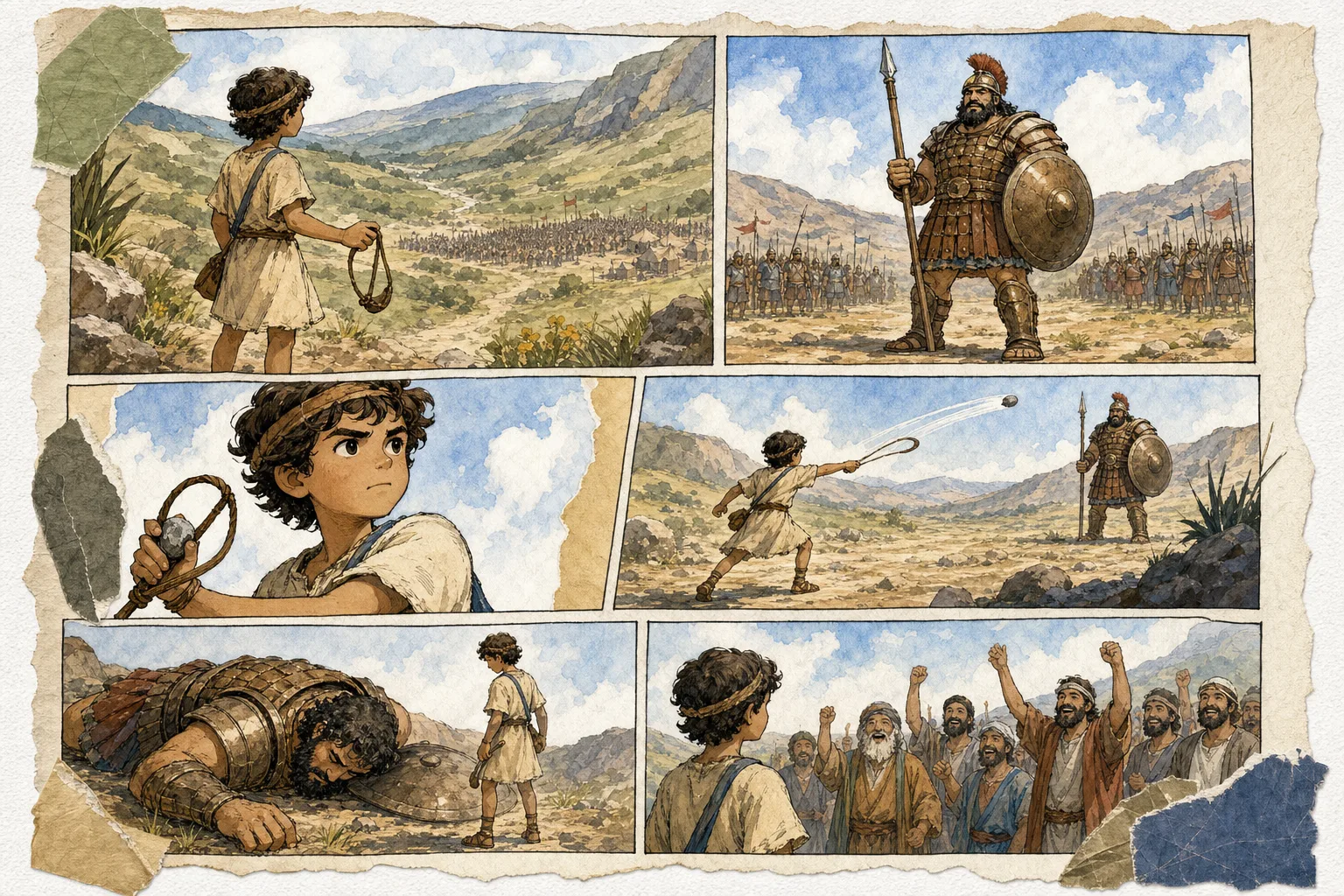
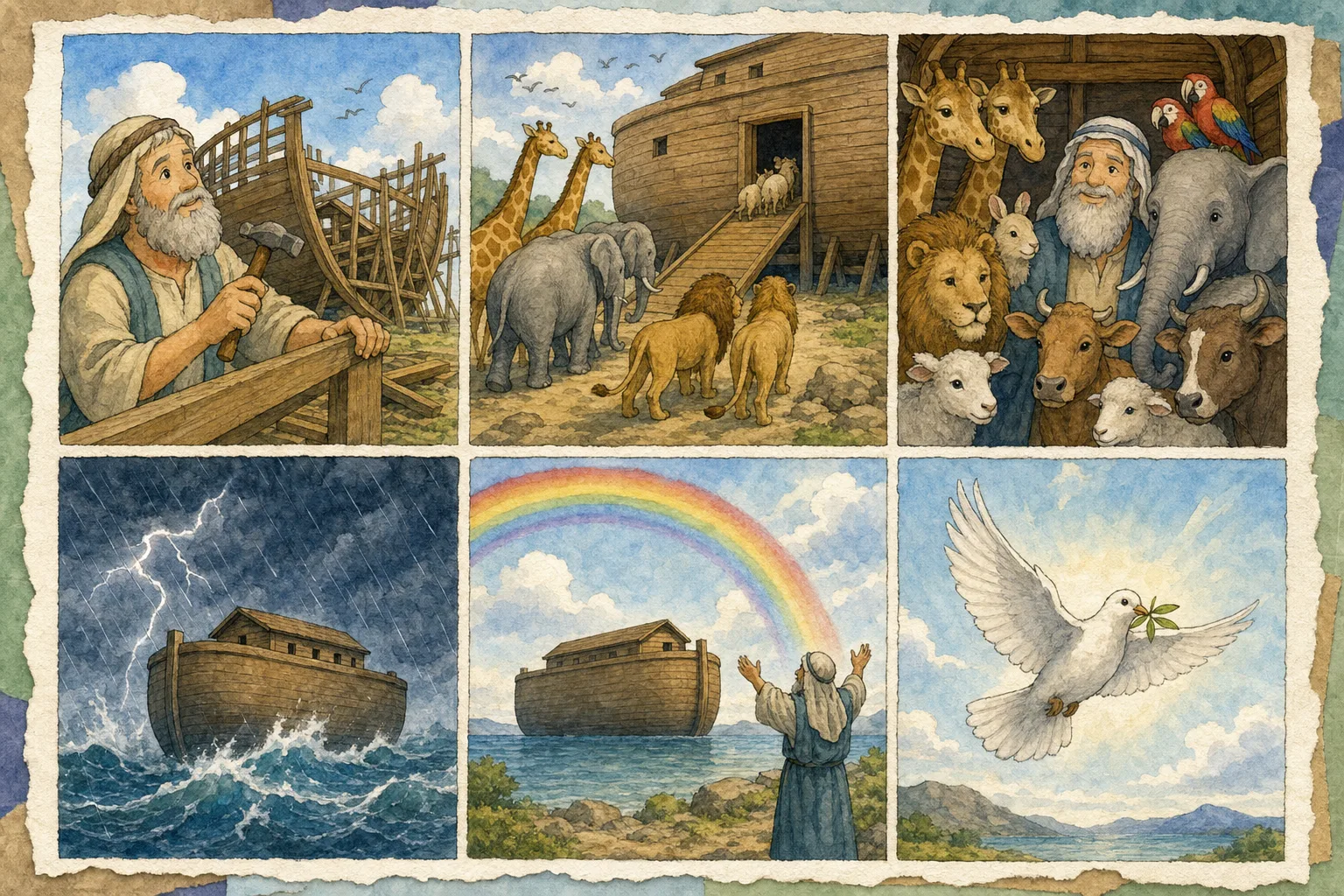
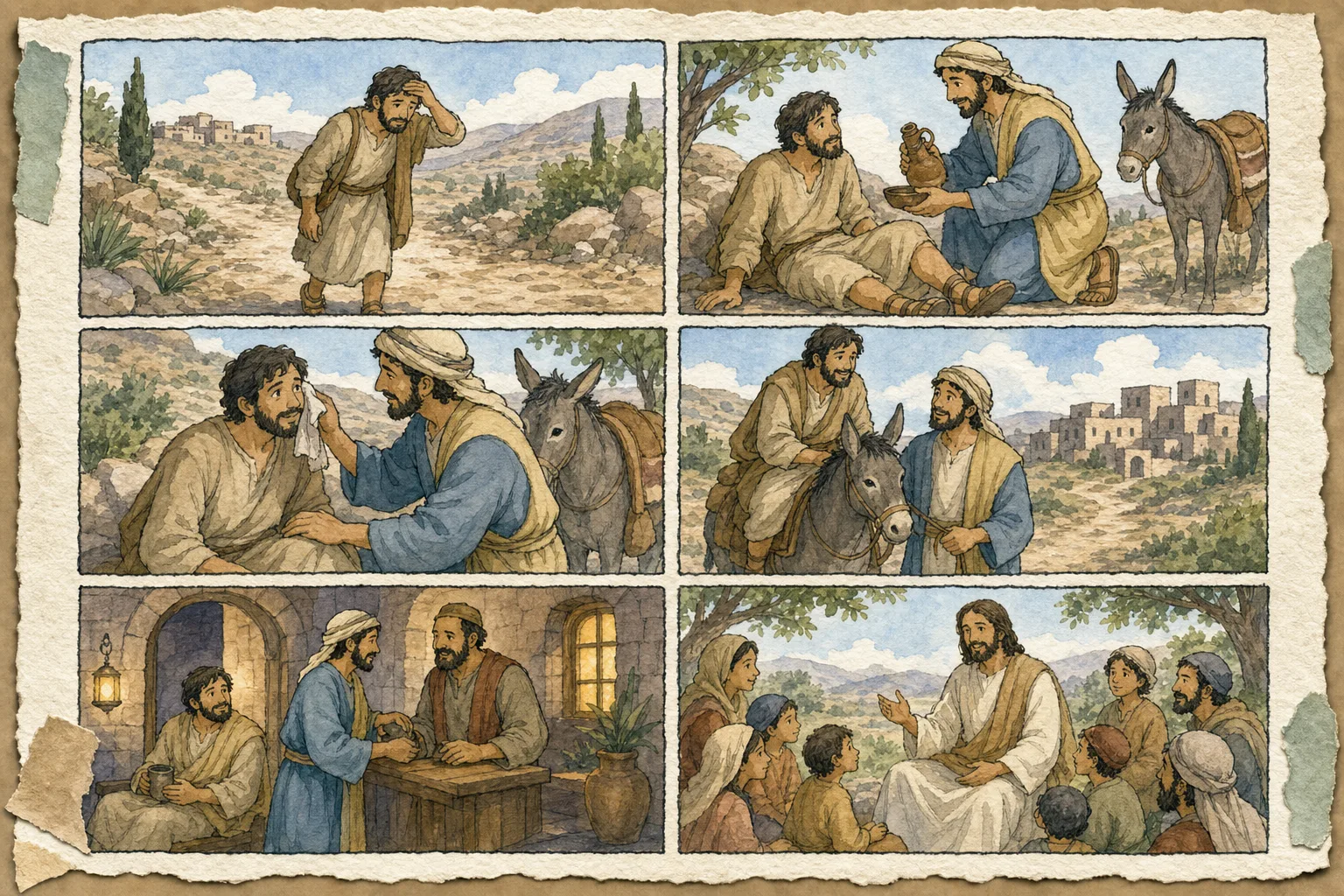
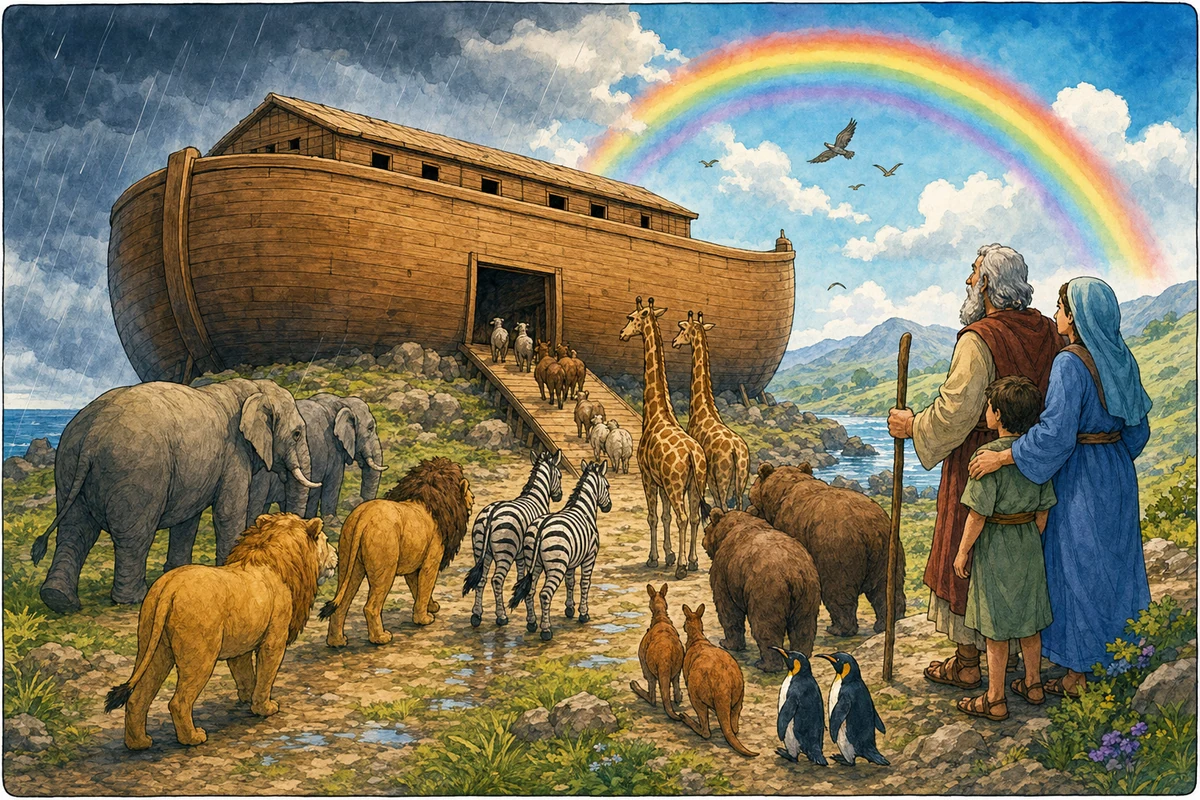
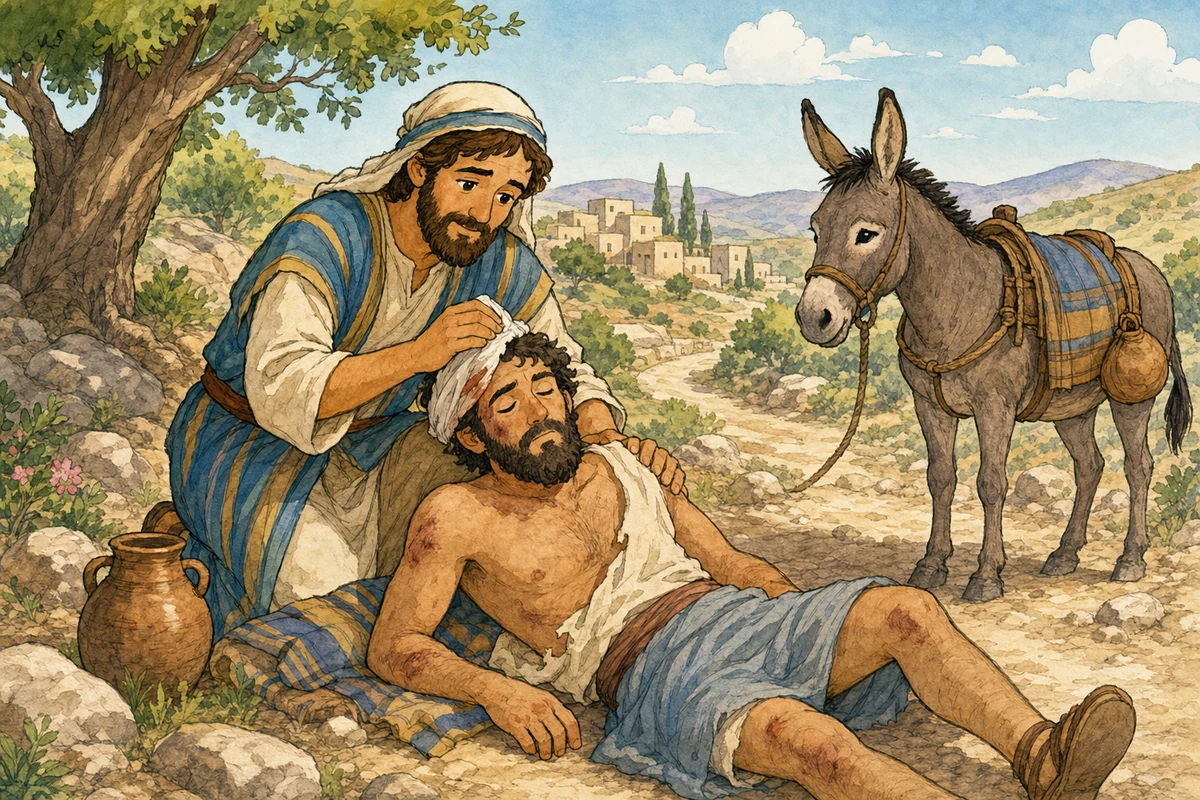
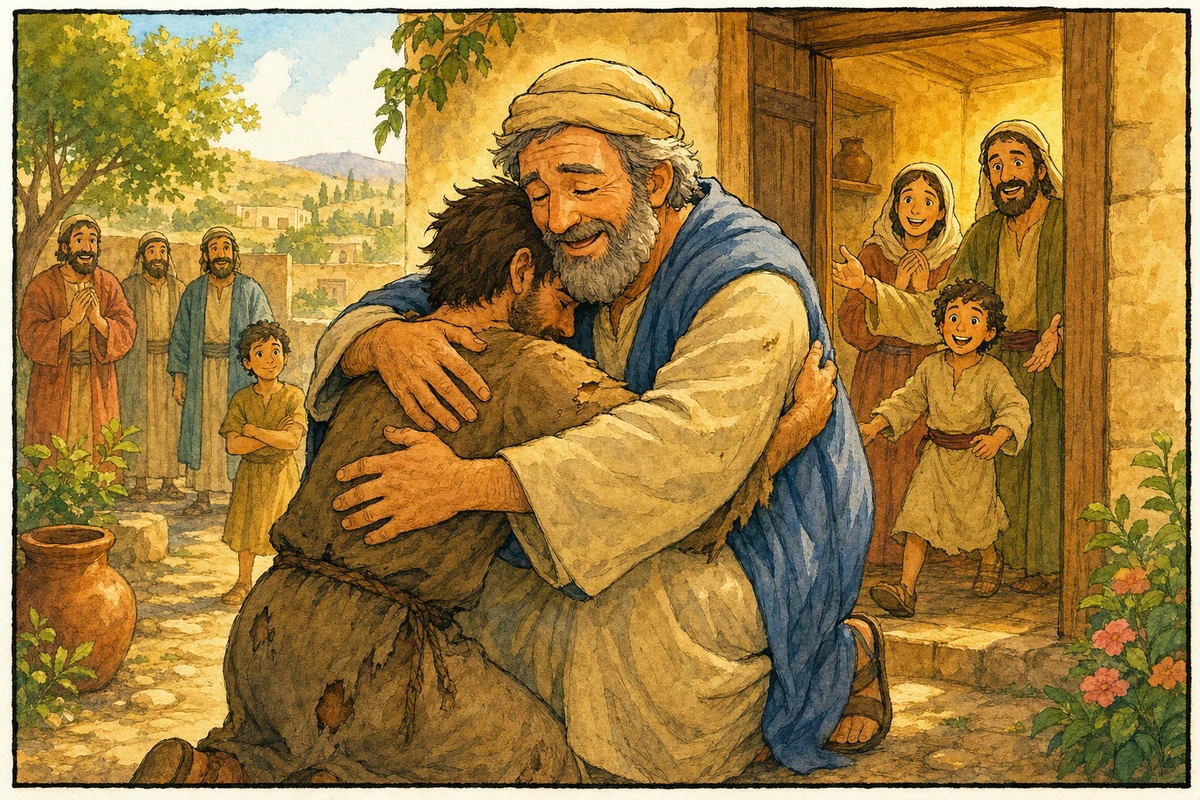
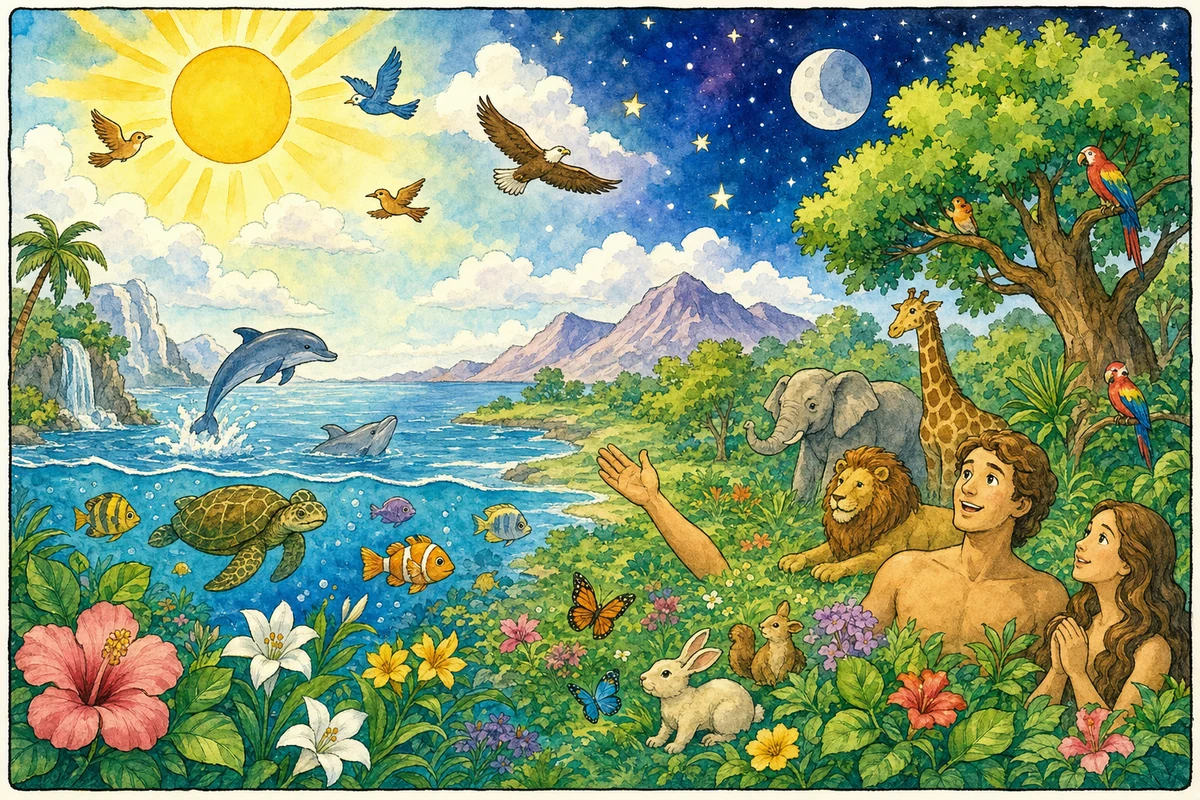
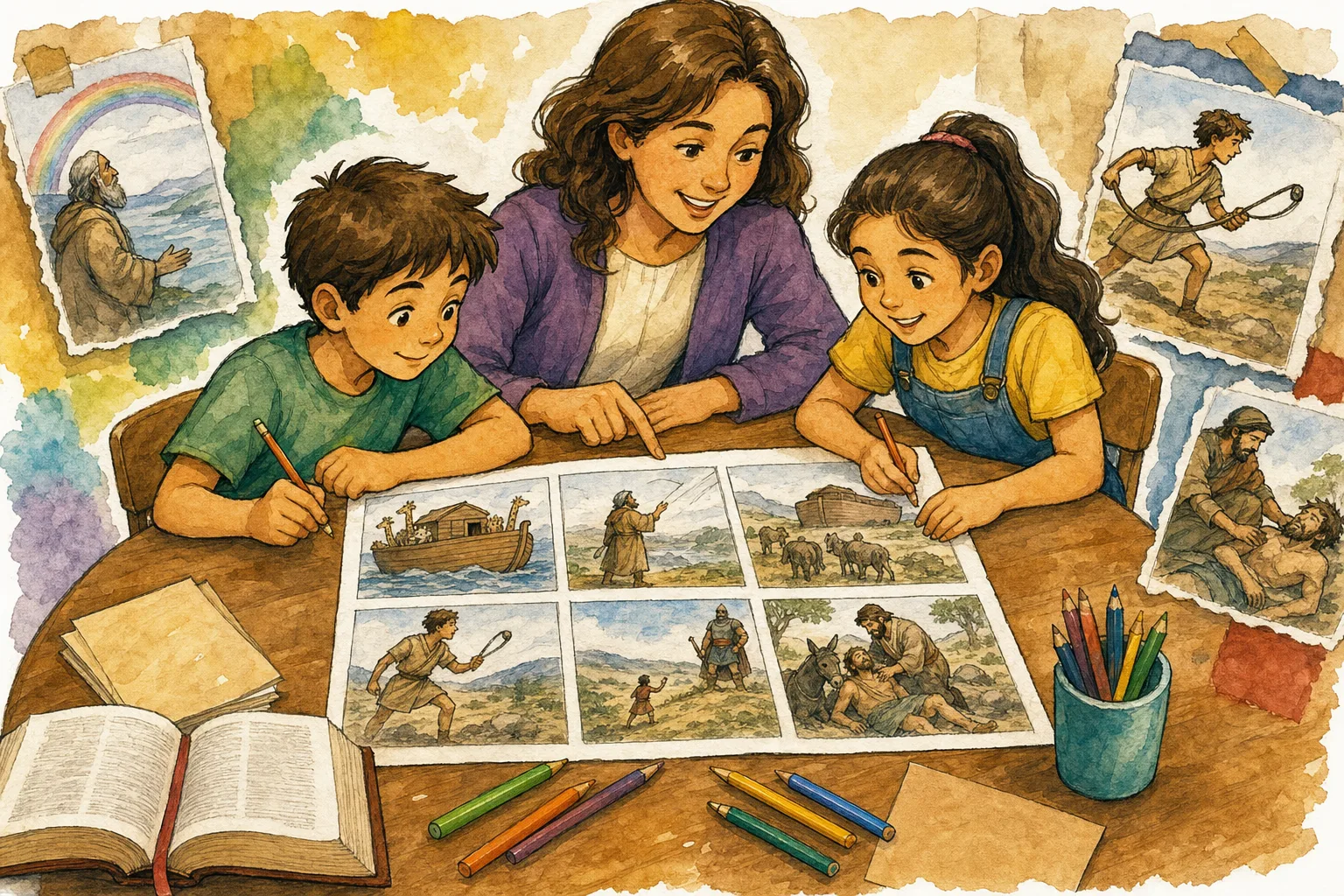
Paste a passage or pick David and Goliath, Noah, or a parable. The Bible Story Maker turns that story into a pictured sequence with captions — so a child can retell what happened, not only look at one poster.

Free to start in the browserStory cards for the passages teachers actually useA page children can retell out loud
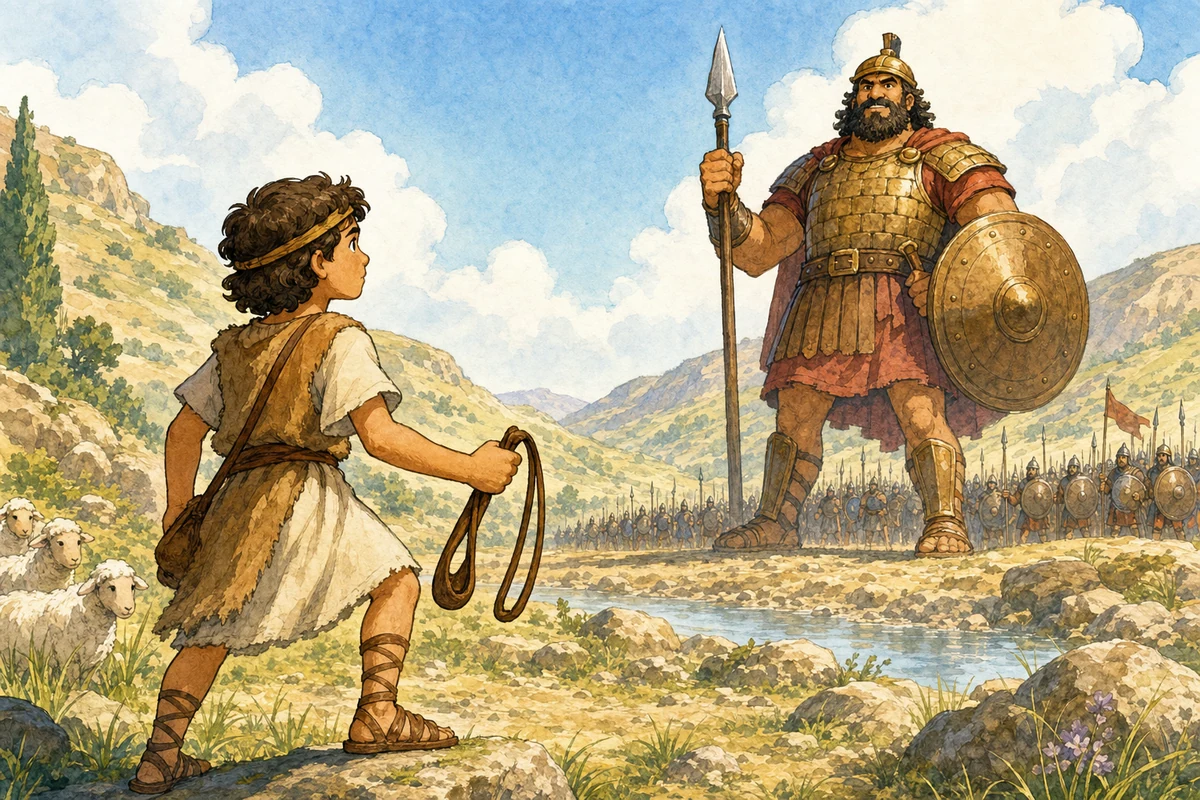
Bible Story Maker showing an illustrated David and Goliath story page

Create this story

Generate a comic for this use case

The embedded tool is ready to run here: free users can select up to 6 panels at 1K, and every Bible comic run uses the tuned Vertex 3.1 image model with a 150-credit base cost.

지금 만들기

성경 만화 만들기

성경 이야기를 선택하고, LlamaGen 아트 스타일을 고른 뒤, 패널 수, 이미지 크기, 결과 수를 선택해 완성된 성경 만화 페이지를 생성하세요. 무료 사용자는 최대 6개 패널, 1K, 1개 결과를 선택할 수 있고, PRO 사용자는 한 번에 7-20개 패널, 2K 또는 4K, 2-4개 결과를 선택할 수 있습니다.

성경 만화 제작기

이번 실행에 300 크레딧 사용

선택됨: 사무엘상 17장 - 다윗은 하나님을 신뢰하며 용기 있게 거인과 맞섭니다.

최대 4개의 캐릭터 참조를 업로드하세요. 캐릭터를 추가하면 생성 방식이 image-to-image로 전환됩니다.

텍스트-이미지

캐릭터 참조가 추가되지 않았으므로, 도구가 텍스트를 바탕으로 원본 성경 이야기 그림을 생성합니다. 비용: 300 기본 x 1 크기 x 1 결과 = 300 크레딧.

가격 및 크레딧 플랜 보기

미리보기

성경 만화 미리보기

4 패널 · 1 결과

여기에 성경 만화가 표시됩니다

성경 이야기를 설명하거나 선택하고, 스타일을 고른 뒤, 패널 수를 선택하고 생성하세요.

내 성경 만화

전체 생성기 열기

아직 이 세션에서 만든 성경 만화가 없습니다.

Use case

Turn a passage into an illustrated Bible story children can retell

Built for Parents, Sunday school teachers, homeschool families, and anyone who needs a pictured Bible story this week. Each page links directly into the same Bible comic maker and Bible story maker so visitors can move from a story idea to a generated comic without hunting for the tool.

Turn tonight's devotion passage into a pictured story

Give a class a beginning, middle, and takeaway they can point to

Build a weekly illustrated Bible story without drawing

Story first

From passage to a story a child can retell

1

Name the story

Pick a story card or paste the verse you plan to read. The tool needs the plot, not a design brief.

2

Keep one beat per panel

Use 4-6 panels for younger listeners. Each panel should hold one action: a warning, a choice, a rescue, a promise.

3

Retell it together

Print or project the page, then ask who did what. That is the job a Bible story maker should finish.

Keep the story clear

What makes an illustrated Bible story usable

Write the takeaway in plain words. A child should be able to say it after the last panel.
If you need a comic-strip layout, speech bubbles, or extra styles, continue in the Bible Comic Maker.
Reuse the same style week to week so the next story feels like the next chapter, not a new app.

Frequently asked questions

What is a Bible story maker?

A Bible story maker turns a Scripture passage into an illustrated story with a clear beginning, middle, and ending. LlamaGen outputs a pictured page you can print, project, or read at the table.

Is this Bible story maker a text generator?

No. It makes an illustrated comic page from the Bible story you choose. If you need a written retelling, a text Bible story generator is a different tool.

Is this the same as a Bible comic maker?

Same generator, different job. Use this page when you want a retellable illustrated story. Use the Bible Comic Maker when you want panel count, styles, and a comic-strip layout as the main task.

Can I use a Bible story AI generator for Sunday school?

Yes. Start from a story card, keep 4-6 panels, and review the page for age fit before class. Paid plans help when you need sharper printouts or more versions.

Does the Bible Story Maker write a new Bible?

No. It illustrates a story you already chose. Featured verses use public-domain KJV wording. If you add other translation text, use a version you have permission to reproduce.