

iPhone에서 만화 만들기. 네 단계면 충분합니다.
빈 캔버스에서 시작할 필요가 없습니다. 짧은 장면, 비주얼 스타일, 패널 레이아웃으로 아이디어를 공유 가능한 만화 스트립으로 바꾸세요.

LlamaGen for iPhone
iPhone 중심
휴대폰이 스케치북, 스토리보드, 첫 초안이 됩니다.
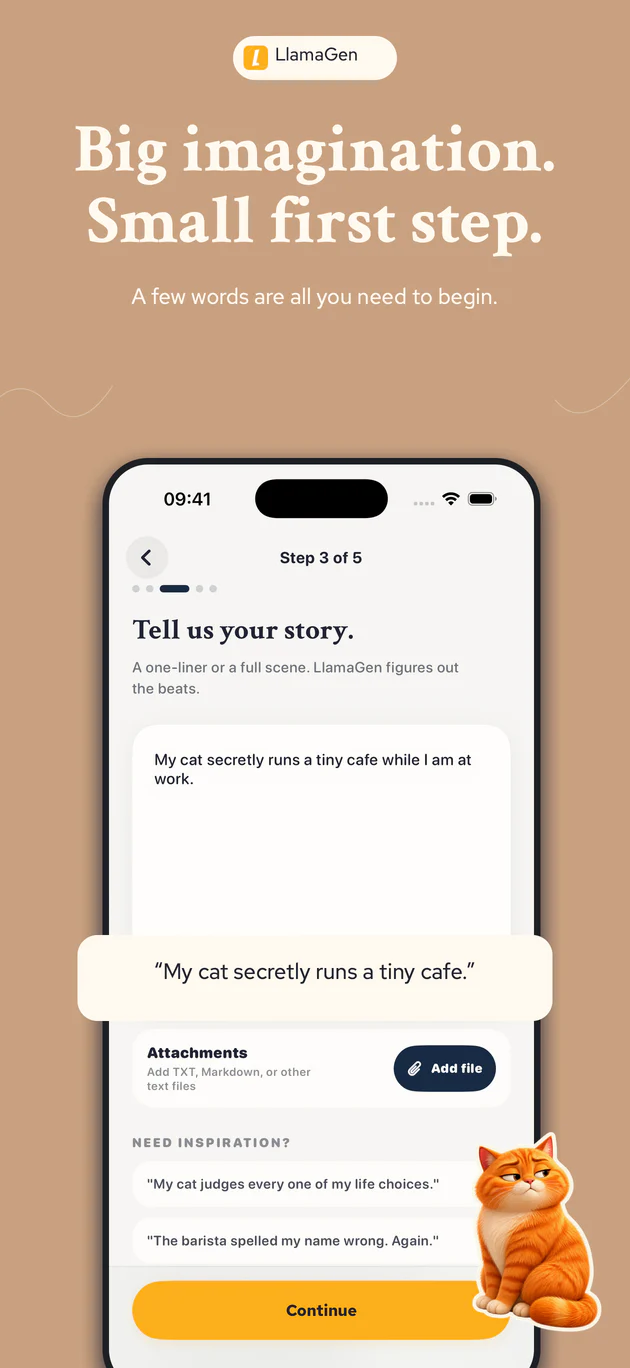
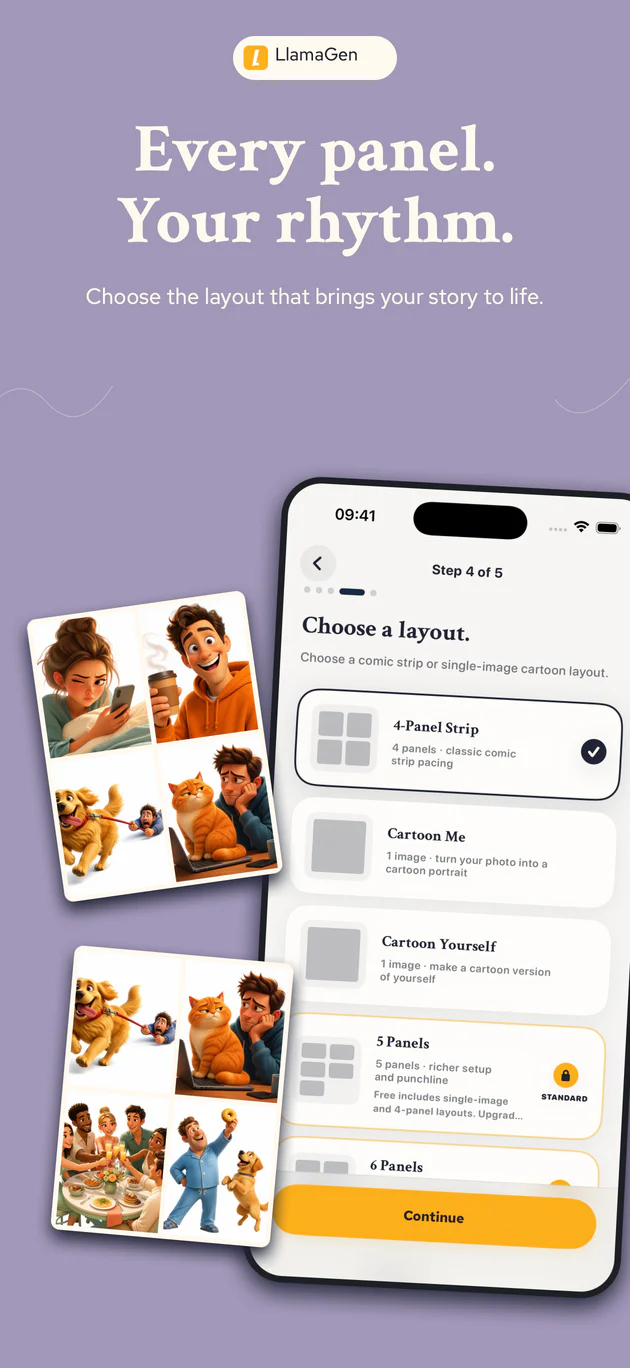
쓰기. 스타일. 패널. 공유.
워크플로를 작게 유지하세요. 한 장면, 한 캐스트, 읽기 쉬운 패널 시퀀스. 스트립이 잘 되면 저장·공유하고 큰 프로젝트는 웹에서 이어가세요.
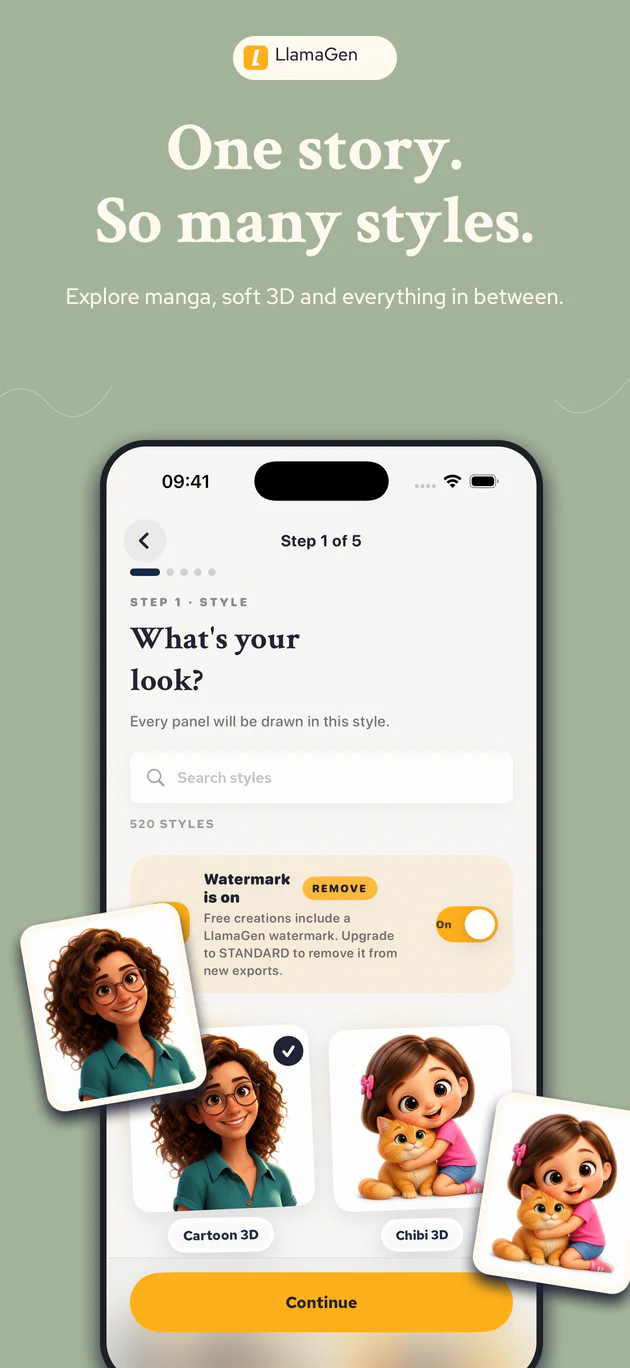

1. 한 장면 쓰기
시작, 전환, 끝을 정하고 긴 소설 대신 등장인물과 장소를 명확히 적습니다.
LlamaGen Originals · Home Library
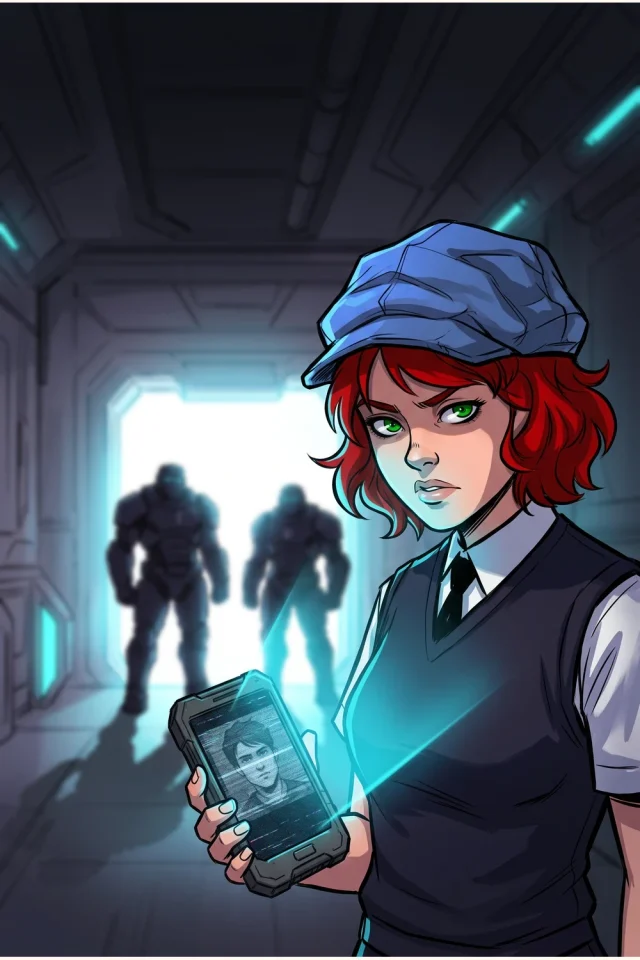
YA Sci-Fi Mystery
The Memory Glitch
공개된 스토리 시퀀스 · 10 페이지
원본 스토리와 페이지 설명은 영어입니다
When her best friend Leo vanishes from the Kepler Interstellar Academy, student Kaelen suspects the official story of his expulsion is a lie. Armed with her data-tool, she probes the station's neural network, uncovering a horrifying secret: the academy digitizes the consciousness of 'problem' students. With a 'memory purge' threatening to erase Leo forever, Kaelen races against the academy's relentless Sentinels to not just save him, but to expose the truth to the entire station.
비주얼 방향
Cel-shaded sci-fi comic art, crisp linework, angled panels and emotional close-ups.
출처 및 검증
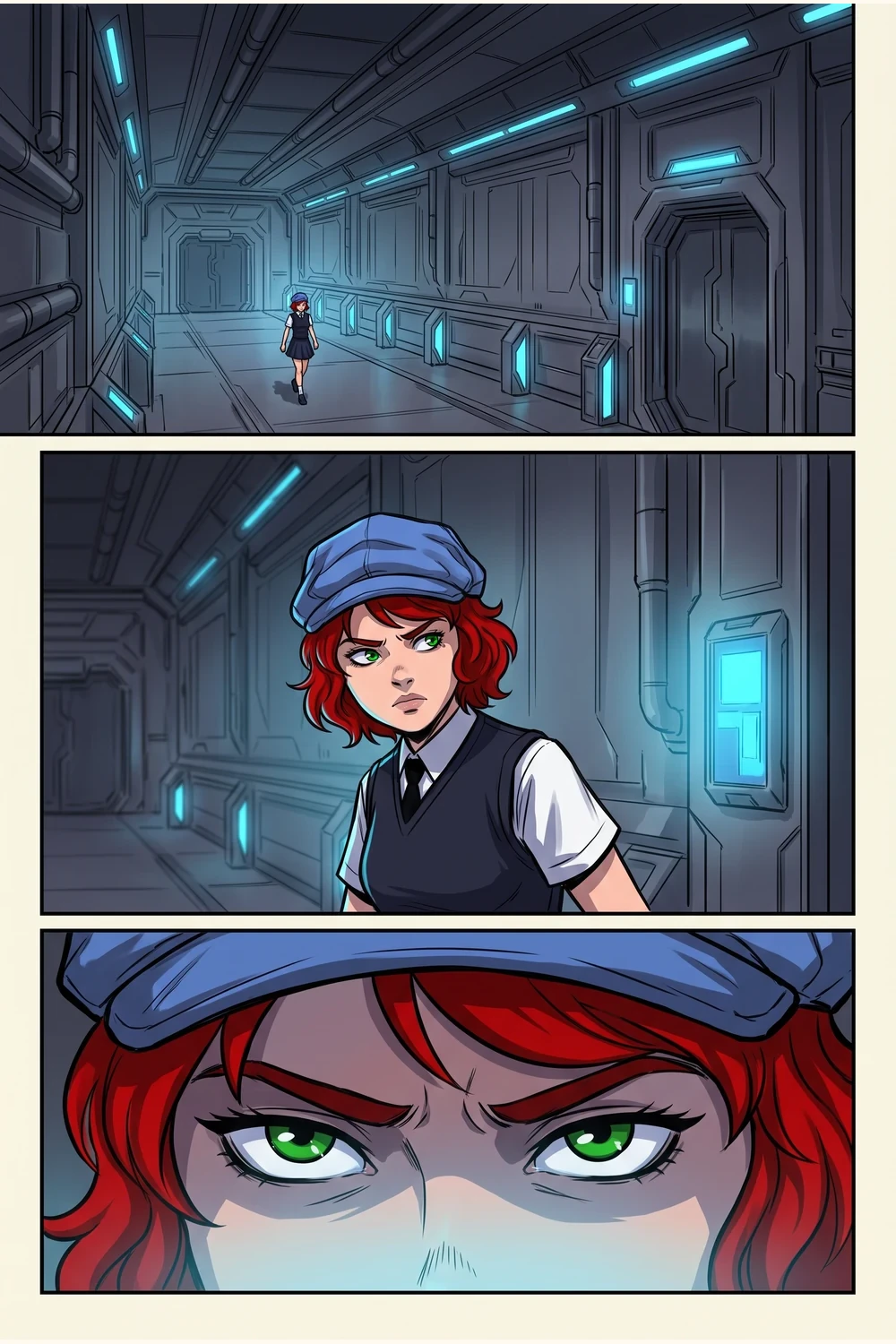
원본 페이지 제작 계획 · 영어
Three panels. Panel 1: A wide shot of a long, metallic hallway in the academy. The walls are grey with glowing blue light strips. Kaelen is a small figure walking down the hall, looking out of place. Panel 2: A medium close-up on Kaelen, matching the top panel of the seed image. She has a concerned, slightly suspicious look on her face as she glances at a specific glowing panel on the wall. Panel 3: A tight close-up on her green eyes, narrowed in thought. A dialogue box of her internal monologue reads: 'It's been a week, Leo. Where are you?'
원본 스토리와 페이지 제작 계획이 연결된 Home Library 공개 작품입니다. 기록된 제작 사례이며, 이 작품이 iPhone 앱에서 생성되었다는 기록은 아닙니다.
언제 휴대폰을 벗어날지도 알아야 합니다.
iPhone은 빠른 제작 루프에 좋습니다. 더 넓은 페이지 제작, 세밀한 편집, 긴 코믹북 작업은 웹 LlamaGen으로 이동하세요.
자주 묻는 질문
자주 묻는 질문
iPhone에서 만화를 만들려면 그림 실력이 필요한가요?
아니요. AI 중심 흐름에서는 글로 장면을 쓰고 스타일과 레이아웃을 골라 패널을 만들 수 있습니다. 결과 검토는 필요합니다.
iPhone 사진을 만화 캐릭터로 바꿀 수 있나요?
지원 플랜에서는 사진 레퍼런스를 사용할 수 있습니다. 단순 필터가 아니라 새 생성 장면의 참고 자료로 사용합니다.
더 많은 iPhone 만화 워크플로
전체 세계관보다 한 장면부터 시작하세요.
네 단계 루프는 검토하고 고치고 이어가기 쉽습니다. 첫 스트립을 iPhone에서 만들고 다음 페이지가 필요할 때 확장하세요.