

Make a comic on iPhone in four clear steps.
You do not need to start with a blank canvas. Use a short scene, a visual style and a panel layout to move from an idea to a shareable comic strip on iPhone.

LlamaGen for iPhone
iPhone-focused
The phone is the sketchbook, storyboard and first draft.
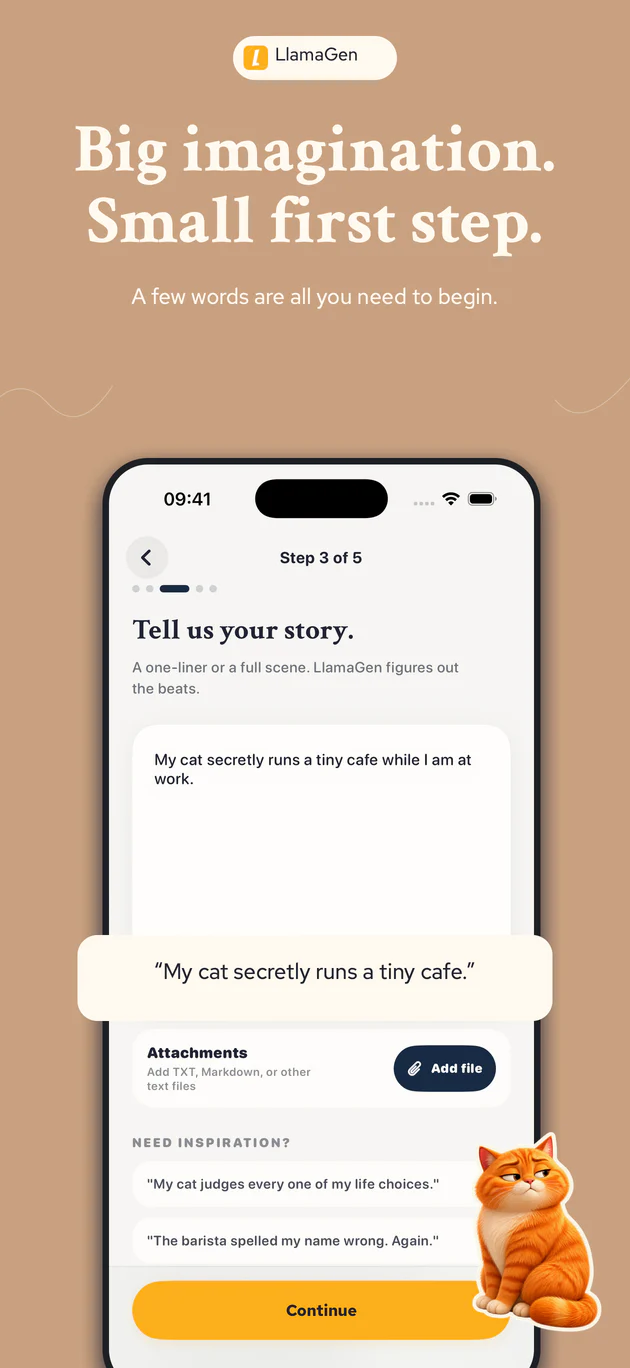
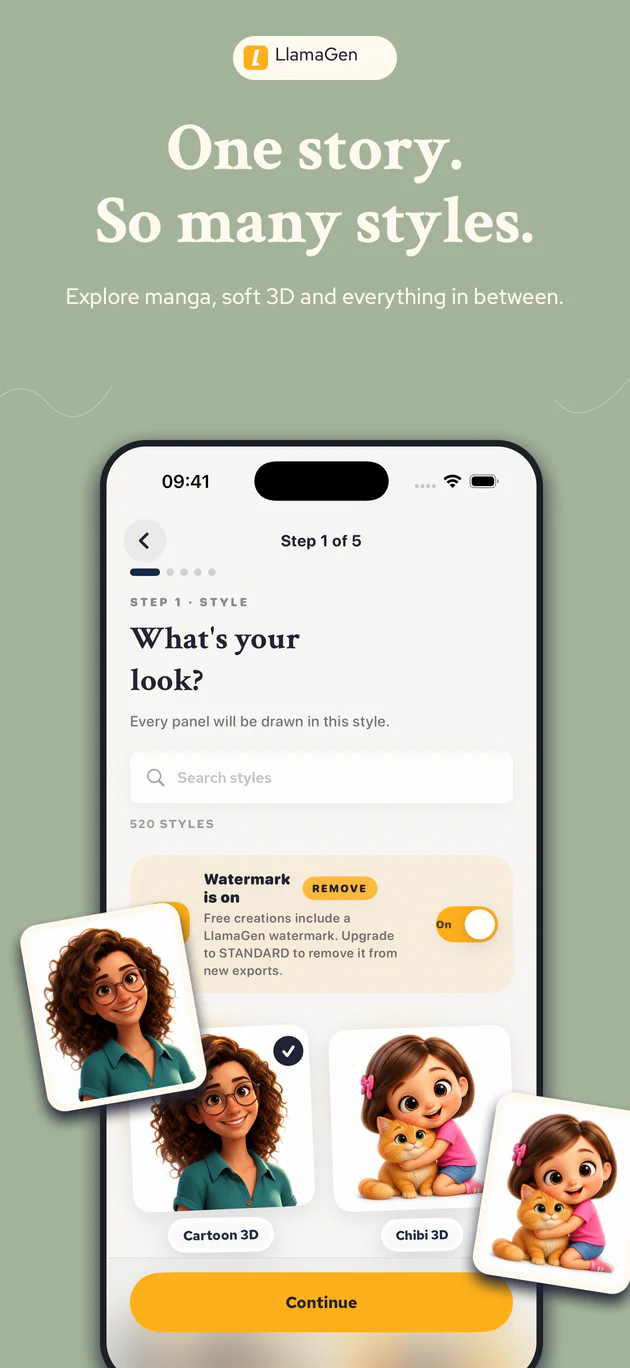
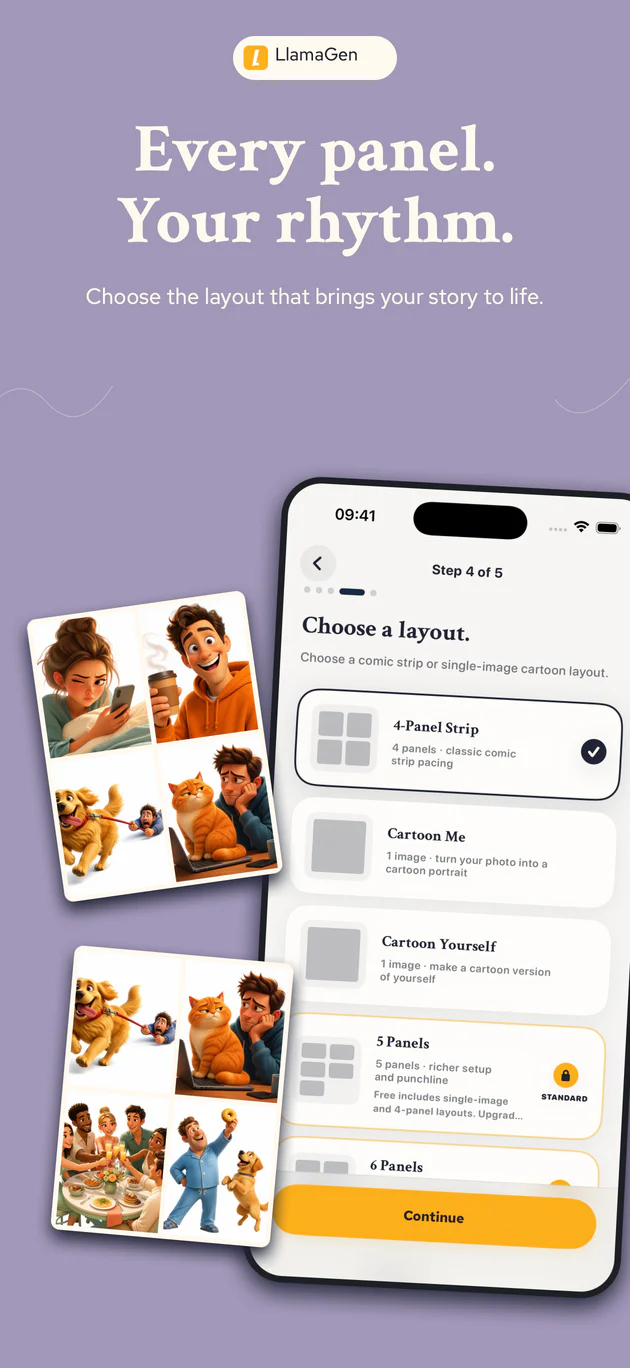
Write. Style. Panels. Share.
Keep the workflow small: one scene, one cast, one readable panel sequence. Once the strip works, save it, share it or continue the larger project on the web.

1. Write one scene
Start with a beginning, a turn and an ending beat. Name the characters and setting instead of writing a whole novel.
LlamaGen Originals · Home Library
YA Sci-Fi Mystery
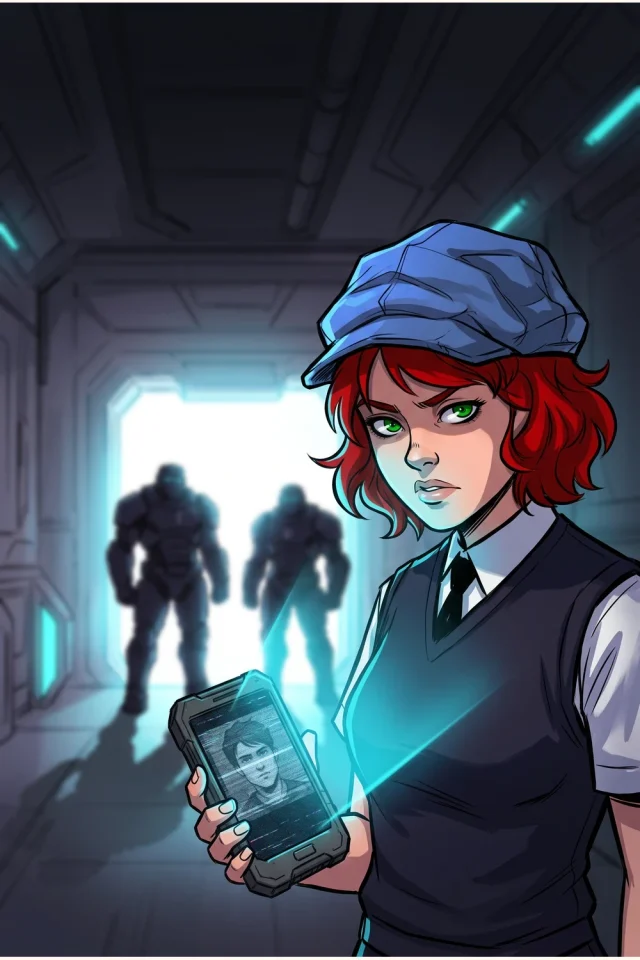
The Memory Glitch
Published story sequence · 10 pages
Original story and page notes in English
When her best friend Leo vanishes from the Kepler Interstellar Academy, student Kaelen suspects the official story of his expulsion is a lie. Armed with her data-tool, she probes the station's neural network, uncovering a horrifying secret: the academy digitizes the consciousness of 'problem' students. With a 'memory purge' threatening to erase Leo forever, Kaelen races against the academy's relentless Sentinels to not just save him, but to expose the truth to the entire station.
Visual direction
Cel-shaded sci-fi comic art, crisp linework, angled panels and emotional close-ups.
Source record
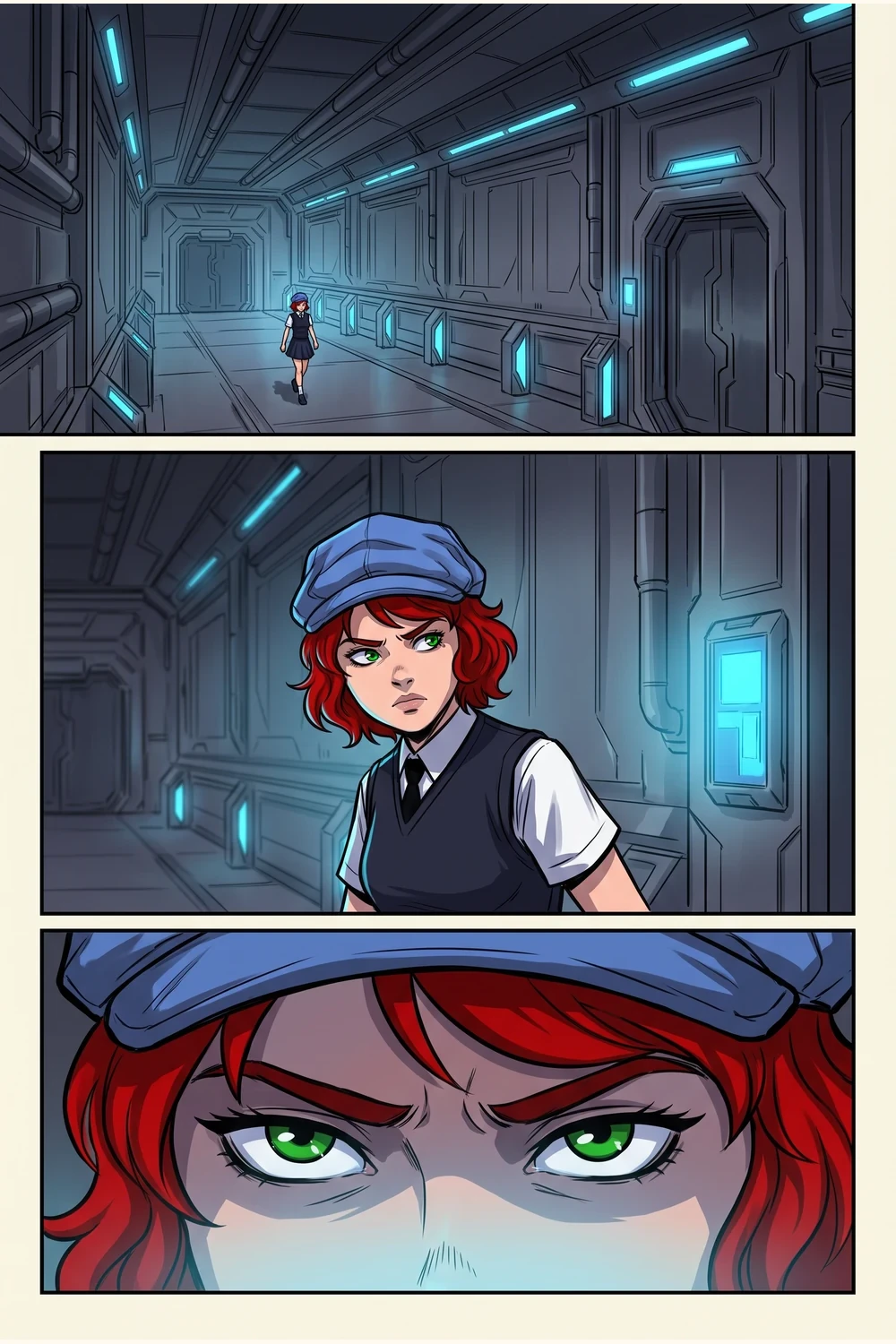
Original page plan · English
Three panels. Panel 1: A wide shot of a long, metallic hallway in the academy. The walls are grey with glowing blue light strips. Kaelen is a small figure walking down the hall, looking out of place. Panel 2: A medium close-up on Kaelen, matching the top panel of the seed image. She has a concerned, slightly suspicious look on her face as she glances at a specific glowing panel on the wall. Panel 3: A tight close-up on her green eyes, narrowed in thought. A dialogue box of her internal monologue reads: 'It's been a week, Leo. Where are you?'
Published Home Library artwork with its original story and page plan. This is a documented production example, not a record of this exact work being generated in the iPhone app.
Know when to leave the phone.
iPhone is useful for the fast creation loop. Move to LlamaGen on the web when the project needs broader page production, detailed editing or a longer comic-book workflow.
FAQ
FAQ
Do I need drawing skills to make a comic on iPhone?
No. In an AI-first workflow you can start from a written scene, choose a style and layout, and generate the panels. You still need to review the result.
Can I turn iPhone photos into comic characters?
Photo references are available on eligible LlamaGen plans. Treat them as references for new generated scenes rather than assuming every app simply applies a filter.
More iPhone comic workflows
Start with one scene, not an entire universe.
A focused four-step loop is easier to review, revise and continue. Make the first strip on iPhone, then grow the project when it earns the next page.