

Manga cover generator
Turn the strongest moment of your original manga into a cover concept. Set the genre, hero, lighting and title-safe area before moving the design into your publication workflow.
Your prompt opens in the image studio. Sign in, choose an available model, add a reference image if needed, and review credits before generating.
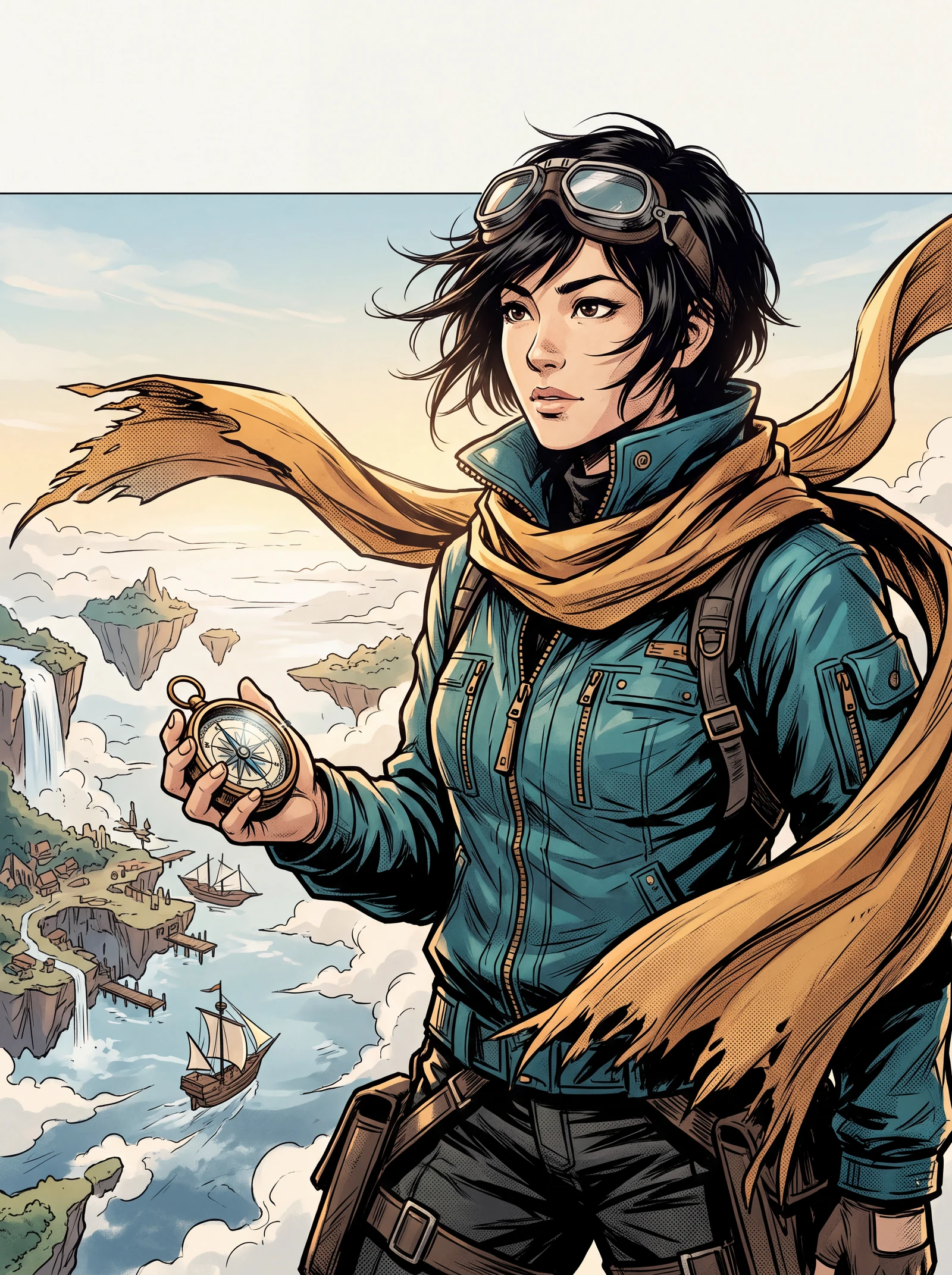
Explore a visual direction
Plan the cover before adding the title
Ask for character placement, negative space and the visual hook first. Add the final chapter name, author and volume number using reliable typography tools.
Design a manga coverShow the genre in one glance
A romance cover, thriller cover and action cover need different focal points. Shape the colors, gaze, posture and background around the story you are telling.
Design a manga cover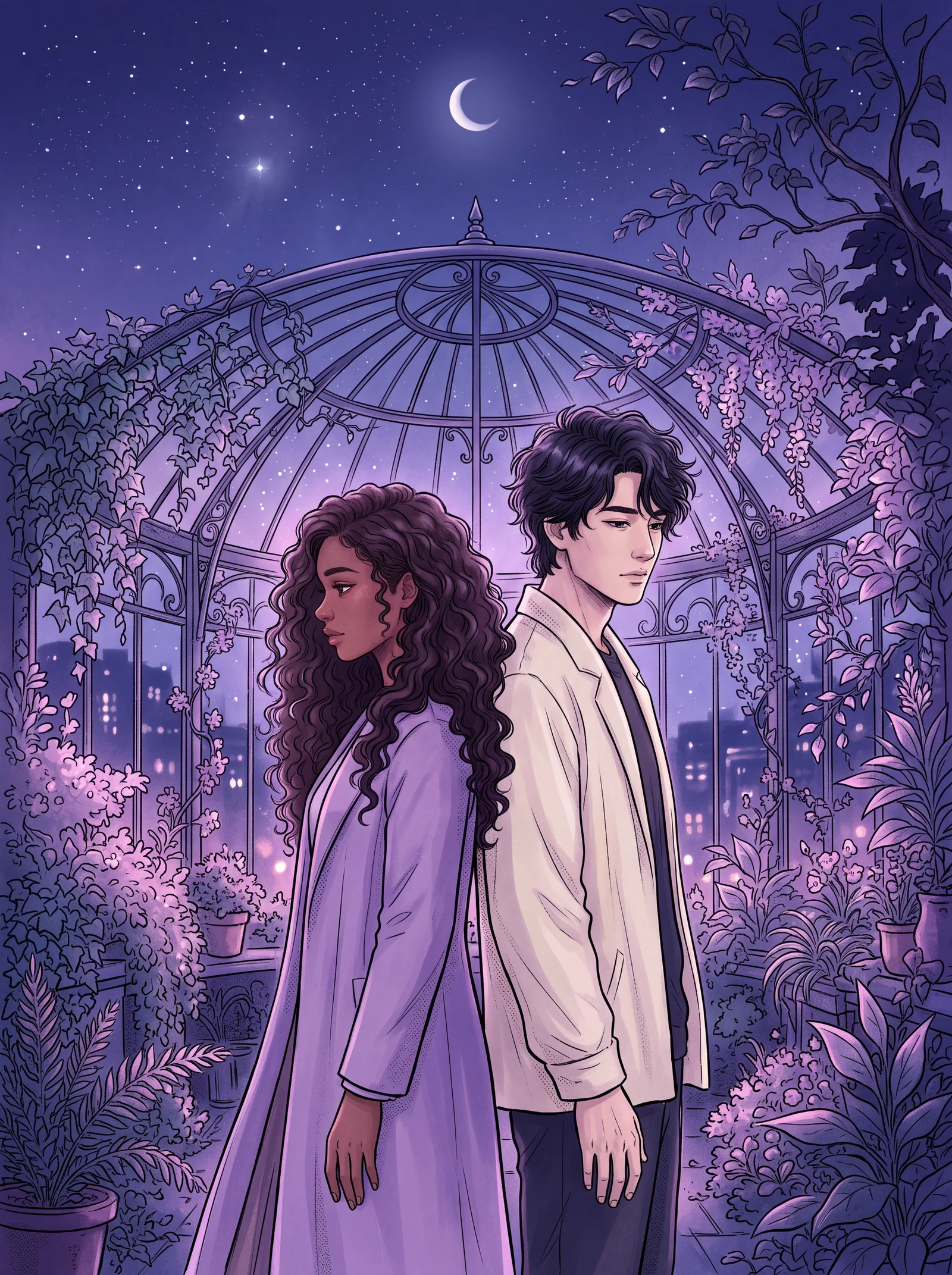
See a manga cover beyond the editing canvas
Imagine a cover as a slim booklet, a copy in your hand, several design directions and a matching presentation set.
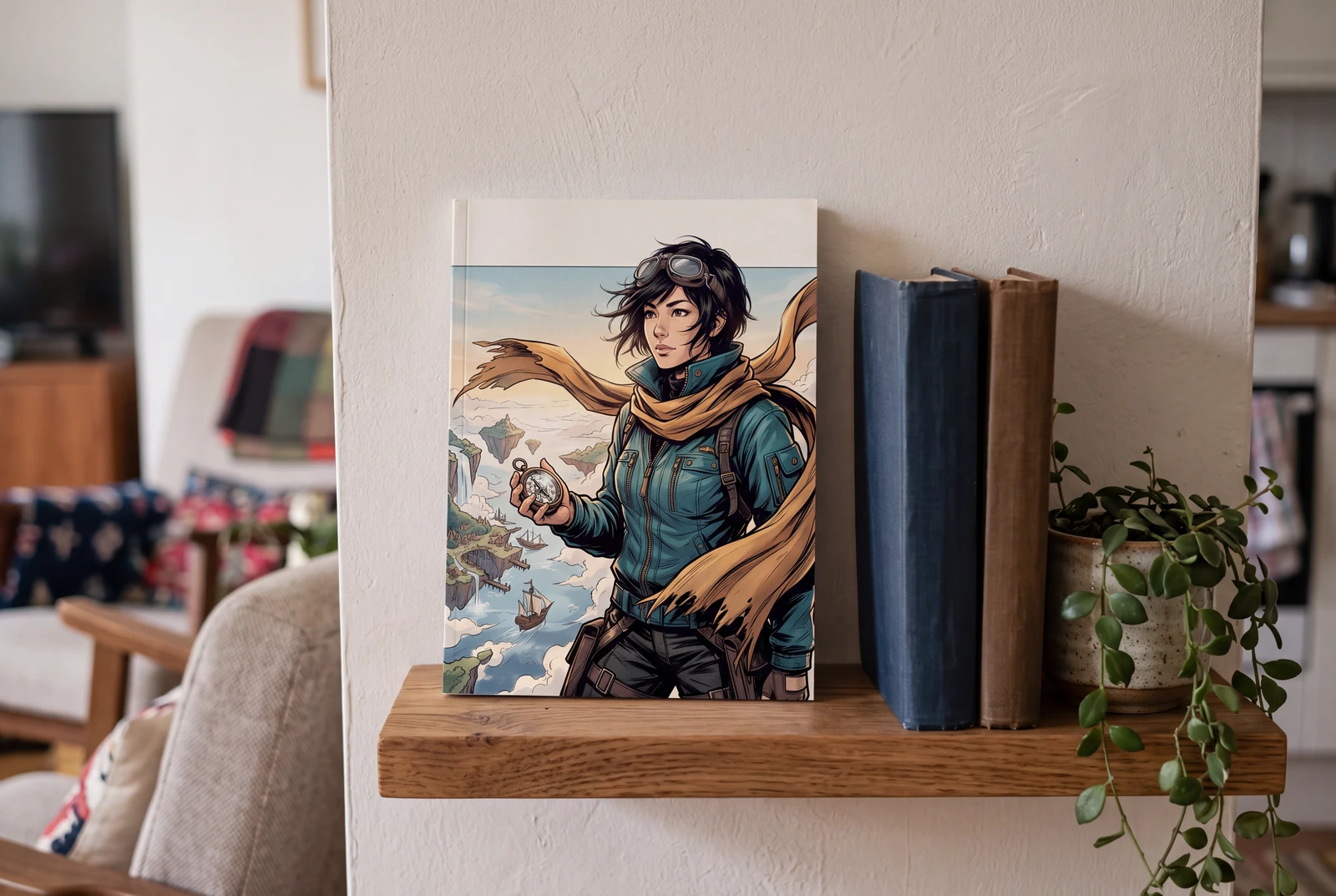
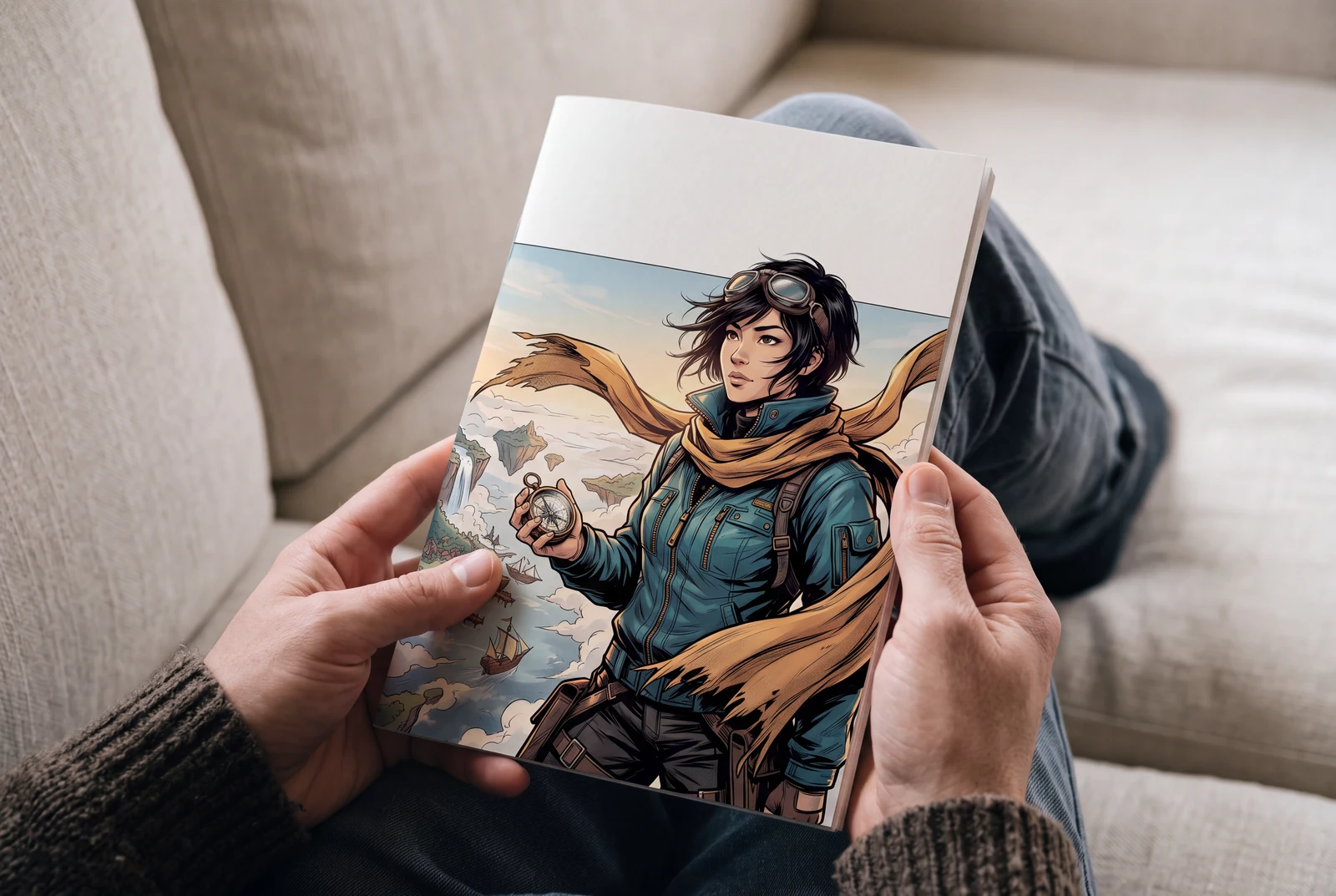
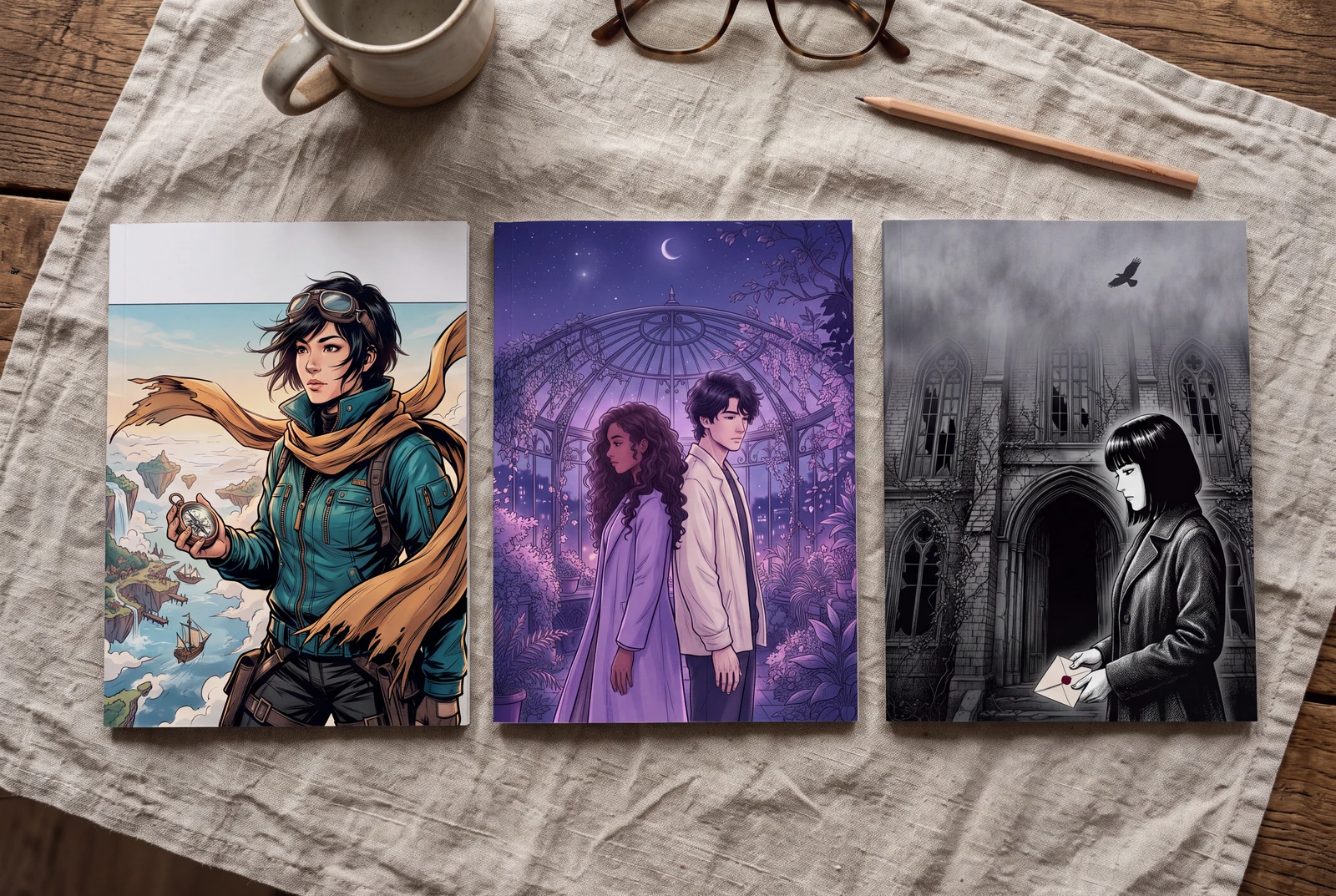
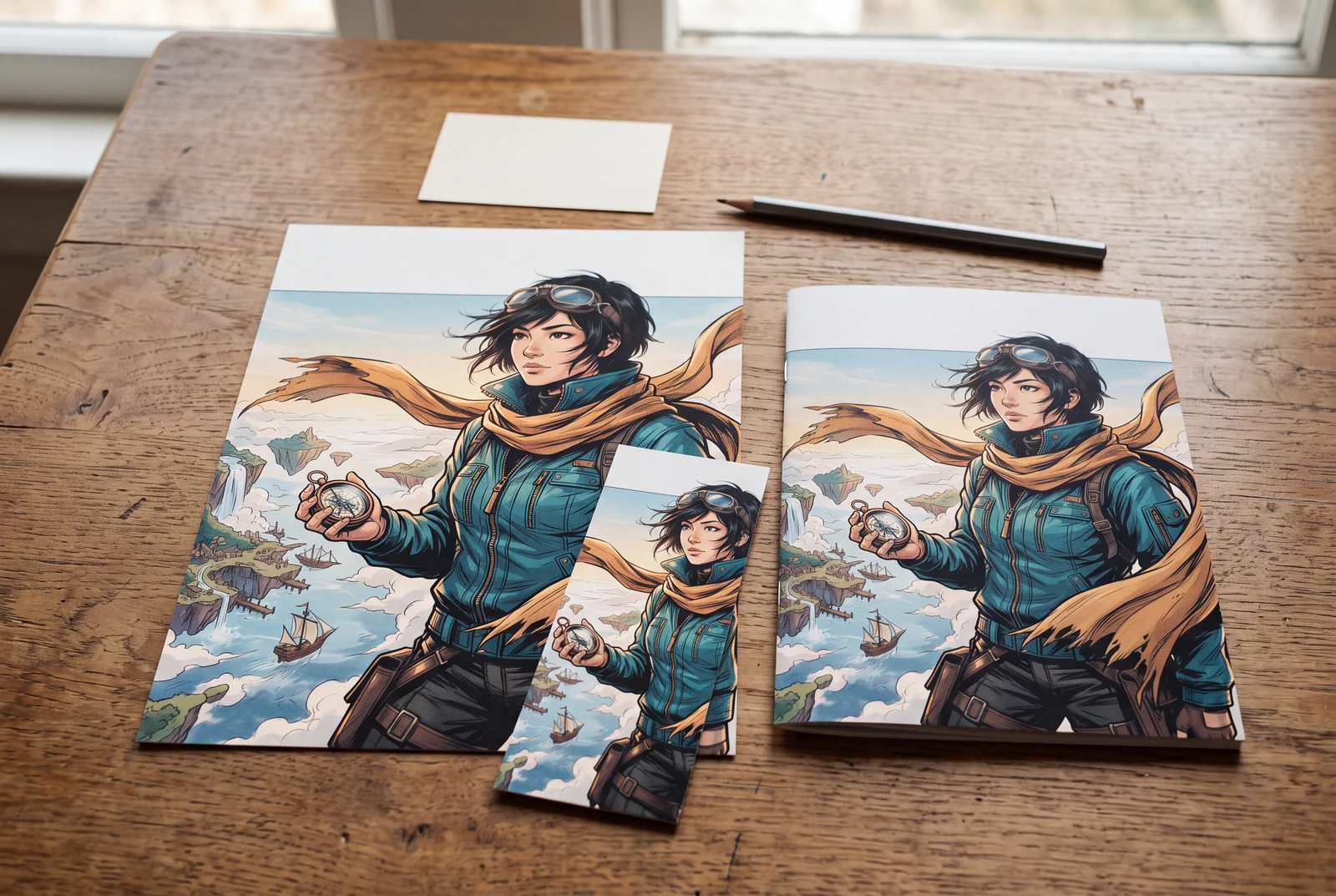
AI-generated lifestyle concepts with fictional people. These illustrate ways to use downloaded artwork; they are not customer trial photographs or proof of physical delivery.
Inspect four recorded image generations
These files have their own generation records. Inspect the original artwork and prompt separately from the presentation concepts and suggested prompts on this page.
 View original
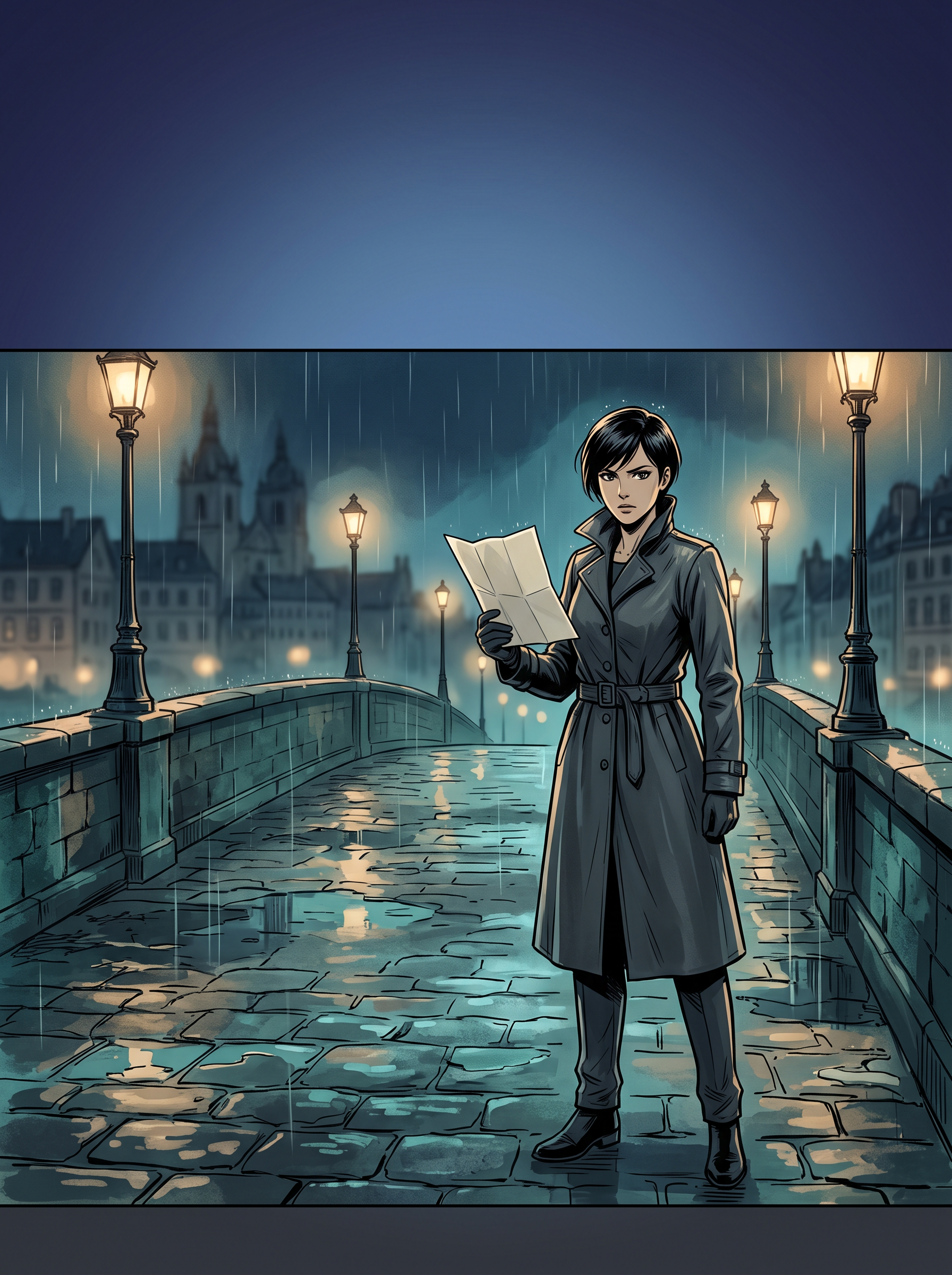
 Cinematic
Reviewed a portrait-format rain-lit bridge and adult detective with a broad dark title zone above the scene. Artwork is a cover concept; add typography and check trim and print requirements separately.
1792 × 2400 px · AI-generated example
Inspect prompt and generation record
Original manga front-cover illustration, portrait 3:4. A clearly adult 30-year-old detective in a fully closed charcoal raincoat stands on the lower-right third of a rain-lit stone bridge at night, holding a simple folded paper map with no visible markings. Dramatic confident ink silhouette, refined teal and amber lighting, restrained painted city reflections, compelling supernatural mystery atmosphere without horror. Single continuous cover composition, not a manga page or panels. Reserve the upper quarter as softly lit dark blue open sky for a future title, and a small quiet lower margin. No text, letters, speech balloons, labels or book mockup. Create one original polished image, not a collage, mockup, screenshot or sample grid. No existing fictional characters, franchise design, logos, signatures, watermark or readable writing. Any human is visibly an adult aged 25 or older, fully clothed and nonsexual. Do not imitate a named living artist. Keep the entire subject composition intentional.
- Model
- gemini-3.1-flash-image
- Provider
- Google Vertex AI
- Generated

 View original
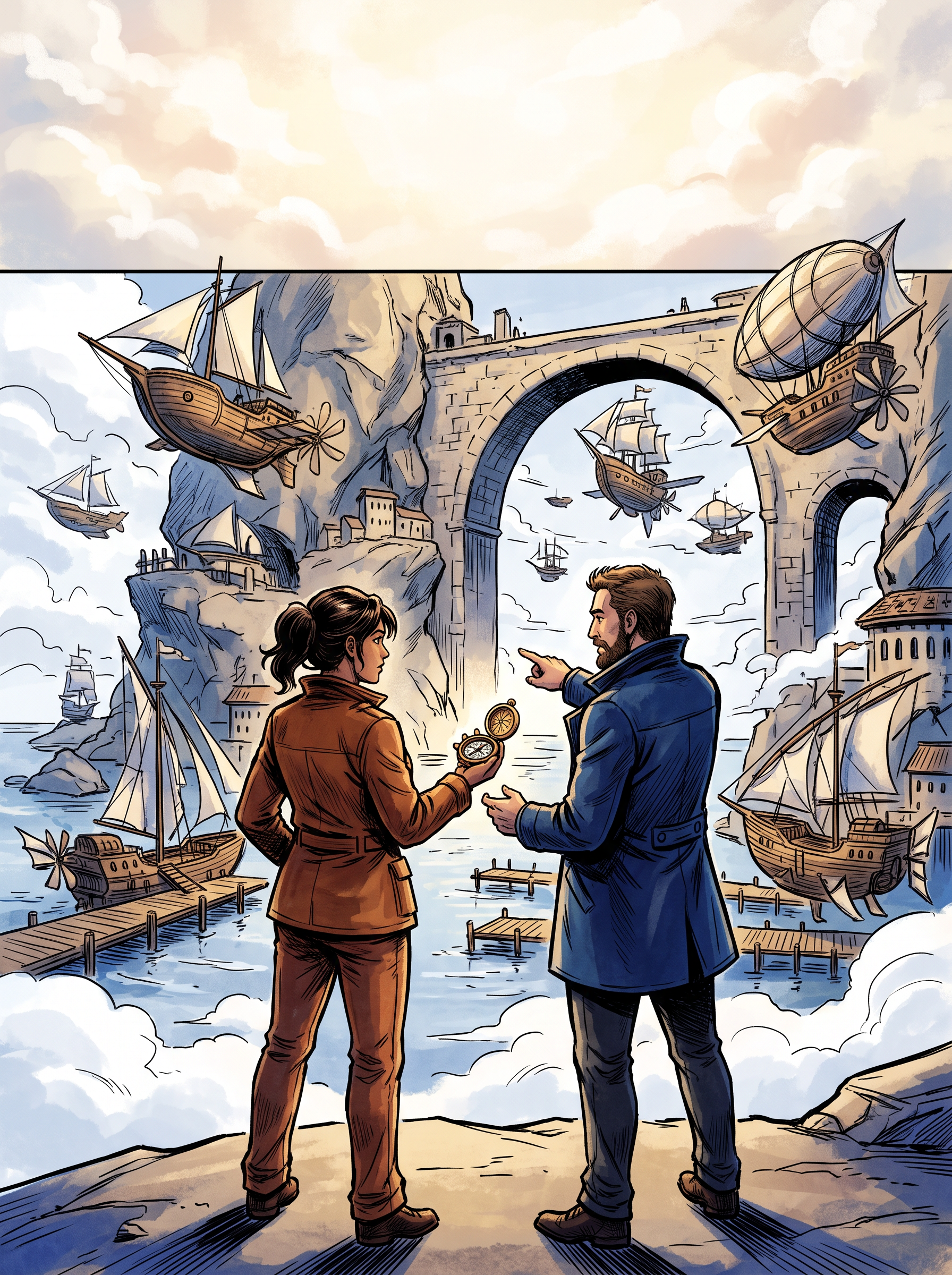
 Adventure
Reviewed two adult navigators and a floating harbor beneath a quiet cloud field. The duo remains readable at thumbnail size; title lettering and production preflight are separate steps.
1792 × 2400 px · AI-generated example
Inspect prompt and generation record
Original adventurous manga front-cover art, portrait 3:4. Two clearly adult skyship navigators aged 28 and 35, an adult woman wearing a fully closed practical rust jacket and long trousers and an adult man with a navy coat, stand on a lower foreground ledge overlooking an expansive floating harbor. One original small brass compass is the central prop; organic airships and stone arches in the middle distance. Lively diagonal ink shapes, striking cobalt and warm gold accents, no weapons. Keep their complete silhouettes readable, give the upper 22 percent simple luminous cloud texture without objects for title lettering added later. Single cover, no panels, no actual words or volume number. Create one original polished image, not a collage, mockup, screenshot or sample grid. No existing fictional characters, franchise design, logos, signatures, watermark or readable writing. Any human is visibly an adult aged 25 or older, fully clothed and nonsexual. Do not imitate a named living artist. Keep the entire subject composition intentional.
- Model
- gemini-3.1-flash-image
- Provider
- Google Vertex AI
- Generated

 View original
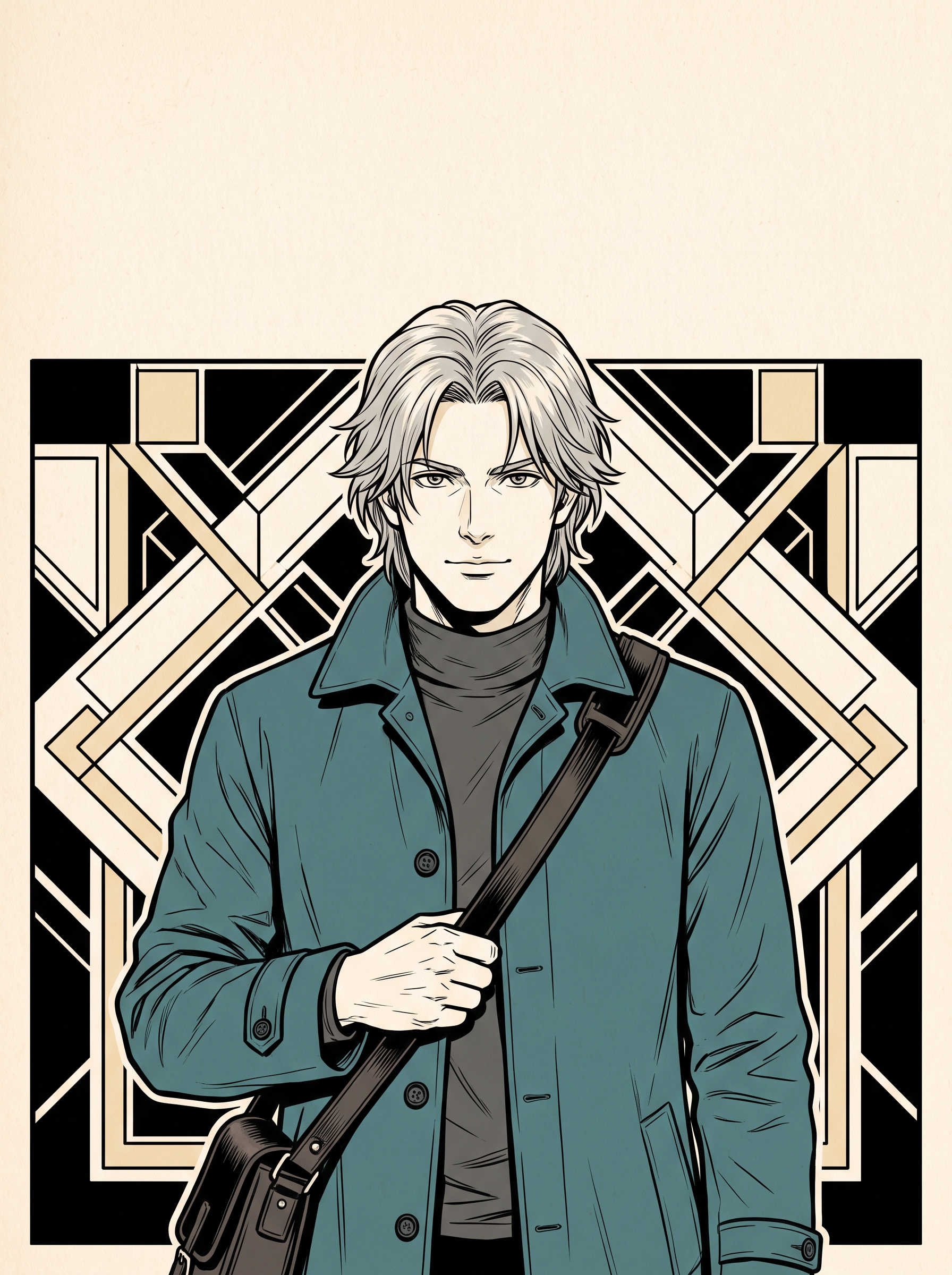
 Character
Reviewed revision 2 with the complete head lowered below a broad open cream title field. Original adult courier and teal coat are readable; stylized hand details and final lettering still need editorial review. Not print-ready cover production.
1792 × 2400 px · AI-generated example
Inspect prompt and generation record
Original character-focused manga cover, portrait 3:4. A visibly adult 29-year-old silver-haired courier wearing a fully buttoned teal long coat and plain dark undershirt, calm direct gaze and original facial design, one hand naturally holding the strap of a small satchel. Half-length figure placed below the upper quarter, strong clean black ink linework with selective teal color and warm cream accents. Stark geometric cream-and-ink background that stays empty across the top 24 percent for later typography. Distinctive silhouette, polished editorial illustration, no emblems, no panels, no type, no existing character likeness. Create one original polished image, not a collage, mockup, screenshot or sample grid. No existing fictional characters, franchise design, logos, signatures, watermark or readable writing. Any human is visibly an adult aged 25 or older, fully clothed and nonsexual. Do not imitate a named living artist. Keep the entire subject composition intentional. MANDATORY LAYOUT REPAIR: Pull the camera back. Put the ENTIRE head including the highest hair tip BELOW the horizontal line 28 percent down from the top. Upper 28 percent of the finished canvas must be one continuous empty warm-cream field, with no illustration, hair, face, line, geometry or frame intruding. The character and every decorative background line start only below that title-safe boundary. The bust occupies the lower 68 percent, with complete hair and face visible. Title typography will be added manually later, do not draw it.
- Model
- gemini-3.1-flash-image
- Provider
- Google Vertex AI
- Generated

 View original
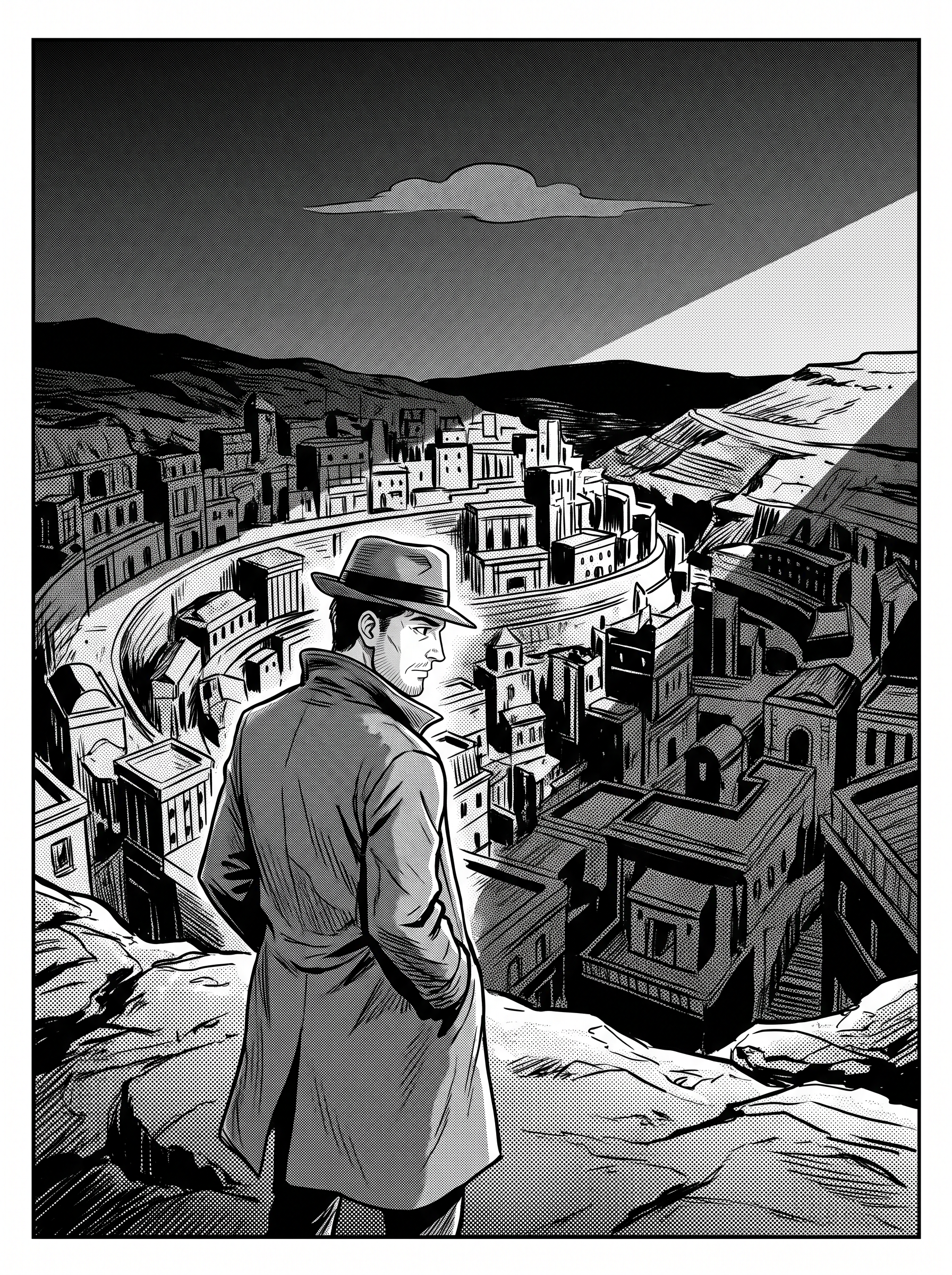
 Black & white
Reviewed original monochrome ink and halftone city-cover artwork with a readable adult investigator. The upper cloud and tonal field are intentional; manually verify contrast when adding title typography. Not a print-ready jacket.
1792 × 2400 px · AI-generated example
Inspect prompt and generation record
Original monochrome manga front cover in portrait 3:4. A visibly adult 32-year-old investigator in a modest long coat in the lower foreground, seen in three-quarter profile, looking over an angular mysterious hillside city. Sophisticated pure black ink, clean white negative space and intentional halftone textures, dramatic diagonal light, no gray photographic rendering. The upper quarter is quiet white with one restrained brush-shaped cloud, suitable for adding a title later. Original mystery mood with readable focal face and skyline, single continuous cover scene, no comic panels, no captions or lettering. Create one original polished image, not a collage, mockup, screenshot or sample grid. No existing fictional characters, franchise design, logos, signatures, watermark or readable writing. Any human is visibly an adult aged 25 or older, fully clothed and nonsexual. Do not imitate a named living artist. Keep the entire subject composition intentional.
- Model
- gemini-3.1-flash-image
- Provider
- Google Vertex AI
- Generated

Generation records describe these particular reference files, not a verified Studio run. Studio model choices and settings may produce a different result.
Plan and review this kind of image
These planning examples help you prepare and inspect a draft. Before generating, check the selected model's plan requirements and credit estimate in the image studio. Pixel sizes are editing targets; check the actual file dimensions and downstream requirements before final use.
Digital chapter thumbnail
- Prepare
- Write a one-sentence story hook and identify one focal character. Example: an adult skyship navigator discovers an uncharted harbor; the compass is the secondary detail.
- Set up
- Use a supported portrait canvas, such as a 3:4 planning shape. Ask for artwork without letters and place a temporary title in a separate design layer.
Before you use the draft
- Reduce the composition to the size of its intended listing; the character and story hook should still be distinct.
- Check the real title at that size and inspect hands, props and accidental lettering at full size.
If it needs another pass: If the thumbnail feels busy, remove background characters and choose one prop. If the title is unreadable, simplify the area behind it or move the title in the editor.
Paperback front art inside a complete cover layout
- Prepare
- Choose the publisher, trim size, binding, paper and final page count first. For example, a 6 × 9 inch paperback front is only one part of the complete cover.
- Set up
- Download the matching KDP cover template. Generate front-cover art with extra edge room, then place it into a separate cover document; this page does not create a print-ready wraparound PDF.
Before you use the draft
- Check the artwork against the template for front, back, spine, bleed and text-safe placement.
- Inspect the downloaded image at its final placed size and review the complete file in the publishing previewer.
If it needs another pass: If the crop removes important details, generate a wider composition or reposition the art. If dimensions or bleed fail, fix the cover document against a freshly generated template rather than adding dimensions to the prompt.
A repeatable series direction
- Prepare
- Prepare a short series brief with one palette, a focal symbol and original character notes. Example: teal-and-amber harbor adventures, one compass motif and a quiet title band.
- Set up
- Reuse that written brief for separate cover drafts. Compare compositions in a contact sheet, and keep typography, issue numbers and margins in an editor template.
Before you use the draft
- Compare costume, face, symbols and palette across covers; repeated text does not lock character identity.
- Check that each cover reads as a different episode and that its title remains legible at thumbnail size.
If it needs another pass: If a character drifts, simplify the design brief and use a suitable reference only if the selected Studio workflow supports it. Correct the art or commission finishing before treating the set as publication-ready.
- KDP: paperback cover requirements
Defines the complete cover file and print production requirements; front artwork alone is not a finished paperback cover.
- KDP: cover calculator and templates
Build a template from the actual binding, paper, trim size and page count before laying out the final cover.
One idea. Different ways to use it.
Choose the output that fits your project instead of starting from a generic image prompt.
Volume cover drafts
Explore a consistent visual direction for a full collected volume.
Chapter thumbnails
Make a composition that remains readable in a small digital listing.
Cover direction boards
Compare several original themes before final editorial design.
Make original artwork. Review with care.
Use reference material you have permission to share. Check the image for errors and respect third-party rights before using it commercially. LlamaGen creates image drafts; it does not guarantee exact similarity, ownership clearance or physical delivery.
Created for a specific job
Indie manga creators
Develop a first cover idea without replacing a full publishing workflow.
Webcomic authors
Give an ongoing serial a coherent chapter-level image system.
Editors and collaborators
Share layout directions before typography and print preflight.
Gallery images illustrate visual directions, not guaranteed results or user testimonials.
Explore four creative directions
Each direction includes a starting prompt that you can edit in the image studio.
Cinematic
Preserve a readable main silhouette and a clear title zone.
Adventure
Make the protagonist and story promise legible at thumbnail size.
Character
Keep character identity distinct from existing franchises.
Black & white
Leave finishing and title lettering to the editor.
How to get started
Describe the manga
State genre, original cast, setting and emotional hook.
Reserve title space
Request the intended aspect ratio, focal point and blank region for lettering.
Refine and finish
Generate artwork, inspect it at thumbnail size, then add title typography in an editor.
Check the result for your project
Review these details before you export, share or print your artwork.
Read it as a small cover
View a reduced thumbnail before choosing a direction. Check whether the protagonist and focal silhouette remain recognizable; simplify background shapes if the story disappears at small size.
Keep lettering editable
Generate the illustration without title text, then add the real title, author and volume number in a design editor. Check spelling and contrast in both thumbnail and full-size views.
Check the printer template
A front illustration is not a full print cover. Use your publisher template to add the correct back, spine, trim and bleed; inspect a proof before ordering a run.
Visual references and sample prompts
Open each direction to see what to describe and how to refine the output. The sample generation prompts are intentionally shown in English and can be edited in Studio.
Cinematic
What to look for
Preserve a readable main silhouette and a clear title zone.
Try this starting prompt
Original manga volume-cover art, lonely protagonist on a rain-lit bridge, dramatic ink shadows, portrait 3:4, no text
Try this prompt in StudioAdventure
What to look for
Make the protagonist and story promise legible at thumbnail size.
Try this starting prompt
Original manga chapter-cover direction, adventurous duo overlooking a floating city, dynamic composition, vivid accent colors, portrait, no text
Try this prompt in StudioCharacter
What to look for
Keep character identity distinct from existing franchises.
Try this starting prompt
Original manga cover of a silver-haired courier, teal coat, direct gaze, stark typography-safe background, portrait, no title
Try this prompt in StudioBlack & white
What to look for
Leave finishing and title lettering to the editor.
Try this starting prompt
Original monochrome manga cover, high contrast ink and halftone mood, mysterious city silhouette, no letters
Try this prompt in StudioFrequently asked questions
Can this tool typeset the manga title accurately?
AI-rendered lettering may contain errors. Generate the art without text and add the final title, author and volume number in your design editor.
Is this the same as AI Manga Generator?
No. This page focuses on a single front-cover composition, not connected multi-panel manga pages or chapters.
Can I use a known manga character?
Create original cover artwork and only include characters or logos you have the necessary rights to use.
Does it produce a print-ready book jacket?
It produces cover art drafts. Check trim, bleed, typography, resolution and platform-specific publishing requirements separately.
Useful tools and resources
Manga Studio
Edit and prepare the story behind the cover.
KDP: paperback cover requirements
Check the publisher requirements for a full front, spine and back cover, including trim and bleed. Requirements depend on your chosen publishing platform.
Manga Page Generator
Move from the cover into readable pages.
Continue your creative workflow
Give your next chapter a memorable first impression
Start with an original protagonist and a clear genre promise; finish the title and production details deliberately.
Your prompt opens in the image studio. Sign in, choose an available model, add a reference image if needed, and review credits before generating.
Explore a visual direction