
LlamaGen.AI 1.0.41: Cover Design and Panel Review Updates
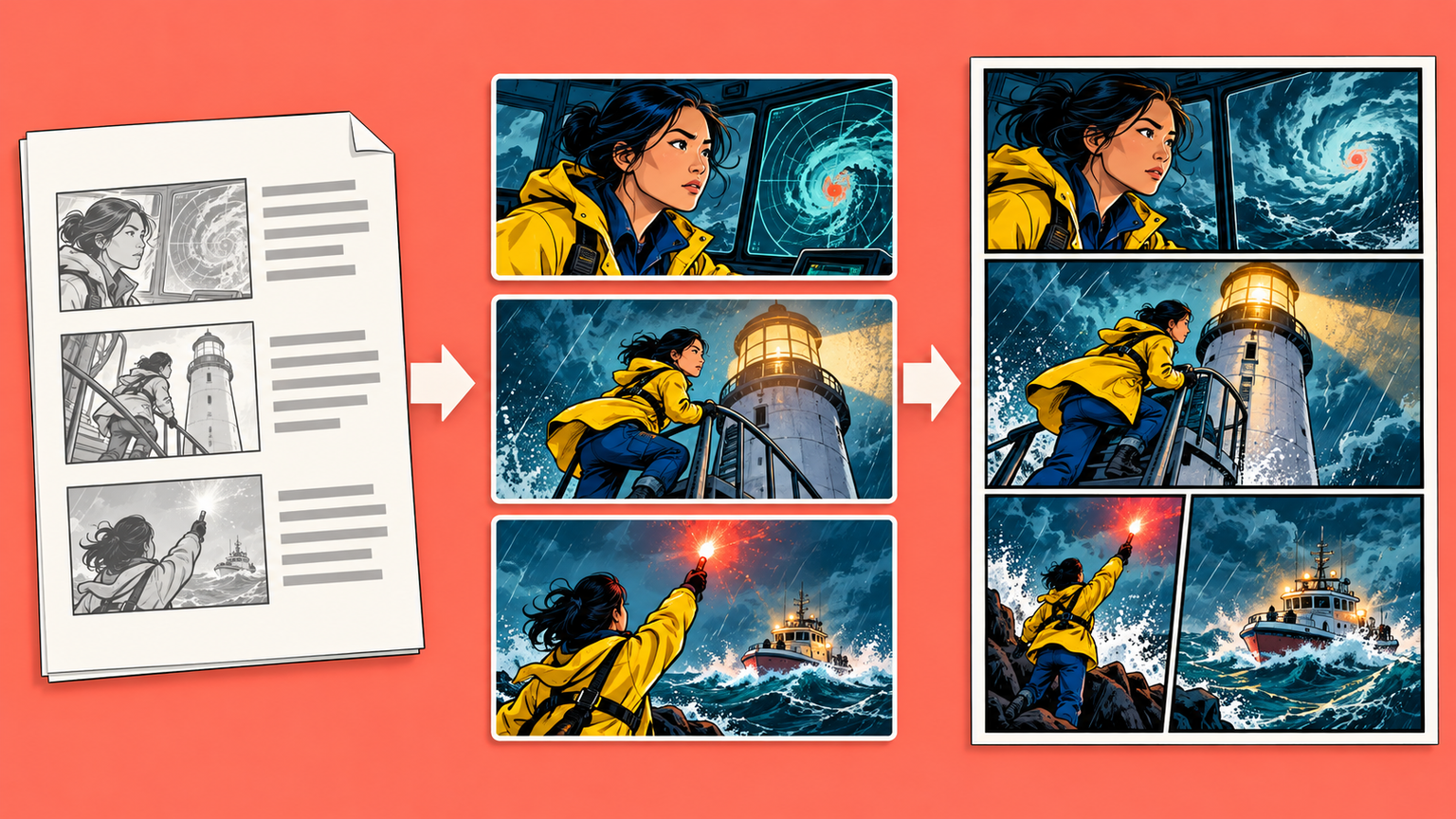
A comic cover has to communicate the story before the first page is opened. This release gives creators more control over that first impression, adds a clearer way to inspect individual panels, and makes script-led comic creation easier to follow.
Direct the title, layout, and visual hierarchy of the cover
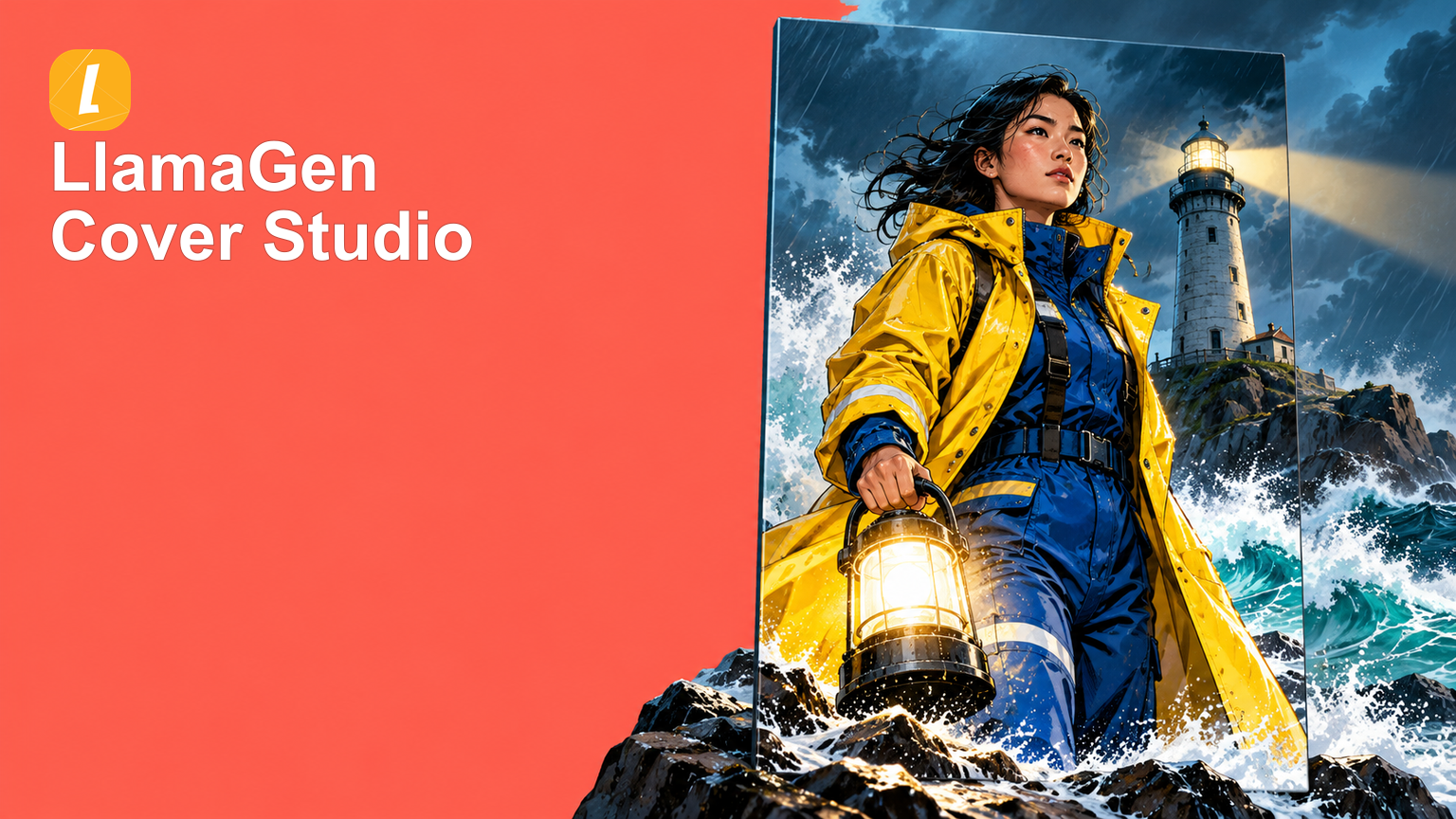
Comic cover creation now brings the main title, subtitle, slogan, issue or volume label, and author credit into one focused setup flow. Optional fields can be left out, while the elements that matter can be arranged around the intended story and audience.
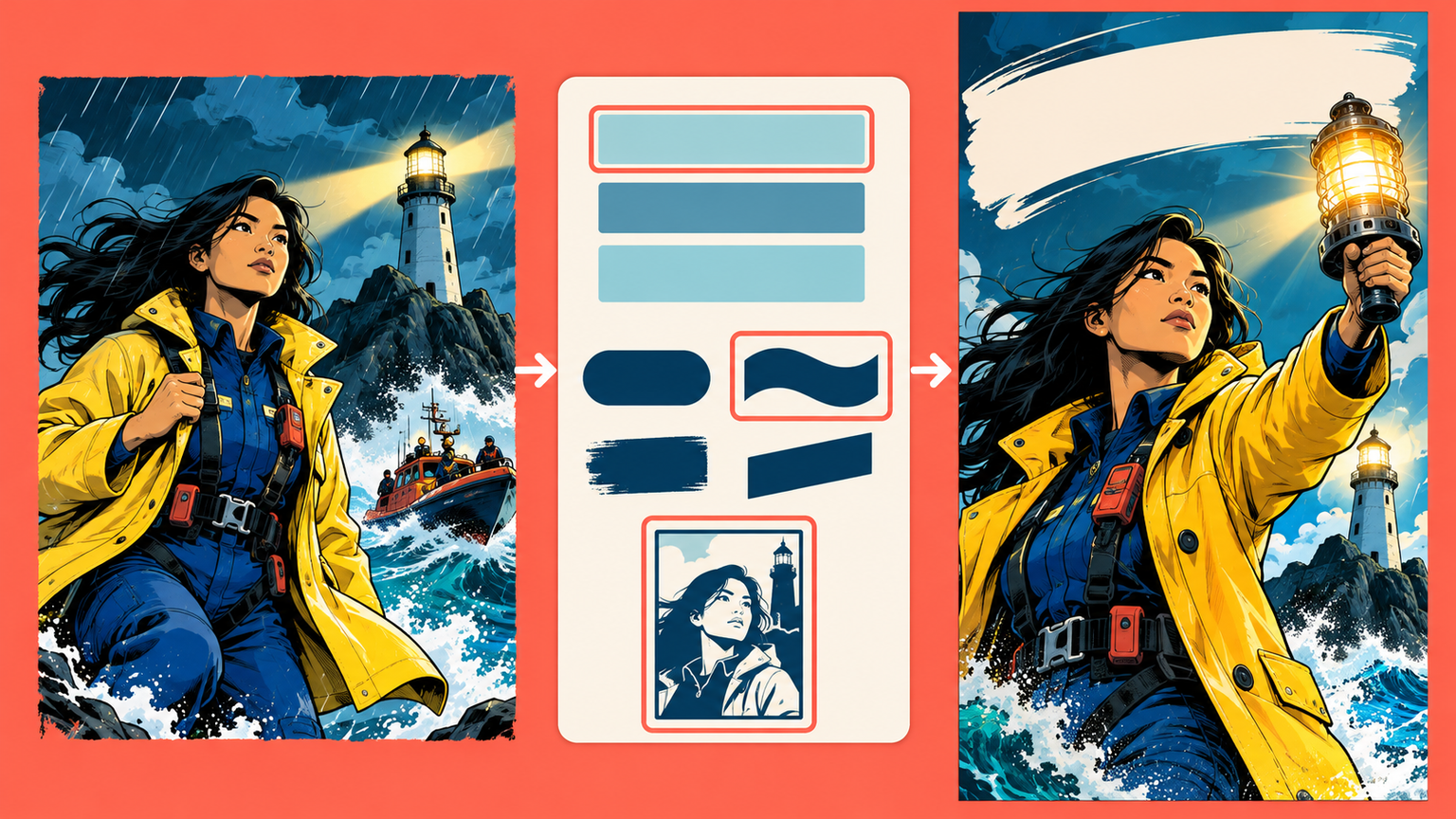
Creators can choose whether the title belongs at the top, center, or bottom and select a bold comic, editorial, hand-lettered, or minimal typographic direction. A front cover layout field also describes where the hero, supporting characters, and open space should sit.
The practical win is a cover that begins with deliberate hierarchy instead of asking the artwork to guess where every element belongs.
Keep portrait covers in their intended proportions
A native 2:3 portrait layout is now available for comic covers. When a generated cover returns to the editor, its saved proportions remain intact instead of being forced into a standard page shape.
This makes tall front-cover compositions more dependable from generation through page review, especially when the character pose, title space, and background were designed around a vertical frame.
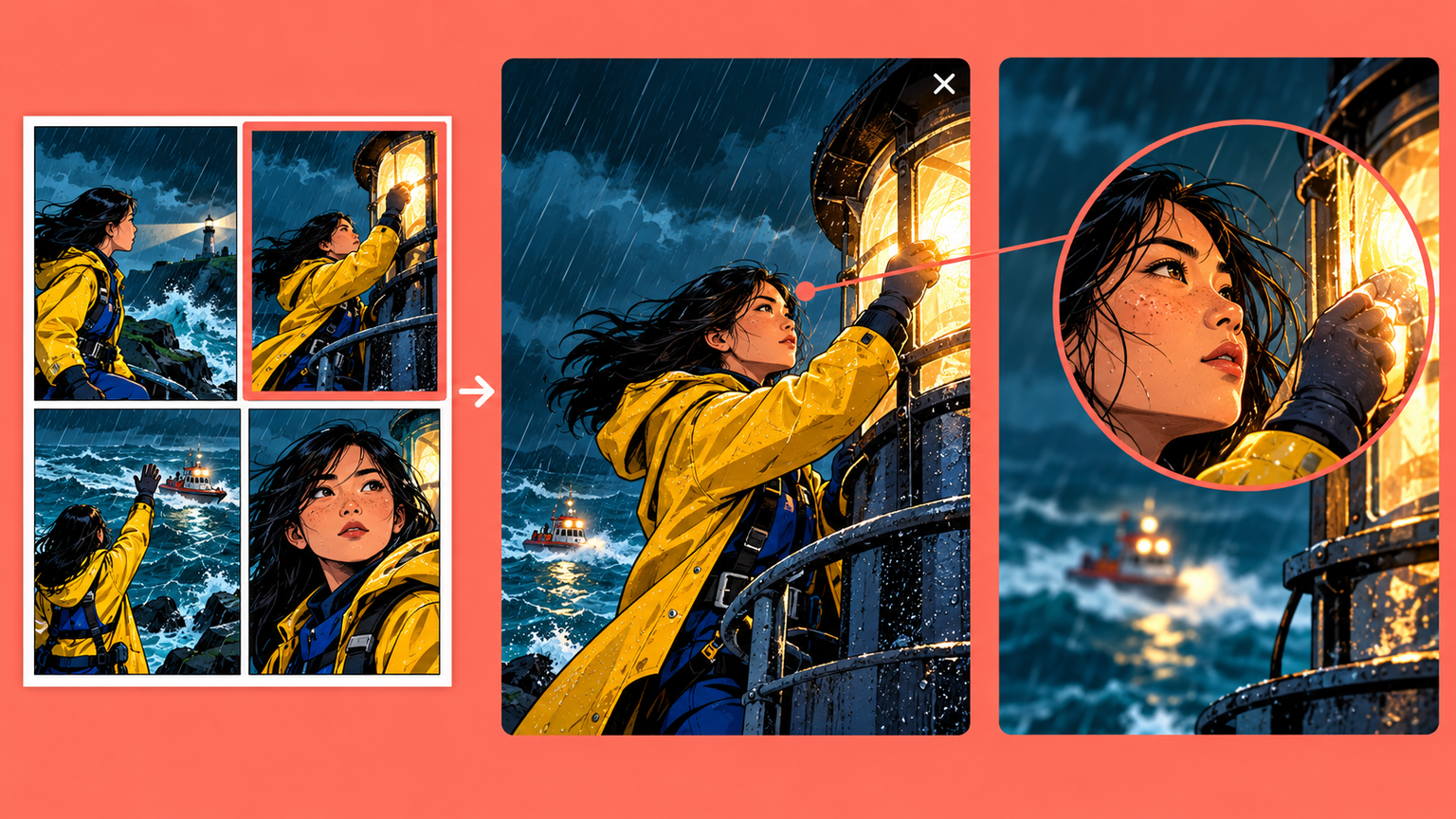
Open the selected panel in a full-screen preview
The panel toolbar now includes a full-screen action. It opens the selected artwork against a distraction-free dark background, keeps the complete image visible, and returns focus to the page when closed.
Spark dreams for the young
Where millions of stories come alive
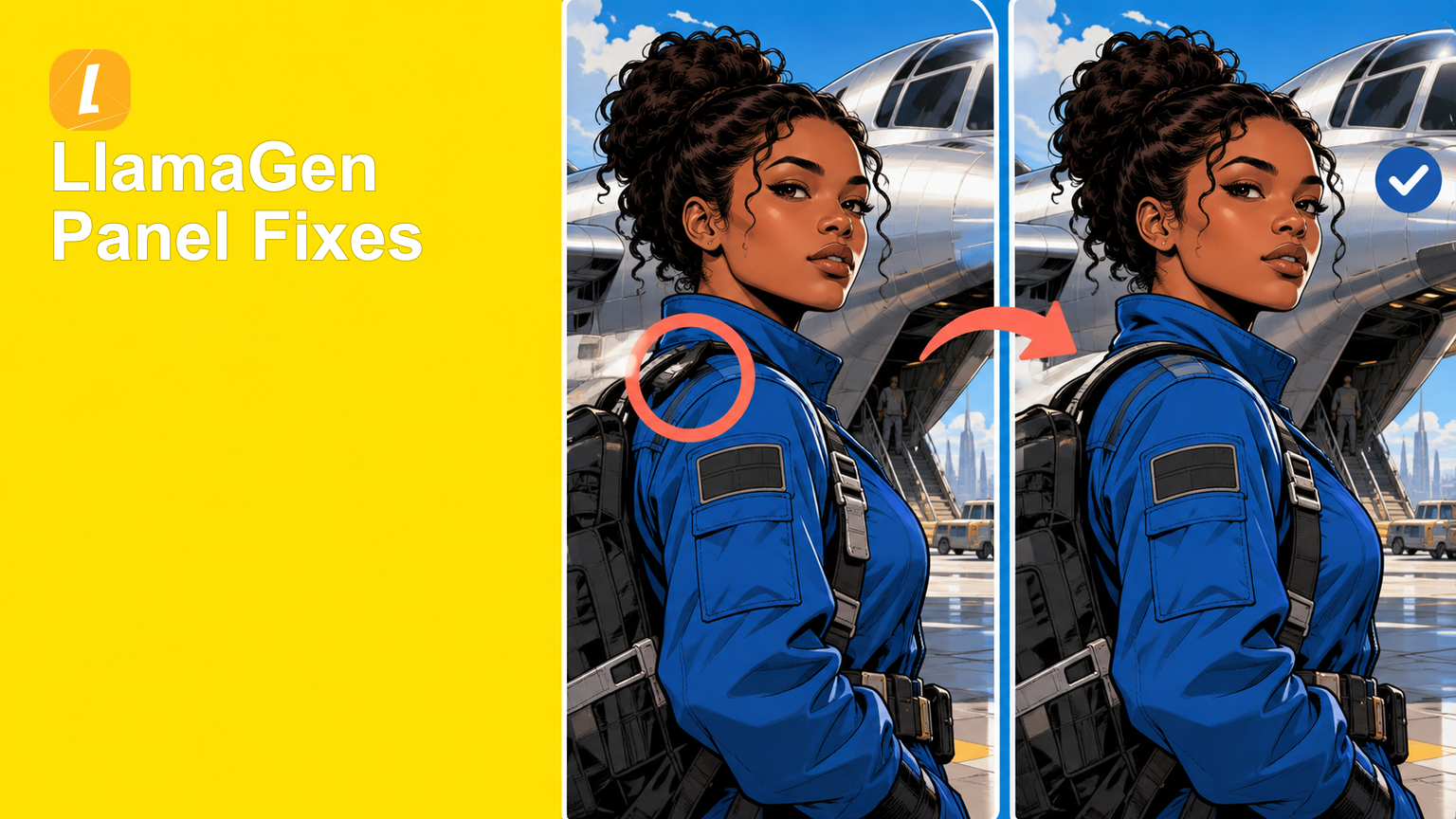
A rundown of the latest LlamaGen feature releases, product enhancements, design updates, and important bug fixes.