

LlamaGen Slides
Make PPT-style slides you can still edit
Build a 16:9 deck in the browser. Export PDF or images. This is not PowerPoint, and it does not download a .pptx file yet.
Open Slides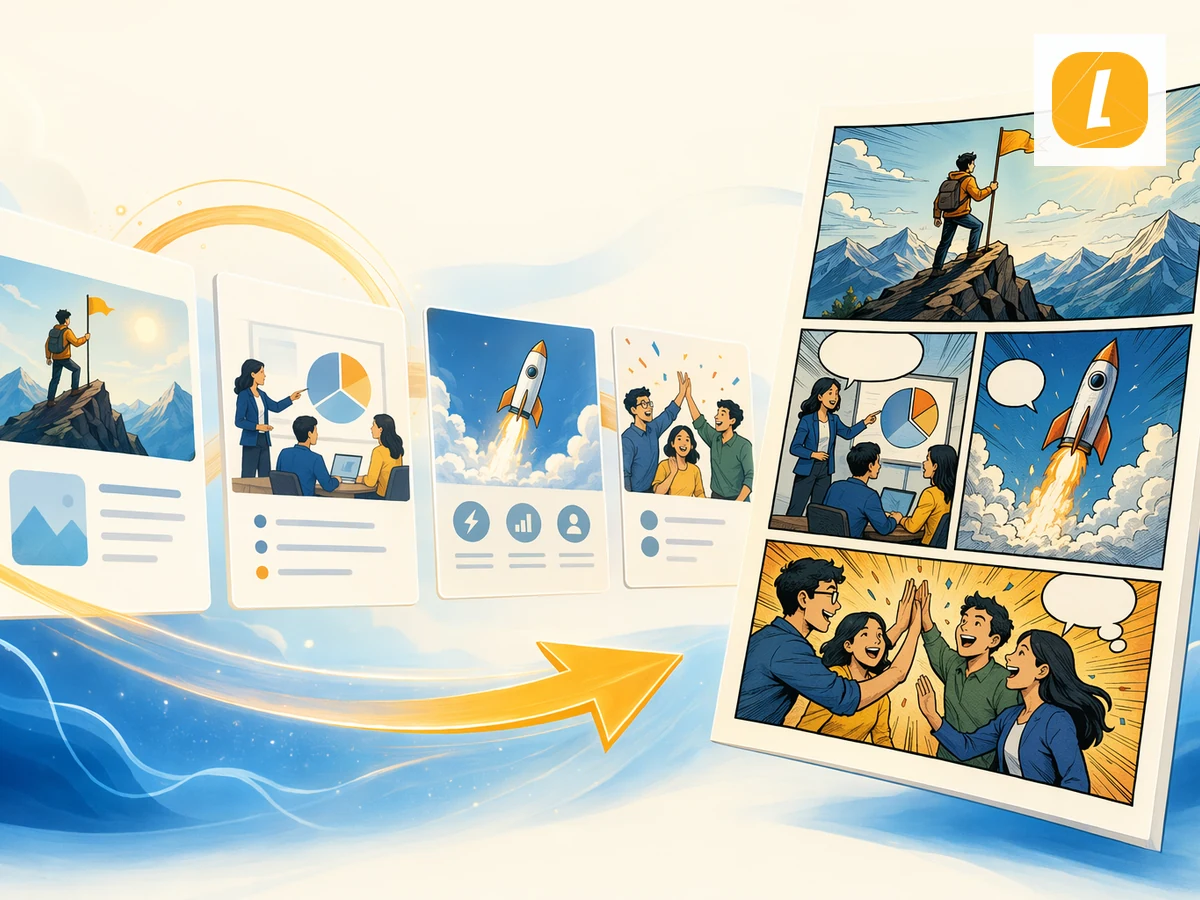
A 16:9 deck in the browser. PDF or images out. No .pptx yet.
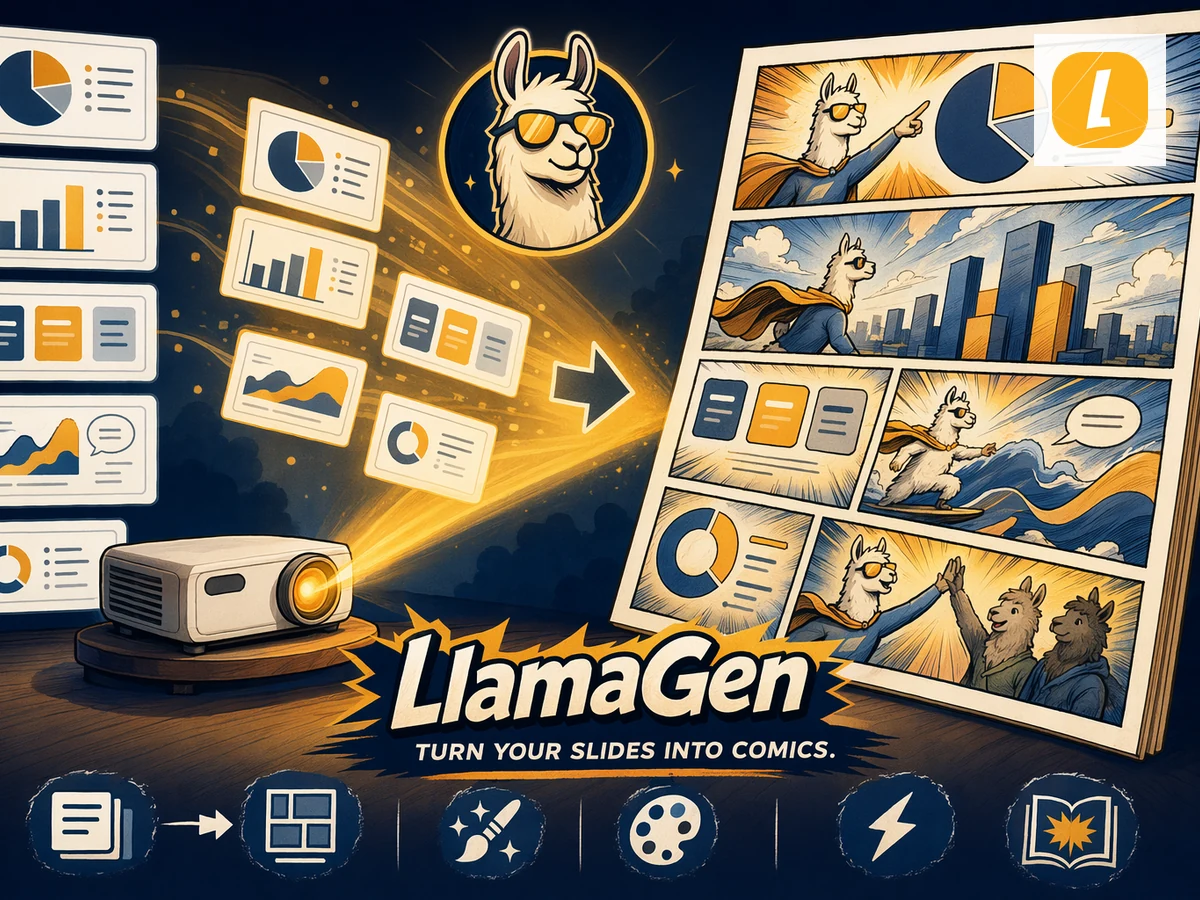
Scene + image + a next step
One job on the page. The pictures show the work, not a feature list.
A review file you can send
AI only if you want it
What you can use, and what you cannot
Confirm the job, the limits, and the next click before you start.
How does it work?
- Open a 16:9 document. Start blank or from a short outline.
- Edit every page. Change the title, body, and order. Do not regenerate the whole deck for one typo.
- Export what the room can open. PDF for presenting. Images for a design tool. No PPTX yet.
Before you start
- No native .ppt or .pptx export today.
- Canva, Gamma, and PowerPoint own the generic “PPT maker” market.
- Use this when you already work in LlamaGen and need a simple deck.
Make PPT-style slides you can still edit
If you need a PowerPoint file, plan the handoff first. This page will not hide that.
Questions? We’ve got answers
Find the limits, the export, and the next step before you inquire.
Does LlamaGen export PowerPoint files?
Not yet. You can export PDF, PNG, JPEG, SVG, and JSON. Plan a PowerPoint handoff before production if .pptx is required.
What does PPT-style mean?
A familiar 16:9 deck with editable titles and body copy. It is not Microsoft PowerPoint.
Can AI write the first draft?
When generation is available on your plan, yes. Free plans are limited. You can always write the slides yourself.
Make PPT-style slides you can still edit
Build a 16:9 deck in the browser. Export PDF or images. This is not PowerPoint, and it does not download a .pptx file yet.
Open Slides