01
Story-first comic generation

 Create a comic
LlamaGen Comics
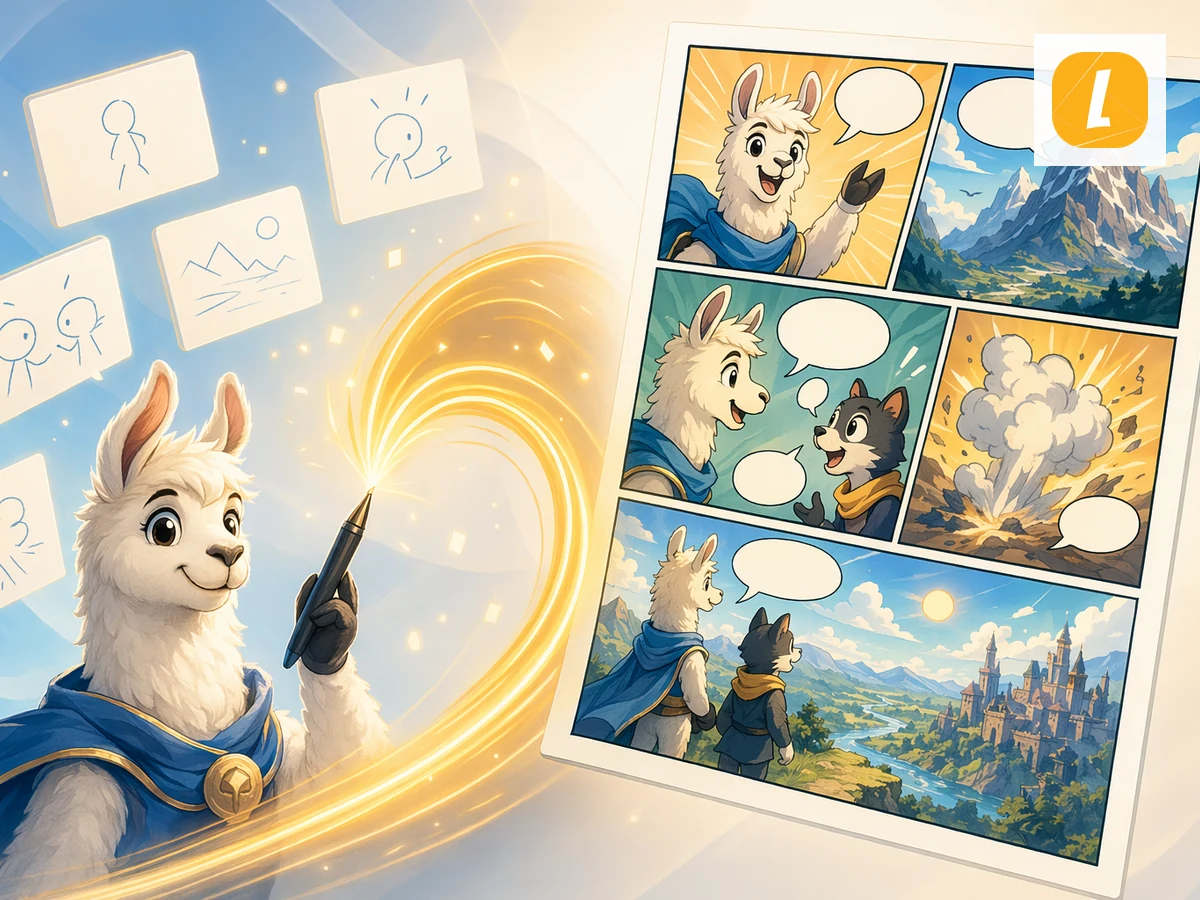
Paste a story or chapter. LlamaGen turns it into a multi-panel comic with consistent characters, dialogue, and a layout you can edit.
Create your comicWorks in your browser. Edit every panel in the studio.
Paste your story, then choose the page count and layout.
01
Story-first comic generation
02
Editable comic workspace
03
AI panel storytelling
04
Built for LlamaGen comics
Example directions
Use these examples as art-direction references. Keep the subject, composition, and intended output clear in your own brief.
Prompt directions
Use a direction as written or move it into the creative brief and replace the subject, setting, mood, and output details.
Workflow
Paste your story, scene, or script into the studio. A short scene with a clear turning point works better than a long summary.
Set the page count, panels per page, and aspect ratio so the comic matches the pacing you want.
Create the comic, then continue in LlamaGen Studio to adjust panels, dialogue, captions, and layout.
LlamaGen turns your story into a comic-ready sequence with panel flow, visual pacing, captions, and character continuity.
Keep the plot, speakers, and scene beats visible in the first draft, then refine framing and captions in the studio.
After generation, open the result in the comic workspace to edit panels, dialogue, layouts, and story details without leaving LlamaGen.
Creator feedback
“This is a great AI product. It can really turn your imagination into reality. It's really cool! It opens up a new era of comics! Thank you very much for the hard work and dedication of the developers.”
“UNCOVERING AI TOOLS. Turn text into stunning and engaging comic images and strips - https://llamagen.ai”
“Thanks for sharing! I hope the product is fun to build”
FAQ
Write the story as plain text. LlamaGen splits it into panels, draws the scenes, and adds captions or speech bubbles. You do not need to sketch, ink, or letter the page first.
Paste the story or chapter, choose how many pages and panels you want, then generate. LlamaGen keeps the same cast across the page. For the full story-to-comic product page, open Story to Comic Generator.
The workflow is built to keep the same faces, hair, and outfits across the page. After the first draft, refine weak panels in the studio instead of starting a new prompt.
Text to Comic is a LlamaGen workflow that turns a written story, scene, or script into an editable comic with panels, dialogue, and visual continuity.
Paste your story into the studio, choose the page count and layout, then generate. LlamaGen creates comic panels you can keep editing in the studio.
Yes. Successful generations open in the LlamaGen comic workspace, where you can continue editing panels, dialogue, captions, and layouts.
The workflow is built for panel-to-panel continuity. After the first draft, you can refine character looks, outfits, and scene details in the studio.
Yes. It works for short stories, scene descriptions, scripts, lessons, and social-story drafts that need a readable panel sequence.
Those tools generate one image from a prompt. Text to Comic turns a written story into a multi-panel page you can edit. Compare Firefly, ChatGPT, OpenArt, and Perchance on the AI comic generator review if you only need a single picture.
Start with a focused story, review the complete result, and keep refining panels, dialogue, and layout in LlamaGen Studio.