

Find a story worth following
Explore a character's goal, an unusual setting, or a difficult choice. Compare different openings before you commit to a direction.
ใช้ LlamaGen.ai เป็นเครื่องมือสร้างเรื่องราวและนักเขียนเรื่องราวด้วย AI เปลี่ยนไอเดียง่าย ๆ ให้เป็นร่างเรื่องที่มีโครงสร้าง พร้อมพล็อต ตัวละคร บทสนทนา และต่อยอดไปเป็นสตอรี่บอร์ดหรือช่องคอมิกได้
Try the first draft here. Free access has limits; saved projects and visual tools use your account and plan credits.
See how it worksPick a prompt to read an illustrative opening, then generate your own version. These samples are prepared examples, not live results or customer testimonials.
Example opening
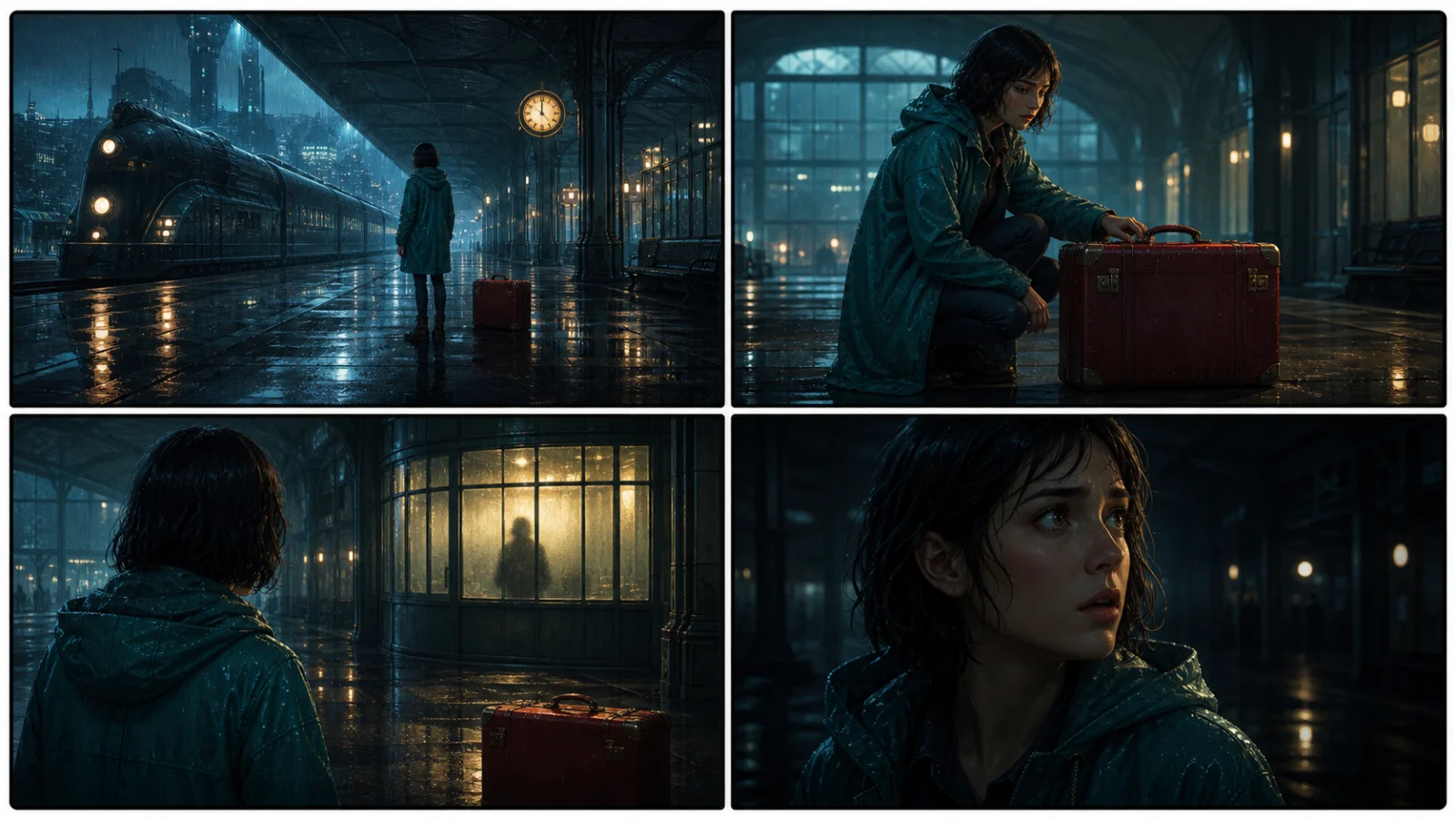
The radio said Mara's name before she switched it on. On Platform Three, rain gathered around a red suitcase. She had checked the platform a minute ago. Empty. Now someone had left a case beneath the broken clock, with a luggage tag written in her handwriting.
Start with something specific: a radio operator alone at a station, a red suitcase, and a message that knows her name. Generate an opening, read what works, then change the stakes or point of view. The next decision stays yours.
Generate story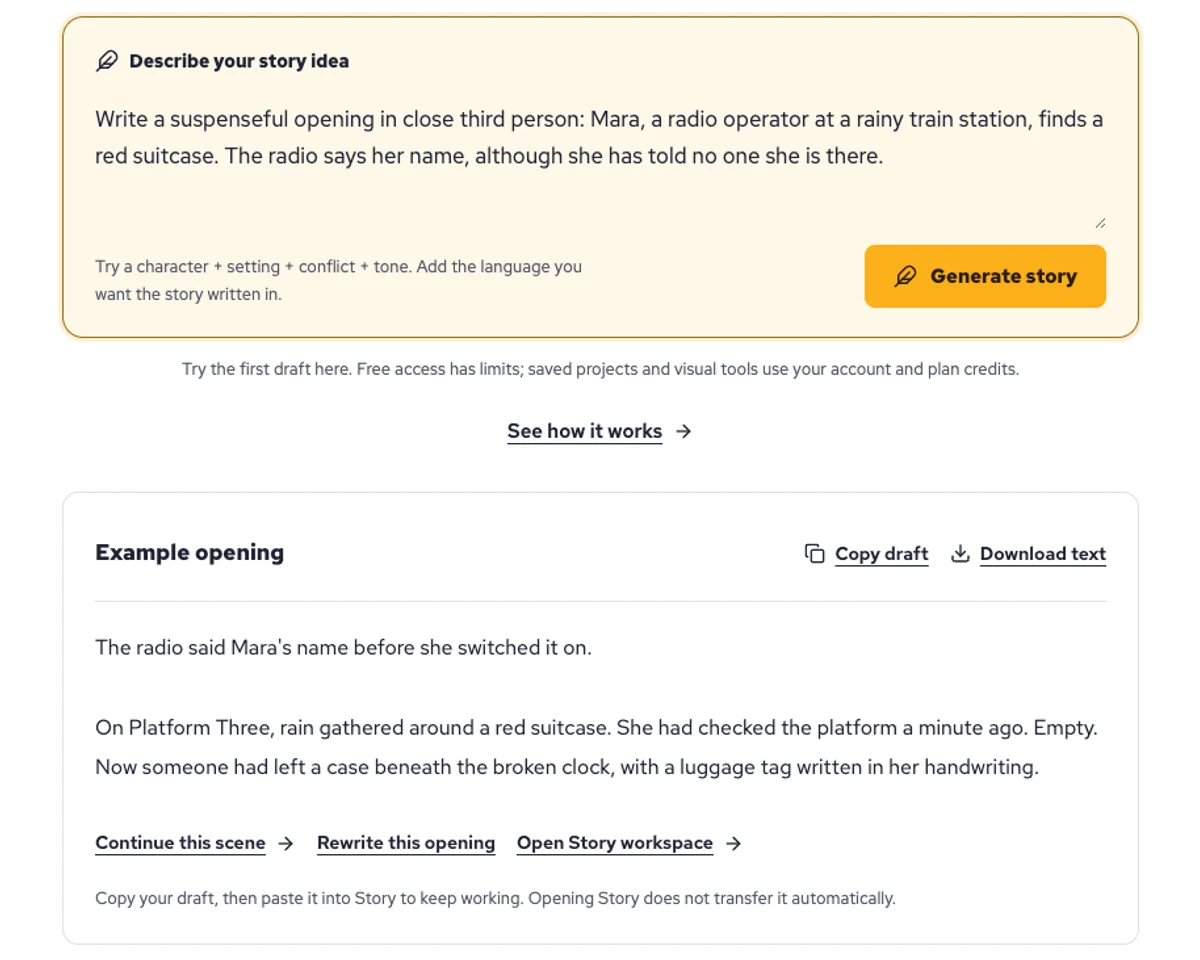
Explore a character's goal, an unusual setting, or a difficult choice. Compare different openings before you commit to a direction.
Paste an unfinished idea or use Continue after a draft. Read each new scene for names, motives, and details that need to stay consistent.
Use Rewrite to try a sharper opening. Copy a version you like before generating another, then edit the phrasing in your own voice.
This illustrative sequence follows Mara, her teal raincoat, and a red suitcase through four station shots. Use it as a guide: keep a character, location, and key prop consistent when you adapt your own draft into a storyboard or comic.
Explore script to storyboardThe same rainy-station story, imagined as a reading copy, a handheld proof, different cover designs, and a coordinated author set.
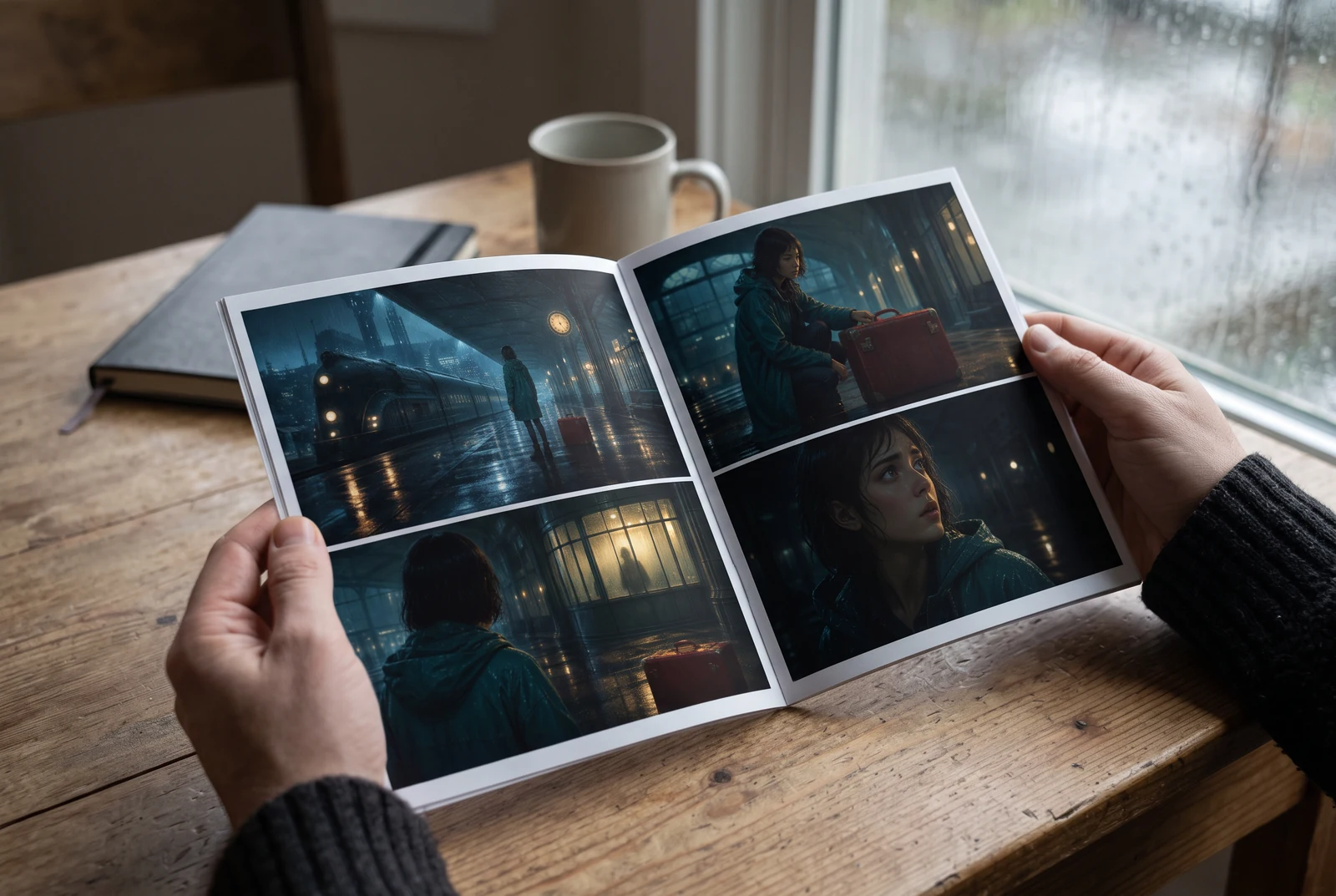
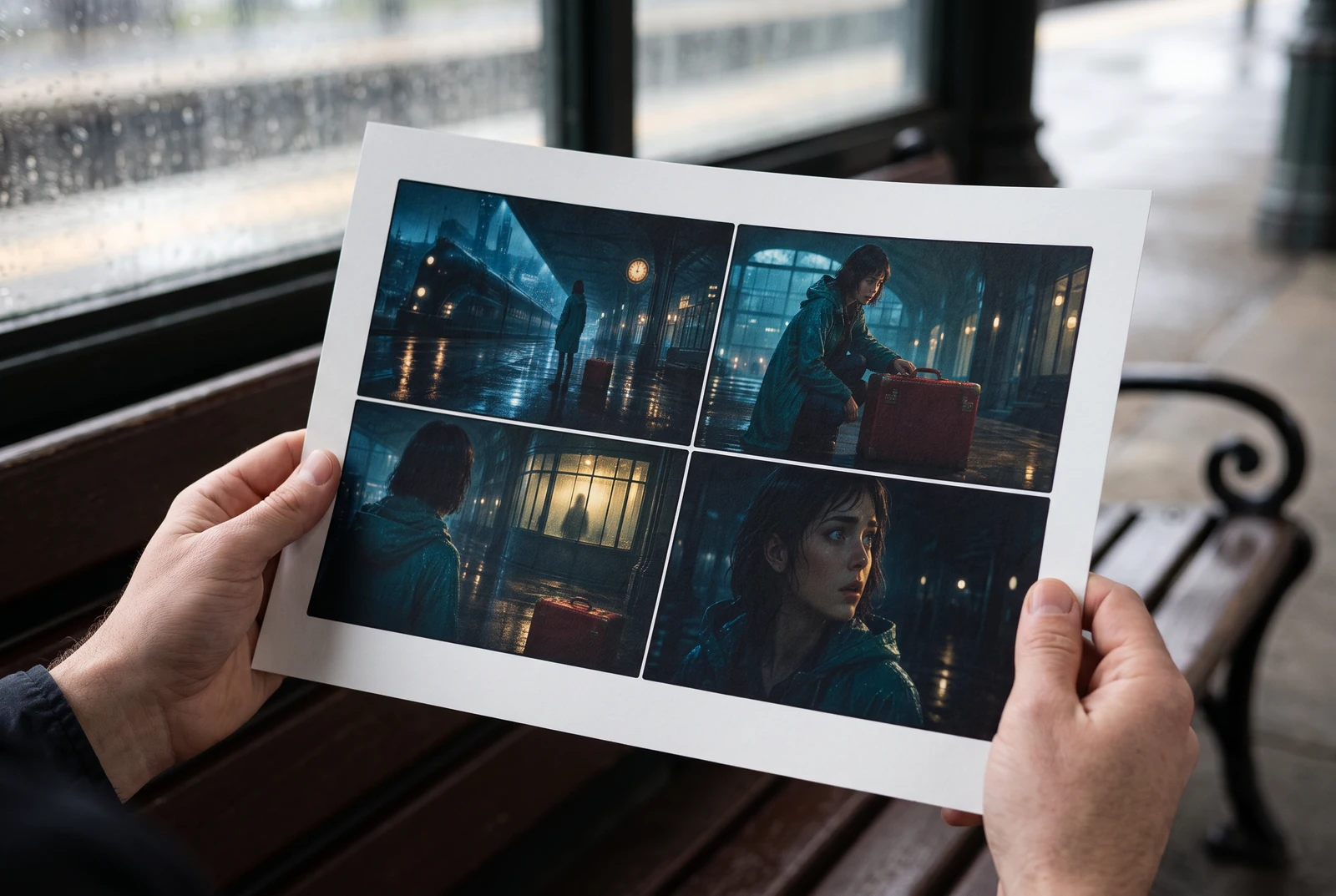
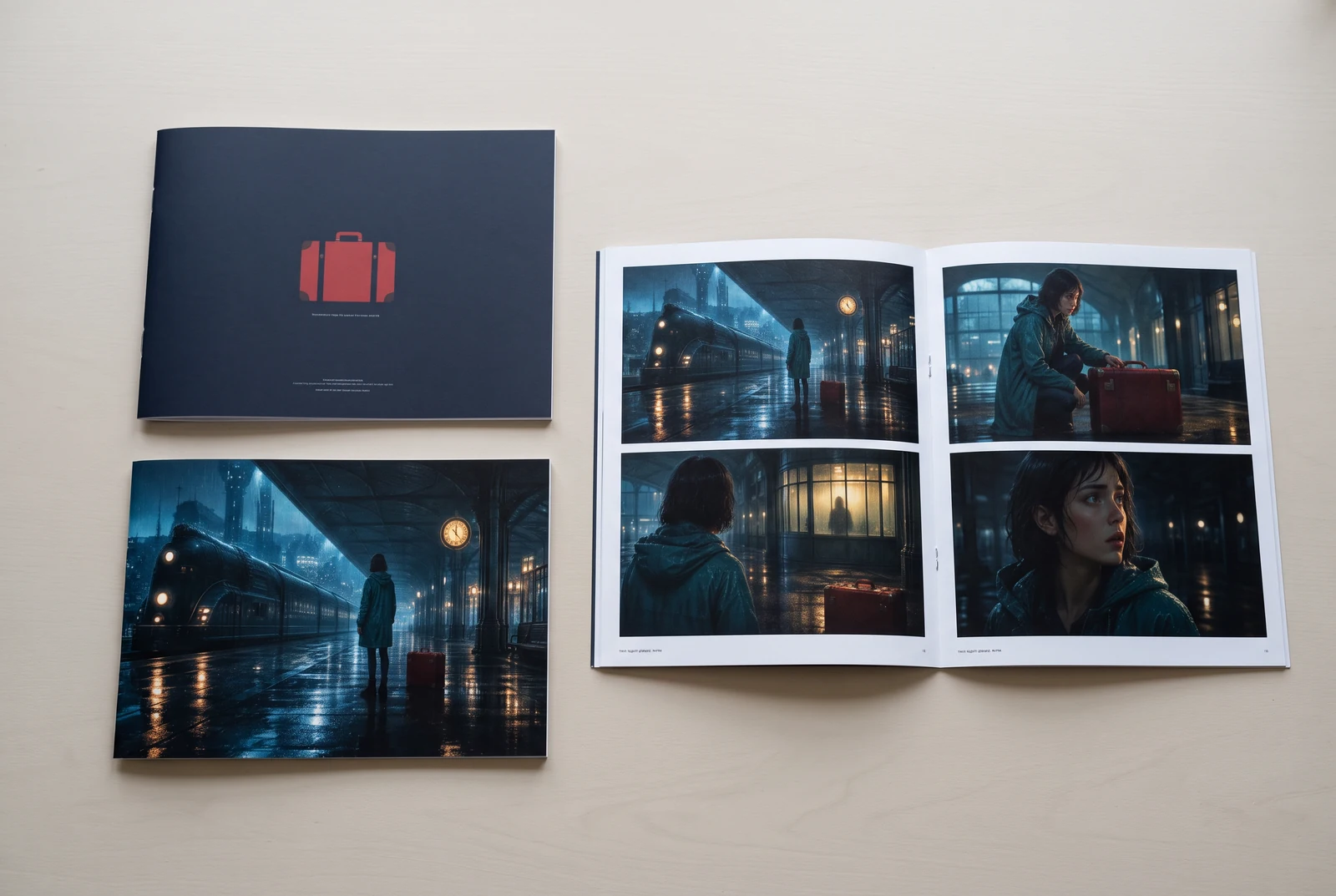
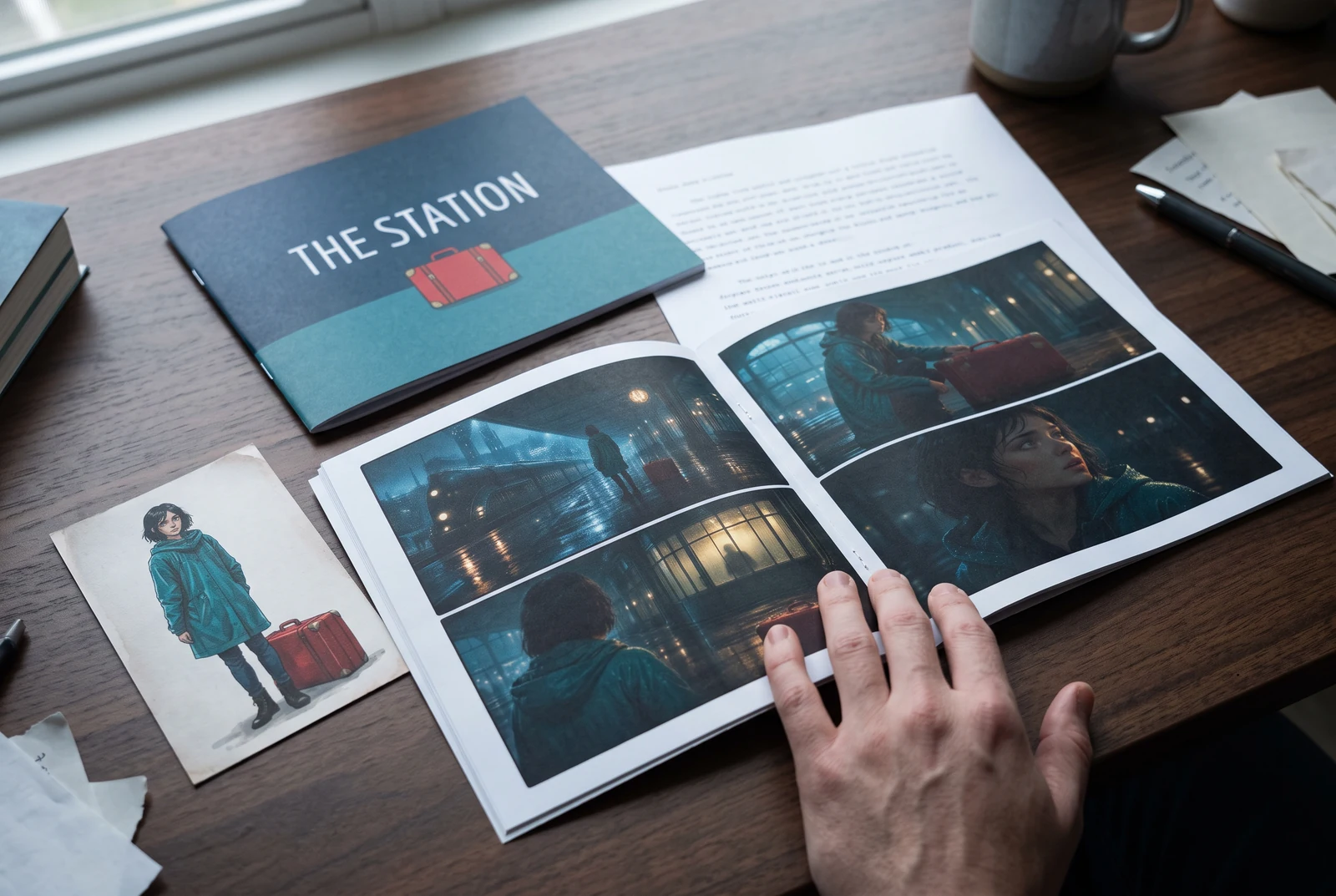
AI-generated display concepts using original LlamaGen story art. Paper examples illustrate personal printing and reading; they are not customer photographs or a print-delivery offer.
Test a premise, change the point of view, or work through the opening of a short story.
Draft scene beats and dialogue before planning comic panels or storyboard shots.
Create writing prompts and sample narratives. Review the output and follow your classroom or team's AI rules.
Describe a protagonist, setting, goal, and obstacle. Choose a tone and output language in your prompt.
Select Generate story. The result is a draft to review; one response is not a complete book.
Check the voice, facts, and continuity. Continue the next scene or rewrite the opening. Copy a version before replacing it.
Keep this text in this browser for up to seven days while you sign in, then choose a workspace and save it in Story. AI continuation uses your account's plan allowance.
AI can invent facts, repeat familiar phrasing, or lose track of a character. Review every draft before sharing it. Follow LlamaGen's terms and your school or workplace rules; check third-party material before publishing.
เป็นเครื่องมือบนเบราว์เซอร์ที่เปลี่ยนไอเดียของคุณให้เป็นเรื่องราวที่มีโครงสร้างด้วย AI เพียงใส่พรอมป์ต์ ก็จะได้ร่างเรื่องที่มีพล็อต ตัวละคร บทสนทนา จังหวะฉาก และแนวทางภาพ สำหรับนิยาย คอมิก งานเขียนในห้องเรียน วิดีโอ หรือนิยายภาพ
พรอมป์ต์ที่ดีควรมีไอเดียเรื่อง แนว และโทน เช่น 'แม่มดที่โดดเดี่ยวเปิดคาเฟ่ในป่า' พร้อมความรู้สึกแบบอบอุ่นชีวิตประจำวัน ยิ่งไอเดียชัด เรื่องที่ได้ก็ยิ่งดี ควรใส่รายละเอียดเกี่ยวกับตัวละคร ฉาก โทนอารมณ์ และจุดพล็อตสำคัญที่ต้องการด้วย
คุณสามารถแก้ไขหรือขยายเรื่องต่อได้ หรือใช้เป็นฐานในการสร้างช่องคอมิกหรือฉากนิยายภาพ พร้อมภาพประกอบ เลย์เอาต์ และบทสนทนาด้วยเครื่องมือของเรา หลายครีเอเตอร์ใช้เรื่องที่สร้างขึ้นเป็นสคริปต์สำหรับพัฒนาการจัดวางช่อง สีหน้า และการไหลของภาพ
ช่วยประหยัดเวลา กระตุ้นความคิดสร้างสรรค์ และช่วยให้นักเขียนทุกระดับก้าวข้ามภาวะคิดไม่ออก ไม่ว่าคุณจะสร้างนิยาย คอมิก นิยายภาพ โจทย์ในห้องเรียน หรือสคริปต์วิดีโอ มันช่วยให้คุณเริ่มได้เร็วด้วยโครงเรื่องที่ปกติต้องใช้เวลาหลายชั่วโมง
Yes. Choose Save this draft in Story, sign in, select a workspace, and confirm saving. The text stays in this browser for up to seven days and is never placed in the URL. If you reach a Story plan limit, compare plans and return to save the same draft.
คุณสร้างร่างแรกในหน้านี้ได้โดยไม่ต้องซื้อซอฟต์แวร์เขียนเรื่อง การลงชื่อเข้าใช้จะปลดล็อก Story ประวัติที่บันทึกไว้ สตอรี่บอร์ด คอมิก และเวิร์กโฟลว์วิดีโอ ซึ่งจะใช้เครดิตตามแพ็กเกจของคุณ
เครื่องมือนี้รองรับพรอมป์ต์เรื่องที่ยืดหยุ่น ครอบคลุมโรแมนซ์ แฟนตาซี สยองขวัญ ดราม่า คอเมดี้ ชีวิตในโรงเรียน และแนวทดลอง โดยไม่บังคับให้ไอเดียของคุณไปอยู่ในเทมเพลตเดียว แม้ยังคงสร้างภายใต้กฎความปลอดภัยของแพลตฟอร์ม
คุณสามารถสร้างร่างใหม่ ตอนจบทางเลือก จุดหักมุม เส้นเรื่องตัวละคร และเวอร์ชันฉากต่าง ๆ ได้เรื่อย ๆ ระหว่างสำรวจโปรเจกต์ที่ยาวขึ้น ประวัติที่บันทึกไว้และการผลิตภาพจะใช้บัญชีและเครดิตตามแพ็กเกจของคุณ
เรื่องส่วนใหญ่ใช้เวลาสร้าง 5-10 วินาที ขึ้นอยู่กับความซับซ้อนและความยาว AI ของเราประมวลผลพรอมป์ต์แทบจะทันที ทำให้คุณทดลองซ้ำและสำรวจทิศทางเรื่องได้หลายแบบภายในไม่กี่นาที
เรารองรับแนวหลักทั้งหมด เช่น โรแมนซ์วัยรุ่น แฟนตาซีเมือง ซูเปอร์ฮีโร่ ไซไฟ สยองขวัญ ปริศนา ชีวิตประจำวัน แอ็กชัน เหนือธรรมชาติ คอเมดี้ ดราม่า ย้อนยุค และอื่น ๆ เพียงระบุแนวที่ต้องการในพรอมป์ต์
คุณสร้างร่างแรกในหน้านี้ได้โดยไม่ต้องสร้างบัญชี การลงชื่อเข้าใช้จะปลดล็อก Story ประวัติข้ามเซสชัน สตอรี่บอร์ด คอมิก และเวิร์กโฟลว์วิดีโอ ซึ่งจะใช้เครดิตตามแพ็กเกจของคุณ
ตอนนี้พรอมป์ต์ภาษาอังกฤษจะได้ร่างที่น่าเชื่อถือที่สุด คุณยังสามารถเขียนคอนเซปต์เป็นภาษาอื่นได้ แต่ควรตรวจทานผลลัพธ์อย่างละเอียดและไปต่อใน Story เพื่อแก้ไขเพิ่มเติม
LlamaGen builds tools for writing, comics, and storyboards. Explore the team and product, check plan details, or contact support before choosing a workflow.
Write a premise. Explore an opening. Decide what happens next.
Generate story