Photo-to-risograph workflow


Focused image workflow
AI Risograph Effect
Upload a photo and create an abstract Riso Grain Indie portrait with paper grain, spot colors, and surreal head elements.
Create Riso Portrait with AI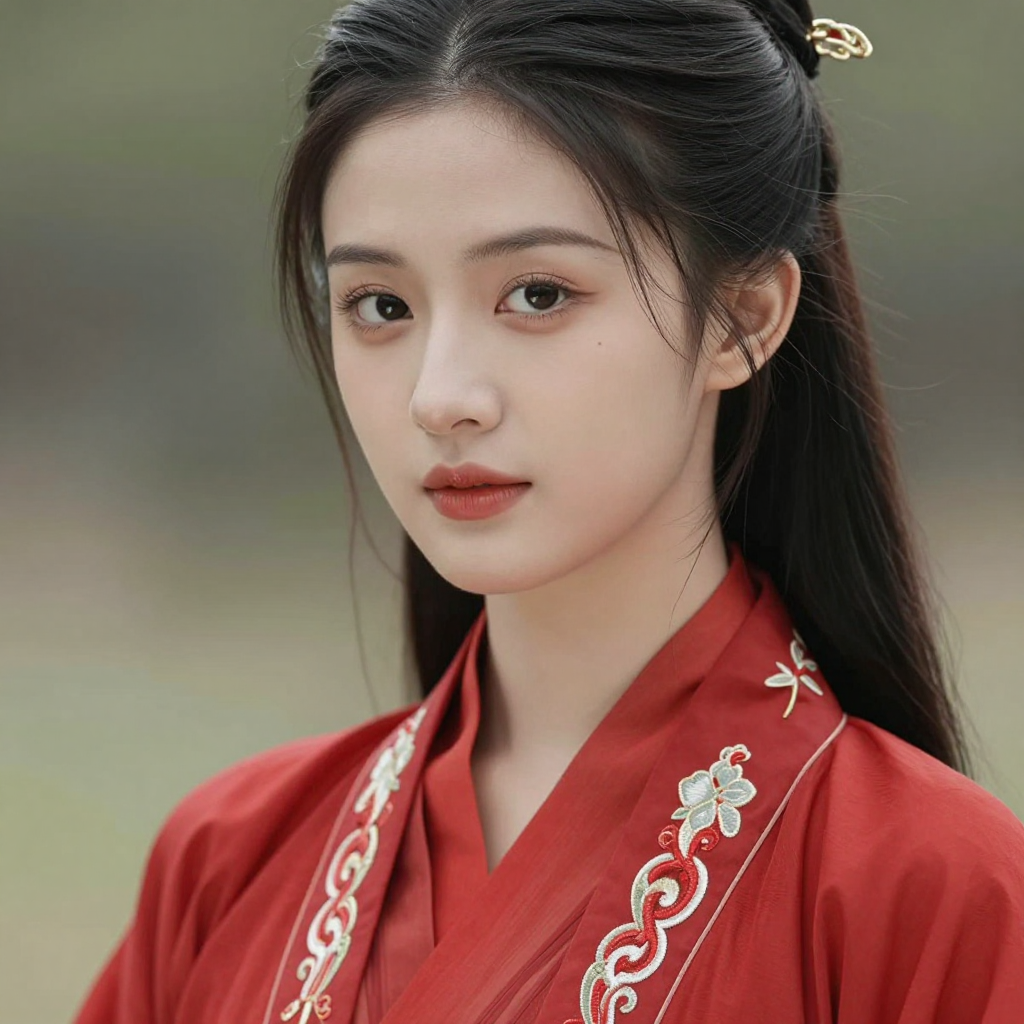
Create an AI risograph portrait
Upload a photo and generate an abstract Riso Grain Indie portrait that keeps the face shape and hairstyle while adding grain, spot color, and surreal head details.
691 / 2000
Use 1K for quick drafts. Upgrade for 2K/4K finals and no-watermark exports.
Art style
Explore examples, workflow details, and practical guidance
Preset Riso Grain Indie prompt
Surreal portrait variations
Powered by LlamaGen image models
Workflow
Build, generate, then review
Step 1
Upload a portrait, selfie, or profile photo that clearly shows the face shape and hairstyle.
Step 2
Keep the preset Riso Grain Indie prompt or add color choices, surreal head elements, poster mood, or avatar framing.
Step 3
Generate the risograph portrait, then refine the prompt or resolution until the grain, spot color, and identity balance feels right.
Art direction
What to refine after the first draft
Upload-first risograph portrait
Use a real photo as the reference so the generated portrait can preserve face shape, hairstyle, head angle, and recognizable silhouette.
Riso Grain Indie preset
The default prompt asks for spot-color inks, paper grain, halftone texture, slight print misregistration, and indie zine poster energy.
Surreal head elements
Prompted symbolic shapes, flowers, moons, waves, masks, or abstract details add variety without losing the portrait focus.
Example directions
Compare complete visual directions

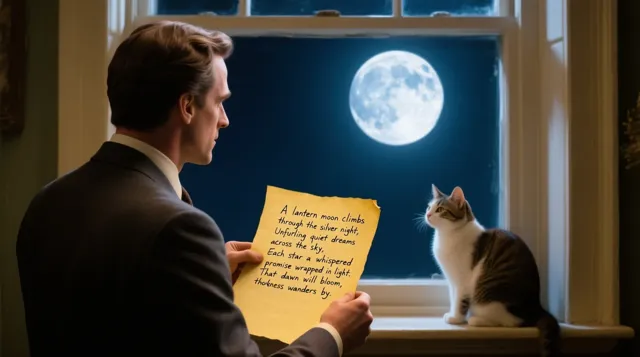
FAQ
Practical questions
What is AI Risograph Effect?
AI Risograph Effect is a LlamaGen tool that turns uploaded photos into abstract Riso Grain Indie portraits with grain, spot colors, and surreal head elements.
Can I upload my own photo?
Yes. Upload a portrait or selfie, then use the preset prompt to keep the face shape and hairstyle while changing the image into a risograph-style portrait.
What should I include in the prompt?
You can add preferred ink colors, poster mood, surreal symbols, texture strength, avatar framing, or whether the output should feel like a zine cover.
Will the result look exactly like the original photo?
No. The goal is an abstract portrait. The prompt preserves broad identity cues such as face shape, hairstyle, and silhouette while changing the visual language.
Take the strongest direction into production
Generate several directions, choose the one with the clearest visual promise, then proof the details before publishing or printing.