Follow the assignment
Start with the actual rubric, source facts and required terms. Leave out unrelated topics instead of adding more panels to every explanation.


School Project to Comic Strip
Use your assignment, class notes and required vocabulary to plan a readable comic. Start with one process or event, then check the generated captions against your sources.
For science explanations, history sequences and reading projects. Review the facts before submitting.
Include the required vocabulary, source explanation and reading level, or upload a supported document.
Use Advanced options for scene notes and speaker-labelled captions. The water cycle example below shows one simplified four-panel plan.
Check account credits before generating. Review facts, panel order and spelling in Studio before you submit the project.
Start with the actual rubric, source facts and required terms. Leave out unrelated topics instead of adding more panels to every explanation.
For a water cycle comic, give evaporation, condensation, precipitation and runoff or collection distinct scenes and short captions.
Compare the draft with your class notes. Check scientific labels, dates, quotations, reading order and lettering at the intended size.
Check plans and credits before generating, or turn a picture into a comic, open the comic strip maker, or start from AI comic strips.
Plan four panels for evaporation, condensation, precipitation, and runoff or collection. Write one short, accurate caption per panel and check the labels against your class notes. This is a simplified teaching sequence; the real water cycle has many paths.
Paste the topic, rubric, and notes, then ask for a four-panel or six-panel comic strip with required facts, captions, and a clear ending.
Yes. Paste the rubric so the comic can include required facts, vocabulary, comparison points, or reflection prompts.
Yes. It works for history timelines, science processes, book reports, life skills lessons, vocabulary review, and presentation visuals.
Yes. Always review generated captions and facts against your class material before submitting the project.
Check your account credits and current generation cost in Studio before starting. This page does not promise free generation, unlimited attempts or a particular export format.
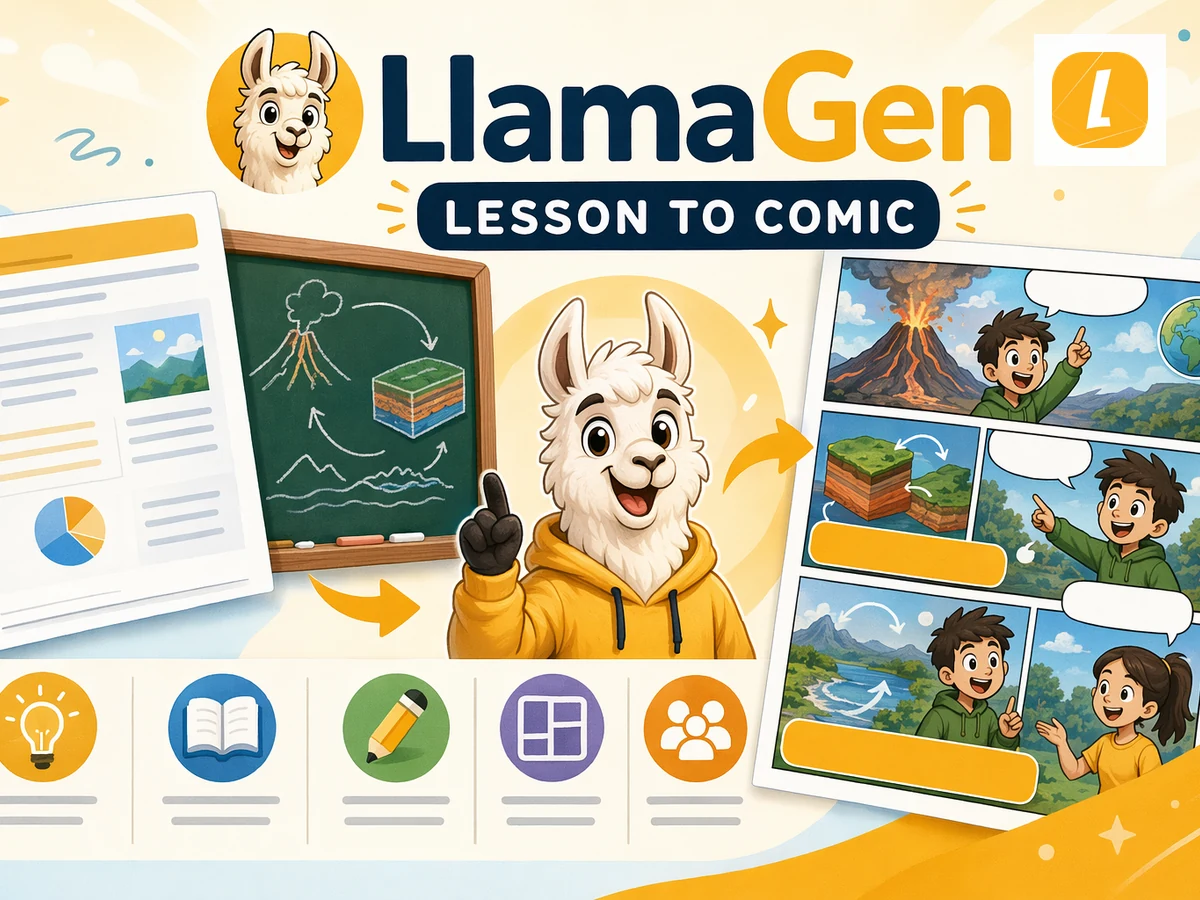
Turn lesson material into comics for teaching, review, and visual learning.
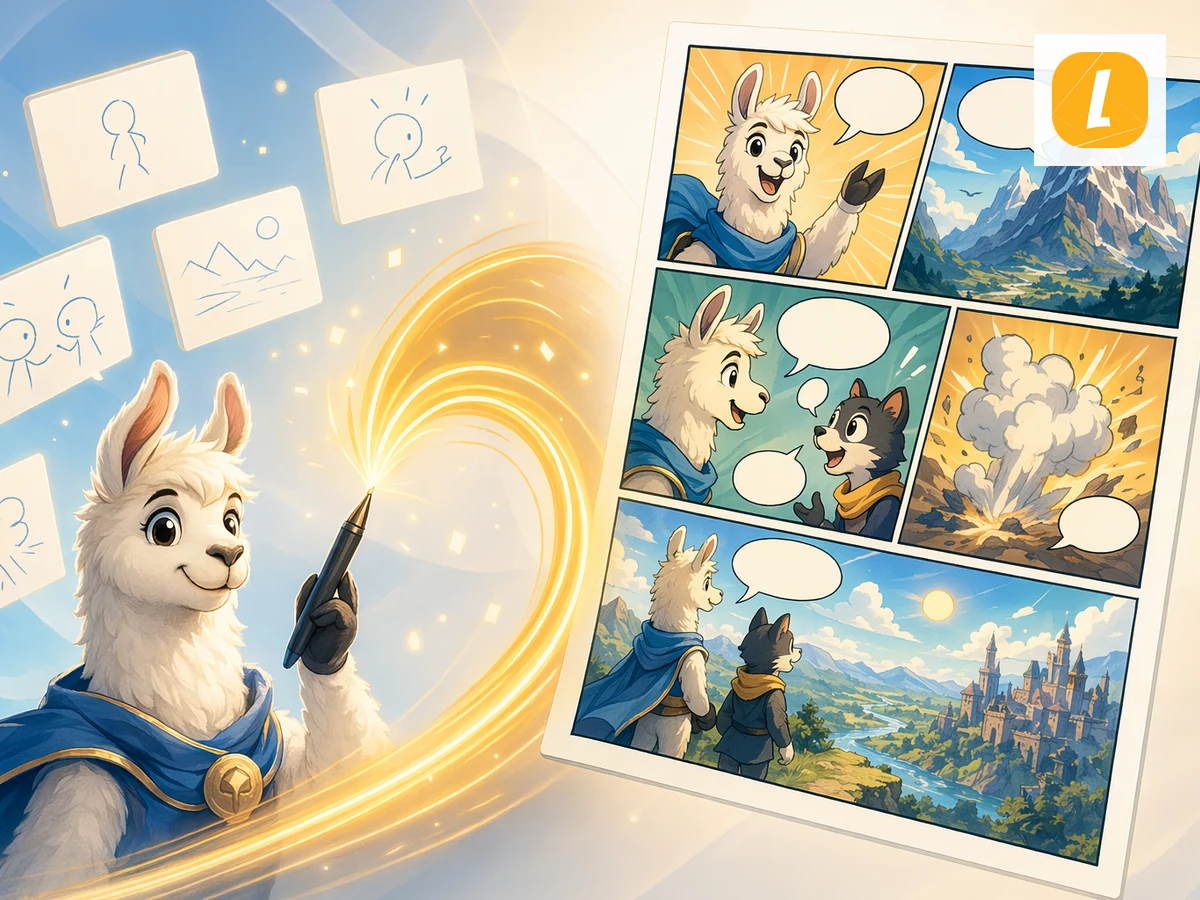
Paste or upload text and turn it into a comic page.
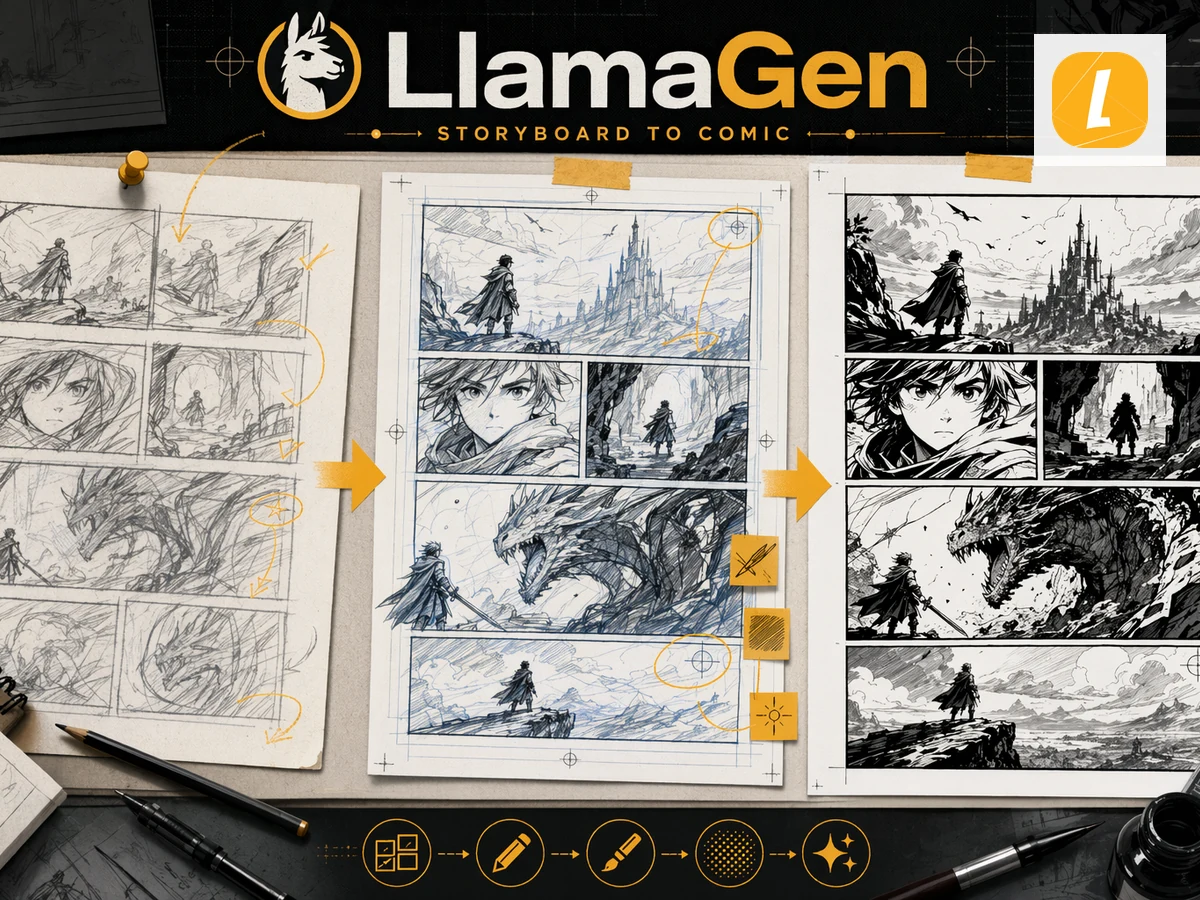
Create 2x2 comic grids, four-panel comics, storyboard grids, and editable layouts.
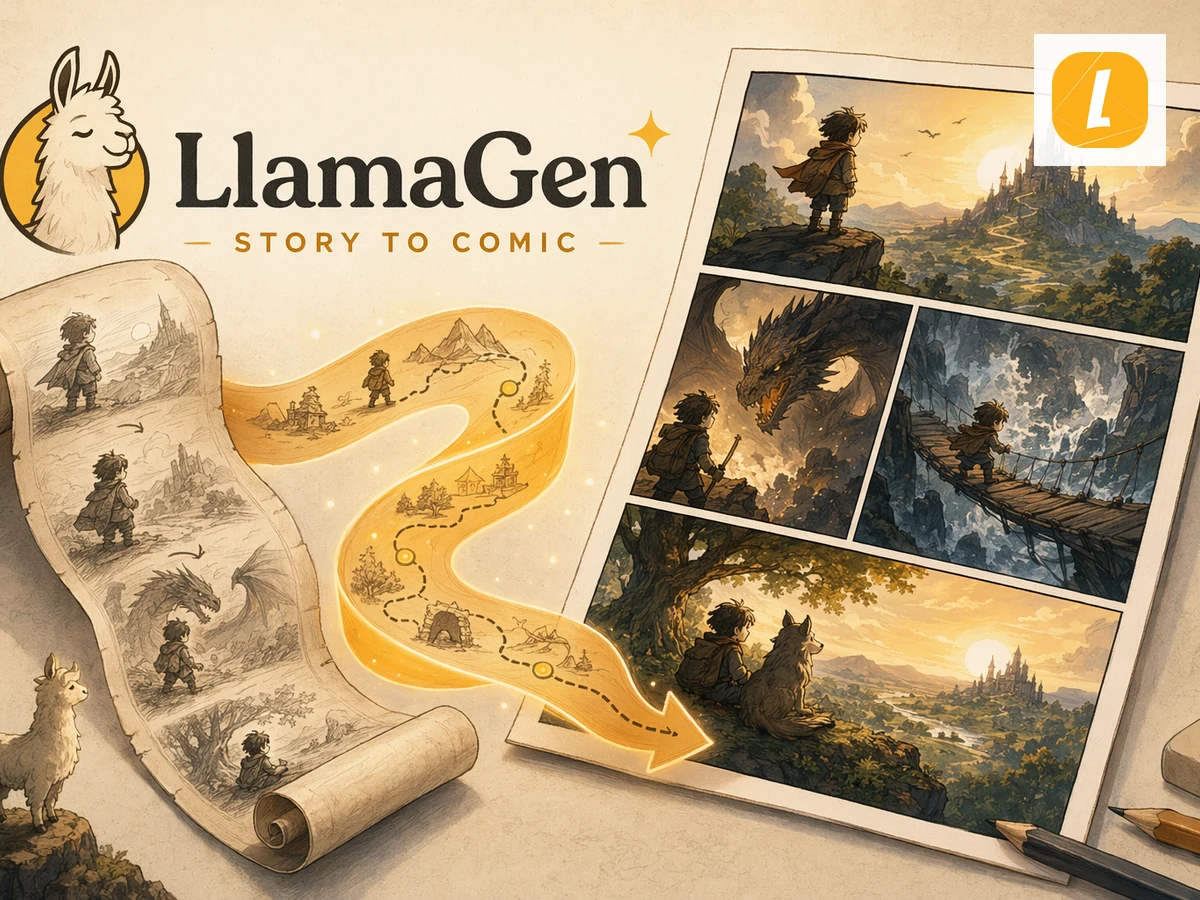
Create kid-friendly stories and visual ideas with AI.
Generate your first comic in under a minute. No credit card required.
School project example
Start with these scene notes and short captions, then adapt the vocabulary to your assignment. This is a written storyboard example, not a generated comic or a complete model of the water cycle. Water takes many paths, including transpiration from plants and storage as ice or groundwater.
One US Letter page with four drawing spaces, the example captions, and a science checklist.
Panel 1
Show sunlight warming a lake. Use an arrow to represent invisible water vapor.
“Liquid water absorbs energy and changes into water vapor.”
Panel 2
Show tiny droplets gathering into a cloud as the air cools.
“Water vapor condenses into tiny liquid droplets that form clouds.”
Panel 3
Show raindrops falling from the cloud toward the land and lake.
“Water falls from clouds as precipitation, such as rain or snow.”
Panel 4
Show a stream returning water to the lake and an arrow into the soil.
“Some water flows into rivers and lakes; some soaks into the ground.”
Science reference: NOAA: The water cycle.
Paste your assignment and source facts into the tool above. Add the four scene notes in Advanced options, then review every generated caption before submitting. Check account credits before generation.
Move from a single generated image or video into comics, manga, storyboards, and connected visual stories.