Select and anonymize
Paste the post, essential replies, and update. Remove handles, private details, and irrelevant side discussions.


Reddit Thread to Webtoon
Choose the post and replies that matter. Build a vertical episode draft around a hook, a reaction, and a resolution—without turning every comment into a speech bubble.
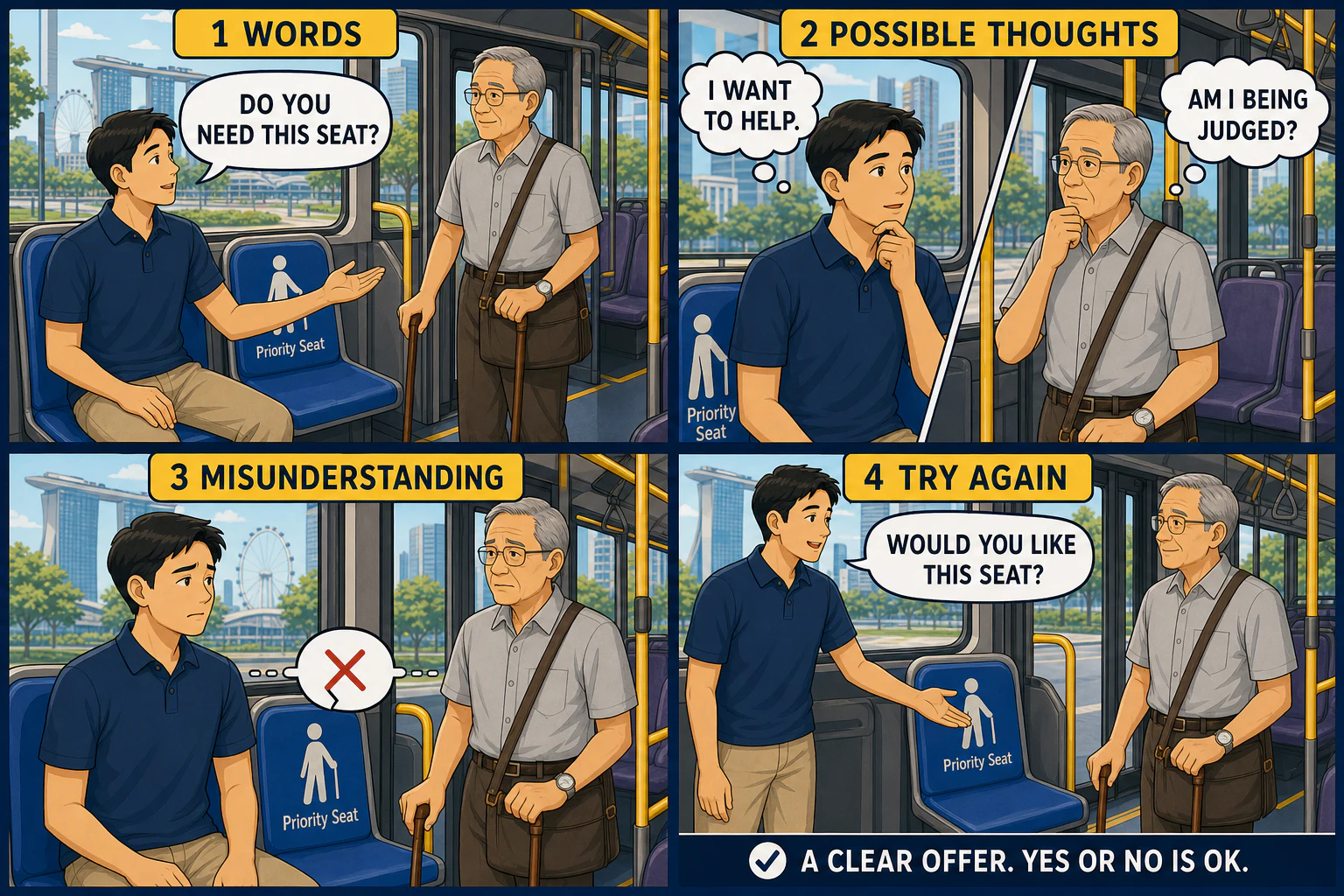
Existing LlamaGen illustration, not a conversion of your uploaded file.
View example sourcePlan the scroll
A thread is a branching conversation. An episode needs a reading order. Select a few beats instead of importing the entire reply tree.
Fictional discussion summary
Post: I offered someone my bus seat, but my question sounded awkward. Reply A: I might have heard it as a judgment. Reply B: A direct offer can feel clearer. Update: Next time, I will ask, “Would you like this seat?”
This discussion is fictional. The accompanying artwork is a four-panel conversation reference; it does not demonstrate a finished Webtoon export.
Open on the exact awkward moment, with enough context to understand it.
Show another possible interpretation. Keep internal thoughts visibly separate from spoken dialogue.
Use a quieter reaction beat rather than stacking every reply into one panel.
Return to a clearer offer. Leave a small closing moment, not an invented argument.
The workflow
Paste the post, essential replies, and update. Remove handles, private details, and irrelevant side discussions.
Choose a hook, a point of view, and the ending. Ask for short dialogue and room between key reactions.
Create the portrait draft, then review dialogue, panel order, spacing, and the final beat in Studio.
Made for this source
Your pasted excerpt defines which perspectives are included. The tool does not scrape Reddit or retrieve private discussions.
The draft uses a portrait canvas and a vertical-story prompt. Final Webtoon panel spacing still needs review in the workspace.
Name fictional roles in the brief so replies, narration, and imagined thoughts do not become one misleading voice.
The example library
These existing comic and manga illustrations are useful for staging a conversation. They are not presented as Reddit imports or finished scrolling Webtoon files.
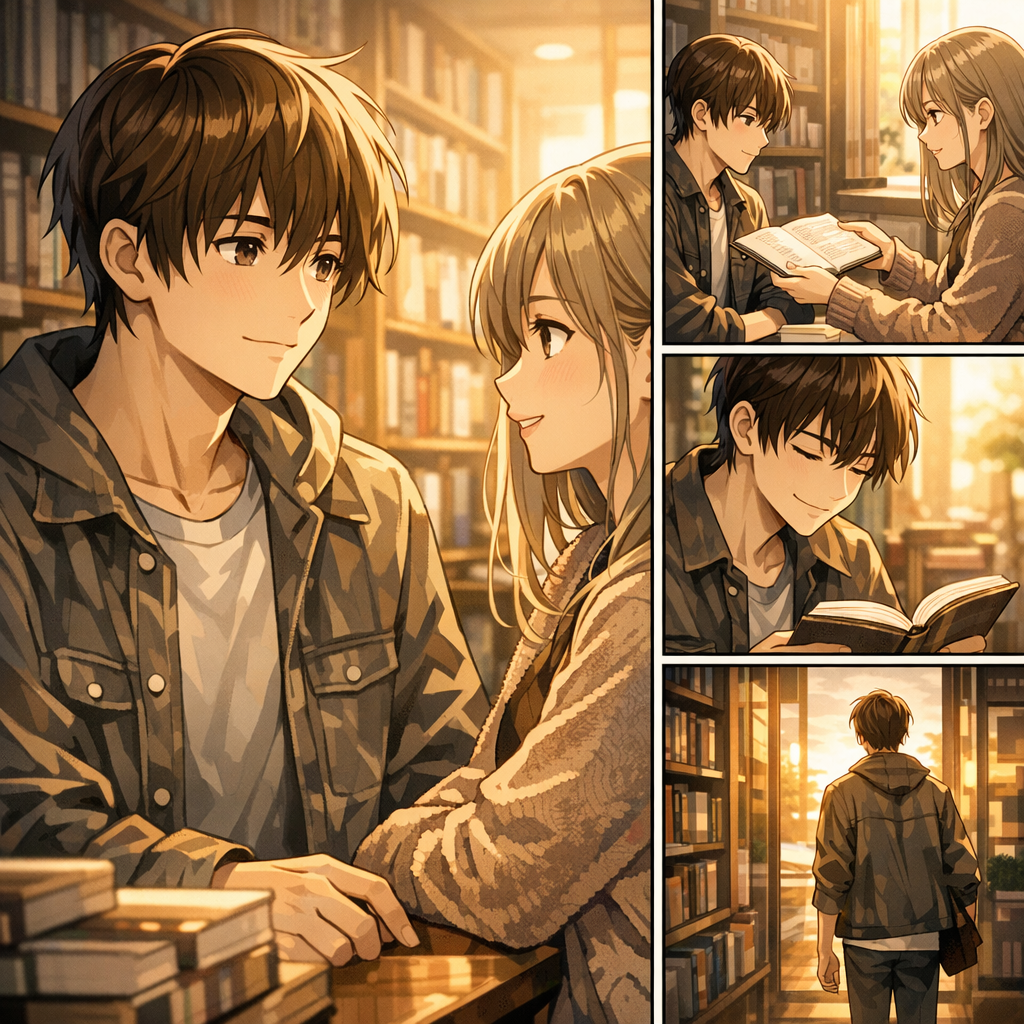
Existing LlamaGen prompt-gallery illustration; not a Reddit thread conversion.
View example sourcePut it to work
Use a small, fictional cast to explore different perspectives without assigning motives to real commenters.
Adapt a discussion about how something works into a readable narrative, preserving uncertainty and disagreement.
Use your own story or authorized material to connect the initial problem, important replies, and a real resolution.
A useful starting brief
For a short, fictional misunderstanding.
Adapt the selected discussion into a portrait webtoon draft with four clear beats: hook, reaction, pause, and resolution. Use fictional roles, short dialogue, and distinct thought captions. Do not reproduce usernames or infer motives as facts.
For a thread with a useful answer.
Turn this discussion summary into a mobile-first explainer episode. Begin with the question, show the supported explanation, keep caveats visible, and end with a useful takeaway. Use one idea per panel and avoid dense speech balloons.
For a post whose ending changes the story.
Adapt the post and update into a short portrait episode. Keep the event order, label any imagined dialogue, and make the update the final beat. Anonymize all participants and omit identifiable personal details.
The review pass
Public visibility is not permission to reproduce someone else's story. Prefer your own material or get permission, and remove identifiable details.
Do not turn a tentative comment into a fact. Make fictional dialogue and imagined thoughts explicit.
Preview at phone width. Keep text legible, leave space around reactions, and check that the last panel finishes the story.
Questions, answered
No. Paste the selected post and replies or upload a readable file. It does not sign in to Reddit, fetch private threads, or bypass access restrictions.
It starts a portrait episode draft. Review panel arrangement, dialogue size, and scroll spacing in Studio before exporting; it is not an automatic long-strip publishing service.
Include the initial situation, essential replies, and any update. Remove usernames, unrelated branches, and private details.
Use material you have permission to adapt. Publicly visible posts may still be protected, and real people should not be misrepresented.
Pasted text or a summary, plus TXT, Markdown, PDF, DOC, and DOCX files up to 50 MB.
Yes. Continue in Studio after generation to refine the draft. Check the result at phone width before sharing.
From the community
The examples above are selected from the existing LlamaGen library. For broader styles and creator feedback, explore the full gallery and community wall.
The complete original collection is still here. These are general style references, not results from this converter. Original prompts and artwork retain their source language.
Loading the reference library…
A different starting point
Bring your source and a clear direction. Create a first draft, then review the details in LlamaGen Studio.
Back to your sourceMove from a single generated image or video into comics, manga, storyboards, and connected visual stories.