Supply unseen actions
A transcript misses silent actions, demonstrations and reaction shots. Add the visual details that matter before asking for still panels.


Short Video to Comic
Start with a transcript, script or shot list. Adapt the hook, action and payoff into four panels, then review what was lost when speech and motion became still images.
Provide the spoken words and essential silent actions; review the result as still panels.
Paste a transcript, script or shot list, or upload a supported text document. Direct video transcription is not promised by this page.
Use Advanced options to describe silent actions, speaker identities and the intended payoff.
Open the draft in Studio and check ordering, caption length and any visual information missing from the transcript.
A transcript misses silent actions, demonstrations and reaction shots. Add the visual details that matter before asking for still panels.
Keep the setup, action and consequence in their original order. Remove repetitive speech without changing who did what.
Review whether the ending can be understood without motion, audio or timing. Rewrite captions when the punchline or demonstration no longer reads clearly.
Check plans and credits before generating, or turn a picture into a comic, open the comic strip maker, or start from AI comic strips.
Short Video to Comic is a LlamaGen tool that uses short video scripts to create AI comic pages with panels, captions, and comic-ready layouts.
Upload or paste short video scripts, add an optional direction, and click Create Comic. LlamaGen sends the source with an English prompt based on the Short Video to Comic theme.
Yes. The page can upload a source attachment or include pasted source text in the comic creation request.
Yes. Successful generations open in the LlamaGen comic workspace where you can continue editing the comic page.
Short Video to Comic accepts .txt, .md, .srt, .vtt, .pdf, .doc, .docx files up to 50MB, plus pasted text or source notes.
Yes. It is designed for turning source content into panel-based comic storytelling for education, marketing, social sharing, internal communication, and creative drafts.
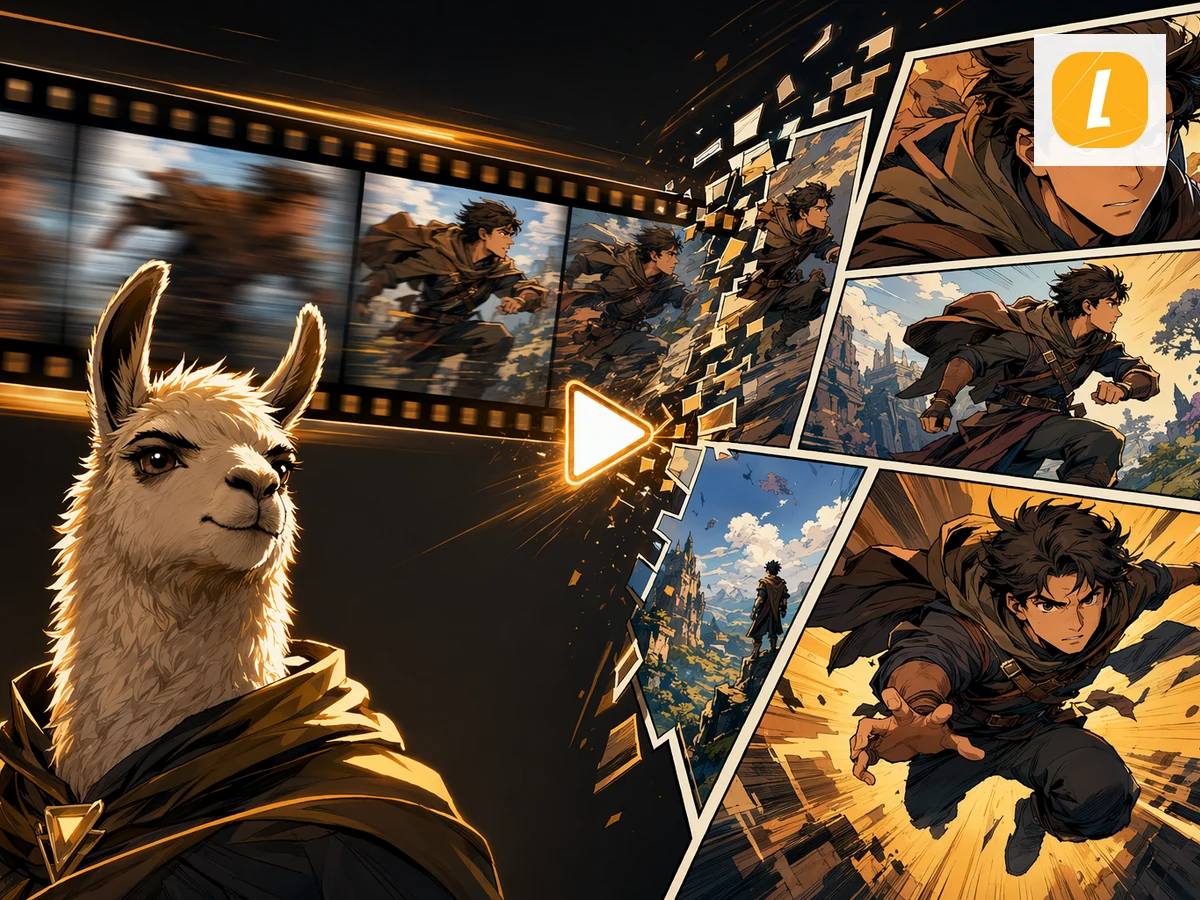
Turn videos into AI comic pages. Upload a video or describe the key moments and LlamaGen will adapt them into comic panels.
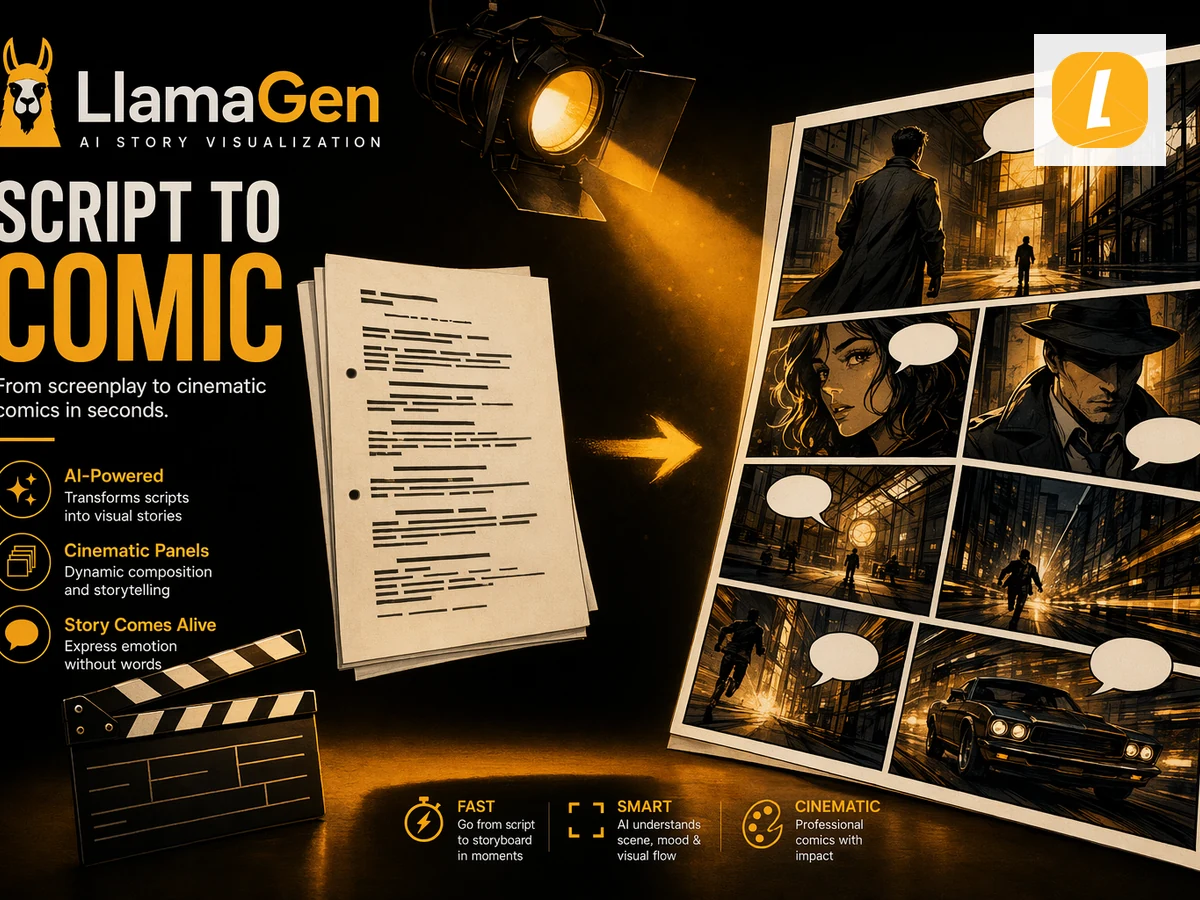
Convert scripts into AI comic pages. Upload or paste a script and LlamaGen will adapt dialogue, beats, and scenes into comic panels.
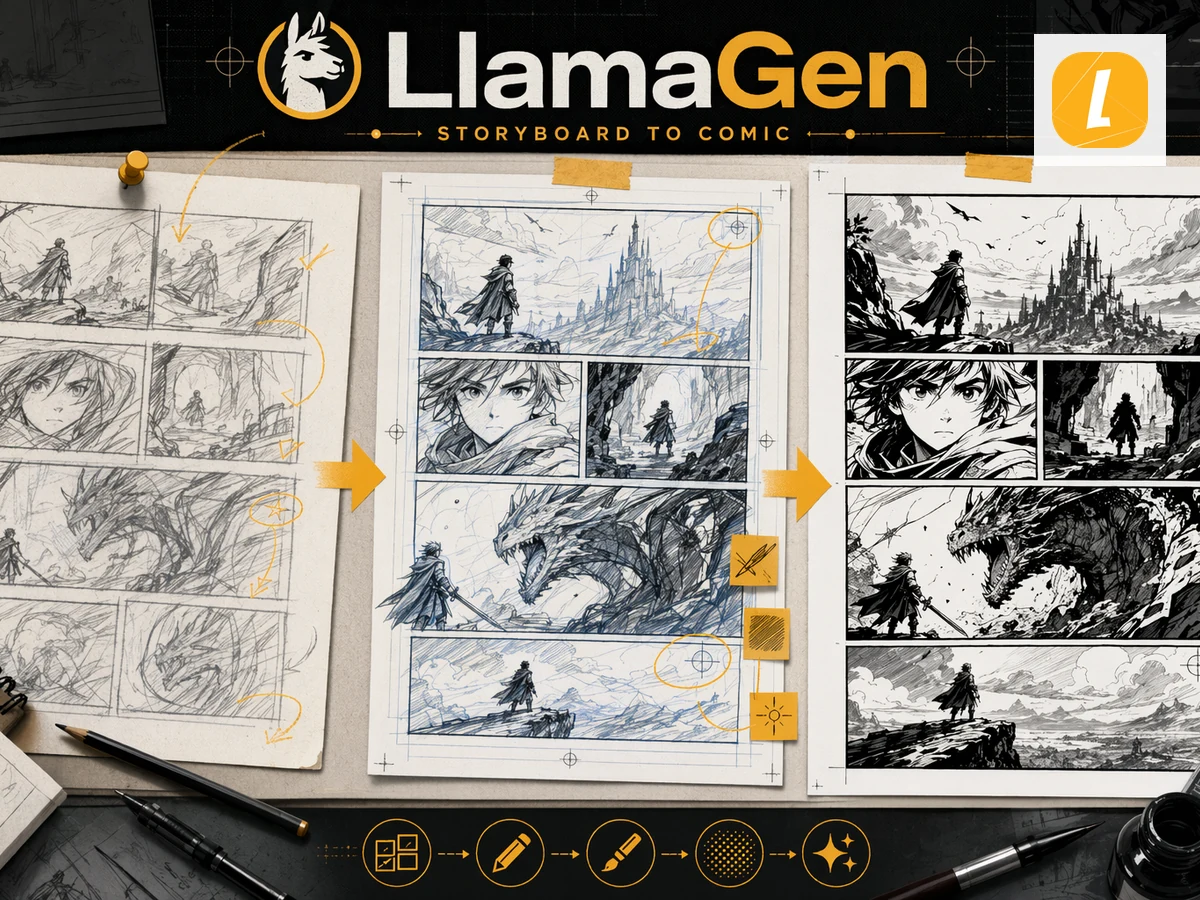
Convert storyboards into finished comic pages. Upload storyboard frames or paste scene notes and generate polished comic panels in LlamaGen.
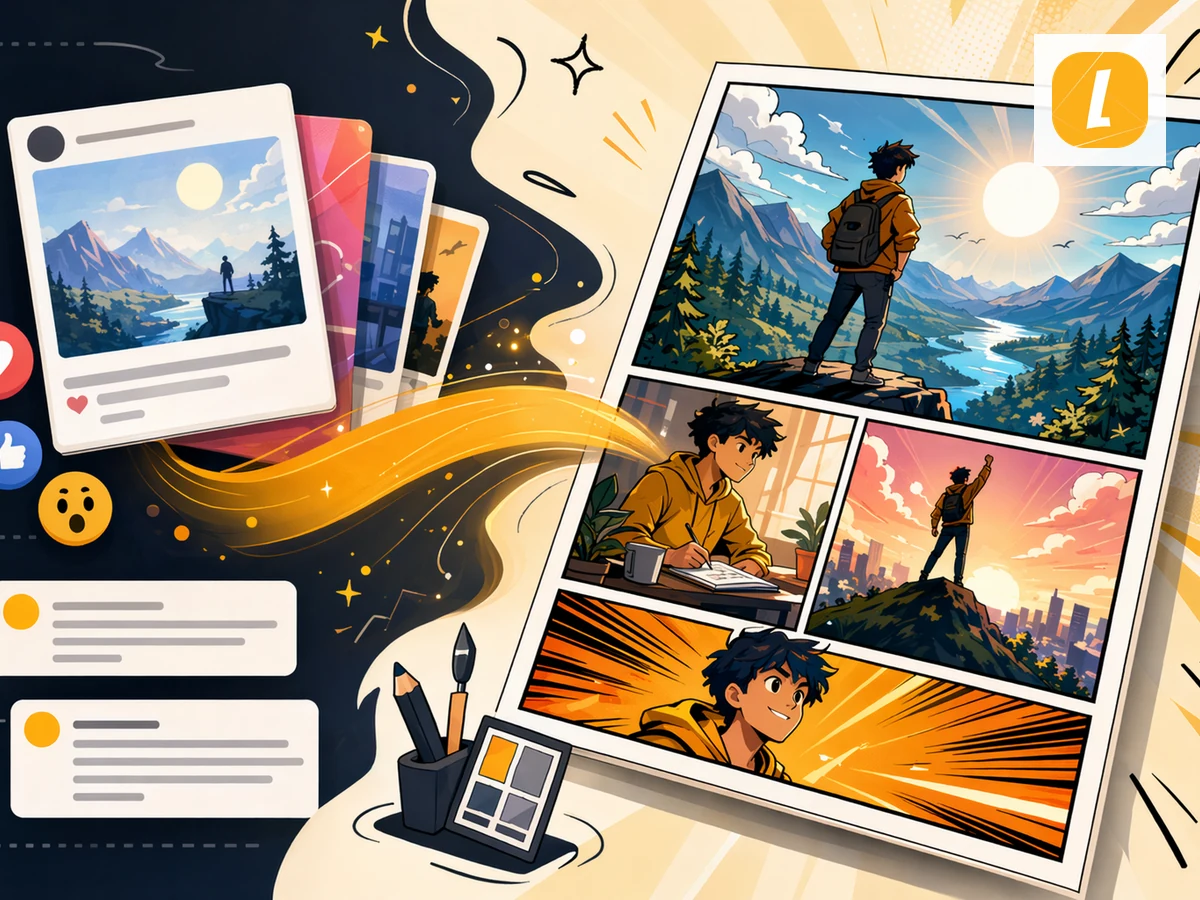
Turn social posts into AI comics. Paste a post, caption, thread, or campaign draft and create a comic page for content repurposing.
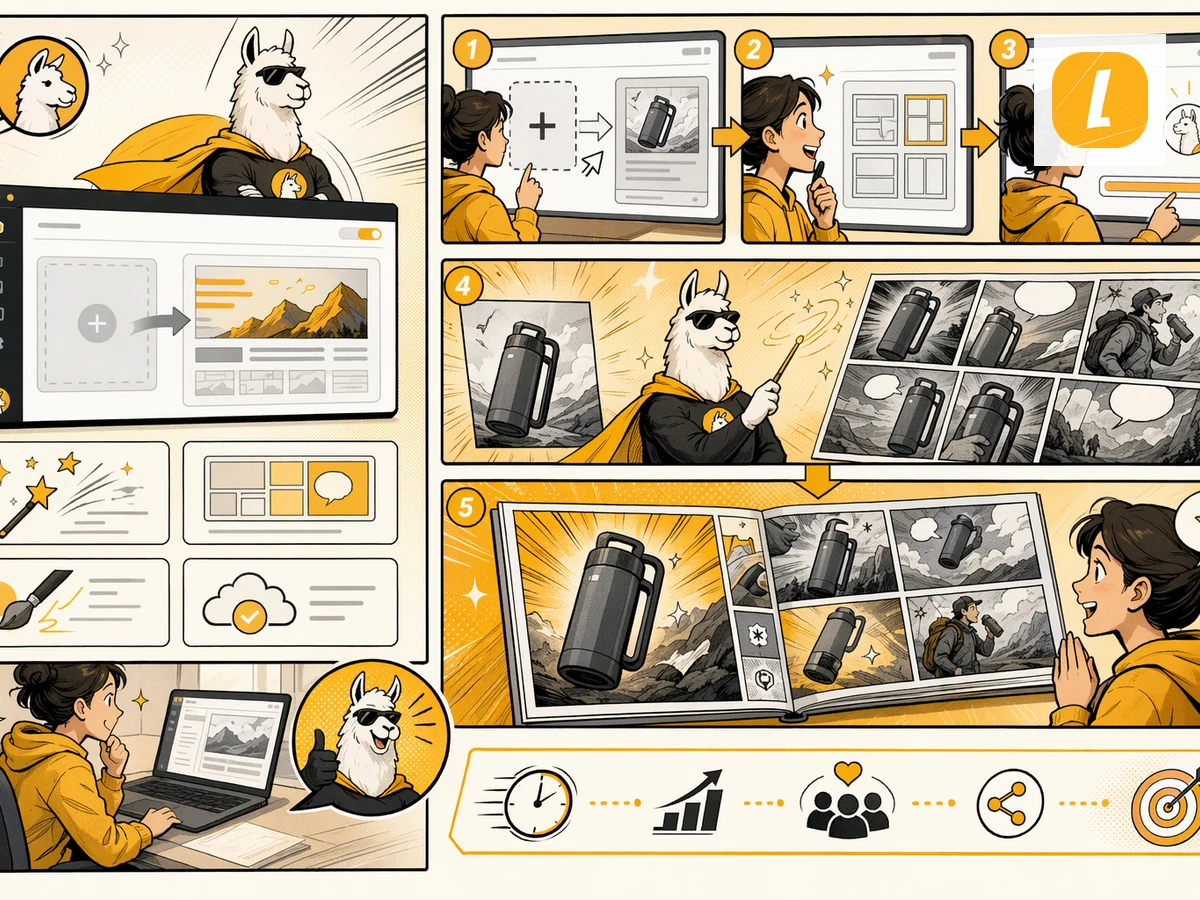
Turn product demos into AI comics. Paste a SaaS demo script, ecommerce walkthrough, or product notes and create a visual comic explainer.
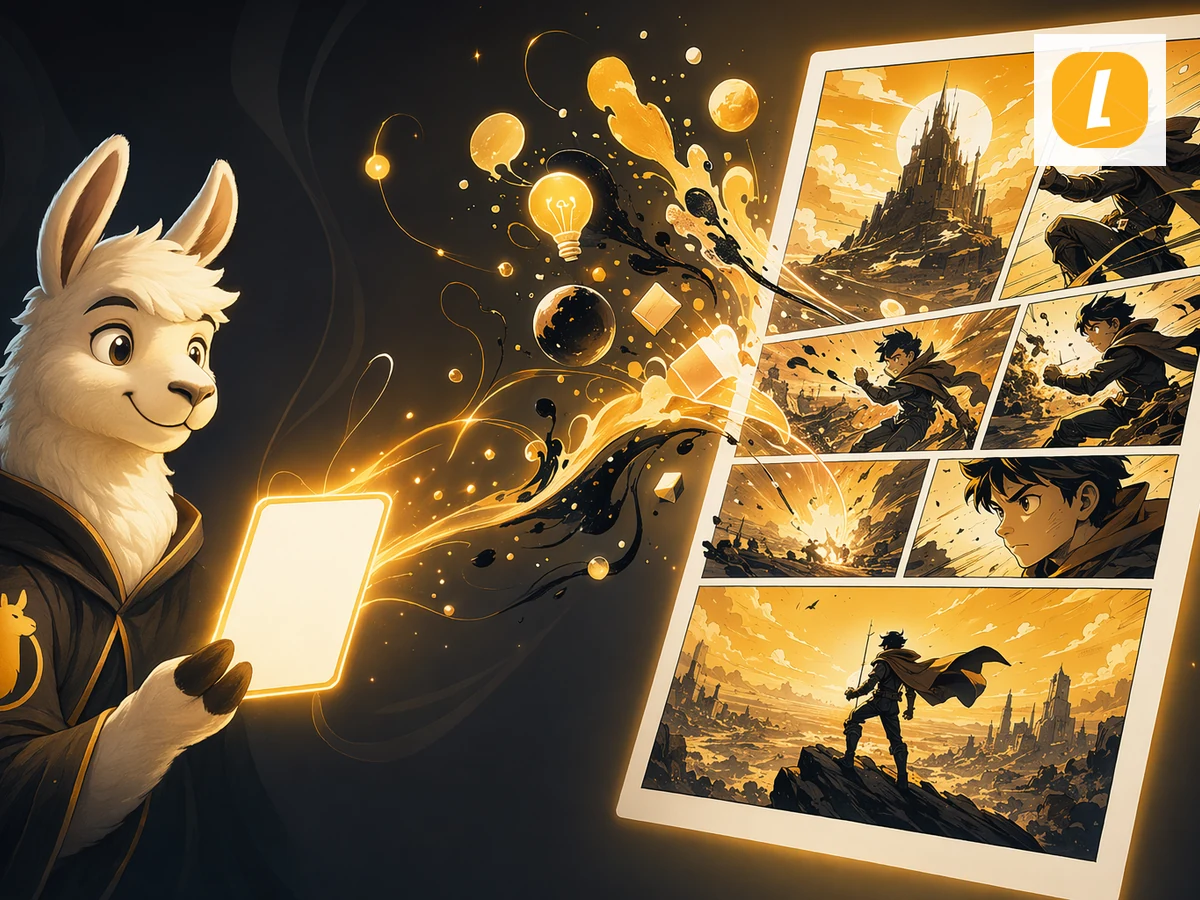
Turn prompts into AI-generated comics. Paste a comic idea, scene prompt, or character setup and generate a polished comic page in LlamaGen.
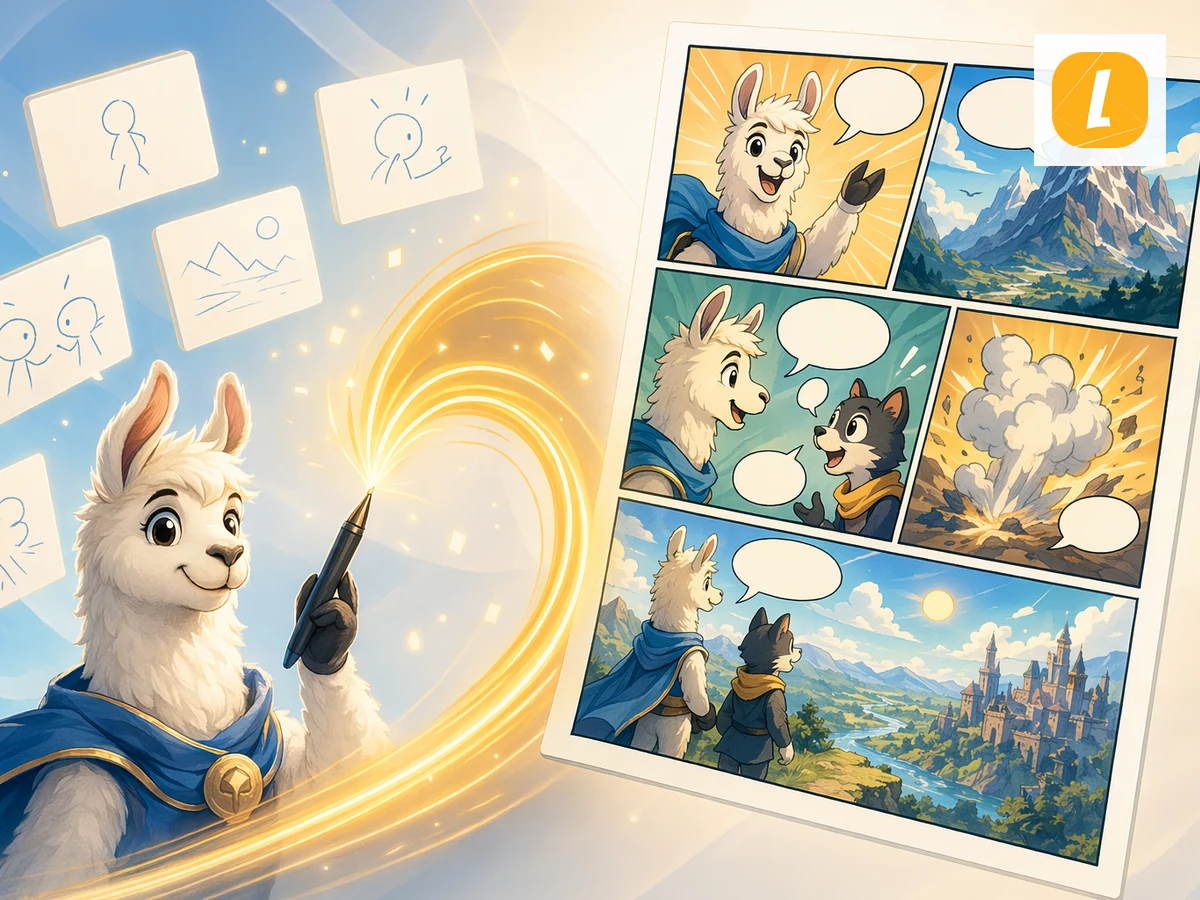
Create comics from plain text. Paste or upload text and LlamaGen will turn the idea into a visual comic page with panels and story flow.
Generate your first comic in under a minute. No credit card required.
Move from a single generated image or video into comics, manga, storyboards, and connected visual stories.