Starts from your character image


Focused image workflow
Talking Cartoon Maker
Upload a cartoon character, add a short line, and generate a talking-cartoon clip with lip sync.
Make this character speak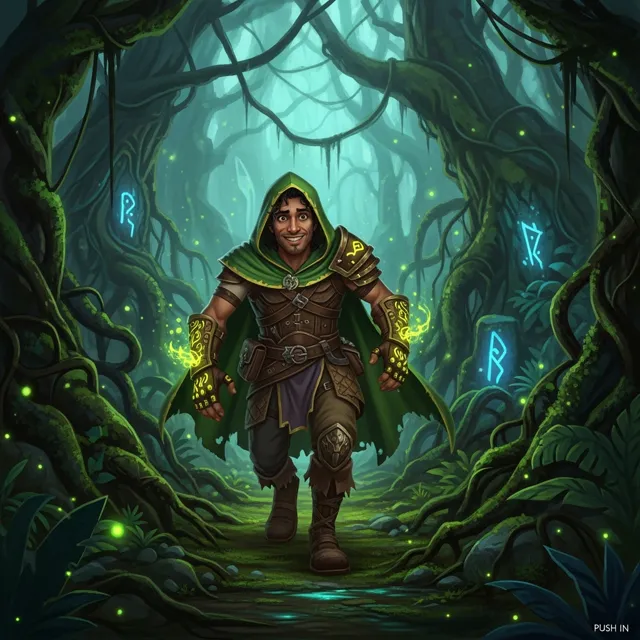
Make an existing cartoon character speak
Upload a cartoon character image, add the line it should say, and generate a short talking-cartoon clip with lip sync.
Auto Translate
283 / 2000
Explore examples, workflow details, and practical guidance
Built for lip sync, not a new scene
Short spoken clips
Keeps the same face and outfit
Workflow
Build, generate, then review
Step 1
Upload a front-facing cartoon character image with a visible mouth. A clean still works better than a busy full scene.
Step 2
Write the short line, the emotion, and any instruction to keep the face, outfit, and colors unchanged.
Step 3
Generate the clip, check the mouth movement, and export only the take that stays on-model.
Art direction
What to refine after the first draft
Character image in, spoken clip out
This page is for an existing cartoon character that needs to talk. It does not create a new still portrait or a full multi-shot story.
Lip sync as the main job
The prompt path asks for mouth movement, blinking, and a locked identity so the result stays a talking-cartoon take instead of a new scene.
Short dialogue, not a long episode
Use one greeting, one product line, or one social update. Keep the script short enough that the mouth motion stays readable.
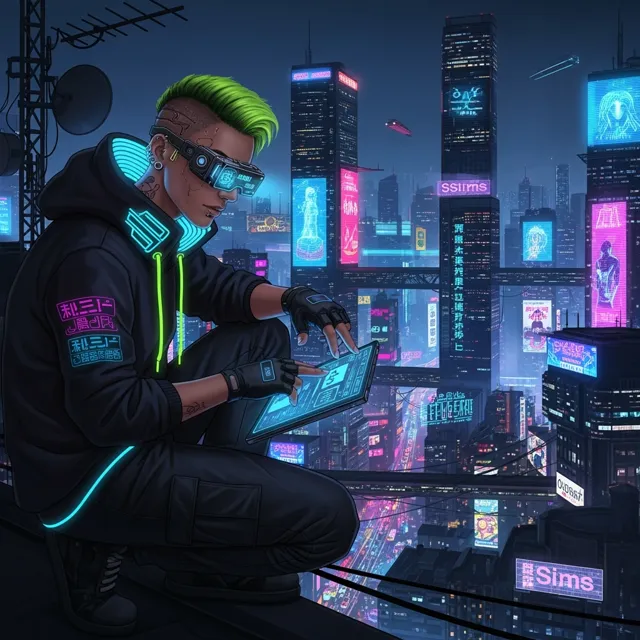
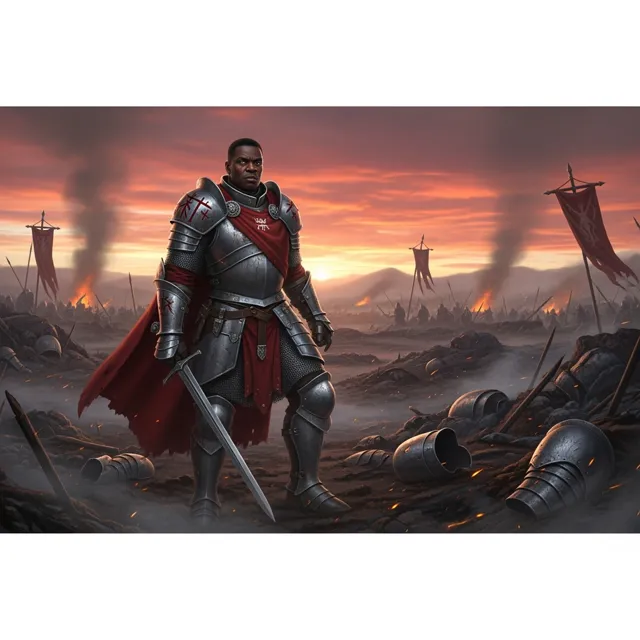
Example directions
Compare complete visual directions
FAQ
Practical questions
What is Talking Cartoon Maker?
Talking Cartoon Maker turns an uploaded cartoon character image plus a short line of dialogue into a spoken clip with readable lip sync.
Do I need an existing character image?
Yes. This page starts from a character you already have. It is not a still-image portrait tool and not a full cartoon-scene tool.
How is this different from a talking-head page?
A talking-head workflow is for a photoreal presenter. This page is only for a cartoon character that should speak while staying on-model.
How is this different from a full cartoon clip?
A full cartoon clip changes scenes, action, and camera. This page keeps one character in frame and focuses on mouth movement.
What input works best?
Use a sharp, front-facing cartoon still with a visible mouth and a simple background. Then keep the spoken line to one short sentence.
Take the strongest direction into production
Generate several directions, choose the one with the clearest visual promise, then proof the details before publishing or printing.