01Page structure
Design the sequence before the details
Start with panel templates, portrait or landscape pages, and a visible page strip. The whole sequence stays close enough to inspect pacing while one page remains active for precise work.
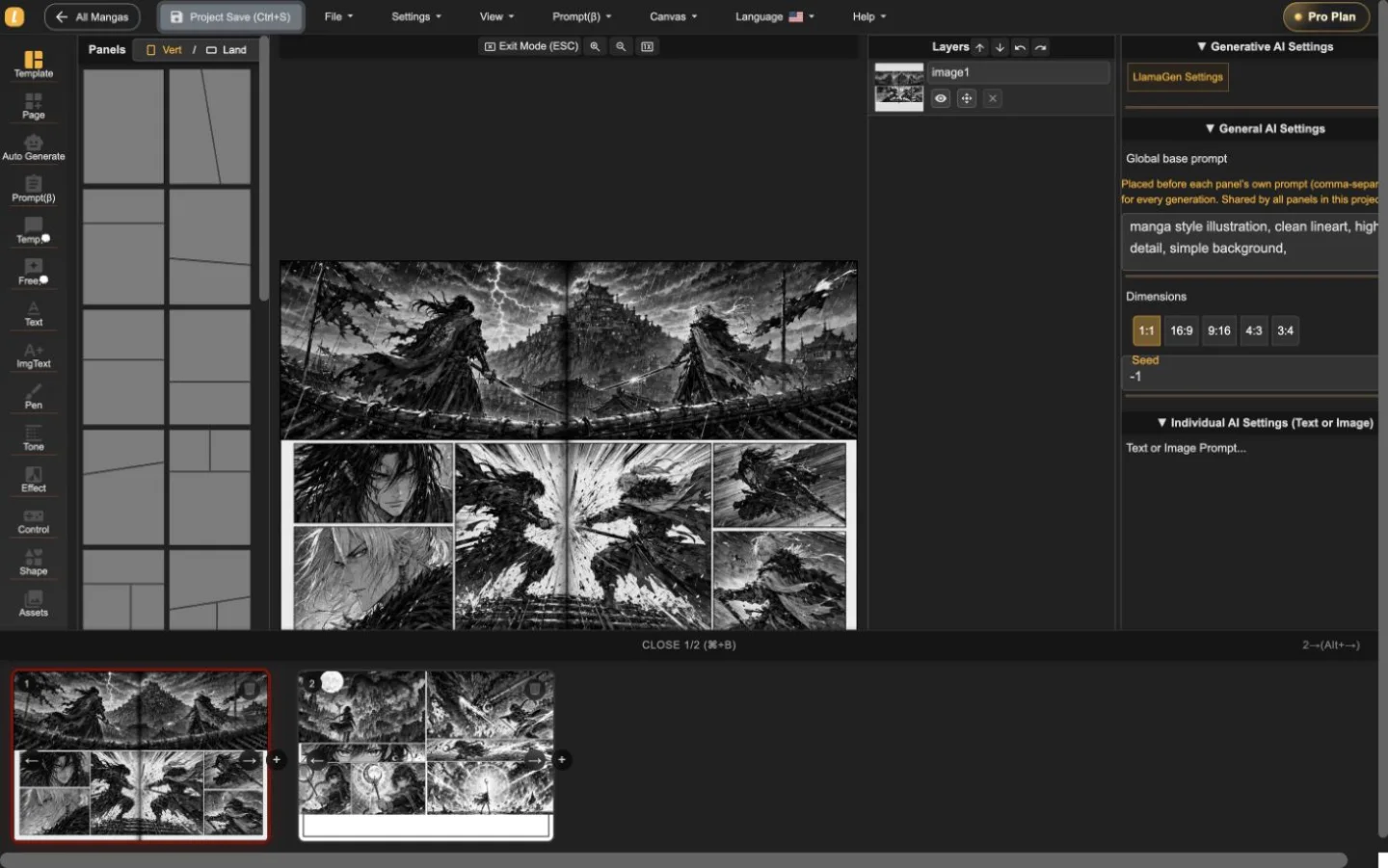
LlamaGen Manga Editor
Lập kế hoạch chương dài, thêm hoặc tạo tranh vào khung, chỉnh sửa lời thoại và lớp, lưu từng phiên bản mà không tách truyện qua các công cụ riêng.
22-second interface tour
Built from real editor captures, this guided tour shows where page order, panel composition, layers, and generation controls live. It is an interface overview, not a recording of interaction speed.
Chuỗi ảnh tĩnh hướng dẫn thực tế hai trang dự án thật. Nhấn phát chỉ khi bạn muốn—video không làm chậm tải trang.
Luôn xem lật trang ngay cả khi chỉ làm việc trên một trang.
Chỉnh tranh mà vẫn nhìn tổng thể trang xung quanh.
Chỉnh sửa trực tiếp khung đã chọn kèm các công cụ trên màn hình.
Dùng tour để hiểu workspace, sau đó thử tốc độ tương tác với trang của bạn trước khi chọn gói.
Kiểm tra quy trình trong trình chỉnh sửaBa mức hoạt động
Start with panel templates, portrait or landscape pages, and a visible page strip. The whole sequence stays close enough to inspect pacing while one page remains active for precise work.
Place generated or uploaded artwork inside panel boundaries, select objects directly, adjust composition, and keep the surrounding page visible instead of sending every correction through a separate generator.
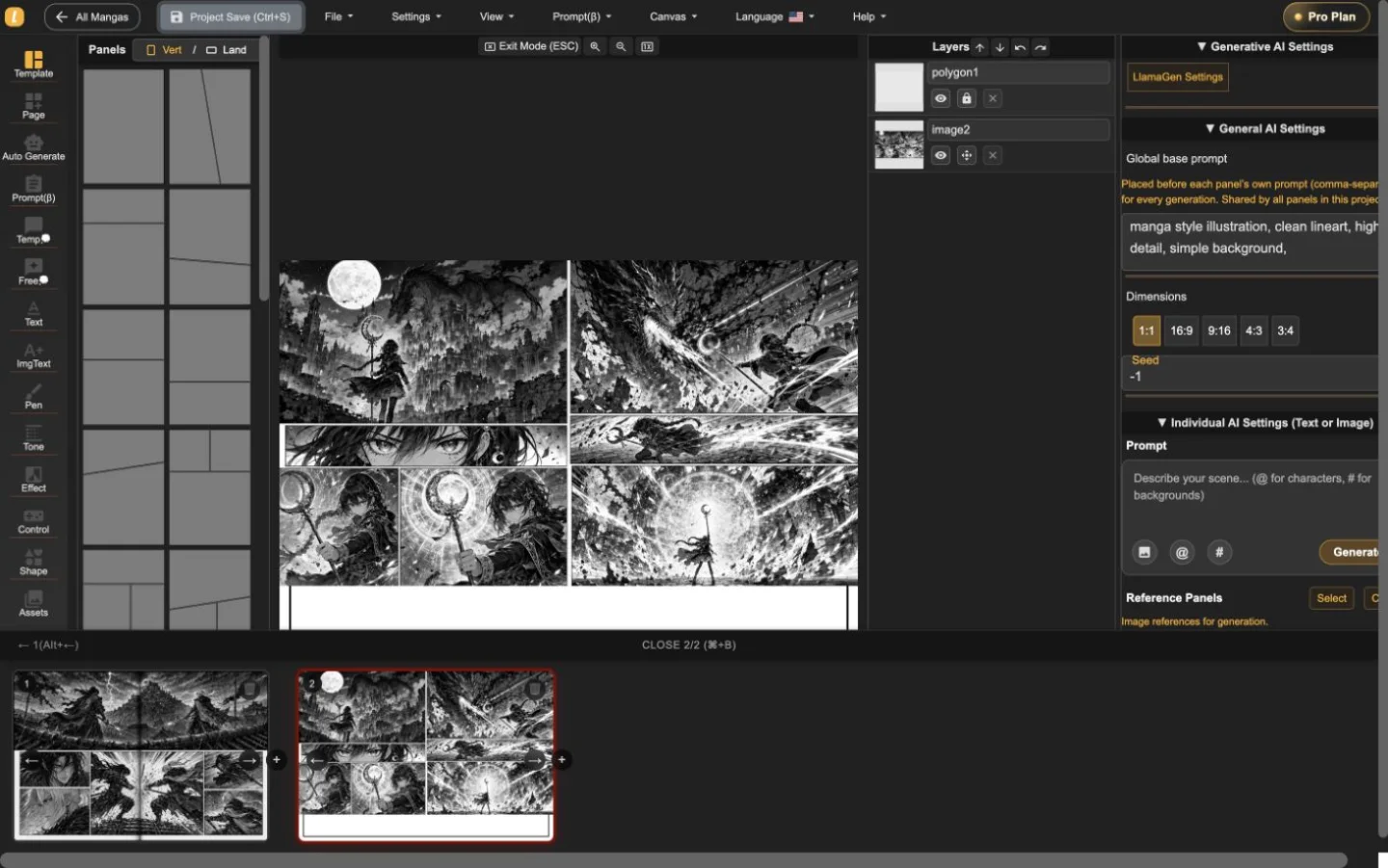
The layer list, panel selection, prompt controls, dimensions, and generation settings live alongside the page. That makes targeted revisions easier to understand and safer to repeat.
Một dự án hai trang thực tế
Các phân cảnh hành động và giả tưởng đã được nhập, chuyển đổi và lưu trong Manga Editor. Ảnh chụp màn hình thể hiện sản phẩm đang hoạt động—không phải ảnh studio hoặc mockup trang trí.
Phiên làm việc đầu tiên hữu ích
Sử dụng trình chỉnh sửa để trả lời ba câu hỏi thực tế trước khi so sánh gói: bạn có thể cấu trúc trang không, sửa panel mà không mất ngữ cảnh không, và xuất định dạng bạn cần không?
Bắt đầu dự án mangaThiết lập hướng trang và nhịp panel.
Chọn panel, kiểm tra layer của nó và điều chỉnh hình ảnh hoặc lời thoại trong bối cảnh.
Thử tải xuống trang hiện tại và giữ sao lưu có thể chỉnh sửa trước khi bắt đầu chương dài.
Manga Editor plans
Standard supports multi-page drafting. Pro is the relevant comparison when a series needs character consistency or the plan's general commercial terms.
Trước khi xuất bản
Giữ một bản sao lưu có thể chỉnh sửa, xác nhận đầu ra bạn cần và xem lại quyền của từng tài sản nguồn trước khi phát hành.
How to use Manga Editor
Start with structure, make image changes in context, and save a stable version before the next major revision.
Chọn trang dọc hay ngang, thêm panel và sắp xếp chuỗi trước khi hoàn thiện từng hình ảnh.
Tạo hoặc đặt hình ảnh vào panel đã chọn, chỉnh sửa prompt, sửa lời thoại, hình dạng, layer và bố cục trong bối cảnh.
Di chuyển qua thumbnail trang để giữ dự án liền mạch, sau đó lưu phiên bản có thể phục hồi trước khi chỉnh sửa lớn.
Reference
Chi tiết thực tế về trang, hình ảnh, kiểm soát tạo, phục hồi và đánh giá xuất bản.
LlamaGen Manga Editor is a browser-based workspace for composing multi-page manga, comics, and webtoons. It combines panel layouts, image placement, AI-assisted generation, text tools, layers, page navigation, and project history in one editor.
Yes. The page strip keeps multiple pages in one project so you can add, reorder, open, and review the sequence without exporting every page as a separate document.
Yes. Import or paste your own image files, then place them on the canvas or inside a selected panel. The editor keeps the surrounding page visible while you adjust the composition.
Yes. AI controls can generate or refine images for the selected panel. The editor keeps the page, panel, prompt, and layer context visible while you work.
The editor currently supports a current-page image download using the selected DPI, supported vector content as SVG, and an editable project backup. Download access depends on your plan. PDF is not currently listed as an editor export.
Standard and Pro include single-page and multi-page editing. Standard currently includes 15,000 monthly credits and up to 20 panels per prompt. Pro currently includes 45,000 monthly credits, character consistency, and up to 40 panels per prompt.
Pro currently lists general commercial terms. Commercial use also depends on the rights to your prompts, reference images, fonts, characters, and other source material, so review the current plan and terms before publishing or selling a project.
Project history shows saved versions with page previews, timestamps, and page counts. Review the selected snapshot before choosing whether to restore it.
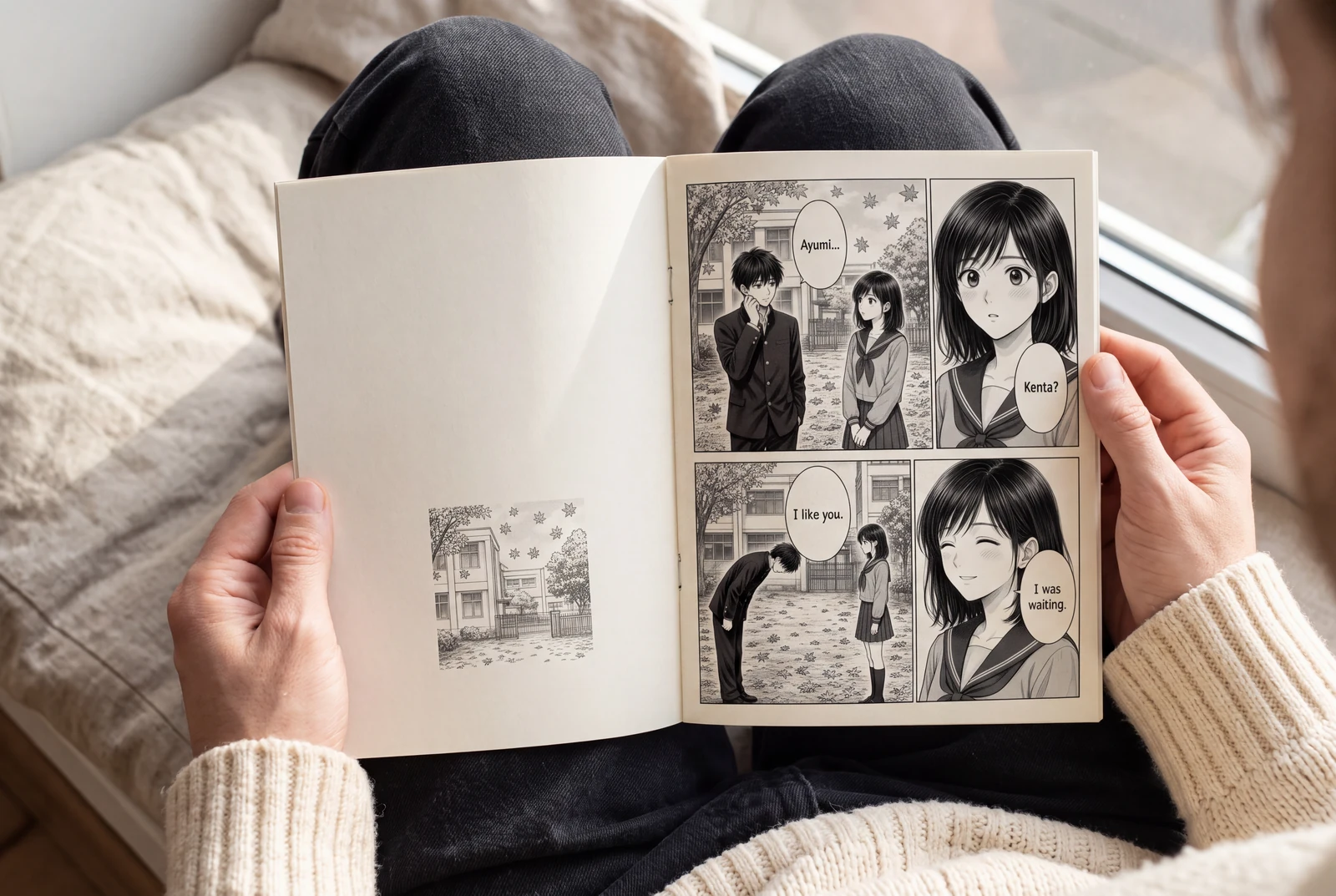
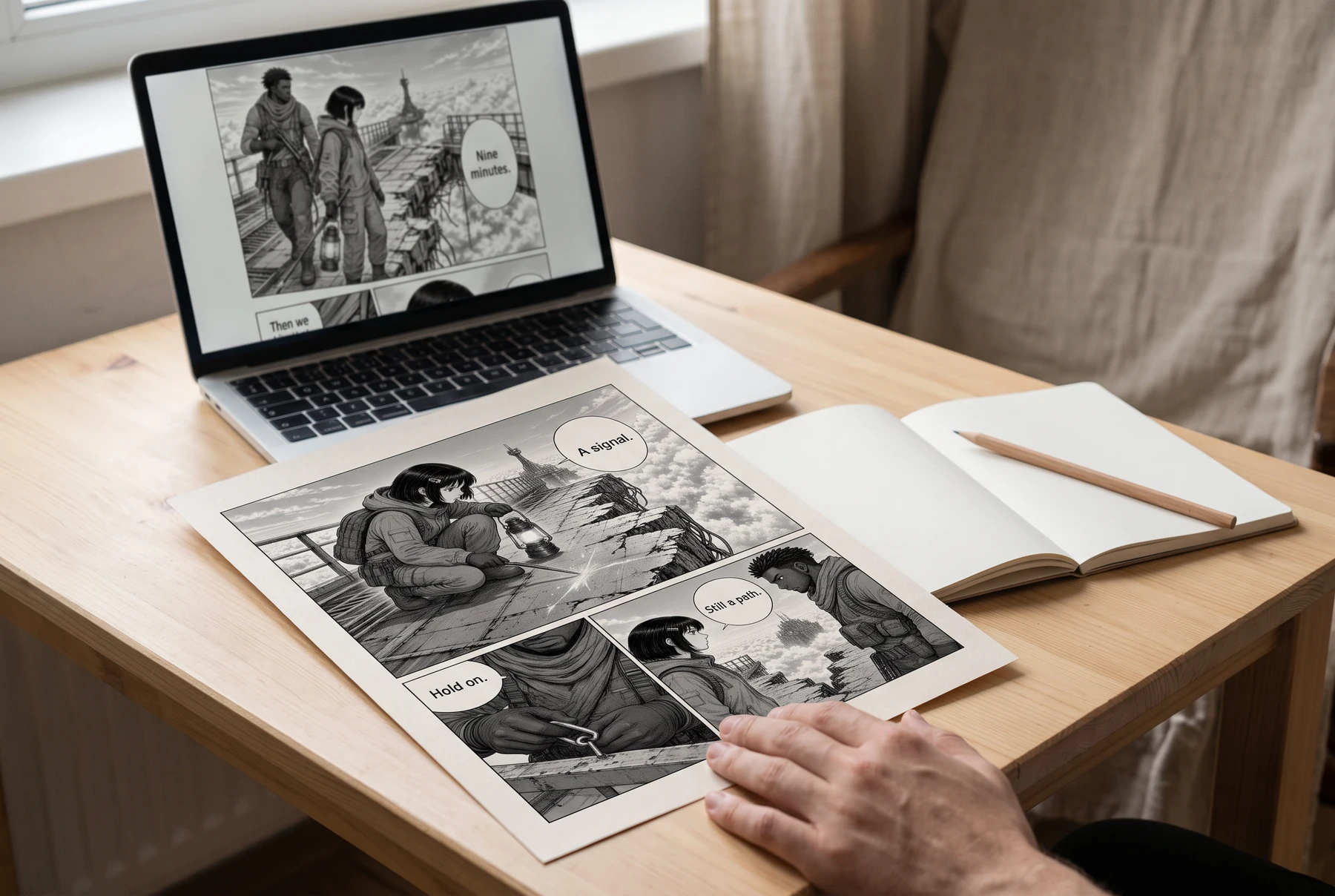
Plan manga panels, gutters, image crops, and dialogue space before exporting a readable page. Includes a four-panel planning example and practical checks.
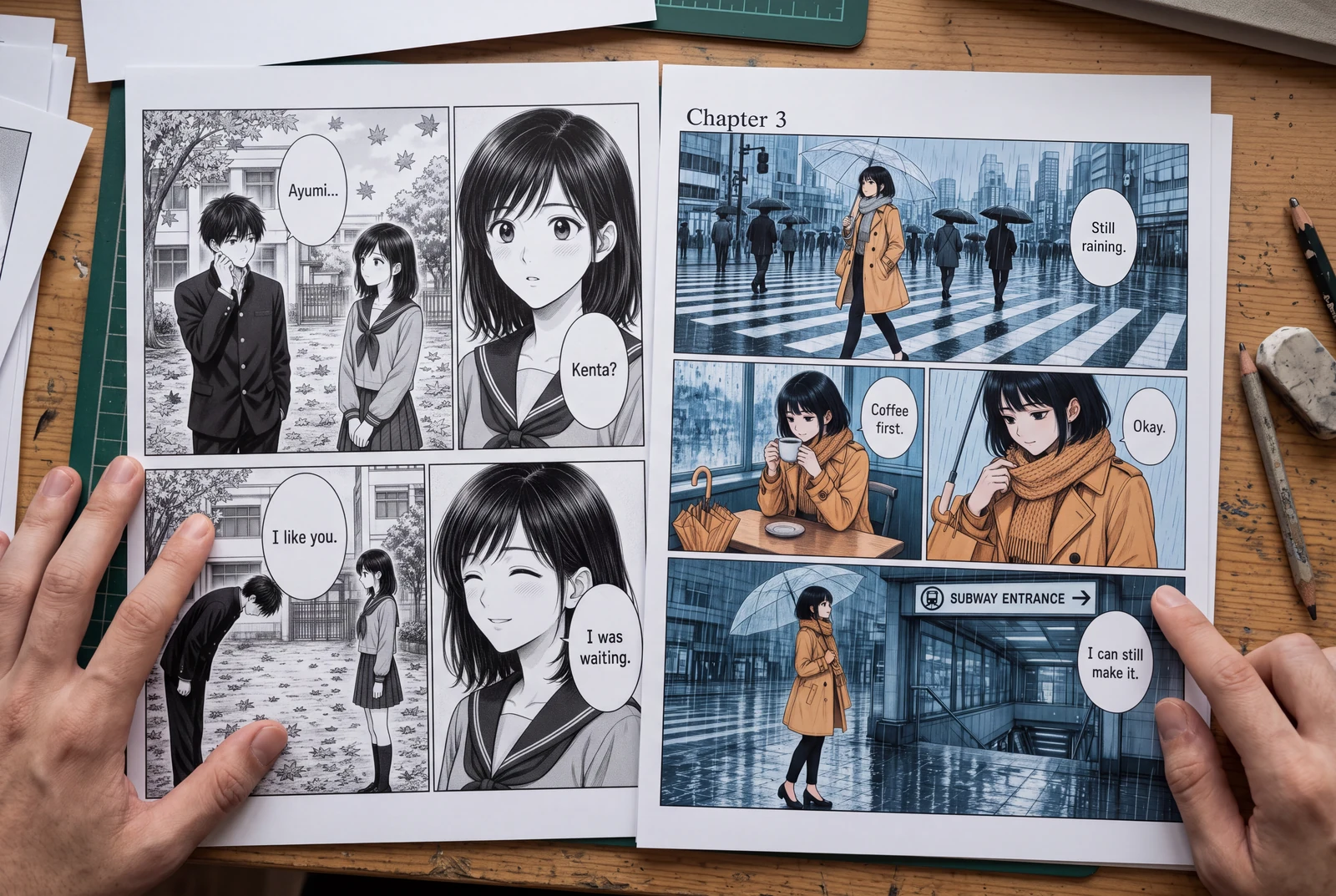
Place manga speech bubbles in a clear order, connect tails to speakers, and preserve text space across translations. Includes a dialogue planning example.
Guides
Three practical guides to turn a story into panels you can read, revise, and share.
 AI-generated lifestyle concept
Manga planning guide
Turn a short manga script into four readable panels with an original worked example, a reusable prompt, dialogue checks, and an honest review checklist.
Read guide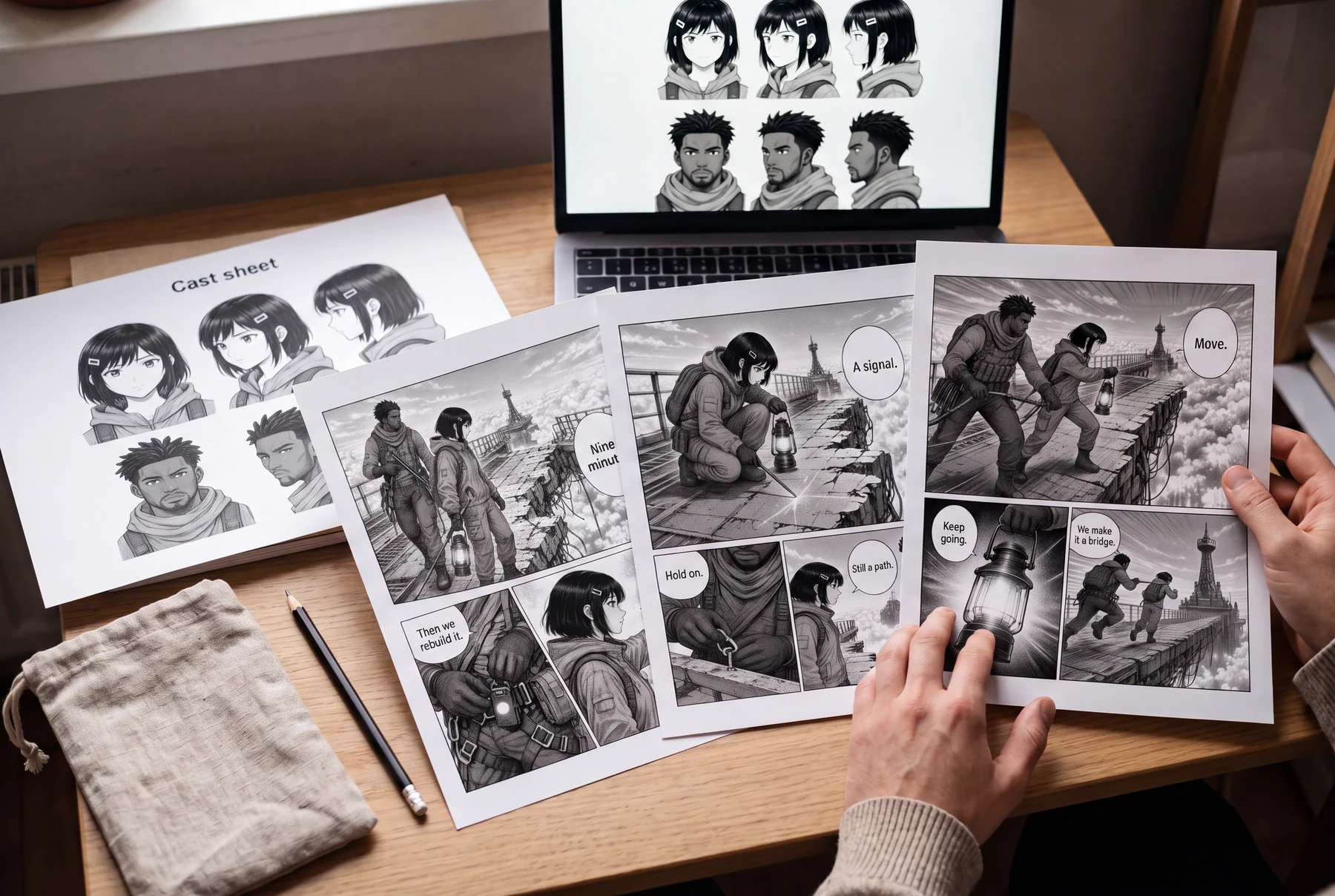 AI-generated lifestyle concept
Character continuity guide
Keep AI manga characters recognizable with a character bible, scene continuity checks, and a targeted redraw prompt. Includes an original illustrated example.
Read guide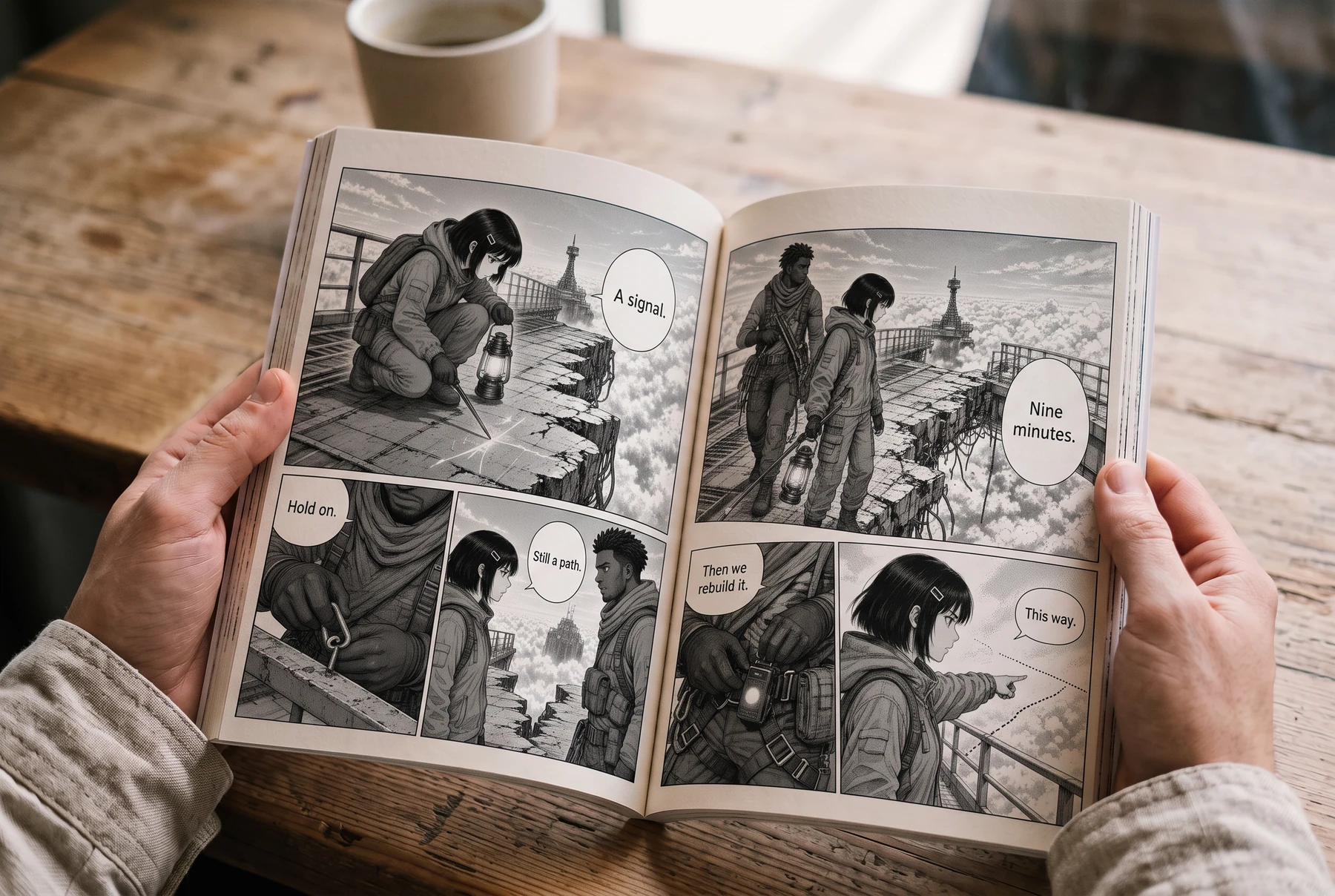 AI-generated lifestyle concept
Reading order & lettering
Plan right-to-left manga panels and speech balloons with an illustrated four-panel example, a lettering brief, and a translation checklist.
Read guideBắt đầu dự án
Chọn định dạng trang, thiết lập nhịp panel và đặt tác phẩm đầu tiên.