

Smooth relative depth
生成连续的灰度图,并保持清晰的近远顺序,而不是简单的去色图片。
AI 深度图生成器
上传照片或插画,选择深度或明度模式,即可生成干净的灰度图,用于视差、ControlNet、合成和视觉叙事。
生成可直接使用的深度图
使用一张清晰的源图,确保前景、中景和背景都易于识别。每次生成消耗 300 积分。
上传你的源图
照片、插画、漫画分镜、概念设计或故事板画面
输出模式
深度方向
边缘处理
输出构图
匹配第一张源图,以保护原始裁切。
每次生成消耗 300 积分。
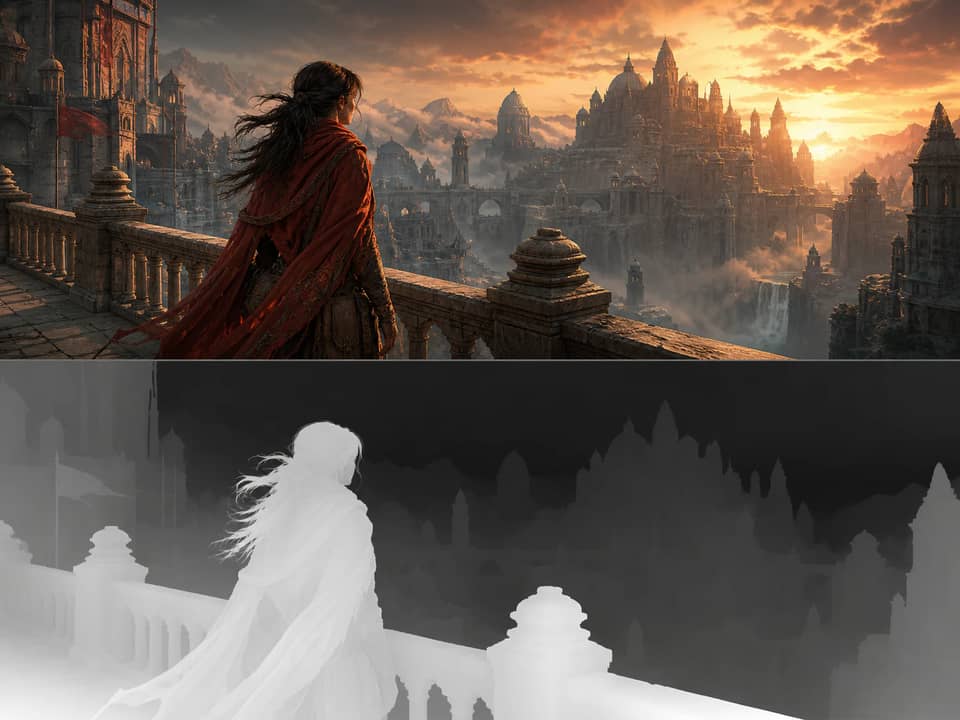
一次上传,三种实用分析
深度图用于描述画面中每个可见表面与镜头之间的远近关系。平滑模式会生成连续的灰度深度,而深度分区则会将同一空间结构简化为前景、中景和背景。
五阶构图模式解决的是另一类创作需求:它按明度和焦点层级对图像分组。将这些模式分开,能让输出同时适用于技术流程和视觉开发。
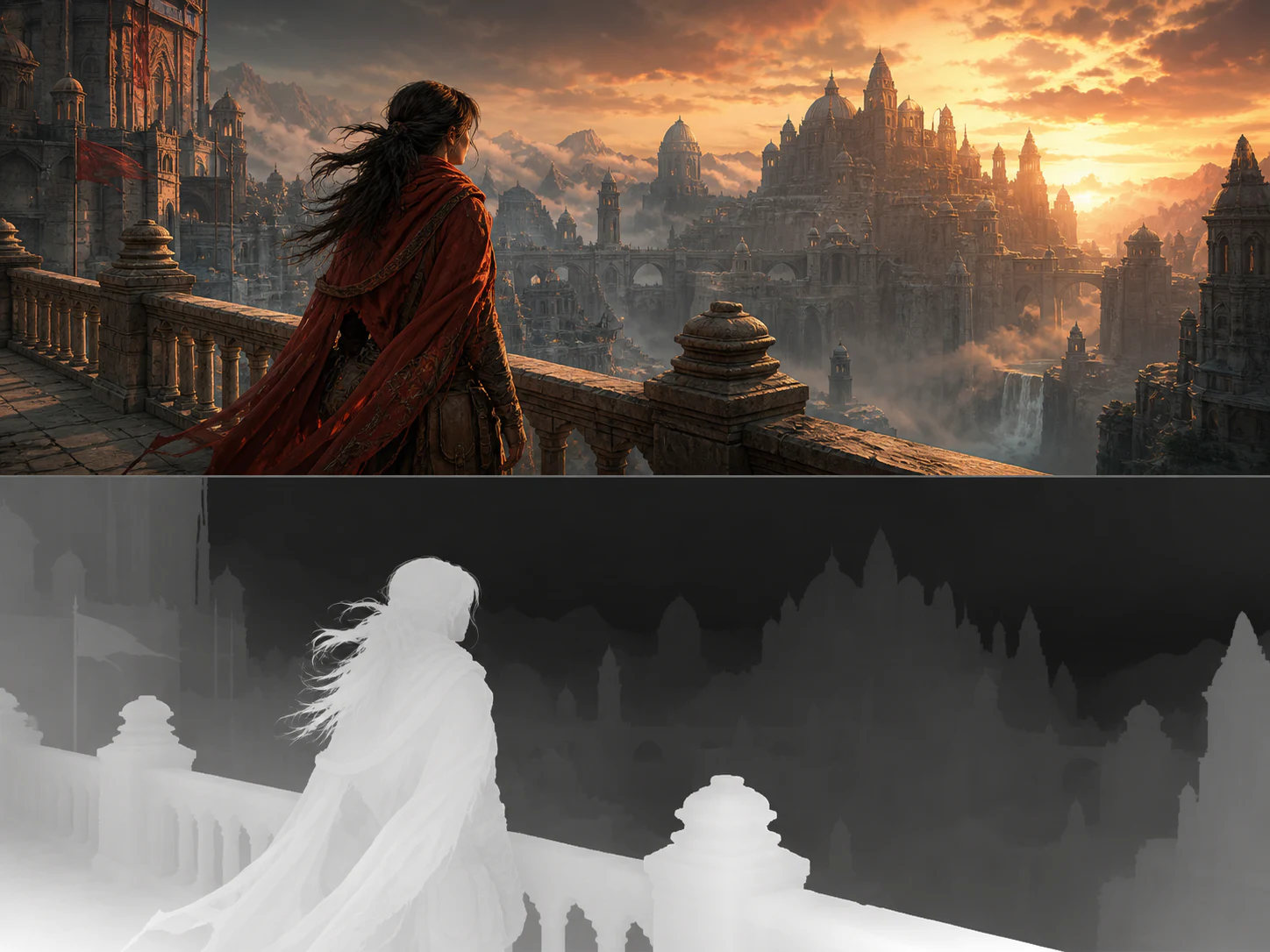
生成连续的灰度图,并保持清晰的近远顺序,而不是简单的去色图片。
将场景压缩为三个清晰可读的空间层,用于视差、镜头调度和动态漫画规划。
降低视觉噪点,在深入细化前先检查焦点层级、大形体和对比关系。
保持原始镜头、裁切、主体姿态、轮廓和物体位置与输出一致。
原始示例
六个原创合成案例展示了原图与对齐的灰度深度解读,其中白色表面更近,深色表面更远。
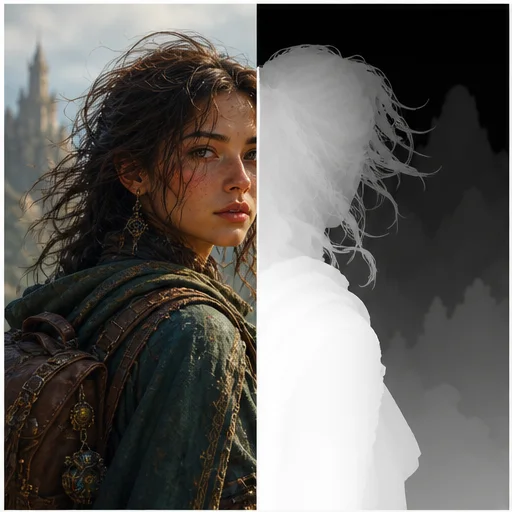
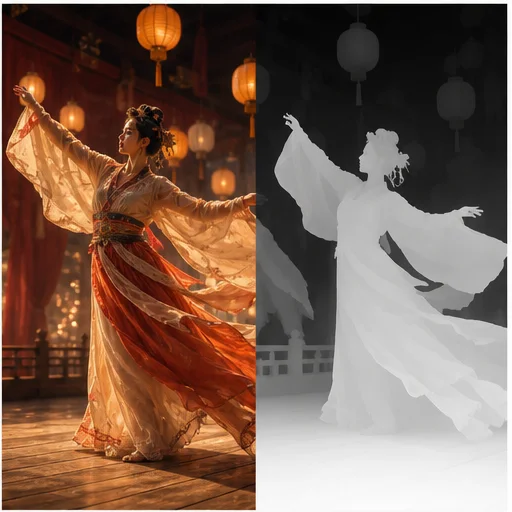
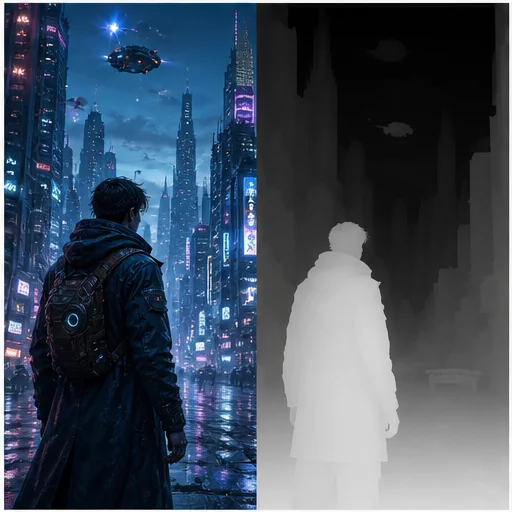
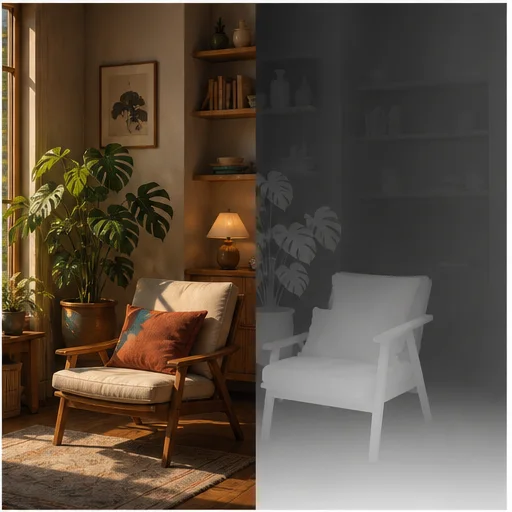
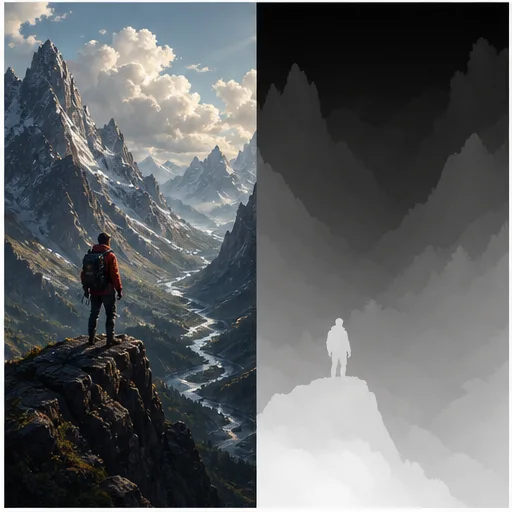
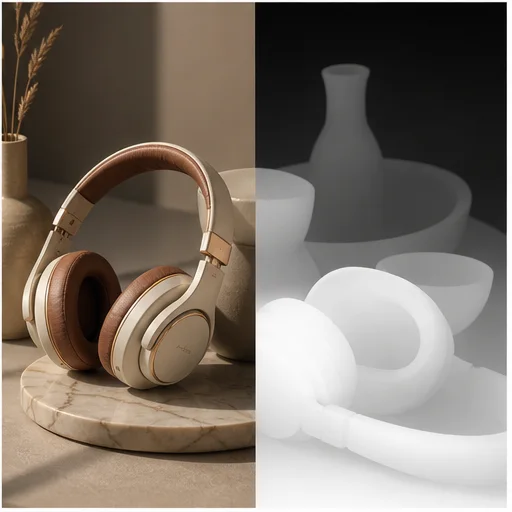
工作原理
按简短工作流操作,然后在使用或发布前检查生成细节。
请选择主体清晰、前后景分离明显的场景。
生成平滑深度、三层空间分区或五阶构图分析,并设置灰度方向。
检查轮廓和深度顺序,然后下载生成的 PNG,用于下一步创作工作流。
Real creator feedback
Read what creators shared about making comics, characters, and visual stories with LlamaGen.

@jake-m
As an avid creator of comic book style graphics, I've struggled to find a tool that truly allows me to unleash my creativity at scale. llamagen.ai not only breaks limits but shatters them, offering endless possibilities for my projects. It's the ultimate AI-powered solution I've been waiting for!

@sarah-l
I've tried numerous AI tools for image generation. And they are quite fun to play with but llamagen.ai is the first app I've actually saw a potential use-case. The character consistency really grabbed my attention as it's something I hadn't seen before and I can see the appeal for professionals and amateurs alike. Truly a game-changer!

@michael-b
llamagen.ai has reignited my passion for storytelling. As a busy professional, finding time to pursue creative projects can be challenging. But this app has proven so easy to use... It's like having a creative companion by my side!

@alex-t
Being part of the creative industry demands efficiency without sacrificing quality. llamagen.ai not only meets but exceeds these expectations. Really loved playing with the storyboarding and having an AI to help with not only image generation, but also the text content - it's really a nice way to help enhance the overall experience.

@maya-s
I enjoy a great comic book and have been very sceptical about AI. For example the criticisms of the Batman AI comic saga where not without merit. But through the scepticism I do see a place for such tools. While I still value an authentic man-made production, the ability for me to create something on my own (with a little help from AI) is really empowering and exciting.

@taylor-h
Maintaining character consistency is a challenge that I did not expect to be overcome so fast. While not perfect at times, the results are impressive and I’m really looking forward to the chance to further customize my workflow and AI generation.
实用工作流
根据任务需要,将生成图保存为可审核草稿、参考图或成品素材。
动态漫画
使用空间分区来区分在推镜或摇镜中需要以不同速度移动的视觉平面。
ControlNet
Download a clean relative depth reference when an image-generation workflow needs the source scene geometry.
概念设计
使用五阶分析来判断可读性、焦点对比和大的构图块面,避免色彩干扰。
合成
利用灰度距离来指导雾化、模糊、重新打光、置换或景深实验。
查看备注
单张图片的深度是 AI 估算结果。请检查有歧义的表面,必要时可更换边缘处理后重新生成。
最近的主体遵循所选的白色或黑色约定
前景、中景和背景保持一致的层次顺序
头发、衣袖、道具和建筑都保持清晰轮廓
输出与原始镜头、裁切、姿态和物体位置一致
会检查玻璃、镜子、雾气和反射中的深度歧义
value-study output is not mistaken for metric or relative depth
常见问题
关于源图、生成结果、权限和审核的实用解答。
默认模式使用白色表示近处、黑色表示远处。当下游工具采用相反约定时,请选择“白色为远”。
No. The tool creates relative depth from a single image, which describes what appears nearer or farther without claiming a real-world distance measurement.
深度分区按空间距离对像素分组。五阶分析则按明度和构图重要性分组,因此这两种输出解决的是不同的创作问题。
可以。先下载平滑深度图或三层版本,再按照接收工具要求的灰度约定使用。
使用清晰锐利的场景,主体要容易识别,轮廓可见,透视明确,前后景元素分明。
每次使用 AI 深度图生成器都会消耗 300 积分,并返回一张与原始构图匹配的 1K 结果。
相关工具
从当前的精细编辑进入下一张照片或时尚任务。
从你的图片开始
上传一张图片,选择所需分析,在一个专注的工作流中创建深度或明度参考。