

Five shadow directions
测试自然投影、下落、硬投影、反射和悬浮处理。
AI shadow generator
Upload a product cutout or clean product photo, choose a shadow style and strength, then generate studio-like depth without redesigning the product. Try for free with free credits. Check in daily to earn more. No credit card required.
Add a product shadow
透明 PNG 和干净背景更容易识别产品边缘和接触点。
上传商品图片
透明 PNG,或干净的 JPG、PNG、WebP、HEIC、HEIF
Shadow type
Shadow intensity
输出构图
匹配第一张源图,以保护原始裁切。
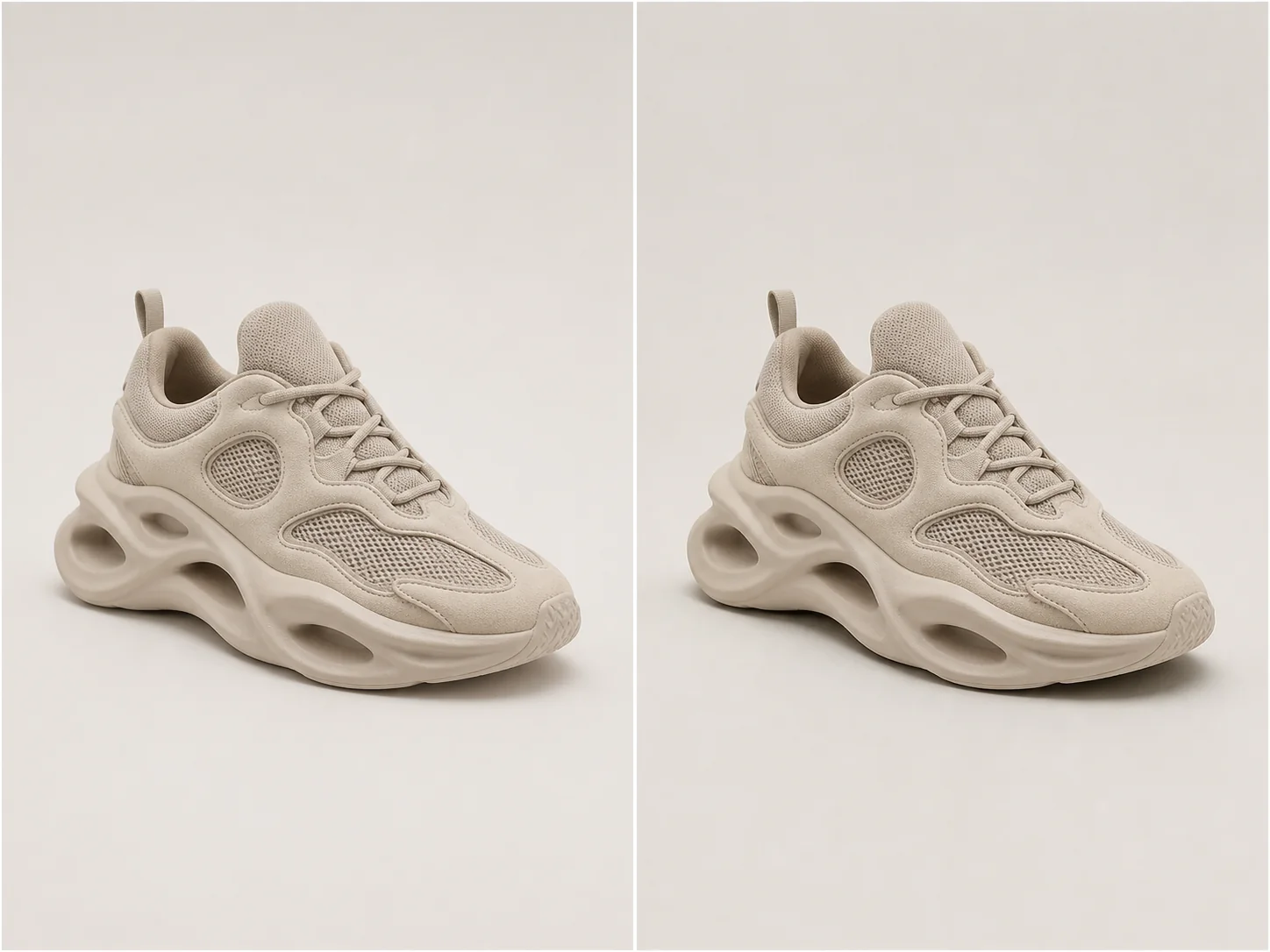
棚拍层次感
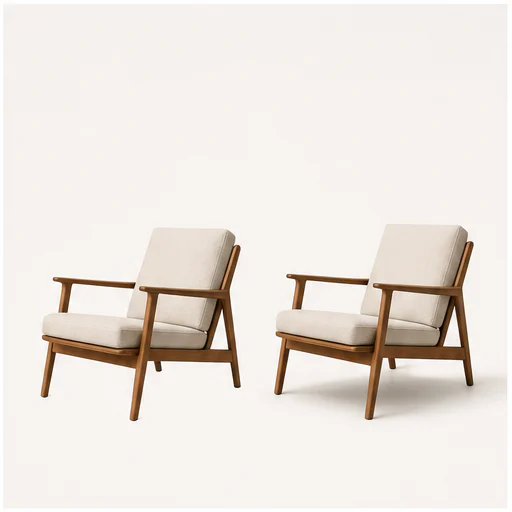
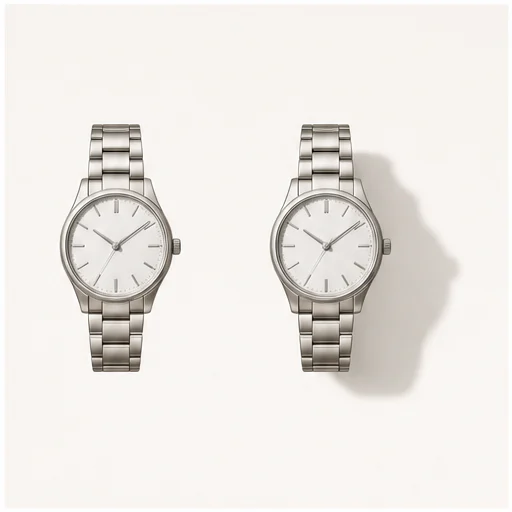
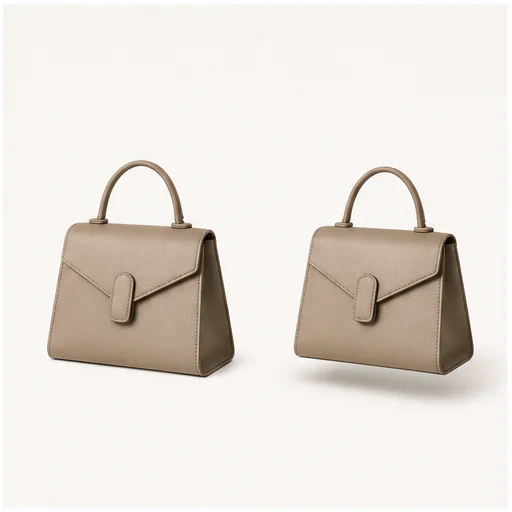
A useful product shadow follows object geometry, contact points, camera perspective, and the existing light direction.
Choose natural softness for most catalog work, a directional drop shadow for graphic layouts, or a controlled reflection for glossy studio treatments.
测试自然投影、下落、硬投影、反射和悬浮处理。
在不改变产品本身的前提下,控制画面视觉权重。
Infer contact points and perspective so the shadow follows the object.
保持形状、材质、颜色、标签和裁切完全不变。
真实示例
Each example keeps the full product visible before and after adding a physically plausible shadow. Material, angle, scale, and background remain consistent.
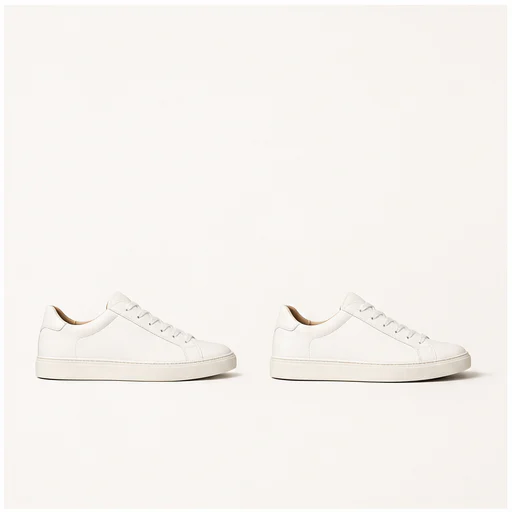
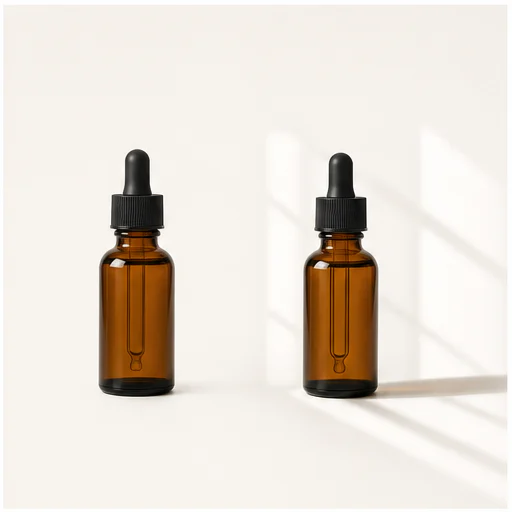
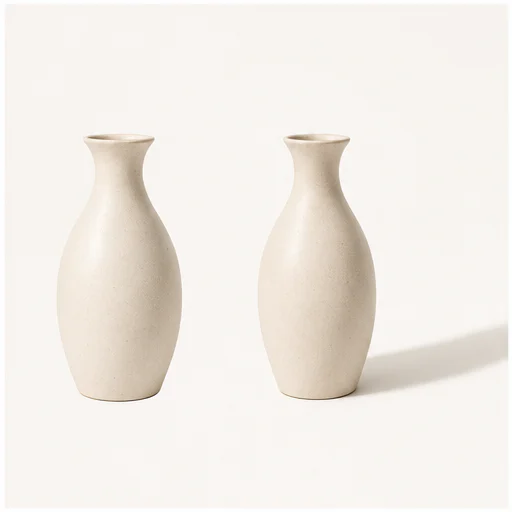
工作原理
按简短工作流操作,然后在使用或发布前检查生成细节。
请选择清晰的商品抠图或完整轮廓可见的干净照片。
让处理方式适配目录、广告、市场页或活动版式。
检查接触点、光线方向、不透明度和产品边缘。
Real creator feedback
Read what creators shared about making comics, characters, and visual stories with LlamaGen.

@jake-m
As an avid creator of comic book style graphics, I've struggled to find a tool that truly allows me to unleash my creativity at scale. llamagen.ai not only breaks limits but shatters them, offering endless possibilities for my projects. It's the ultimate AI-powered solution I've been waiting for!
@sarah-l
I've tried numerous AI tools for image generation. And they are quite fun to play with but llamagen.ai is the first app I've actually saw a potential use-case. The character consistency really grabbed my attention as it's something I hadn't seen before and I can see the appeal for professionals and amateurs alike. Truly a game-changer!

@michael-b
llamagen.ai has reignited my passion for storytelling. As a busy professional, finding time to pursue creative projects can be challenging. But this app has proven so easy to use... It's like having a creative companion by my side!

@alex-t
Being part of the creative industry demands efficiency without sacrificing quality. llamagen.ai not only meets but exceeds these expectations. Really loved playing with the storyboarding and having an AI to help with not only image generation, but also the text content - it's really a nice way to help enhance the overall experience.

@maya-s
I enjoy a great comic book and have been very sceptical about AI. For example the criticisms of the Batman AI comic saga where not without merit. But through the scepticism I do see a place for such tools. While I still value an authentic man-made production, the ability for me to create something on my own (with a little help from AI) is really empowering and exciting.
@taylor-h
Maintaining character consistency is a challenge that I did not expect to be overcome so fast. While not perfect at times, the results are impressive and I’m really looking forward to the chance to further customize my workflow and AI generation.
实用工作流
根据任务需要,将生成图保存为可审核草稿、参考图或成品素材。
市场
在不增加场景杂乱感的前提下,为商品图增加轻微层次感。
目录
Use one shadow language across unrelated product photos.
活动
在社交图形素材中,可使用定向投影或悬浮阴影。
美颜
为瓶身、罐装和高反光包装打造具有质感的影棚层次。
查看备注
A shadow should support the product quietly. If it competes with the object, reduce intensity or try another type.
the shadow begins at believable contact points
透视与产品和相机一致
光线方向保持一致
透明和反光边缘保持干净
标签和商品几何结构保持不变
完整源画面保持可见
常见问题
关于源图、生成结果、权限和审核的实用解答。
Yes. Start your free trial with free credits and earn more free credits through daily check-ins. No credit card is required. Sign in to manage your credits. Generation costs and model availability vary; paid plans offer more credits and additional export options.
透明 PNG 或完整可见的干净产品照,能提供最清晰的边缘和接触信息。
自然柔光适合大多数商品图。投影更有图形感,反光更精致,悬浮阴影则能增强分离感。
提示词会保护产品的形状、颜色、材质、标签、拍摄角度和裁切。
相关工具
从当前的精细编辑进入下一张照片或时尚任务。
Upload a blurry portrait, product, document, or memory and recover cleaner edges and natural detail without changing the original composition. Try for free with free credits. Check in daily to earn more. No credit card required.
Upload a portrait, selfie, or group photo and reconstruct naturally open eyes while preserving identity, expression, lighting, people, and the original crop. Try for free with free credits. Check in daily to earn more. No credit card required.
Upload a noisy low-light, compressed, scanned, or generated image and reduce grain while preserving edges, texture, and the source atmosphere. Try for free with free credits. Check in daily to earn more. No credit card required.
Upload a faded, scratched, blurry, or timeworn photo and create a clearer restoration that protects faces, clothing, history, and the original composition. Try for free with free credits. Check in daily to earn more. No credit card required.
从你的图片开始
Choose a shadow type and strength, then create a more grounded product image.