

LlamaGen
最适合
AI 故事转漫画草稿与重复角色
从故事或提示词创建单格或多格漫画,让重复角色和场景更一致,再在 iOS App 中编辑、保存或分享。参考图片上传能力取决于方案资格。
从故事出发,让 AI 安排分格;或亲手画好每一条线。根据你想掌握的控制程度,选择适合的 iPhone 工作流。
iPhone 搜索意图 · App Store 信息核对日期:2026 年 11 月 11 日

LlamaGen for iPhone
iPhone 搜索意图
LlamaGen Originals · Home Library
原始故事与页面说明为英文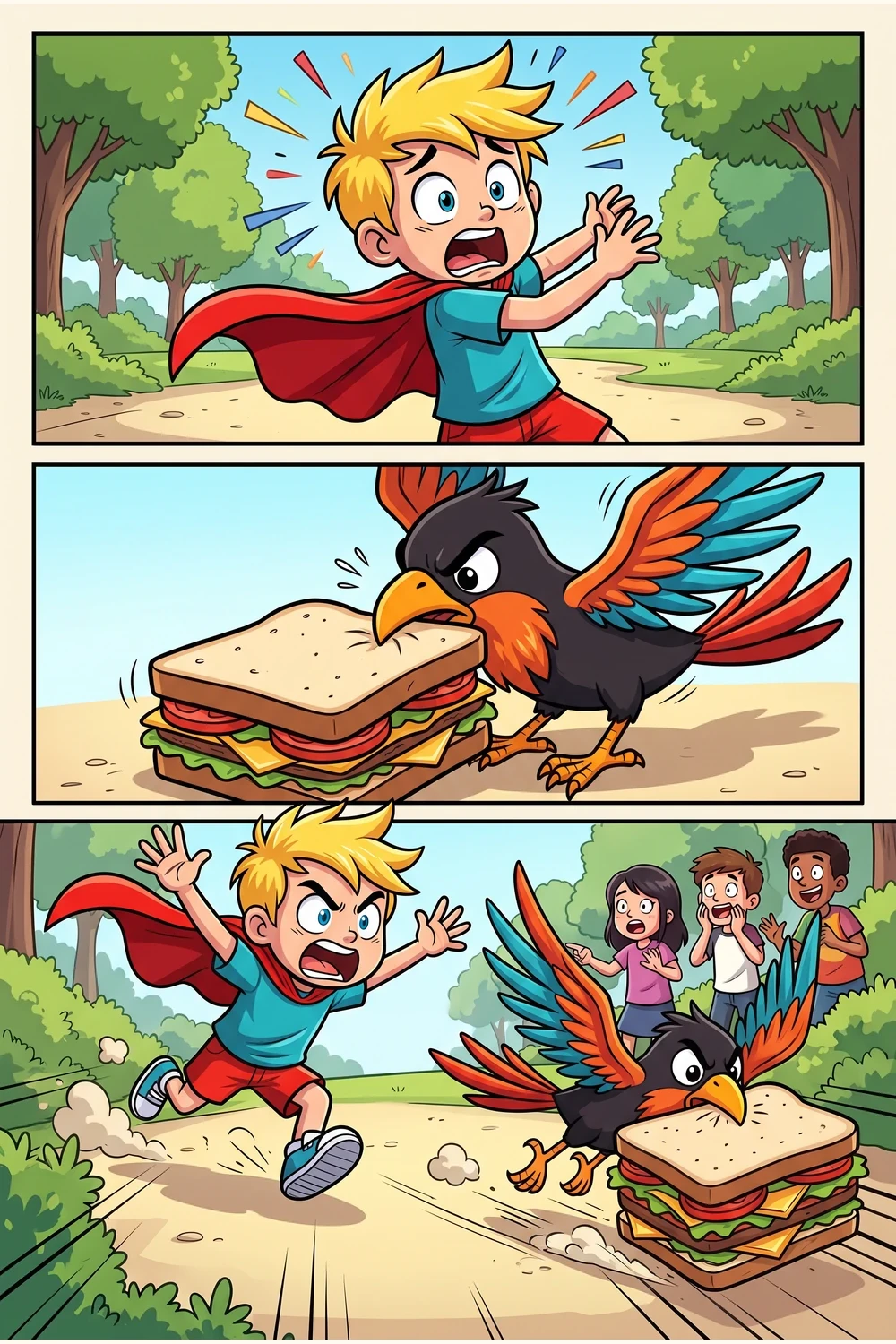
Children's Comic, Adventure, Comedy
Bold cartoon comic art, saturated color, dynamic outlines and motion-line action.
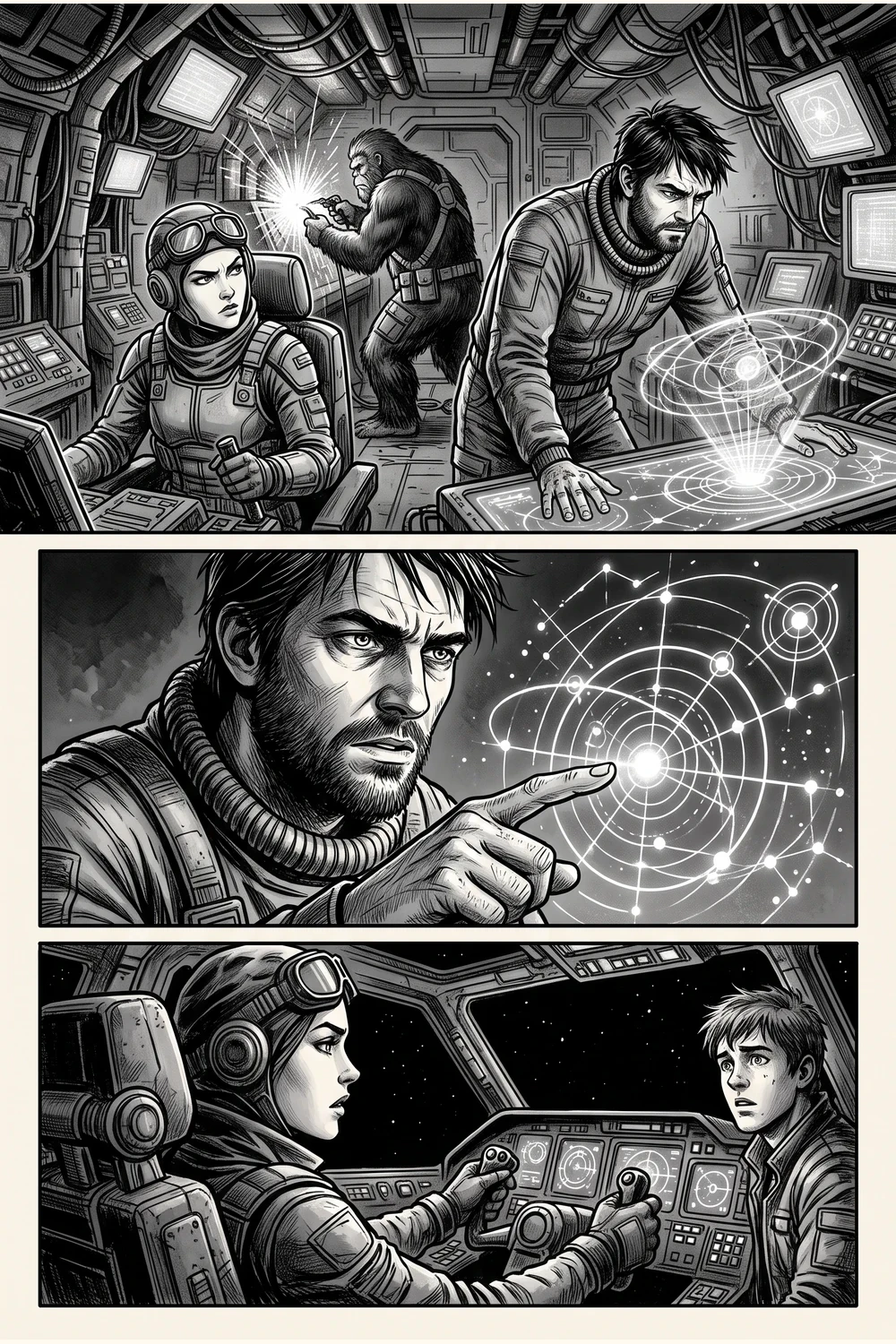
Gritty Sci-Fi, Space Opera
High-contrast black-and-white sci-fi comic art with grayscale, cross-hatching and ink-wash texture.
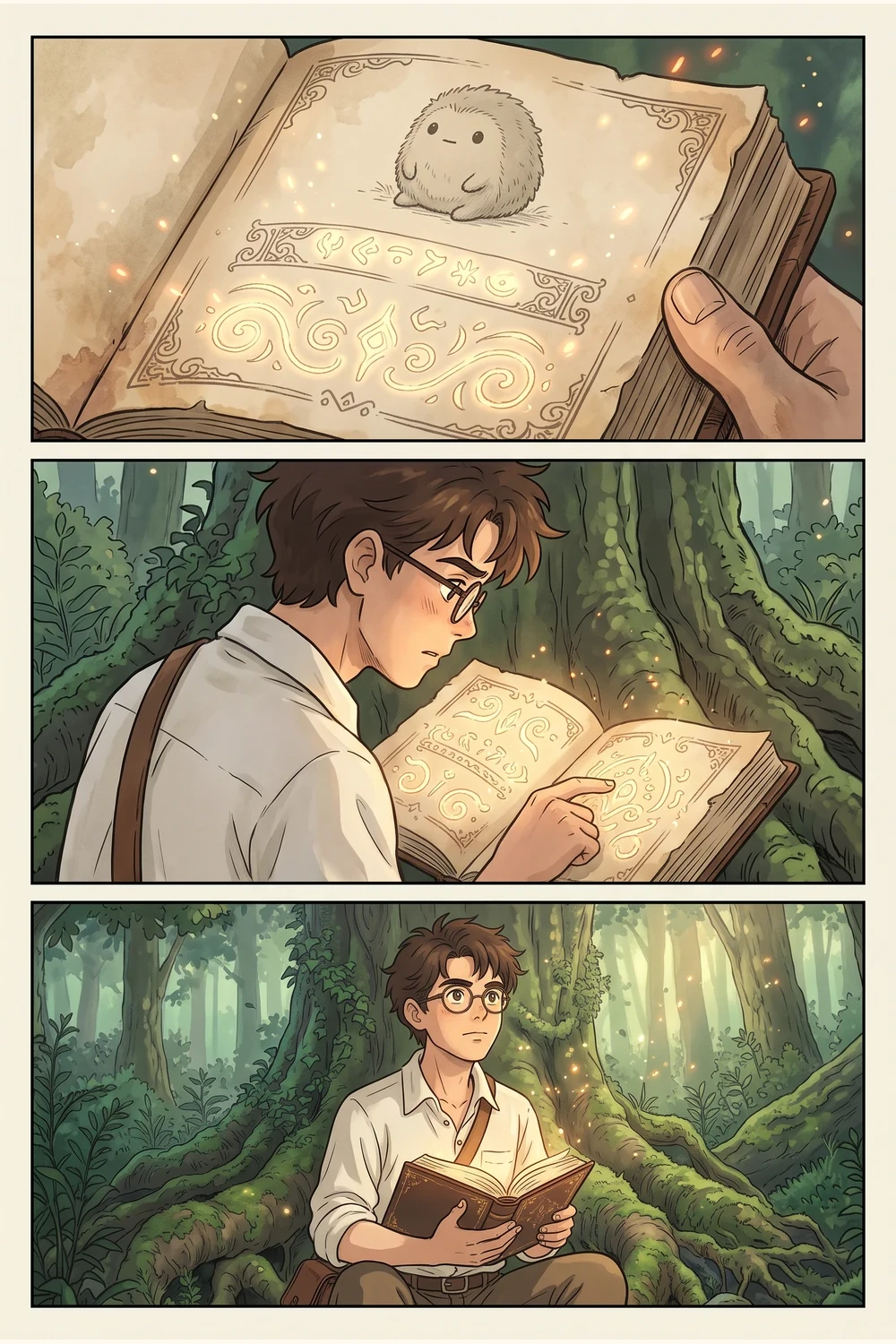
Fantasy, Slice of Life, Adventure
Pastoral anime illustration, painterly foliage and soft dappled light.
这是 Home Library 已发布作品,附有原始故事和页面制作计划。它是可追溯的制作案例,不代表这部作品是在 iPhone App 中生成。
怎么选
它们都能做漫画,但起点不同。按照你的制作方式选择,而不是只看“最佳”标签。
最适合
AI 故事转漫画草稿与重复角色
从故事或提示词创建单格或多格漫画,让重复角色和场景更一致,再在 iOS App 中编辑、保存或分享。参考图片上传能力取决于方案资格。
最适合
手绘与专业漫画/Manga 制作
以绘画为核心的 iPhone 工作流,提供分格框、对话框、文字、效果线、网点和图层;符合方案时可管理多页漫画。
最适合
在 iPhone 上手绘 Manga 与漫画页
轻量插画与漫画工作流,包含画笔、漫画分格、网点、字体、云端项目与移动绘图工具。
怎么选
如果输入是故事、提示词或参考素材,LlamaGen 更合适;如果核心工作是手绘和手动组版,Clip Studio Paint 与 MediBang 更直接。
AI 重复角色与场景需要能保留故事上下文和参考的流程;精确线稿、字体与网点控制则更适合绘画工具。
第一格生成得快不代表适合长期制作。请先看页面编辑、对话框、多页管理、文件导出与分享能力。
常见问题
是。LlamaGen 有官方 iOS App,可在 iPhone 和 iPad 使用,支持提示词漫画、单格/多格版面、编辑、保存和分享;参考图片能力取决于方案。
Clip Studio Paint 与 MediBang Paint 都是绘画优先工具,可以直接使用画笔、图层、分格与文字/网点控制。
可以。市场上有照片优先的漫画 App;LlamaGen 在符合资格的方案也可使用参考图片。如果这是主要需求,请看专门的 iPhone 照片转漫画页。
信息核对
App Store 信息核对日期:2026 年 11 月 11 日. 产品供应、价格与方案限制可能变化;当前兼容性与购买信息以链接的 App Store 页面为准。
想从想法快速得到多格草稿,可以先用 LlamaGen;想逐线手绘,则比较上面的绘画型工具。