

LlamaGen
最適合
AI 故事轉漫畫草稿同重複角色
由故事或提示詞建立單格或多格漫畫,令重複角色同場景更一致,再喺 iOS App 編輯、儲存或分享。參考圖片上傳能力視乎方案資格。
由故事開始,交畀 AI 安排分格;或者親手畫好每一條線。按你想掌握嘅控制程度,揀適合嘅 iPhone 工作流程。
iPhone 搜尋意圖 · App Store 資料核對日期:2026 年 11 月 11 日

LlamaGen for iPhone
iPhone 搜尋意圖
LlamaGen Originals · Home Library
原始故事同頁面說明係英文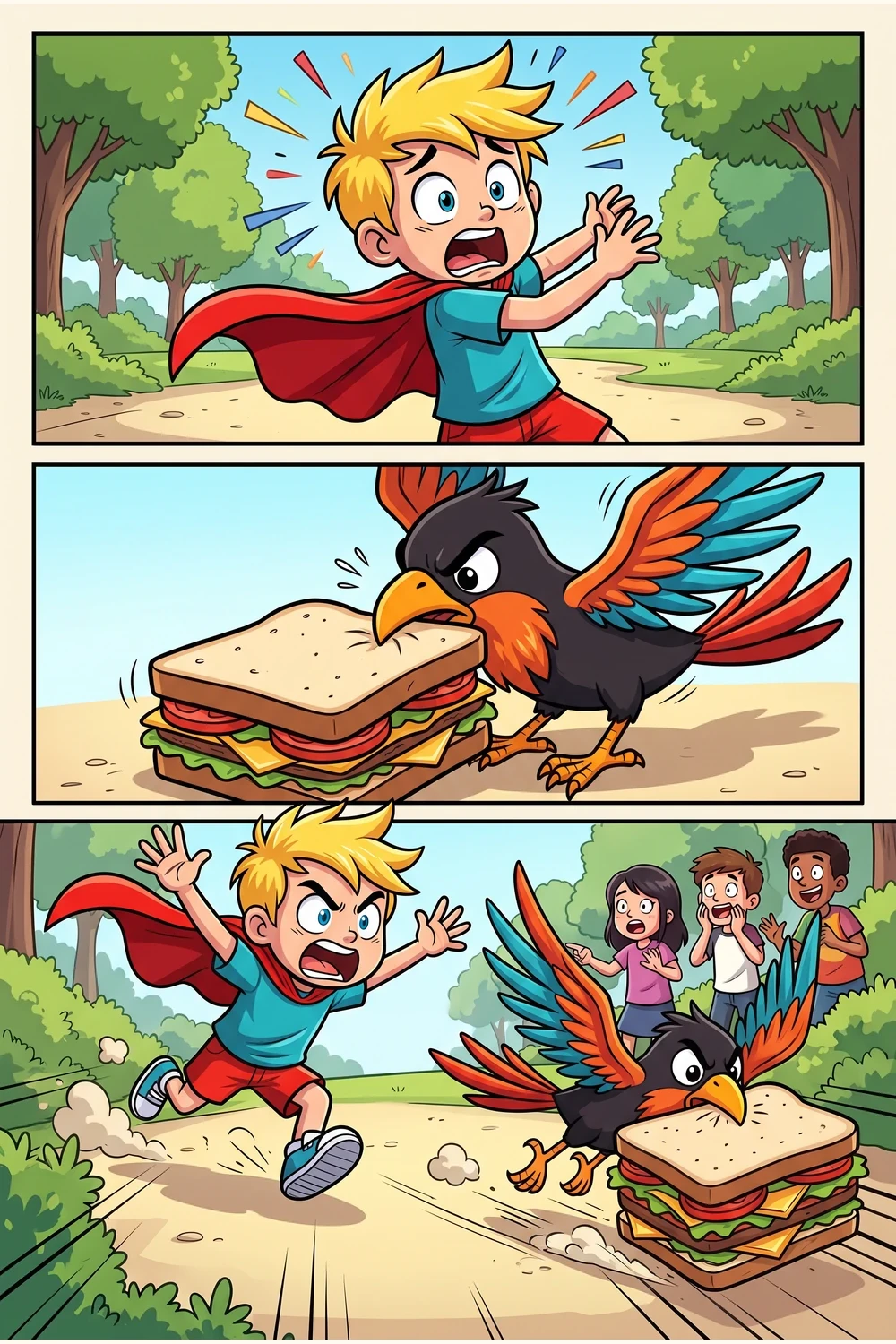
Children's Comic, Adventure, Comedy
Bold cartoon comic art, saturated color, dynamic outlines and motion-line action.
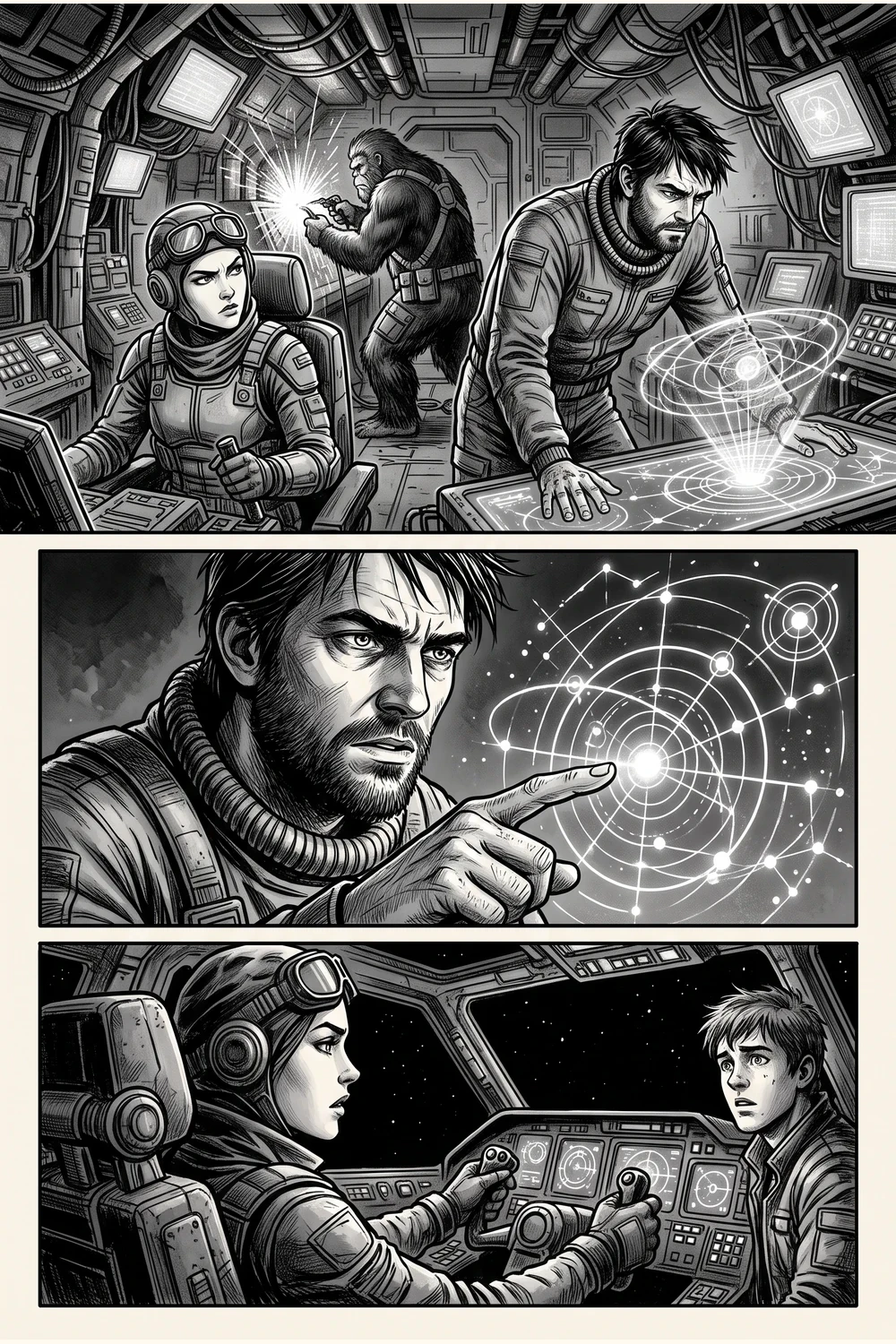
Gritty Sci-Fi, Space Opera
High-contrast black-and-white sci-fi comic art with grayscale, cross-hatching and ink-wash texture.
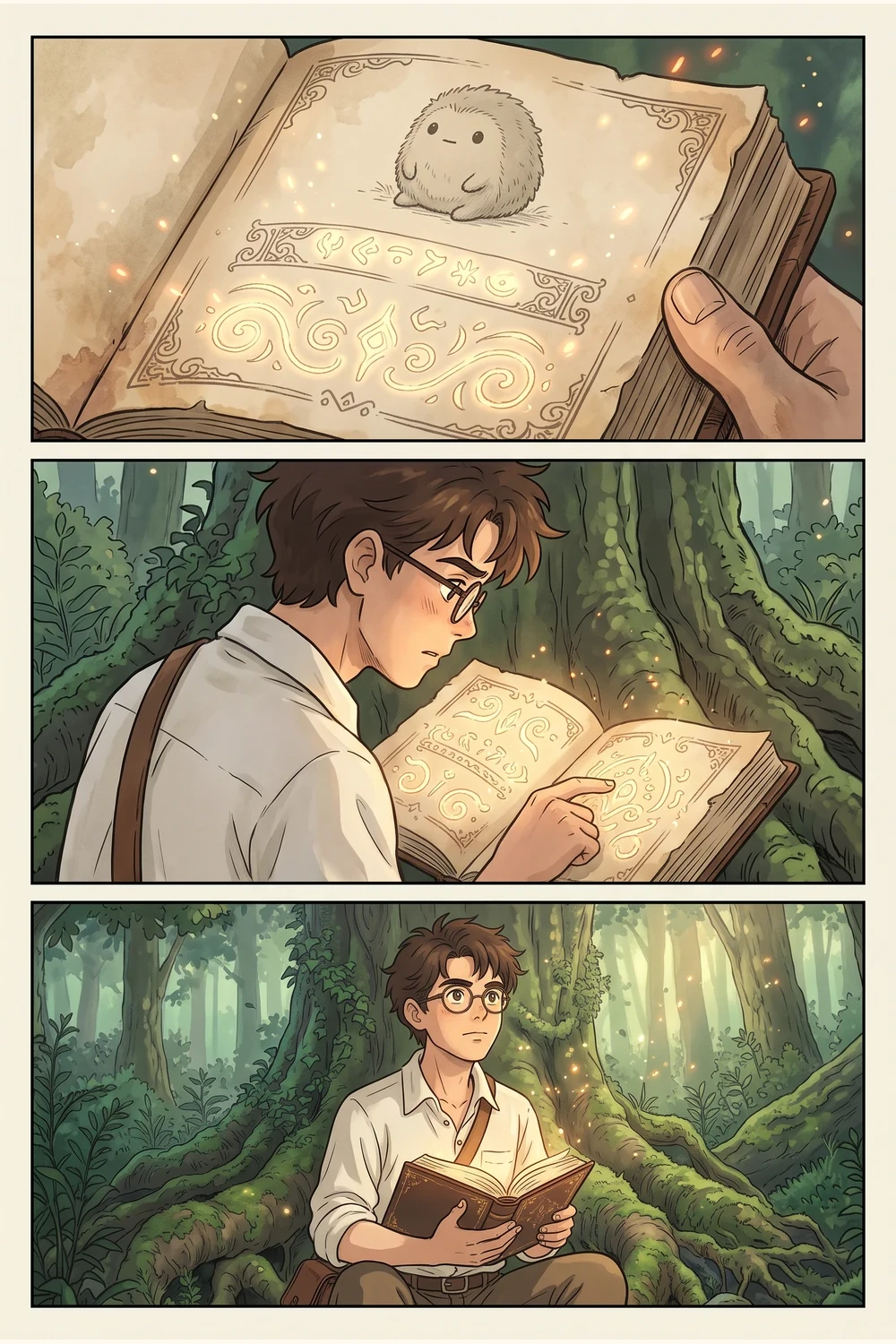
Fantasy, Slice of Life, Adventure
Pastoral anime illustration, painterly foliage and soft dappled light.
呢個係 Home Library 已發布作品,附有原始故事同頁面製作計劃。佢係可追溯嘅製作案例,唔代表呢部作品係喺 iPhone App 入面生成。
點樣揀
佢哋都可以做漫畫,但起點唔同。按你嘅創作方式選擇,而唔係只睇「最佳」標籤。
最適合
AI 故事轉漫畫草稿同重複角色
由故事或提示詞建立單格或多格漫畫,令重複角色同場景更一致,再喺 iOS App 編輯、儲存或分享。參考圖片上傳能力視乎方案資格。
最適合
手繪同專業漫畫/Manga 製作
以繪畫為核心嘅 iPhone 工作流程,提供分格框、對話框、文字、效果線、網點同圖層;指定方案可管理多頁漫畫。
最適合
喺 iPhone 手繪 Manga 同漫畫頁
輕量插畫同漫畫工作流程,包含筆刷、漫畫分格、網點、字型、雲端專案同流動繪圖工具。
點樣揀
如果輸入係故事、提示詞或參考素材,LlamaGen 較合適;如果核心工作係手繪同手動組版,Clip Studio Paint 同 MediBang 更直接。
AI 重複角色同場景需要保留故事上下文同參考嘅流程;精確線稿、字體同網點控制就更適合繪畫工具。
第一格出得快唔代表適合長期製作。先睇頁面編輯、對話框、多頁管理、檔案匯出同分享能力。
常見問題
係。LlamaGen 有官方 iOS App,可喺 iPhone 同 iPad 使用,支援提示詞漫畫、單格/多格版面、編輯、儲存同分享;參考圖片功能視乎方案。
Clip Studio Paint 同 MediBang Paint 都係繪畫優先工具,可直接用筆刷、圖層、分格同文字/網點控制。
可以。市場上有相片優先嘅漫畫 App;LlamaGen 喺符合資格嘅方案亦可用參考圖片。主要需求係相片轉漫畫,就睇專門頁。
資料核對
App Store 資料核對日期:2026 年 11 月 11 日. 產品供應、價格同方案限制可能變動;目前兼容性同購買資料以連結嘅 App Store 頁面為準。
想由想法快速得到多格草稿,可以先用 LlamaGen;想逐線手繪,就比較上面嘅繪畫型工具。