

iPhone comic apps

Make comics your way on iPhone.

Start with a story and let AI shape the panels, or draw every line yourself. Compare the iPhone workflows by the kind of control you want.

iPhone-focused · App Store sources checked November 11, 2026

LlamaGen for iPhone

iPhone-focused

LlamaGen for iPhone

LlamaGen Originals · Home Library

Original story and page notes in English
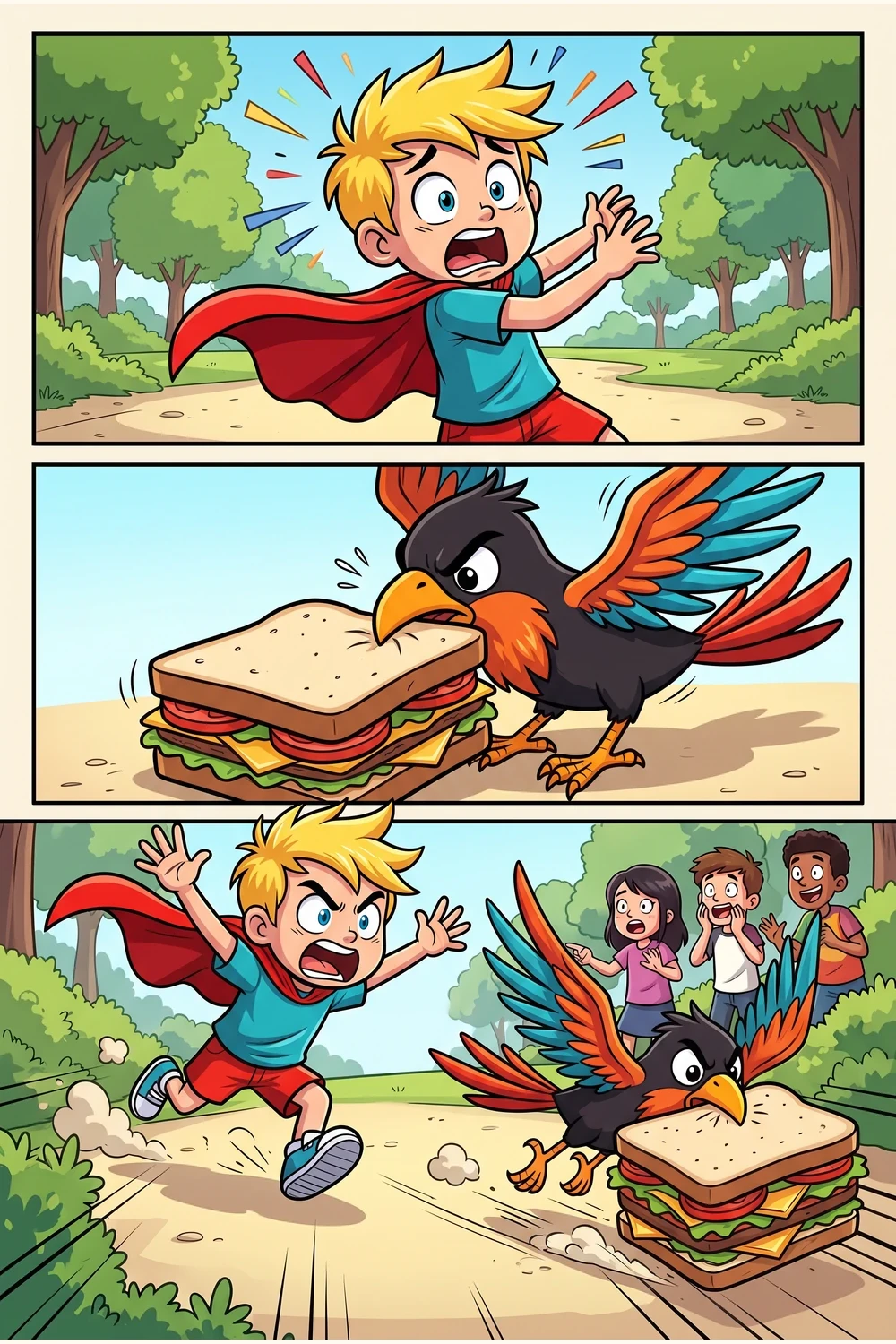
Super Leo and the Great Sandwich Heist, page 3: Disaster strikes! The nefarious Captain Beak snatches the hero's fuel. A stunned Super Leo watches his precious energy source get carried away by the feathered fiend.

Children's Comic, Adventure, Comedy

Super Leo and the Great Sandwich Heist

Bold cartoon comic art, saturated color, dynamic outlines and motion-line action.

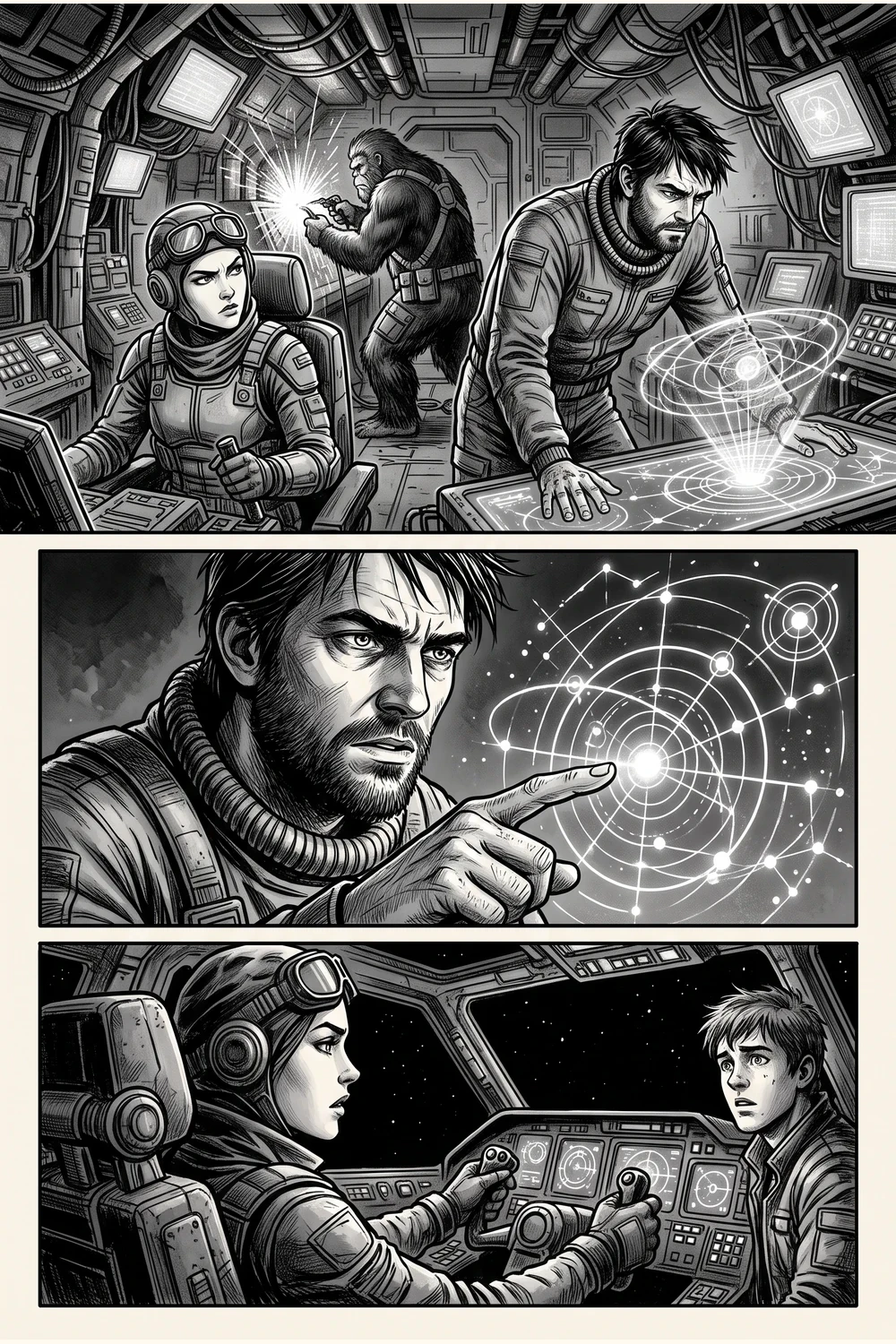
Harvest Signal, page 1: Captain Kael plotted their last desperate course. The ghost signal of the Exodus Fleet was a myth, but with fuel low and morale lower, it was the only myth they had left to chase.

Gritty Sci-Fi, Space Opera

Harvest Signal

High-contrast black-and-white sci-fi comic art with grayscale, cross-hatching and ink-wash texture.

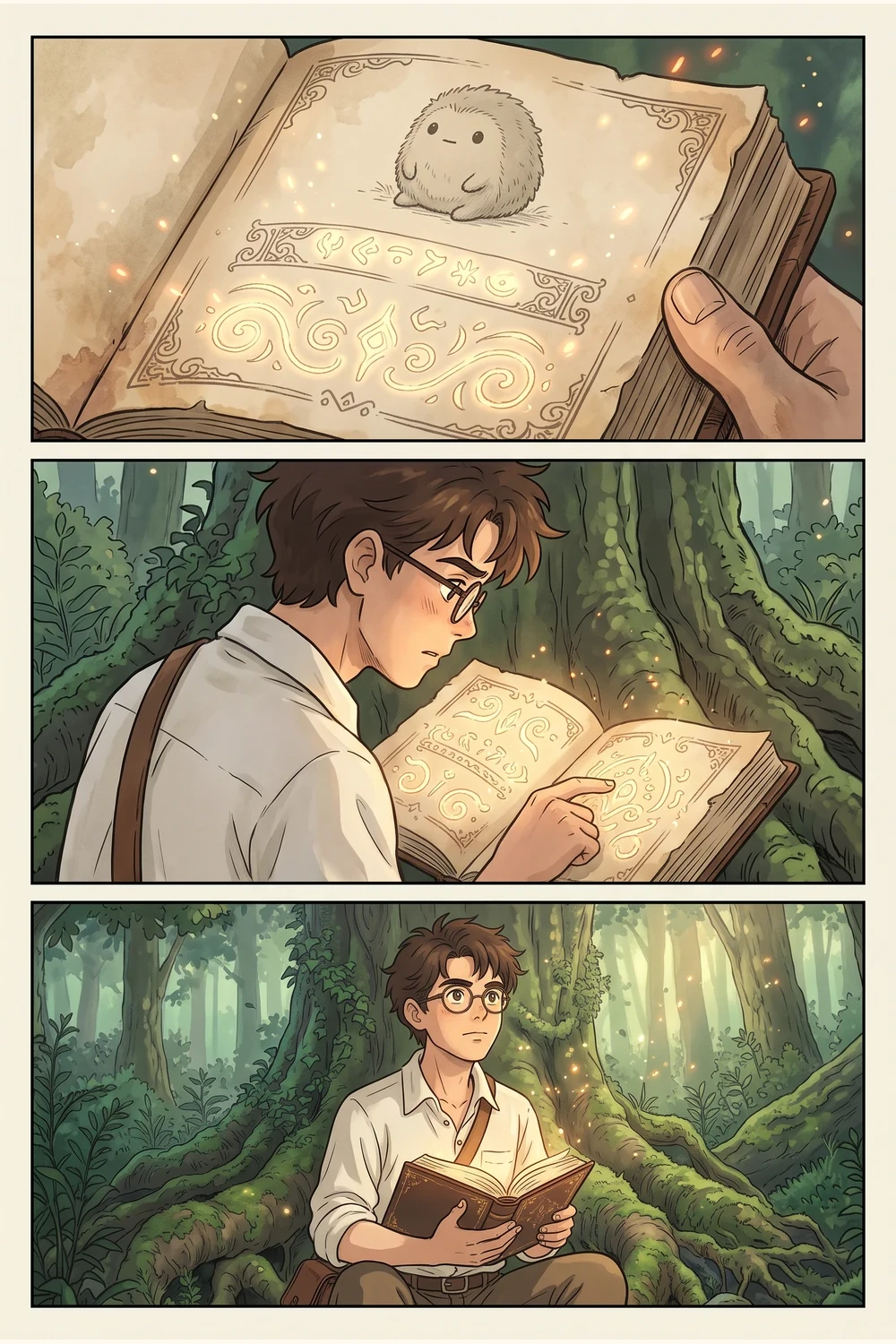
The Cartographer and the Forest's Song, page 5: He deciphers a crucial passage. The book speaks of the 'Loomis,' the forest's shy guardians, and a 'sour note' of discord that has thrown their world into disharmony, causing them pain.

Fantasy, Slice of Life, Adventure

The Cartographer and the Forest's Song

Pastoral anime illustration, painterly foliage and soft dappled light.

Published Home Library artwork with its original story and page plan. This is a documented production example, not a record of this exact work being generated in the iPhone app.

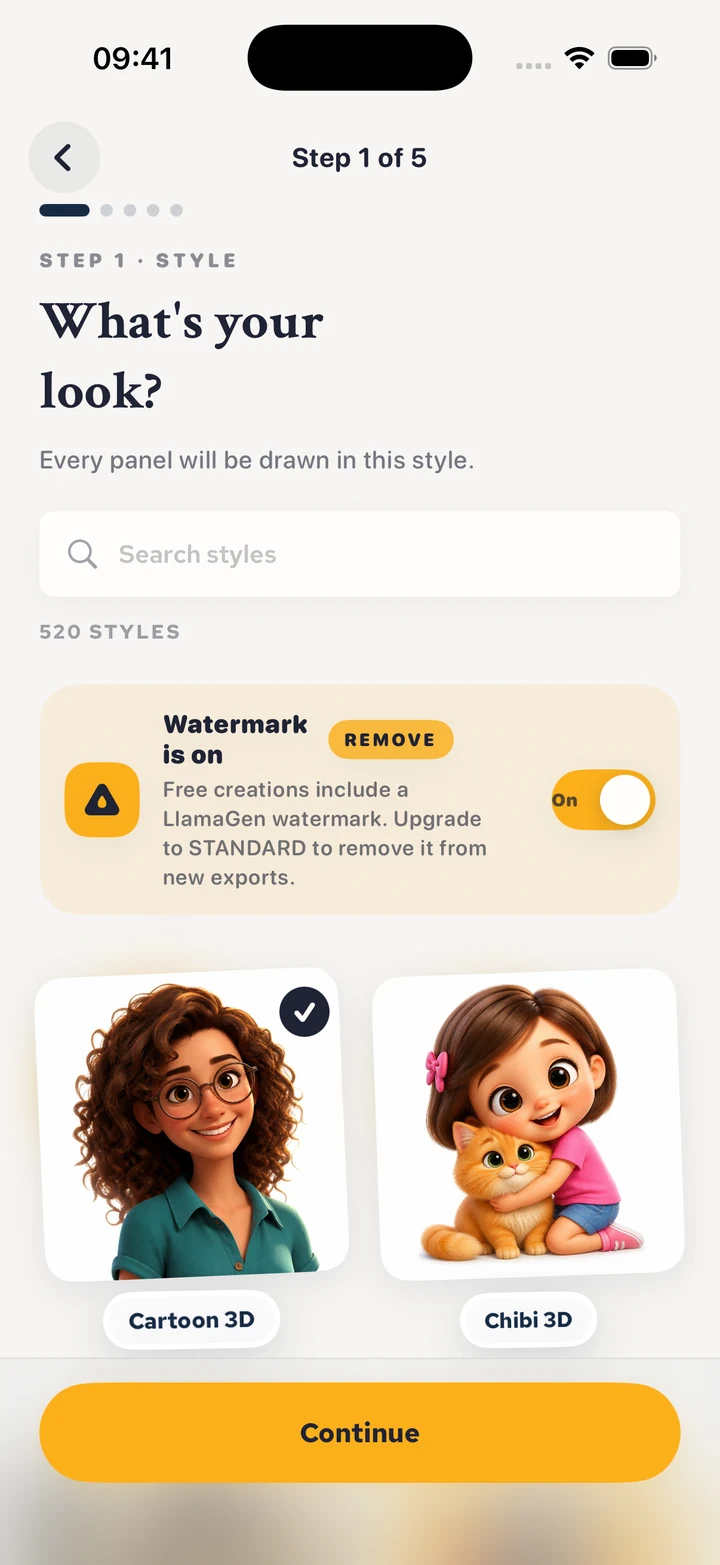
iPhone · Choose a comic style

How to choose

Three iPhone comic-making approaches

These apps overlap around comics, but the creation model is different. Pick the one that matches how you want to start.

LlamaGen

Best for

AI story-to-comic drafts and recurring characters

Start from a story or prompt, create single- or multi-panel comics, keep recurring characters and scenes more consistent, then edit, save, or share from the iOS app. Reference-image uploads depend on plan eligibility.

Clip Studio Paint

Best for

Manual and professional comic or manga drawing

A drawing-first iPhone workflow with panel frames, speech balloons, text, effect lines, screentones, layers, and multi-page comic management in eligible plans.

MediBang Paint

Best for

Drawing-first manga and comic pages on iPhone

A lightweight illustration and comic workflow with brushes, comic panels, screentones, fonts, cloud projects, and mobile drawing tools.

How to choose

Choose by workflow, not by a generic “best” label

Start from text or from a blank canvas

LlamaGen is useful when the input is a story, prompt, or reference. Clip Studio Paint and MediBang are stronger when drawing and manual page construction are the main job.

Decide how much continuity you need

For recurring AI characters and scenes, use a workflow that stores story context and references. For exact linework, lettering, and tone placement, drawing-first tools offer more direct control.

Check editing and export before committing

A fast first panel is not enough for a real comic. Review page editing, speech balloons, multi-page work, file export, and sharing before choosing your main iPhone app.

FAQ

FAQ

Is LlamaGen a comic maker app for iPhone?

Yes. LlamaGen has an official iOS app for iPhone and iPad. It supports prompt-based comic creation, single- and multi-panel layouts, editing, saving, and sharing; some reference-image features depend on plan eligibility.

Which iPhone app is better for drawing comics by hand?

Clip Studio Paint and MediBang Paint are drawing-first choices. They expose brushes, layers, panel tools, lettering or tone controls directly instead of starting primarily from AI story generation.

Can I make a comic from photos on iPhone?

Yes. Photo-led comic apps exist, and LlamaGen can use reference images on eligible plans. If your main task is photo-to-comic rather than general comic creation, use the dedicated iPhone photo-to-comic page.

Verification

App Store sources checked November 11, 2026. Product availability, pricing, and plan limits can change. Use the linked App Store pages as the source of record for current compatibility and purchase details.

Choose the iPhone workflow that matches how you create

If you want to move from an idea to a multi-panel draft quickly, start in LlamaGen. If you want to hand-draw every line, compare the drawing-first options above.

Get LlamaGen on the App Store