














Excel转漫画

Excel转漫画免费转换器

将表格转换为漫画风格的视觉故事。上传Excel或CSV文件,将数据、计划或场景变成易读的漫画页面。

To
Comic
拖拽文件、粘贴文件或点击上传免费版最大 10MB,付费版最大 50MB

如何免费将Excel转换为漫画?

Step 1EXCE

上传Excel文件

上传你的Excel文件,或在支持的页面粘贴来源内容。LlamaGen 会把它作为漫画生成的参考素材。

Step 2Create

用 AI 创建并编辑Excel漫画

点击创建漫画,AI 会把来源内容转成分镜、画面节奏和字幕结构。生成后可以继续在 LlamaGen Studio 中编辑。

Step 3Share

下载或继续 AI 创作

生成完成后,你可以继续调整分镜、字幕和版式,也可以把结果用于教学、营销、故事草稿或社交内容。

Convert Excel to Comic Online with AI

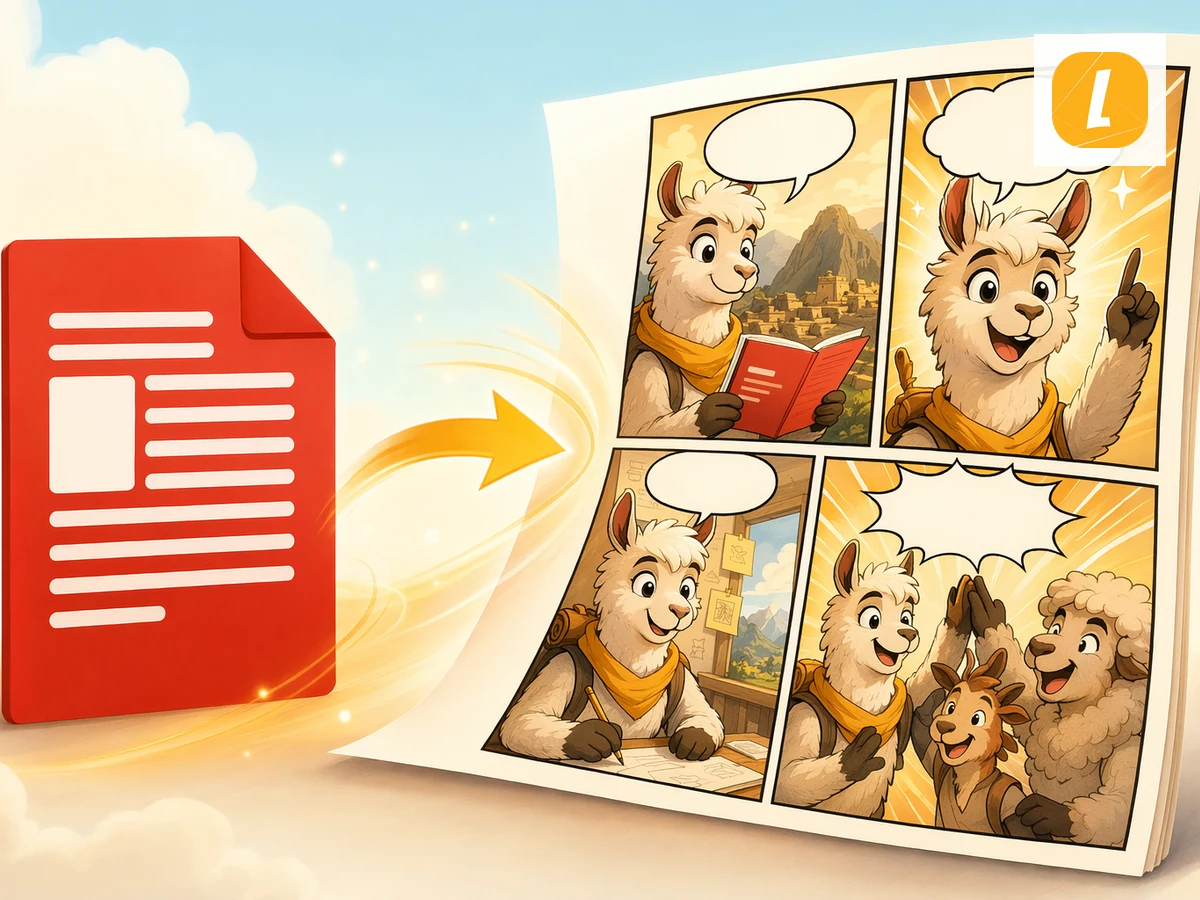
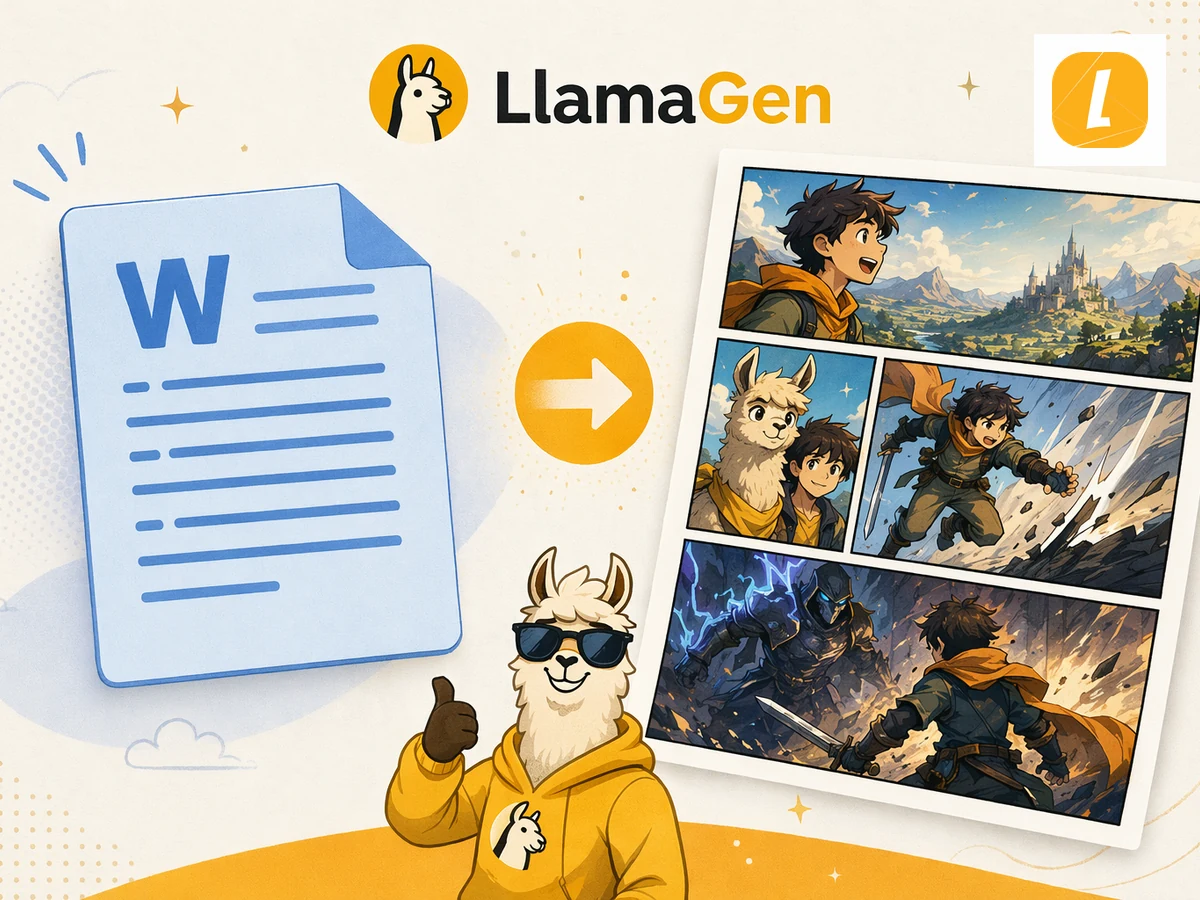
Convert Excel to Comic online in seconds using LlamaGen's AI comic converter. Upload your Excel source, paste notes when supported, and turn the material into a panel-ready comic page with captions, pacing, and a clean visual structure. Instead of rebuilding a comic from scratch, you can start from existing content and continue editing the result in LlamaGen Studio.

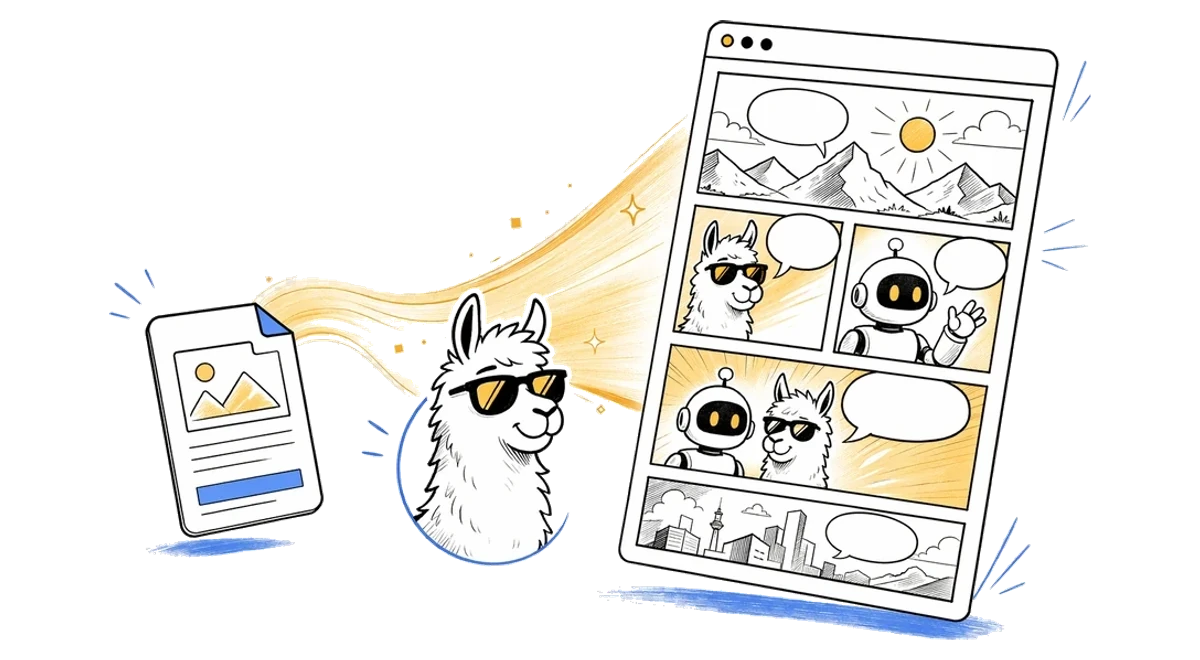
Excel转漫画 online AI comic workflow illustration
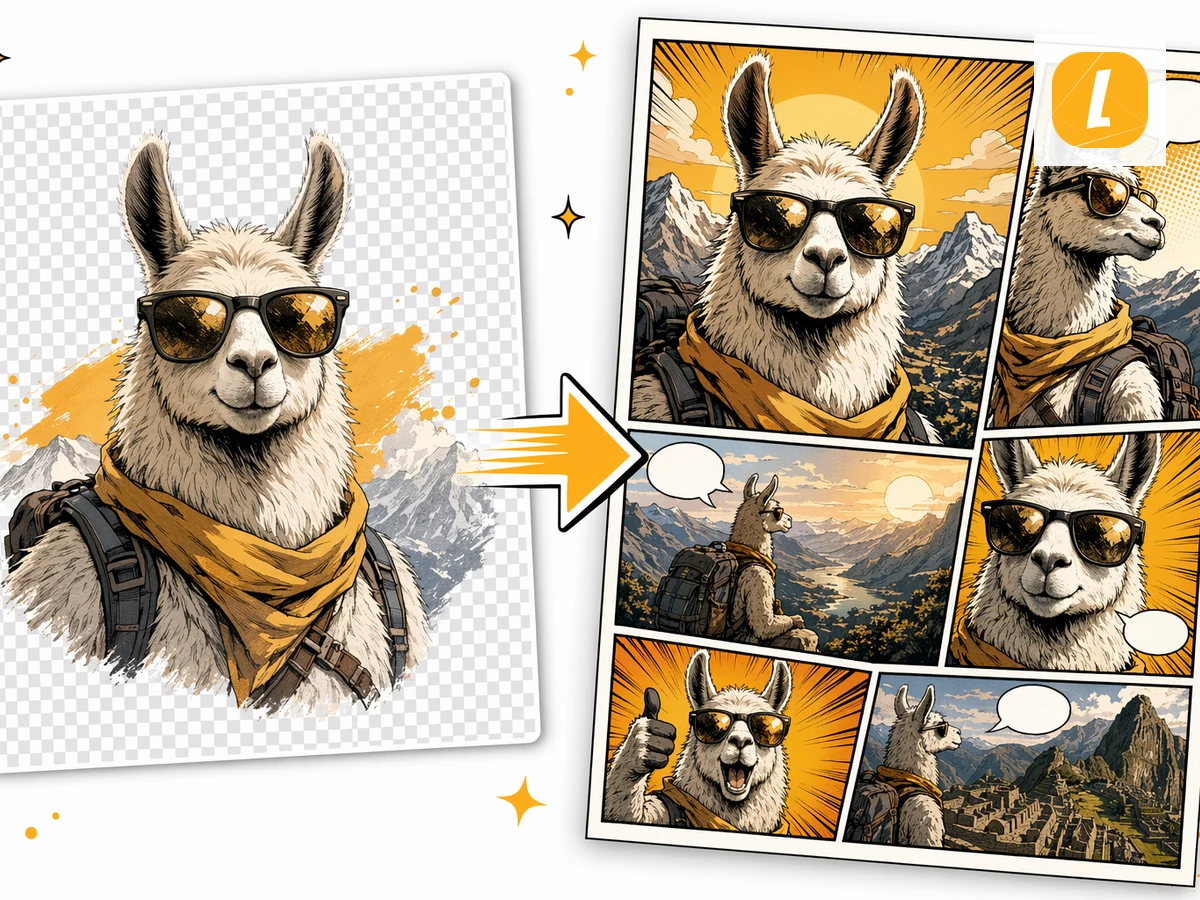
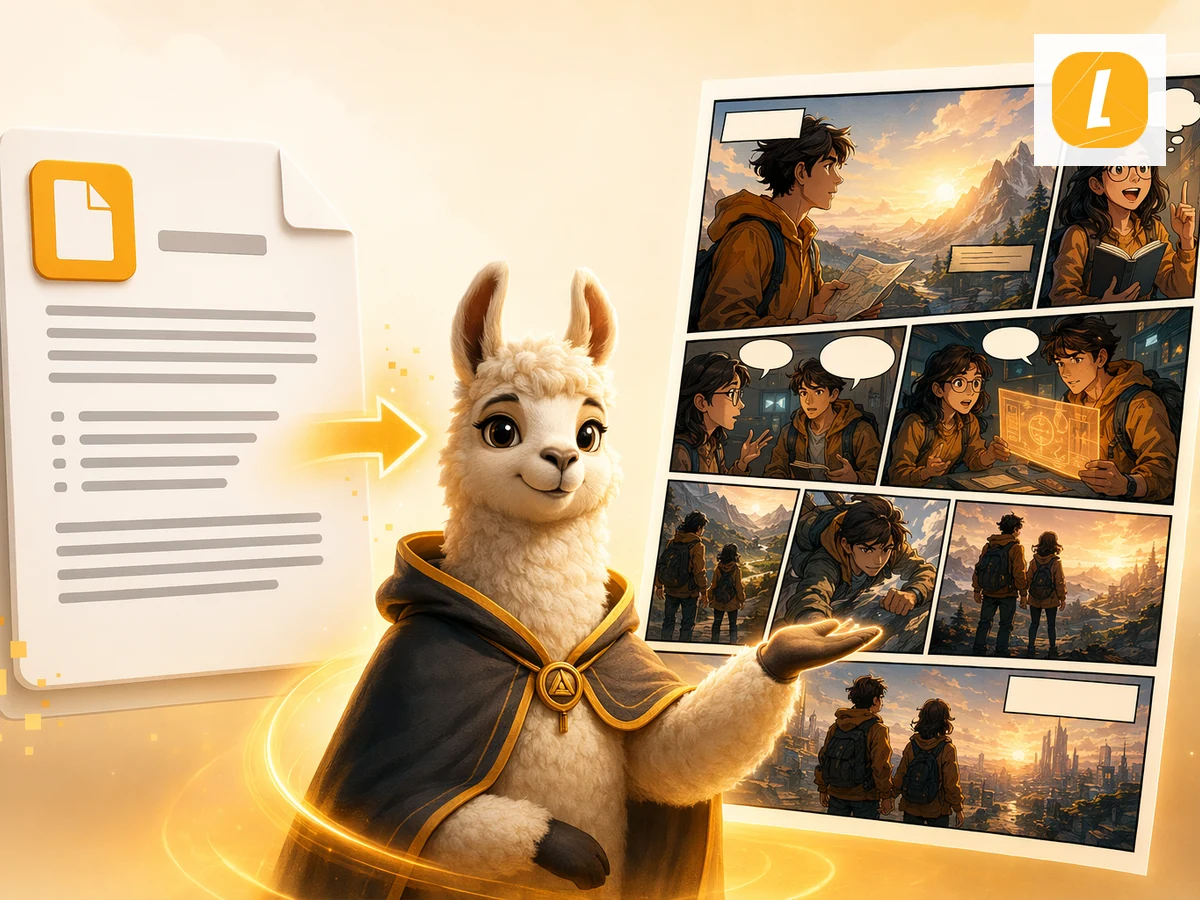
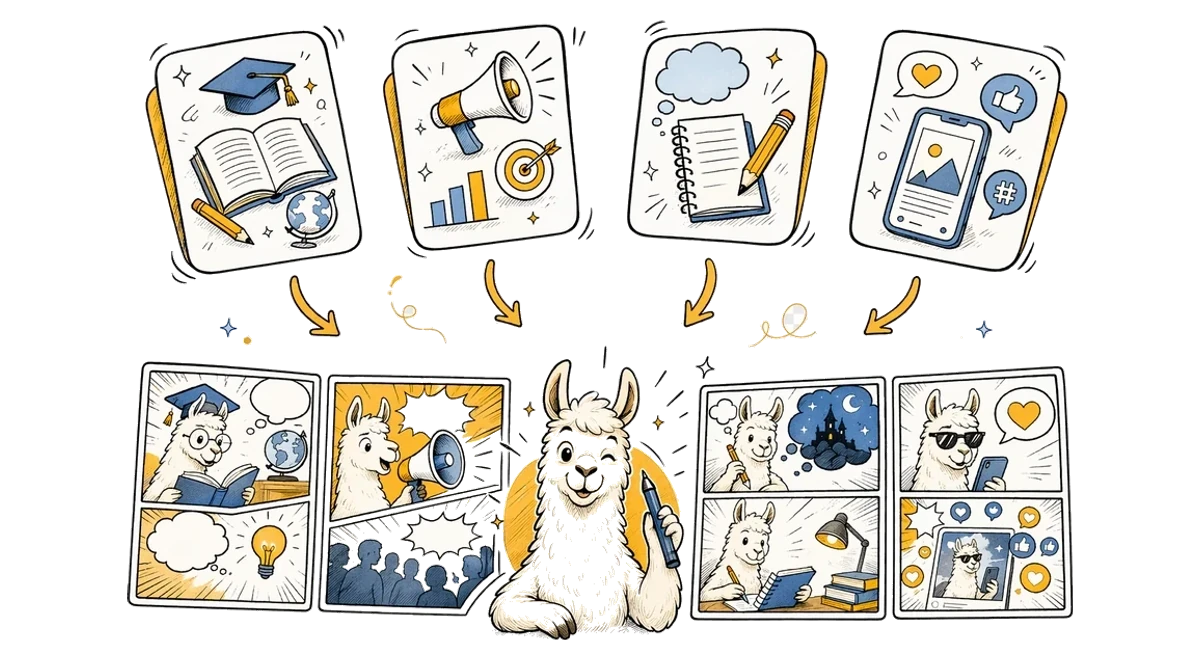
Excel转漫画 use cases illustration

Free Excel to Comic Converter for Any Use Case

This free Excel to Comic converter is designed for creators, teachers, marketers, students, and storytellers who need to turn source material into visual stories. Use it for explainers, class materials, character scenes, social posts, pitch concepts, or fast creative drafts. LlamaGen keeps the workflow simple while giving you an editable comic result you can refine after generation.

Excel转漫画常见问题

什么是Excel转漫画?

Excel转漫画是LlamaGen的一款工具,能利用您上传的Excel源文件,生成带有分镜、旁白和漫画布局的AI漫画页面。

如何将Excel转换成漫画?

上传您的Excel文件,可选填写漫画方向说明,然后点击“生成漫画”。LlamaGen会根据Excel转漫画主题,用英文提示词发送上传的内容。

Excel转漫画会使用上传的文件吗?

会的。页面会先上传您的文件,然后通过useCreateComic中的uploadedAttachments流程,让漫画生成请求可以引用该附件。

生成后可以编辑漫画吗?

可以。成功生成后会在LlamaGen漫画工作区打开,您可以继续编辑漫画页面。

Excel转漫画支持哪种文件格式?

Excel转漫画支持.xlsx、.xls、.csv文件,大小不超过50MB。

Excel转漫画适合讲故事吗?

适合。它专为将源内容转化为分镜漫画故事设计,可用于教育、说明、社交发布和创意草稿等。