

Design an original mecha suit
Develop a mecha suit concept around its job, silhouette and moving parts. Build an original armor brief, then inspect the generated design from helmet to boots.
Model
20+More
Style choices guide the image prompt. Results vary.
Design details
These choices guide the image brief. Review the result for the details that matter to your design.
Choose a model to compare speed and credits. Sign in to generate; models marked PRO require a paid plan. Example artwork illustrates a direction; results vary.
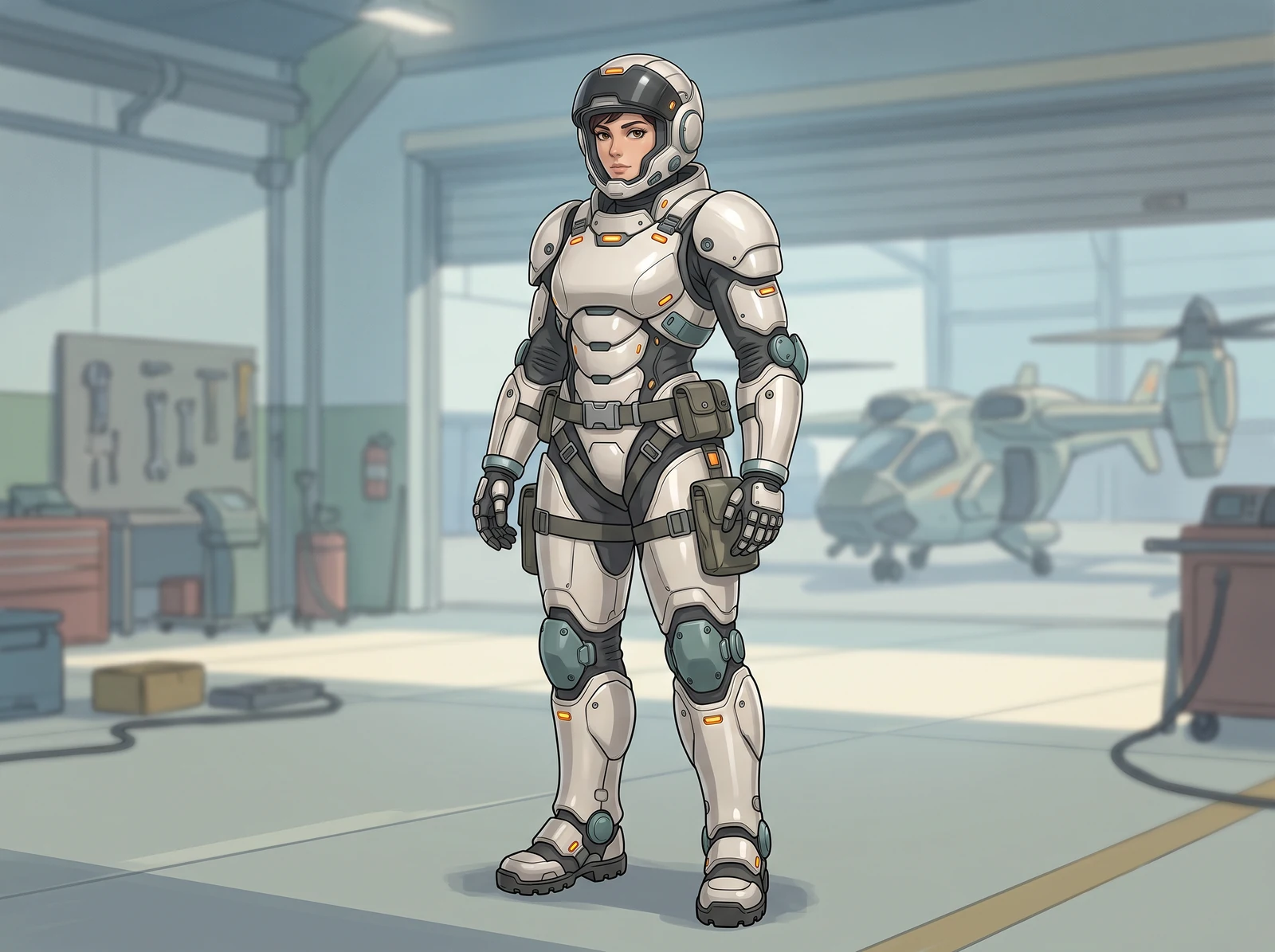
Bring the suit concept to the design table
See the original armor illustrations on workboards, handheld sheets and coordinated concept prints before preparing a production brief.
AI-staged mockups place original artwork in everyday creative settings. They are presentation ideas, not customer photographs, physical product samples or screenshots of the generation tool. The armor remains an illustrated concept; no wearable suit, engineering prototype or manufactured equipment is shown.
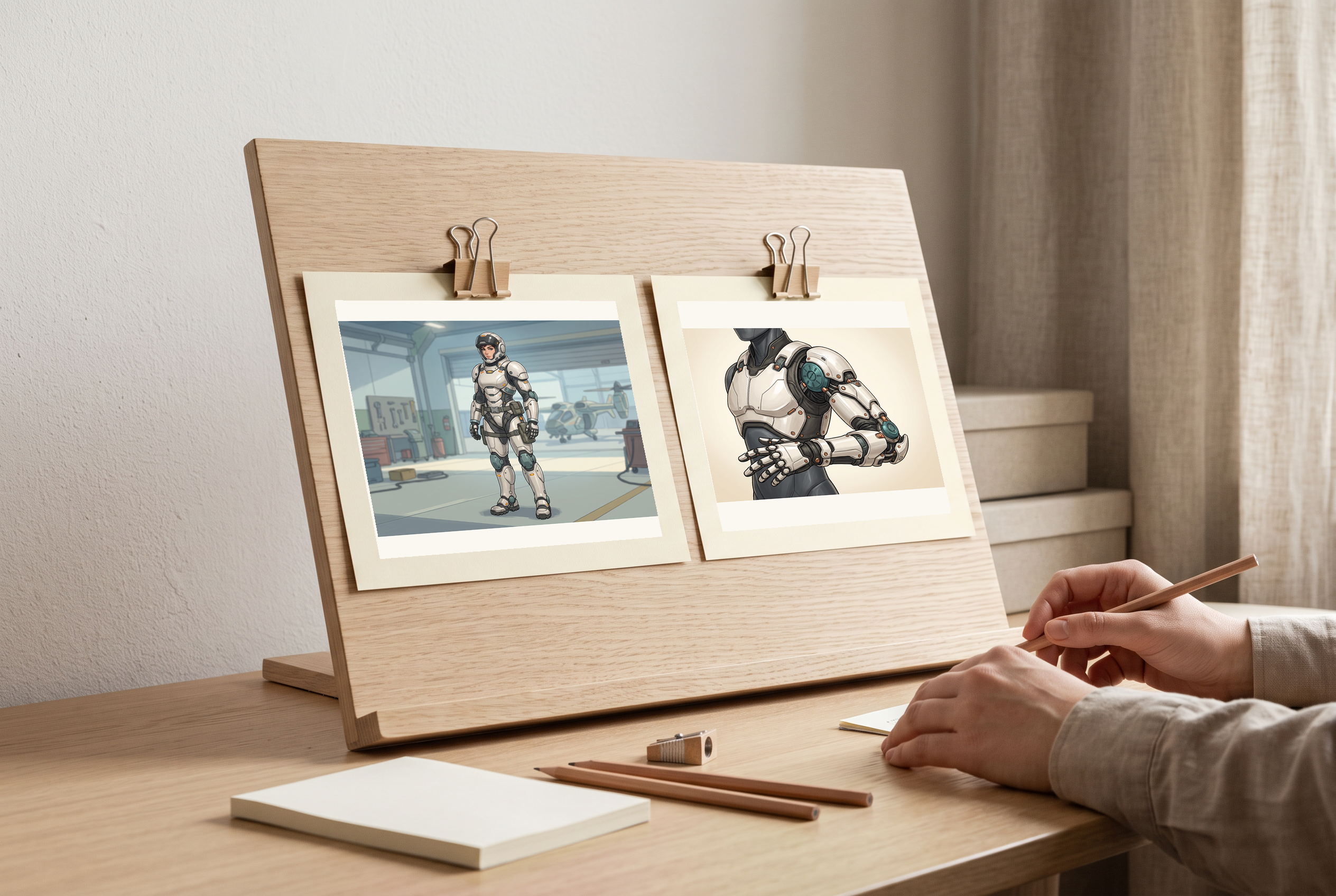
At the design desk
The original rescue-suit concept on a design workbench, with a separate mechanical-detail print and open space for notes.
Before you use this layout
- Compare joint placement and the overall silhouette in the original files.
- Keep engineering measurements and real equipment validation separate from the illustration.
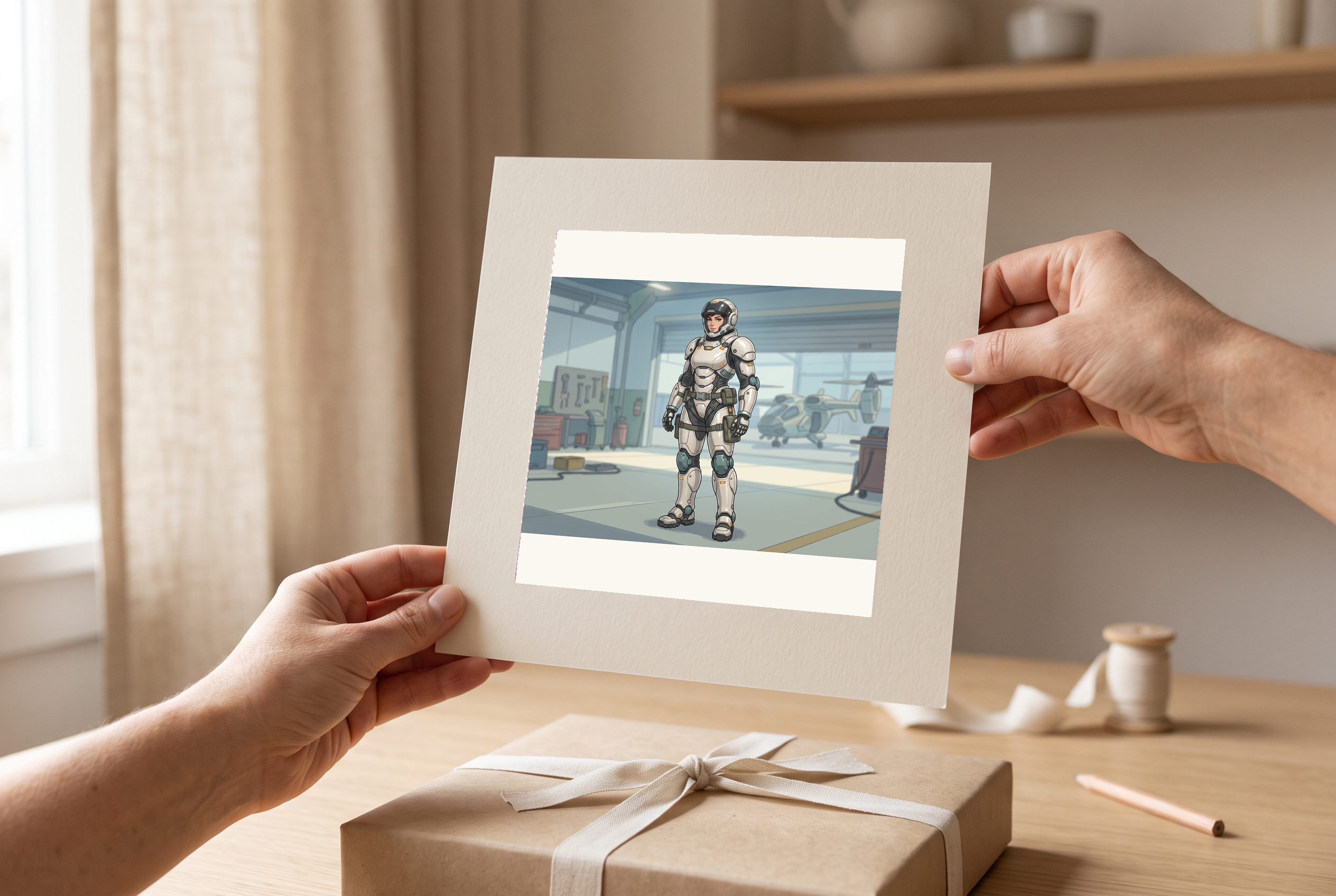
A design in hand
An adult hand holds the full-suit design sheet, with the complete illustrated figure visible inside the paper border.
Before you use this layout
- Check that the head, hands and boots remain inside the final print crop.
- Review mechanical joins at full size rather than judging only this staged print.
Artwork in this scene: 1
View full scene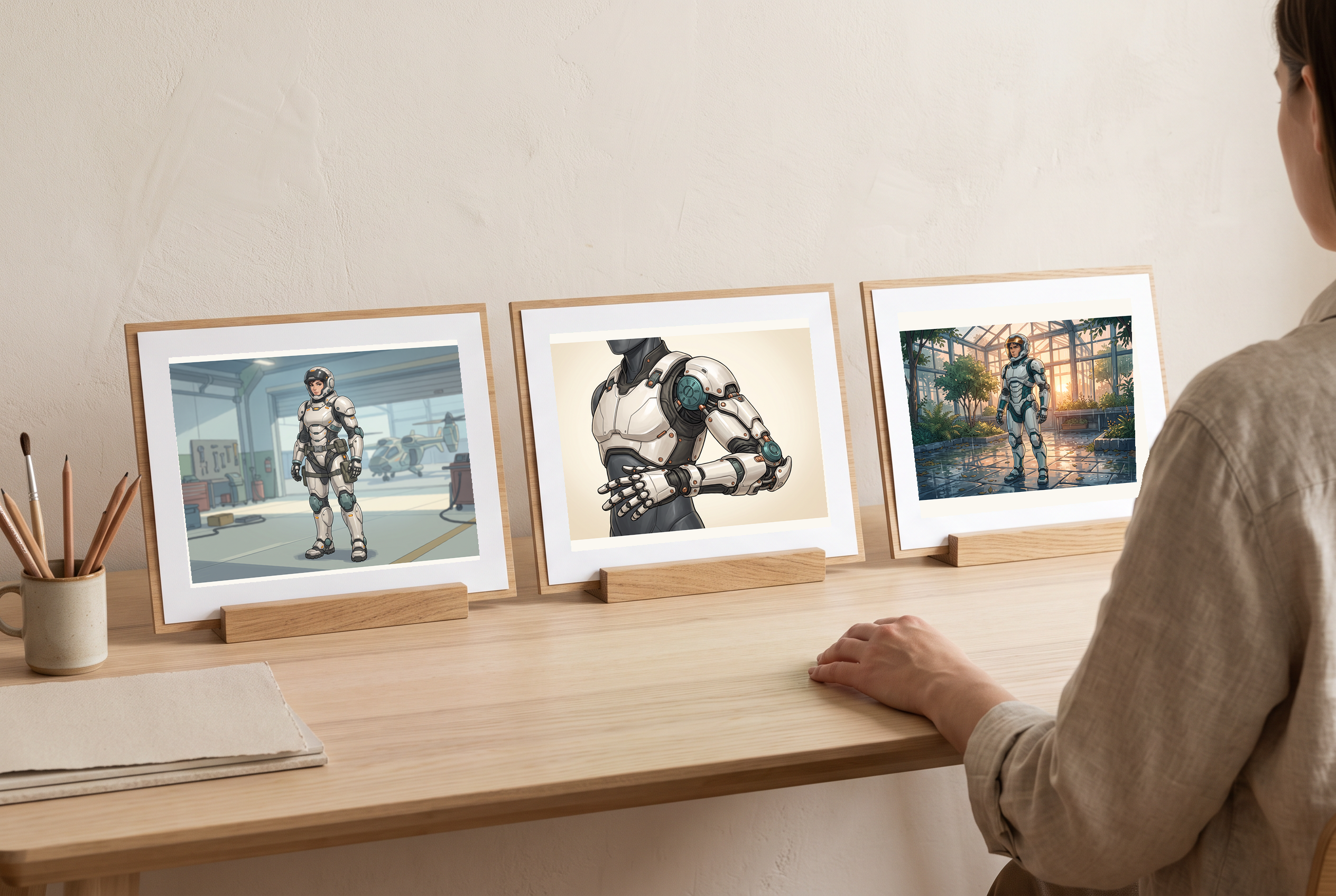
Compare illustration directions
Full-suit, mechanical-detail and rescue-scene illustrations arranged as three distinct concept prints for comparison.
Before you use this layout
- Decide which details belong in the final brief before comparing new drafts.
- Treat the images as separate design directions, not verified views of one engineered suit.
Artwork in this scene: 1, 2, 3
View full scene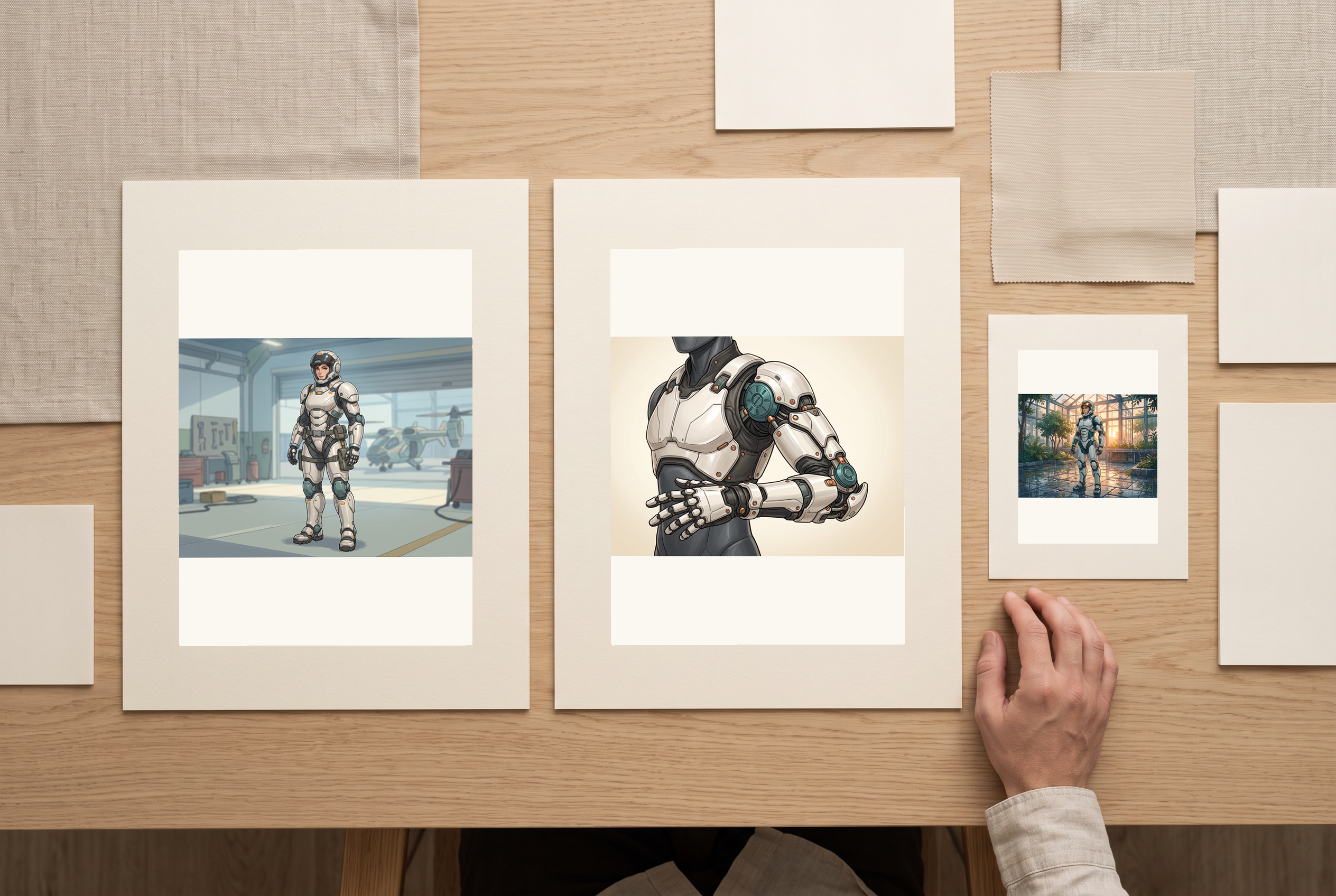
A coordinated concept set
A coordinated set of armor concept sheets and a small reference card on a creative workspace.
Before you use this layout
- Use matching borders and scale for a readable presentation set.
- Label unresolved materials and mechanisms before handing the concept to a specialist.
Artwork in this scene: 1, 2, 3
View full scene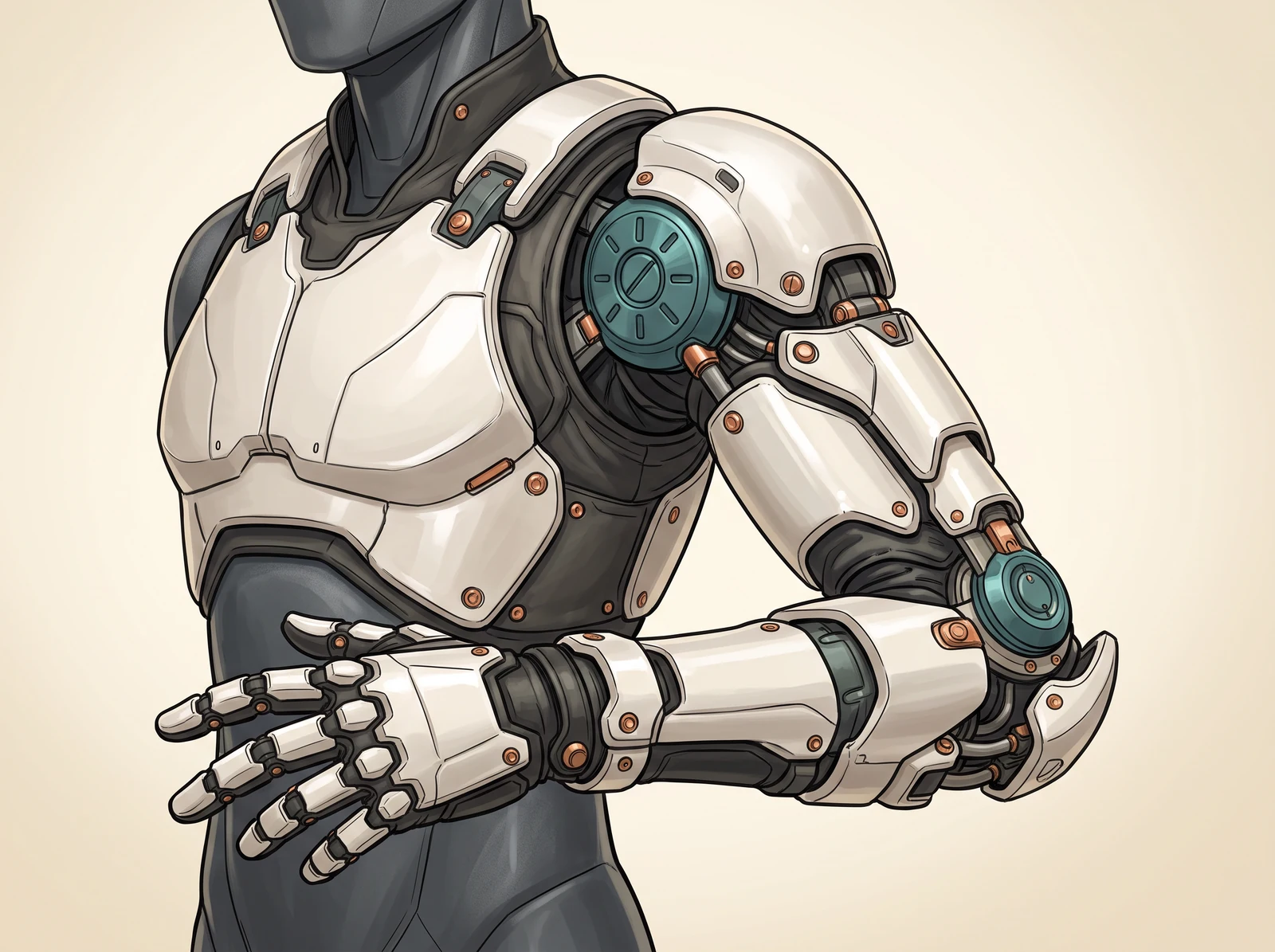
Start with the suit's job
A rescue frame and a survey suit need different shapes. Describe the task first, then choose where bulk, visibility and equipment belong. This page develops a suit concept rather than applying a mecha comic style to an entire story.
Create my designShow the construction in your chosen style
Ink emphasizes joints, Concept emphasizes materials, Anime emphasizes the silhouette and Watercolor suggests a softer surface. The four cards add visual directions to your prompt. They do not guarantee a particular renderer, identical parts across views or engineering accuracy.
Create my design
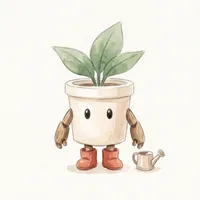
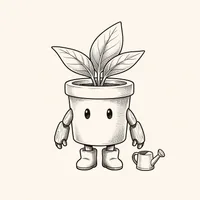
Illustrative art directions shown on an original plant robot.
Explore more possibilities for your design
A silhouette with a purpose
Connect shoulders, torso and leg proportions to a specific civilian task.
Details you can inspect
Ask for visible joint clearance, consistent panel seams and equipment that has an obvious place.
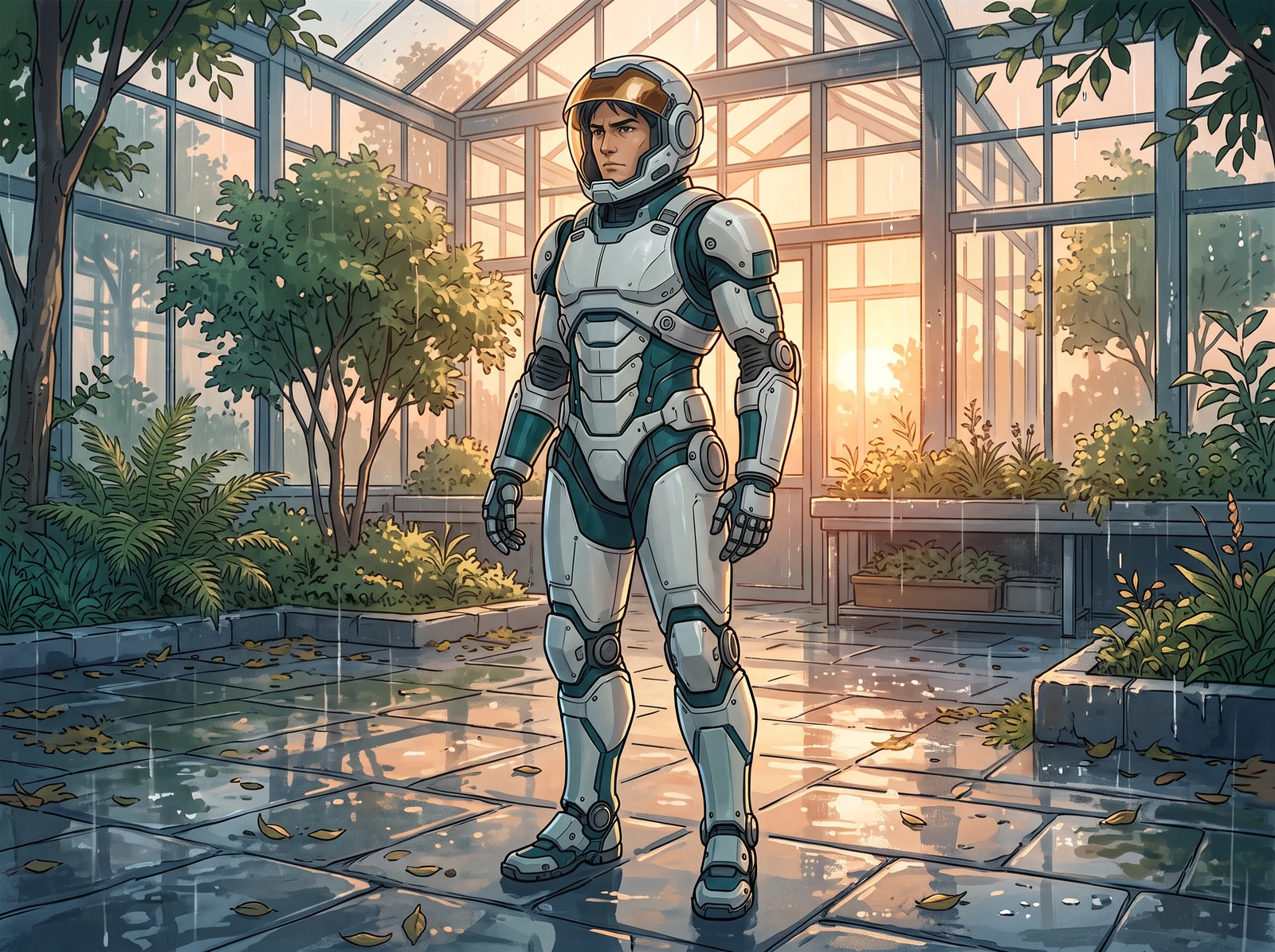
A brief for the next draft
Keep the useful design notes when you revise the prompt or continue into a character sheet.
Keep the design original and conceptual
Create your own armor language, insignia and character. Any pilot must be an adult aged 25 or older. Review the result for copied marks and distorted anatomy. Generated armor is visual concept art, not a safe construction plan, protective-equipment specification or evidence of a working mechanism.
Create my designMade for your next creative project
Character designers
Develop armor around an adult character's role and physical silhouette.
Indie storytellers
Prepare an original suit reference before placing it in comic scenes.
Costume planners
Explore shapes and color blocking before making a separate practical build plan.
The details that make a useful design
Role-led brief
Choose a task to guide the suit's equipment and proportions.
Silhouette directions
Request compact, broad or lean construction in the prompt.
Joint reminders
Call out elbows, knees and the separation between overlapping plates.
Material notes
Describe a restrained mix of ceramic, fabric, metal or translucent parts.
Four style directions
Compare Anime, Concept, Watercolor and Ink requests for the same suit brief.
Portrait composition
Begin with a 3:4 request and leave space around the complete suit.
Switchable image models
Start with GPT Image 2 Fast or choose another model. The generation button shows the current credit estimate for your selection.
Reviewable output
Inspect the actual image for merged joints, uneven limbs and missing equipment.
How to create your design
- 1
Choose the suit's task
Start with survey, rescue or maintenance, or describe another original civilian role.
- 2
Describe its proportions
Name the largest shapes and where the pilot needs visibility and movement.
- 3
Pick a visual direction
Select a style and add a small material and color palette.
- 4
Review the generation settings
Choose a model, check the aspect ratio and review the selected model's access requirements and button credit estimate.
- 5
Inspect and revise
Review the image at full size and change one design problem at a time.
Your questions, answered
How is this different from a mecha comic generator?
This brief focuses on one suit's silhouette, joints and equipment. A comic-style page focuses on the appearance of a scene or page sequence.
Do the design choices lock the model's output?
No. They add prompt directions. The model can interpret them differently, so inspect the actual image.
Can I generate front and back views?
You can request them or continue into the character model-sheet tool. Matching mechanical details across views still need manual comparison.
Can I use an existing franchise suit?
Use an original design and references you are permitted to use. Avoid copying recognizable franchise armor, emblems or named characters.
Is the result a buildable armor plan?
No. It is a visual concept. Structural, electrical, ergonomic and safety decisions require separate qualified design work.
How does generation use my plan?
GPT Image 2 Fast is the starting selection. You can switch models; account access, available credits and any plan requirements depend on the chosen model. Review the generation button's current credit estimate before submitting.