One character, many views


Focused image workflow
Character Model Sheet Generator
Generate a character turnaround and expression sheet for animation, games, and comic pre-production.
Create a model sheet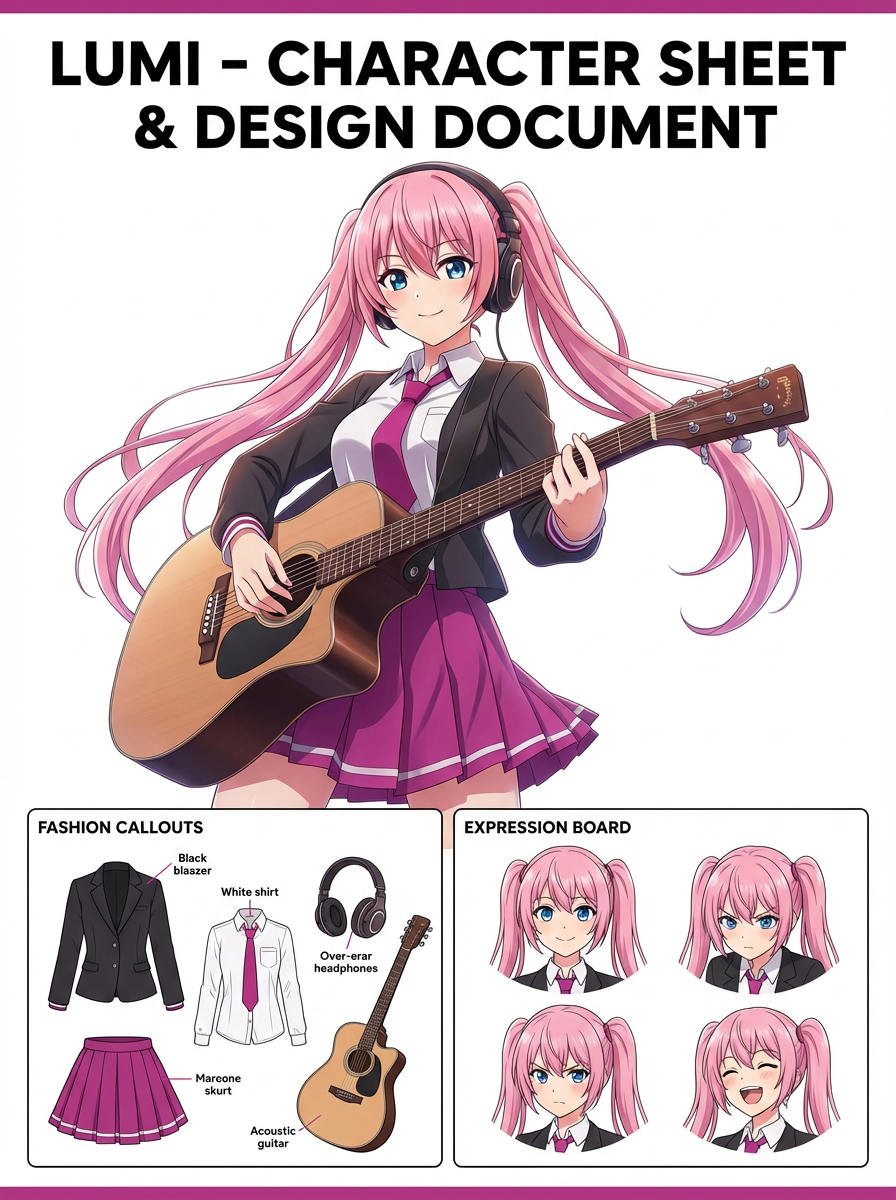
Build a turnaround and expression sheet
Describe one original character, or upload a reference still, then generate a model sheet with multiple views and expressions.
329 / 2000
Use 1K for quick drafts. Upgrade for 2K/4K finals and no-watermark exports.
Art style
Explore examples, workflow details, and practical guidance
Turnaround and expression rows
Built for production reference
Locks the same design across the sheet
Workflow
Build, generate, then review
Step 1
Describe one original character or upload a still that already has the face, outfit, and colors you want to lock.
Step 2
Ask for the views you need: front, three-quarter, side, back, expression row, or a small pose row.
Step 3
Generate the sheet, check that every view is the same character, then use it as the reference for later pages or clips.
Art direction
What to refine after the first draft
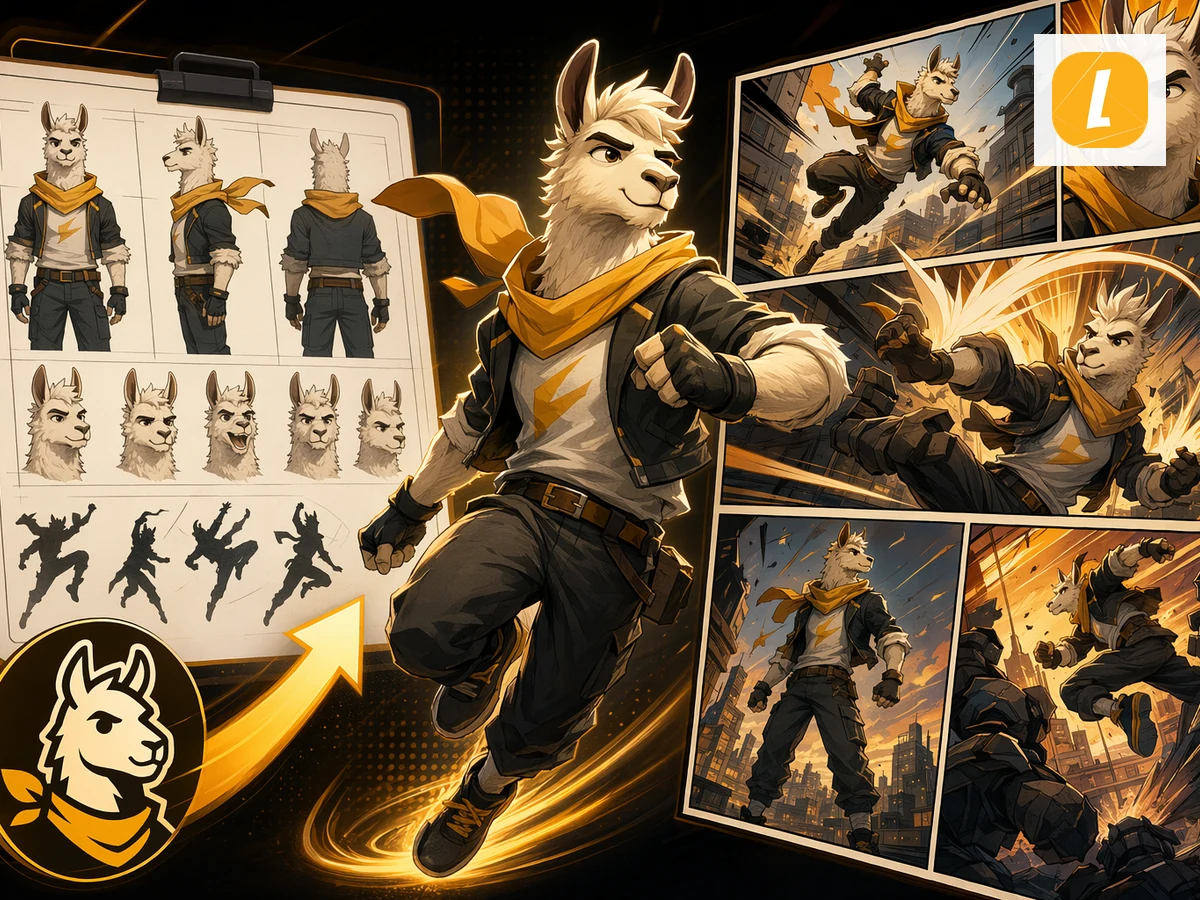
A sheet, not a single hero portrait
This page is for turnarounds, expression rows, and pose rows. It is not a one-image character reveal.
Same design on every view
The prompt path asks the model to lock hair, outfit, colors, and silhouette so the sheet can guide later animation or comic work.
Upstream of comics and clips
Use the finished sheet as the source of truth before you move into OC Maker, comic pages, or talking-cartoon clips.
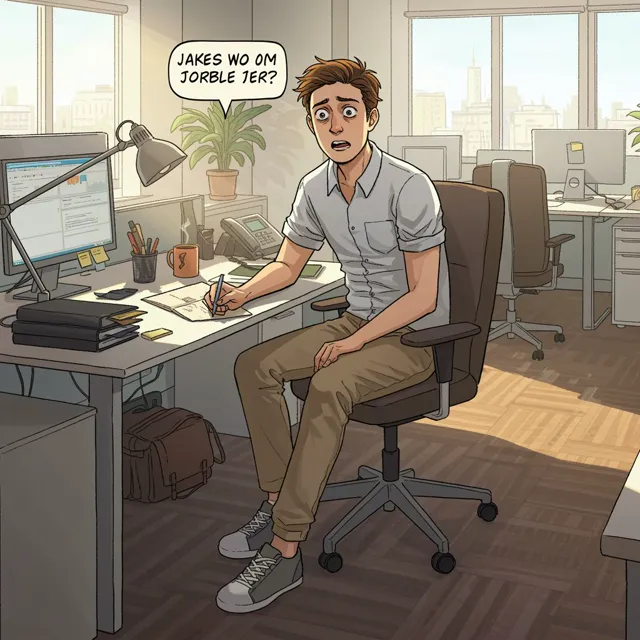
Example directions
Compare complete visual directions
FAQ
Practical questions
What is a character model sheet?
A character model sheet shows the same character from multiple views, plus expressions or poses, so later artwork stays consistent.
How is this different from a single character portrait?
A portrait is one hero image. A model sheet is a production reference with turnaround views and an expression row.
Can I start from an existing still?
Yes. Upload a reference image and ask the sheet to keep that face, outfit, and color set across every view.
Who is this for?
It is for animation, game, and comic pre-production when you need a reusable reference before drawing or generating later scenes.
Does this replace OC Maker?
No. This page makes the reference sheet. OC Maker is for browsing and creating original characters inside a fan-collection workflow.
Take the strongest direction into production
Generate several directions, choose the one with the clearest visual promise, then proof the details before publishing or printing.
Character identity review
A new style should still look like the same person
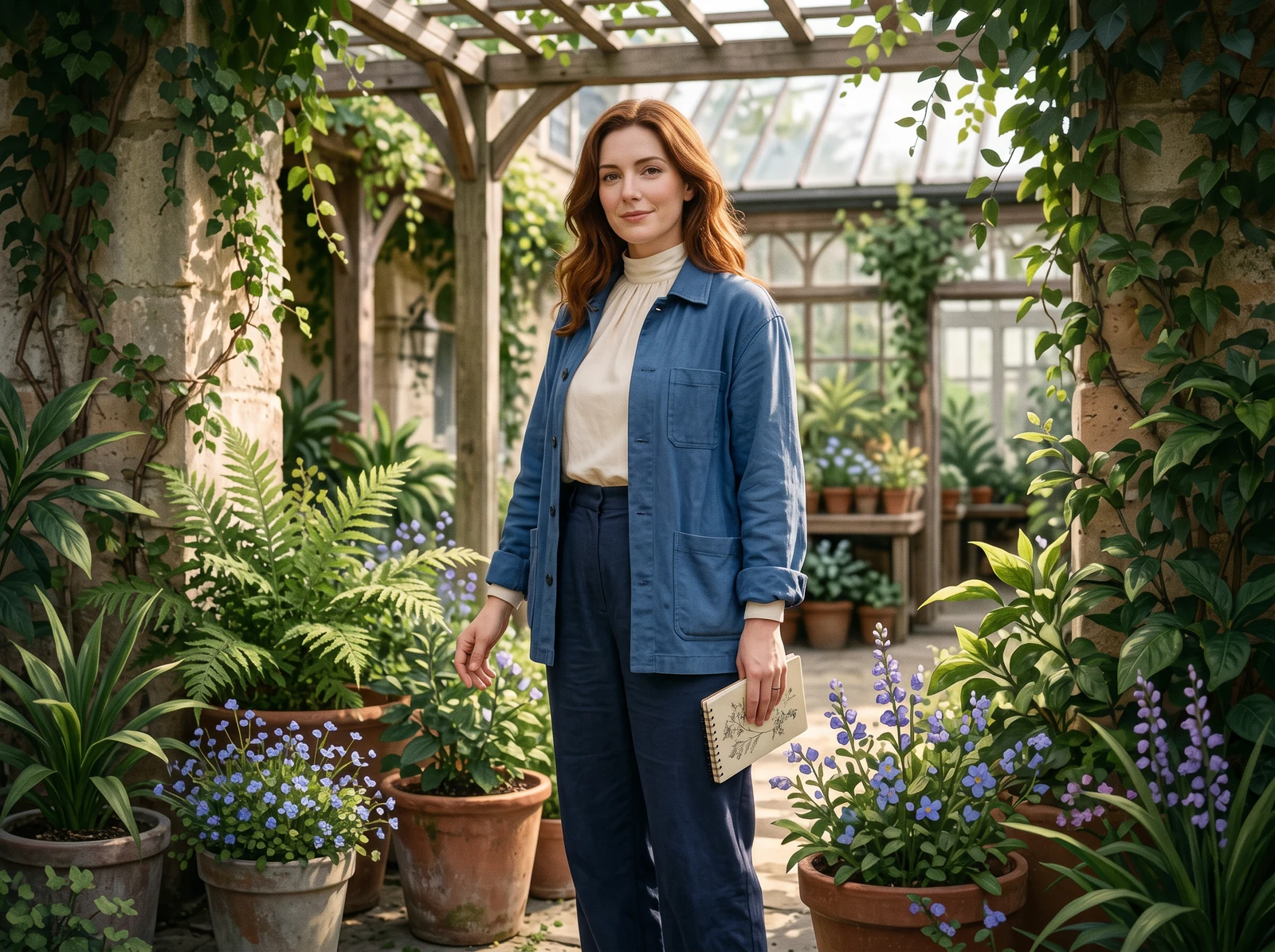
Compare a realistic portrait and a semi-realistic illustration against one reference. Keep the framing and light similar, then judge the face, hair and clothing separately from the rendering style.
One reference, two visual directions
Use the reference as your comparison point. Softer shading can be a style choice; a different jaw, hair length or jacket is a character change to review before you reuse the image.
These original character concepts were generated separately with Vertex to illustrate the review. They are not customer photos, LlamaGen test outputs or evidence of a verified repair.
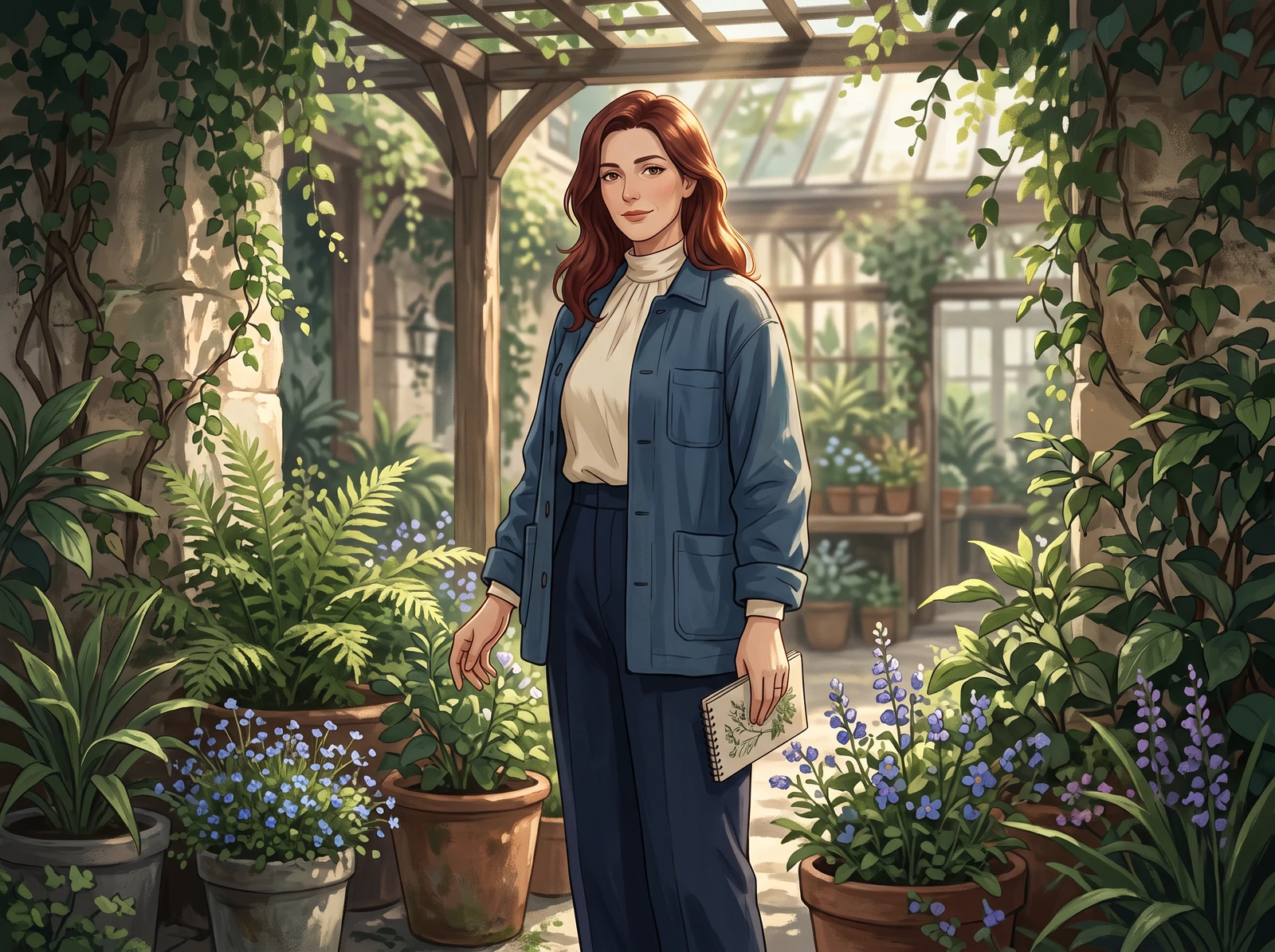
Original character reference
The original concept gives the comparison a fixed character, outfit and setting.
Realistic direction
Check facial proportions and hair silhouette instead of accepting realistic texture as proof of identity.
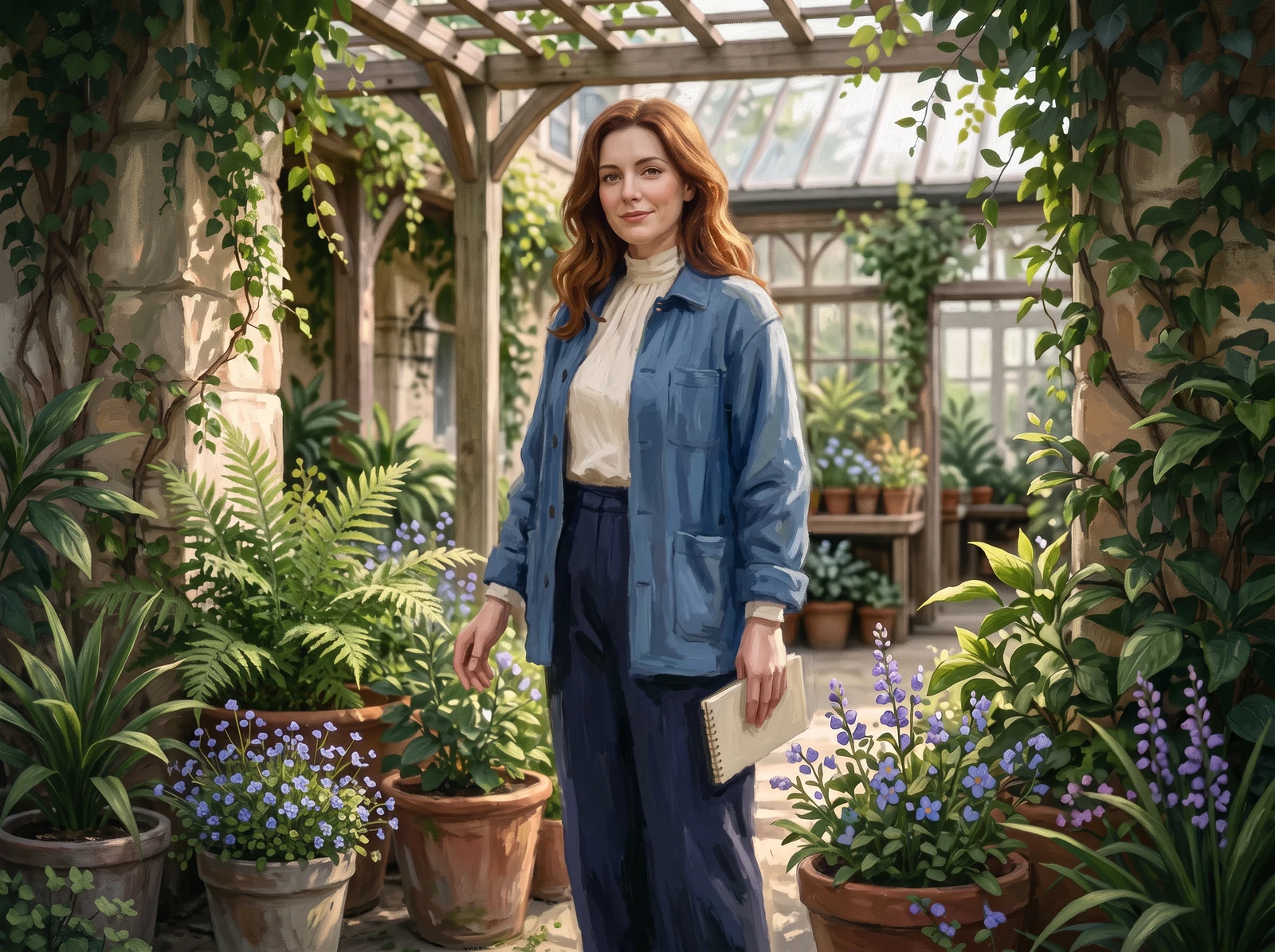
Semi-realistic direction
Painted surfaces may change; compare the same face, hair length and clothing anchors.
Decide what must stay before comparing style
Write a few visible identity anchors rather than asking for perfect consistency. Use features you can actually see in the reference; do not infer hidden details from a single view.
- Face and proportions
- Compare eye spacing, jaw shape and the adult facial proportions at similar framing. Texture and brushwork should not decide whether the identity matches.
- Hair silhouette
- Keep auburn hair that falls just below the shoulders recognizable. Check length, outer shape and where it meets the collar, rather than matching individual painted strands.
- Clothing and color
- Compare the blue chore jacket and cream high-neck top. Check the collar and garment arrangement; lighting may shift the apparent color.
Fix one mismatch
Name the drift before asking for another version
A longer hairstyle is a specific mismatch you can describe. Keep the original reference beside the chosen result and change one issue at a time, so you can tell whether a revision helped.
Example issue to flag
The reference’s hair falls just below the shoulders. A longer hairstyle changes the outer silhouette, even if the face and painted finish are appealing.
- 1
Return to the original reference
Keep the original and the candidate available together. Reusing only a drifting result can carry the mismatch into later scenes.
- 2
Choose a correction method your editor supports
If a local edit or mask is available, limit the edit to the hair and its edge. Otherwise, request a new candidate and compare the whole image again.
- 3
Review the revision before keeping it
Check the hair against the original, then inspect the face, collar and background for unintended changes. A focused instruction does not guarantee a focused result.
Example revision instruction
Use the original reference for the character's auburn hair that falls just below the shoulders. Restore that length and silhouette. Keep the chosen image's facial proportions, blue chore jacket, cream high-neck top, framing, light and rendering style unchanged. Do not add accessories.
Before using the character in another scene
- The revised hair length matches the original reference, including the edge near the collar.
- The face, garment arrangement and framing have not changed unintentionally.
- The result still reads as the intended realistic or semi-realistic direction.
- The reference and written identity anchors remain available for the next generation.
A character design, ready for everyday display
Explore the fictional character as a notebook cover, a handheld folio, different print layouts and a coordinated print-and-screen collection.
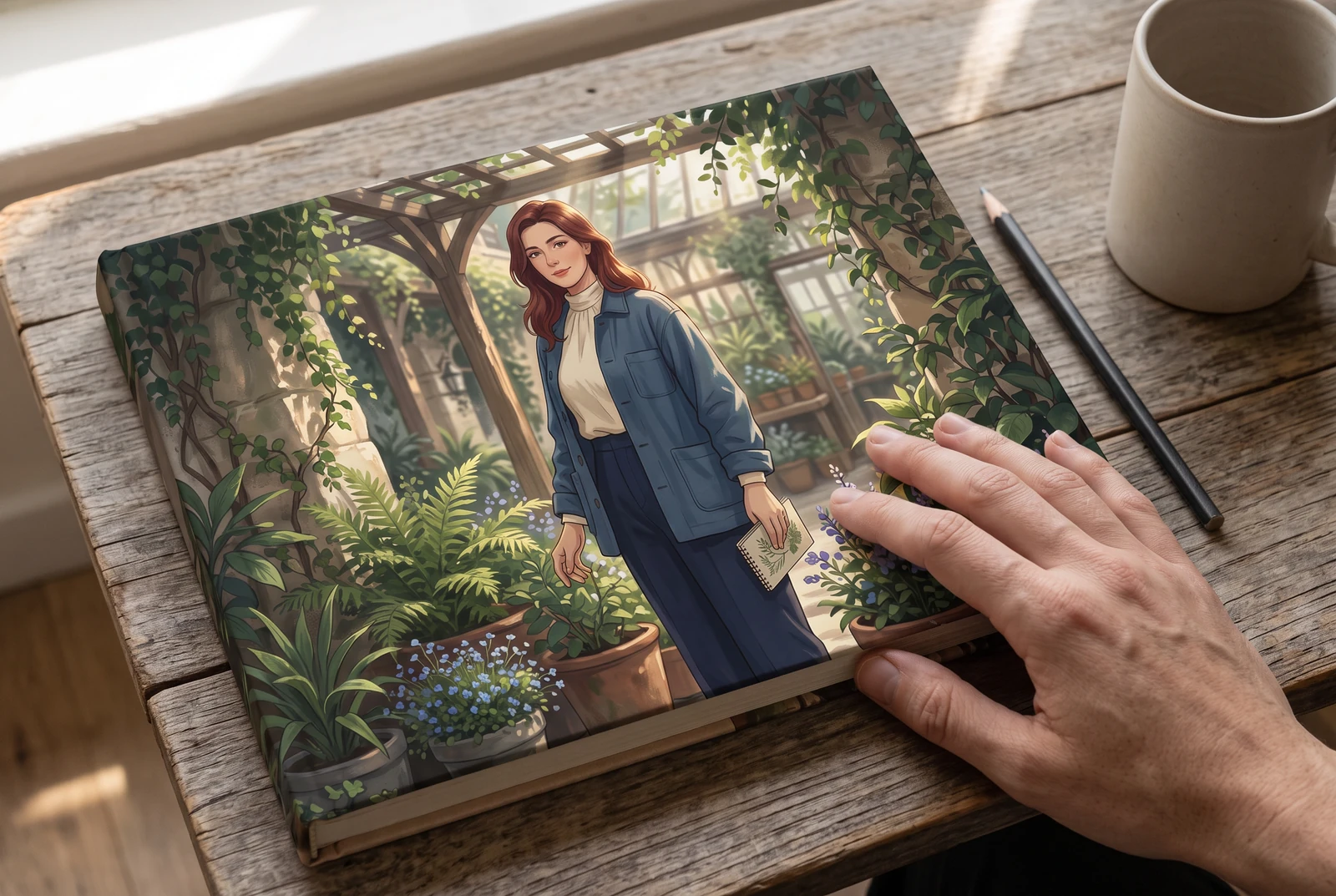
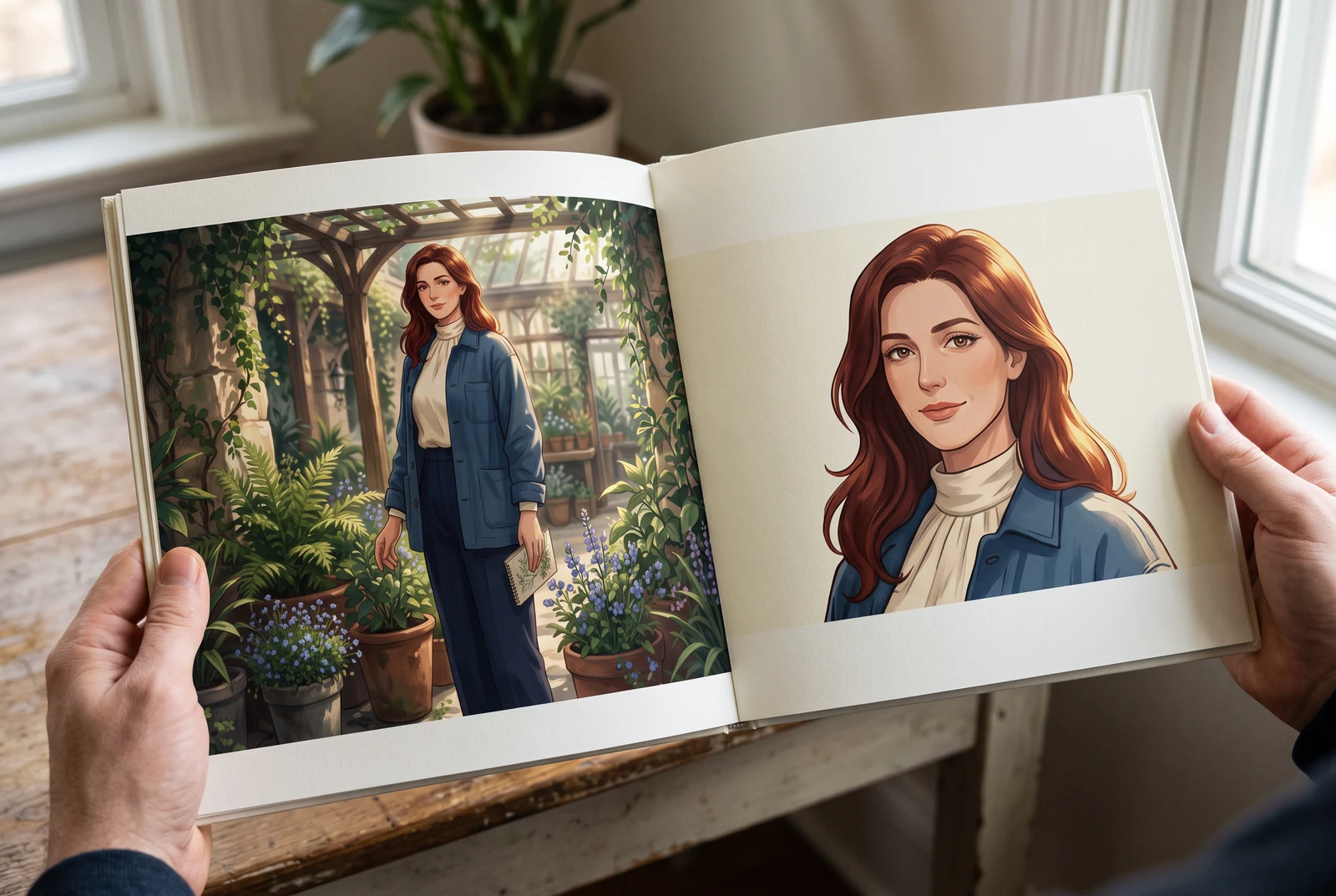
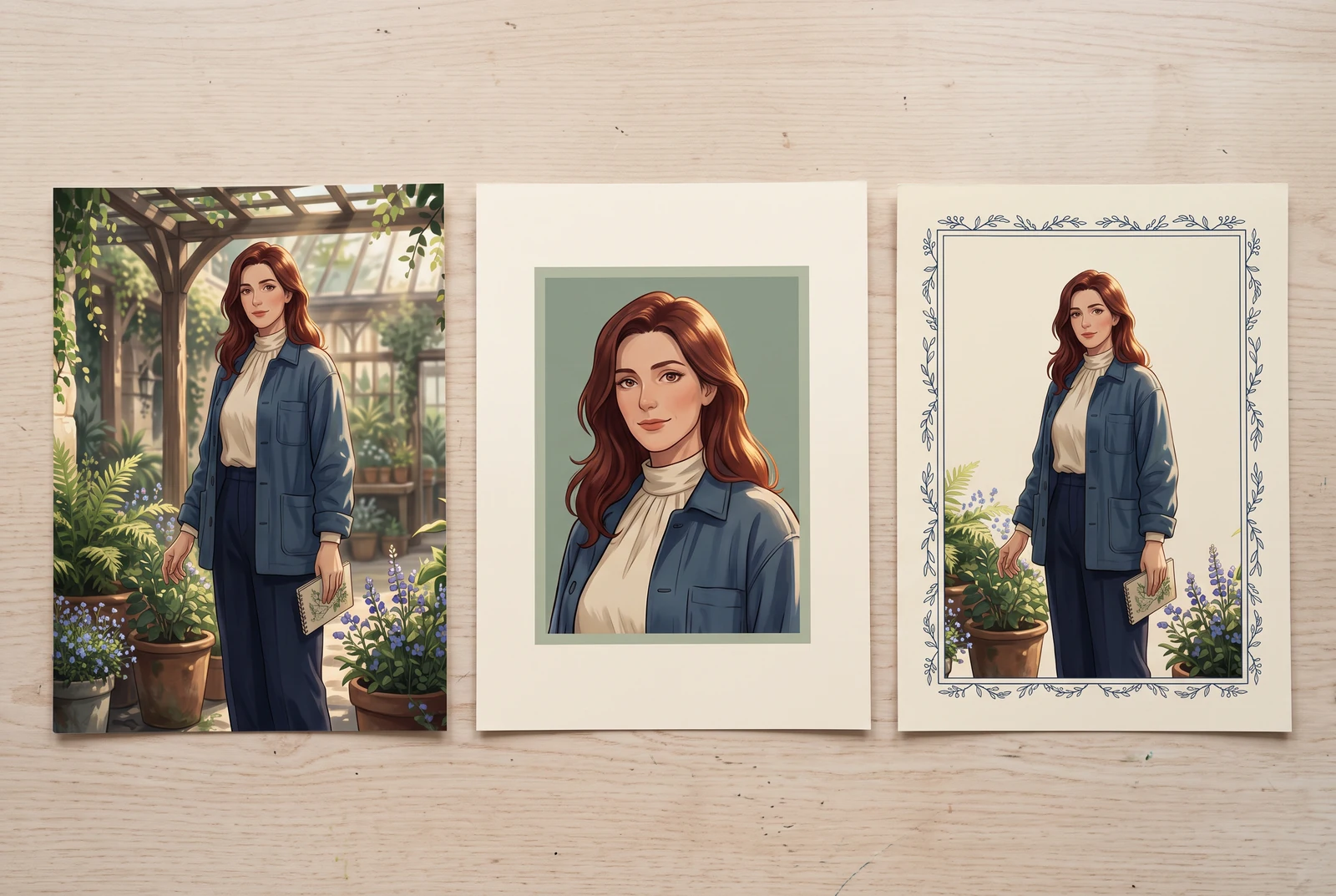
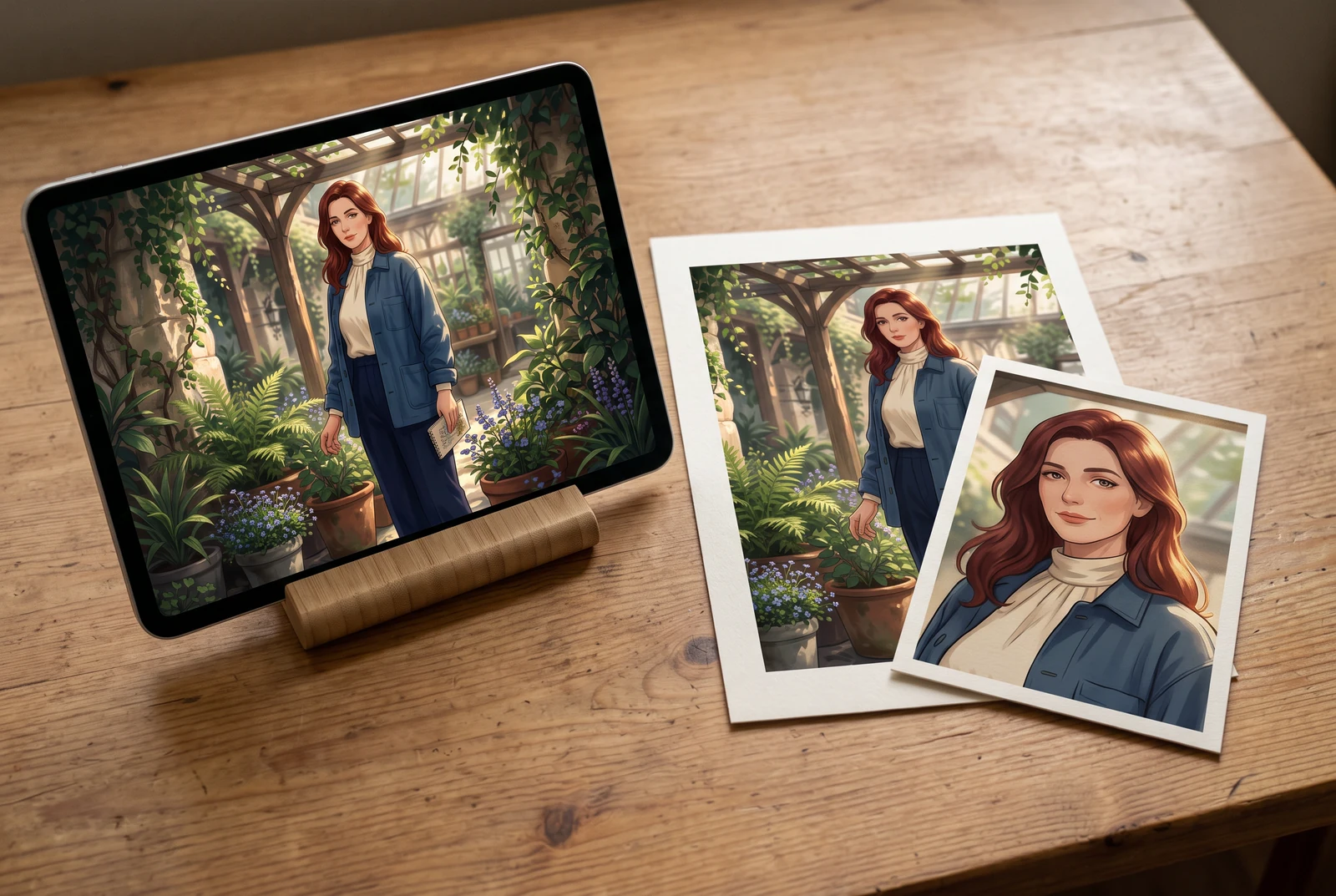
AI-generated lifestyle concepts, created with Vertex Nano Banana 2.1. These scenes show possible downstream display ideas, not customer photos, product screenshots or a printing and fulfillment service.