Replace one object or detail
Mask a limited region and change the selected element without asking the model to reinterpret the whole composition.


AI Local Image Editor
Open LlamaGen's existing Photo Editor Studio when the job is local: paint a mask over the region that should change, then use inpainting or the relevant repair action while preserving the rest of the image.
This is a real handoff to the existing IOPaint-based Photo Editor Studio, which already supports masked editing workflows including inpainting and object removal. The studio itself is noindex; this feature page is the public search-intent owner.
Local editing workspace
Upload an image, paint a mask over the exact region that should change, then describe the replacement or repair. This workspace uses the existing authenticated LlamaGen inpainting API rather than a demo or client-only mock.
Brush the exact area you want to change
Generation uses the existing LlamaGen inpainting credit flow.
Your generated local edit will appear here for comparison.
The mask defines where the model may edit; preservation outside the mask should still be reviewed. Inspect the masked boundary and the untouched parts of the image before publishing.
Product evidence
The public studio already exposes image editing around masks and localized repair. This landing page explains when to use that workflow and sends the user directly into the existing editor.
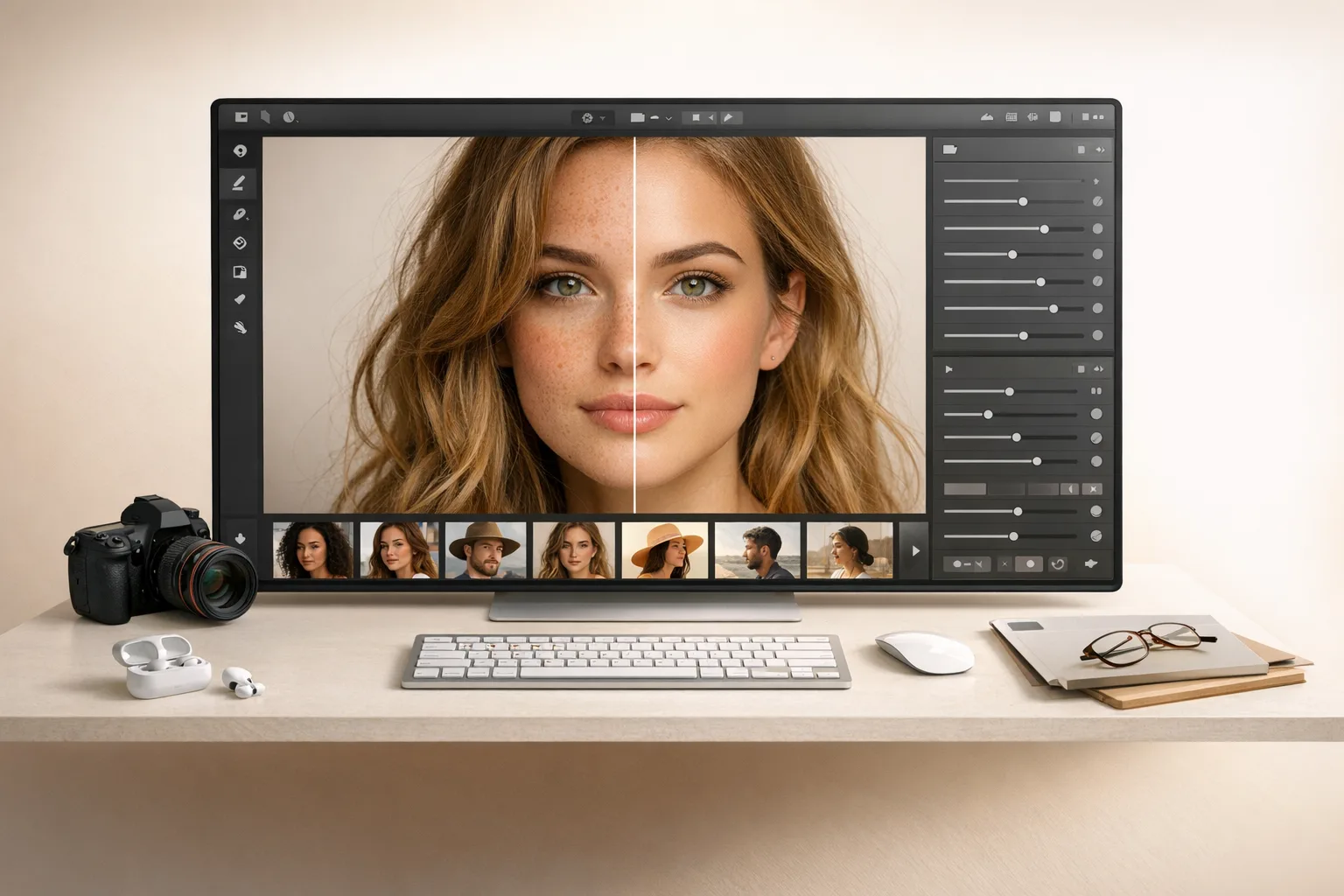
Mask a limited region and change the selected element without asking the model to reinterpret the whole composition.
Use local inpainting for small missing, distracting, or malformed regions where the surrounding image should remain stable.
Change a prop, clothing detail, sign area, texture, or local background region while keeping the rest of the image intact.
Upload the image into the existing Photo Editor Studio and inspect the source at a useful zoom level.
Cover the complete region that should change without spilling into nearby details you want to preserve.
Review the changed area, edge transition, texture, lighting, perspective, repeated patterns, text, faces, and hands before keeping the result.
It means selecting a specific region of an existing image and changing that region while trying to preserve the rest of the source.
No. Object Remover is a narrow removal task. Local Image Editor is broader and can replace, repair, or modify a masked region depending on the editing action.
Yes. The primary CTA opens the existing AI Photo Editor Studio, which uses an IOPaint-based masked editing workspace.
Related workflows