

AI Comic Download: Save Pages, PDF and CBZ
Download your own AI comic from LlamaGen Studio. Choose images, a PDF or a CBZ archive, understand paid options, and check the final file before sharing.
LlamaGen product team · Updated October 25, 2026
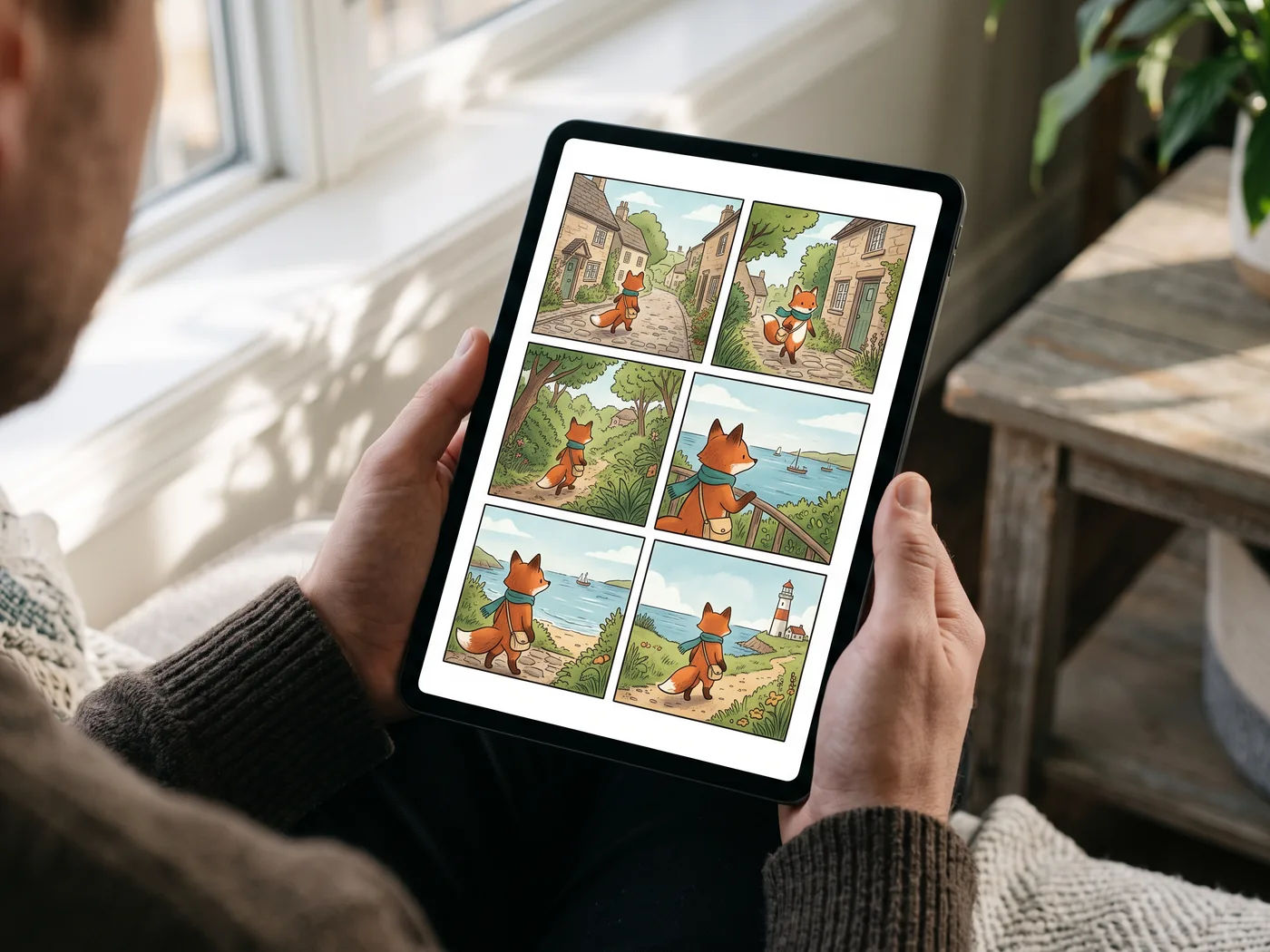
AI-generated concept scenes. Printing and devices are illustrative; LlamaGen provides digital files.
A repeatable export workflow
Example workflow: a six-page chapter for offline reading. Choose all six pages, compare PDF with CBZ, then inspect page 1 and page 6 in the app your reader will use.
Use PNG for a single page with small dialogue; choose JPG or WebP when a smaller image matters.
Choose PDF for one document, or CBZ for a compatible comic reader. A file extension alone does not guarantee support in every app.
Download your own project after review. For the mobile app itself, use the official Download page.
Original artwork, in page order
Export finished comic pages as a sequential MP4
If you want your approved pages to play one after another, use Comic Studio's MP4 download. This export assembles rendered page images into a video. It does not ask an AI model to redraw the artwork or generate character movement.
This workflow is based on a review of the export implementation, not a recorded signed-in export test. The timing examples below are plans to check against your actual downloaded file, not measured results.
Prepare the pages, then choose the pace
Check the finished document
Open your saved comic and inspect the pages you intend to share. Confirm the dialogue, page edges and document order. Existing text in an imported image or PDF page remains part of that image; it is not recovered as editable lettering.
Select the pages in Download
Choose all pages or a selection. The export follows their order in the document, not the order in which you click the thumbnails. Check the first and last selected page before continuing.
Choose MP4 and Page timing
MP4 requires a paid plan. In the download dialog, select MP4 and choose Fast, Story or Cinematic under Page timing. Each selected page receives the same hold time from that preset; this is not a per-panel timeline.
Open the actual video
After download, open the MP4 outside Studio. Watch every page transition, check the duration and inspect small dialogue and borders on the receiving device. Keep the source project so you can correct a page and export again.
Plan a video of about 30 seconds
The verified page-timing control offers three presets. It does not provide an arbitrary total-duration field or a different custom hold time for every page.
- Fast
- 3 seconds per page
- Planning example: 10 selected pages × 3 seconds = about 30 seconds.
- Story
- 6 seconds per page
- Planning example: 5 selected pages × 6 seconds = about 30 seconds.
- Cinematic
- 10 seconds per page
- Planning example: 3 selected pages × 10 seconds = about 30 seconds.
These totals are planning arithmetic, not a guarantee of an exact encoded duration or a 30-second processing time. Check the resulting MP4's duration. If delivery needs an exact length, uneven holds, transitions or audio, finish those details in a separate video editor and review that final file.
Keep these three boundaries clear
- A page is not an automatically detected panel
- Each selected document page is rendered as one video image. A page containing six panels stays a six-panel page; this export does not detect borders, crop the panels or infer their reading order. Prepare separate crops or pages first if you need one panel per shot.
- No generative redraw does not mean lossless pixels
- The MP4 path captures the rendered page and encodes it as video. Capture sizing and video encoding can affect sharpness and edges. Compare the exported video with the source; do not promise pixel-for-pixel preservation of lettering, linework or borders.
- A timed sequence is different from AI animation
- Page timing controls how long each page appears. It does not add camera movement, new character acting, lip-sync, narration or music. Comic to Video is a separate generation workflow with its own modes, credit costs and visual changes to review.
Check the file before calling it finished
- Confirm that the number of displayed pages and their first-to-last order match your selection.
- Inspect a complete multi-panel page: outer edges, gutters, speech bubbles and important props should remain readable.
- Pause at each page change to check for missing images, unexpected blank frames or a clipped final page.
- Read the actual MP4 duration rather than relying on the planned page-count calculation.
- Open the video on the destination device. If you need sound, precise cuts or captions, check the file after that separate edit too.
Download, export & print
Turn reviewed comic pages into files your readers can use.
Export your comic to PDF
Download selected Comic Studio pages as one PDF. Compare page-range export with Save All As PDF, choose a reading or paper size, and check the result before sharing.
Print your comic from Comic Studio
Prepare a comic PDF, choose a paper size and print a proof. Learn what Use My Printer does on desktop and mobile, and check lettering, margins and image resolution.
Find the controls in Comic Studio
Captured from the authenticated product on These English-interface crops exclude account details and comic content.


Edit your AI comic. Choose how it leaves the studio.
The comic maker and AI comic generator open the same editable Comic Studio. Finish the panels, then choose a download for reading, printing, a birthday gift, or a presentation.
| Format | Best use | Access |
|---|---|---|
| PNG / JPG / WebP | Share finished page images. PNG suits crisp dialogue; JPG and WebP reduce file size. | Standard settings |
| Keep selected pages in one document. Save All As PDF offers Auto fit and paper-size controls; proof a page before printing. Use my printer continues into the browser’s PDF print flow. | Standard settings | |
| CBZ | Read an ordered comic archive in a compatible comic reader. | Paid plan |
| PPTX | Place each selected comic page on its own 16:9 slide as an image, centered without stretching. Slide artwork is flattened. | Paid plan |
| GIF / MP4 | Play selected pages as a sequence. This export does not generate new character acting or lip-sync. | Paid plan |
| SVG | Carry the rendered page into a design workflow. Embedded image detail remains limited by the source pixels. | Standard settings |
| PSD | Export a Photoshop document through the separate paid PSD control. Layer preservation is optional; panel artwork remains raster. | Paid plan |
CBZ, PPTX, GIF and MP4 require a paid plan. Larger export sizes, transparency and some PDF options are also paid. SVG can contain raster art; it does not turn generated images into editable vectors. A separate menu action offers paid PSD export; the importer also accepts project JSON; More downloads includes EPUB, image ZIP, screenplay and storyboard files with their own plan requirements. Free trial credits and check-in credits support generation; the account balance and current plan determine access. Compare plans
See your finished comic in everyday life
Explore reading, gifting and sharing ideas for your finished pages.
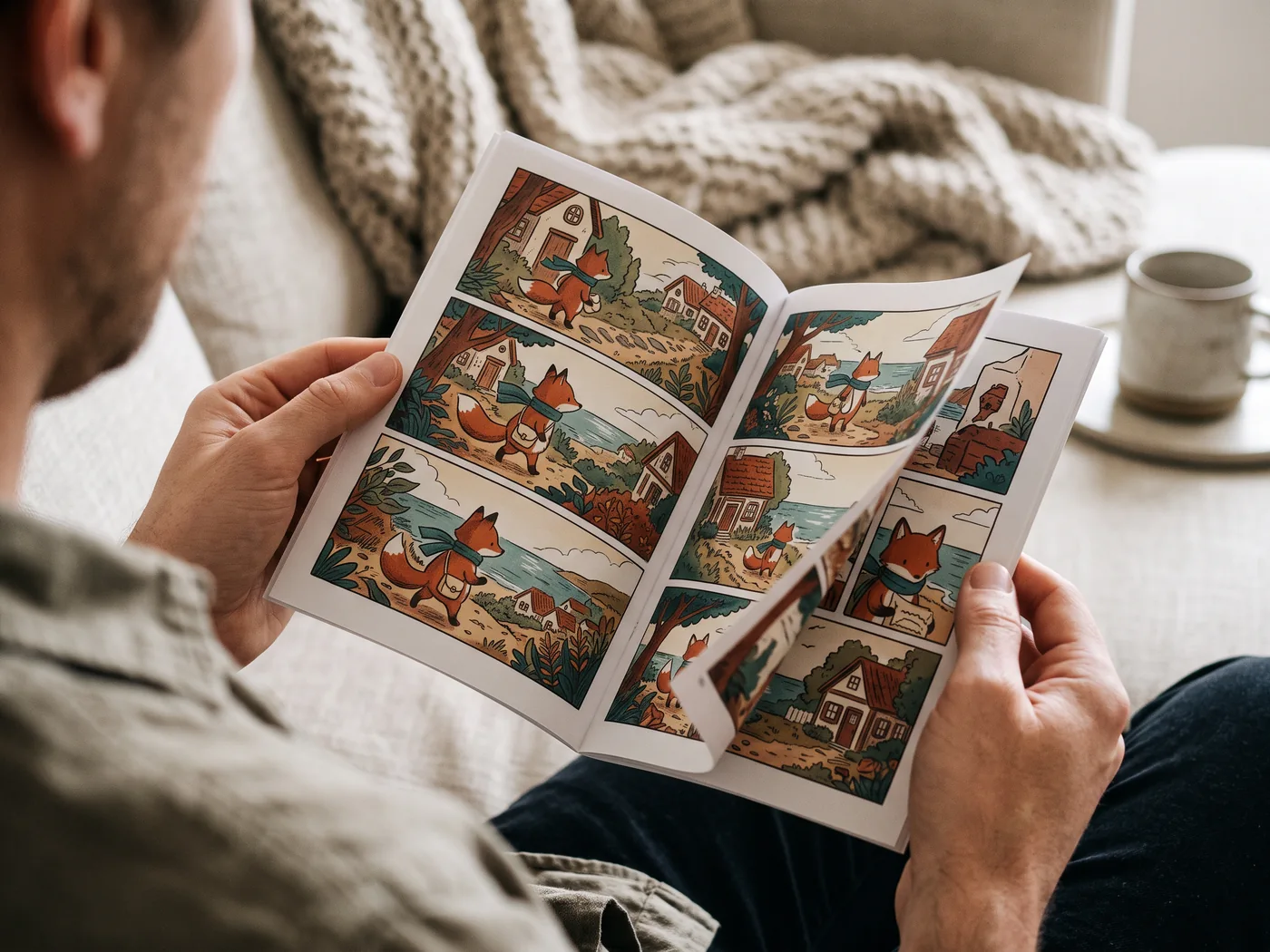
A story you can hold
Print a proof, check the dialogue, then share your booklet at home.
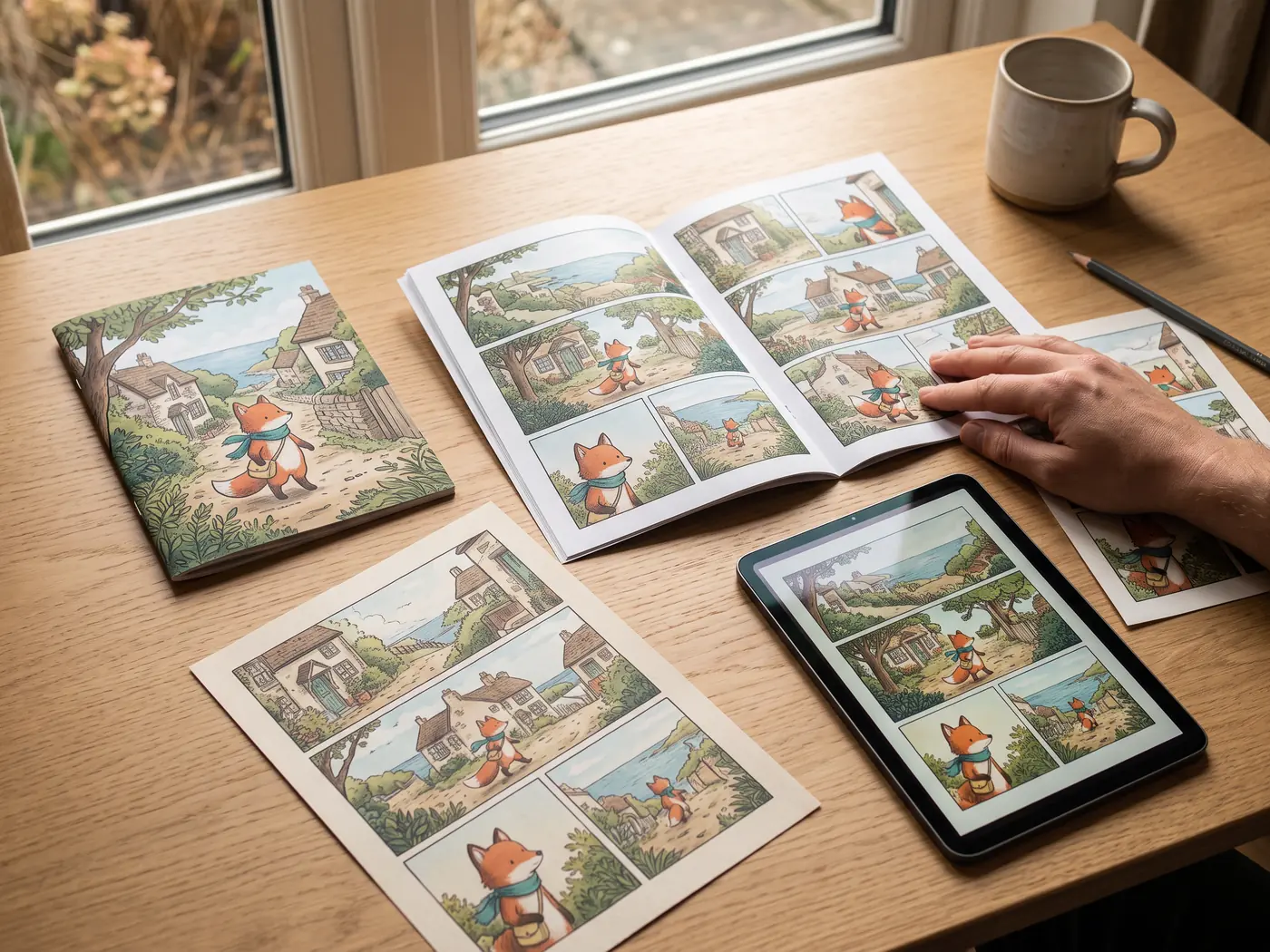
One story, a complete set
Keep a booklet, page prints and a digital reading copy together for your next share or gift.
Check the file you will actually send
- Check page order and every speaker.
- Open the result on the receiving device.
- Keep the editable project as well as the delivery file.
Export questions
Can I download an AI comic for free?
Standard image and PDF settings are available in the download dialog; paid formats and advanced options are marked separately. Generation uses credits. Check your signed-in balance and Pricing for current limits; a free trial does not unlock every export.
Can I edit every word after importing a PDF?
PDF and image imports preserve rendered pages. Existing lettering is baked into those pixels. Studio text and bubble overlays remain editable; importing does not reconstruct the original authoring layers.
Continue with a practical guide
Comic Maker for Birthday Gifts: Make, Edit and Download
Make a birthday comic from one shared memory. Plan a short story, revise the names and dialogue in the comic maker, then prepare a digital gift or a print proof.
AI Comic Generator for Presentations: Export to PowerPoint
Turn an edited AI comic into a presentation. Select the pages, export PPTX, and check how flattened comic-page images fit on widescreen slides.