

Comic Maker for Birthday Gifts: Make, Edit and Download
Make a birthday comic from one shared memory. Plan a short story, revise the names and dialogue in the comic maker, then prepare a digital gift or a print proof.
LlamaGen product team · Updated October 25, 2026
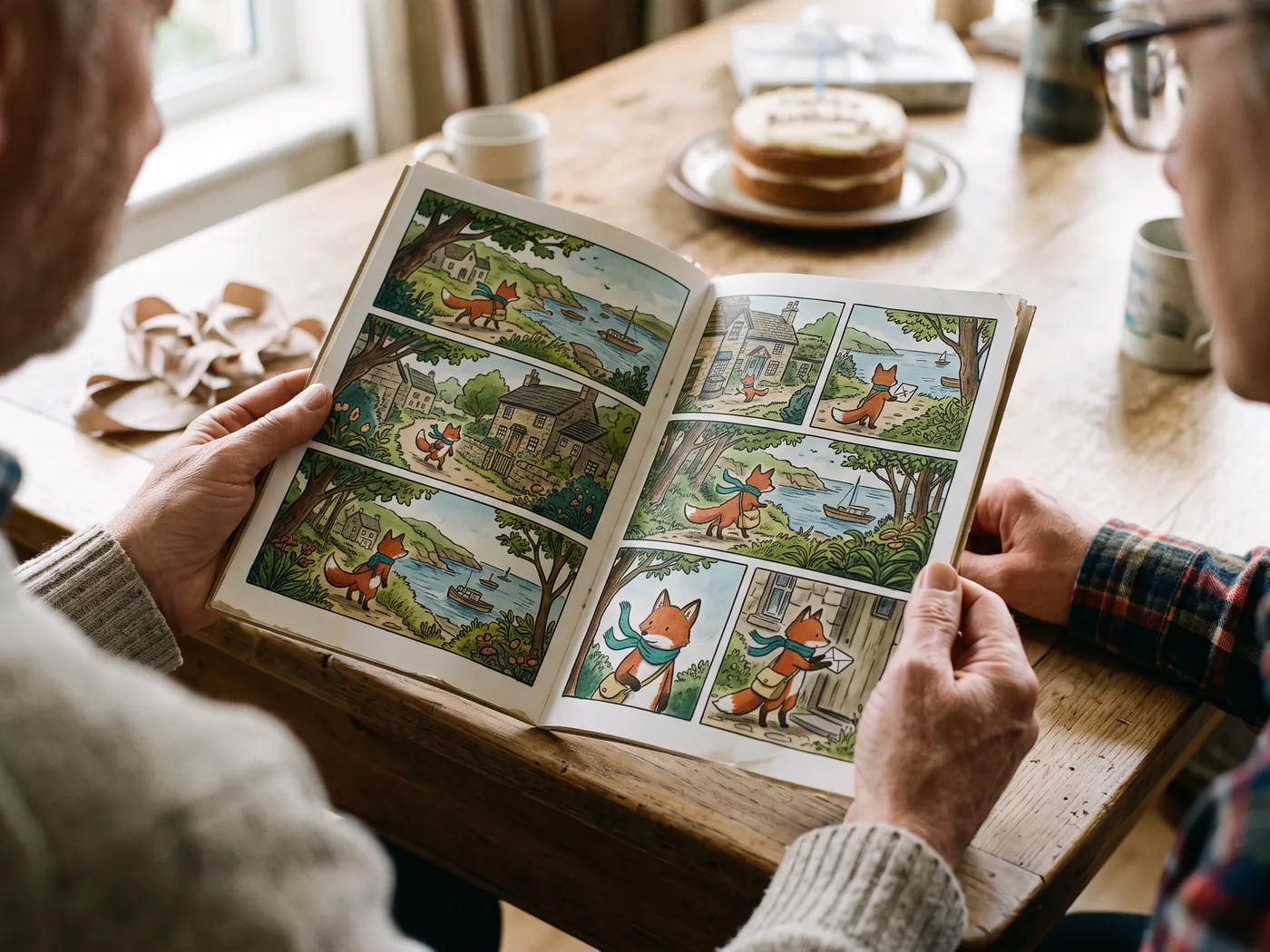
AI-generated concept scenes. Printing and devices are illustrative; LlamaGen provides digital files.
A repeatable export workflow
Fictional brief: two friends miss the bus, turn the walk into an adventure, and arrive at a surprise birthday picnic. Four beats are enough: setup, mishap, rescue and birthday wish.
Replace the fictional names and events with a memory your recipient knows. Use character photos only with permission.
Start with a short story in the birthday creator, then review the saved Studio project. Correct the final wish and read every speech bubble.
For a digital gift, open the PDF or images on a phone. For paper, choose the intended sheet size and print one proof. You send the gift yourself.
Edit your AI comic. Choose how it leaves the studio.
The comic maker and AI comic generator open the same editable Comic Studio. Finish the panels, then choose a download for reading, printing, a birthday gift, or a presentation.
| Format | Best use | Access |
|---|---|---|
| PNG / JPG / WebP | Share finished page images. PNG suits crisp dialogue; JPG and WebP reduce file size. | Standard settings |
| Keep selected pages in one document. Save All As PDF offers Auto fit and paper-size controls; proof a page before printing. Use my printer continues into the browser’s PDF print flow. | Standard settings | |
| CBZ | Read an ordered comic archive in a compatible comic reader. | Paid plan |
| PPTX | Place each selected comic page on its own 16:9 slide as an image, centered without stretching. Slide artwork is flattened. | Paid plan |
| GIF / MP4 | Play selected pages as a sequence. This export does not generate new character acting or lip-sync. | Paid plan |
| SVG | Carry the rendered page into a design workflow. Embedded image detail remains limited by the source pixels. | Standard settings |
| PSD | Export a Photoshop document through the separate paid PSD control. Layer preservation is optional; panel artwork remains raster. | Paid plan |
CBZ, PPTX, GIF and MP4 require a paid plan. Larger export sizes, transparency and some PDF options are also paid. SVG can contain raster art; it does not turn generated images into editable vectors. A separate menu action offers paid PSD export; the importer also accepts project JSON; More downloads includes EPUB, image ZIP, screenplay and storyboard files with their own plan requirements. Free trial credits and check-in credits support generation; the account balance and current plan determine access. Compare plans
See your finished comic in everyday life
Explore reading, gifting and sharing ideas for your finished pages.
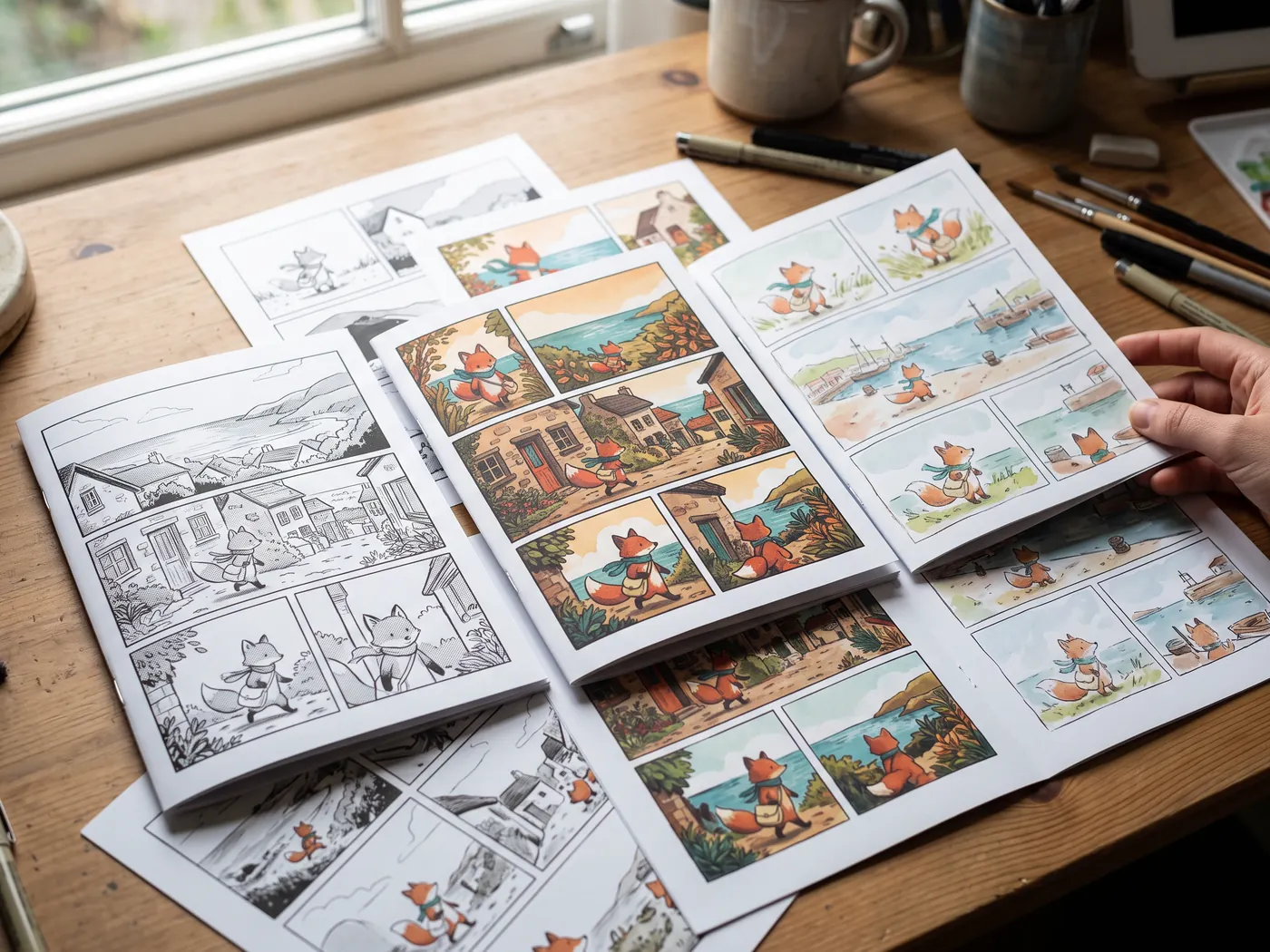
Different designs, different stories
Explore black-and-white manga, colorful adventure and playful storybook pages as finished print concepts.
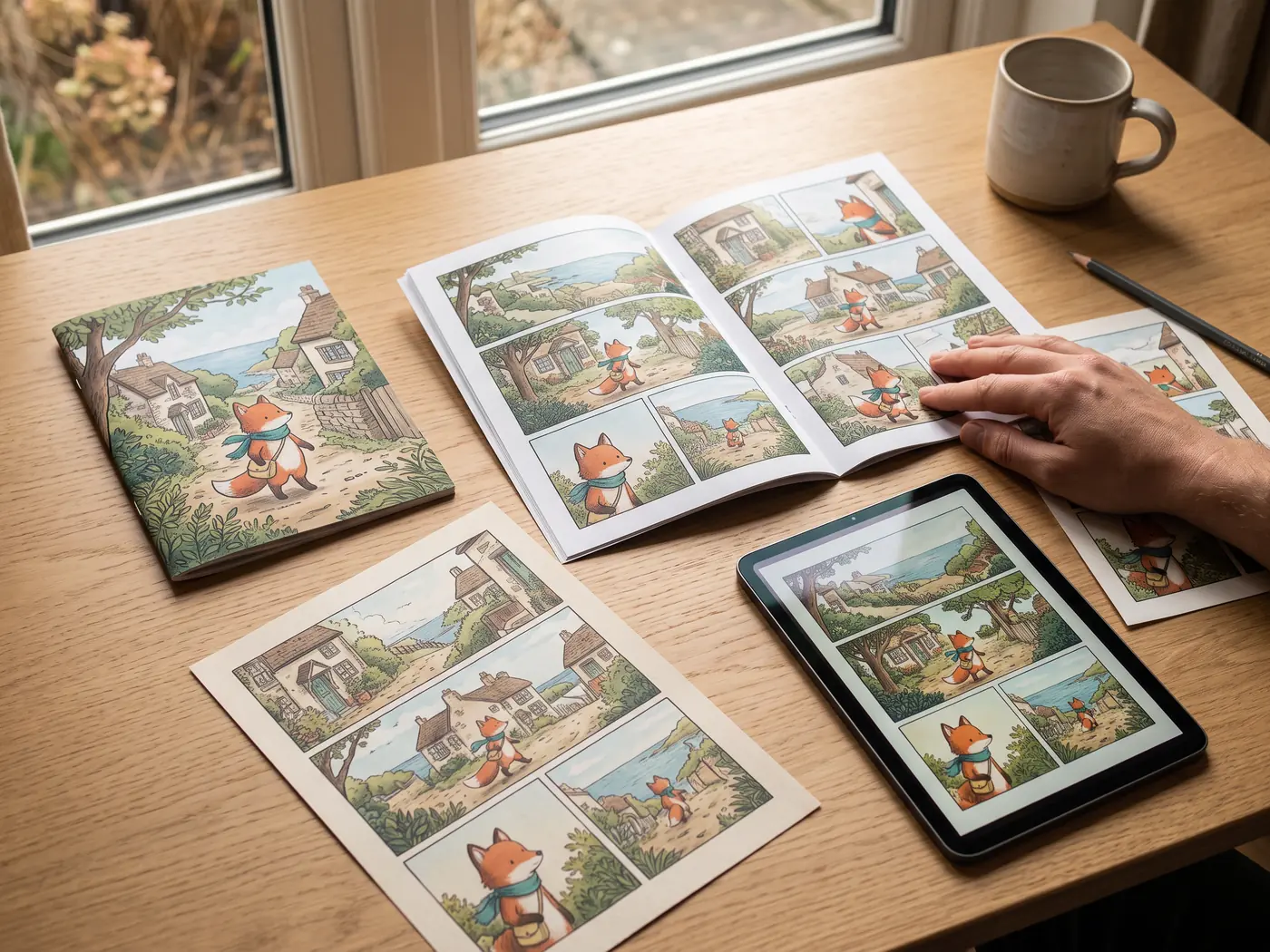
One story, a complete set
Keep a booklet, page prints and a digital reading copy together for your next share or gift.
Check the file you will actually send
- Check page order and every speaker.
- Open the result on the receiving device.
- Keep the editable project as well as the delivery file.
Export questions
Can I download an AI comic for free?
Standard image and PDF settings are available in the download dialog; paid formats and advanced options are marked separately. Generation uses credits. Check your signed-in balance and Pricing for current limits; a free trial does not unlock every export.
Can I edit every word after importing a PDF?
PDF and image imports preserve rendered pages. Existing lettering is baked into those pixels. Studio text and bubble overlays remain editable; importing does not reconstruct the original authoring layers.
Continue with a practical guide
AI Comic Download: Save Pages, PDF and CBZ
Download your own AI comic from LlamaGen Studio. Choose images, a PDF or a CBZ archive, understand paid options, and check the final file before sharing.
AI Comic Generator for Presentations: Export to PowerPoint
Turn an edited AI comic into a presentation. Select the pages, export PPTX, and check how flattened comic-page images fit on widescreen slides.