

LlamaGen Creator Tools
Seamless Manga Material Designer
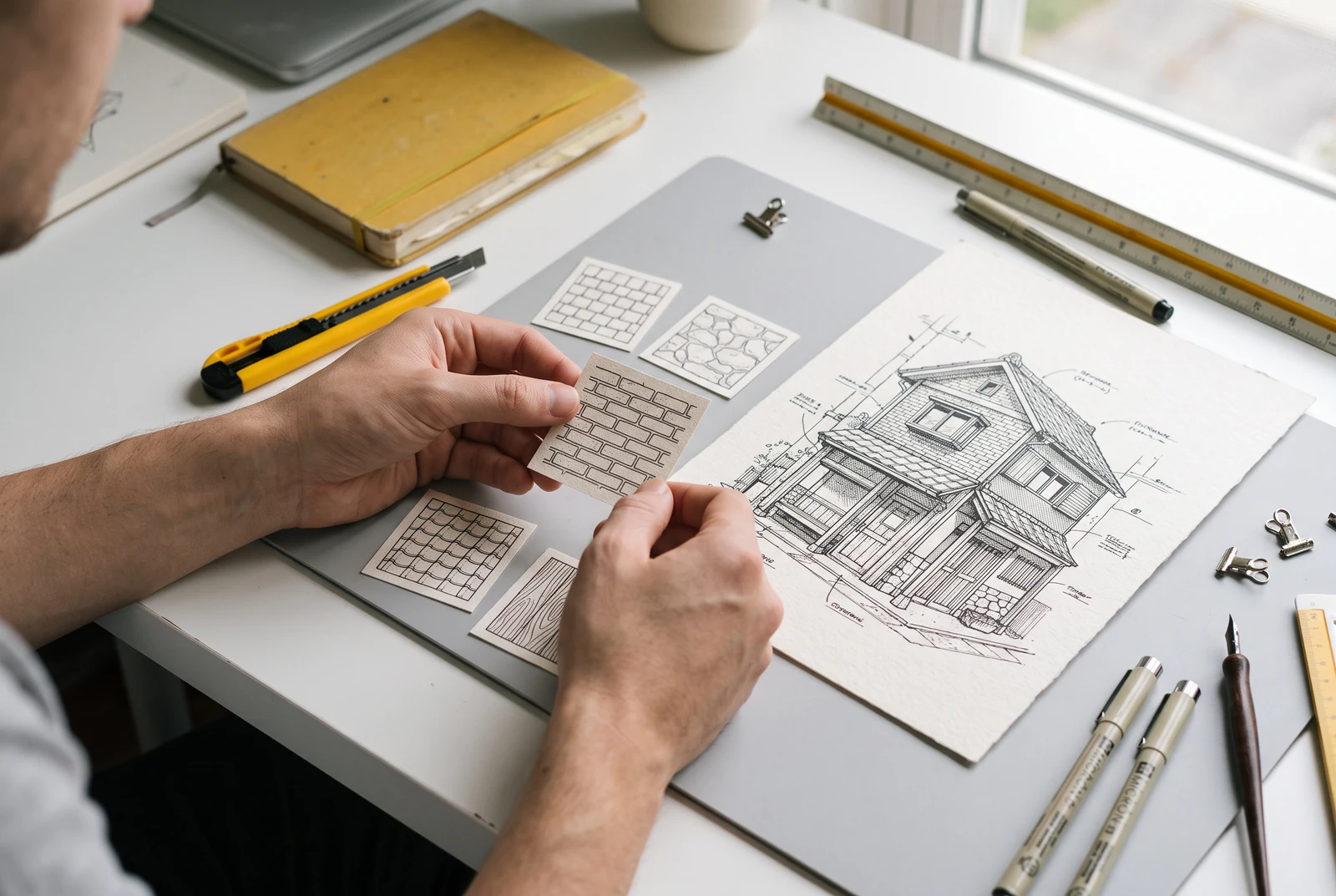
Create seeded wall, floor, roof and ground textures, compare color and manga styles and export reusable material references.
PNG textures · SVG · JSON
The editor processes files in this browser. Save an export before closing; this is not cloud backup.
Design a seamless material
Drag to orbit. Scroll to zoom. Right-drag to pan. In walk or fly mode, focus the canvas and use WASD or arrow keys; Q/E changes flight height. Select an object and use the handles or numeric inspector.
Scene files and model edits stay in this browser. Export a project before closing.
Saved cameras
Image and model export
GLB, OBJ and FBX exports contain static mesh geometry. Animation rigs and unsupported external texture references are not preserved. Use only models you own or are licensed to use.
Material node graph
Connect procedural sources and filters to independent color, height, roughness and metalness outputs. Repeating UV coordinates keep exported maps tileable.
What this tool helps you do
Avoid redrawing a repeated surface while keeping material detail coherent.
A workflow to try
- Choose a material family, seed and repeat settings.
- Adjust its scale, color and surface appearance in the preview.
- Export texture assets and save the settings for a matching variation.
A practical example
Choose a material family, seed and repeat settings. Export texture assets and save the settings for a matching variation.
Before you export
A texture preview is not a measurement of a physical surface or printer result. Inspect tiling, image resolution and destination material settings.
Supported formats: PNG textures · SVG · JSON
Questions before you begin
Are my files uploaded?
Local project and artwork editing runs in your browser. Export your project before closing. The location tool contacts its disclosed map/elevation providers only after your explicit action.
How do I continue editing later?
Save the editable project and reopen it in this tool. Image and vector exports are finished assets; keep the project separately for later changes.
Can I use the output in my artwork?
Use assets and character models you own or have permission to use. Geographic references retain their source attribution and applicable license obligations. This tool does not grant rights to third-party input.
Format and implementation reference
Format and implementation referenceThe reference explains a format or underlying library. It is not an endorsement or certification of LlamaGen.