

Comic-making fundamentals
AI manga generator prompts: describe a page the model can stage
A useful manga prompt does more than name an art style. It states the visible story beat, recurring character facts, location, camera distance, page structure, reading direction, and details that must remain editable or text-free.
Published by LlamaGen Editorial TeamUpdated
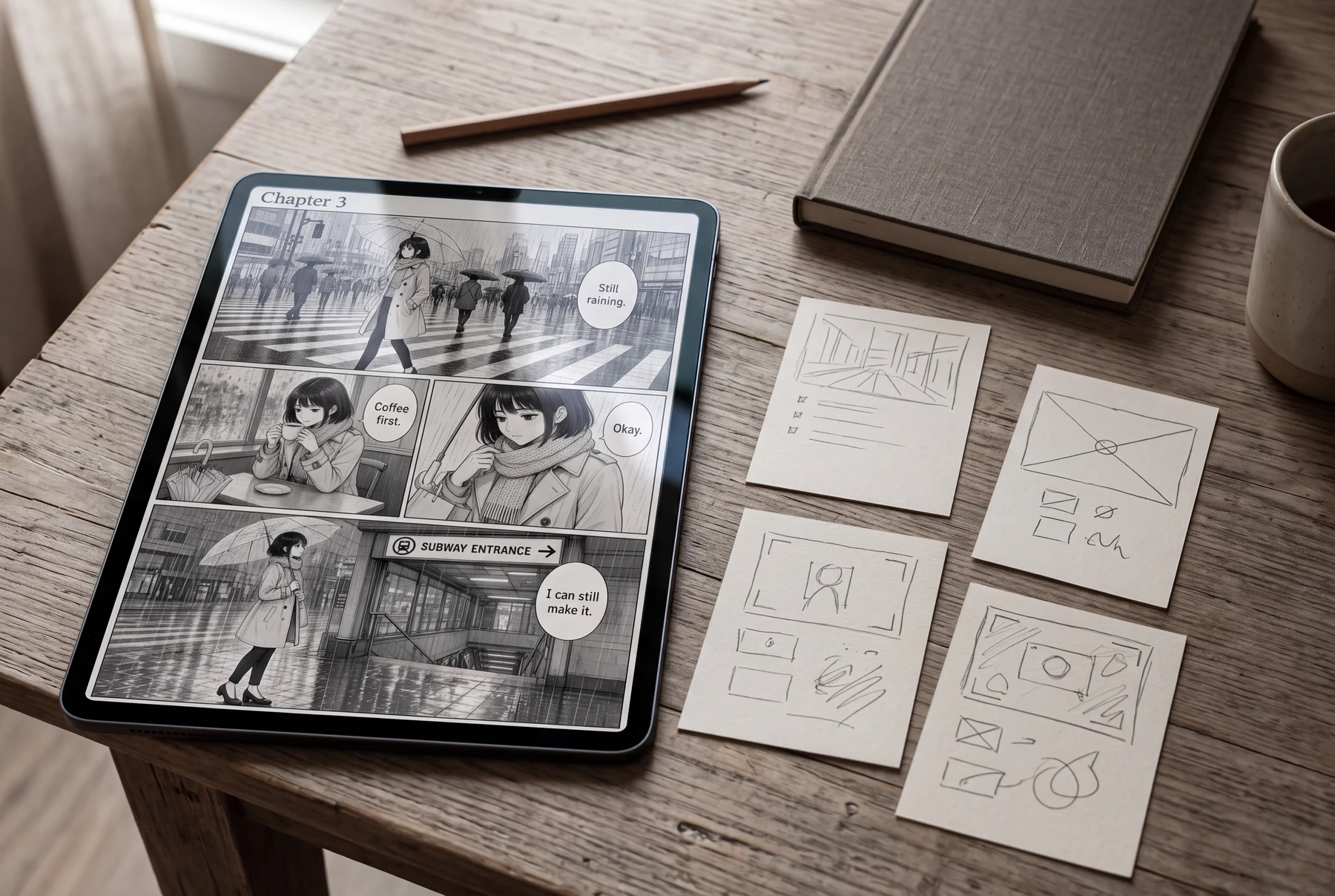
Quick answer
Start with the change the reader must understand, then specify who is present, where the action happens, what each panel reveals, the intended reading direction, and the visual constraints. Generate a draft, compare the full page rather than one attractive panel, and revise one failure at a time.
These references explain the underlying craft. The original exercises below are LlamaGen examples; the authors do not endorse LlamaGen.
Vague style-first prompt
Mood without a story change
A character without fixed details
Panels without an order
Story-ready page brief
Define character and location
Assign visible beats
State continuity and lettering constraints
Original instructional illustration with fictional characters; not a customer comic or a product screenshot.
Write the story information before the style words
Prompt structure should make the sequence testable. A long list of mood adjectives cannot replace a clear action, reaction, and consequence.
- State one visible change
- Write what the reader should know by the end of the page: a clue is discovered, an opponent changes position, or a character makes a decision.
- Lock recurring facts
- Keep a short reference for face, hair, outfit, props, and location anchors. Separate these fixed facts from expressions, damage, weather, and other scene-specific changes.
- Assign a job to each panel
- Describe the establishing view, action, reaction, clue, and payoff in order. If two panels carry the same information, combine them before generating.
- Keep lettering as a separate brief
- Reserve balloon space, but keep exact dialogue in an editable document. Generated lettering can be misspelled or attached to the wrong speaker.
Revise prompts from observed errors
Treat the first result as evidence about the brief, not as proof that the workflow works or fails for every story.
- Review the whole page
- Check reading order, character identity, geography, hands, props, and dialogue space at the final viewing size before judging surface detail.
- Name one correction
- Change a concrete variable such as the camera distance, bridge landmark, sleeve color, or balloon clearance instead of asking for a vague improvement.
- Preserve what already works
- Repeat the character and location facts that must not drift, and say which panel or detail may change.
- Keep the source brief
- Save the prompt, references, chosen result, and correction note together so later pages can reuse the same story constraints.
Worked example: a rainy errand becomes a four-beat page
An adult commuter has ten minutes to reach a station, but stops for coffee while rain hides the entrance sign.
Panel 1
Wide view: the commuter crosses a rain-soaked junction; the station entrance is visible but distant.
Panel 2
Medium view inside a cafe: the commuter checks the time while holding a warm cup.
Panel 3
Close reaction: rain intensifies outside and the commuter notices the delayed route.
Panel 4
Wide payoff: the commuter reaches the same station entrance, with the umbrella and coat unchanged.
The prompt carries geography, time pressure, recurring clothing, and the page's change. Style terms can be added after the sequence is understandable.
Comic pages in everyday use
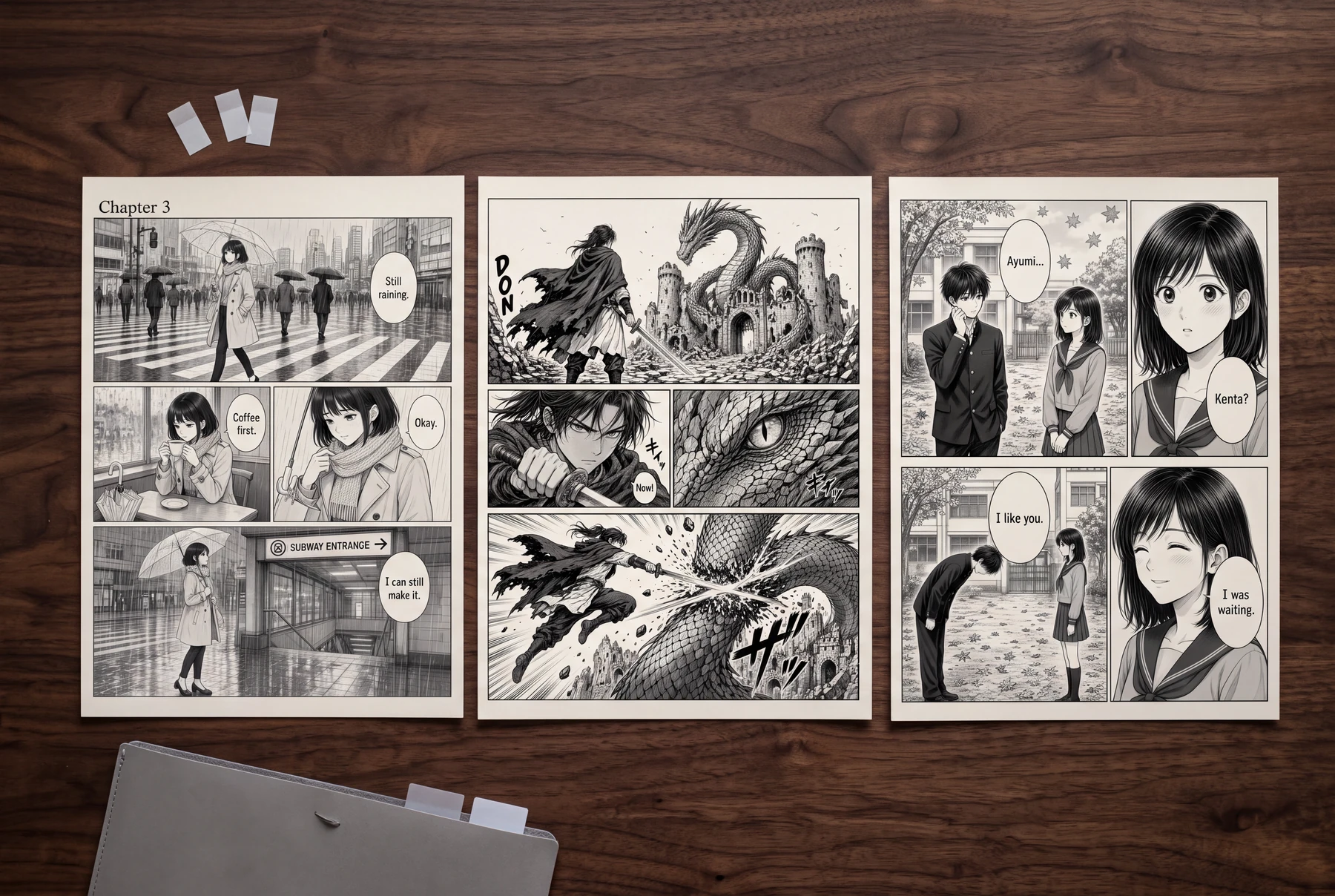
Compare a style list with a story-ready brief
Use the same rainy commuter scene. Change only the information structure in the prompt.
Vague style-first prompt
- Beautiful manga, cinematic, detailed, emotional.
- Rainy city, dramatic lighting, perfect composition.
- Professional black-and-white page with great characters.
Story-ready page brief
- Adult commuter with a short dark bob and light trench coat crosses a wet junction toward a visible station entrance.
- Four panels move from location to cafe pause, time-pressure reaction, and arrival at the same entrance.
- Right-to-left page, clear balloon space, stable umbrella and coat, no generated text.
How to compare
- Generate one draft from each brief using the same page format.
- Number the panels without reading the source story.
- List where identity, geography, or action becomes ambiguous.
- Revise only the weakest story constraint and compare again.
What to look for
The structured brief should make errors easier to identify because each panel and recurring fact has a declared purpose.
What this exercise cannot prove
This exercise does not measure model accuracy or guarantee that a particular prompt will produce a publishable page.
Before you publish: review the page
- The page has one visible story change.
- Recurring character and location facts are explicit.
- Every panel adds new information.
- Reading direction and dialogue space are planned.
- The revision request names one observed problem.
Frequently asked questions
How long should an AI manga prompt be?
Long enough to define the story beat, cast, setting, sequence, and constraints without repeating synonyms. Clarity matters more than word count.
Should dialogue be generated inside the image?
For exact wording, keep dialogue editable and add it after reviewing the art. You can reserve balloon space in the image brief.
Can one prompt create a complete chapter?
A chapter is easier to review when you keep a shared story bible and generate smaller page or scene units, then compare continuity across the sequence.
Sources and further reading
- Google Cloud — Image prompt and attribute guide ↗
Official guidance explains subject, context, style, and iterative prompt refinement. The manga sequence method on this page is our editorial adaptation.
- Clip Studio Paint — From Plot to Storyboard: Creating an 8-page Shojo Manga ↗
A creator workflow showing how a plot becomes page and panel decisions before finished art.
Take the next step in your comic workflow
Plan a visible story beat, try the relevant tool, and review the result yourself. These guides do not promise to automatically analyze or repair your comic.