

Comic Book Generator from Text
Turn a written story into a comic book plan. Use a four-page example, page-by-page prompts and a practical continuity checklist before generating your first draft.
Create my first comic pageAI generation requires sign-in and available credits. Check the current balance, models and plan limits in the workspace.
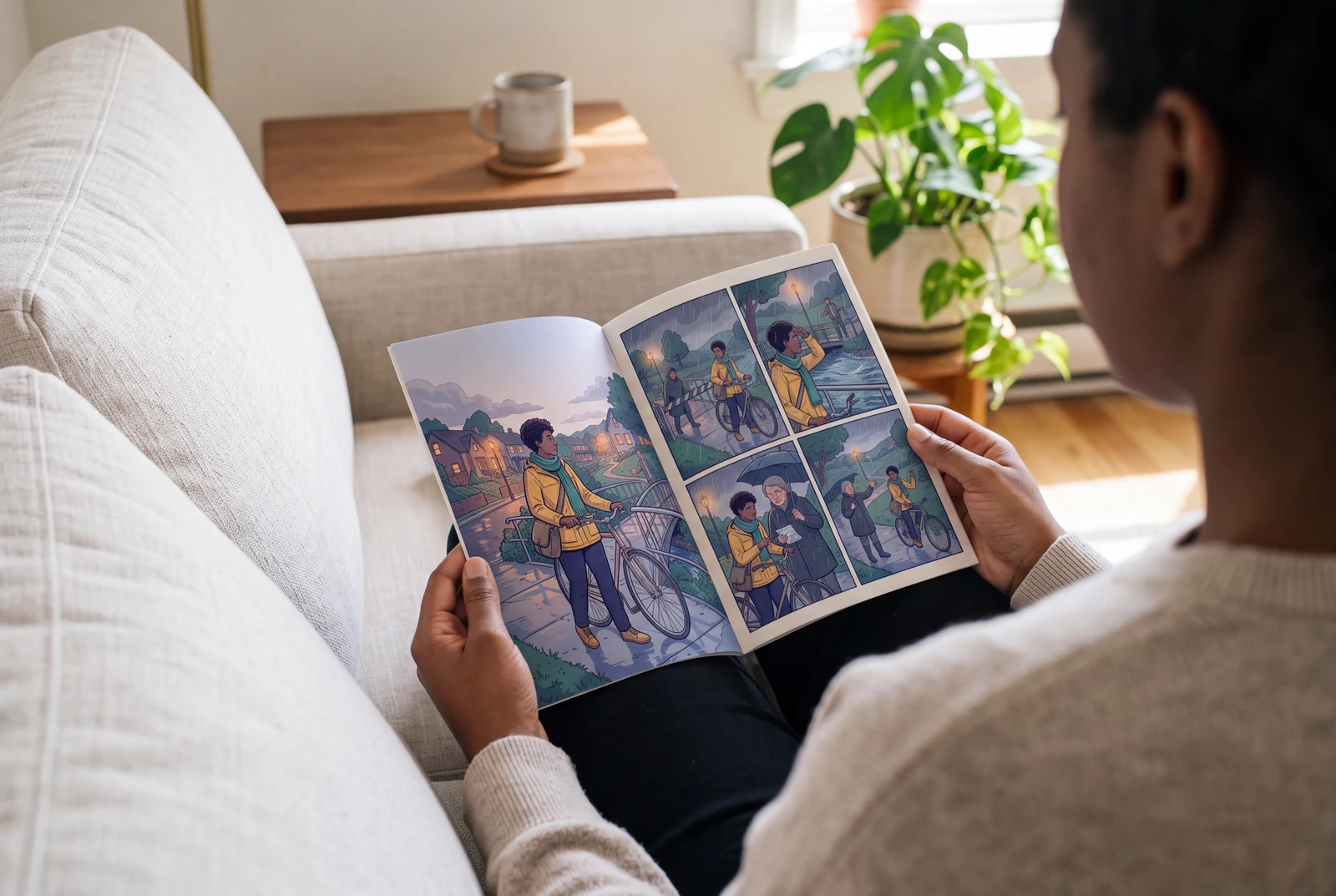
Plan your comic book
A comic book needs a sequence of pages, not just a collection of attractive images. Start with one short scene and decide what changes on each page. The example below is a planning exercise, not an authenticated product test.
- 1
Break the story into page beats
Write one sentence per page. For a four-page prototype, introduce a problem, try a solution, show a complication and resolve it. This keeps every page necessary.
- 2
Write one drawable moment per panel
Keep the same character description in each prompt. State the location, action and intended dialogue separately. Avoid asking one panel to show several moments in time.
- 3
Approve a first page before extending
Create and edit one page first. Check faces, clothing and reading order; then use the same reference material when continuing in the workspace. Generation may require corrections.
Example: a four-page neighborhood mystery
Page 1: Mira, an adult courier in a yellow jacket and teal scarf, finds an unaddressed parcel. Page 2: A bakery receipt gives her a lead. Page 3: The baker recognizes the ribbon but the shop is closed. Page 4: A neighbor arrives to collect a surprise birthday gift. First-page brief: four panels showing arrival, discovery, inspection and a decision. Use short dialogue and one clear action per panel.
Check before continuing
- Compare the jacket, scarf and parcel across every page; fix changed props before adding pages.
- Read speech bubbles in order at the size the reader will see them. Rewrite text that crowds the artwork.
- Confirm page order and export settings. For print, get trim, bleed and safe-area specifications from your chosen printer.
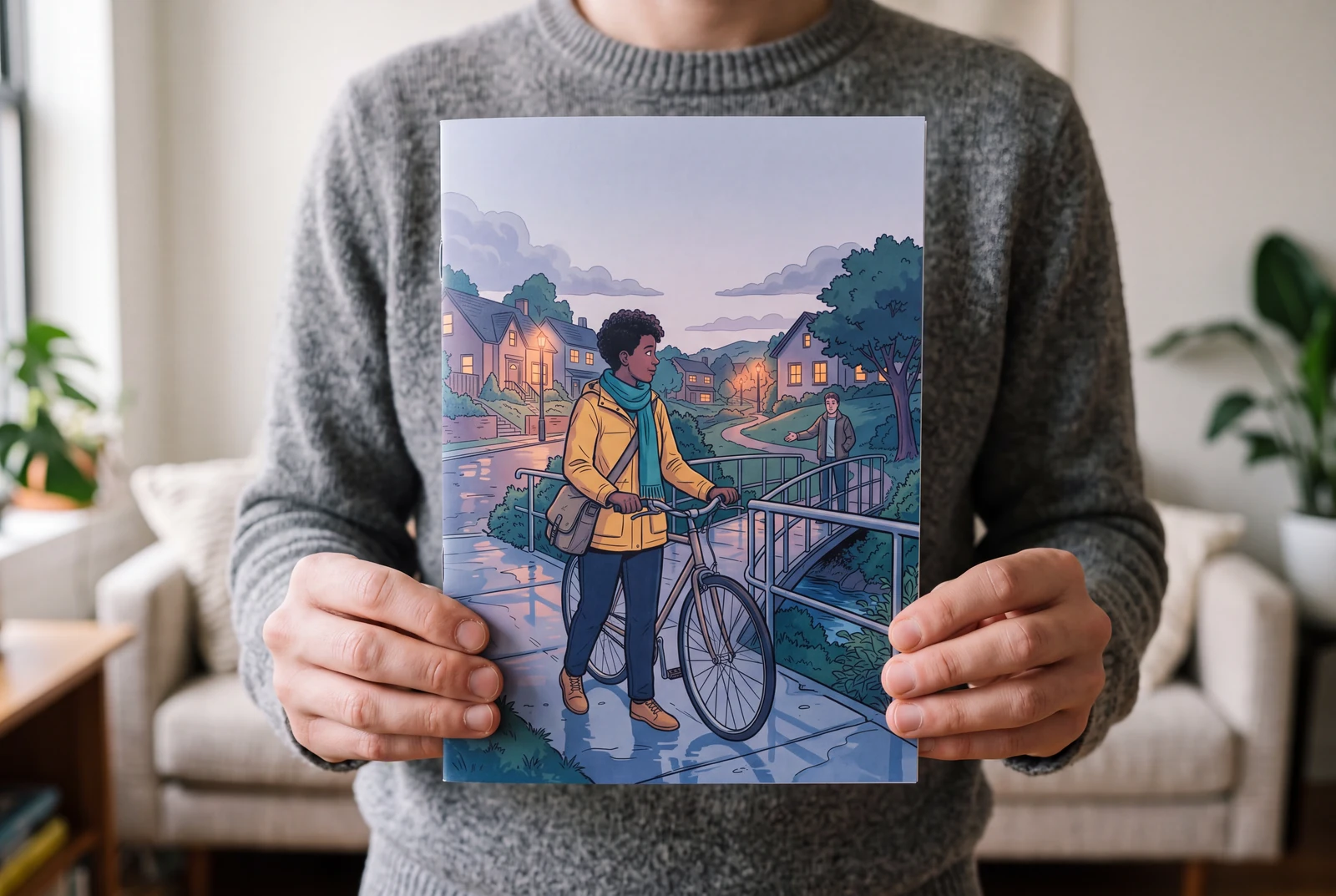
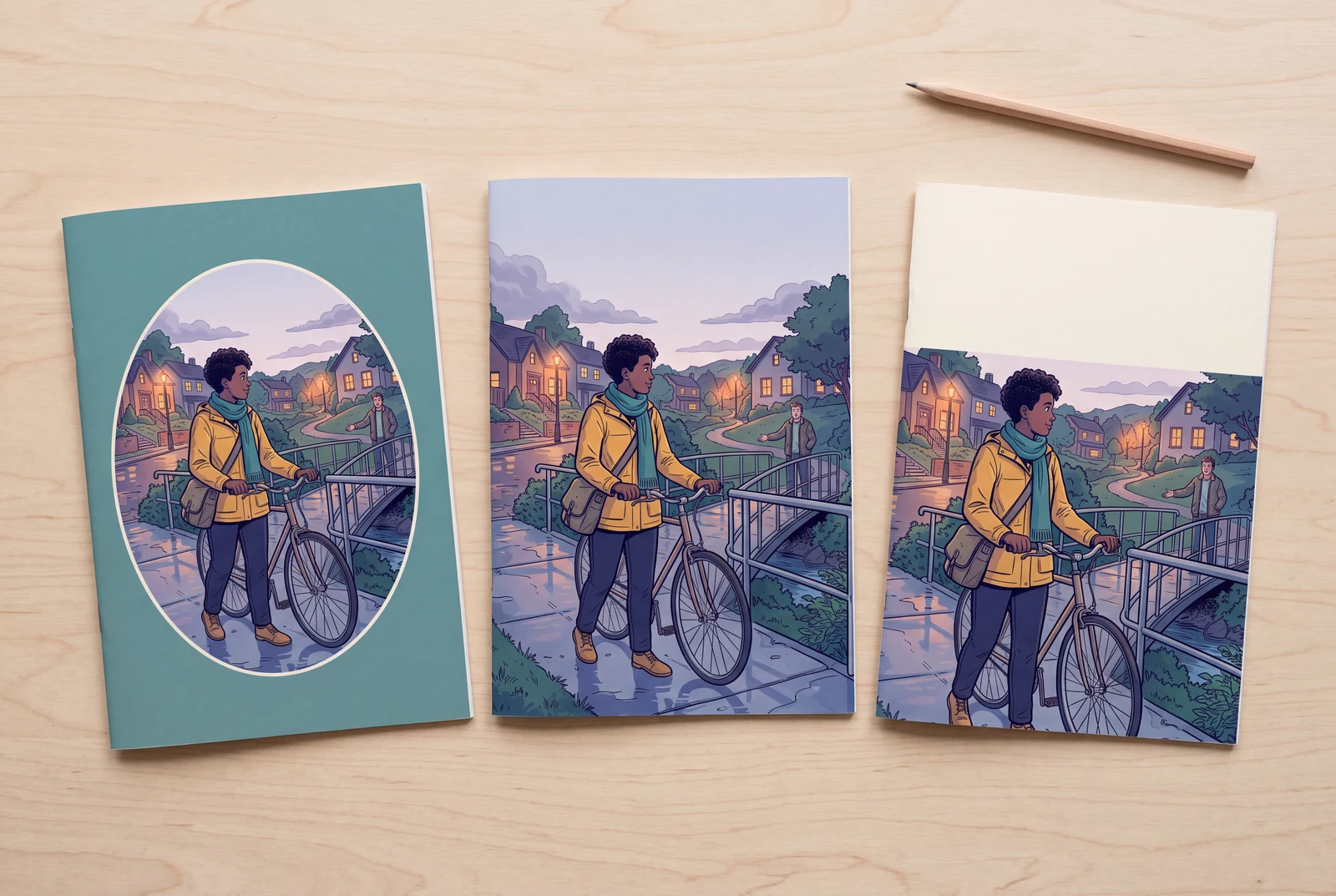
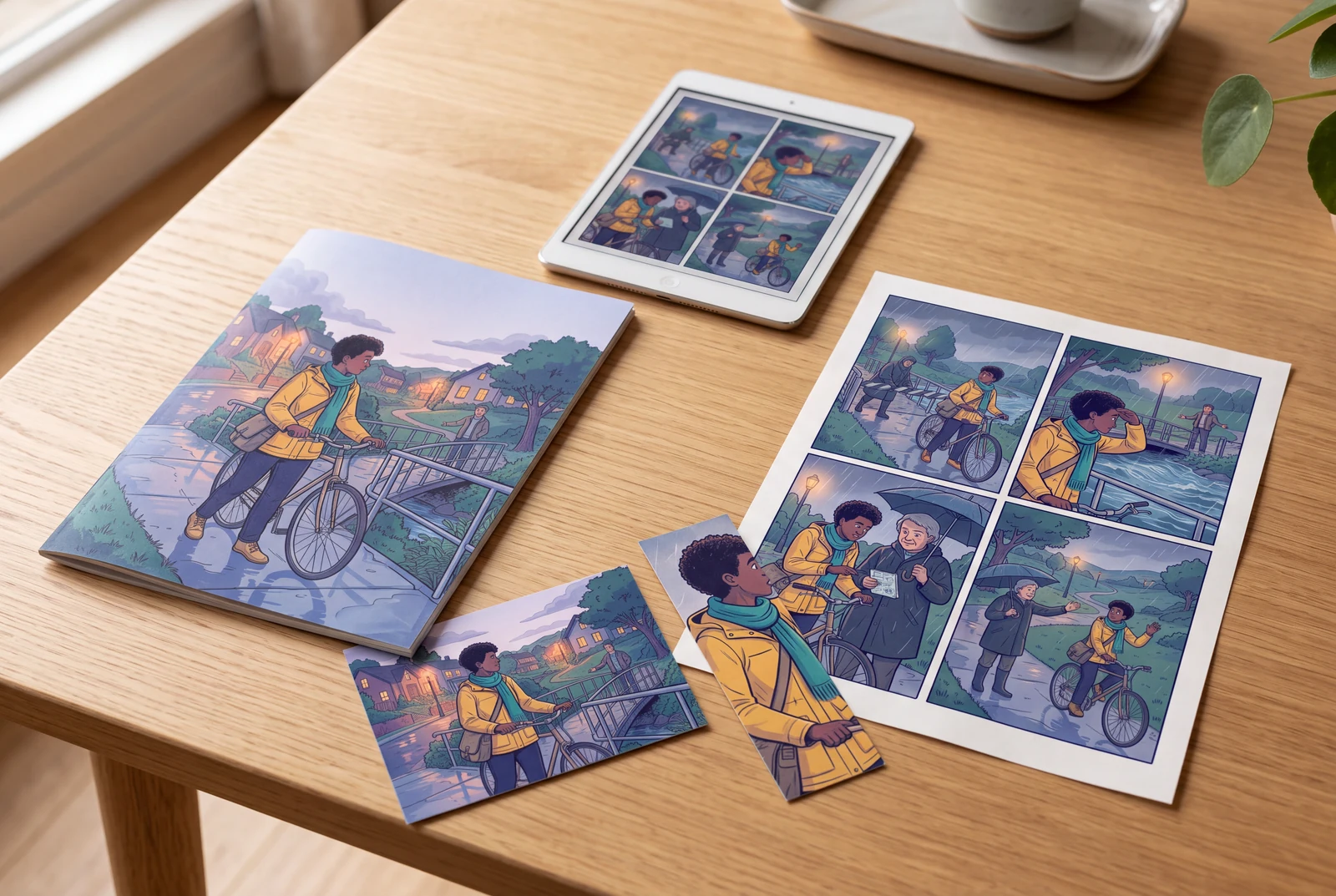
AI-generated lifestyle concepts, not customer photographs or verified outputs of these examples. Printed books illustrate possible presentation; physical printing and delivery are separate.
Questions and answers
Can I paste an entire novel?
Begin with a short excerpt you own or have permission to adapt. Plan chapters as separate scenes; a long manuscript does not remove the need to review pacing, continuity and generated text.
Does the text generator produce a finished printed book?
The workflow creates digital drafts for you to review and edit. Printing, binding and shipping are separate. Check available download options in the editor before committing to a print format.
Further reading
These references explain lettering and print preparation. They are not endorsements of LlamaGen.
Comic book generator guides
Choose your next step: turn a written story into pages, plan a small credit budget, or explore an original story idea.
Free AI Comic Book Generator: Plan Your First Draft
Explore free AI comic book creation with clear sign-in and credit expectations. Plan one small draft, check your balance and decide what to revise before extending.
Random Comic Book Generator: Original Story Ideas
Use a free random comic book idea planner to combine an original character, setting, problem and ending. Turn a useful combination into a four-panel first-page brief.