

Comic-making fundamentals
Comic story pacing: control how long a moment feels
Comic pacing comes from the distance between story beats and how they are presented across panels, page turns, dialogue, and empty space.
Published by LlamaGen Editorial TeamUpdated
Quick answer
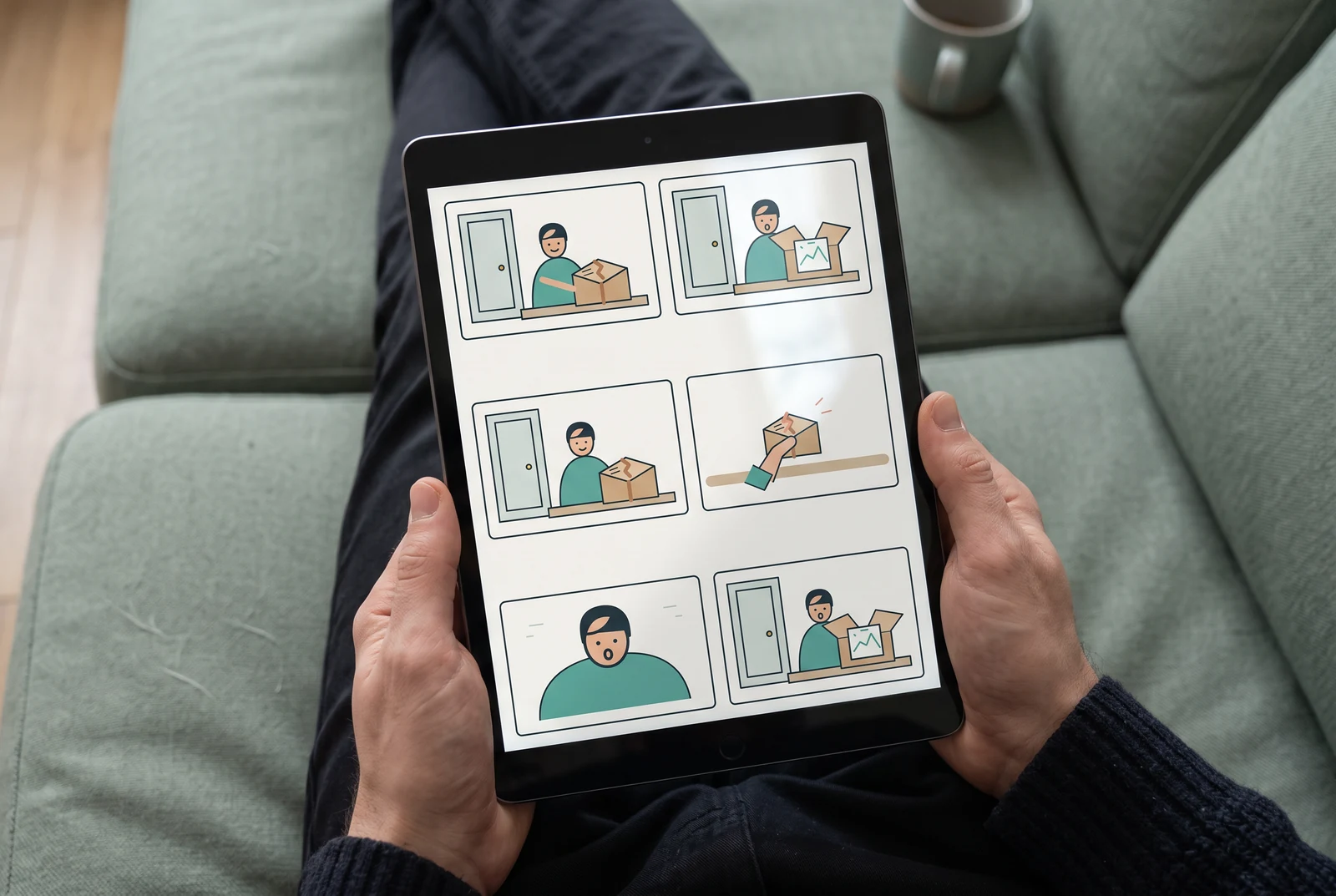
Start by identifying setup, pressure, reaction, and payoff. Allocate panel size and count to the beats that matter; use a reaction or silent panel to slow down, and combine less important actions to move forward.
These references explain the underlying craft. The original exercises below are LlamaGen examples; the authors do not endorse LlamaGen.
Direct reveal: two beats
Find the parcel
See the childhood sketch
Anticipated reveal: four beats
Find the parcel
Notice the broken seal
Pause before opening
See the childhood sketch
Original instructional illustration with fictional characters; not a customer comic or a product screenshot.
See how a layout shapes a page
Compare three panel arrangements using original composited illustrations.
Original composited samples for layout comparison, not recorded results from the comic generator.
Explore all 30 free layoutsSeparate story time from reading time
Story time is what elapses for the characters; reading time is how long someone spends on the page. Neither panel count nor gutter width sets a fixed duration.
- Fewer, larger panels
- A large image offers room for a reveal, but a sparse action image may be read quickly. Decide what deserves attention instead of assuming size equals a slow beat.
- Repeated small panels
- Repeat a framing with changing expression or action to stretch one instant. Change something meaningful each time.
- Dialogue density
- A long balloon makes a reader stop even when a pose is static. Read the page aloud to hear where speech obstructs the action.
- Silence and gutters
- A silent reaction can separate the trigger from the response. In a vertical comic, compare the reveal at actual mobile width: a gap changes where it appears, not how many seconds every reader will wait.
Draft a beat map before generating art
A simple causal outline is more useful than prescribing an arbitrary panel count.
- Setup
- Show who wants something and what is in the way. A concrete object or location grounds the reader.
- Pressure
- Give the scene a change that requires a choice. Cut redundant travel and repeated explanations.
- Reaction
- Show the human consequence before skipping to the solution; a facial expression may carry more information than a line of narration.
- Payoff
- Place the reveal after enough preparation that it feels earned. A page turn or scroll gap is optional, not required.
Worked example: the late-night package
An artist finds a parcel addressed in a familiar hand. The ending stays the same in both drafts below.
Panel 1
Setup: the artist notices the parcel on the studio doorstep.
Panel 2
Pressure: a close view isolates the parcel’s already-broken seal.
Panel 3
Reaction: the artist pauses with a hand on the unopened lid. No dialogue explains the feeling.
Panel 4
Payoff: inside lies a childhood sketch, returned with a friend’s short note.
The reaction sits before the contents, so it can build anticipation. An expression after the reveal would emphasize the consequence instead; neither placement is universally better.
Comic pages in everyday use
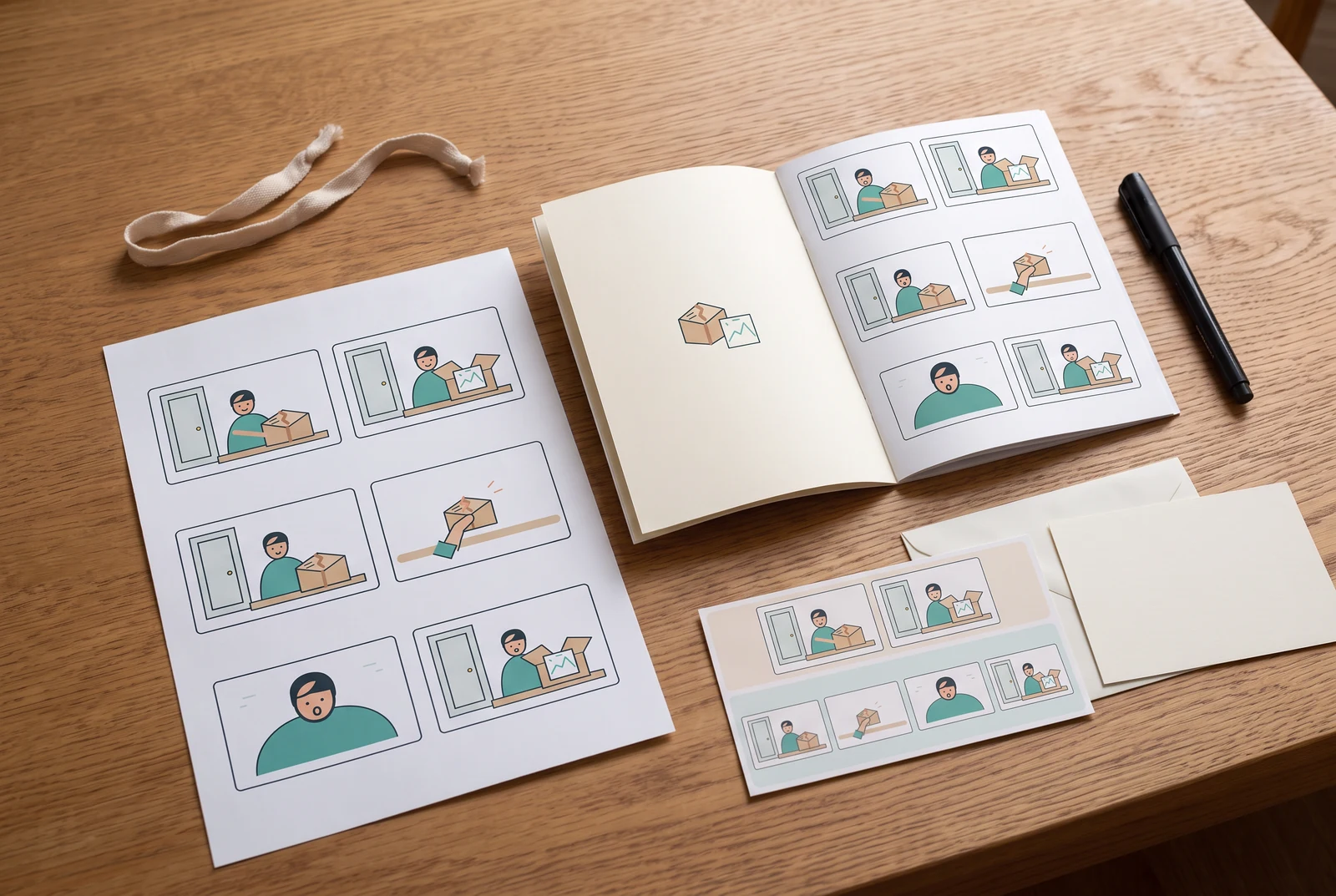
Compare a quick reveal with an anticipated reveal
Use the same parcel, broken seal, childhood sketch, and ending. Change the number and order of beats before you change the art style.
Direct reveal: two beats
- One panel shows the artist picking up the parcel.
- The next shows the open box and childhood sketch.
Anticipated reveal: four beats
- The artist sees the parcel.
- A close view isolates the already-broken seal.
- The artist’s hand rests on the still-closed lid.
- The box opens to reveal the same sketch.
How to compare
- Thumbnail the two-panel and four-panel drafts with equally simple drawings and the same final image.
- Read each once at the intended page size. Mark the first point where the contents become visible.
- Remove the silent reaction from the longer draft, then put it after the reveal. Compare whether the emphasis becomes anticipation or response.
- For a vertical version, scroll at mobile width and check whether the reveal enters the screen before its setup.
What to look for
Look for an understandable reason to wait, not a longer page. If the reaction communicates nothing new, the shorter draft may serve the scene better.
What this exercise cannot prove
This comparison isolates an editorial choice. It does not establish a universal panel count, a reading speed, or a statistically proven emotional effect.
Before you publish: review the page
- Can every panel be labeled setup, pressure, reaction, reveal, or necessary orientation?
- Where must the reader pause? Give that moment space instead of extra exposition.
- Are two panels repeating information without a purposeful change?
- Does dialogue fit naturally without squeezing the art?
- For webtoon, does scrolling reveal the key image at the intended moment?
Frequently asked questions
How many panels should a comic page have?
There is no universally correct count. Pick a layout for the story beats and legibility, then revise using the actual art and text.
Does adding more panels always slow a comic?
No. Panel repetition, image complexity, dialogue, and visual reading path all affect perceived pace.
How is webtoon pacing different?
Vertical scrolling can space out reactions and reveals. Test the result at mobile reading width instead of relying only on a desktop canvas.
Sources and further reading
- Anina Bennett — Comic Book Writing Guide ↗
“Temporal Mechanics” distinguishes story time from reading time and explains why layout, detail, and text work together. It cautions that a technique’s effect depends on context.
- Scott McCloud — Making Comics ↗
The author’s book overview covers selecting moments, framing action, guiding attention, and choosing words and images together. These are useful questions when revising a beat map.
Take the next step in your comic workflow
Plan a visible story beat, try the relevant tool, and review the result yourself. These guides do not promise to automatically analyze or repair your comic.