

Quick answer
Remove a small, separate extra character with a localized mask. If the person overlaps a main character or determines the composition, rebuild that panel with an explicit cast list. Keep the original and check the whole scene after either edit.
For creators correcting an existing comic, manga or webtoon panel. This guide covers fictional cast mistakes, rather than general photo retouching or planning a new character.
Which repair should you use?
| Situation | Recommended approach | What to check |
|---|---|---|
| Small bystander on an empty wall | Mask the figure and its shadow | Check wall texture and perspective lines. |
| Duplicate protagonist overlaps the real protagonist | Redraw the panel with the approved cast | Check the retained character’s face, hands and silhouette. |
| Extra face appears only in one reflection | Mask the reflection area | Keep intentional reflections of the main cast. |
| Correct image, wrong speaker pointer | Edit the speech-bubble layer | Avoid regenerating the picture for an editable pointer. |
Identify the kind of extra character first
A duplicate protagonist, an unwanted bystander and a face appearing inside a reflection are different repair jobs. Count intentional people before editing. Name the intended characters and locate the unwanted one by a visible position, such as “the second adult beside the left doorway.” Names alone may not identify a small figure in a busy image.
Include reflections, posters, screens and crowd silhouettes in the decision. A character shown in a photograph on a wall may be intentional even if that person is absent from the scene. “Exactly two people” needs a clear scope: two physical people in the room, with the framed portrait retained.
Separate cast selection from visual identity
A story can contain six characters while the selected panel needs only one. A reference sheet establishes what someone looks like; it does not mean everyone on that sheet belongs in every panel. Include only the necessary identity references when the workflow allows selection.
If the current instruction says that Mara enters alone but an older scene says she enters with Theo, replace the outdated scene description before asking for another image. Repeating “no Theo” alongside a detailed description of Theo can leave the brief ambiguous. Write the intended visible result directly.
Choose a mask that can be repaired
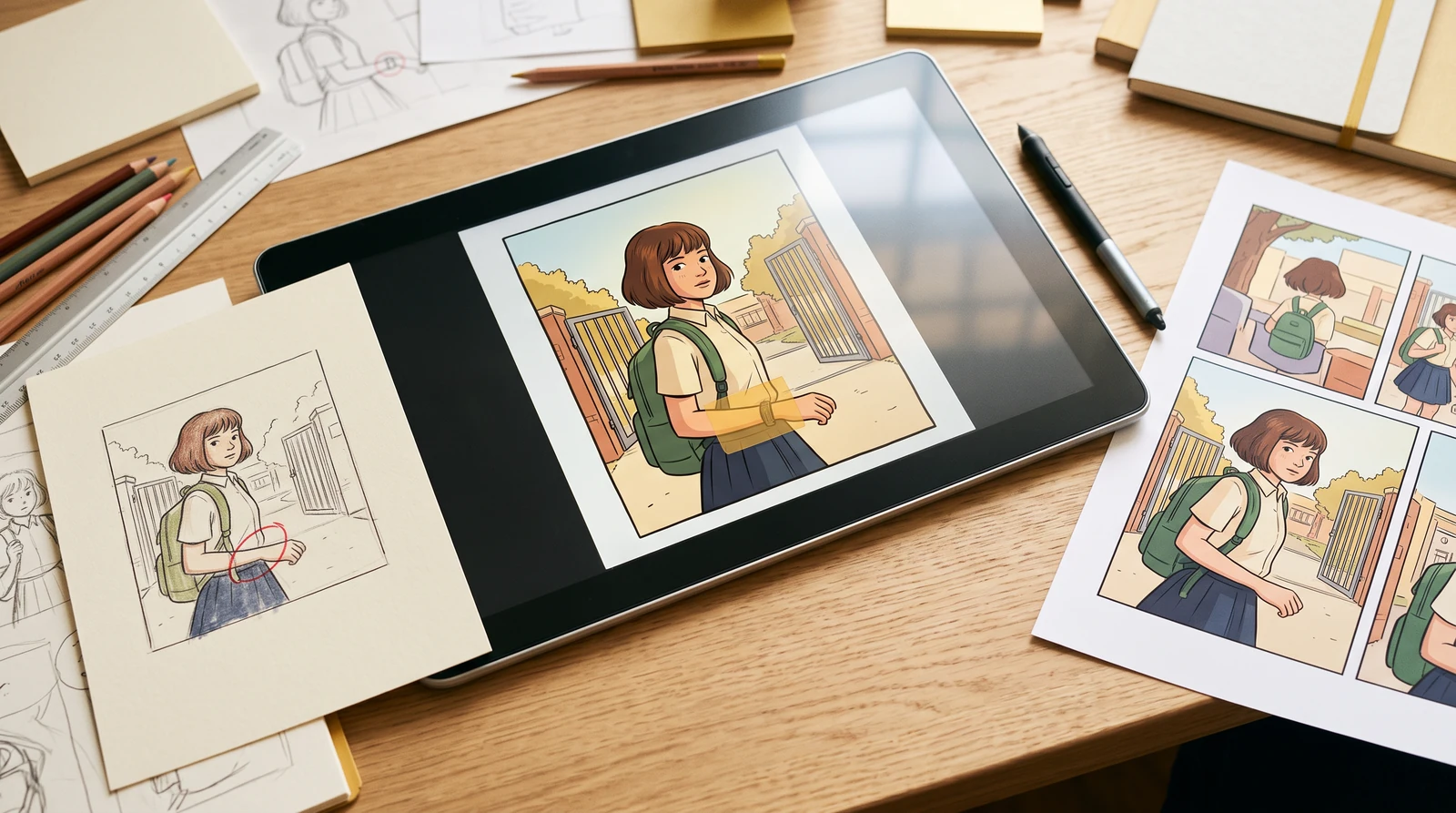
Cover the unwanted figure, its cast shadow and any object that should disappear with it. Leave a small margin so the repair can reconnect floorboards, shelves or wall edges. Avoid covering the approved protagonist merely because the figures stand close together.
If the extra person blocks the main character’s hand, face or costume, a local repair has to invent the concealed anatomy. Consider a redraw with the approved identity reference and a simpler composition. Splitting an occluded figure into many tiny masks can produce disconnected background fragments.
Keep a panel replacement reversible
Save the source image before generating. Review the candidate at the same scale beside the original, then place it back between the preceding and following panels. A clean background alone is insufficient if a story prop vanished or a speech balloon now points at empty space.
For an existing project, use its panel editor when the replacement must preserve the project’s layout and text layers. The standalone remover returns a candidate image; it does not automatically replace an artwork panel or change the story’s cast.
Step-by-step workflow
Save and count
Keep the original. List the people that should remain, their positions and which props belong to them.
Mark the unwanted figure
Open the remover and brush over the person and associated shadow. Include only the area that needs reconstruction.
Describe the replacement background
Name what should occupy the gap: a continuous brick wall, empty aisle or matching floor. Also name the approved people and props to retain.
Generate one candidate
Review the prompt and any plan or credit notice. Generate separately after the mask is ready; painting the mask does not generate an image.
Inspect and replace deliberately
Check the reconstructed background, cast count, faces and balloon pointers. Download a usable candidate or return to the source for a narrower edit.
A worked editing brief
Illustrative writing example. This is not a recorded before-and-after image test or a customer result.
An original two-person bakery scene contains an accidental third adult by the left doorway. The customer, baker, paper bag and counter are approved.
An ambiguous instruction
Remove the wrong character and fix the scene.
A more specific instruction
What would make the result acceptable?
Accept only if the extra adult is gone, exactly the intended two people remain, and the floor joins cleanly. Reject a version that deletes the paper bag or changes the customer’s face.
Review the result before accepting it
- Count the intended visible people, including meaningful silhouettes.
- Check faces, hands and held props beside the edited region.
- Inspect repeating background patterns at the mask edge.
- Read dialogue and check who each pointer addresses.
- Compare neighboring panels before replacing the original.
If the edit still misses the mark
- A faint silhouette remains
- Include the figure’s shadow or reflection in a new mask; do not enlarge onto approved faces.
- The main character changed
- Restore the original and reduce the mask. Use the project’s reference-aware redraw if the figures overlap.
- A new bystander appears
- Make the desired empty area explicit. Simplify the current cast and reference selection.
Common questions
Can I remove a duplicate without redrawing the whole page?
Often a separate duplicate can be addressed with a local mask. When it overlaps important anatomy, redraw only the affected panel and inspect identity again.
Will a prompt guarantee that nobody else changes?
No. Preservation instructions express intent. Compare the candidate with the source before accepting it.
Does the standalone tool update my comic automatically?
No. It produces a repair candidate. Save it and use the existing project editor to replace the intended panel.
Should I upload every character sheet?
Use the references relevant to the current panel. A story-wide cast sheet can introduce people who should be absent from this scene.
Continue your comic workflow
Change a comic panel’s action, prevent outdated scene instructions from conflicting, and review the intended cast, costume and framing.
How to Use Character, Pose and Style References Together →Assign clear jobs to character, clothing, pose and style references so a comic editing request has fewer conflicting instructions.
How to Keep Clothing Consistent Across Comic Panels →Build a useful costume reference, diagnose dark or changing clothing, and repair one garment without redesigning the character.