

The short answer
Choose Redraw when the pose, shot direction or scene beat is wrong beyond a small mask. Reuse the intended character references and explicit constraints; the editor's recent changes preserve the selected resolution in redraw requests.
A concrete example
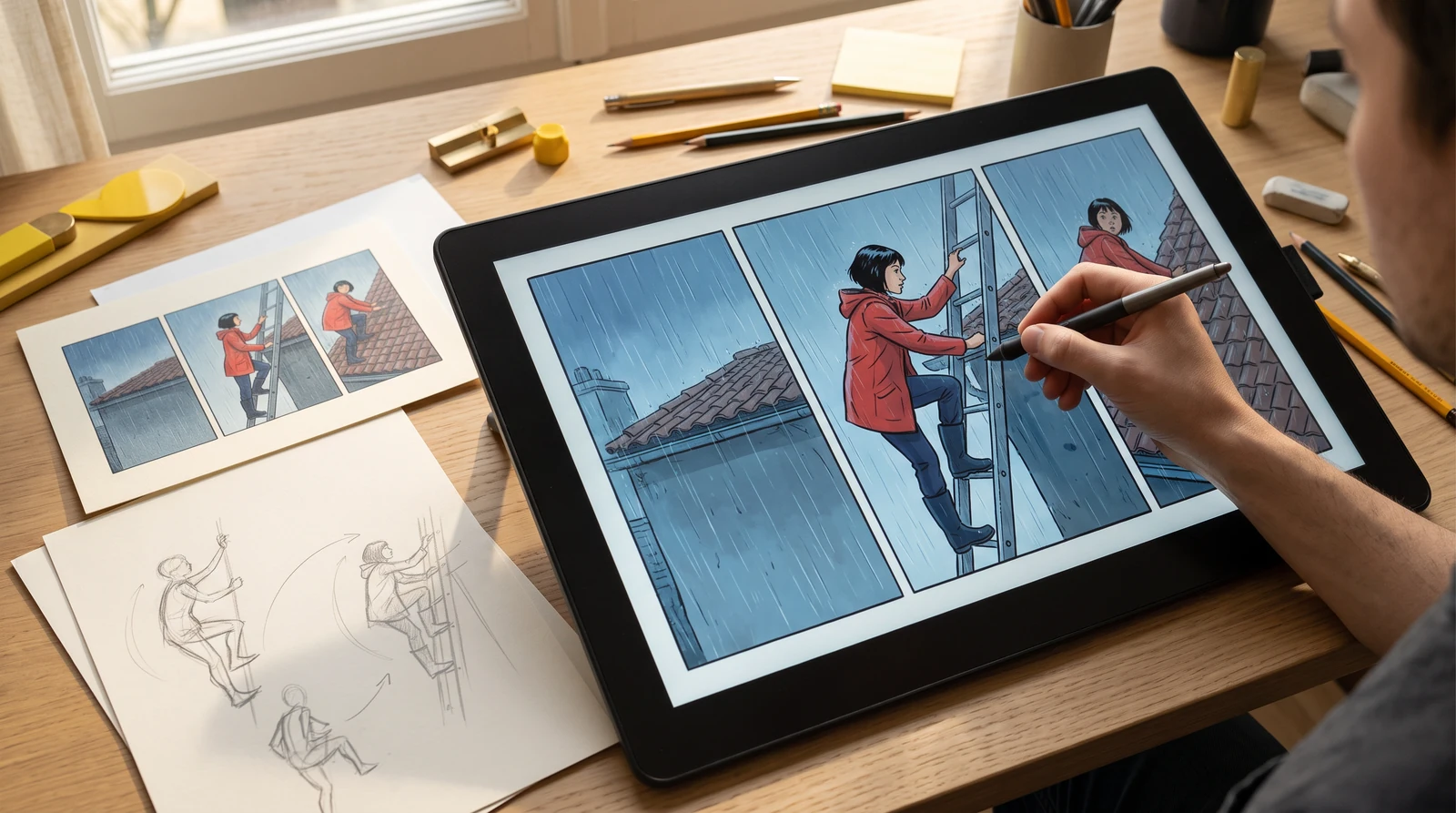
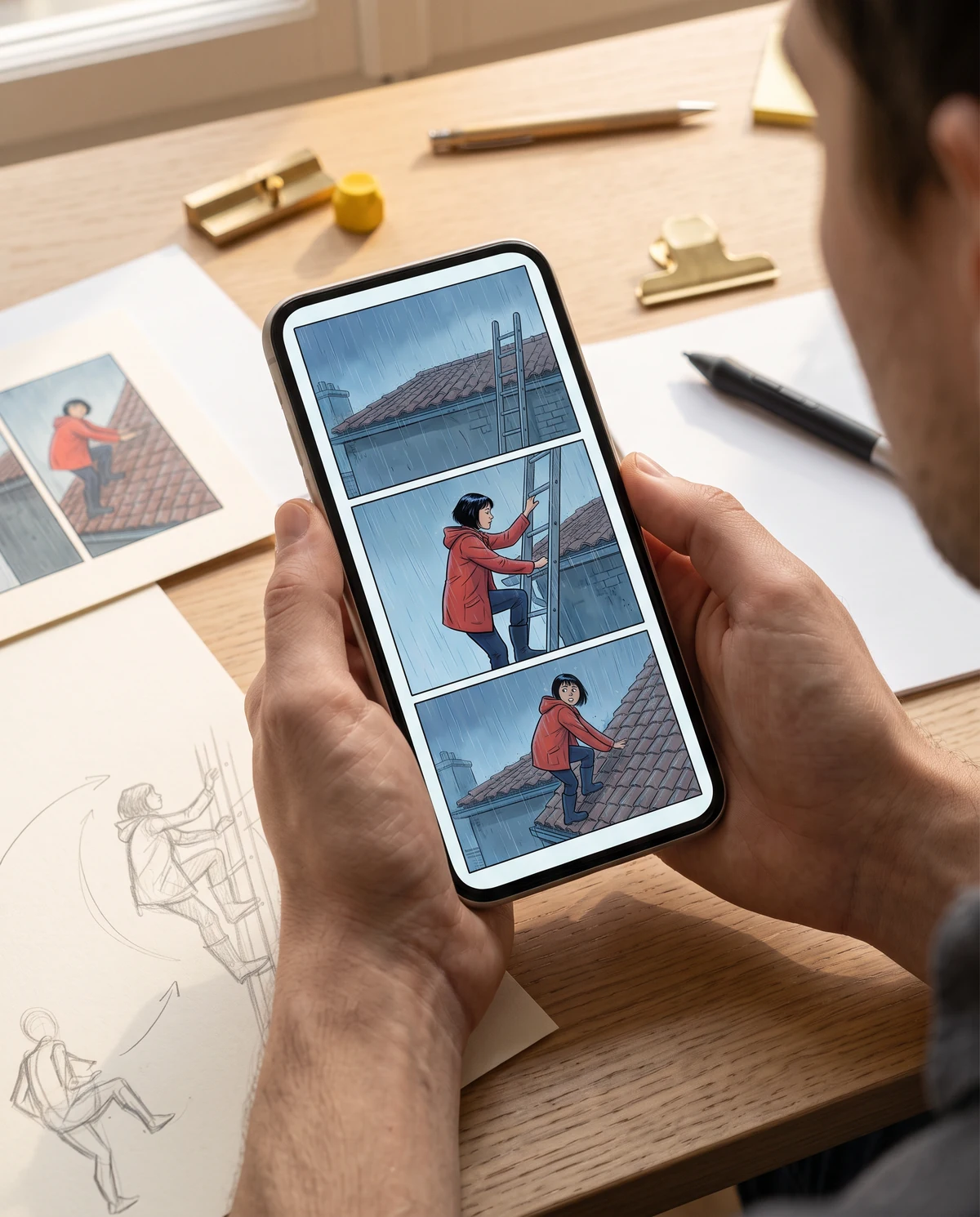
A five-panel rescue scene reads correctly except the middle shot: the same protagonist should be climbing a ladder, not standing beside it. Only that action panel needs a new composition.
How to make the edit
- 01
Open the existing story and choose its incorrect panel. Confirm the character selection and the current output resolution before redrawing.
- 02
Describe one main action and camera framing: the same short-haired climber takes a step up the ladder, red raincoat visible, same rooftop at dusk. State the outfit and location cues to preserve.
- 03
Compare the new pose against preceding and following panels. Check height, prop sides, direction of travel and resolution before accepting the replacement.
Review the result
- Character face, hair and recognizable clothes remain consistent with accepted panels.
- The new pose reads as the intended action without breaking the sequence's direction.
- The chosen output resolution and resulting crop meet the page layout needs.
What this does not guarantee
A redraw is a new generation, not an exact pose transformation. The October 2026 resolution fix is code evidence, not proof of perfect identity preservation.
Illustrated repair workflows
These scenes illustrate repair tasks. Genuine source-and-result captures from the actual tools are still awaiting review.
Common questions
Is redraw the same as a pose editor?
No. It regenerates a panel from instructions and references; it does not provide a deterministic skeletal rig.
Will redrawing change the output resolution?
Recent code changes honor the explicitly selected resolution for artwork redraw. Always inspect the generated dimensions and crop in your own project.