01Page structure
Design the sequence before the details
Start with panel templates, portrait or landscape pages, and a visible page strip. The whole sequence stays close enough to inspect pacing while one page remains active for precise work.
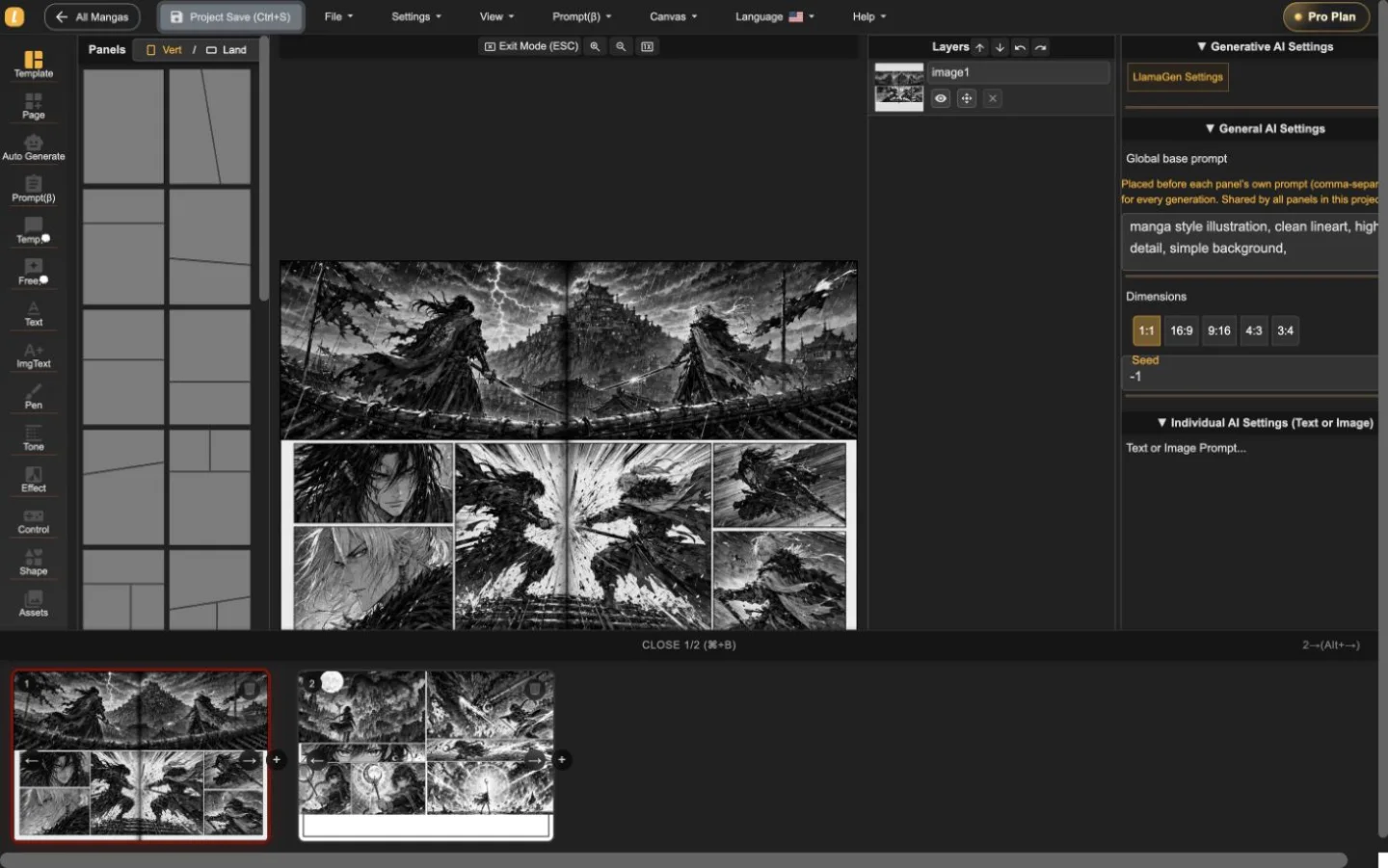
LlamaGen Manga Editor
תכנן פרק רב-עמודים, מקם או צור אמנות בפאנלים, ערוך דיאלוג ושכבות, ושמור כל שלב ללא פיצול לכלים נפרדים.
22-second interface tour
Built from real editor captures, this guided tour shows where page order, panel composition, layers, and generation controls live. It is an interface overview, not a recording of interaction speed.
רצף סטילס מודרך של שני עמודי פרויקט אמיתיים. הפעל את הווידאו רק כשתרצה; הוא לא מאט את טעינת הדף הראשונית.
השאר את מעבר העמודים גלוי תוך עריכה בעמוד פעיל.
ערוך יצירה מבלי לאבד הקשר עמוד סביבתי.
עדכן את הפאנל הנבחר עם כל כלי הבקרה גלויים.
השתמש בסיור להיכרות עם סביבת העבודה, ואז בדוק את מהירות התגובה עם עמוד משלך לפני בחירת תוכנית.
אמת את התהליך בעבודה בעורךשלושה שלבי עבודה
Start with panel templates, portrait or landscape pages, and a visible page strip. The whole sequence stays close enough to inspect pacing while one page remains active for precise work.
Place generated or uploaded artwork inside panel boundaries, select objects directly, adjust composition, and keep the surrounding page visible instead of sending every correction through a separate generator.
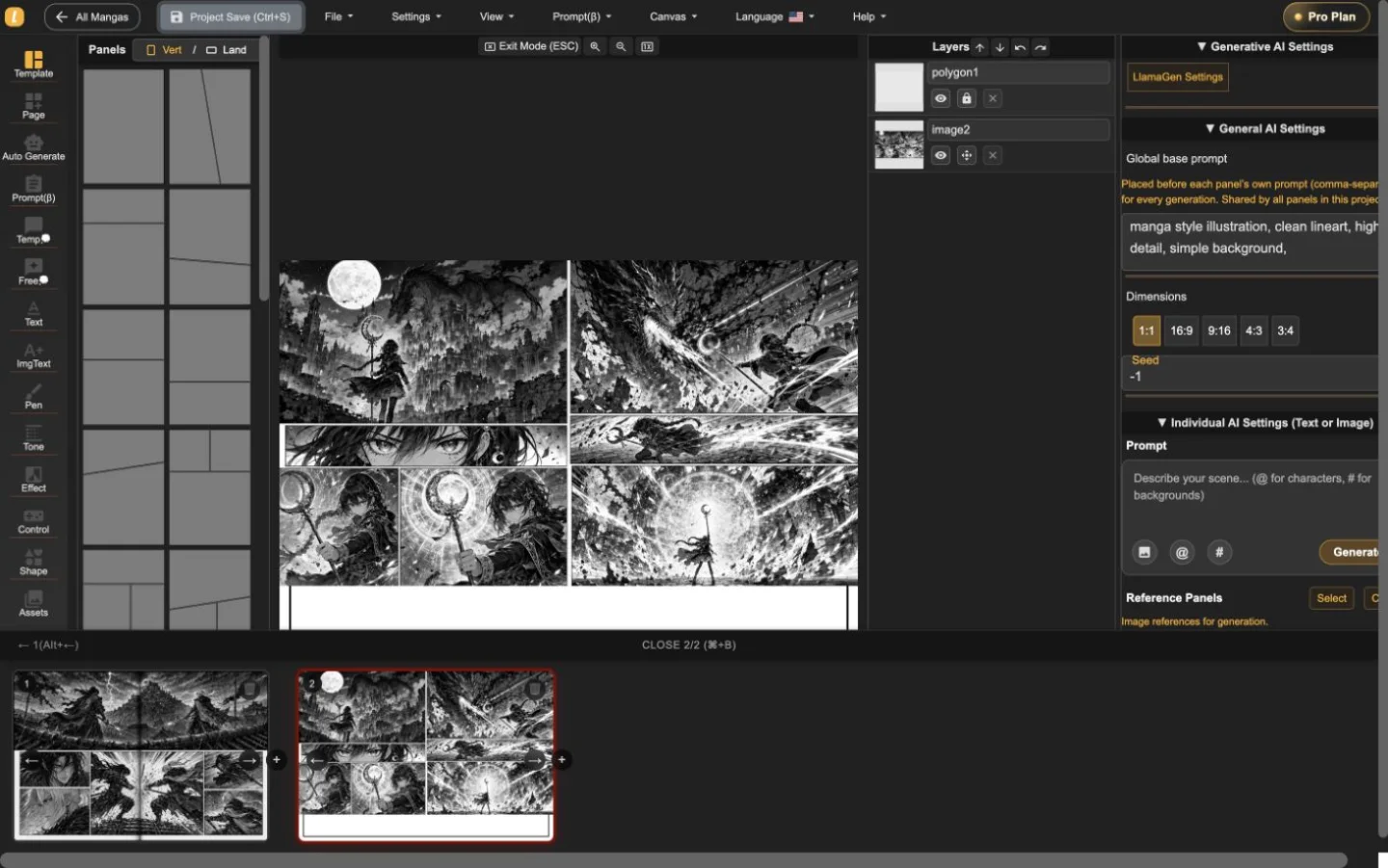
The layer list, panel selection, prompt controls, dimensions, and generation settings live alongside the page. That makes targeted revisions easier to understand and safer to repeat.
פרויקט אמיתי בן שני עמודים
רצפים אקשן ופנטזיה יובאו, הוחלפו, ונשמרו בעורך. הצילומים מציגים את המוצר בעבודה - לא צילום סטודיו או הדמיה.
סשן ראשוני מועיל
השתמש בעורך כדי לענות על שלוש שאלות מעשיות לפני השוואת תוכניות: האם אפשר לבנות עמוד, לעדכן פאנל בלי לאבד הקשר, ולייצא פורמט נדרש?
התחל פרויקט מאנגהקבע כיוון עמוד והגדר קצב פאנלים.
בחר פאנל, בדוק את שכבותיו והתאם אמנות או דיאלוג במקום.
בדוק את הורדת העמוד הנוכחי ושמור גיבוי לעריכה לפני התחייבות לפרק ארוך.
Manga Editor plans
Standard supports multi-page drafting. Pro is the relevant comparison when a series needs character consistency or the plan's general commercial terms.
לפני הפרסום
שמור גיבוי לעריכה, אשר את הפורמט הנדרש, ובדוק זכויות לכל נכס לפני פרסום.
How to use Manga Editor
Start with structure, make image changes in context, and save a stable version before the next major revision.
בחר עמוד אנכי או אופקי, הוסף פאנלים וסדר את הרצף לפני עיבוד התמונות הספציפיות.
צור או מקם תמונות בתוך פאנל נבחר, תעדן את ההנחיות וערוך דיאלוג, צורות, שכבות והרכב במקומו.
עבור בין מיניאטורות עמודים תוך שמירת הפרויקט, ואז שמור גרסה לשחזור לפני תיקון משמעותי.
Reference
פרטים יישומיים על עמודים, תמונות, בקרות יצירה, שחזור ובדיקת פרסום.
LlamaGen Manga Editor is a browser-based workspace for composing multi-page manga, comics, and webtoons. It combines panel layouts, image placement, AI-assisted generation, text tools, layers, page navigation, and project history in one editor.
Yes. The page strip keeps multiple pages in one project so you can add, reorder, open, and review the sequence without exporting every page as a separate document.
Yes. Import or paste your own image files, then place them on the canvas or inside a selected panel. The editor keeps the surrounding page visible while you adjust the composition.
Yes. AI controls can generate or refine images for the selected panel. The editor keeps the page, panel, prompt, and layer context visible while you work.
The editor currently supports a current-page image download using the selected DPI, supported vector content as SVG, and an editable project backup. Download access depends on your plan. PDF is not currently listed as an editor export.
Standard and Pro include single-page and multi-page editing. Standard currently includes 15,000 monthly credits and up to 20 panels per prompt. Pro currently includes 45,000 monthly credits, character consistency, and up to 40 panels per prompt.
Pro currently lists general commercial terms. Commercial use also depends on the rights to your prompts, reference images, fonts, characters, and other source material, so review the current plan and terms before publishing or selling a project.
Project history shows saved versions with page previews, timestamps, and page counts. Review the selected snapshot before choosing whether to restore it.
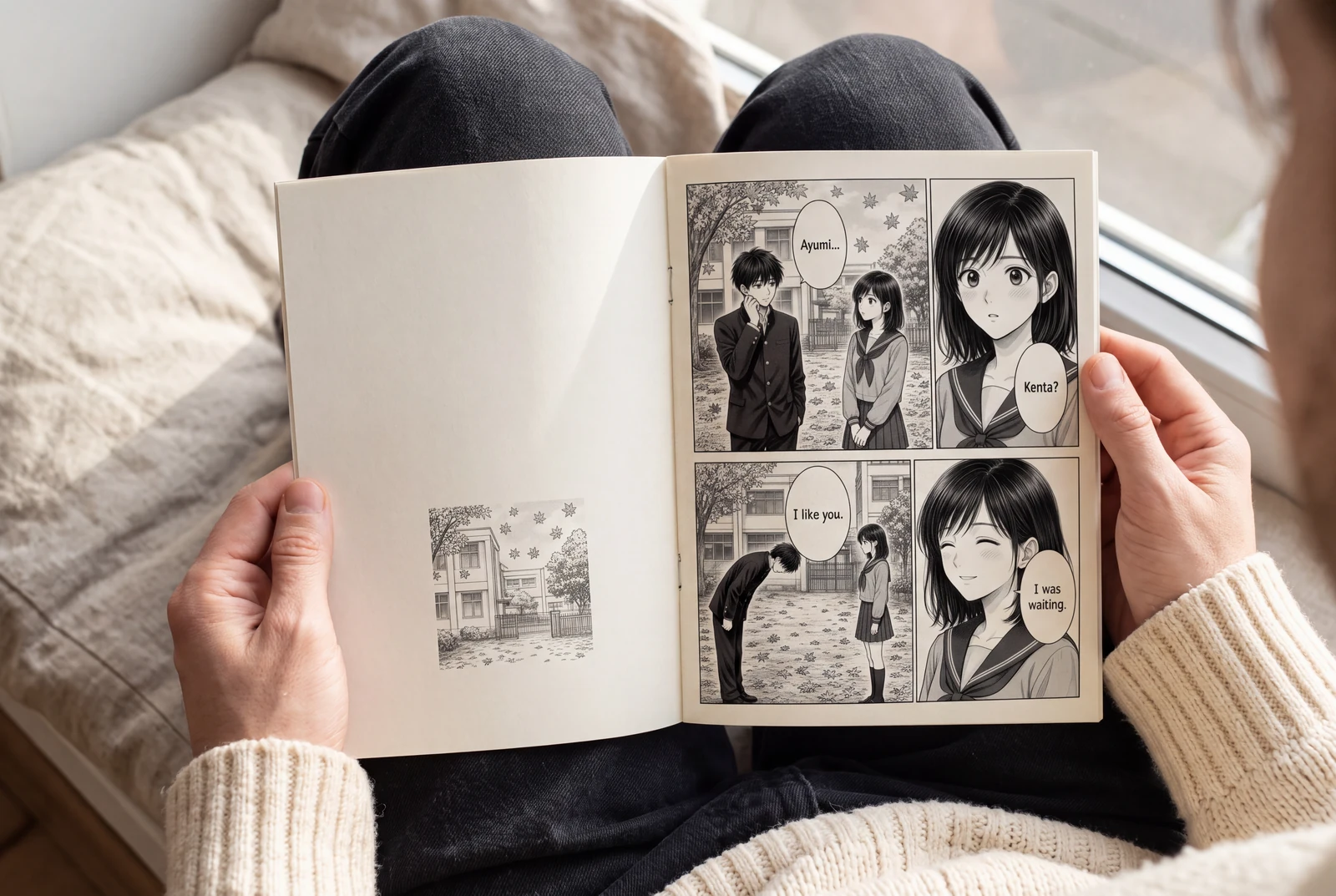
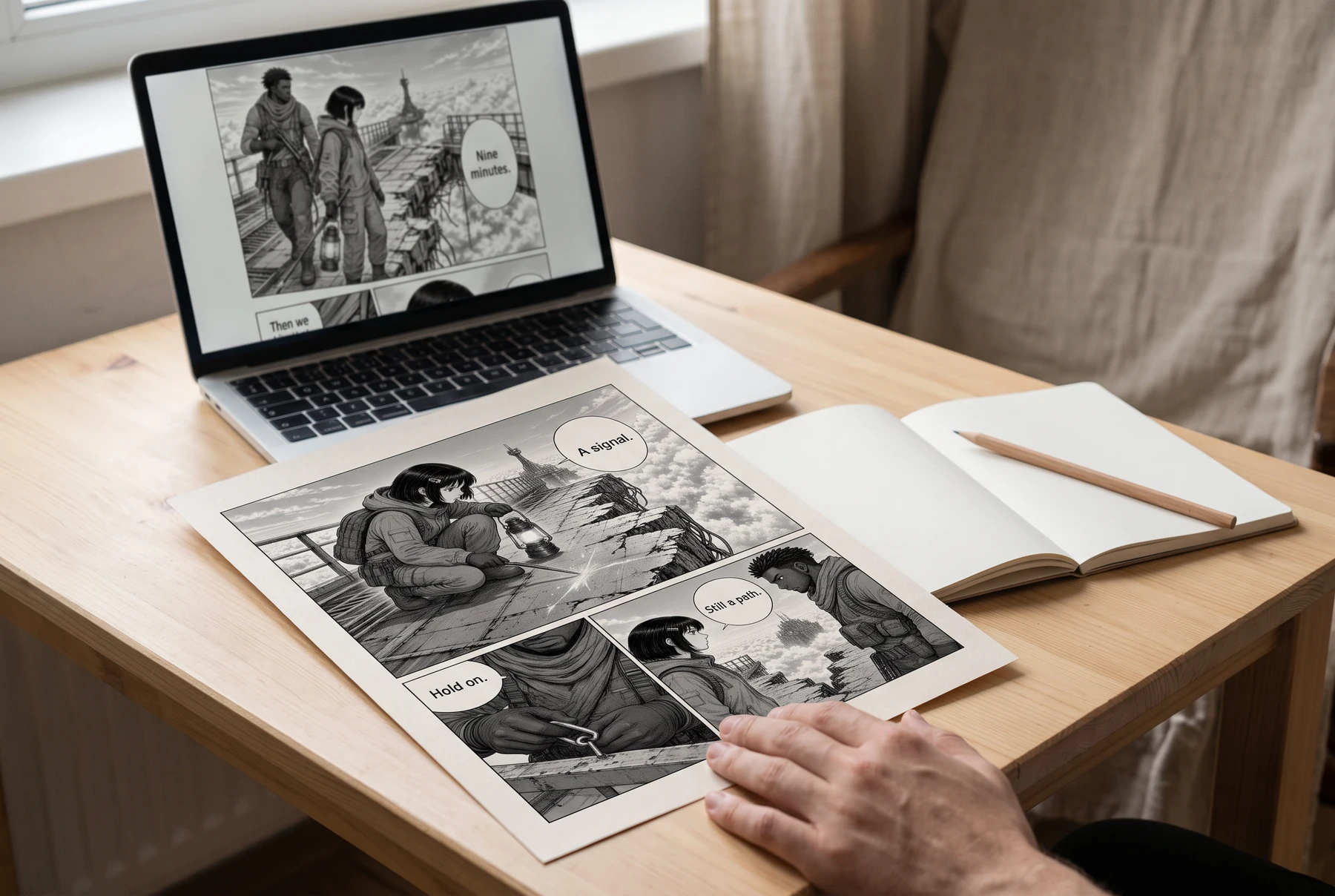
Plan manga panels, gutters, image crops, and dialogue space before exporting a readable page. Includes a four-panel planning example and practical checks.
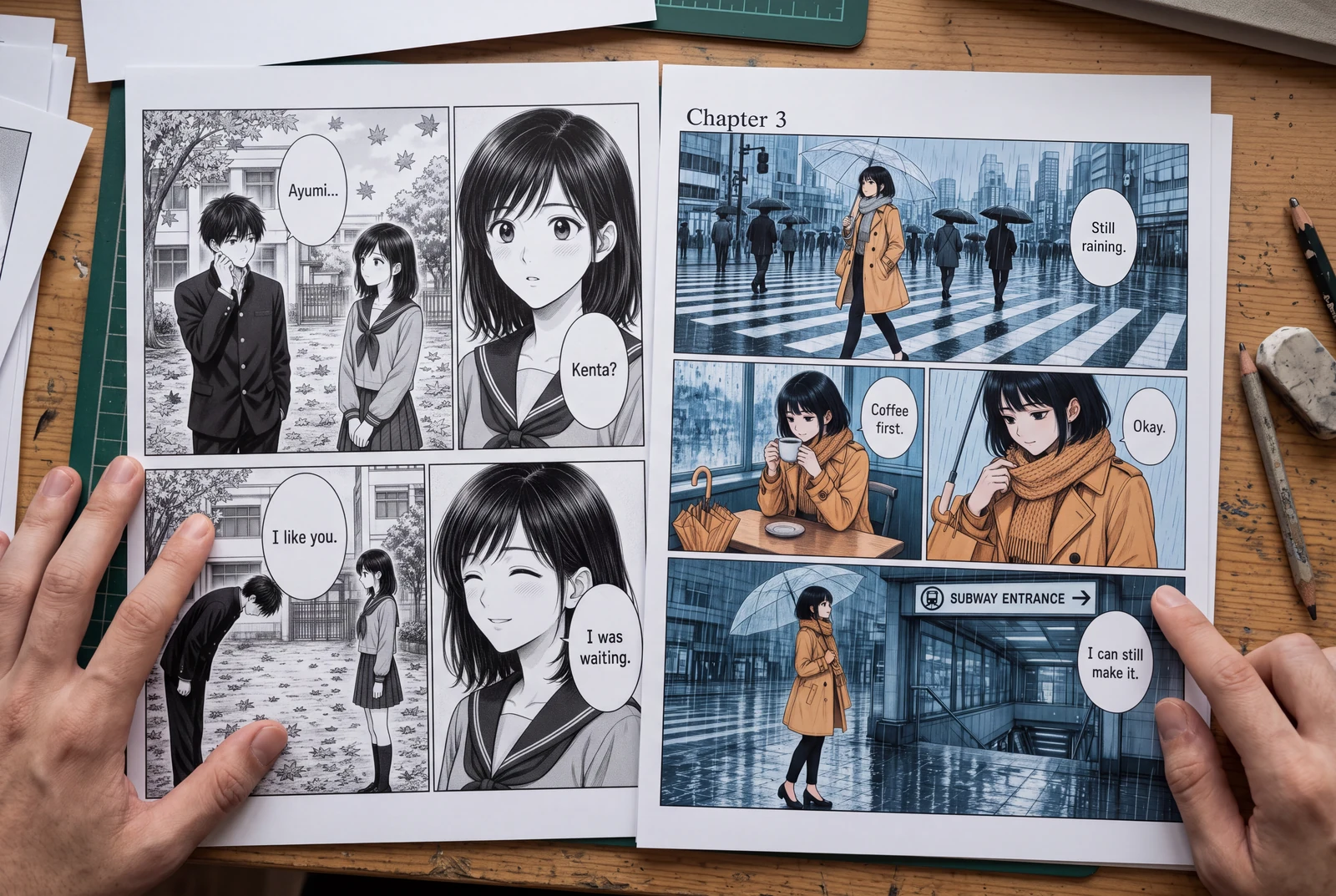
Place manga speech bubbles in a clear order, connect tails to speakers, and preserve text space across translations. Includes a dialogue planning example.
Guides
Three practical guides to turn a story into panels you can read, revise, and share.
 AI-generated lifestyle concept
Manga planning guide
Turn a short manga script into four readable panels with an original worked example, a reusable prompt, dialogue checks, and an honest review checklist.
Read guide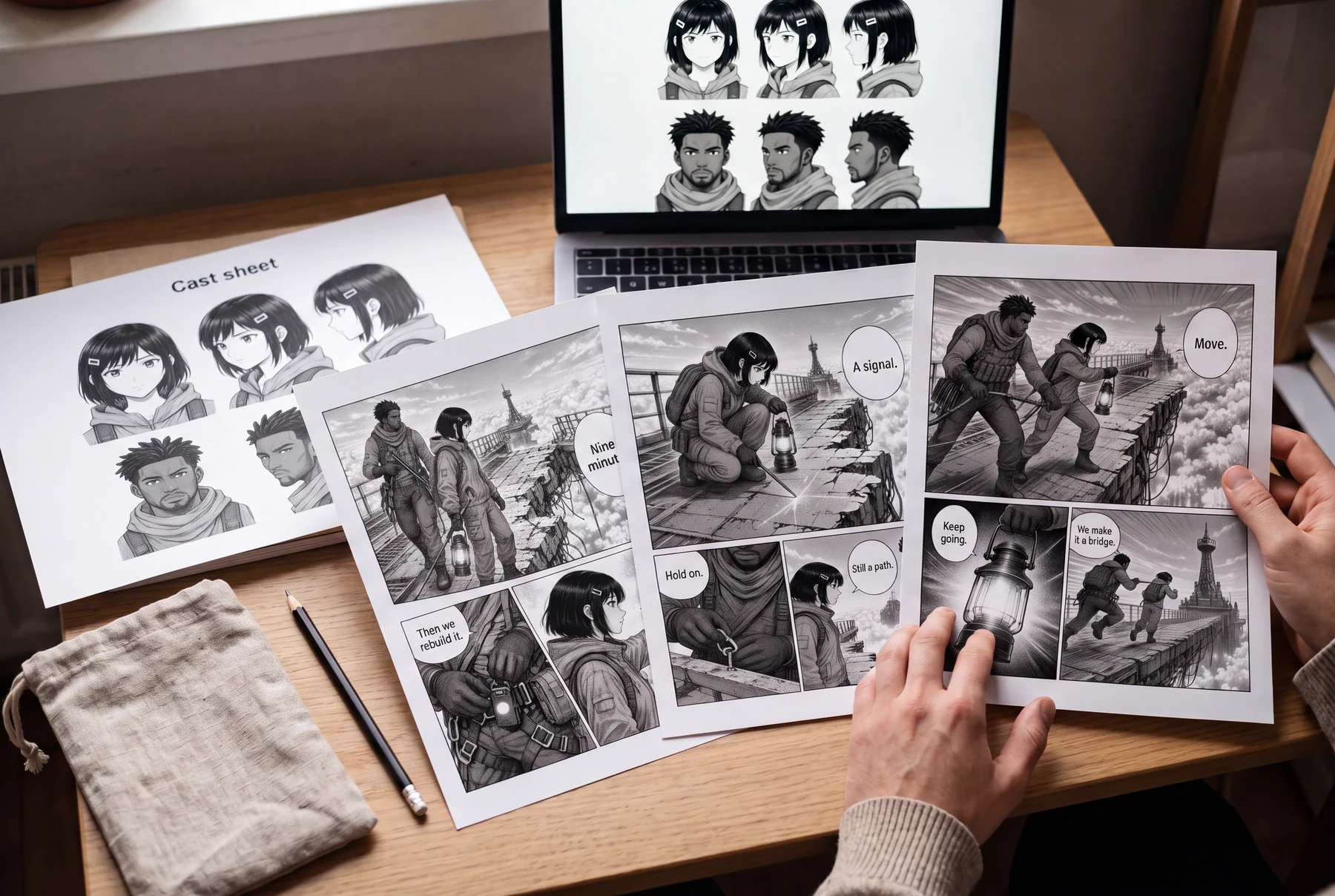 AI-generated lifestyle concept
Character continuity guide
Keep AI manga characters recognizable with a character bible, scene continuity checks, and a targeted redraw prompt. Includes an original illustrated example.
Read guide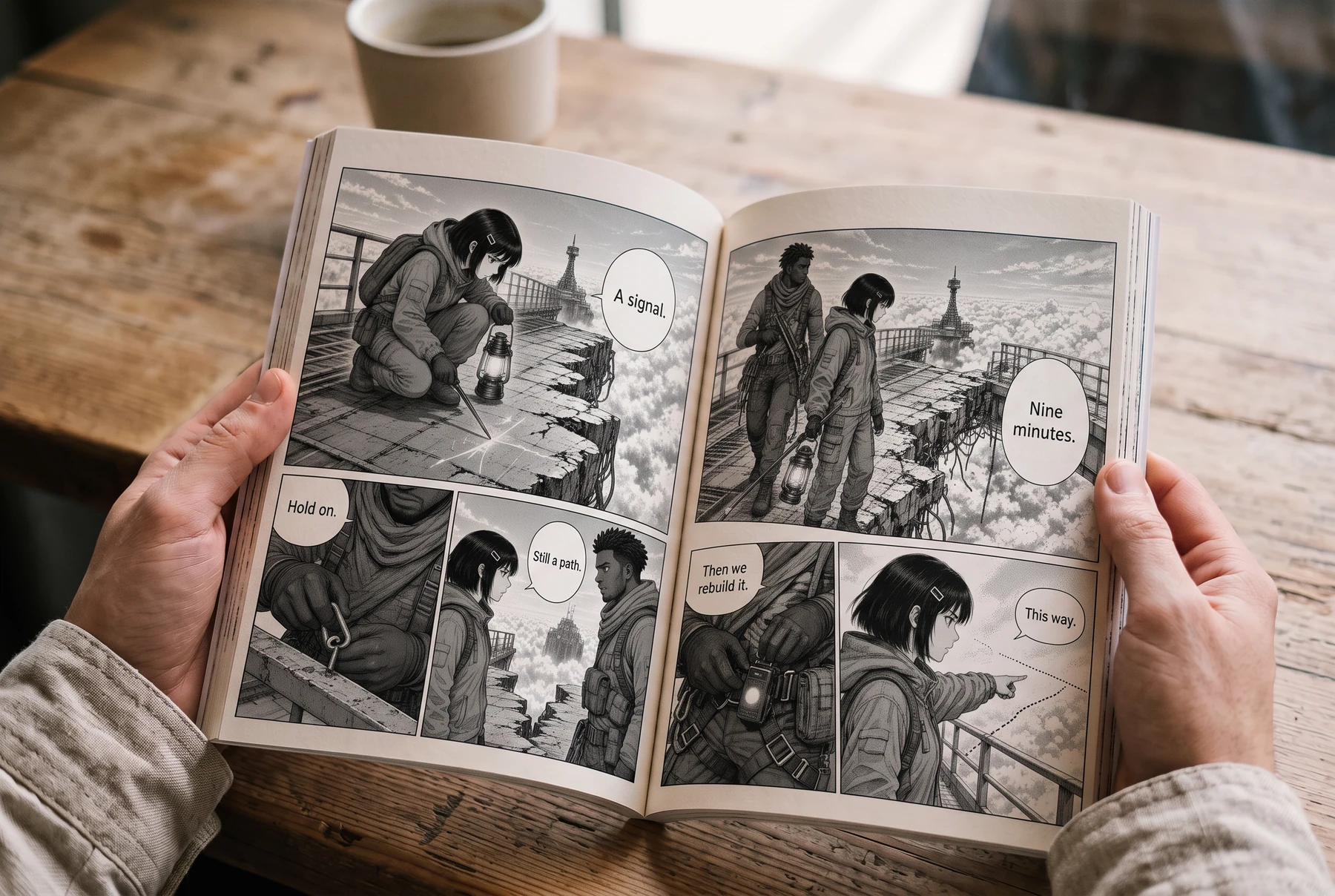 AI-generated lifestyle concept
Reading order & lettering
Plan right-to-left manga panels and speech balloons with an illustrated four-panel example, a lettering brief, and a translation checklist.
Read guideהתחלת פרויקט
בחר פורמט עמוד, קבע את קצב הפאנלים ומקם את היצירה הראשונה.