

Panel-first
सिंगल स्टिल इमेज नहीं, बल्कि कॉमिक सीक्वेंस के लिए बनाया गया

कॉमिक स्ट्रिप्स, manga पेज, manhwa सीन या webtoon पैनल अपलोड करें और उन्हें TikTok, YouTube Shorts, pitch decks और creator promos के लिए AI motion वीडियो में बदलें।
सिंगल स्टिल इमेज नहीं, बल्कि कॉमिक सीक्वेंस के लिए बनाया गया
Shorts, TikTok, Reels और ट्रेलर के लिए डिज़ाइन किया गया
Motion, timing, dialogue cues और export planning एक साथ
क्रिएटर्स के लिए सॉल्यूशन पेज
यह पेज एक साफ़ काम के लिए बनाया गया है: जिन क्रिएटर्स के पास पहले से पैनल हैं, उन्हें उन पैनलों से ऐसे वीडियो assets बनाने में मदद करना जो कहानी को बेच सकें, अगले एपिसोड का टीज़र बन सकें और सोशल प्लेटफ़ॉर्म्स पर चल सकें।
मुख्य ऑडियंस
Webtoon आर्टिस्ट, manga क्रिएटर्स, comic strip मेकर्स, educators और studios जिनके पास पहले से sequential art है और जिन्हें motion output चाहिए।
समस्या
पारंपरिक animation में shots दोबारा बनाने पड़ते हैं, dialogue timing सेट करनी पड़ती है, clips को format करना पड़ता है, और अक्सर वही visual pacing खो जाती है जिसने कॉमिक को असरदार बनाया था।
नतीजा
मूल panel order को blueprint की तरह इस्तेमाल करें, camera movement और timing जोड़ें, फिर promotion या review के लिए एक short story clip export करें।
LlamaGen खाली text-to-video prompt पर नहीं, बल्कि तैयार कॉमिक पेज और panel sequences पर आधारित है।
एनिमेशन कठिन है
क्रिएटर्स पहले ही characters, panels, dialogue और pacing पर घंटों लगाते हैं। उस पेज को vertical video में बदलना आमतौर पर दूसरी production pipeline जोड़ देता है: हर panel crop करो, shots दोबारा बनाओ, speech time करो, motion चुनो, transitions edit करो और कई formats में export करो।
Aha moment
खाली animation timeline से शुरू करने के बजाय, LlamaGen comic sequence को पढ़ता है और मौजूदा story beats को motion choices में बदल देता है।
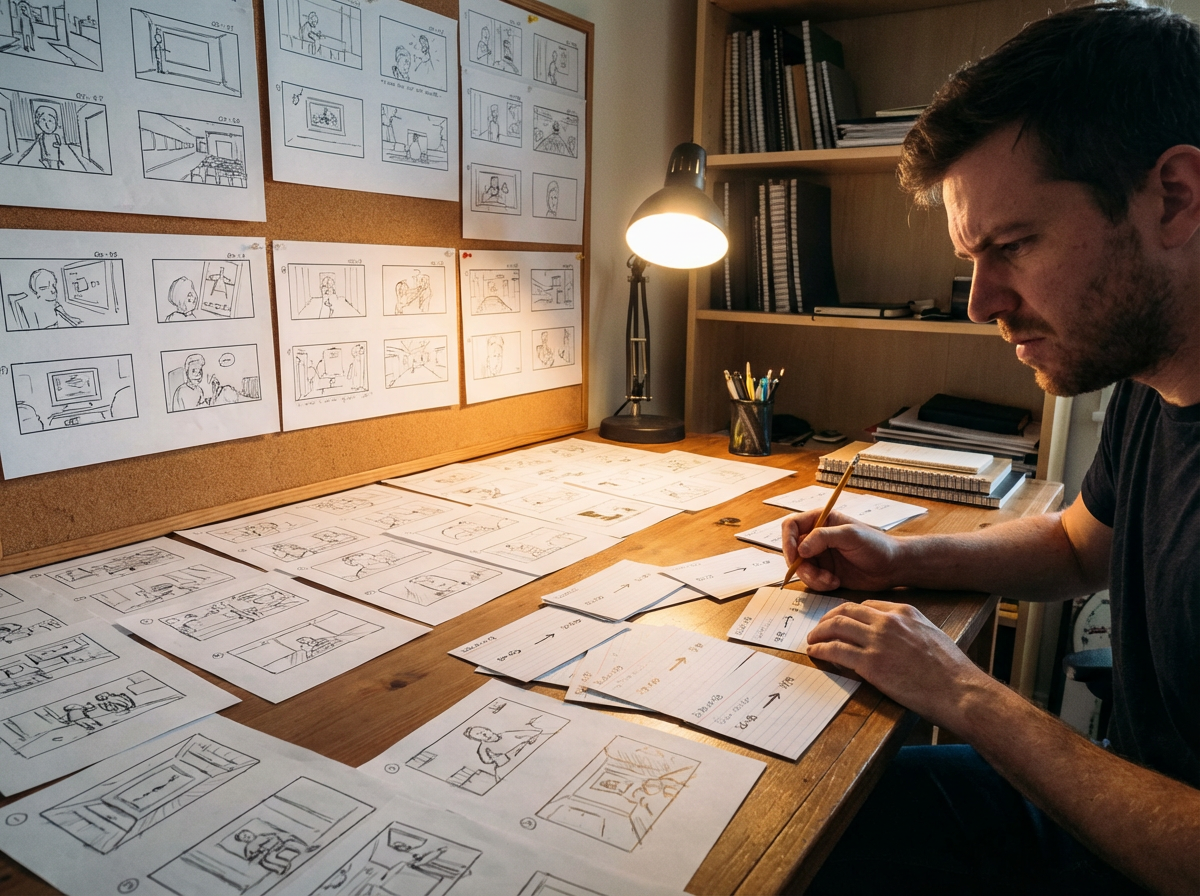
पेज से
4-panel joke, fight beat या webtoon scroll एक छोटे clip में बदल सकता है, जिसकी pacing original layout का पालन करती है।
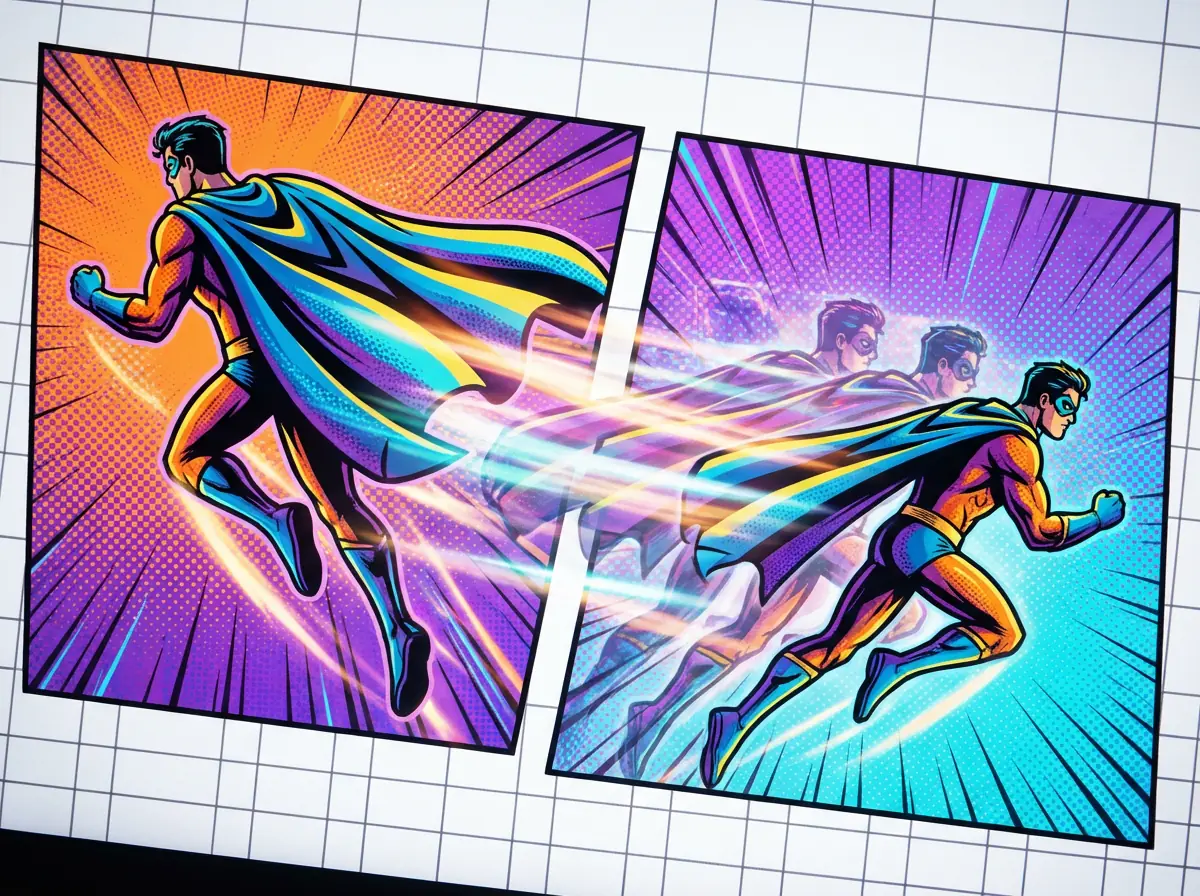
Motion तक
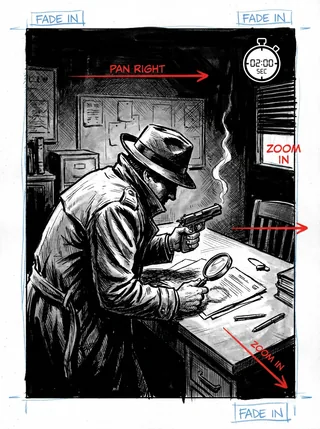
Push-ins, pans, impact frames और transitions का उपयोग करके static panels को जीवंत बनाएं, जबकि drawn composition वैसी ही बनी रहे।
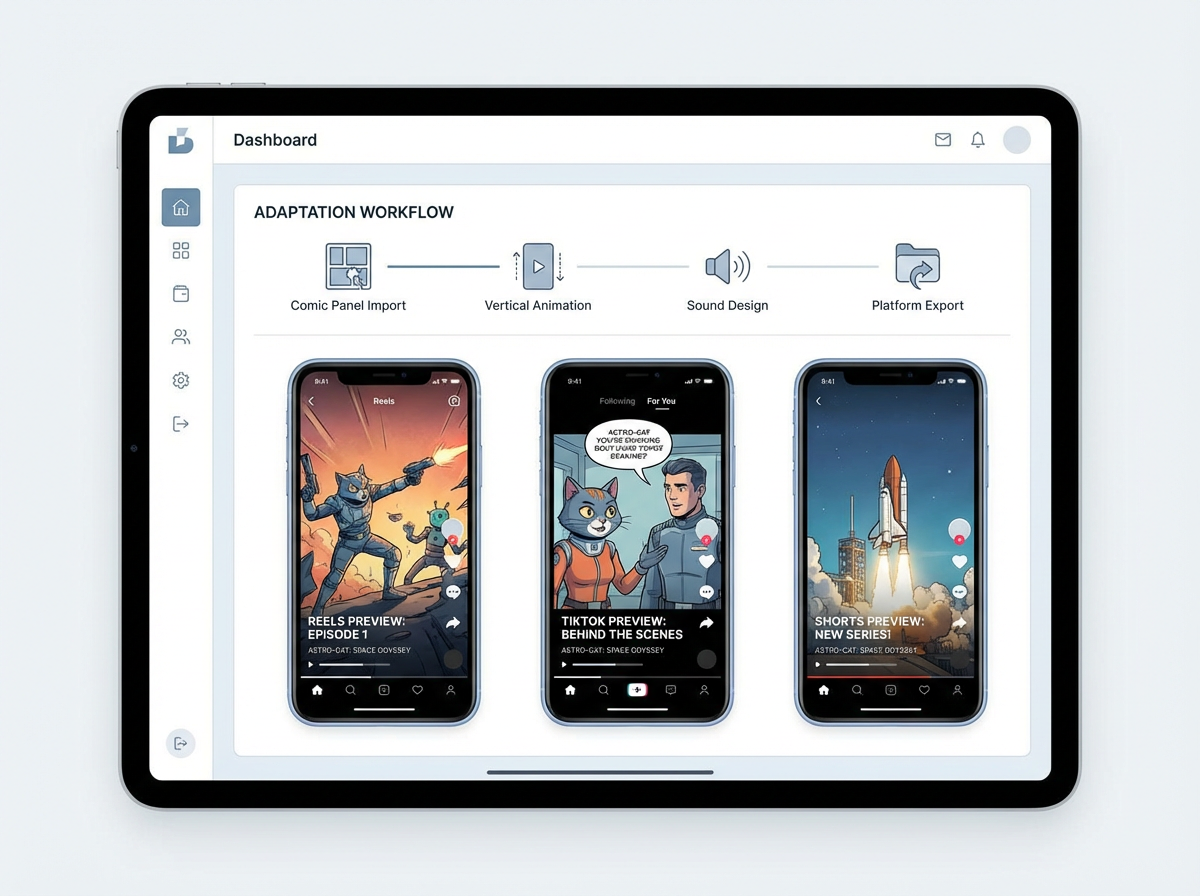
पब्लिश तक
पूरी कॉमिक को editing software में फिर से बनाए बिना vertical teaser, scene preview या pitch draft तैयार करें।
Motion example gallery
एक comic-to-video पेज को सिर्फ समझाना नहीं, बल्कि तैयार motion quality साबित करनी होती है। ये Gallery cases तैयार comic panels और उन commercial outputs पर आधारित हैं जिनके लिए creators वास्तव में भुगतान करते हैं: teasers, launch hooks, pitch previews और short-form clips.

Monica
दोस्ती खोजने वाले एक रोबोट पर आधारित इस 4-panel comic को animate करें। Panel order वही रखें, हल्के camera pushes जोड़ें, speech bubbles की timing सेट करें, और YouTube Shorts के लिए 9:16 teaser export करें।
Creator workflow
जिस creator के पास short episode तैयार है, वह पूरी comic publish करने से पहले सबसे प्रभावशाली sequence को motion teaser में बदल सकता है।
Speech bubbles, action beats और साफ reading order वाले तैयार panel sequence को upload करें।
Dramatic push-ins, speech timing और final title frame वाला vertical teaser माँगें।
एक short animated preview export करें जिसे launch hook की तरह पोस्ट किया जा सके या pitch deck में इस्तेमाल किया जा सके।
Creator ROI
यह सिर्फ एक नई वीडियो फ़ाइल नहीं है। यह तैयार panels को reusable promotion assets में बदलने का तरीका है, बिना अलग animation production process शुरू किए।
Manual cropping, timing, motion planning, editing और export setup की जगह लेता है।
Social teasers, pitch previews और motion storyboard drafts के लिए उपयोगी।
आपके original comic panels को ही creative source of truth बनाए रखता है।


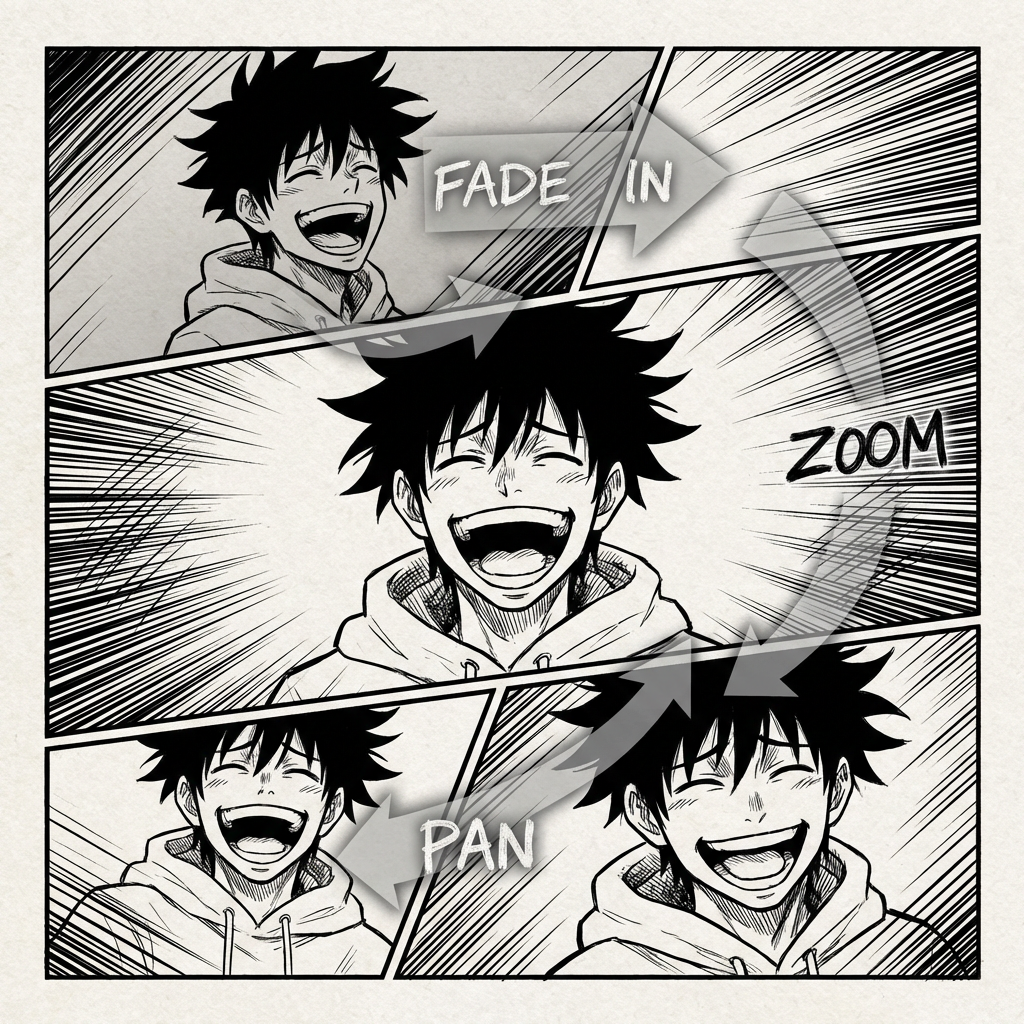

कॉमिक एनिमेशन का भविष्य
Comic to Video उन क्रिएटर्स के लिए बनाया गया है जिनकी कहानी पहले से पेज पर मौजूद है। यह panel order पढ़ता है, scene continuity बनाए रखता है, और static comic layouts को animated clips में बदलने में मदद करता है—बिना पूरे sequence को शुरुआत से दोबारा बनाए।
पुराना animation workflow
Comic panels से animation तक जाना आमतौर पर shots को दोबारा बनाने, dialogue timing सेट करने और story को motion के लिए फिर से edit करने जैसा होता है। यह workflow धीमा है और अक्सर पेज पर पहले से बनी rhythm को तोड़ देता है।
पेज पर आपकी story बहुत सहज चलती है, लेकिन उसे motion, pacing, camera angles और transitions में बदलना जल्दी ही एक जटिल पहेली बन सकता है।
हर motion clip में हीरो वही हीरो लगे, panel दर panel, चाहे camera move करे या scene बदल जाए।
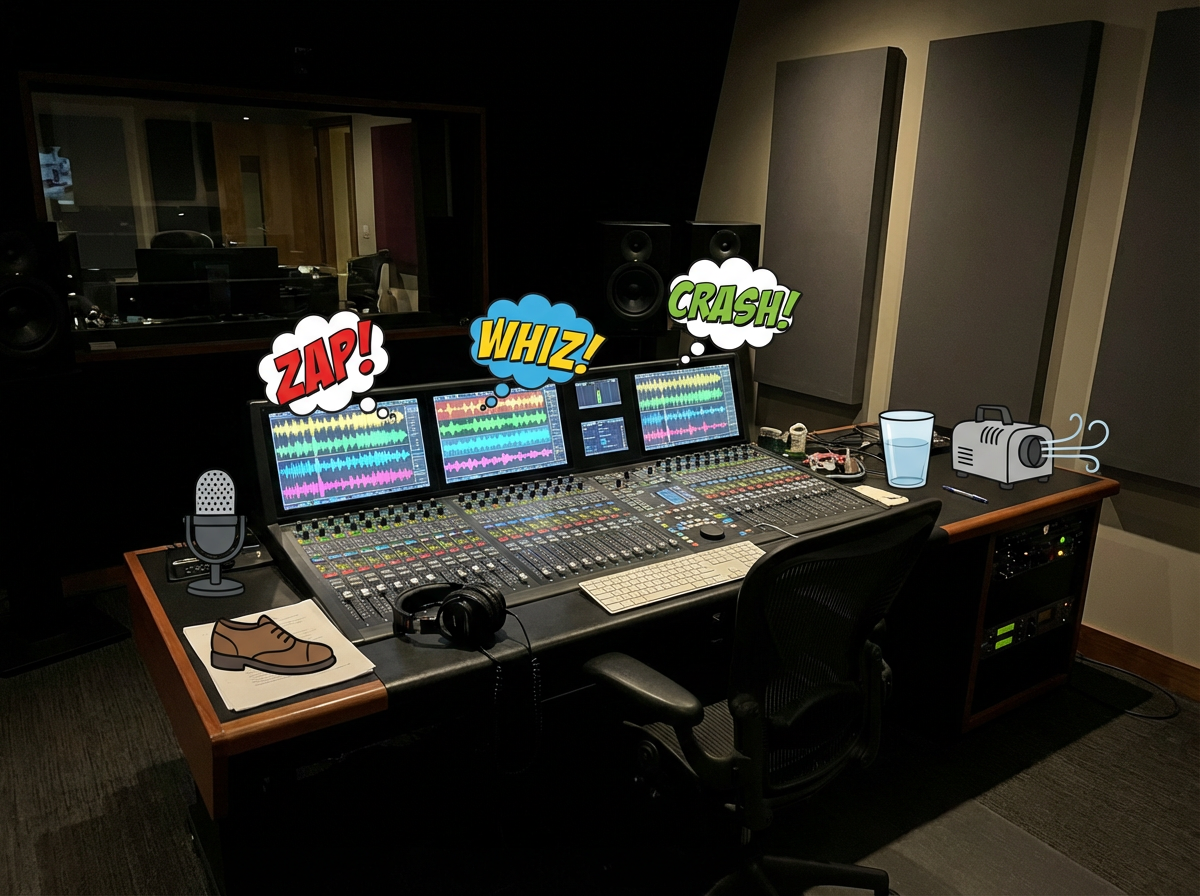
Music, effects और voices को comic के tone, dialogue rhythm और scene changes से मेल खाना चाहिए।
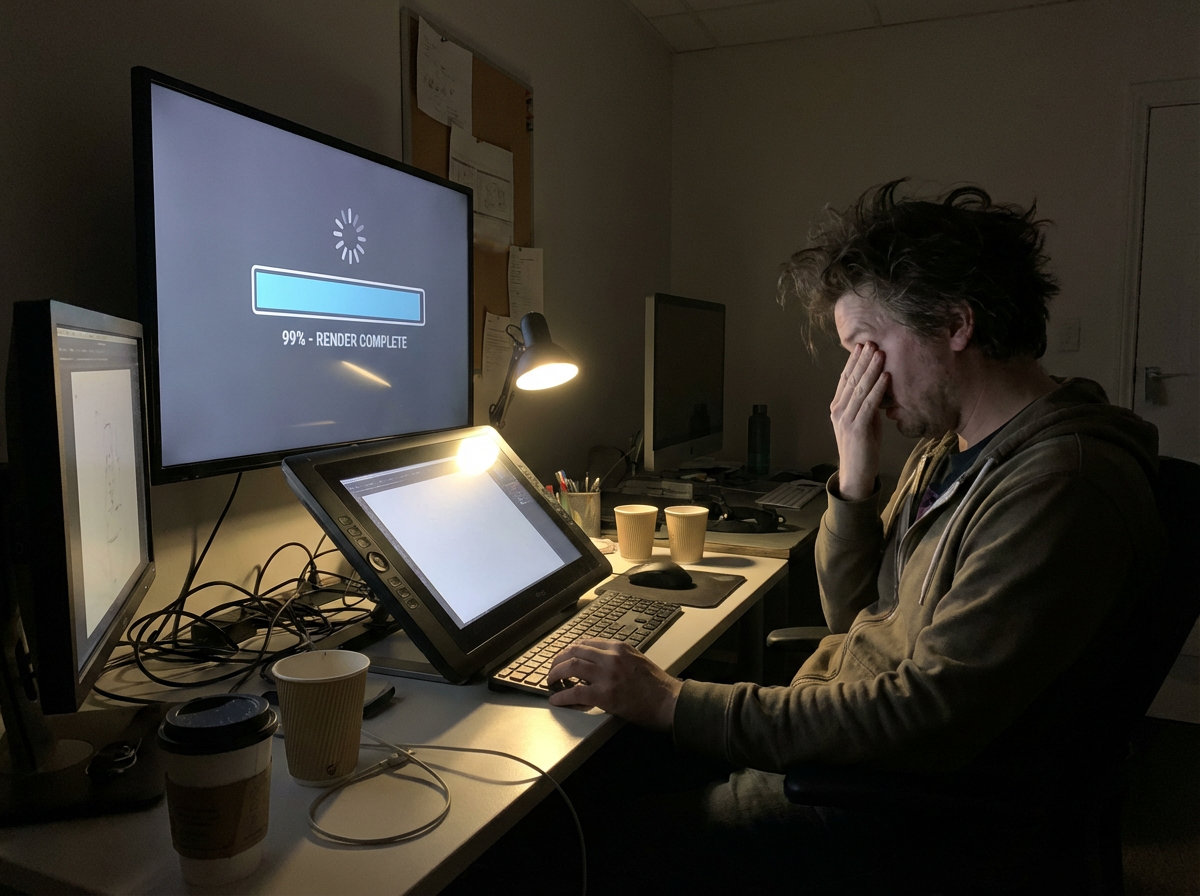
आप export का इंतज़ार करते हैं, timing issue दिखता है, फिर clip शेयर करने लायक बनने से पहले editing loop दोहराना पड़ता है।
तैयार animation को भी TikTok, YouTube Shorts, Reels और pitch decks के लिए resize और re-edit करना पड़ता है।
क्या हो अगर आपके comic panels में पहले से video blueprint मौजूद हो?
|अपनी कॉमिक में जान डालना
हमेशा से एक सपना रहा है।
अब पहला motion draft सीधे panels से शुरू होता है।
यह workflow सबसे पहले comics के लिए डिज़ाइन किया गया है: panel sequence पढ़ें, continuity बनाए रखें, motion जोड़ें, और ऐसा clip export करें जो अभी भी original story जैसा लगे।
Workflow upload किए गए page या panel sequence को पढ़ता है, order, characters, dialogue और scene changes पहचानता है, फिर comic structure से ही video plan बनाता है।
यह panels के बीच motion और transitions बनाता है ताकि clip animated महसूस हो, लेकिन comic में पहले से तय story beats का पालन करे।
Dialogue cues, sound effects और background music को speech bubbles और scene rhythm के हिसाब से plan किया जा सकता है।
System sequence को एक coherent short-form story clip में edit करता है, जहाँ panel pacing, transitions और scene emphasis का संतुलन रखा जाता है।
Previews, social posting, pitching या बड़े video workflow में आगे editing के लिए animated story clips export करें।
Free Comic to Video AI
कॉमिक स्ट्रिप्स, manga पेज, manhwa सीन या webtoon पैनल अपलोड करें और उन्हें TikTok, YouTube Shorts, pitch decks और creator promos के लिए AI motion वीडियो में बदलें।
पैनल दर पैनल कहानी को एनिमेटेड दृश्यों में बदलें, संवाद की लय और पात्र निरंतरता बनाए रखते हुए।
संवाद बुलबुलों और दृश्य क्रम के साथ अनुक्रमिक पैनल्स अपलोड करें।
प्रत्येक पैनल के लिए कैमरा मूवमेंट, ट्रांजिशन गति और संवाद की समय निर्धारित करें।
सोशल, पिच डेक्स या प्रोडक्शन ड्राफ्ट के लिए साझा करने योग्य एनिमेटेड प्रीव्यू जनरेट करें।
Comic pages, manga panels और webtoon scenes को animated videos में बदलने के लिए व्यावहारिक जवाब।
Recommended Pages
Explore new SEO pages for YouTube Shorts, UGC ads, story-to-video workflows, voiceover videos, history explainers, ancient history, and war documentaries.
Create short-form vertical videos with AI hooks, voiceover, visuals, and caption-ready pacing.
Build creator-style ad videos with product storytelling, mobile-first pacing, and faster testing loops.
Turn historical topics into documentary-style explainers with scripts, visuals, narration, and captions.
Create Roman history, empire, and ancient civilization videos with more cinematic educational storytelling.
Generate battle breakdowns, military explainers, and war documentary videos with narration-led structure.
Convert written stories, outlines, and hooks into scene-based videos with stronger narrative continuity.
Create narration-first videos with AI voiceover, visuals, captions, and polished pacing for multiple formats.
Related writing workflow
Use the AI Screenplay Editor when a script, fiction draft, storyboard brief, video idea, or canvas note needs proper scene headings, action, dialogue, parentheticals, cover pages, outlines, beats, and collaboration-ready revisions.
INT. COMMUNITY CENTER - NIGHT
Folded chairs. A storm outside. MAYA stands at the microphone with a page of notes she no longer needs.
MAYA
If the city will not read the record, we will read it out loud.