LlamaGen Logo
Bible Comic MakerBible story maker

Bible story maker

Bible Story Maker

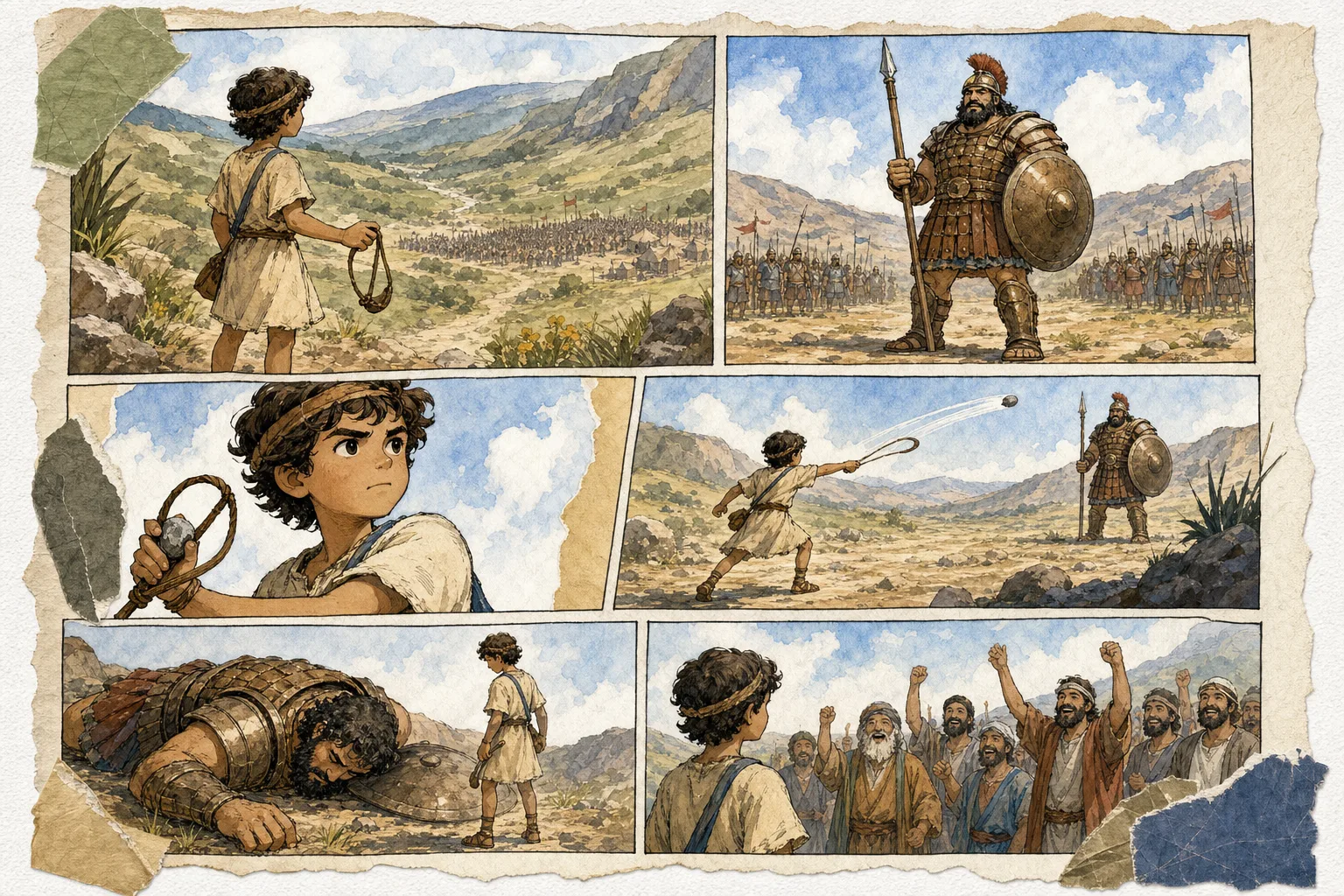
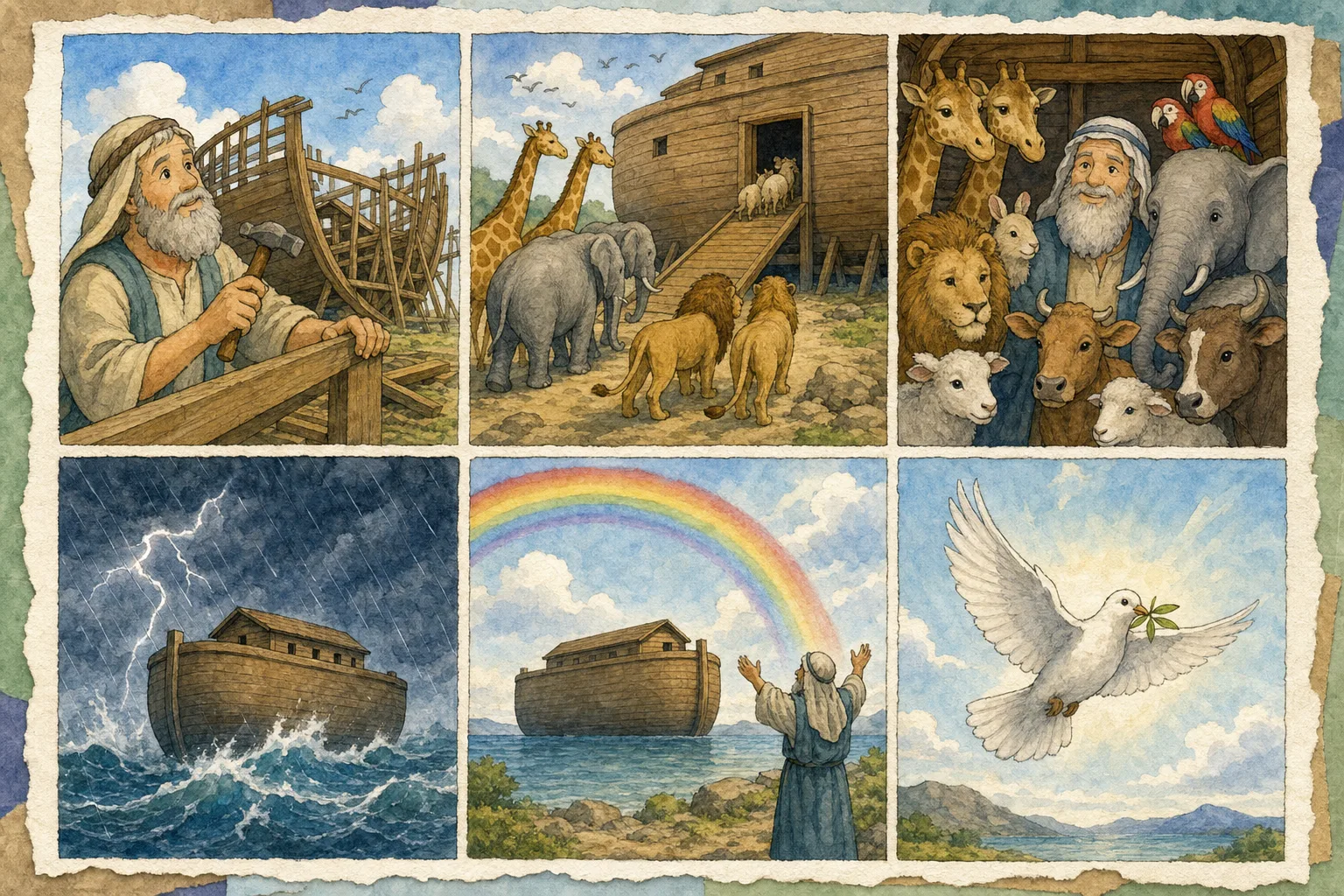
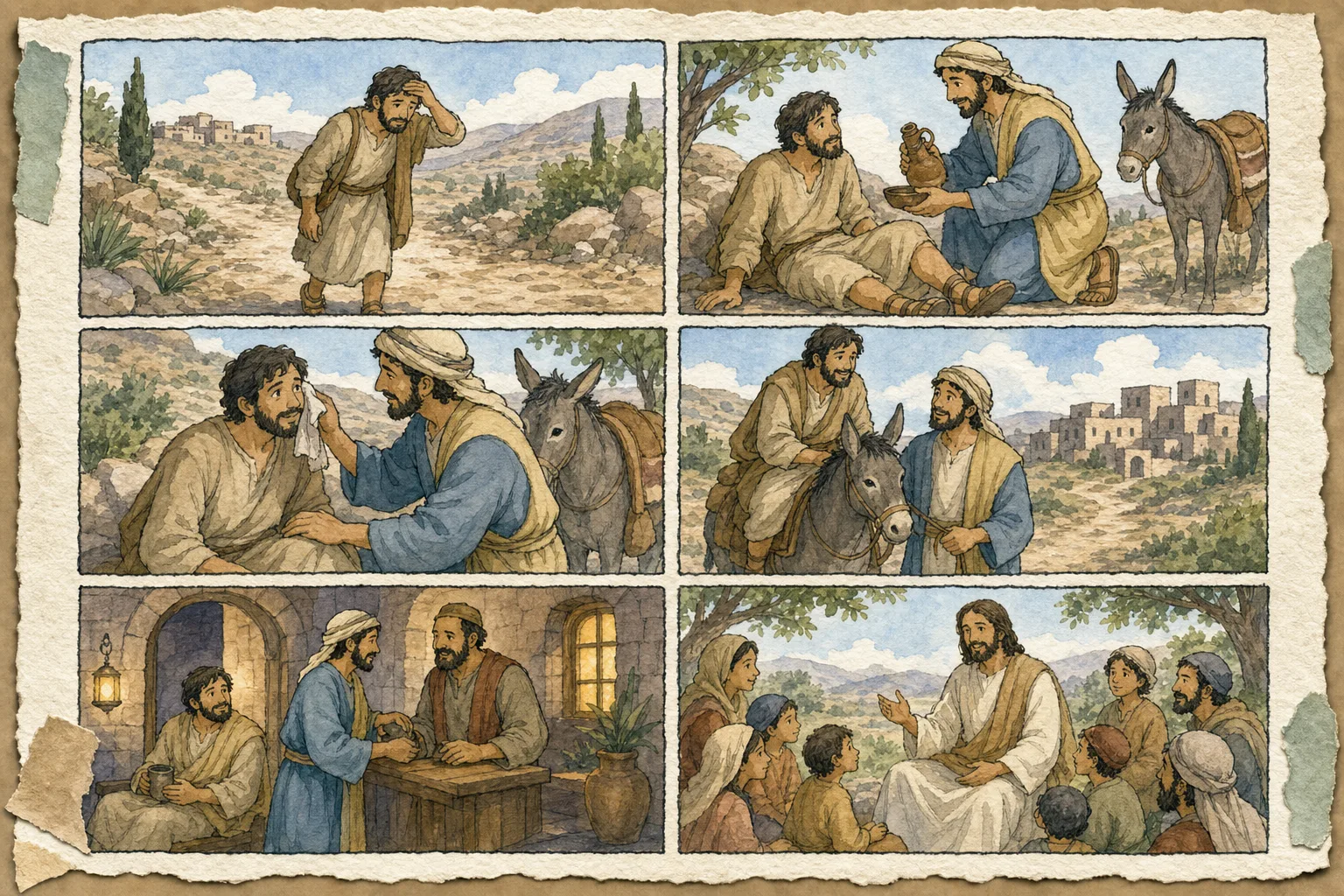
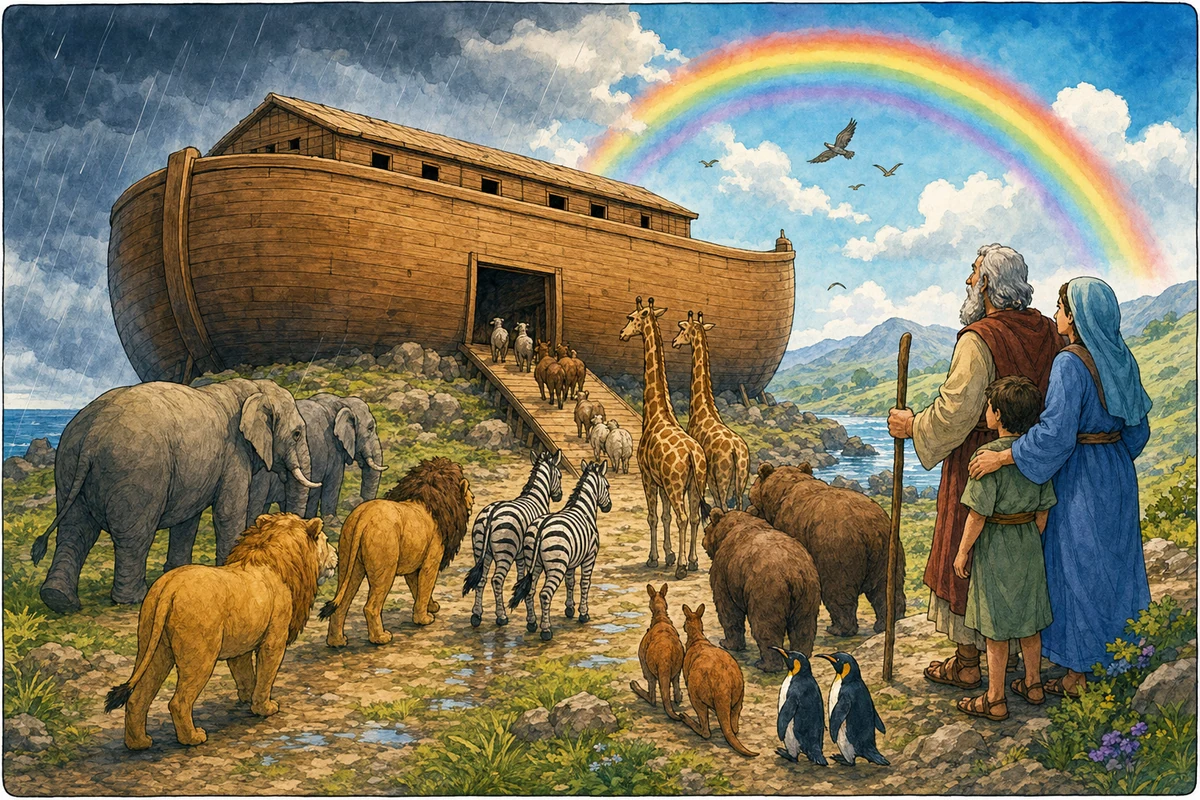
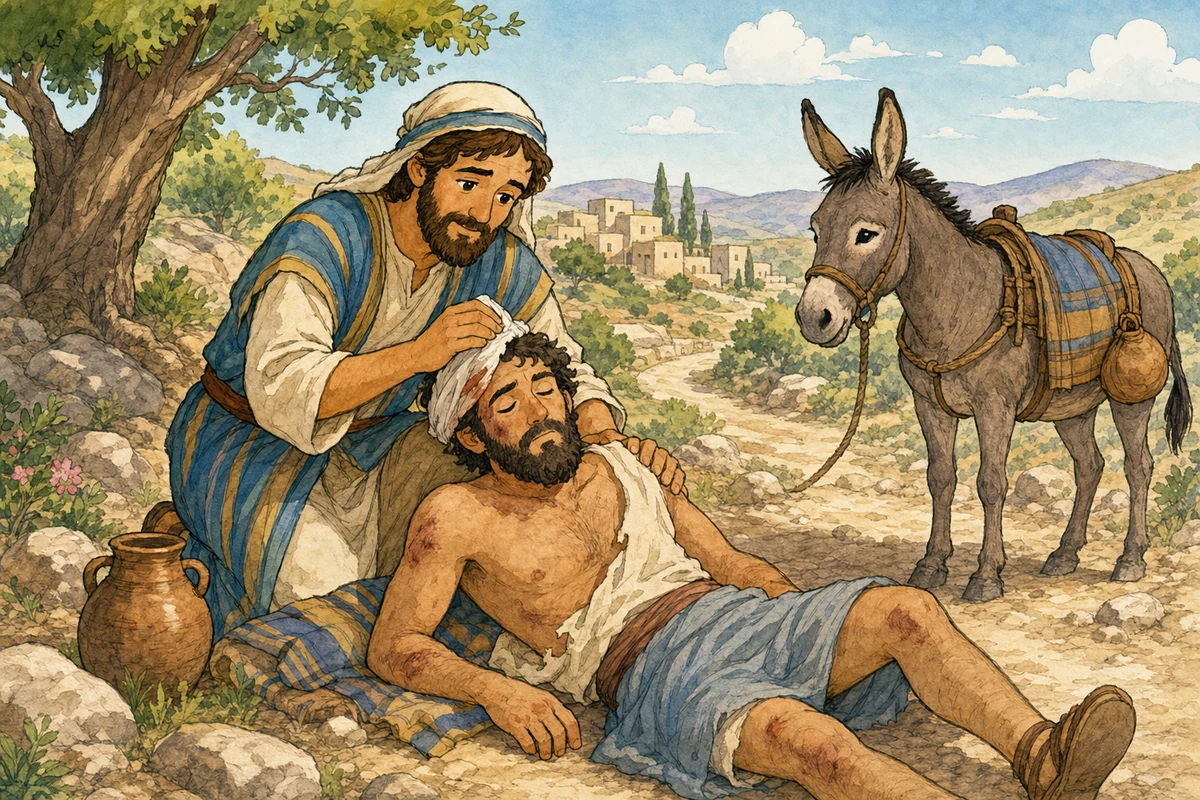
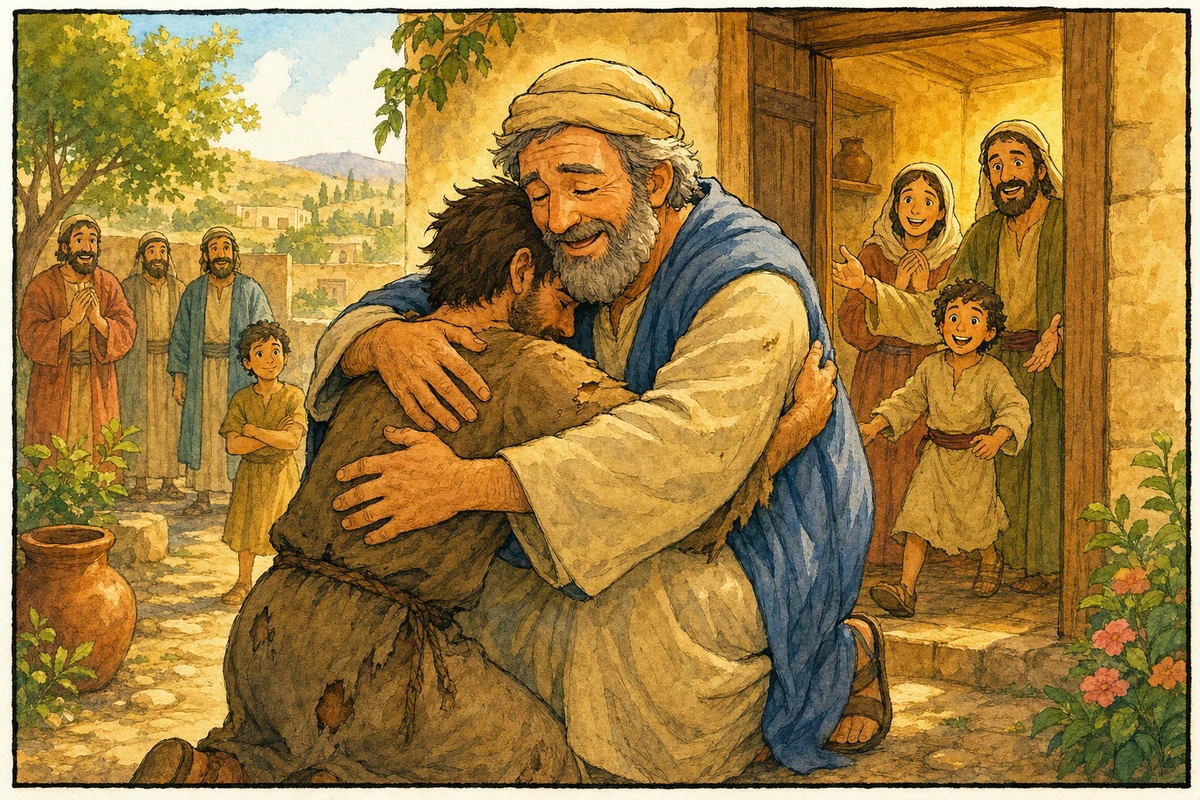
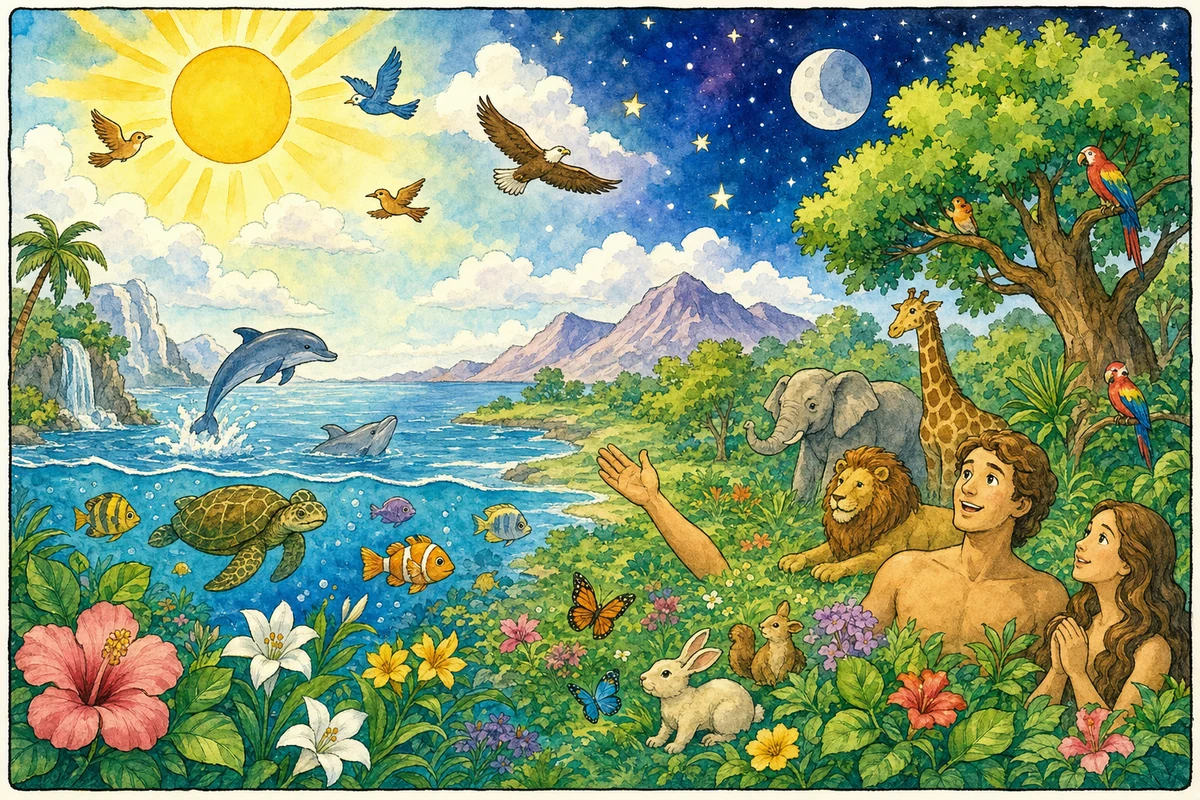
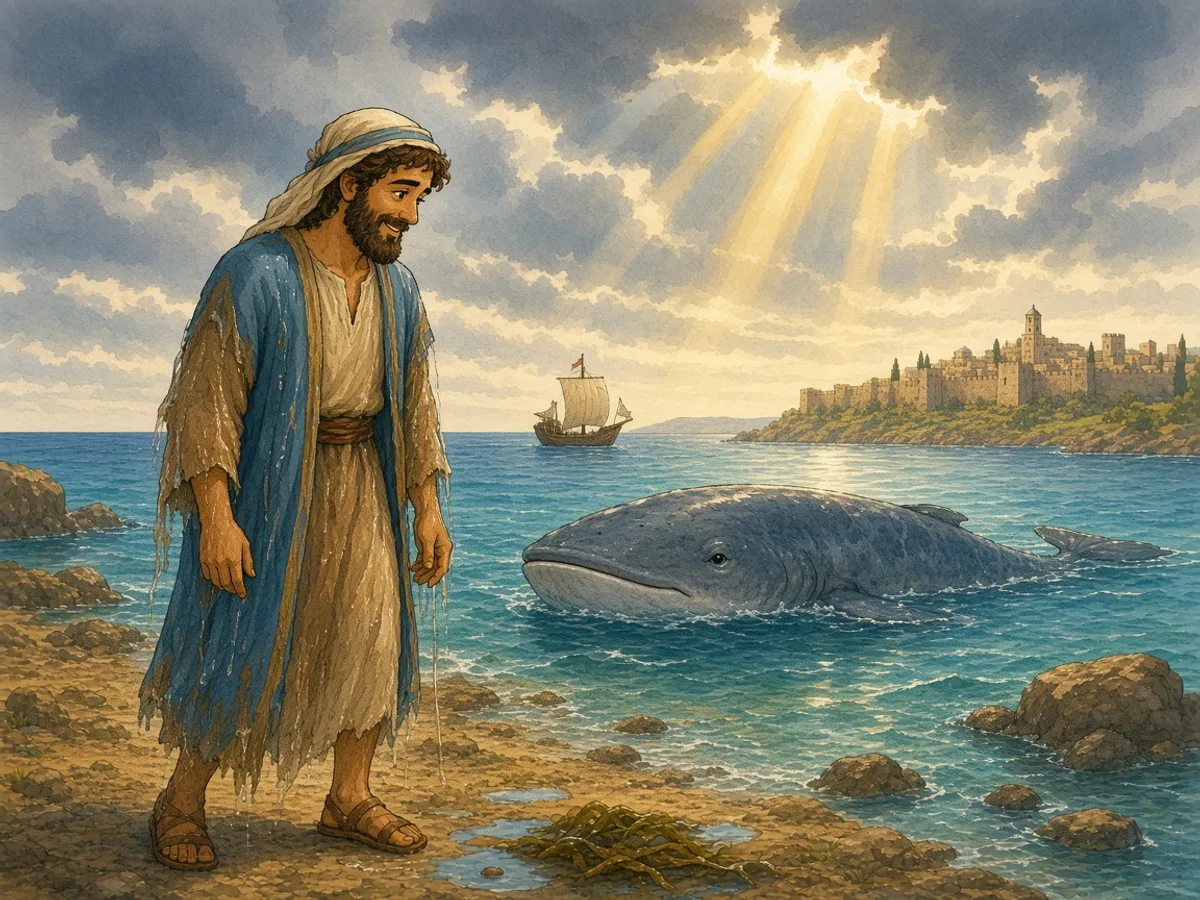
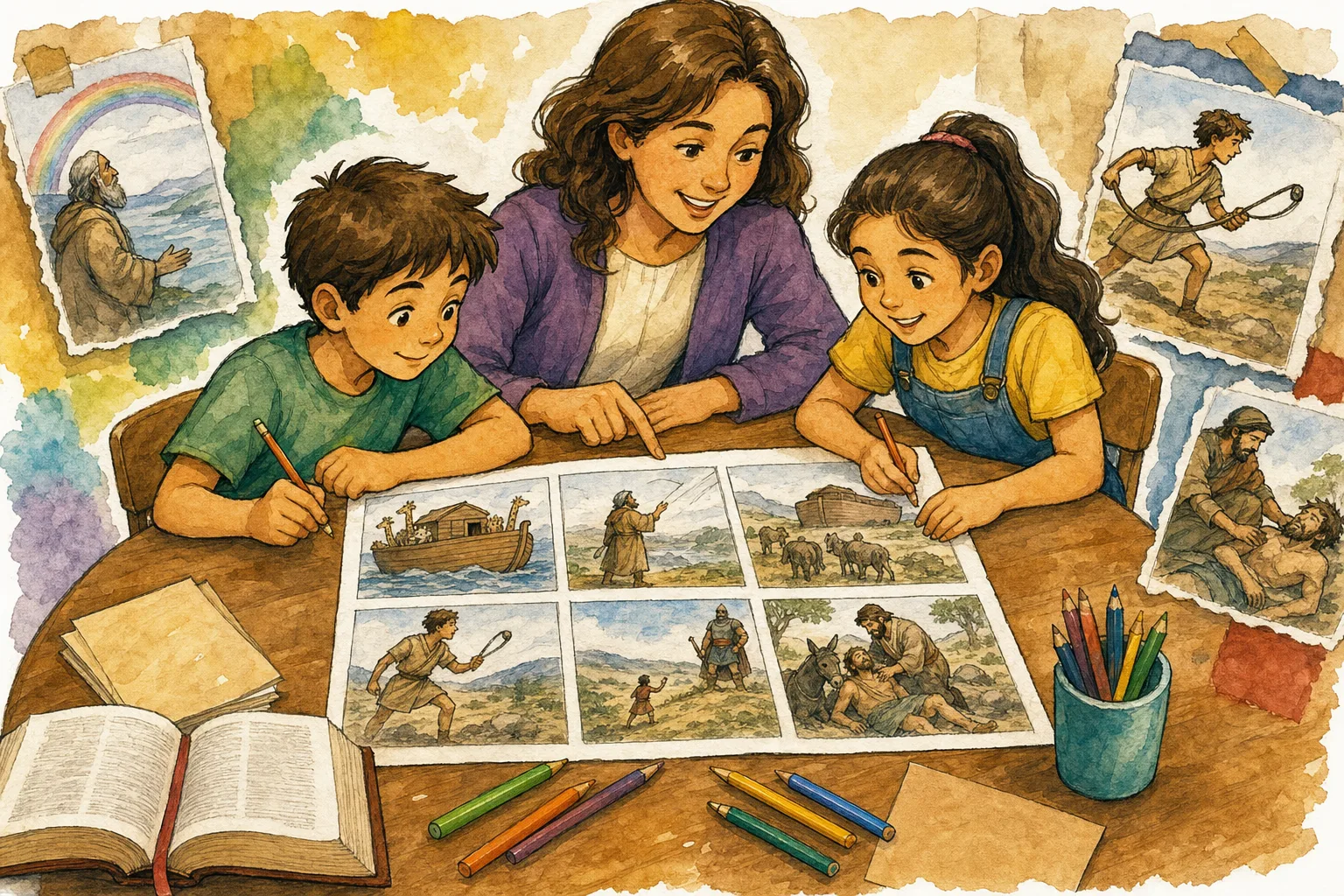
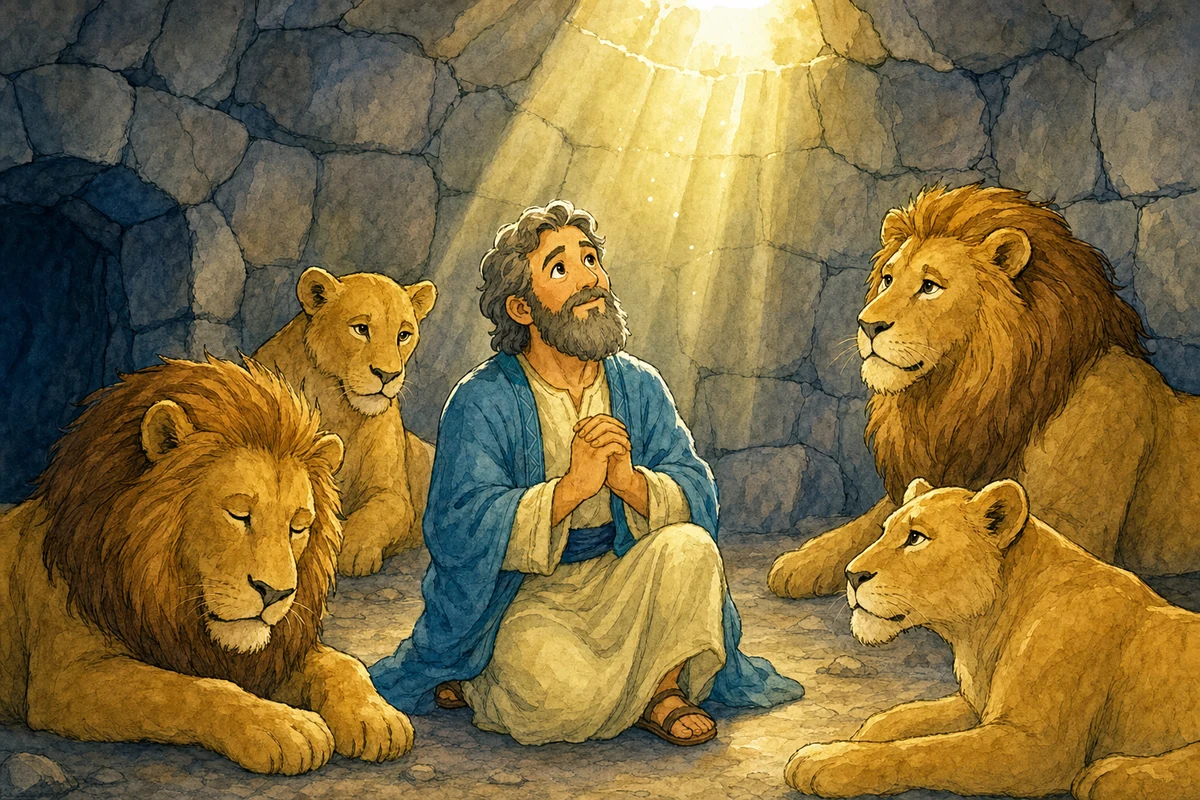
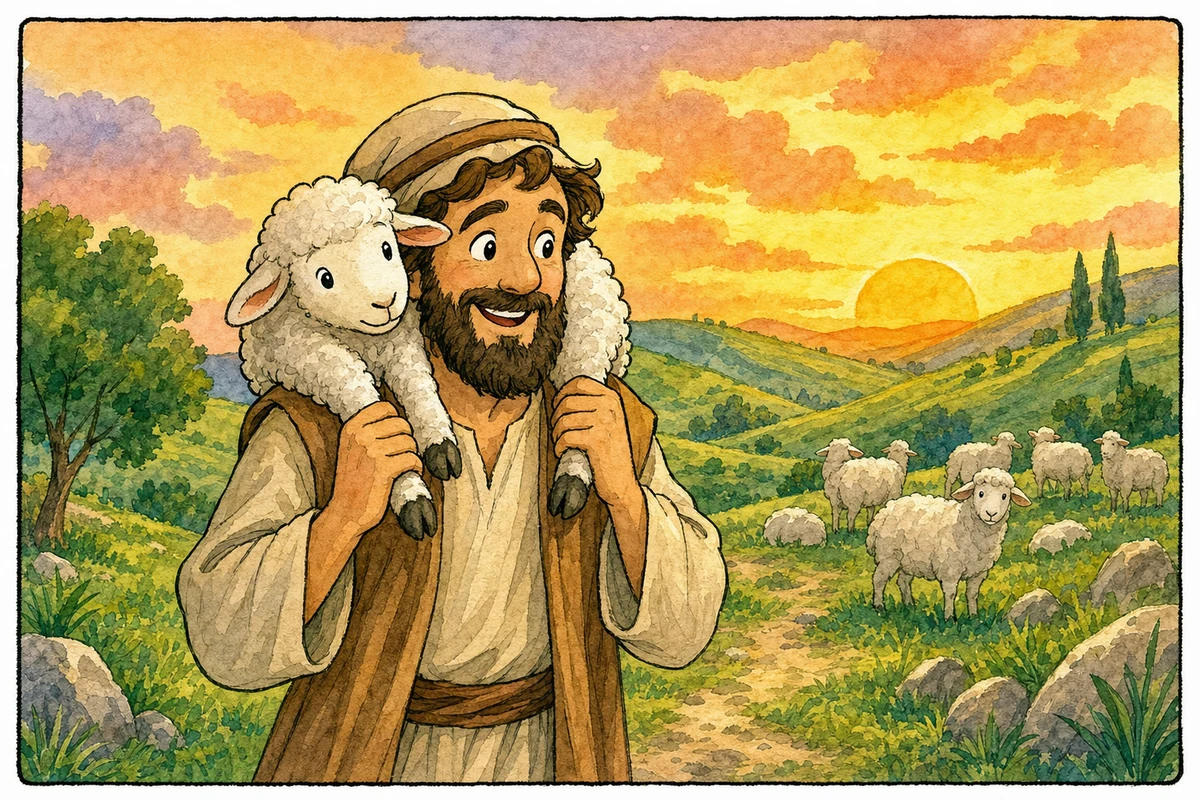
Paste a passage or pick David and Goliath, Noah, or a parable. The Bible Story Maker turns that story into a pictured sequence with captions — so a child can retell what happened, not only look at one poster.

Free to start in the browserStory cards for the passages teachers actually useA page children can retell out loud
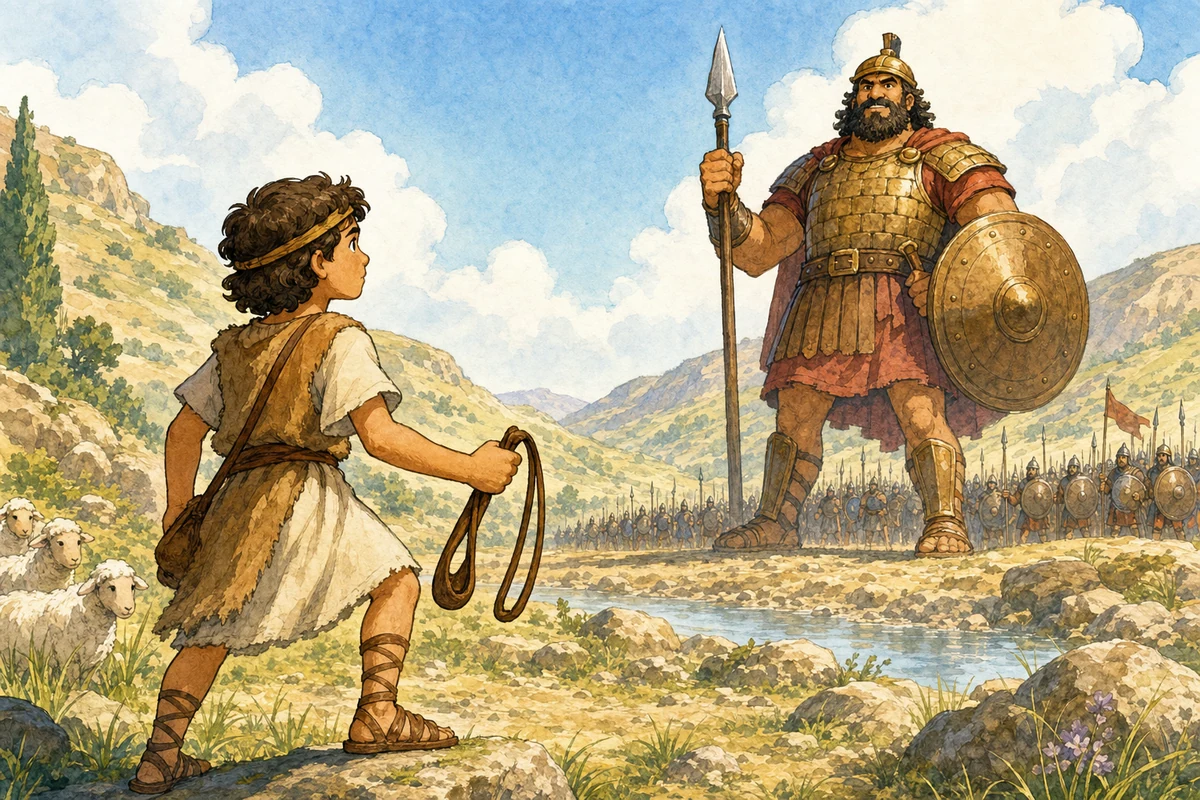
Bible Story Maker showing an illustrated David and Goliath story page

Create this story

Generate a comic for this use case

The embedded tool is ready to run here: free users can select up to 6 panels at 1K, and every Bible comic run uses the tuned Vertex 3.1 image model with a 150-credit base cost.

今すぐ作成

あなたの聖書コミックを作成

聖書物語を選び、LlamaGenのアートスタイルを選択し、コマ数、画像サイズ、結果数を指定して、完成済みの聖書コミックページを生成します。Freeユーザーは最大6コマ、1K、1件の結果を選択できます。PROユーザーは7〜20コマ、2Kまたは4K、2〜4件の結果を1回で選択できます。

コミック聖書作成

この実行には300クレジット

選択中: サムエル記上 17章 - ダビデは神を信頼し、勇気をもって巨人に立ち向かう。

キャラクター参照を最大4件までアップロードできます。キャラクターを追加すると、生成はimage-to-imageに切り替わります。

Text-to-image

キャラクター参照が追加されていないため、ツールはテキストからオリジナルの聖書物語アートを作成します。 費用: 300ベース × 1サイズ × 1 件 = 300クレジット。

料金とクレジットプランを見る

プレビュー

あなたの聖書コミックのプレビュー

4 コマ · 1

あなたの聖書コミックがここに表示されます

聖書物語を説明または選択し、スタイルを選び、コマ数を指定してから生成してください。

私の聖書コミック

フルジェネレーターを開く

このセッションではまだ聖書コミックを作成していません。

Use case

Turn a passage into an illustrated Bible story children can retell

Built for Parents, Sunday school teachers, homeschool families, and anyone who needs a pictured Bible story this week. Each page links directly into the same Bible comic maker and Bible story maker so visitors can move from a story idea to a generated comic without hunting for the tool.

Turn tonight's devotion passage into a pictured story

Give a class a beginning, middle, and takeaway they can point to

Build a weekly illustrated Bible story without drawing

Story first

From passage to a story a child can retell

1

Name the story

Pick a story card or paste the verse you plan to read. The tool needs the plot, not a design brief.

2

Keep one beat per panel

Use 4-6 panels for younger listeners. Each panel should hold one action: a warning, a choice, a rescue, a promise.

3

Retell it together

Print or project the page, then ask who did what. That is the job a Bible story maker should finish.

Keep the story clear

What makes an illustrated Bible story usable

Write the takeaway in plain words. A child should be able to say it after the last panel.
If you need a comic-strip layout, speech bubbles, or extra styles, continue in the Bible Comic Maker.
Reuse the same style week to week so the next story feels like the next chapter, not a new app.

Frequently asked questions

What is a Bible story maker?

A Bible story maker turns a Scripture passage into an illustrated story with a clear beginning, middle, and ending. LlamaGen outputs a pictured page you can print, project, or read at the table.

Is this Bible story maker a text generator?

No. It makes an illustrated comic page from the Bible story you choose. If you need a written retelling, a text Bible story generator is a different tool.

Is this the same as a Bible comic maker?

Same generator, different job. Use this page when you want a retellable illustrated story. Use the Bible Comic Maker when you want panel count, styles, and a comic-strip layout as the main task.

Can I use a Bible story AI generator for Sunday school?

Yes. Start from a story card, keep 4-6 panels, and review the page for age fit before class. Paid plans help when you need sharper printouts or more versions.

Does the Bible Story Maker write a new Bible?

No. It illustrates a story you already chose. Featured verses use public-domain KJV wording. If you add other translation text, use a version you have permission to reproduce.